Vidova
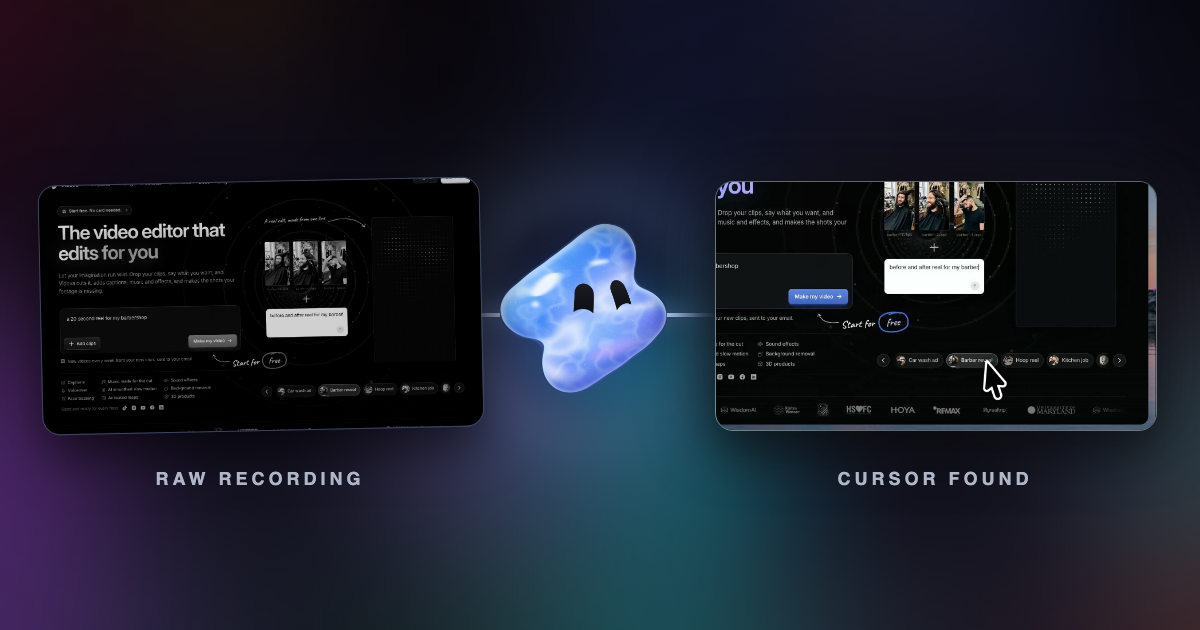
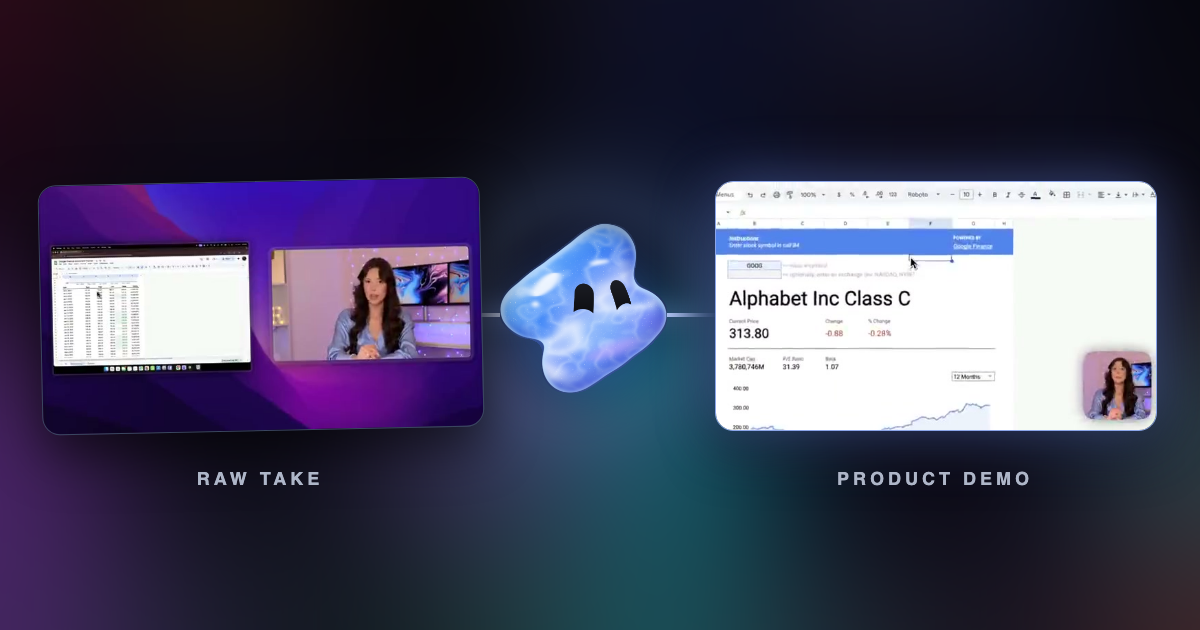
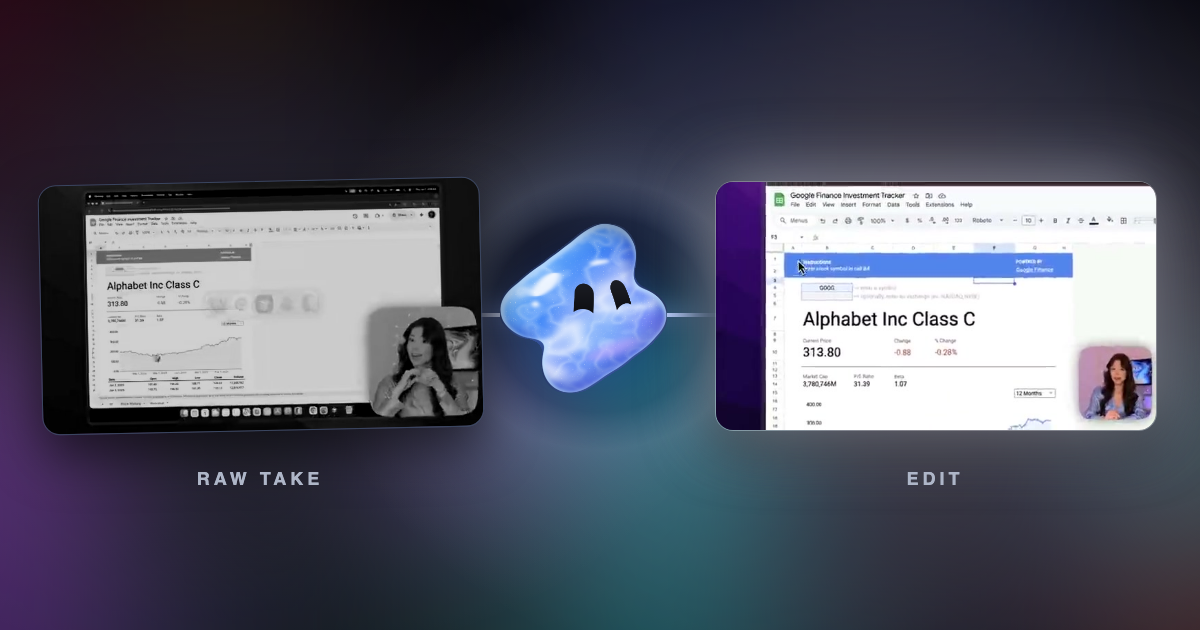
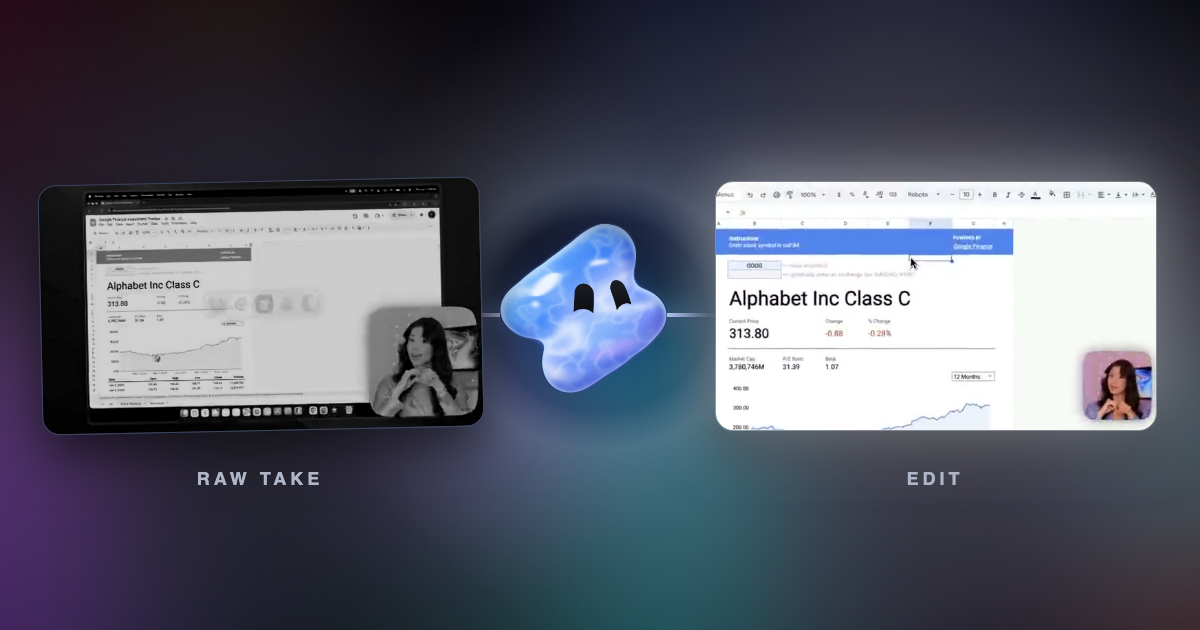
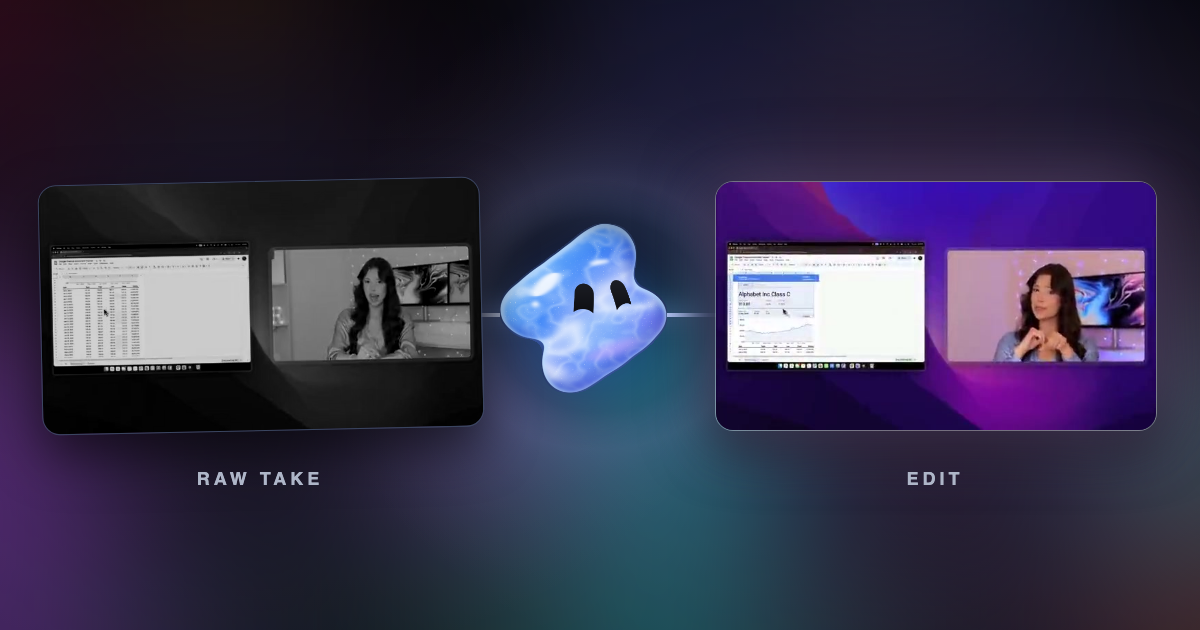
Cursor extraction: control the cursor in any screen recording
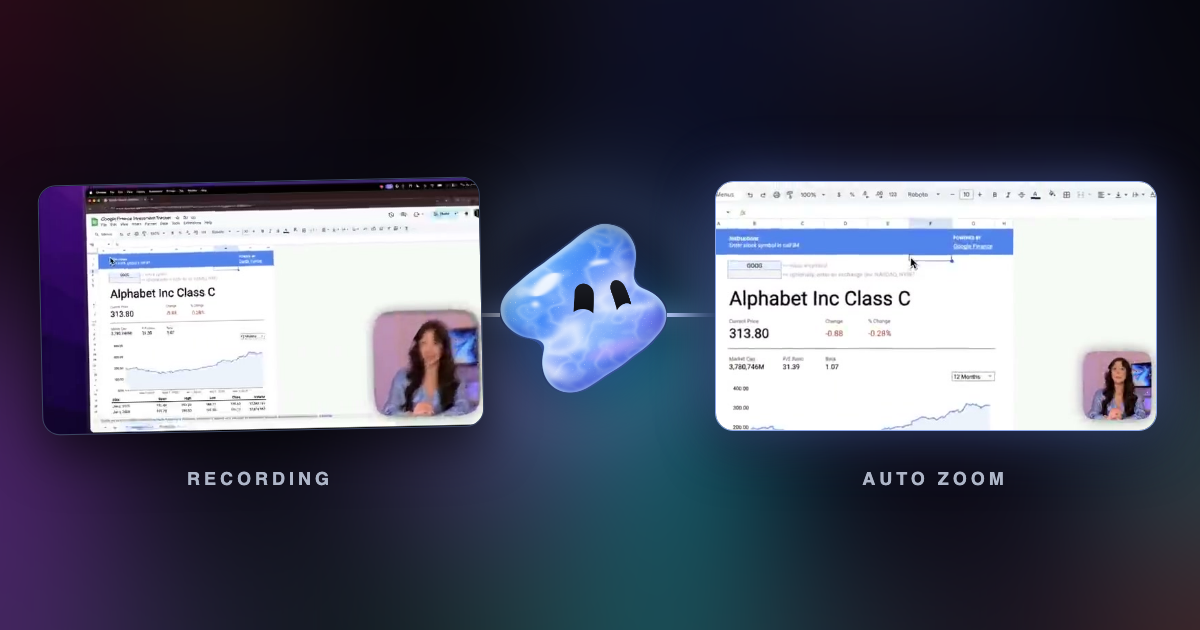
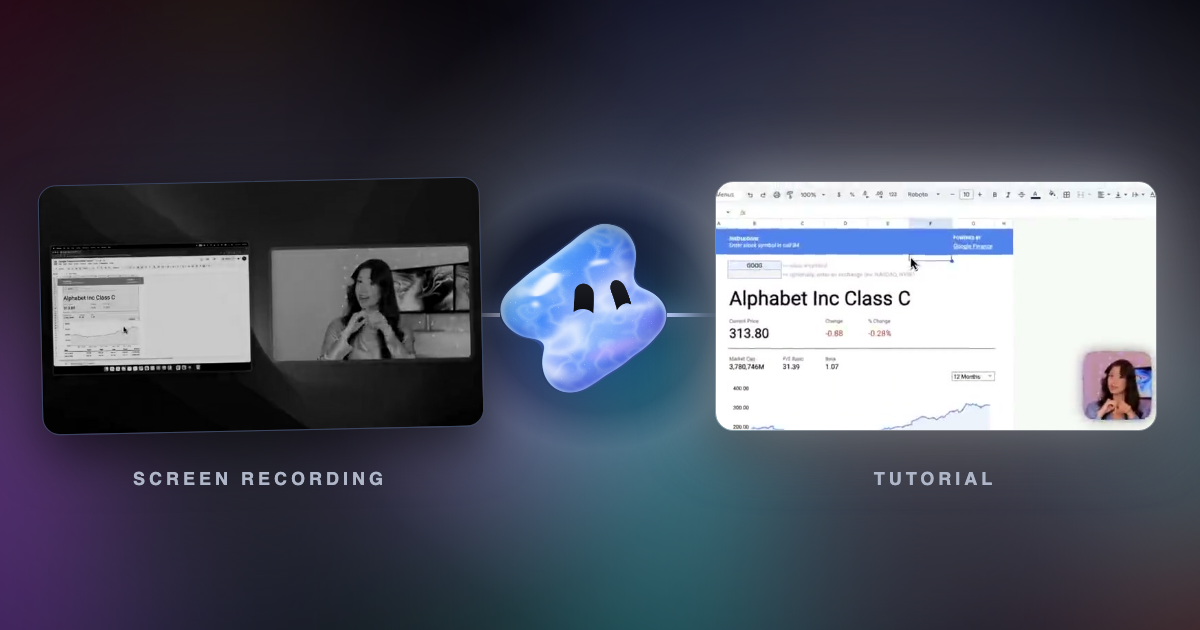
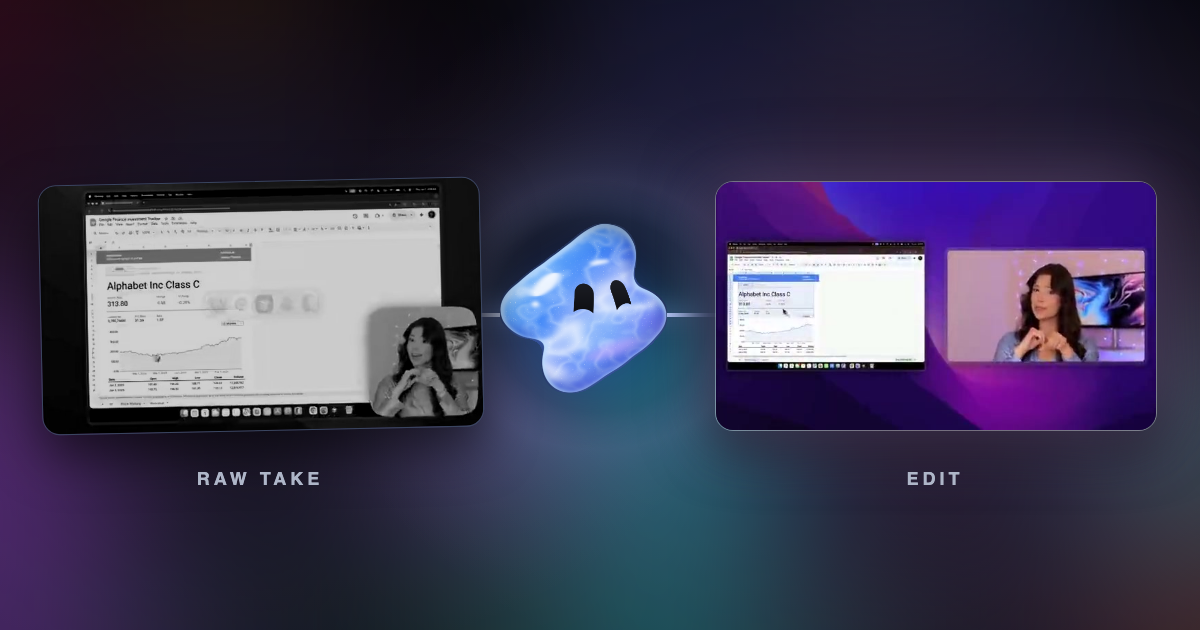
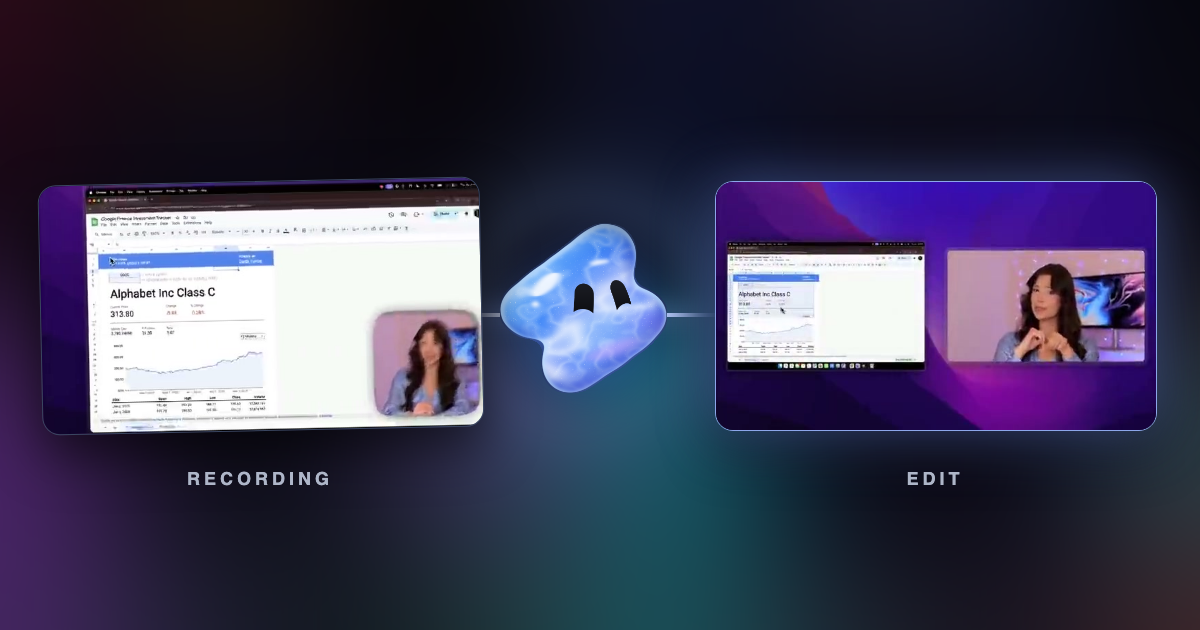
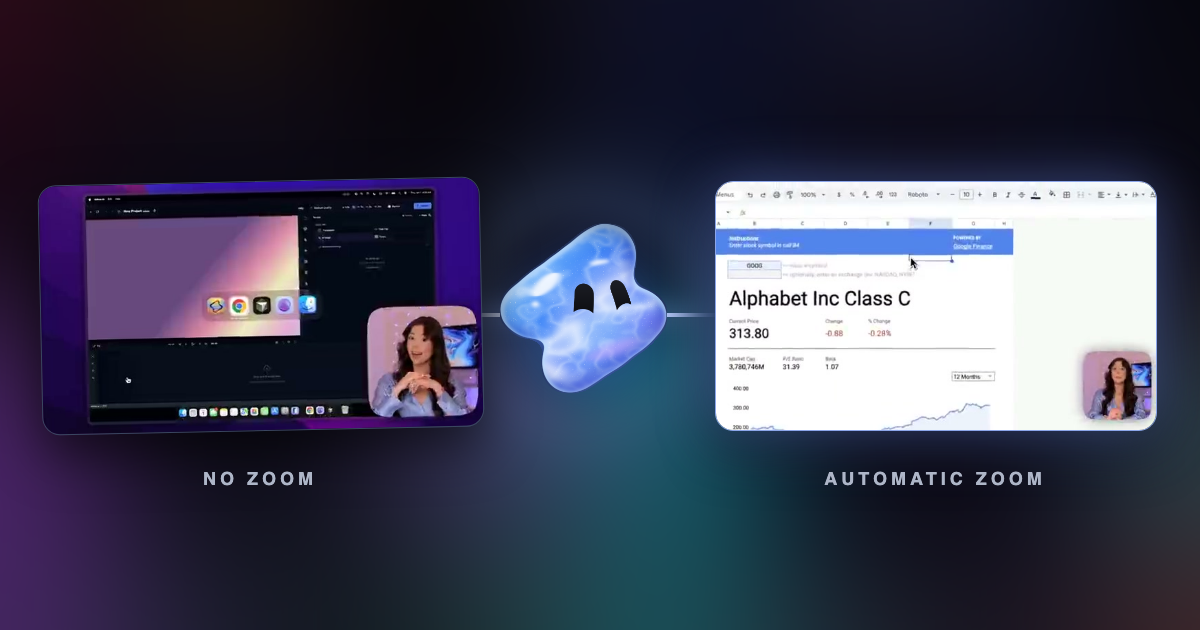
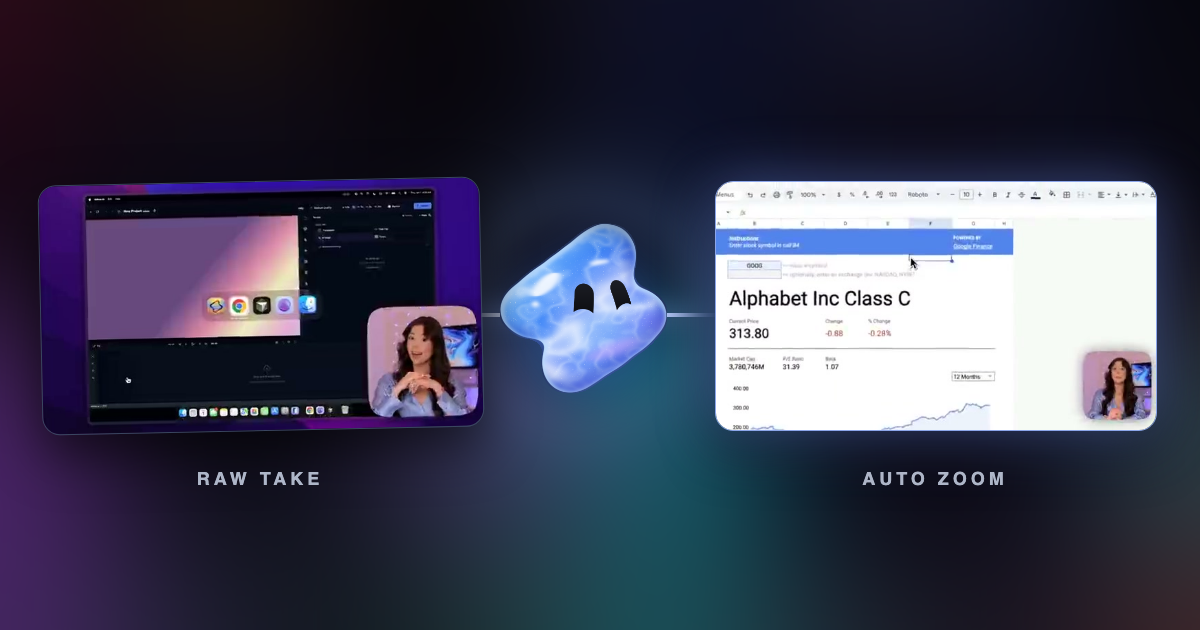
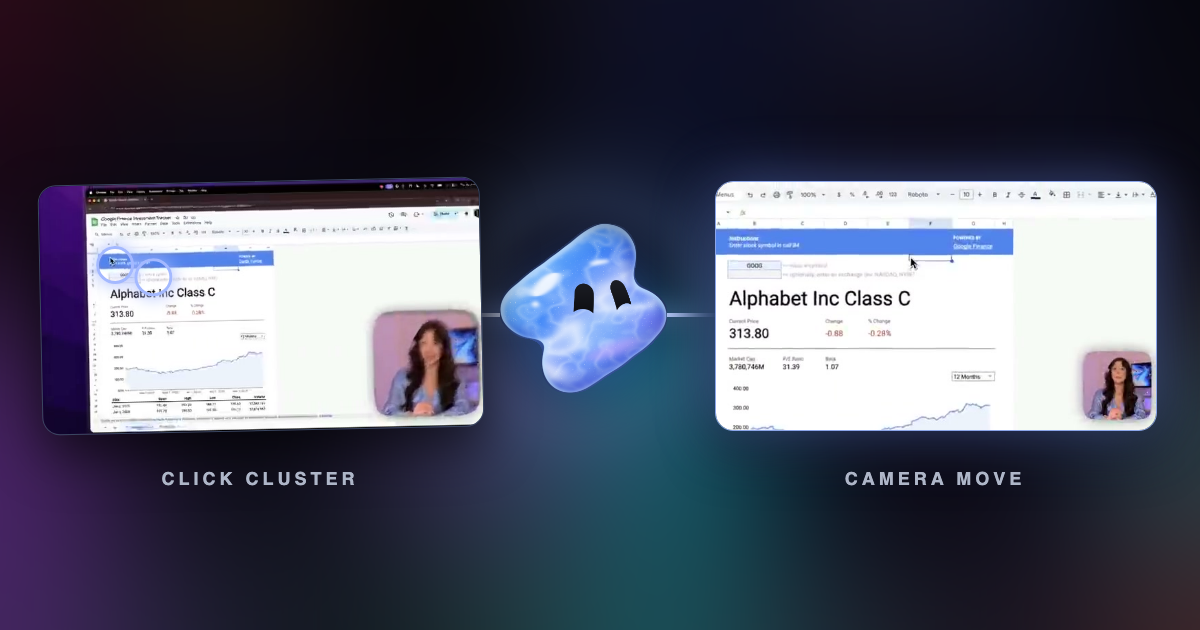
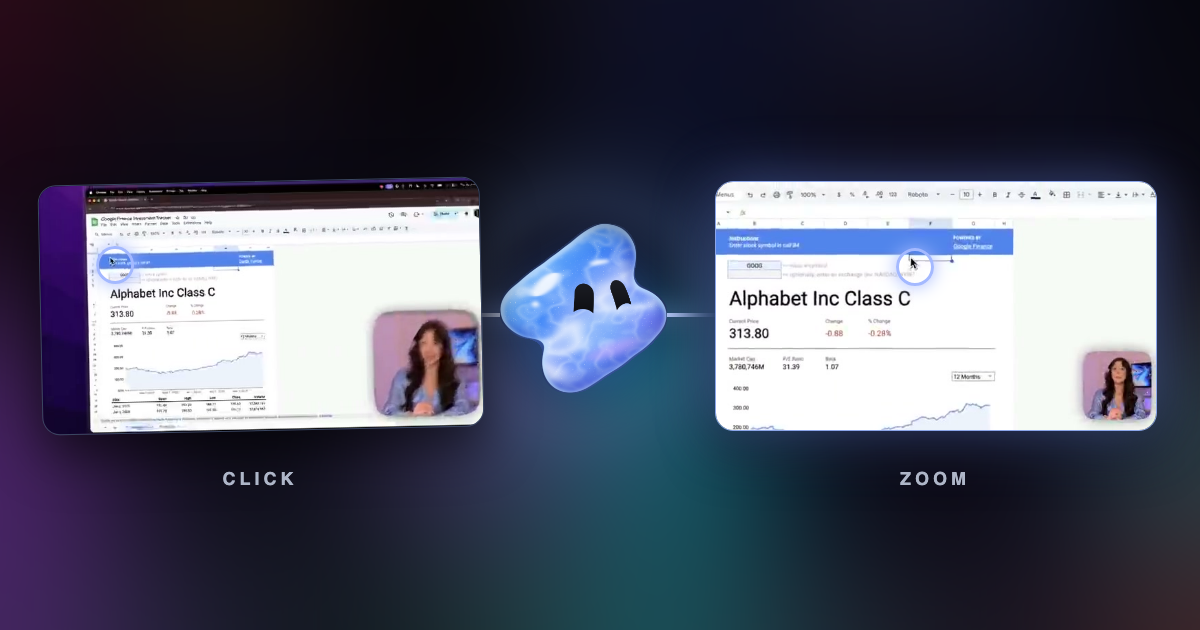
Vidova finds the cursor, the clicks and the scrolls in a screen recording from any app. Then you can restyle the cursor, add click effects and zoom where you work.
Read articleMeet the authors
Product guides from the team building Vidova, an agentic video editor. We explain workflows in Vidova and link to primary sources for outside standards.
Get in touchVidova finds the cursor, the clicks and the scrolls in a screen recording from any app. Then you can restyle the cursor, add click effects and zoom where you work.
Read articleVidova is our pick for videos made from footage: its AI agent cuts your clips on the beat with captions. Canva, CapCut, Clipchamp and Kapwing compared with Adobe Express.
Read articleVidova Recorder is our pick: free to download, it zooms in on clicks, cuts pauses, writes captions and opens in an AI editor. Tella, Loom, Screen Studio and Cap compared.
Read articleVidova Recorder is our pick: it zooms in on clicks, cuts pauses and adds captions, and its AI agent adds a voiceover. Trupeer, Guidde, Supademo, Tella and Loom compared.
Read articleVidova is our pick for beginners: describe the video in plain words, and its AI agent makes the edit. Edits, CapCut, Clipchamp, Canva, iMovie and Premiere compared.
Read articleVidova is our pick: upload clips, describe the video, and its AI agent edits your real footage. Descript, CapCut, OpusClip, VEED, Kapwing, Captions, Premiere, Runway compared.
Read articleVidova is our pick: its AI agent cuts your clips to 9:16, keeps captions in the safe zones and cuts on the beat. Edits, CapCut, Captions, Submagic, OpusClip and VEED compared.
Read articleVidova is our pick for YouTube: its AI agent cuts retakes and pauses, adds B-roll, titles and captions, and makes Shorts from the same video. Descript, Premiere, Resolve compared.
Read articleVidova is our pick: its AI agent reframes 16:9 video to 9:16 by tracking a face, then cuts and captions it. CapCut, DaVinci Resolve, OpusClip and Vizard compared.
Read articleVidova is our pick: upload clips, describe the video, and its AI agent picks shots, cuts on the beat and adds captions. CapCut Auto Cut, OpusClip, GoPro Quik and more compared.
Read articleVidova is our pick: its AI agent edits your clips for you, free for 7 days with no watermark. Edits, YouTube Create, Premiere, VN, Clipchamp and Canva compared on free limits.
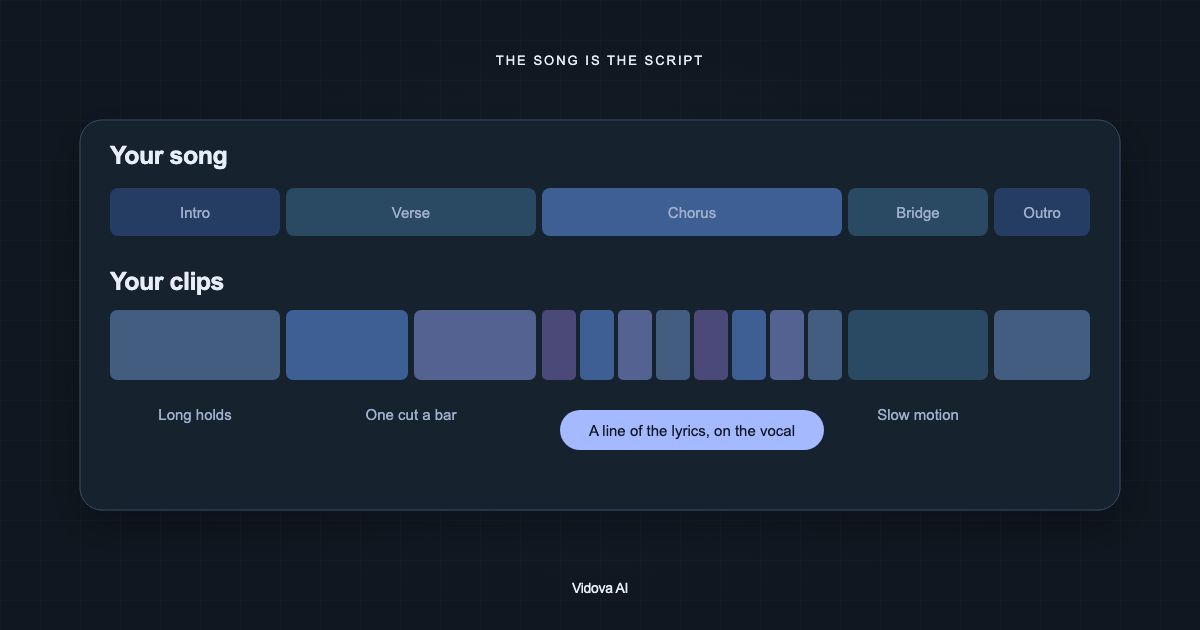
Read articleVidova is our pick: upload your clips and song, and its AI agent cuts to the song's sections, adds the lyrics and keeps lip sync. Rotor Videos, CapCut and Canva compared.
Read articleVidova Recorder is our pick: free to download, it zooms in on clicks, cuts pauses and writes captions, and its AI agent edits the rest. Screen Studio, Cap, Tella and Loom compared.
Read articleVidova is our pick: its AI agent edits your footage into a finished video, cut on the beat, from a brief. CapCut, Clipchamp, Kapwing and VEED compared with Canva's video editor.
Read articleVidova is our pick if you want the edit made for you. Otherwise: CapCut for templates and effects, VN for a free editor with no watermark. Prices and limits checked.
Read articleVidova is our pick: its AI agent cuts pauses, adds captions and B-roll and edits the whole video from a brief. Edits, CapCut, Submagic and Descript compared with Captions.
Read articleVidova is our pick: it runs in the browser too, and its AI agent edits your clips from a brief. Canva, CapCut, Kapwing and DaVinci Resolve compared with Clipchamp.
Read articleVidova is our pick: its AI agent makes the edit from your clips, and it exports OTIO for Resolve when you want to finish there. Premiere, Final Cut, CapCut and Filmora compared.
Read articleVidova is our pick if you want the edit made for you. Otherwise: Descript for talking videos edited as text, CapCut for templates and effects. Prices checked.
Read articleVidova is our pick: its AI agent edits your clips from a brief, so you skip the timeline work. CapCut, DaVinci Resolve, Premiere and Clipchamp compared with Filmora.
Read articleVidova is our pick: its AI agent edits your clips from a brief in the browser on a Mac or a PC. DaVinci Resolve, Premiere, iMovie, CapCut and Filmora compared with Final Cut Pro.
Read articleVidova Recorder is our pick: free to download, it zooms in on clicks, cuts pauses and writes captions, then opens in an AI editor. Screen Studio, Cap, Tella and Loom compared.
Read articleVidova Recorder is our pick: free to download, it zooms in on clicks, writes captions and chapters, and its AI agent adds a voiceover. Trupeer, Tella and Loom compared with Guidde.
Read articleVidova is our pick: its AI agent edits your clips from a brief and adds the captions iMovie lacks, on a Mac or a PC. CapCut, Edits, Clipchamp and DaVinci Resolve compared.
Read articleVidova is our pick: its AI agent edits your phone clips into a finished video from a brief. Edits, CapCut, VN and Adobe Premiere mobile compared with InShot on ads and watermarks.
Read articleVidova is our pick: its AI agent makes the whole edit from your clips and a brief, from $29 a month. VEED, Descript, Canva and CapCut compared with Kapwing on price and limits.
Read articleVidova is our pick: its AI agent edits your phone clips from a brief. CapCut, VN, Edits, InShot and Adobe Premiere mobile compared with KineMaster on ads and watermarks.
Read articleVidova Recorder is our pick: free to download, it zooms in on clicks, cuts pauses and writes captions, and its AI editor finishes the video. Tella, Screen Studio and Cap compared.
Read articleVidova Recorder is our pick for a polished take with click zoom, free to download. Otherwise: Loom for quick async messages, Tella for recordings with an AI editor.
Read articleVidova is our pick when each clip needs a real edit. Otherwise: OpusClip for many clips a week, Vizard for clips with subtitles and post scheduling. Prices checked.
Read articleVidova is our pick when you have your own footage: its AI agent edits your clips from a brief. invideo AI, Descript, Kapwing and VEED compared with Pictory on price and limits.
Read articleVidova is our pick: describe the video, and its AI agent edits your phone clips on a real timeline. CapCut, KineMaster, VN, Edits and Premiere mobile compared with PowerDirector.
Read articleVidova is our pick: its AI agent makes the edit from your clips, then hands it to Premiere or Resolve if you want. DaVinci Resolve, Final Cut, CapCut and Filmora compared.
Read articleVidova is our pick if you want the rough cut made for you, then finished in either. Otherwise: Premiere on a subscription, or DaVinci Resolve free or $236 once.
Read articleVidova Recorder is our pick: free on Mac, Windows and Linux, it zooms on clicks and cuts pauses. Otherwise: Screen Studio for polished demos on a Mac, Cap for open source.
Read articleVidova Recorder is our pick: free to download, it zooms in on clicks, cuts pauses, writes captions and chapters, and opens in an AI editor. Loom, Screen Studio and Cap compared.
Read articleVidova Recorder is our pick: free to download, it zooms in on clicks and cuts pauses, and its AI agent adds captions, chapters and a voiceover. Guidde, Tella and Loom compared.
Read articleVidova is our pick: its AI agent edits your clips into a finished video from a brief, from $29 a month. Kapwing, Descript, Canva and Clipchamp compared with VEED on price.
Read articleVidova is our pick when each clip needs a real edit: its AI agent finds the moments, reframes to 9:16 and adds captions and B-roll. OpusClip, Klap and Riverside compared.
Read articleVidova is our pick: its AI agent edits your clips from a brief, so you skip the manual cuts. CapCut, Edits, InShot and Adobe Premiere mobile compared with VN on price and ads.
Read articleVidova is our pick: $29 a month for an AI agent that cuts your clips from a brief, with a 7-day free trial. Kapwing, Descript, CapCut, VEED, Canva, invideo and Filmora compared.
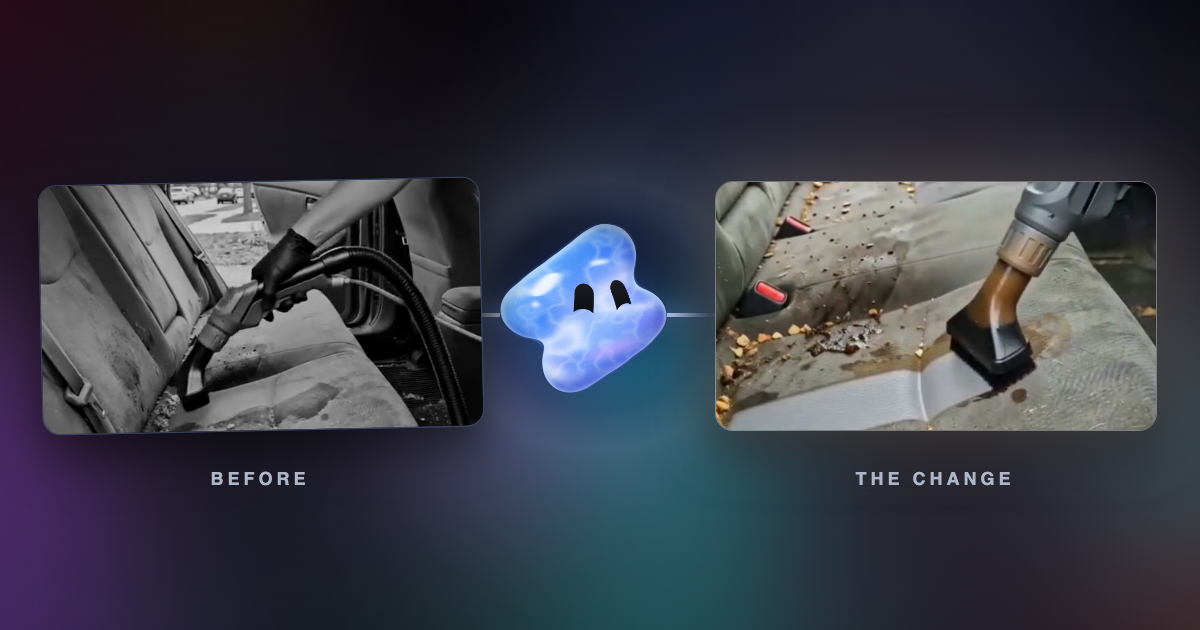
Read articleVidova is our pick: upload your before, work and after clips, and its AI agent lands the change on a beat. For barbers, builders and gyms: how to film and edit one.
Read articleVidova is our pick: it runs in the browser on a PC or Mac, and its AI agent cuts your clips on a real timeline. Descript, CapCut, Premiere, Resolve, Filmora and more compared.
Read articleVidova is our pick: upload clips of one character and a song, and its AI agent cuts the story with the biggest moment on the drop. How to make a character edit.
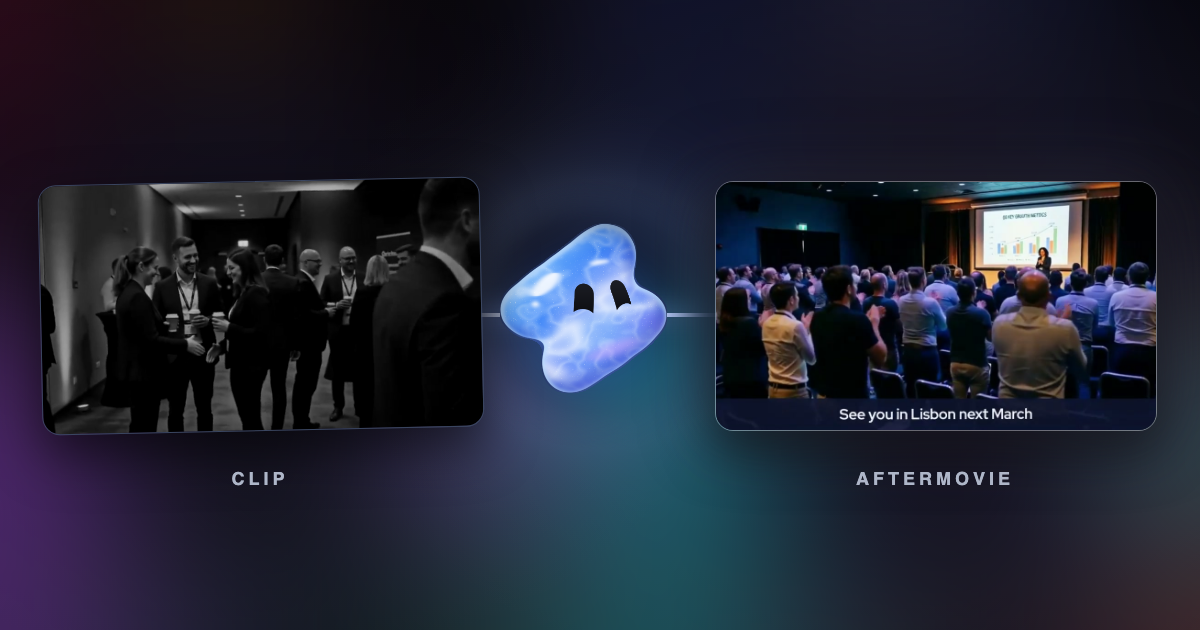
Read articleVidova is our pick: upload your event footage, and its AI agent cuts an aftermovie from calm to peak with one slowed moment. How to make it feel cinematic.
Read articleVidova is our pick: its AI agent cuts the rest between sets, times reps to the beat and slows the hardest rep. How to turn workout footage into a fitness reel.
Read articleClean the sound of a video with a free voice isolation tool, then compare Vidova, Adobe Podcast, Descript, CapCut, iMovie, Premiere, Resolve and Audacity.
Read articleVidova is our pick: its free scene splitter finds every cut and fade and downloads each scene as an MP4. PySceneDetect, FFmpeg, CapCut, Premiere and Resolve compared.
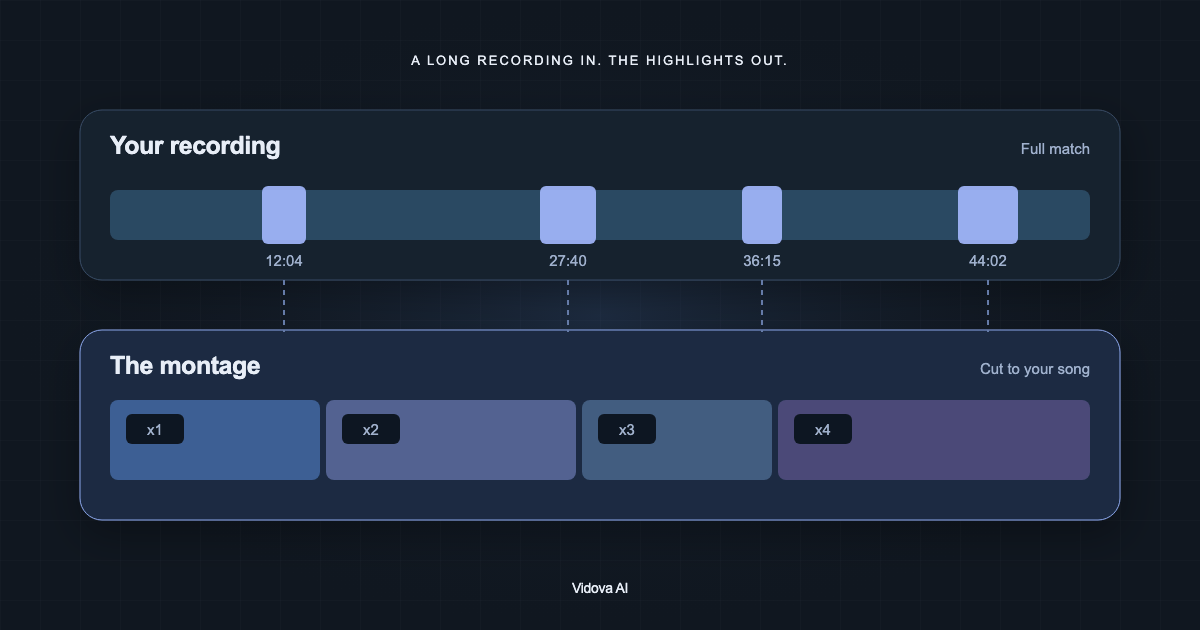
Read articleYes, with limits. Vidova is our pick: its agent finds moments by what they show or sound like and cuts them on a timeline. OpusClip, CapCut, Descript, Kapwing and more compared.
Read articleFour ways to make a vlog from your clips with AI: Vidova, iMovie, Google Photos, CapCut, Kapwing, Descript, Merra, Medeo, FlexClip and Pippit compared on price and limits.
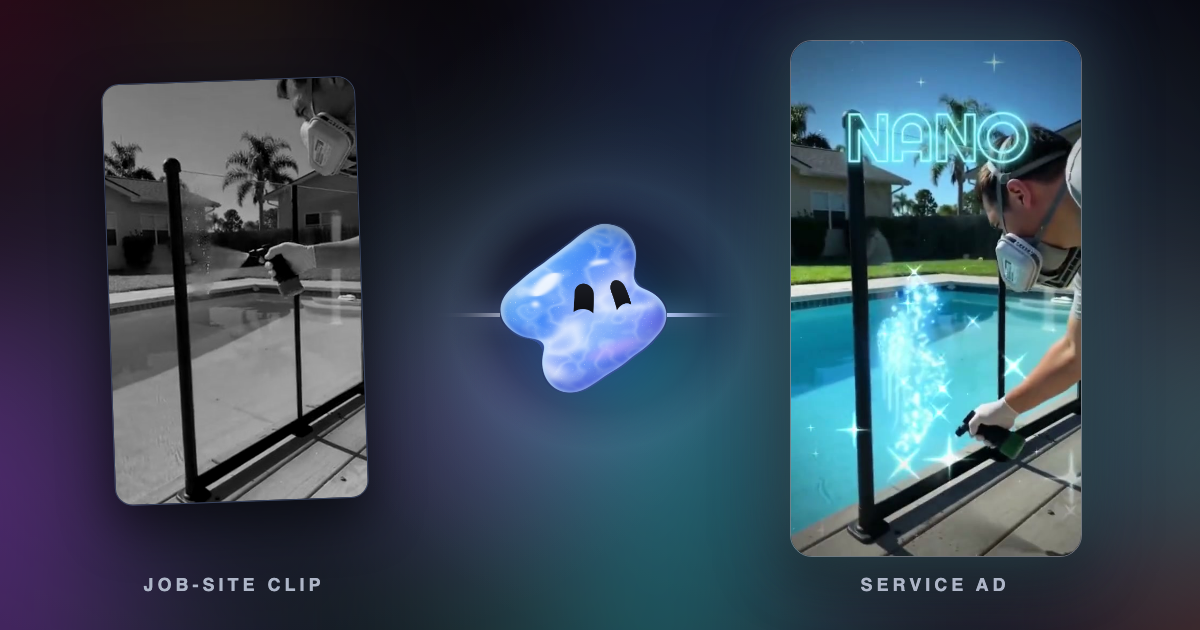
Read articleVidova is our pick: its AI agent cuts roofing, HVAC, solar, plumbing and remodeling ads from your job-site footage. Seven AI video ad tools compared.
Read articleVidova is our pick: its AI agent edits your demos and founder videos, and Vidova Recorder zooms in on clicks. Screen Studio, Descript, Riverside, Canva and VEED compared.
Read articleVidova is our pick and the closest ChatCut alternative: an AI agent edits a real timeline from chat, also inside ChatGPT and Claude. Descript, VEED and Riverside compared.
Read articleVidova is our pick when each clip needs a real edit. Otherwise: Riverside if you record there, OpusClip for many clips from long videos, VEED for a team. Prices checked.
Read articleTikTok recommends 21 to 34 seconds for most ads and 9 to 15 for TopView. In-feed ads run up to 10 minutes, TopView 60 seconds, Spark Ads any length.
Read articleVidova Recorder is our pick: it cuts dead time, zooms on clicks and adds captions, chapters and vertical cuts after every take. How to make product tutorials at volume.
Read articleVidova is our pick if you want the recording edited for you. If you edit by hand: VEED for demos and tutorials, Canva for launch videos and ads. US prices checked.
Read articleYouTube's Edit with AI makes a first-draft Short from your clips but takes no text prompt. Vidova is our pick when you want to describe the edit. The steps and limits.
Read articleVidova is our pick: say what is funny, and its AI agent puts each meme, sound effect and zoom on the frame of the joke. What to add, where, and where to find clips.
Read articleVidova is our pick for sound effects on a video: its agent makes each sound and puts it on its moment. ElevenLabs, Adobe Firefly, Stable Audio, MyEdit and AudioGen compared.
Read articleVidova is our pick for Android: describe the video, and its AI agent edits your own clips in Chrome. Edits, YouTube Create, Adobe Premiere, CapCut, VN and three more compared.
Read articleCapCut Standard and Pro monthly prices in 11 countries from the App Store on 1 November 2026, where CapCut is not available, and free alternatives.
Read articleChatGPT cannot edit a video file. Vidova is our pick: paste the prompt into Vidova or use its plugin in ChatGPT, and an agent edits your own footage. What to cut.
Read articleVidova is our pick: upload a reference video with your clips, and its AI agent copies the cuts, beat, speed ramps, text style and colour. What to upload and how to ask.
Read articleVidova is our pick: ask for a freeze on the beat, and its AI agent greys the world, pushes in and traces the subject in neon. How to do it by hand and with AI.
Read articleVidova is our pick: upload your clips and the song, and its AI agent writes the speed curves on the beat. What a velocity edit is, plus the CapCut and Premiere steps.
Read articleVidova is our pick: describe the mood, and its AI agent adds warm muted colour, a soft glow, film grain and slow cuts. How to film and edit an aesthetic video.
Read articleVidova is our pick for the edit: one grade, one slow moment and real sound. Cinematic phone video starts in the camera: 24 fps, a steady phone and soft light.
Read article16 school and university video ideas with what to film and how long: event recaps, open days, programme promos, graduation and sports.
Read articleA phonk edit is a short video cut to drift phonk, with a dark grade, hard cuts and speed ramps. Vidova is our pick to make one. Where the music came from and how to edit it.
Read article18 Reel and TikTok ideas for small businesses, each with what to film, how long it runs and the request that makes it in Vidova, with frames from example edits.
Read articleVidova is our pick if you want the edit made for you, with a 7-day free trial and no watermark. Free with no watermark: Premiere mobile, Edits, VN and Clipchamp. Prices checked.
Read articleReels can run 20 minutes, but only Reels up to 3 minutes reach new viewers. What Instagram says, what a study of 9.7 million Reels found, what to aim for.
Read articleVidova is our pick: its AI agent cuts ads from the clips you film on your phone. Edits, CapCut, Canva, Adobe Express, Descript and invideo AI compared on price and free plans.
Read articleWhat Sprout Social, Buffer, Hootsuite and Later found about the best time to post Reels and TikToks in 2026, why they disagree, and how to find your own time.
Read articleVidova is our pick: its AI agent edits creator footage into a hook, proof and an offer, with captions. What UGC means, when lip sync fits, and the FTC, TikTok and Meta rules.
Read articleCapCut is blocked in India. Vidova is our pick: it runs in the browser, and its AI agent edits your clips from a template. Edits, VN, Premiere, Canva and InShot compared.
Read articleGemini can watch a video and generate 10-second clips. To cut your own clips on a timeline, connect it to an MCP video editor. Vidova is our pick.
Read articleVidova is our pick: ask for the moment at quarter speed, and its AI agent adds new frames and a speed ramp. Why slow motion gets choppy, and how to film for it.
Read articleMany trending Gemini and ChatGPT prompts edit photos. Here are 25 video editing requests, grouped by job, that Vidova's agent runs in chat or through MCP.
Read articleVidova is our pick: its AI agent edits your own footage instead of stock clips, from $29 a month. Pictory, Fliki, Agent Opus, Kapwing and Descript compared (October 2026).
Read articleVidova is our pick when each clip needs a real edit: its agent finds the moments, reframes to 9:16 and adds captions. Vizard, Klap and Riverside Magic Clips compared.
Read articleVidova is our pick: captions come with a full edit, pause cuts and safe-zone placement, and a 7-day free trial with no watermark. VN, Edits, Premiere, Captions and Zeemo compared.
Read articleVidova is our pick: its AI agent cuts pauses and filler words, adds captions and covers jump cuts with B-roll. Riverside, Premiere Pro, Camtasia, Kapwing, VN and Audacity compared.
Read articleVidova is our pick if you want the Reel edited for you. If you edit by hand: Edits for free 4K edits on a phone, CapCut for a PC and templates. Prices checked.
Read articleVidova is our pick if you want the Reel edited for you. If you edit by hand: CapCut is the better video editor, Canva the better design tool. Prices and 4K checked.
Read articleVidova is our pick if each short needs a full edit. Otherwise: OpusClip to clip long videos, Submagic to caption short clips, Captions on a phone. Prices and plans checked.
Read articleEdits has a free Mac app but no Windows or web version. On a PC, Vidova is our pick: its AI agent edits your Reel in the browser. CapCut, Canva and Clipchamp compared.
Read articleVidova is our pick: its agent edits your own footage on a real timeline, in its app or from ChatGPT and Claude. ChatCut, Underlord, Cardboard, Motion and Agent Opus compared.
Read articleVidova is our pick for a Chromebook: it runs in Chrome, its AI agent edits your clips and the export renders in the cloud. Clipchamp, Canva, CapCut and more compared.
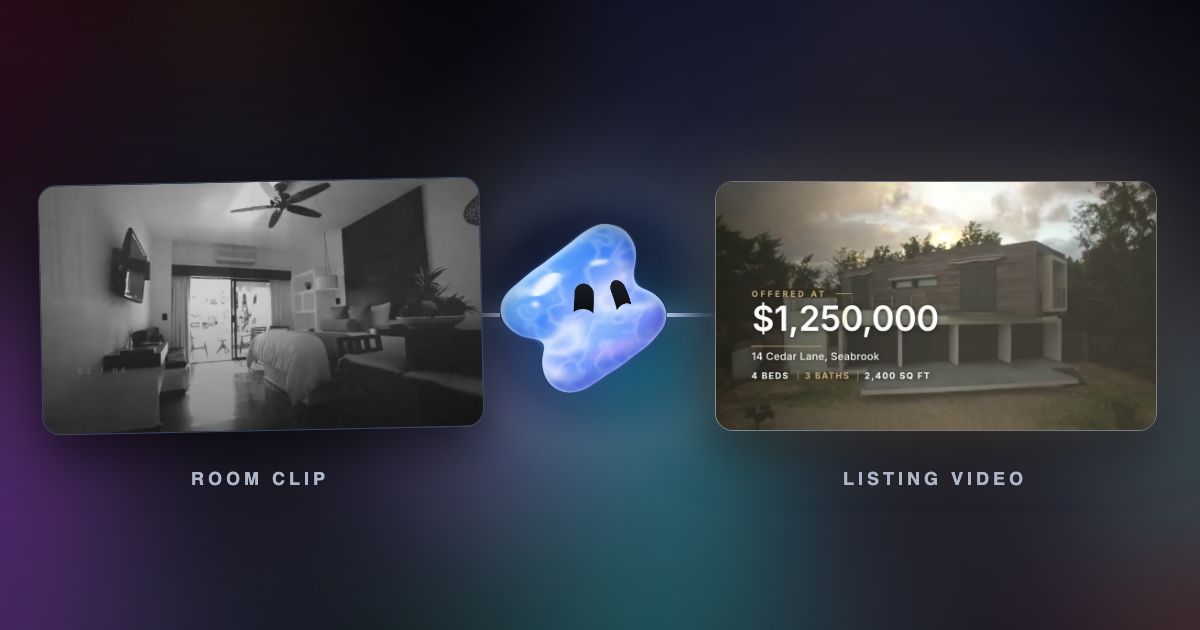
Read articleVidova is our pick: its AI agent cuts a listing video from your clips and photos, with the address, price and rooms on screen. Canva, Animoto, Pedra and CapCut compared.
Read articleVidova is our pick for iPhone: describe the video, and its AI agent edits your own clips in Safari. Edits, Adobe Premiere, CapCut, Captions and VN compared on price and watermark.
Read articleVidova is our pick: its AI agent adds word-by-word captions and cuts pauses, and its free tool makes SRT or VTT. Edits, Premiere, CapCut, Captions, Submagic and VEED compared.
Read articleVidova is our pick: its free AI slow motion tool makes new frames in the browser, and its agent slows one moment inside an edit. iPhone Slo-mo, CapCut, Resolve and Topaz compared.
Read articleVidova is our pick for beat sync: you upload clips and a song, and its AI agent cuts every clip on the beat. CapCut, Canva, Filmora, GoPro Quik, DaVinci Resolve and VN compared.
Read articleTikTok pays only for videos of at least 1 minute. YouTube Shorts run up to 3 minutes and earn from views, not length. The limits and the pay rules.
Read articleTikTok recommends 21 to 34 seconds, Meta a 15-second maximum for in-stream, YouTube 6-second bumpers. Every ad length limit from the platforms.
Read articleExport Reels as an H.264 MP4 at 1080 × 1920, 30 or 60 fps, under 25 Mbps, then turn on Upload at highest quality. Why quality still drops.
Read articleInstagram, TikTok and YouTube accept up to 60 fps. When 60 fps makes Reels and TikToks smoother, when 30 fps is better, and the bitrate each needs.
Read articleFacebook, Instagram and TikTok video ad specs: sizes, ratios, lengths, file limits, text and safe zones, from Meta's Ads Guide and TikTok (October 2026).
Read articleReel covers are 9:16 JPEGs and the profile grid crops them. YouTube asks for 3840 × 2160 thumbnails and 2160 × 3840 for Shorts. Sizes and rules.
Read articleHow many Reels and TikToks a week a business should post, from Buffer studies of 2.1 million Instagram posts and 11.4 million TikToks, plus a plan.
Read articleWhat Instagram trial reels are, who can use them, how to post one, when followers see them and why a trial reel can sit at 0 views.
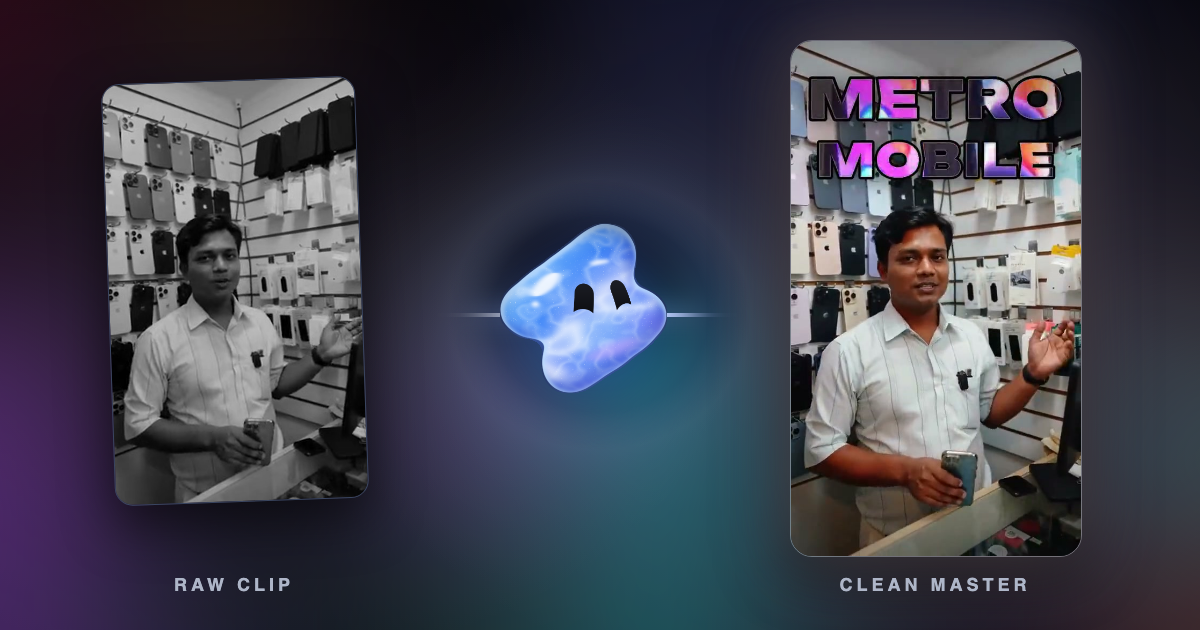
Read articlePost one video on TikTok and Instagram without a watermark or blur: export a clean master, upload it to each app, and keep text in the safe zone.
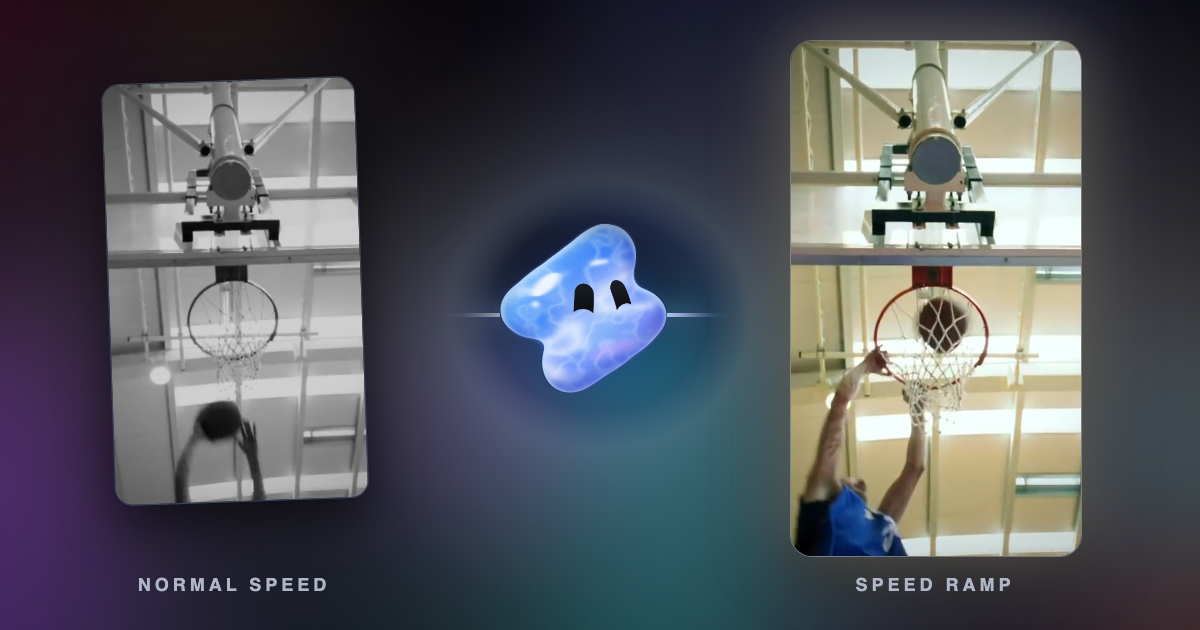
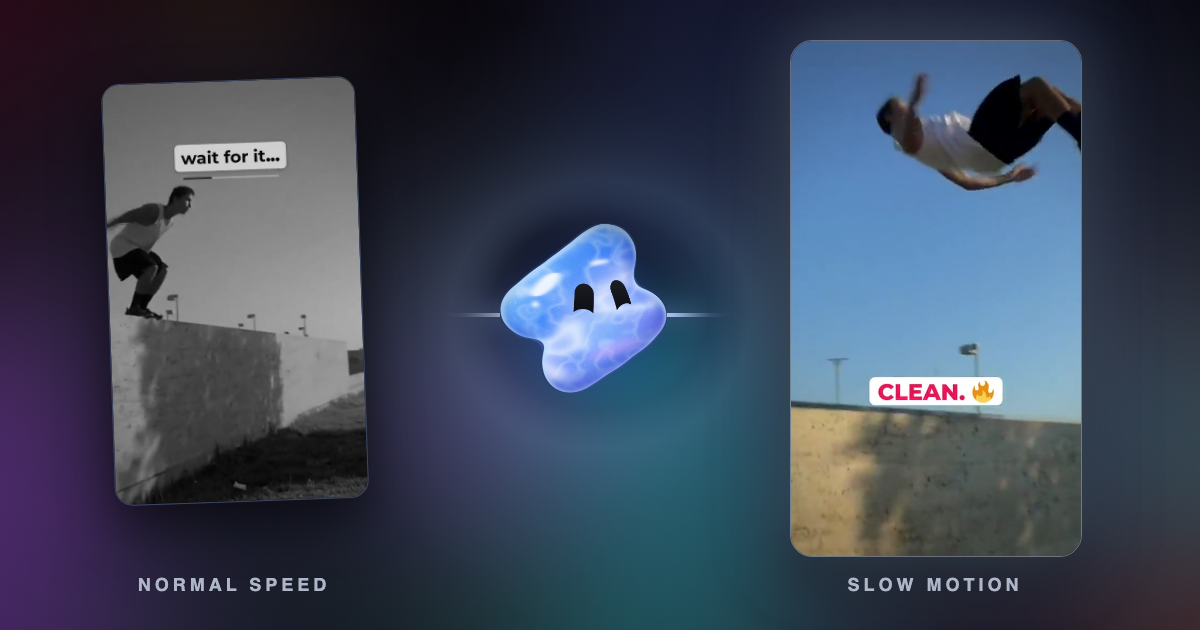
Read articleA speed ramp eases a shot from one speed to another. See a real ramp frame by frame, how velocity edits work, and the request that makes one in Vidova.
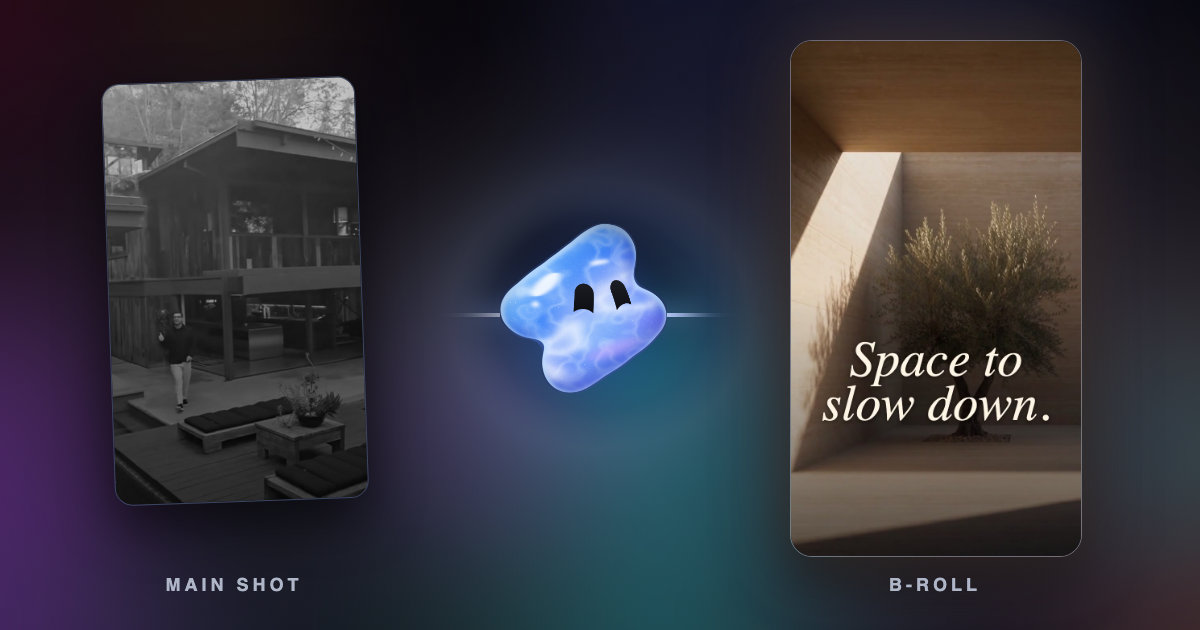
Read articleB-roll is the supporting footage cut over or between your main shot. What it means in UGC ads and Instagram B-roll reels, with real frames and requests.
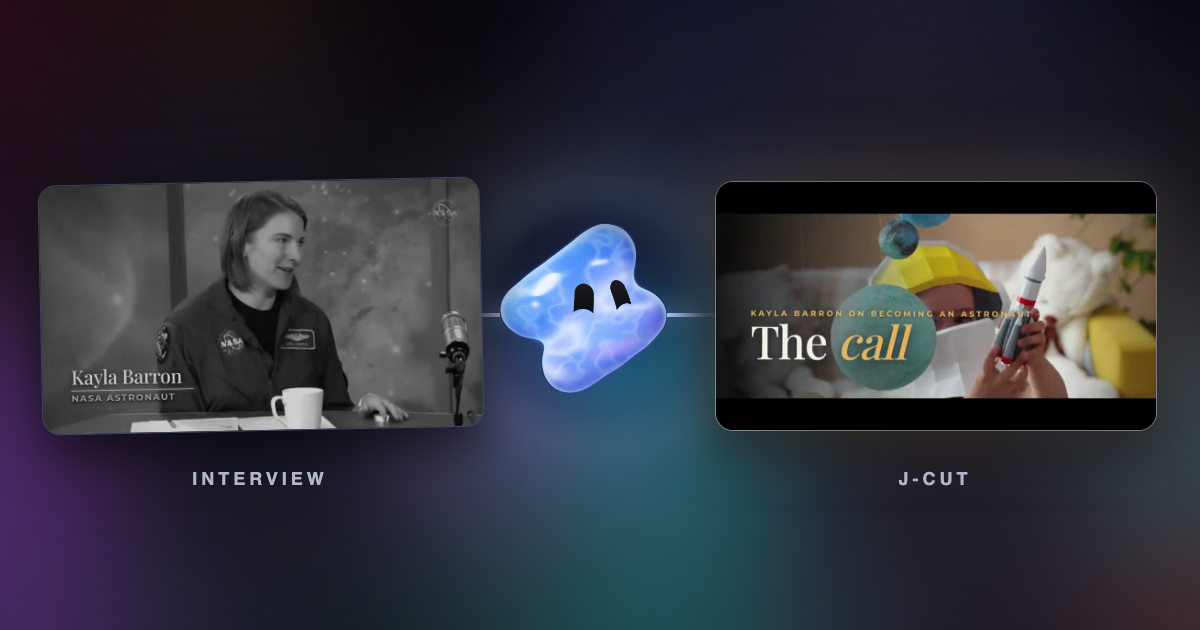
Read articleA J-cut starts the next shot's sound early. An L-cut lets a shot's sound run on after the picture cuts. See both in a real interview edit, with the request.
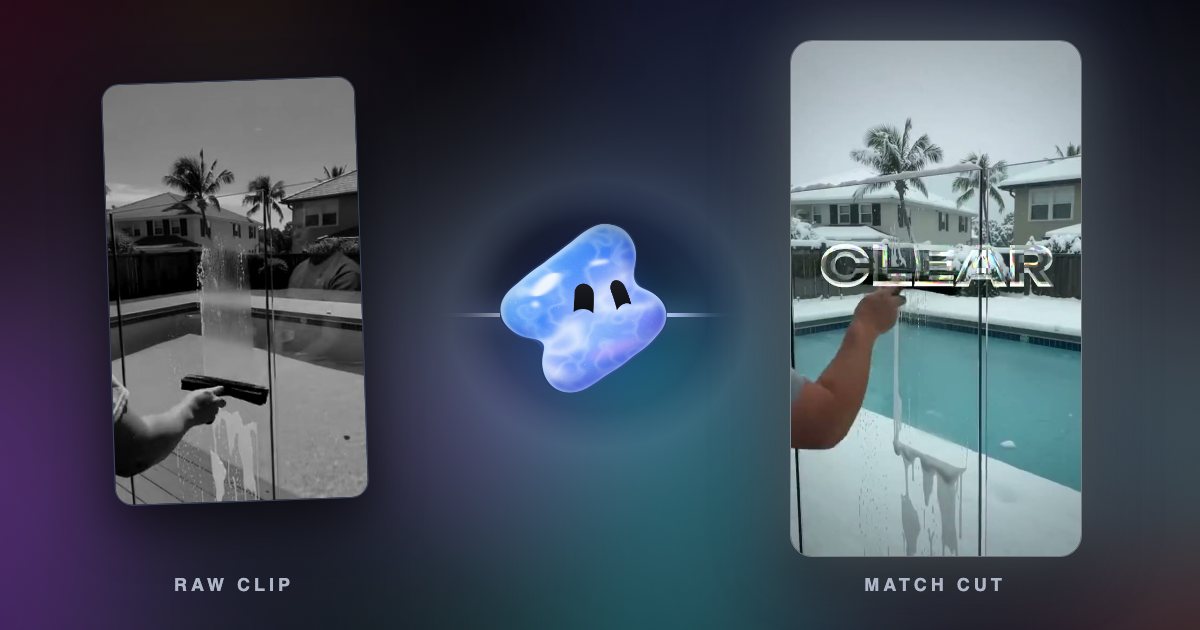
Read articleA match cut joins two shots that share a shape, a movement or a sound. Famous examples, a real ad cut frame by frame, and how to make one in Vidova.
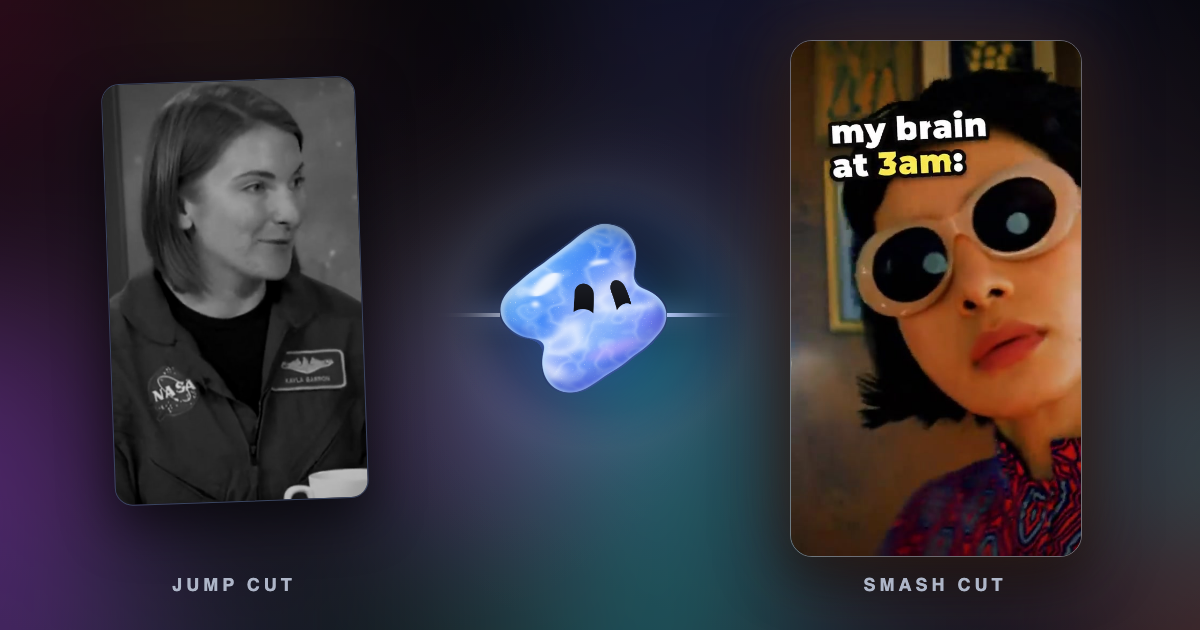
Read articleA jump cut skips time inside one shot. A smash cut slams from one scene into a very different one. Definitions, film history and real frames from Vidova edits.
Read articleFrame interpolation makes new frames between real ones. Duplication, blending, optical flow and AI compared on the same two frames, and when to use each.
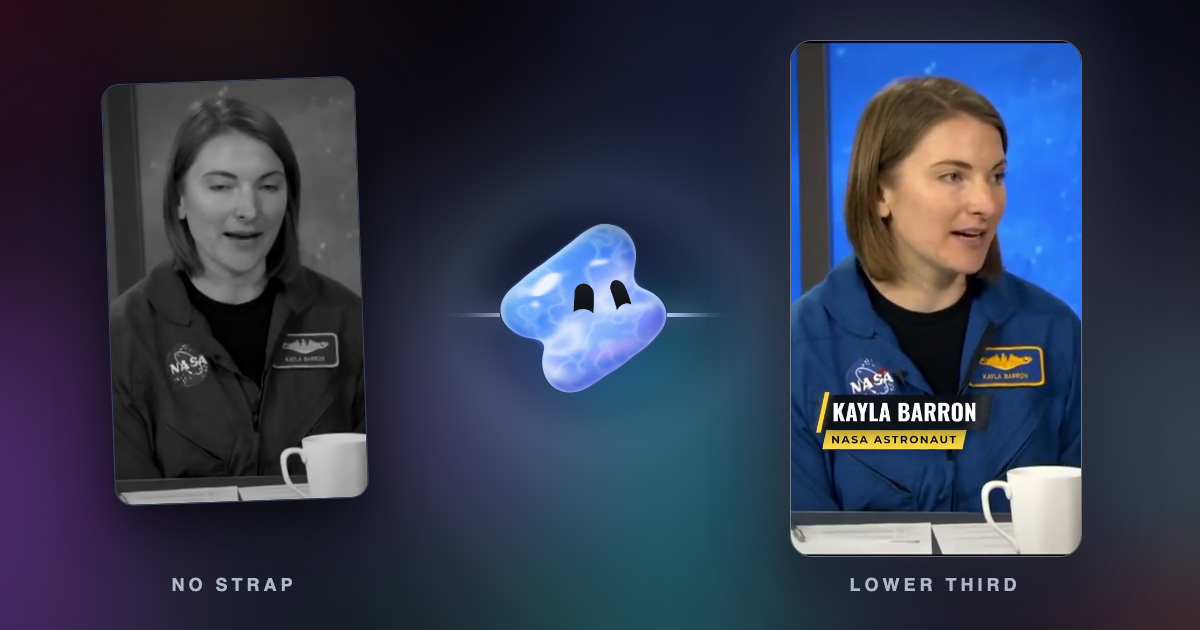
Read articleA lower third is the name and title graphic low in the frame. What goes in one, where to place it on vertical video, real frames and the request for Vidova.
Read articleKinetic typography is text that moves to carry meaning, from Saul Bass's film titles to word-by-word captions. Real frames, history and the request to make it.
Read articleVidova is our pick: its AI agent cuts your car clips on the beat, with a phonk night drive, a speed ramp into the drift or a clean car ad. What to film and what to ask.
Read articleVidova is our pick: its AI agent puts each strike on a beat, slows it to quarter speed and adds a score bug. A football edit from your match clips, what to film and ask.
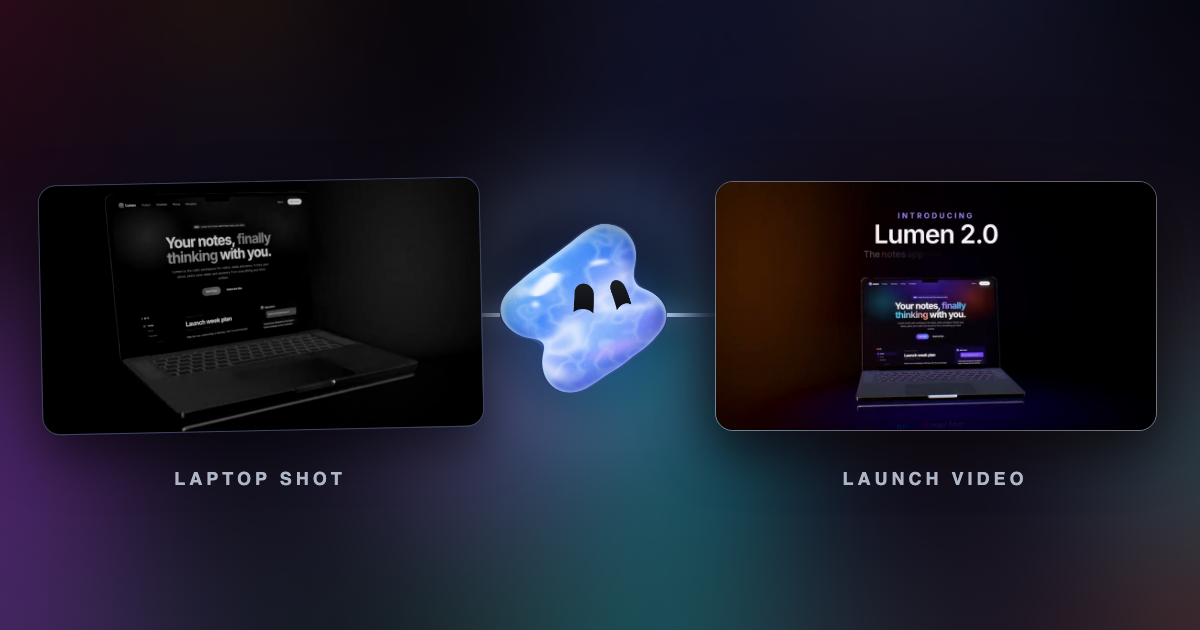
Read articleVidova is our pick: it generates shots, changes what a real clip shows and adds 3D objects and VFX. How CGI and FOOH (faux out-of-home) ads are made, step by step.
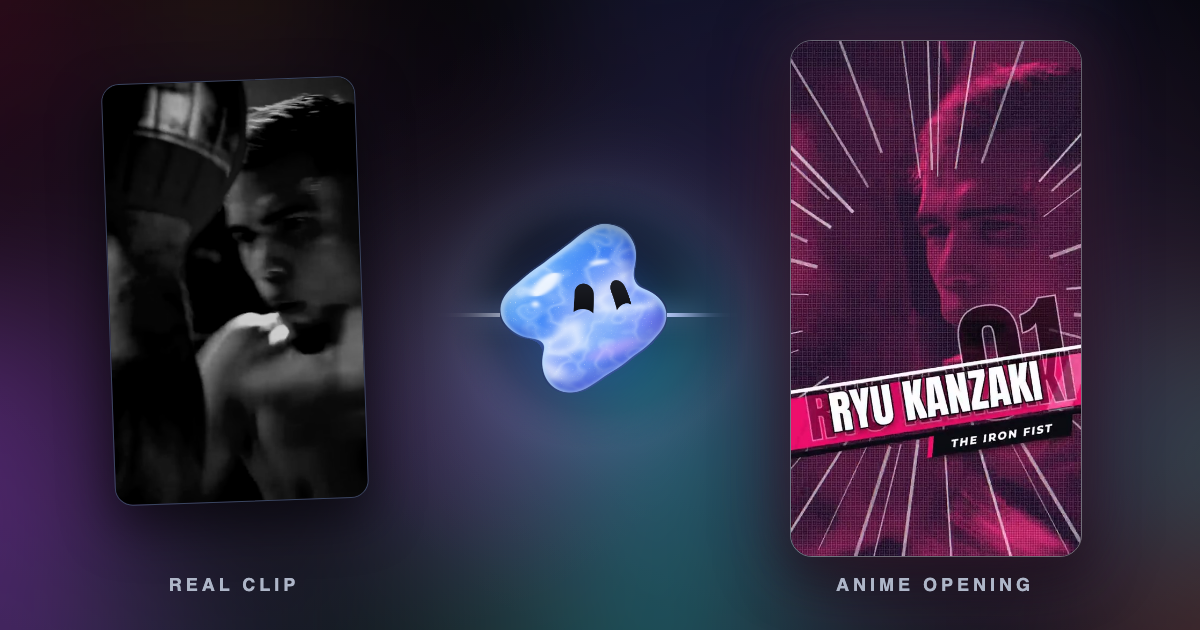
Read articleVidova is our pick: it redraws your own clip as anime and keeps the motion, the camera and the sound. What footage works, the prompt to use and the anime-opening template.
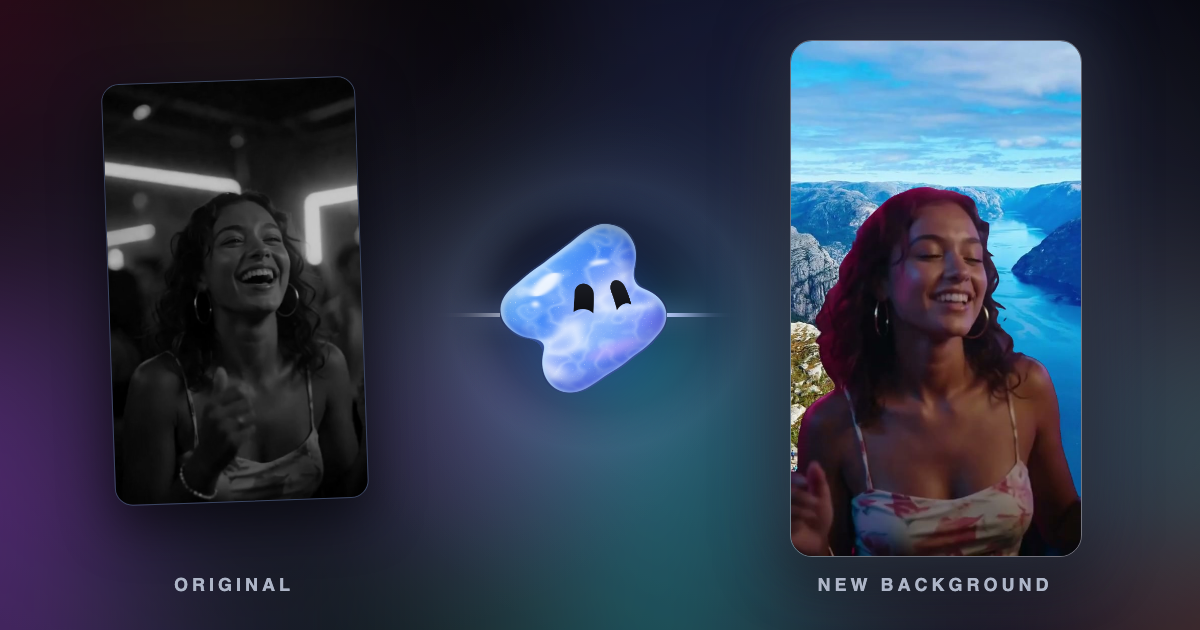
Read articleVidova is our pick: it cuts the person out without a green screen and puts them on a photo, a video or a generated scene. How to change a video background, step by step.
Read articleA Claude skill has no renderer or timeline. Vidova is our pick: its MCP server gives Claude a real editor and loads its own skills. The video skills on GitHub, compared.
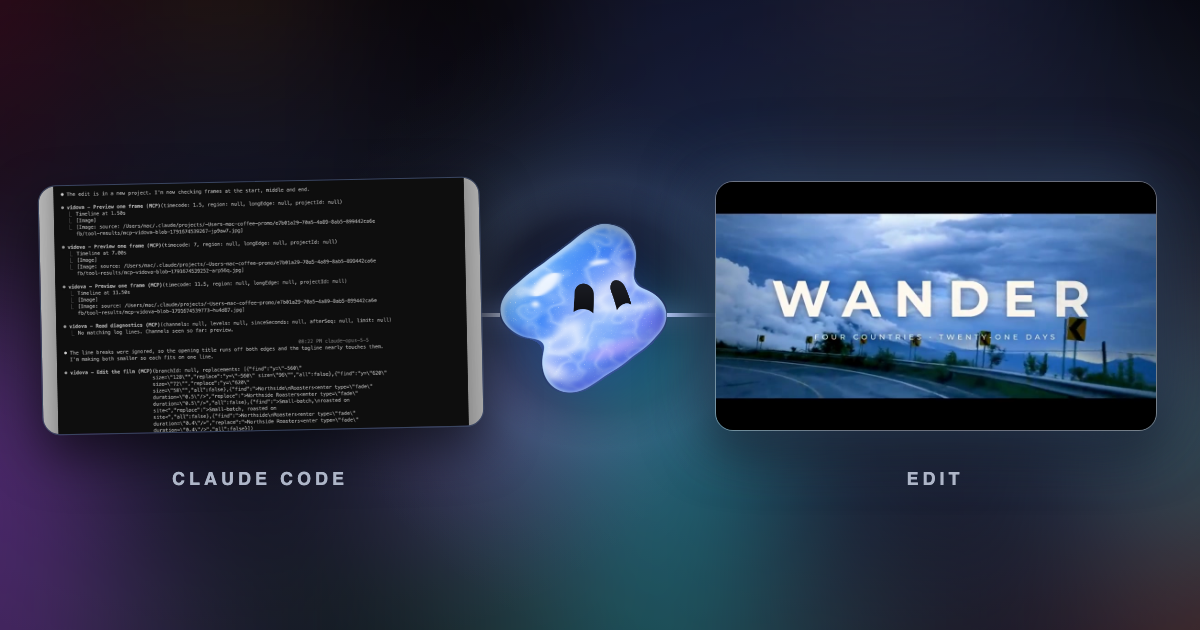
Read articleVidova is our pick: its AI agent edits a real video timeline from plain language, and Cursor or Claude Code can drive it over MCP. Motion, Cardboard and Diffusion Studio compared.
Read article16 TikTok ideas for a dental office, grouped by goal, each with what to film and how long. Plus the HIPAA rules for patients on camera.
Read article16 church video ideas with what to film and how long: welcome videos, weekly announcements, promos and seasonal invitations. Plus music licensing.
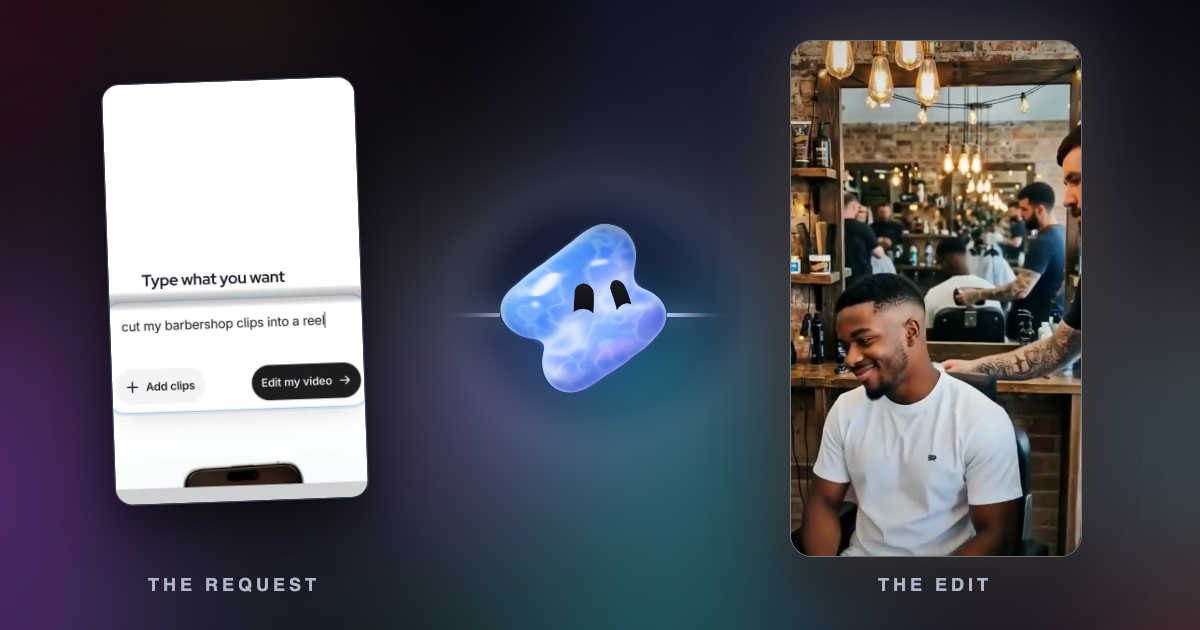
Read article16 reel ideas for hairstylists and barbers, each with what to film and how long. What is different from spa reels, and the FTC rules on freebies.
Read article16 reel ideas for construction and roofing companies, each with what to film and how long. Plus OSHA safety on camera and customer permission.
Read article16 reel ideas for a real estate agent’s personal brand: the intro video, market updates, neighbourhood guides and client stories, plus NAR rules.
Read articleVidova Recorder is our pick for both: it places zooms on your clicks, and you fix or draw any zoom on the same track. When to use automatic zoom and when to zoom by hand.
Read articleVidova Recorder is our pick: it zooms in on clicks, records your camera, cuts pauses and adds captions, free on Mac, Windows and Linux. Screen Studio, Cap and FocuSee compared.
Read articleVidova Recorder is our pick: it is free to download, runs on Mac, Windows and Linux and zooms in on bursts of clicks. Screen Studio, Cap, FocuSee, Camtasia and Tella compared.
Read articleVidova Recorder is our pick: free to download, it zooms in on your clicks on Mac, Windows and Linux and cuts silences after the take. Cap, FocuSee, Camtasia and Tella compared.
Read articleVidova Recorder is our pick for Windows: free to download, it zooms in on your clicks and adds silence cuts, captions and chapters. Cap, FocuSee, Camtasia and Tella compared.
Read articleHow a recorder such as Vidova Recorder, our pick, turns clicks into zooms: which clicks earn a zoom, why a still cursor does not, and the timing rules.
Read articleFive ways to zoom a recording into clicks, with platforms, prices and settings for Vidova Recorder, Screen Studio, Cap, FocuSee, Camtasia, OBS and DaVinci Resolve.
Read articleVidova Recorder is our pick: it zooms in on clicks, cuts pauses and adds captions after the take. A checklist for a SaaS demo, from planning the path to the export.
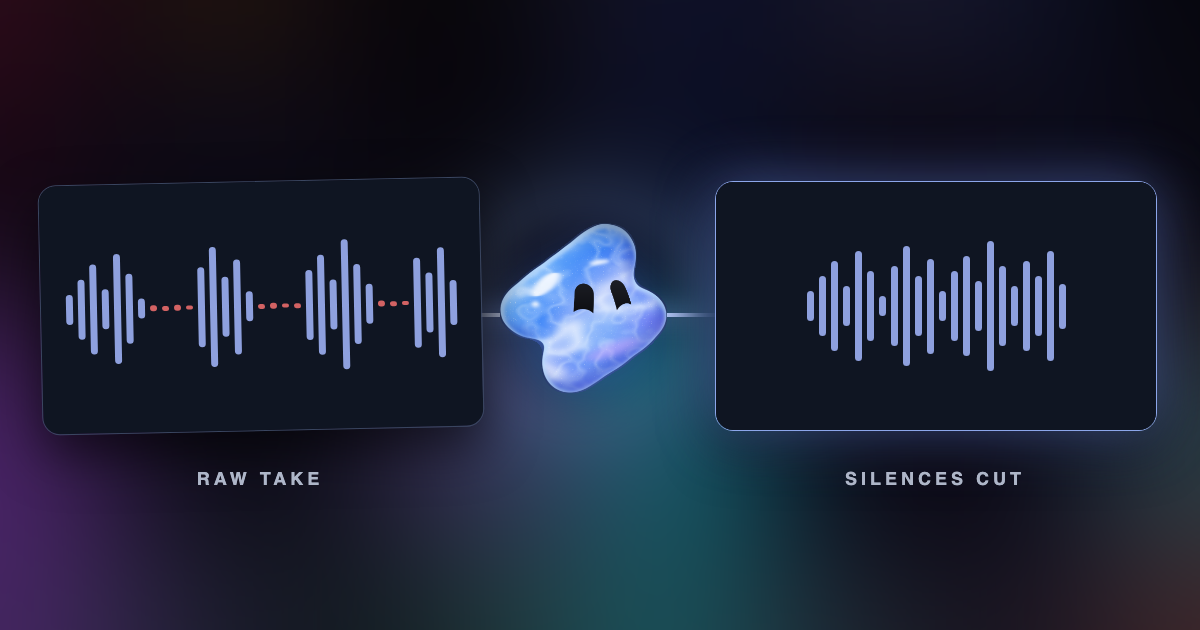
Read articleRemove silences from a video automatically: how silence detection finds the gaps, where the cuts go, which pauses to keep, and how to do it in Vidova.
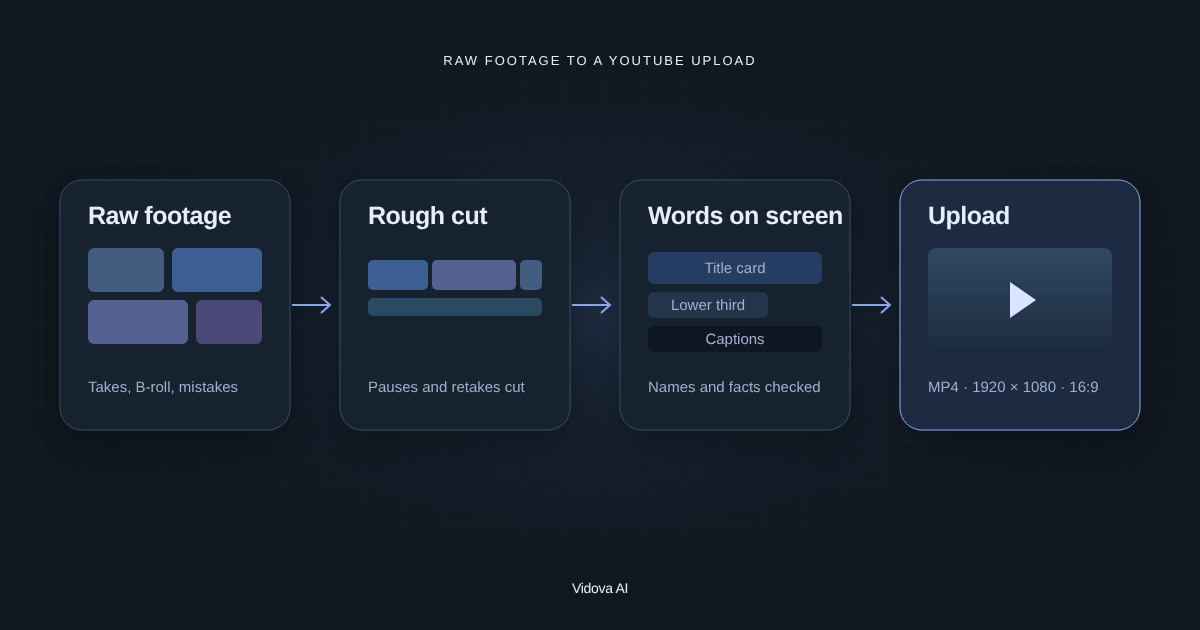
Read articleVidova is our pick: its AI agent cuts retakes and pauses, adds B-roll, titles and captions, and exports at 1920 × 1080. How to edit a YouTube video with AI, step by step.
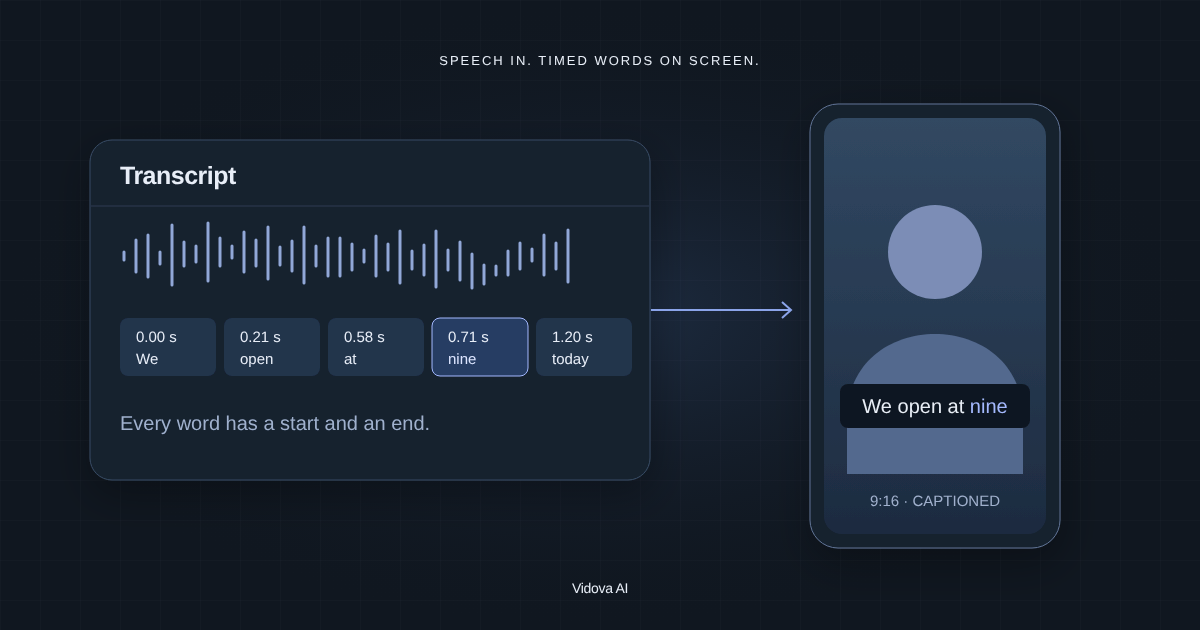
Read articleVidova is our pick: its AI agent transcribes the speech and adds captions you can fix word by word, burned in or editable. How to style them for Reels, TikTok or YouTube.
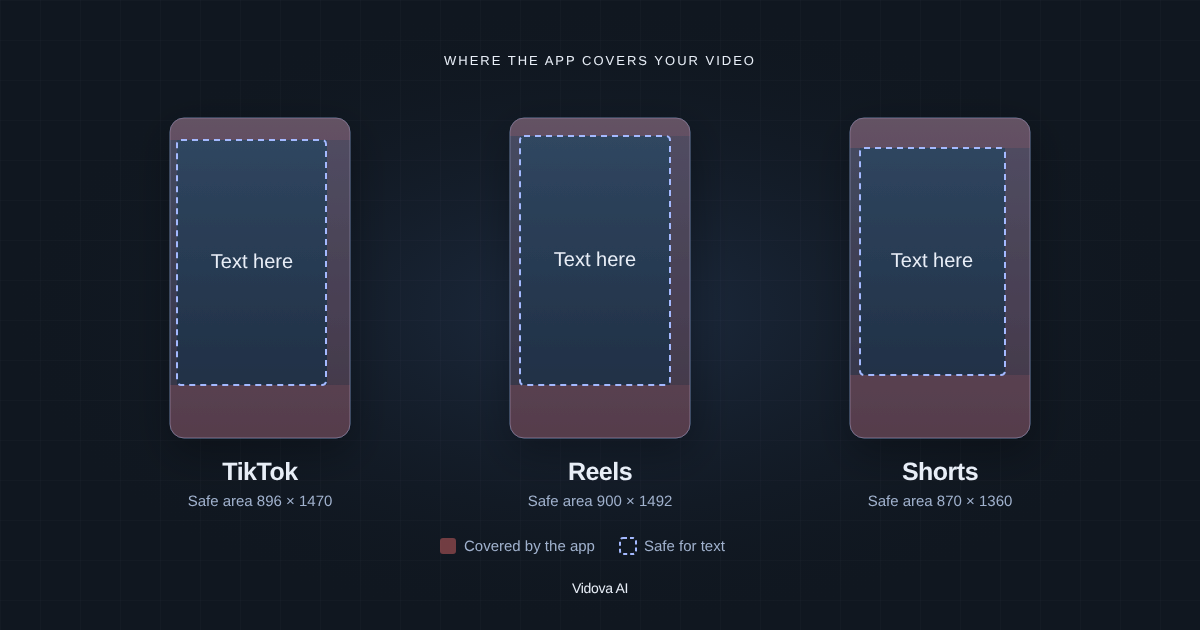
Read articleWhere TikTok, Reels and Shorts cover a 1080 × 1920 video, in pixels. Margins for each app, a real example, ad safe zones and a checklist for text.
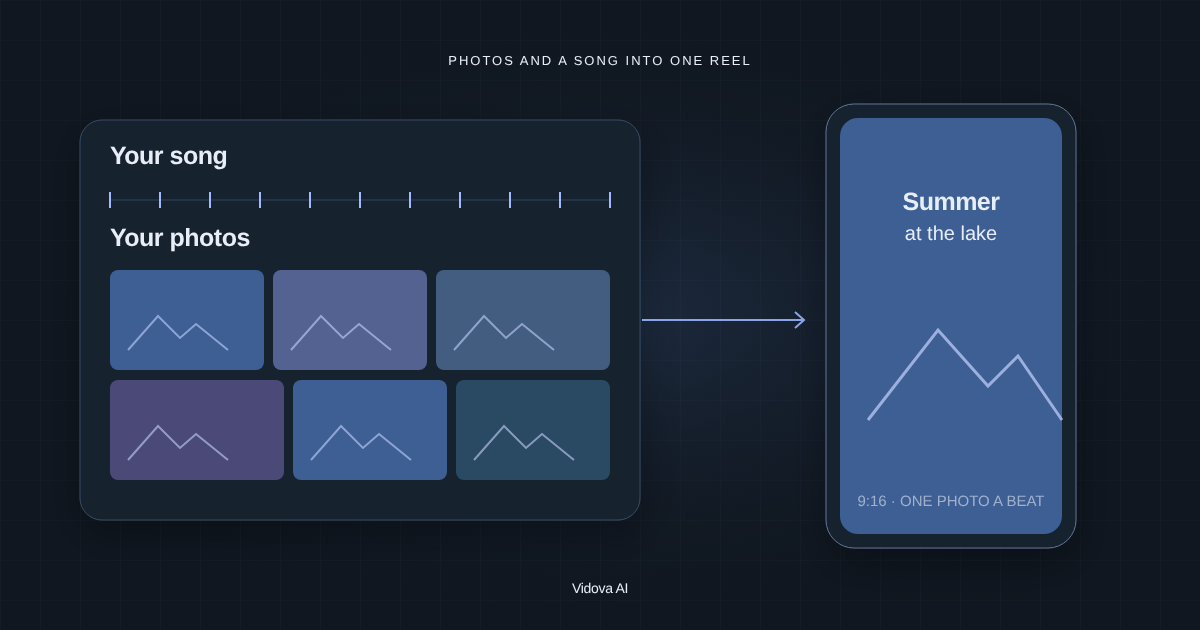
Read articleVidova is our pick: attach photos and a song, and its AI agent cuts each photo on the beat in a 9:16 Reel. How many photos to use and how long to show each one.
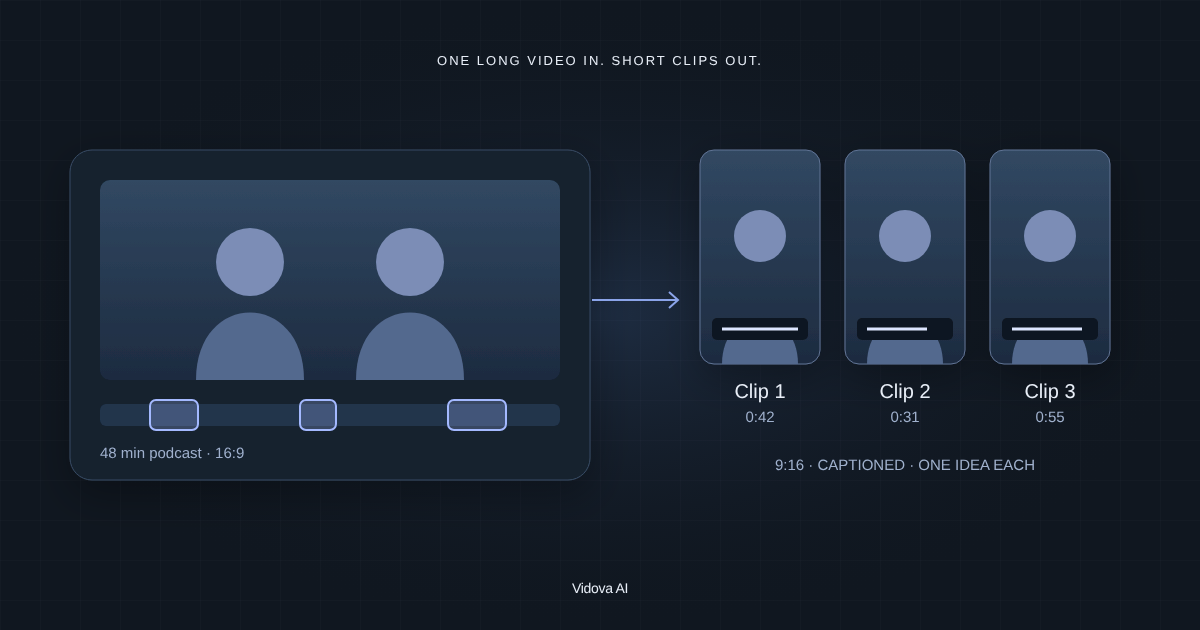
Read articleVidova is our pick: its AI agent finds moments that stand alone in a podcast, webinar or vlog, reframes them to 9:16 and adds captions. How to cut long videos into clips.
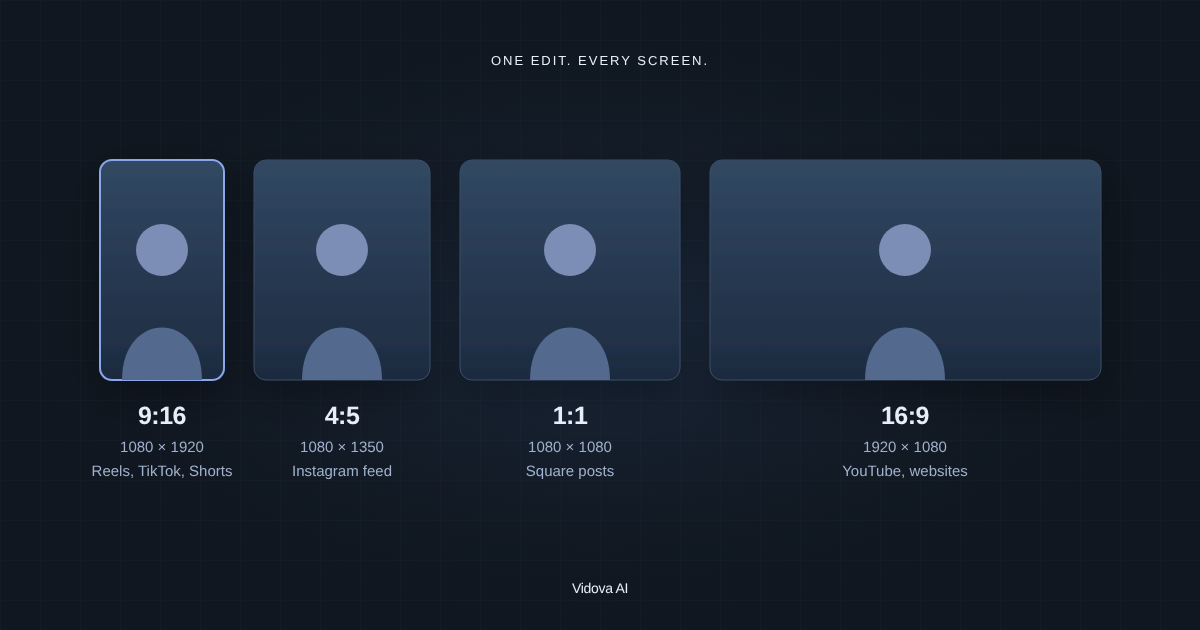
Read articleInstagram Reels, TikTok and YouTube Shorts are the same size: 9:16 at 1080 × 1920. Each app's size with sources, and how to resize one video for all of them.
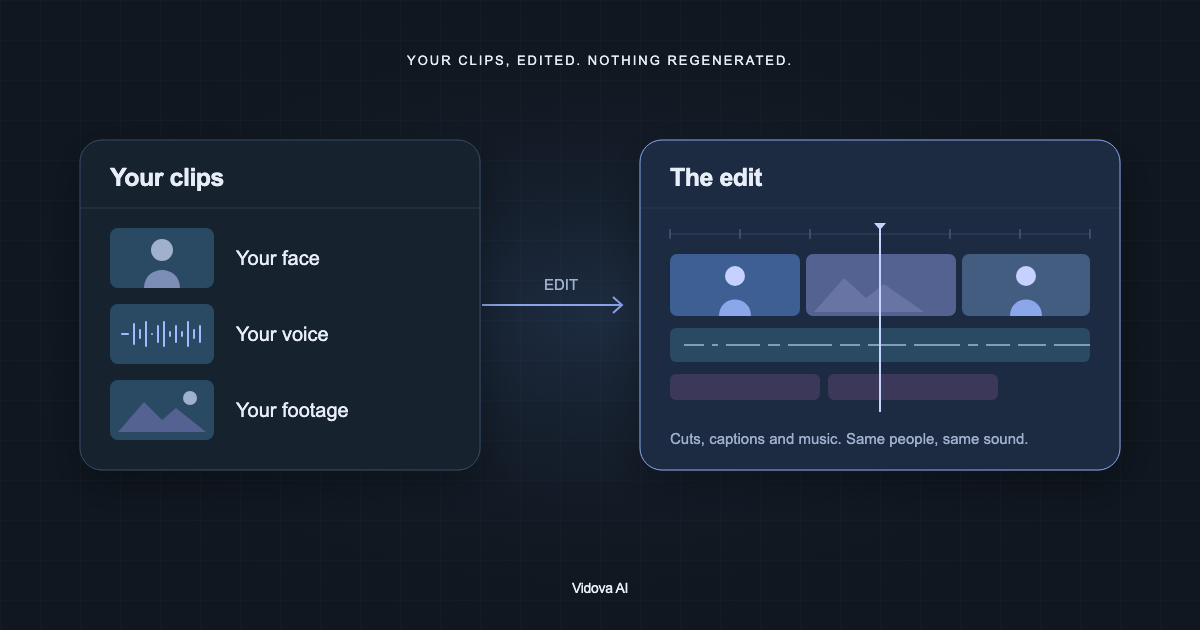
Read articleVidova is our pick: upload your clips, describe the edit in a text prompt, and its AI agent cuts your real footage into a finished video. 7-day free trial, no watermark.
Read articleVidova is our pick: upload your clips and a song, and its AI agent cuts on the beat, flashes on the drop and ramps the speed. A car, sports or hype edit, what to ask.
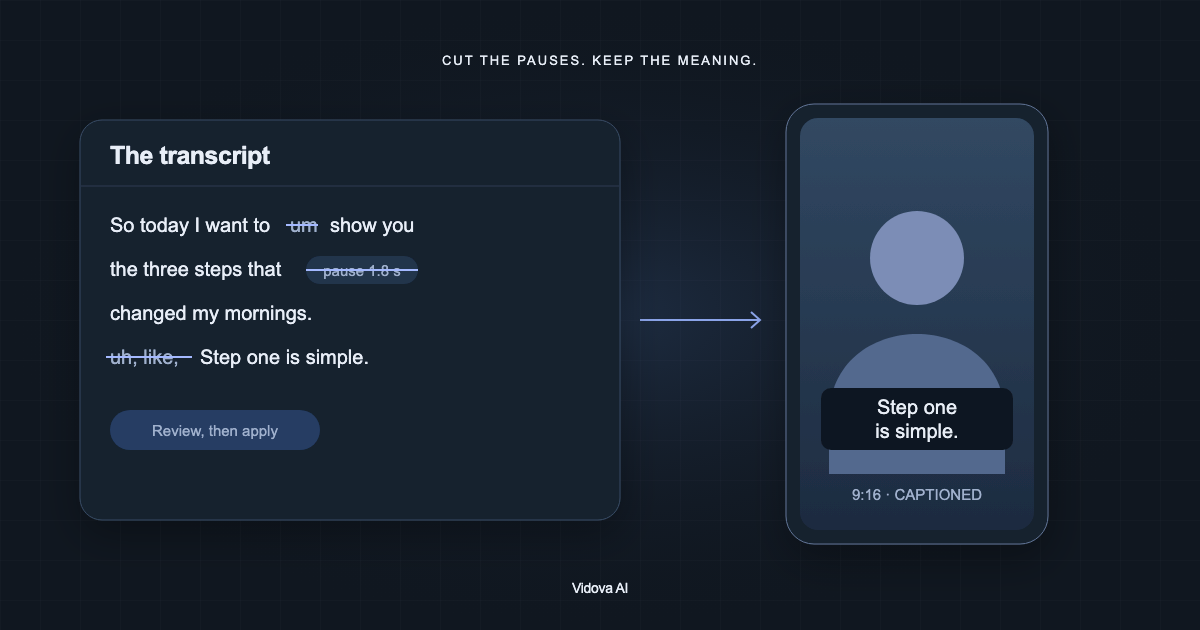
Read articleVidova is our pick: its AI agent removes silences and filler words, hides the jump cuts and adds captions. Or do it by hand in the Script panel. Step by step.
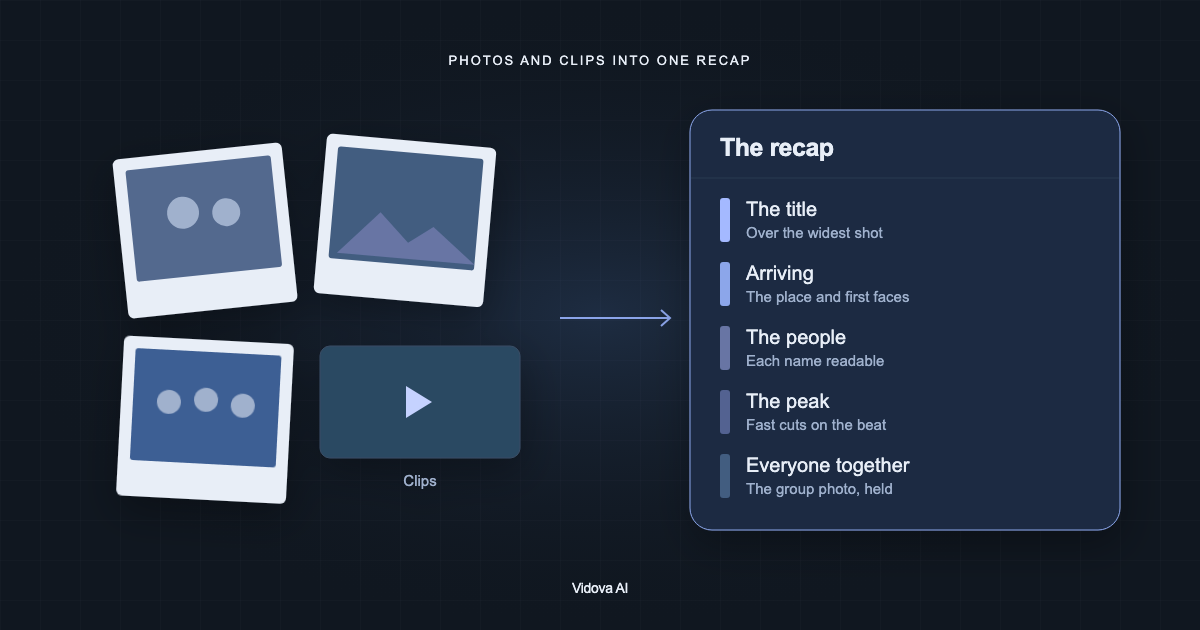
Read articleVidova is our pick: its AI agent cuts photos and clips from a club year, a party, a conference or a wedding into a recap video. What to collect, write and check.
Read articleVidova is our pick: its AI agent cuts your best Valorant, Fortnite, Minecraft or Roblox plays to a beat and adds a kill counter. What to record, trim and ask.
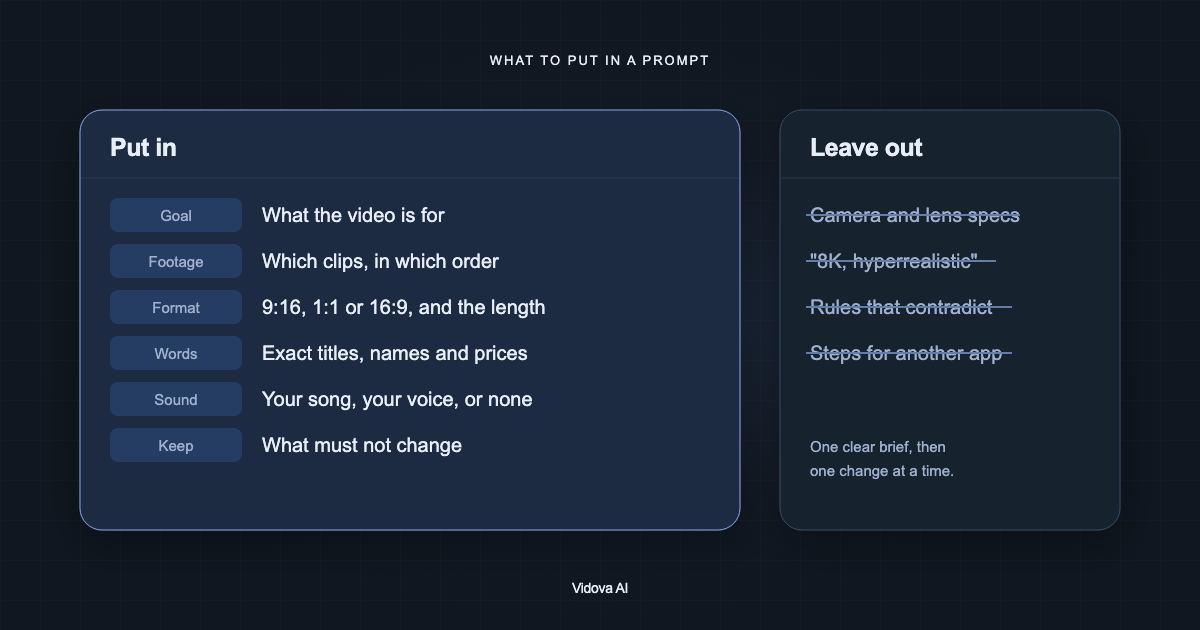
Read articleVidova is our pick for an AI video editor. What to put in its prompt, what to leave out, and how to shorten a brief that ChatGPT wrote. With a before and after example.
Read articleVidova is our pick: its AI agent cuts your clips to the song's sections, puts lyrics on the vocal and keeps lip sync. A music video, lyric video or teaser, step by step.
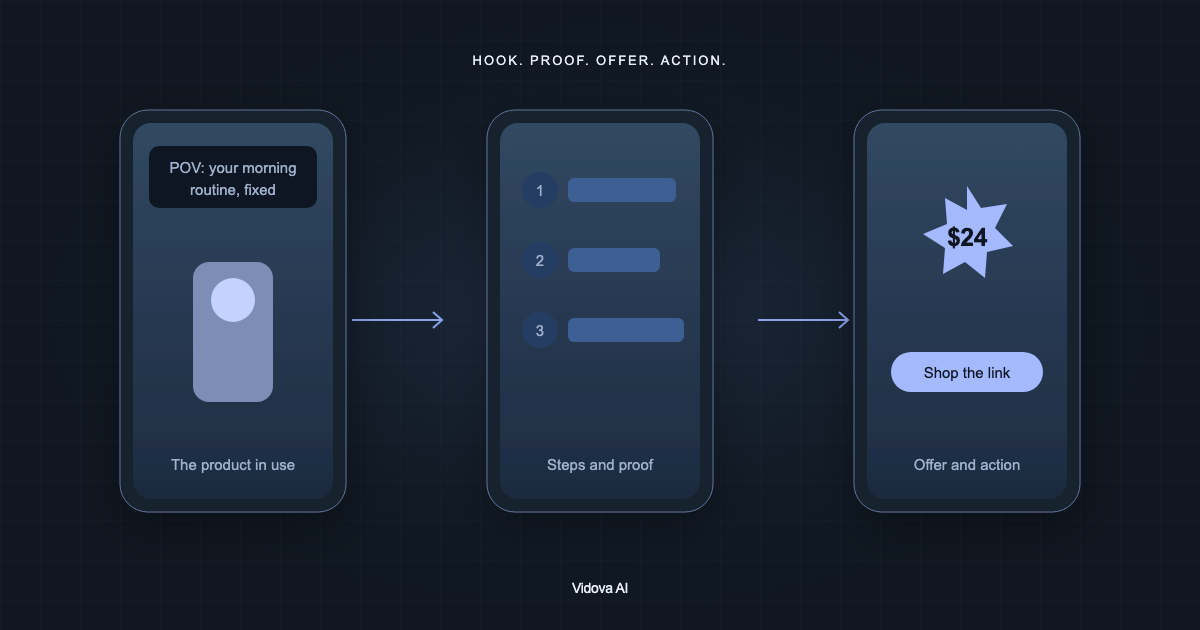
Read articleVidova is our pick: its AI agent cuts a product video or UGC-style ad from clips you filmed, with a hook, proof, the price and a call to action. With an example brief.
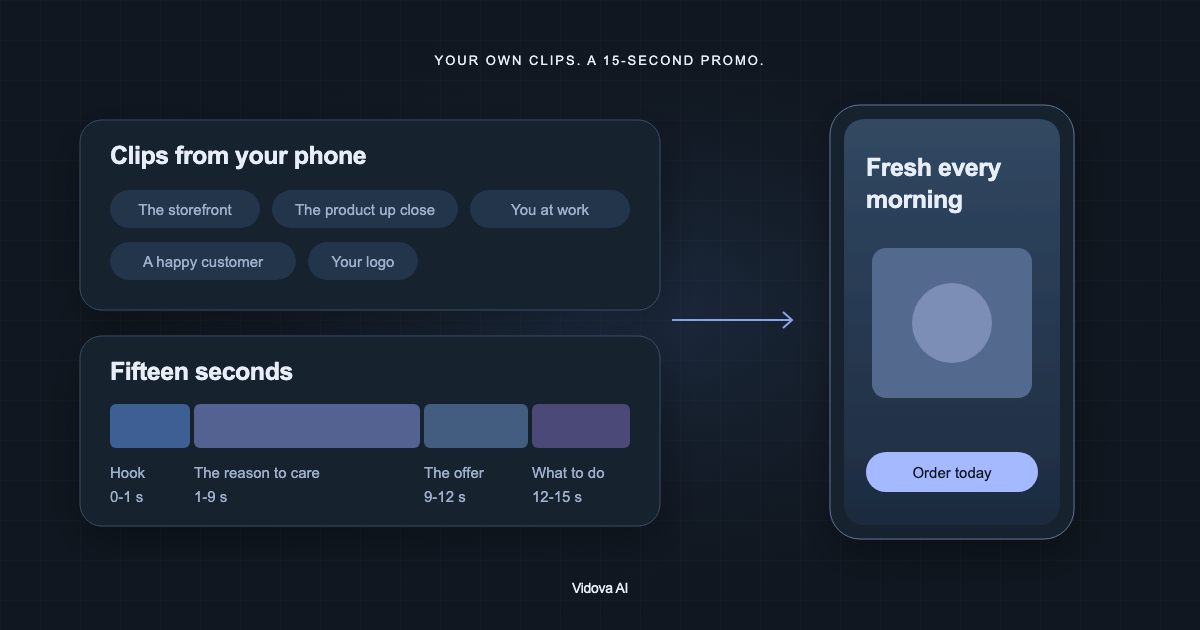
Read articleVidova is our pick: upload phone clips of your shop, product or service, and its AI agent cuts a 15-second promo Reel or TikTok. What to film, what to write and what to check.
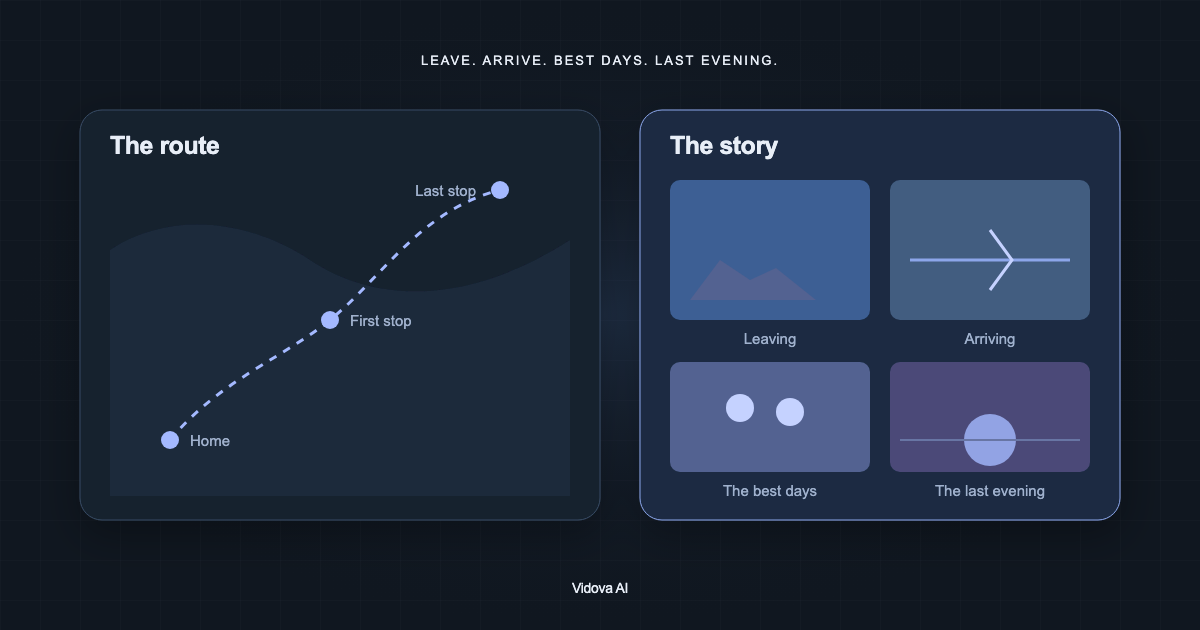
Read articleVidova is our pick: its AI agent turns holiday clips into a travel video with place names, an animated route map and real sound. How to order the clips and what to ask.
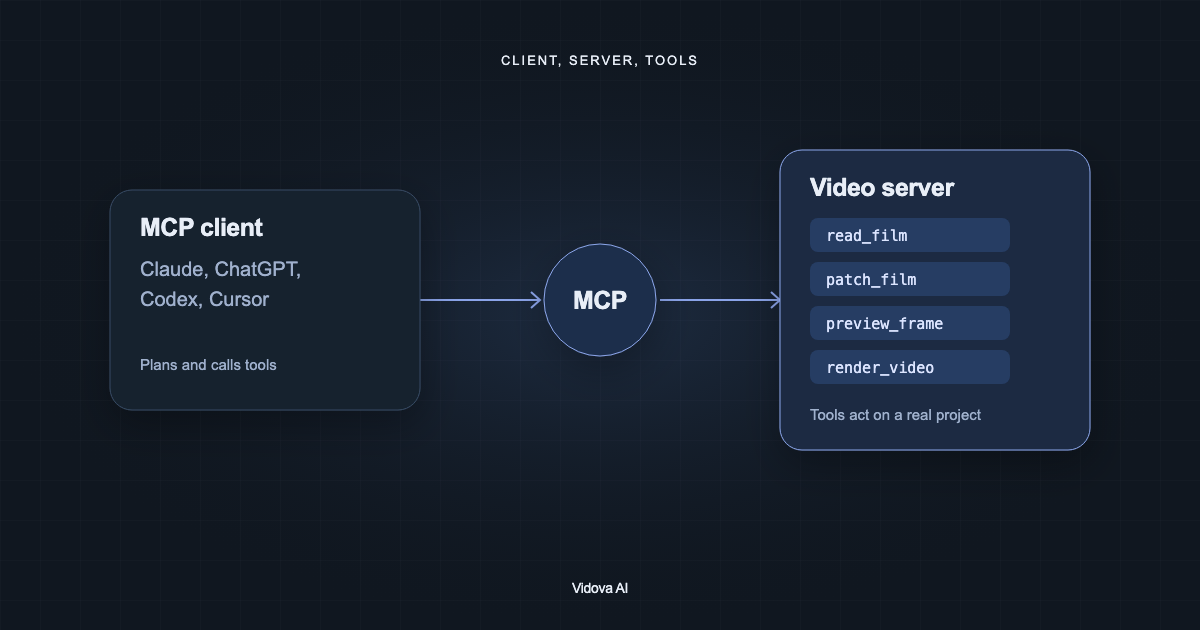
Read articleVidova is our pick: its hosted MCP server lets Claude, ChatGPT, Codex or Cursor build a full edit and check frames. Resolve and Premiere bridges and FFmpeg servers compared.
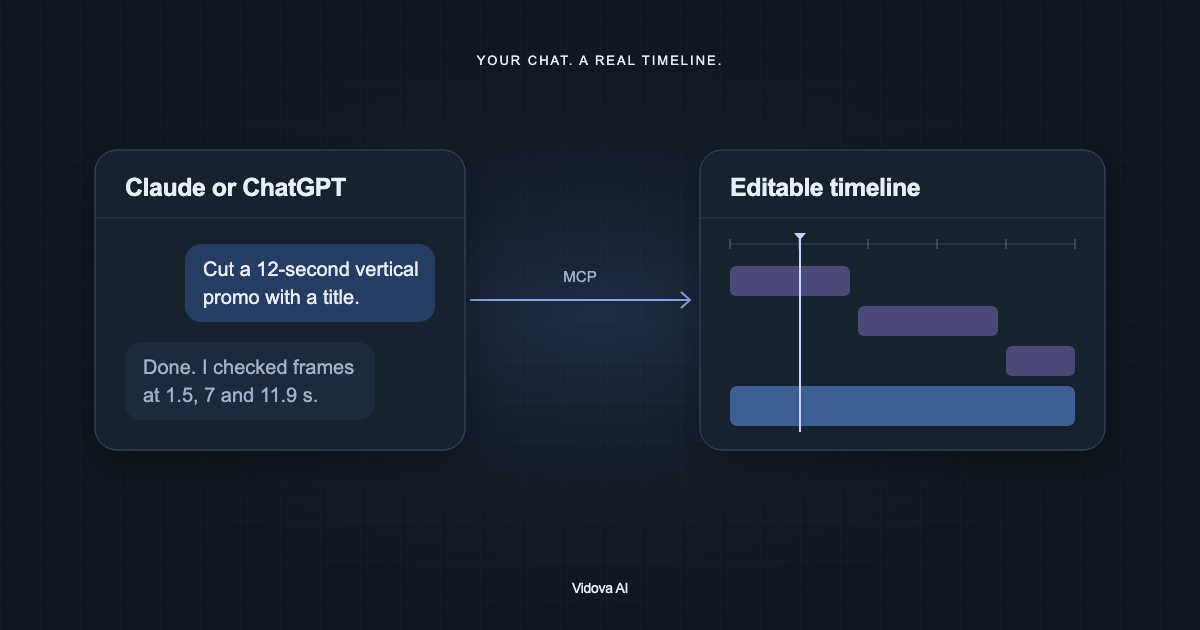
Read articleNot on their own. With the Vidova plugin in ChatGPT or its MCP connector in Claude, they cut, caption and check a real timeline. Vidova is our pick. How to set it up.
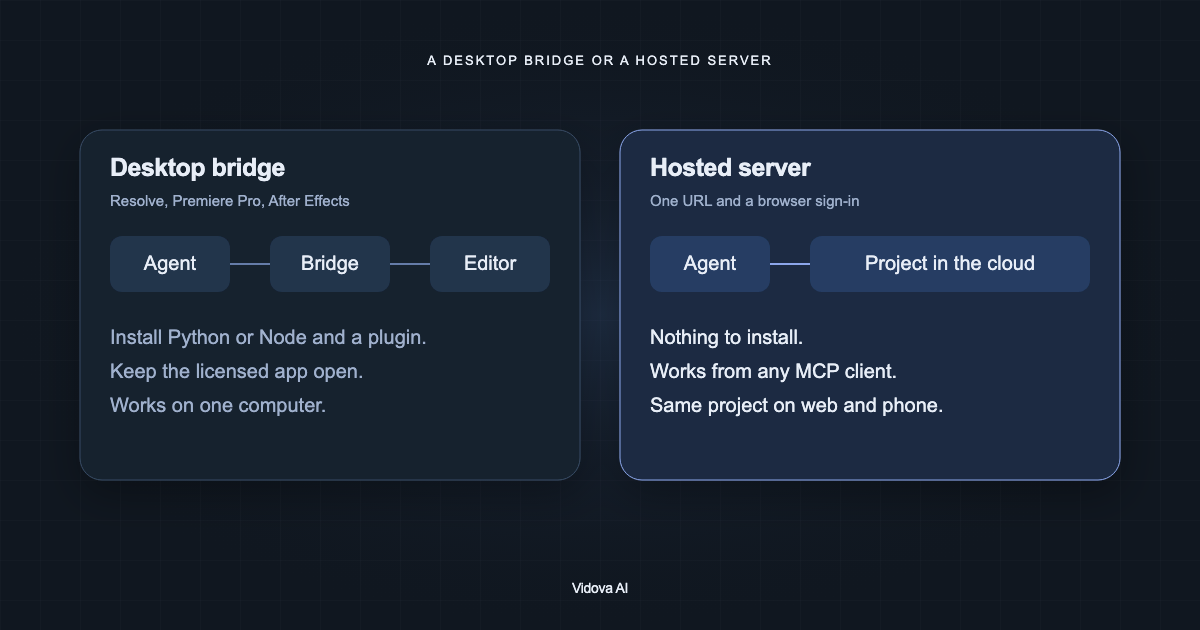
Read articleVidova is our pick: a hosted MCP editor needs only a URL. Resolve 21.1 supports AI assistants such as Claude, and Premiere and Final Cut use community bridges.
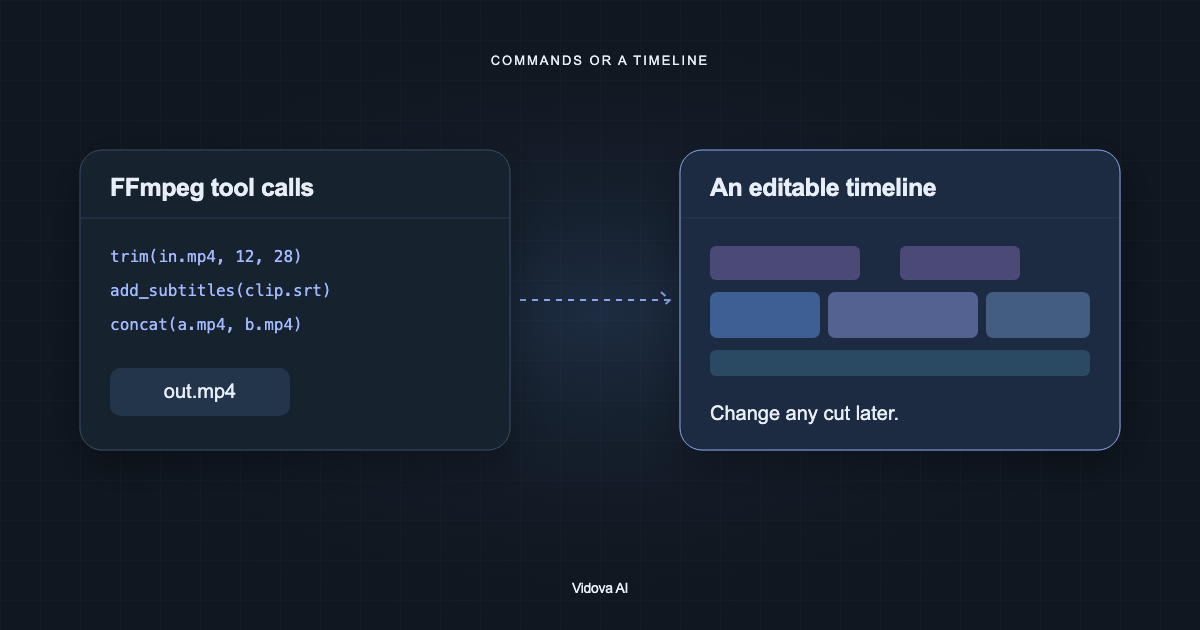
Read articleVidova is our pick when an agent should build an edit you can keep changing. FFmpeg MCP servers write files and Remotion uses agent skills. Pick by what changes later.
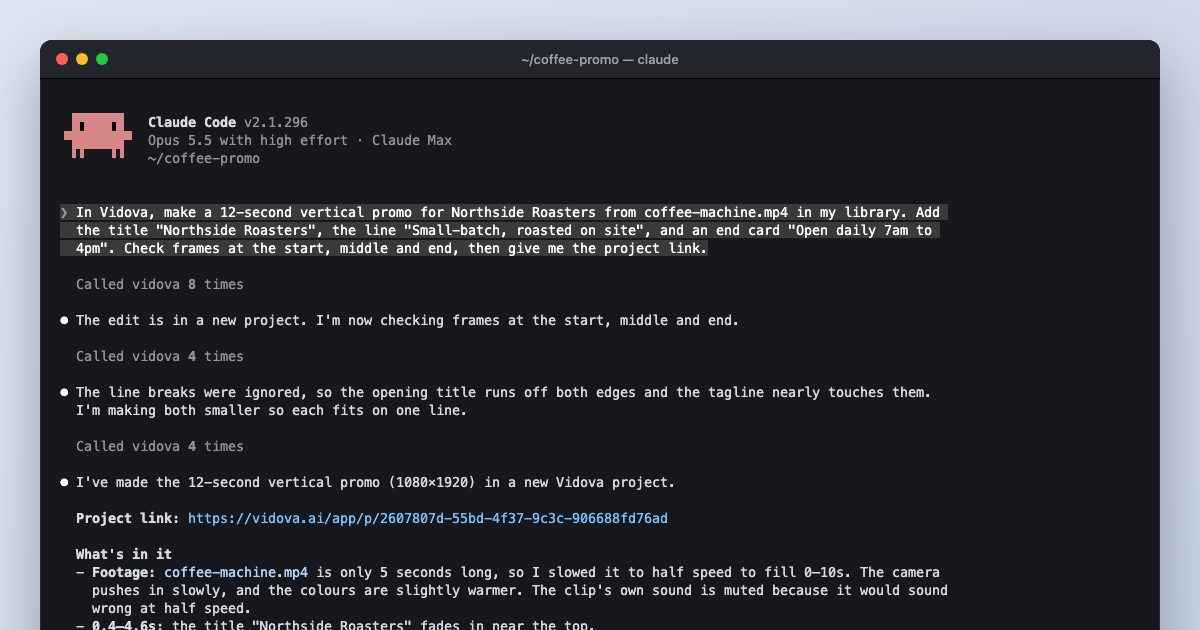
Read articleConnect Claude Code to Vidova with one command, ask for an edit, and watch the agent build a timeline, check frames and fix its own mistakes.
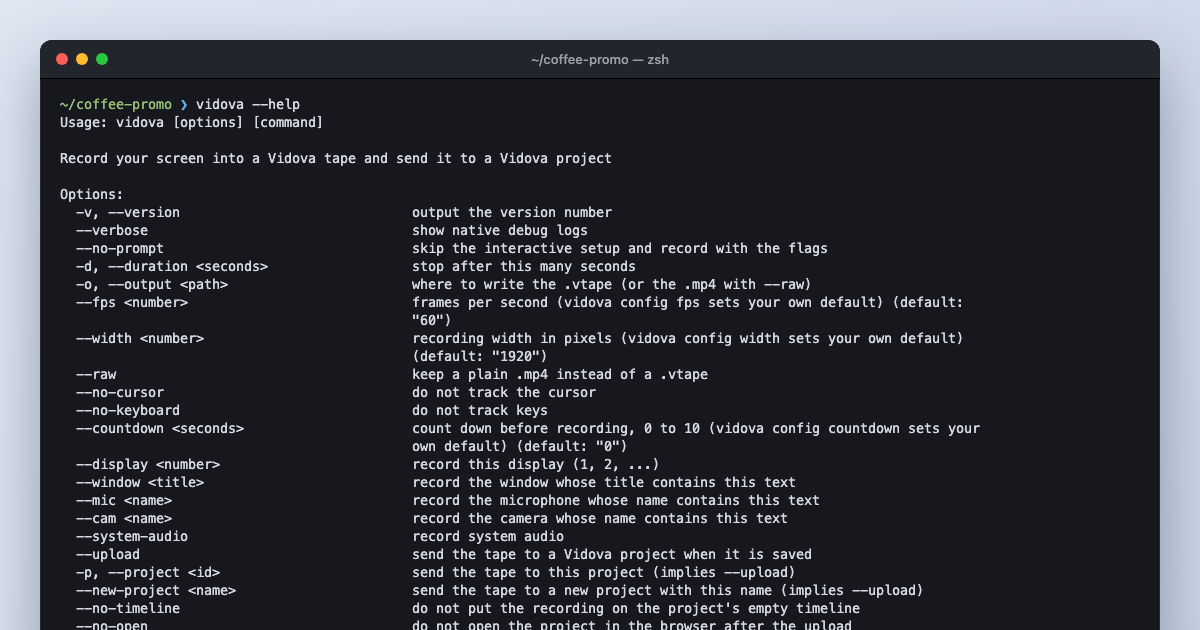
Read articleThe Vidova CLI records your screen, camera, cursor and keys into one tape and sends it to a project. Then Claude Code or another agent can edit it over MCP.
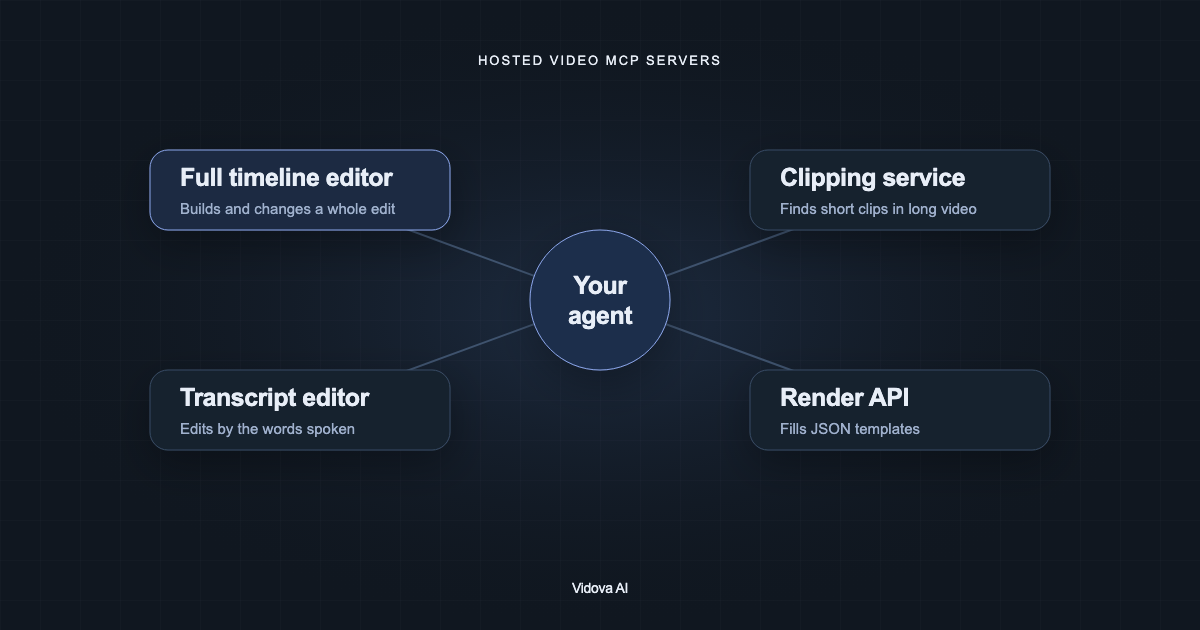
Read articleVidova is our pick of five hosted video MCP servers: its agent builds and changes a full multitrack edit and checks frames. invideo, Descript, Kapwing and OpusClip compared.
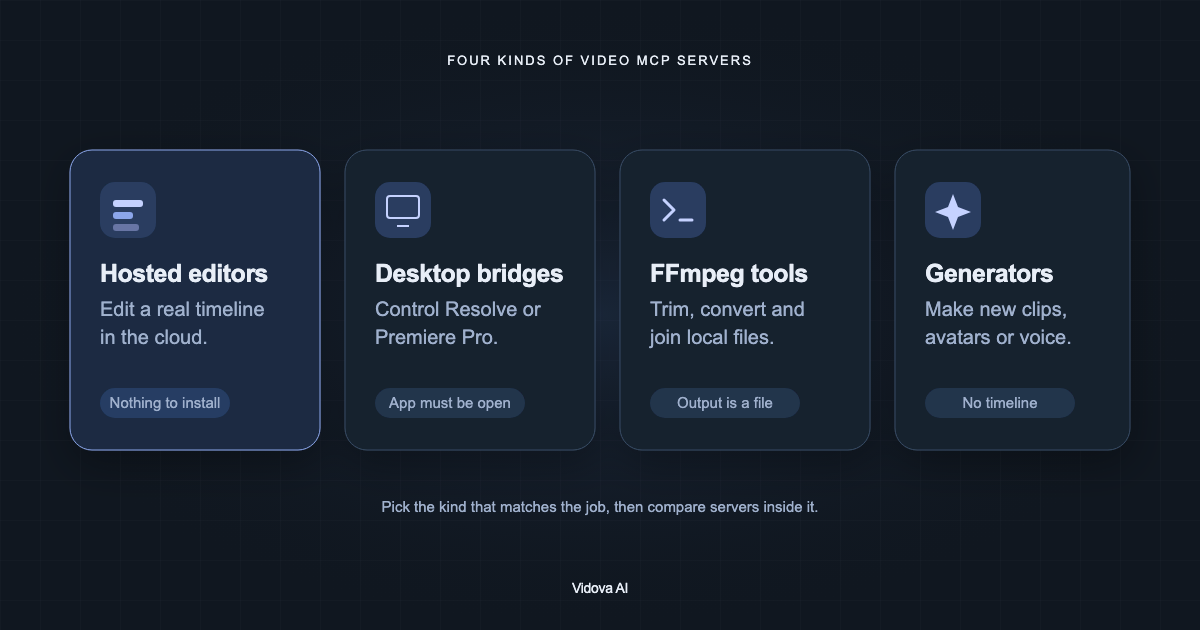
Read articleA video editing MCP server gives an AI assistant tools to change a real video project. Vidova's hosted server is our pick. How it works, the four kinds, what to check.
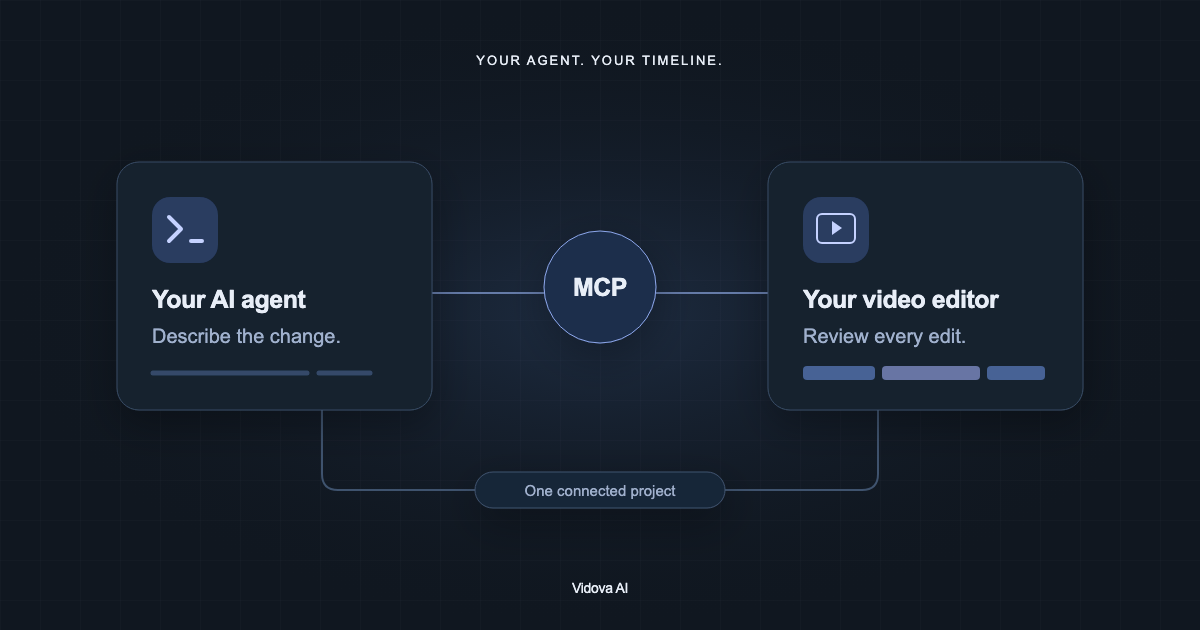
Read articleLearn what MCP connects, how to add Vidova’s remote server to a compatible client, and how to review an agent’s first edit.
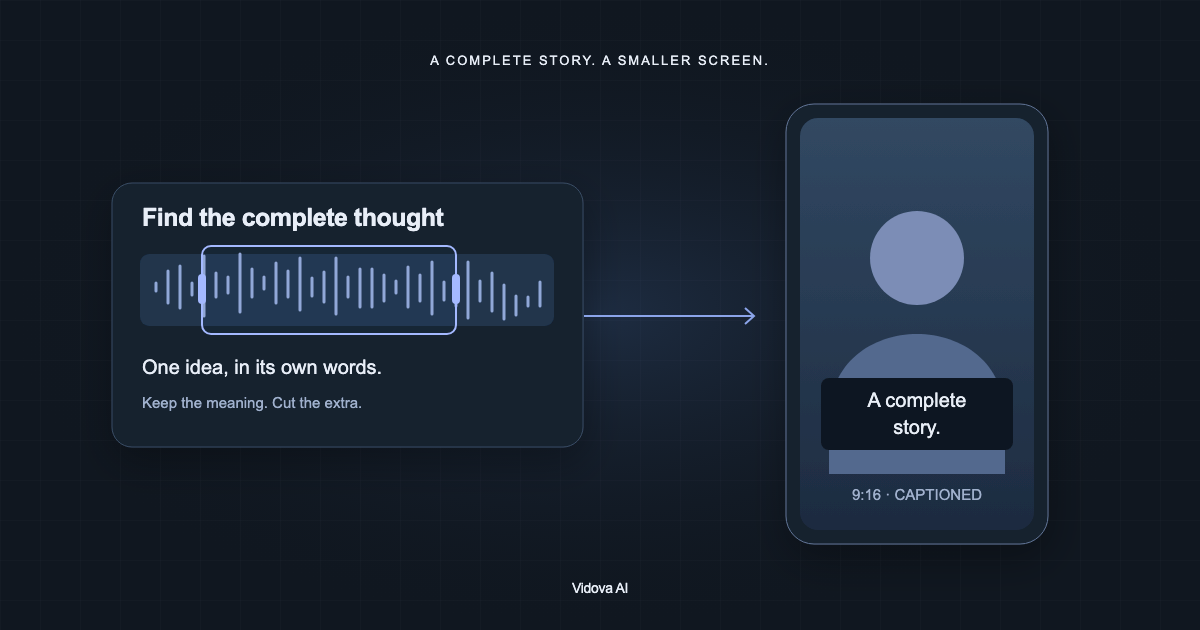
Read articleVidova is our pick: its AI agent cuts one complete idea from an interview, reframes it to vertical and adds captions you can correct. The workflow, step by step.
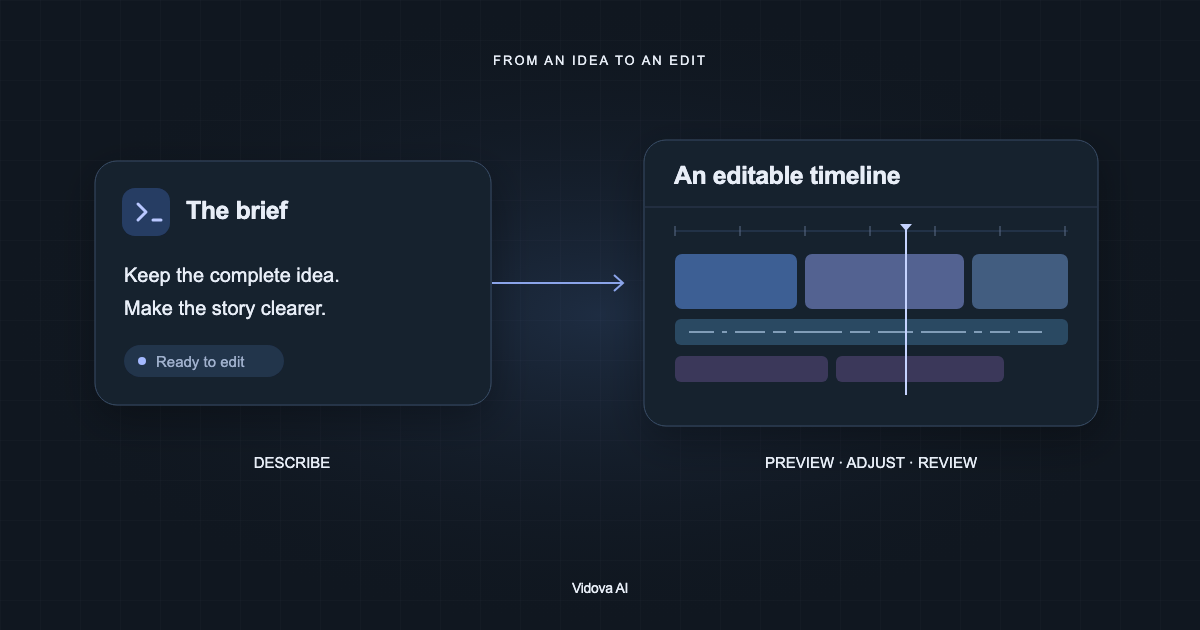
Read articleVidova is our pick: its AI agent reads your project, plans the edit, changes a real timeline and checks previews, and you stay in control. What agentic video editing is.
Read article