Best screen recorders with automatic zoom in 2026
Six screen recorders that zoom in on your clicks for you, compared on platform, price and how the zoom works: Vidova, Screen Studio, Cap, FocuSee and more.
Last updated
The short answer
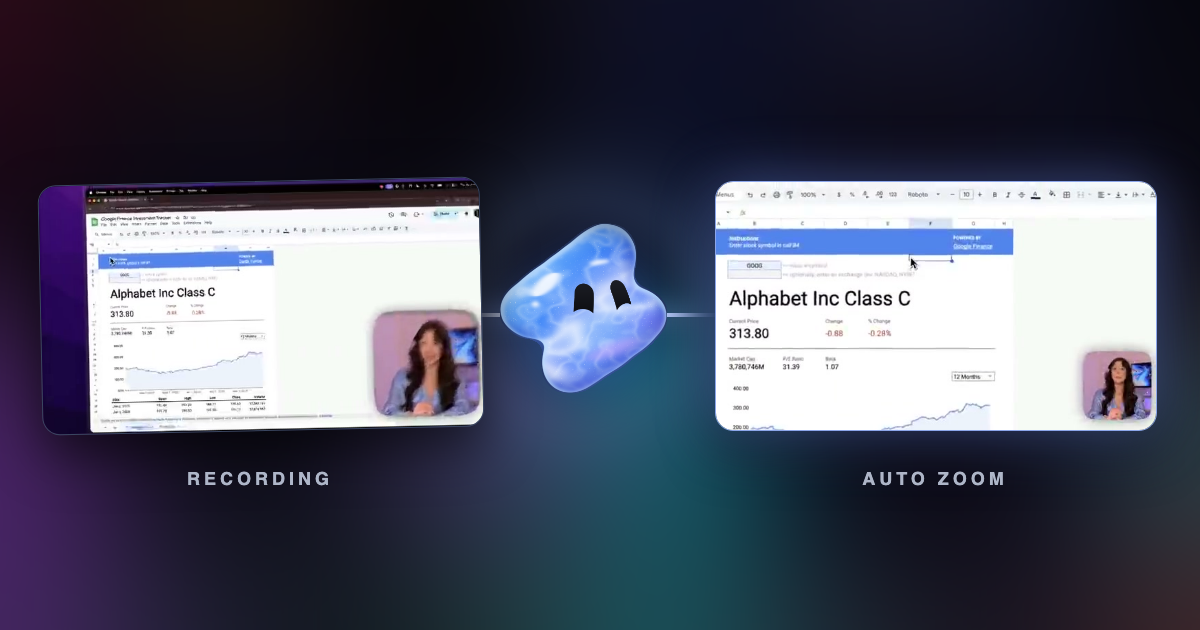
A screen recorder with automatic zoom saves your clicks and cursor path while you record, then pushes the picture in on the area where you work. In October 2026, Vidova Recorder, Screen Studio, Cap and FocuSee all zoom in on clicks. Screen Studio runs only on macOS. Vidova Recorder and Cap also run on Windows and Linux, and Vidova Recorder is free to download.
Key takeaways
- Automatic zoom works from click and cursor data saved during the take, so it needs a recorder that keeps that data.
- Screen Studio is macOS only. Vidova Recorder and Cap run on macOS, Windows and Linux.
- Check that each zoom stays editable. A wrong zoom you cannot move costs more time than no zoom.
What is automatic zoom in a screen recorder?
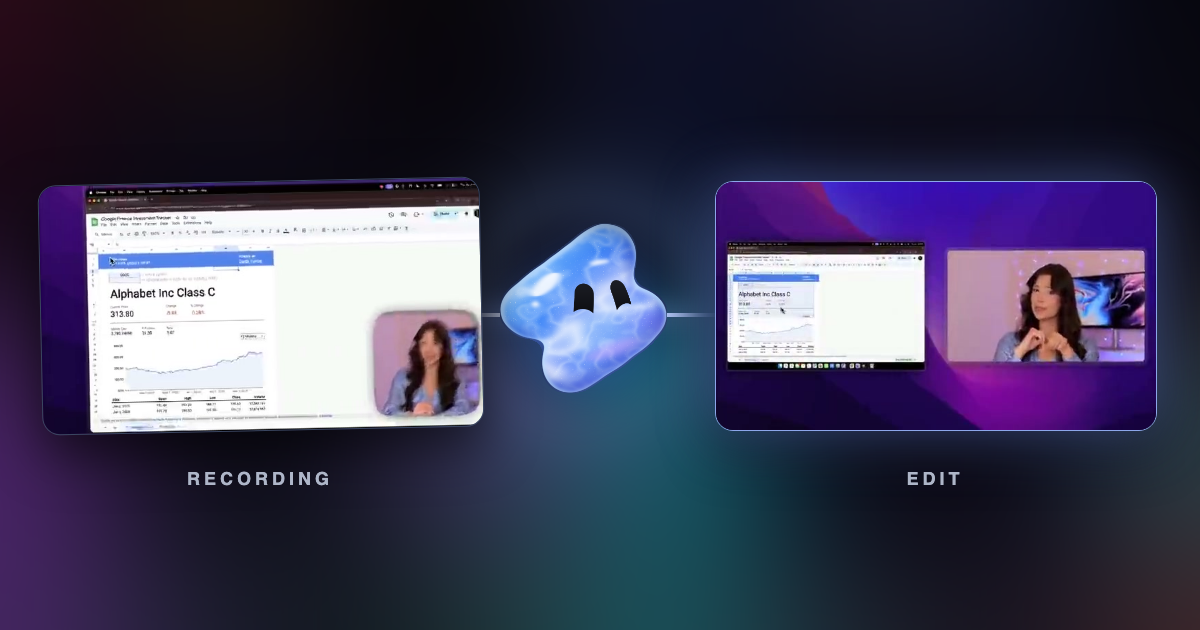
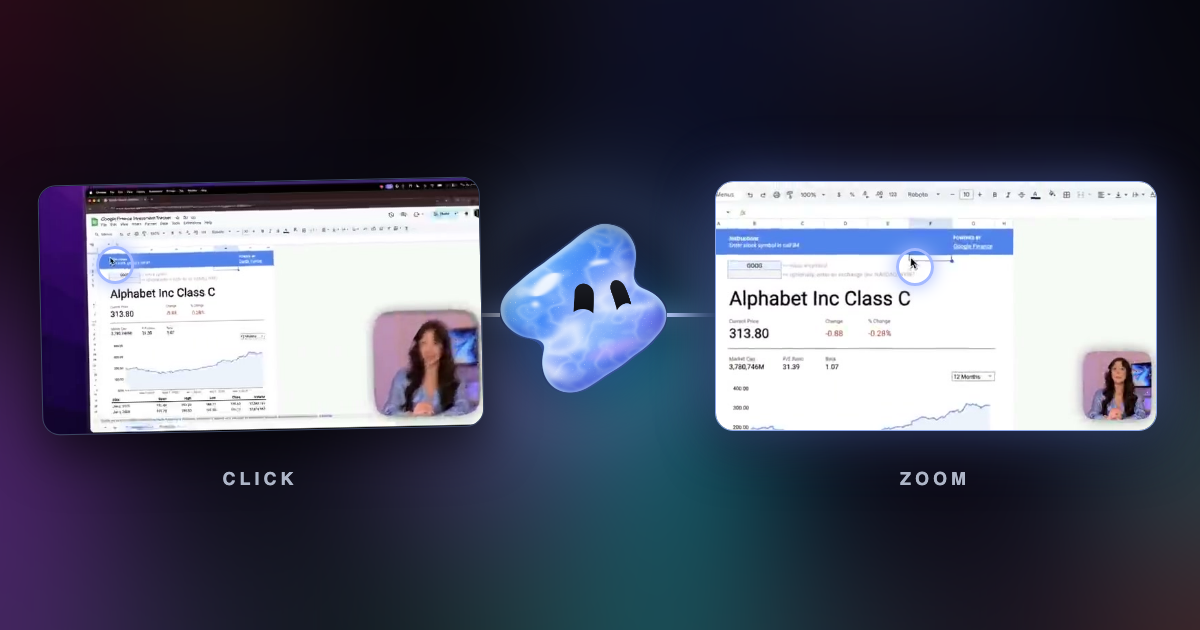
A normal screen recording shows the whole display for the whole take. On a laptop or a phone, a button in the corner is a few pixels wide. Automatic zoom fixes this. The recorder saves where you click and where the cursor moves. After the take, it moves a virtual camera toward the area where you work and back out when you move on.
The result looks like an edit made by hand, with a push-in on each important step. The good tools add the zooms as clips on a timeline, so you can move or delete one that lands in the wrong place.
The recorders compared
| Recorder | Runs on | Automatic zoom | Price |
|---|---|---|---|
| Vidova Recorder | macOS 13+, Windows 10+, Linux | Yes, on click bursts | Free download, no account to record |
| Screen Studio | macOS only | Yes, on clicks | $29 a month, or $9 a month billed yearly |
| Cap | macOS 13.1+, Windows 10+, Debian and Ubuntu | Yes, generated from recorded clicks | Free for personal use; desktop license $58 once or $29 a year |
| FocuSee | macOS and Windows | Yes, on clicks and typing | Free trial exports one video; paid plans on its pricing page |
| Camtasia | Windows 10+, macOS 14+ | Zooms are edits you place | Free editor with a watermark until you buy a plan |
| Tella | Mac, Windows and browser | Automatic zoom effects; click trigger not stated | From $13 a month, 7-day trial |
Prices and platforms change. Each row comes from the vendor's site, linked at the end of this guide.
Vidova Recorder
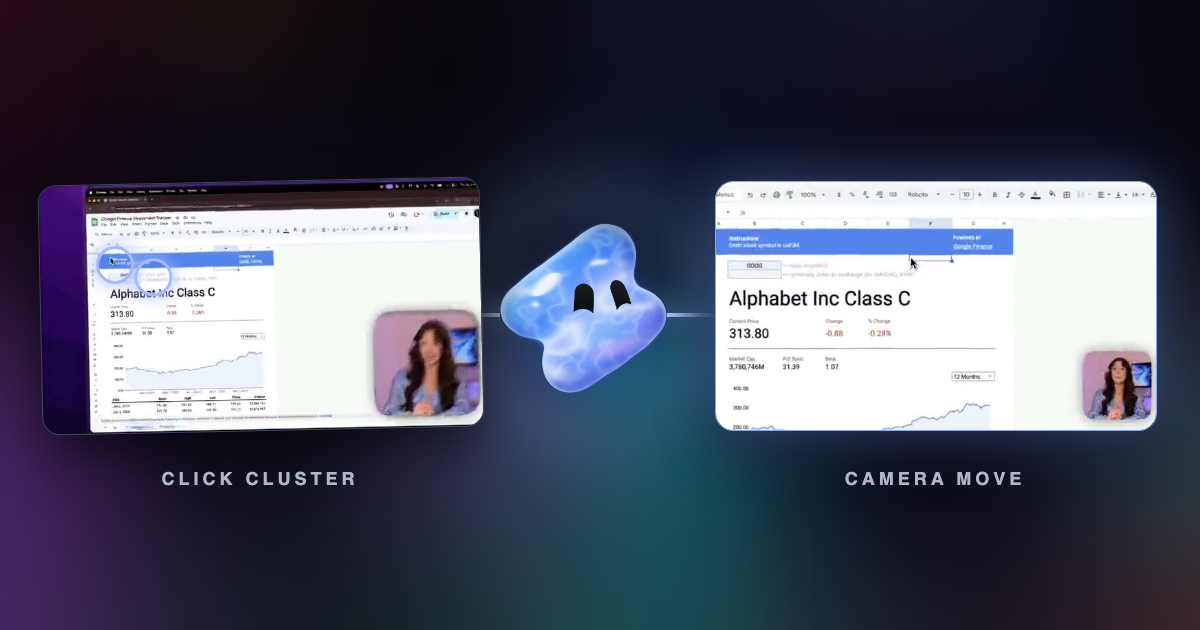
Vidova Recorder is the screen recorder in the Vidova desktop app. It records a display or one window with your camera, microphone and system audio, and it saves the cursor path, clicks and keys next to the video. After the take, the editor adds zooms on bursts of clicks, a camera that follows the cursor with motion blur, silence and filler word cuts, captions and chapters.
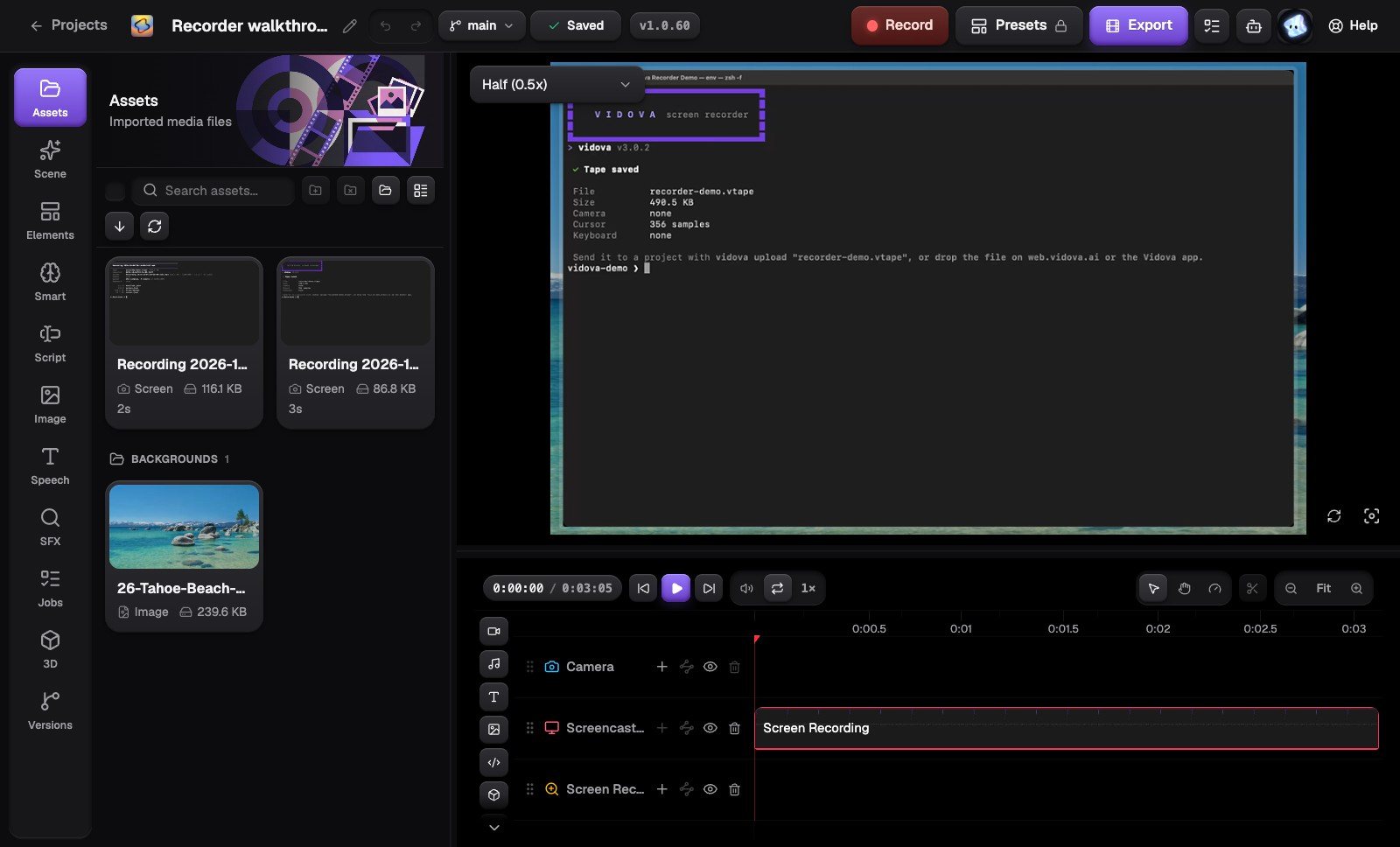
Each zoom is a clip on its own track. You can drag it, change its depth or delete it. Exports are MP4, Premiere Pro FCPXML or DaVinci Resolve OTIO, rendered on your computer. The download is free, and you can record without an account.
Screen Studio
Screen Studio made click zooms popular. It examines your clicks during the recording and zooms in on the moments that matter. It runs only on macOS, with macOS Ventura 13.1 or later recommended, and costs $29 a month or $9 a month billed yearly.
Cap
Cap is an open source recorder for macOS, Windows and Debian or Ubuntu Linux. In Studio Mode it generates zooms from your recorded clicks, and you can draw your own from 1 to 4.5 times. It is free for personal use. A desktop license is $58 once or $29 a year, and Cap Pro adds cloud features for teams.
FocuSee, Camtasia and Tella
- FocuSee runs on macOS and Windows. Its auto zoom follows clicks and typing. The free trial exports one video.
- Camtasia runs on Windows and macOS. Its product page describes zooms as edits you place, plus cursor smoothing after the take.
- Tella runs on Mac, Windows and in the browser and adds automatic zoom effects. Its site does not say that the zooms follow clicks.
How to choose
- Your computer: if anyone on the team uses Windows or Linux, Screen Studio is out.
- Click logic: a zoom on every single click is tiring to watch. Look for a tool that zooms on bursts of clicks and merges zooms that are close together.
- Editing after the take: every automatic zoom should be a clip you can move, retime or delete.
- The rest of the edit: captions, silence cuts and chapters in the same app save a second tool.
- Export: MP4 for posting, or a project file if an editor finishes the video in Premiere Pro or DaVinci Resolve.