How to make screen recordings automatically zoom into clicks
Get click zooms in a screen recording without drawing a keyframe: record with Vidova on Mac, Windows or Linux, let the editor place the zooms, then fix any one.
Last updated
The short answer
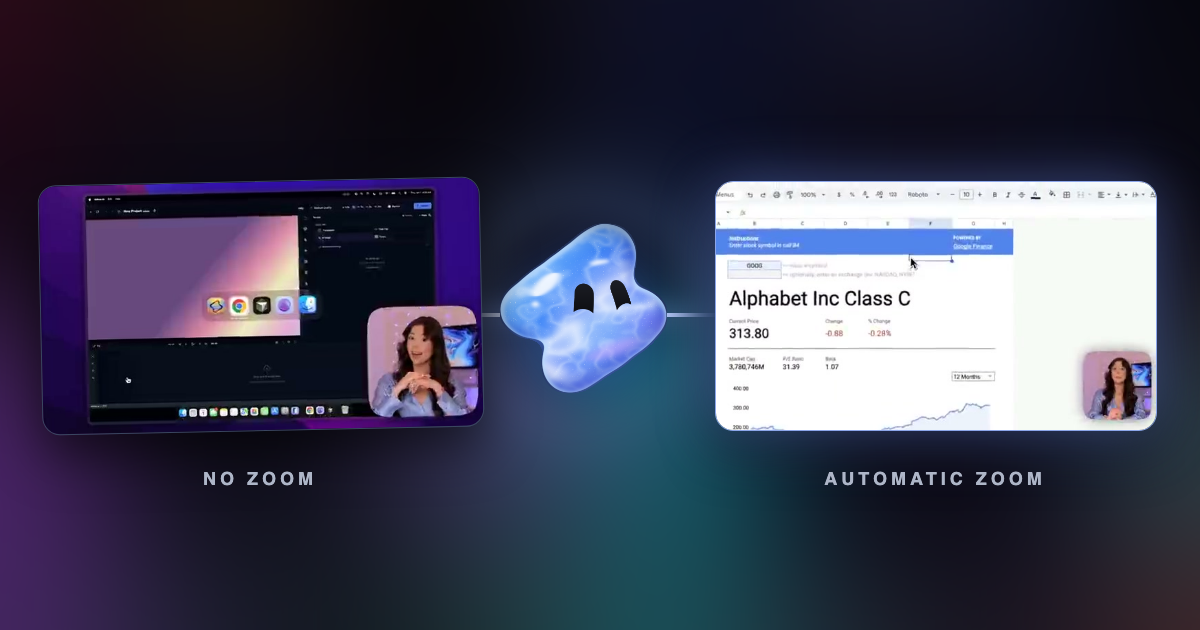
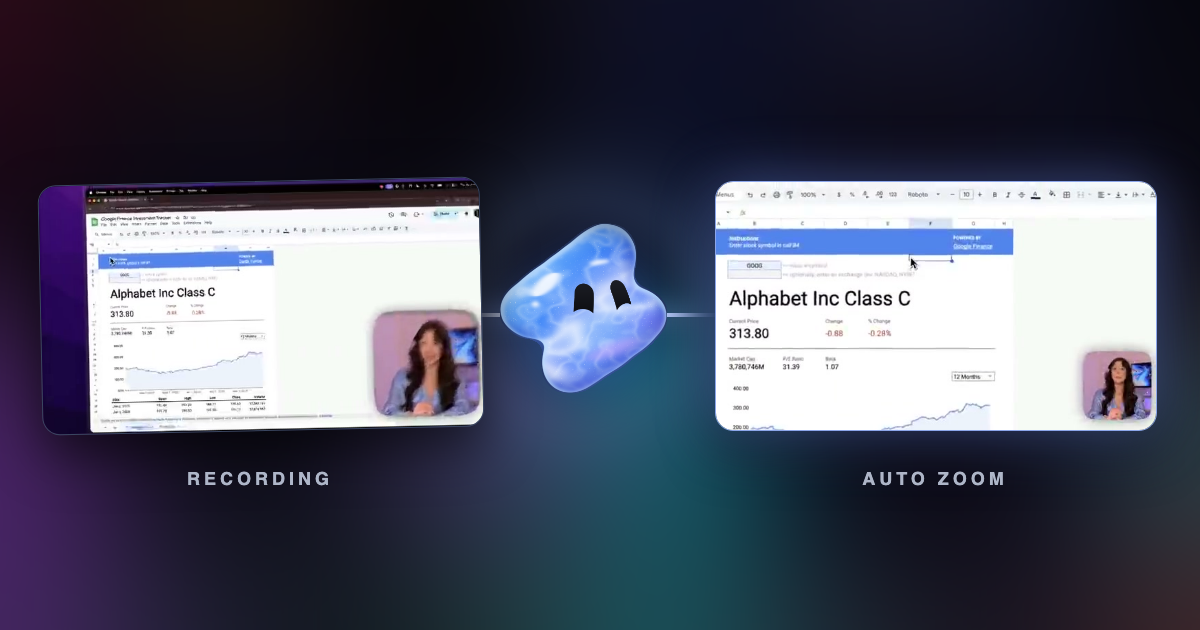
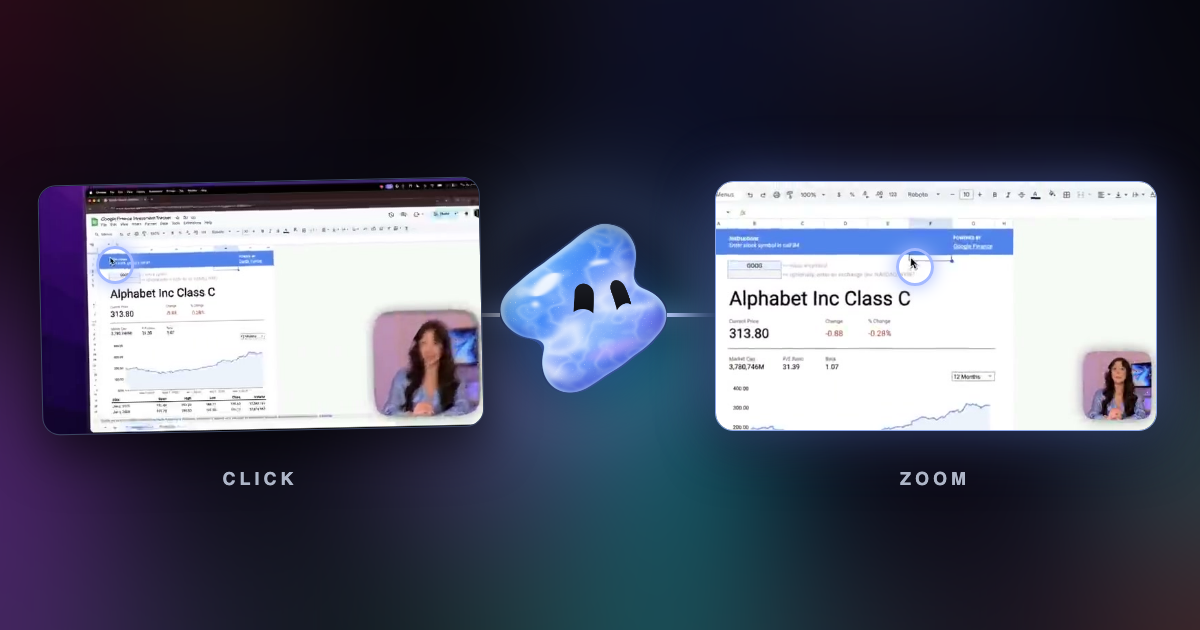
To make a screen recording zoom into clicks, record with a tool that saves your clicks and cursor path, such as Vidova Recorder. When you stop, the editor places a zoom on each burst of clicks and moves a smooth camera with the cursor. Each zoom is a clip on the timeline, so you can drag, deepen or delete it before you export.
Key takeaways
- Click zooms need click data. A plain MP4 from another recorder has none, so record with a recorder that saves it.
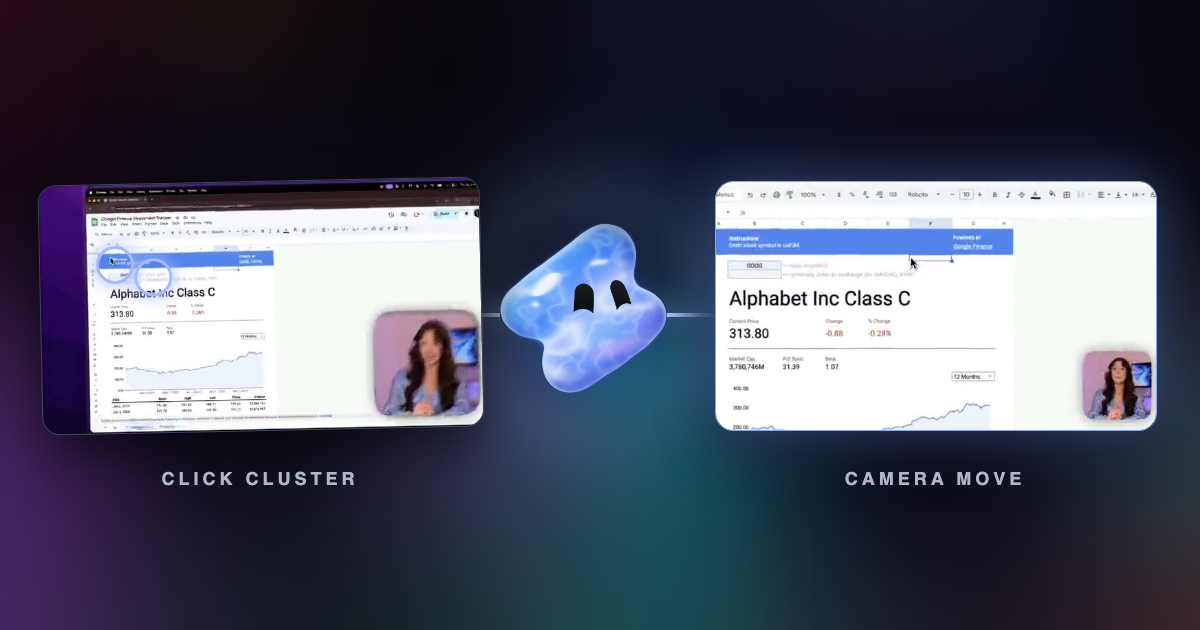
- Click in bursts where you want a zoom. Two or more clicks in one area within three seconds earn a zoom in Vidova.
- Review the zoom track before export. Delete or move any zoom that lands on the wrong part of the screen.
Why automatic zoom needs click data
A video file holds pixels. It does not know where you clicked. A recorder with automatic zoom saves the cursor position and every click as data next to the picture. The editor reads that data to decide where and when to push in. This is why you cannot get real click zooms from a video recorded in another app.
Vidova Recorder and the Vidova CLI both save the cursor path, clicks and keys with the take.
Record a take that zooms into clicks
- Download Vidova for macOS, Windows or Linux and open it. You can record without an account.
- Choose Record, then pick a display or one window. Turn on the camera, microphone and system audio you need.
- Check that cursor tracking is on in the recording settings. It is on by default.
- Record your walkthrough. Start, pause and stop from the recording bar or with the global shortcuts.
- Stop. The take opens on a timeline with a screen track, a camera track and a zoom track.
- Play it through. Drag, deepen or delete any zoom, then export.
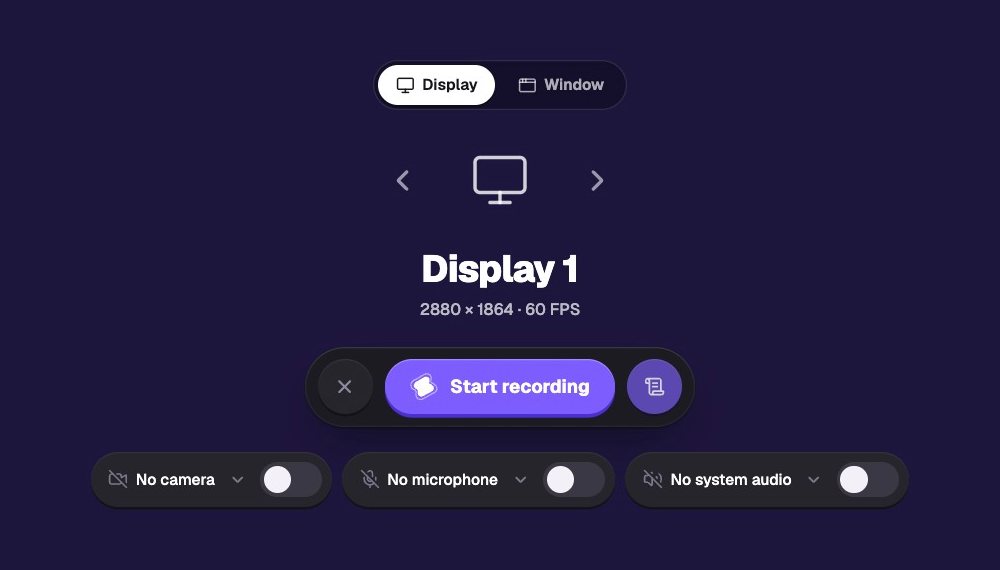
How to record so the zooms land well
- Move the cursor to the target before you click, and pause for half a second. The zoom starts 0.45 seconds before the first click, so the camera has settled when you click.
- Do related clicks together. Filling three fields in one form gives one zoom on the form, not three short ones.
- Leave a beat after the last click. The zoom holds 1.1 seconds after it so viewers see the result.
- Do not circle the cursor while you talk. Vidova ignores a still or wandering cursor, but a smooth path still reads better.
- Record a window instead of a full display when you can. The zooms then stay inside the app you are showing.
Fix a zoom by hand
Every automatic zoom is a clip on the zoom track. Select one to change its depth, its start and end, or how the camera moves in and out. Delete a zoom you do not want. To add one where you did not click, place the playhead and add a Zoom from the Add menu.
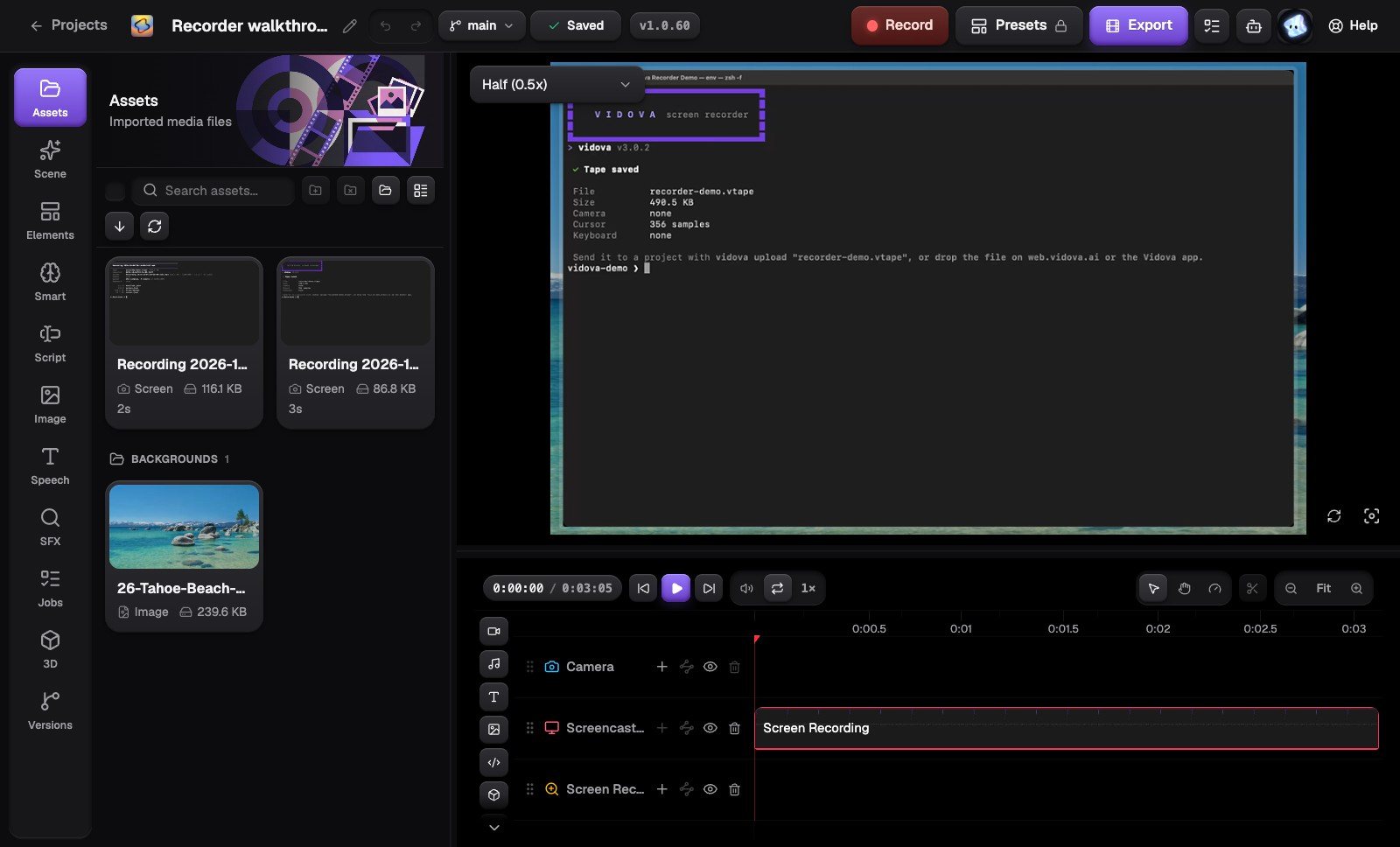
Record from the terminal instead
The Vidova CLI uses the same recorder. It saves the cursor and clicks in a .vtape file, and the editor places the same zooms after upload.
npm install -g @vidova/cli
vidova record --no-prompt --window "Chrome" --duration 60
vidova upload take.vtape --new-project "Feature demo" --wait