Vidova
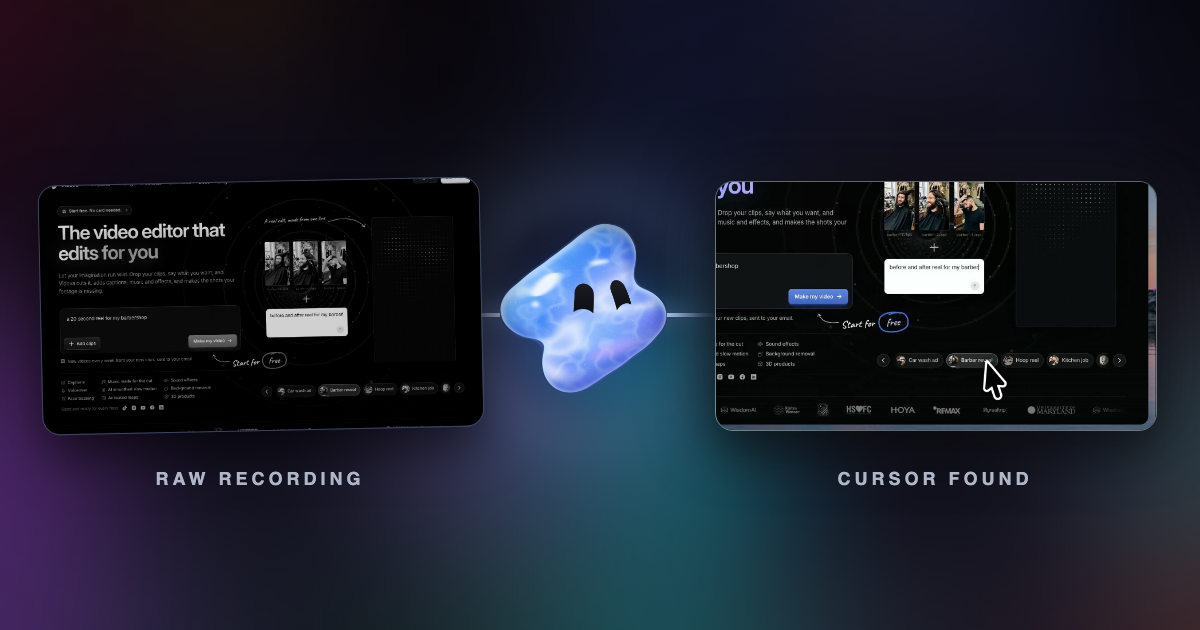
Cursor extraction: control the cursor in any screen recording
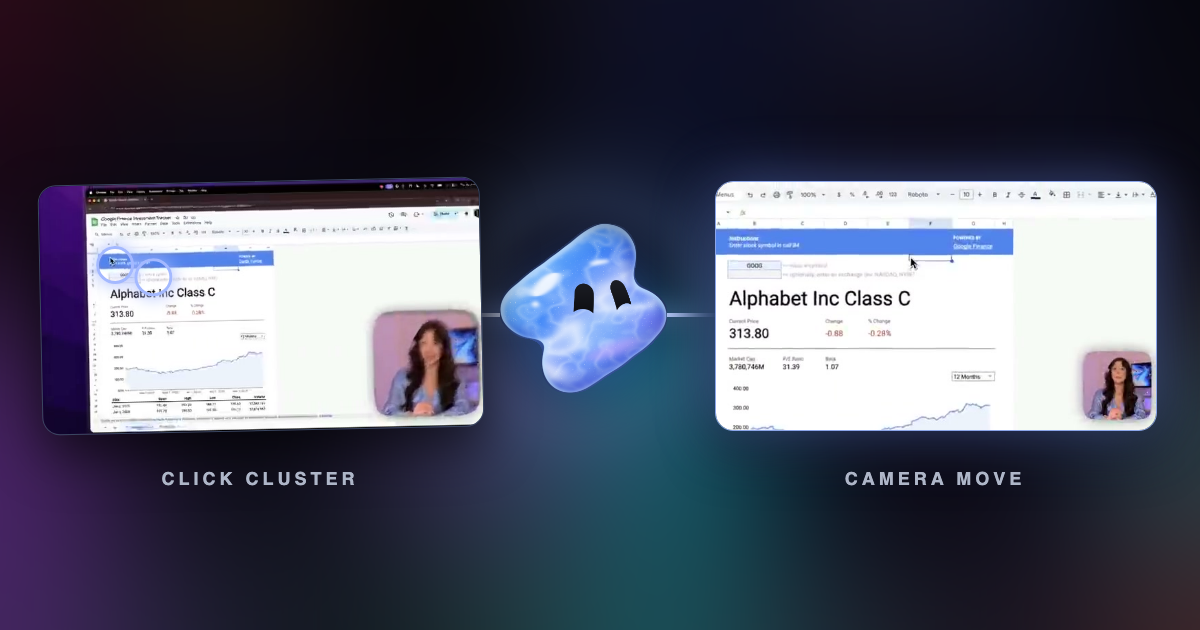
Vidova finds the cursor, the clicks and the scrolls in a screen recording from any app. Then you can restyle the cursor, add click effects and zoom where you work.
Read articleBrowse a topic
Make the next edit clearer. Learn how to brief an editing agent, turn footage into focused clips, review captions, and check the finished video.
Vidova finds the cursor, the clicks and the scrolls in a screen recording from any app. Then you can restyle the cursor, add click effects and zoom where you work.
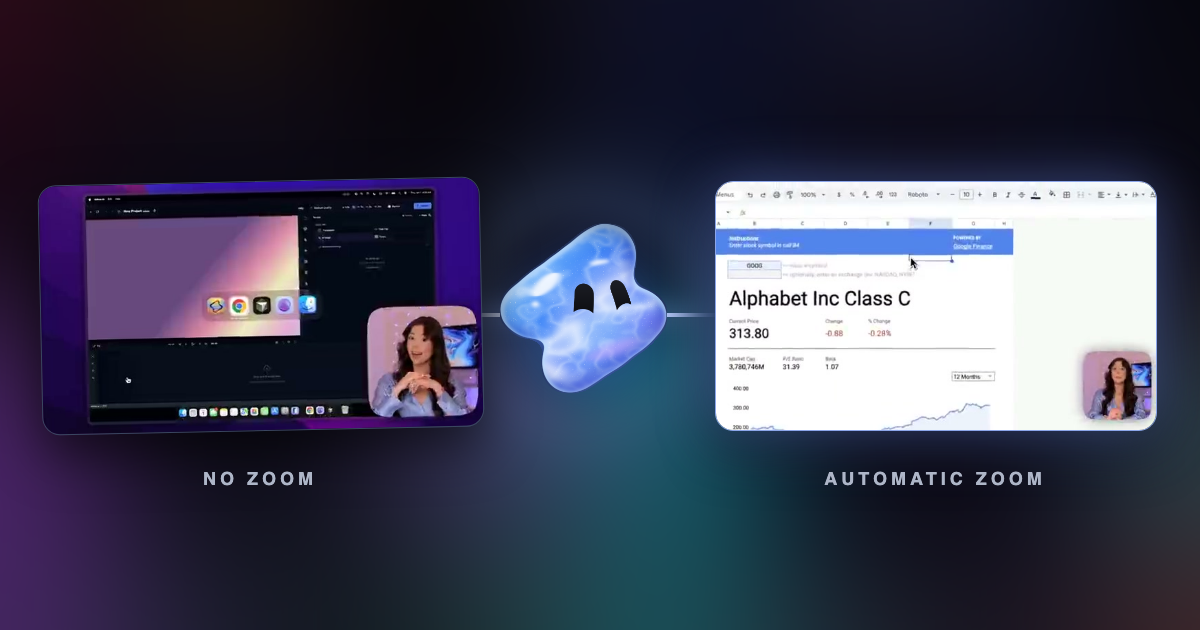
Read articleVidova Recorder is our pick for both: it places zooms on your clicks, and you fix or draw any zoom on the same track. When to use automatic zoom and when to zoom by hand.
Read articleHow a recorder such as Vidova Recorder, our pick, turns clicks into zooms: which clicks earn a zoom, why a still cursor does not, and the timing rules.
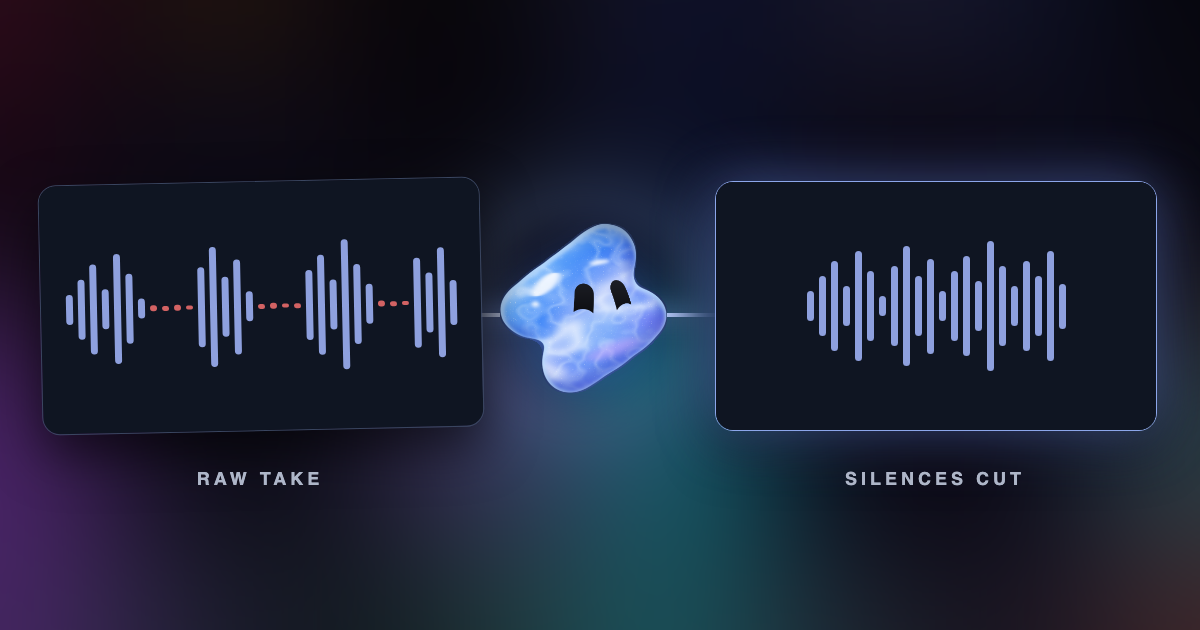
Read articleRemove silences from a video automatically: how silence detection finds the gaps, where the cuts go, which pauses to keep, and how to do it in Vidova.
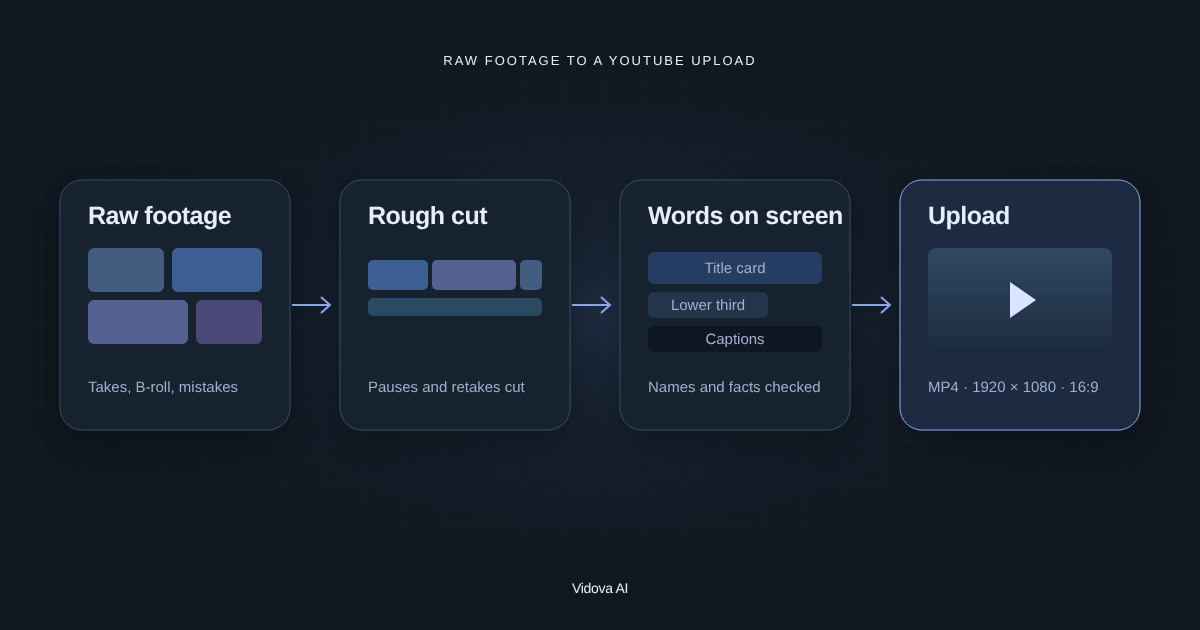
Read articleVidova is our pick: its AI agent cuts retakes and pauses, adds B-roll, titles and captions, and exports at 1920 × 1080. How to edit a YouTube video with AI, step by step.
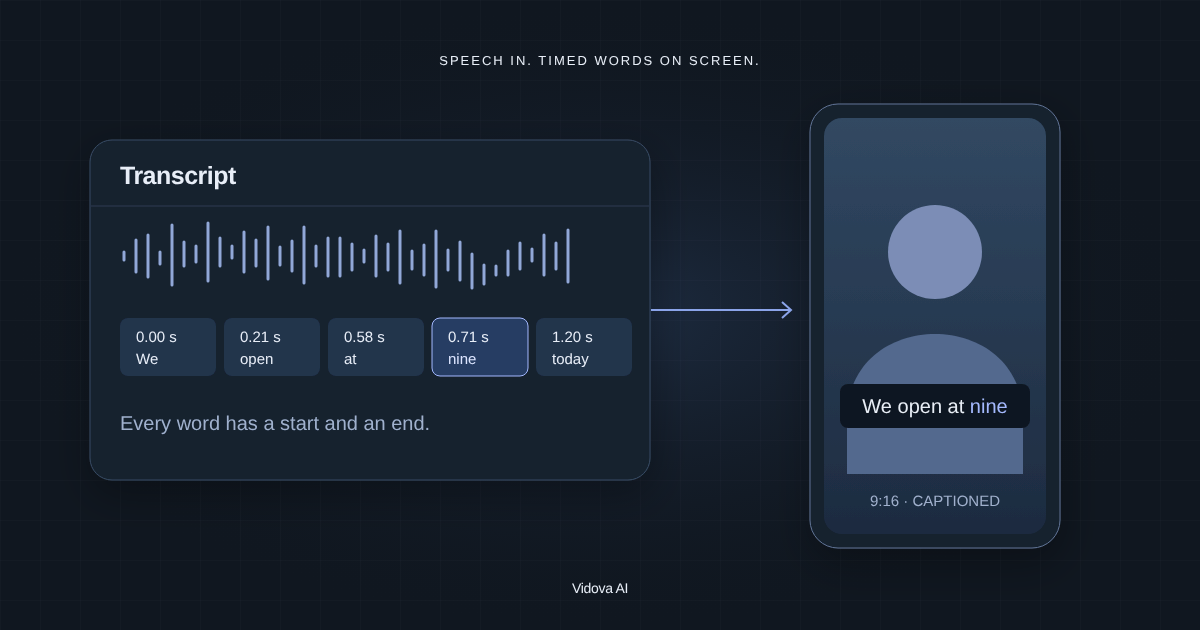
Read articleVidova is our pick: its AI agent transcribes the speech and adds captions you can fix word by word, burned in or editable. How to style them for Reels, TikTok or YouTube.
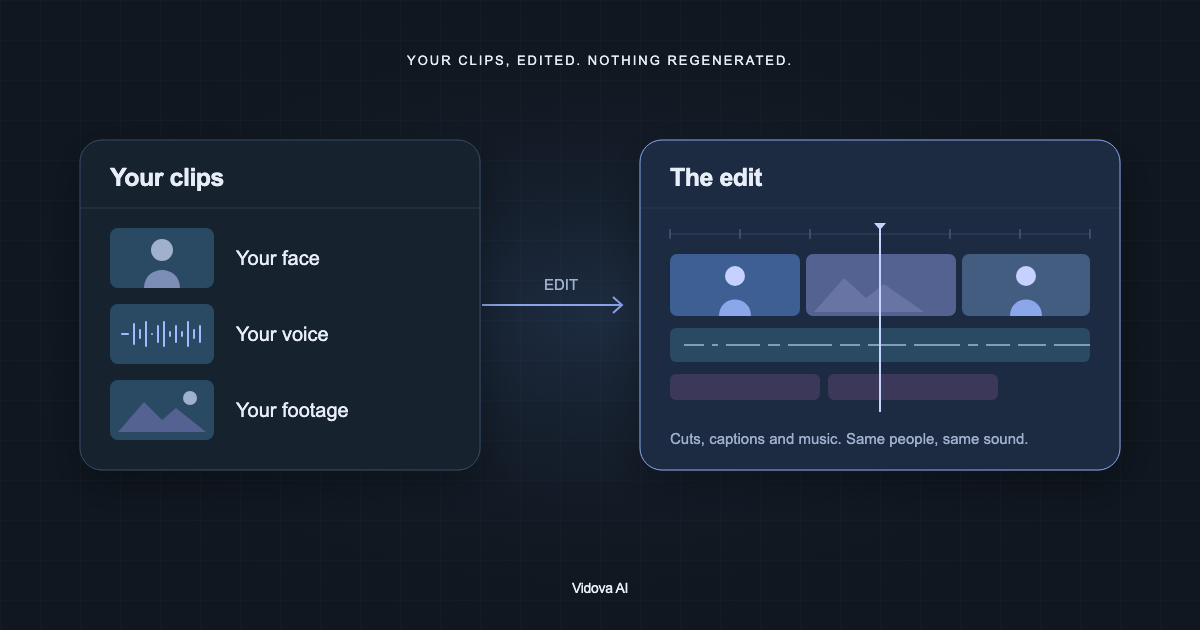
Read articleVidova is our pick: upload your clips, describe the edit in a text prompt, and its AI agent cuts your real footage into a finished video. 7-day free trial, no watermark.
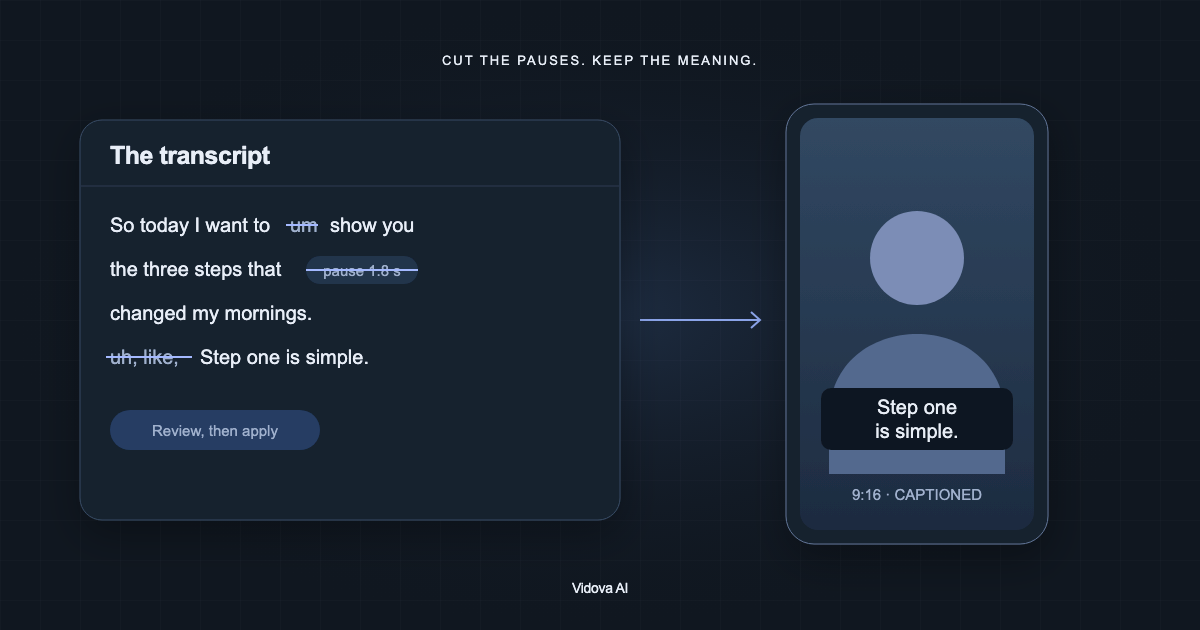
Read articleVidova is our pick: its AI agent removes silences and filler words, hides the jump cuts and adds captions. Or do it by hand in the Script panel. Step by step.
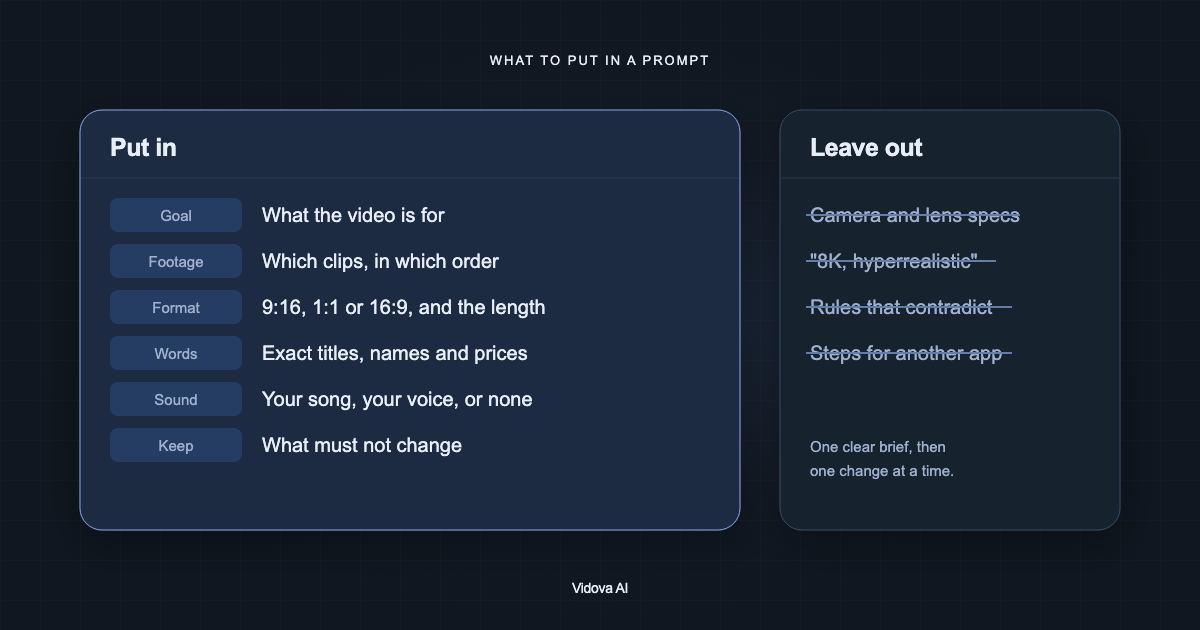
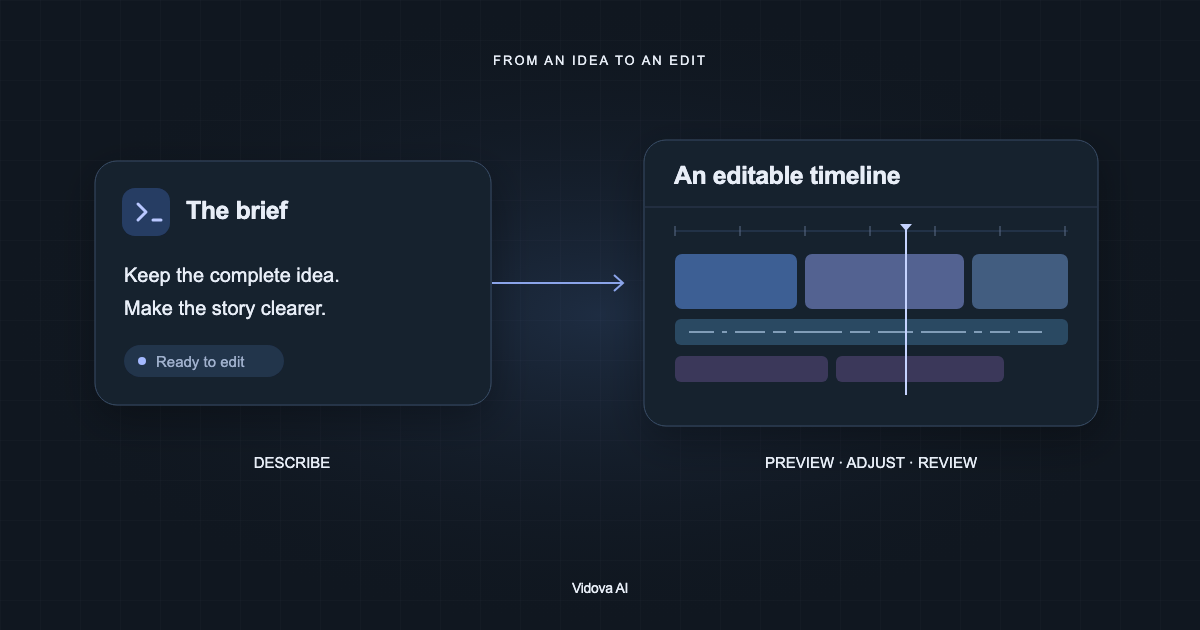
Read articleVidova is our pick for an AI video editor. What to put in its prompt, what to leave out, and how to shorten a brief that ChatGPT wrote. With a before and after example.
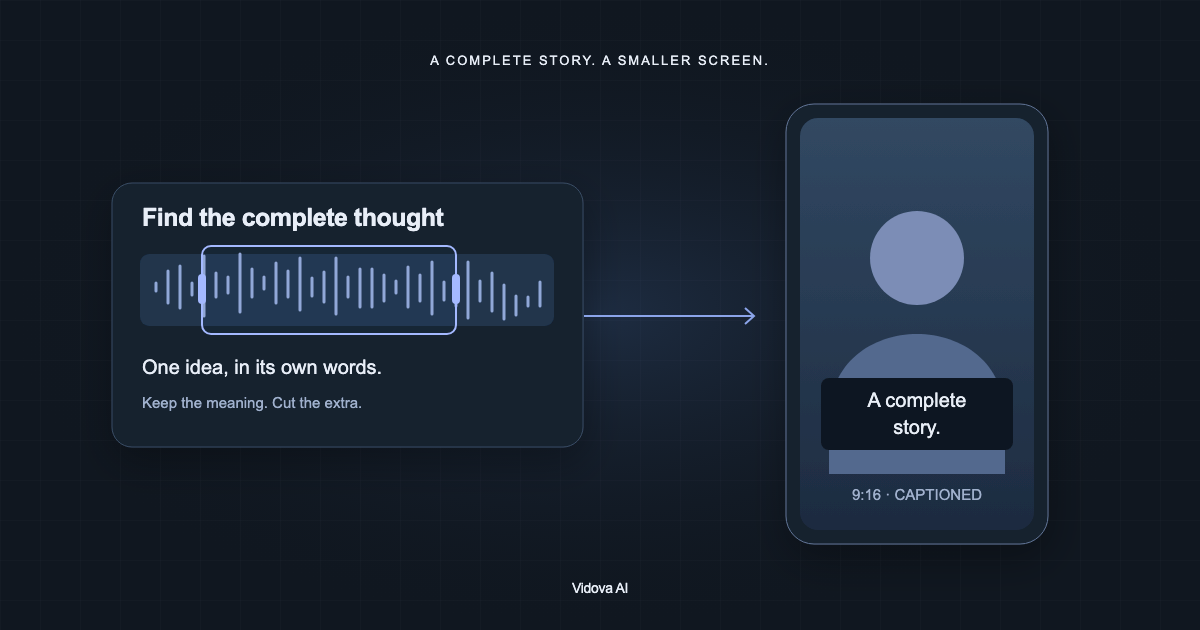
Read articleVidova is our pick: its AI agent cuts one complete idea from an interview, reframes it to vertical and adds captions you can correct. The workflow, step by step.
Read articleVidova is our pick: its AI agent reads your project, plans the edit, changes a real timeline and checks previews, and you stay in control. What agentic video editing is.
Read articleMake something with Vidova
Your footage, your ideas, and a timeline you control.