 Vidova
How to
How to make before and after videos that get views
Make before and after videos people watch twice: the same angle, a short build-up, one hard transition and the result held long enough to land. With real examples.
Updated
Examples
The short answer
A before and after video gets views when the change is big, clear and fast. Film both shots from the same spot with the same framing, show the before for one or two seconds, and cut to the after on a hard transition such as a flash or a beat. Hold the result, and keep the video under 20 seconds so people watch it again to see the change.
Step by step
Film the before from a fixed spot
Use a tripod or mark where you stand. Note the height and the zoom. The after must match it, or the change looks fake or gets lost.
Make the before show the problem
Film the worst part close: the stain, the dry patch, the dirt. Do not tidy up for the camera first. The bigger the gap, the stronger the video.
Show a little of the work
Two to four quick shots of the process prove you did it: a mower pass, a brush, a spray. Speed them up or cut them on the beat.
Cut on one strong transition
A flash of light, a wipe, a hand across the lens or a cut on a music hit. Pick one kind of transition and land it on the beat.
Hold the after
Give the result two to three seconds, longer than any other shot. Add slow motion or a slow push in so people can look. Put your name or one line of text here.
Test the order of the hook
Some versions open on a flash of the after, then go back to the before. Others put text on the before, such as "Wait for it." Make both and keep the one that holds viewers longer.
What makes a before and after spread
People share a before and after because the change feels satisfying, and they replay it to see the change again. Every replay counts as watch time. Make the change as clear as possible and put nothing between the viewer and the result.
- Same angle, same light and same framing in both shots.
- A big, visible change. A small change needs a close-up.
- Sound on the switch: a whoosh, a hit or a beat drop.
- No logo at the start. Your name goes on the result.
- Short enough to loop: 8 to 20 seconds.
Before and after formats
- Straight switch: before, flash, after. The simplest format and the easiest to share.
- Process in the middle: before, three fast shots of the work, after.
- Split screen: before on one side and after on the other, for detail side by side.
- Time series: the same spot at different times, such as a week, a month and a season later.
How Vidova makes one
Tell your AI video team what changed and add your before, process and after clips. It writes the hook, plans each shot, and builds the video on a real timeline. It cuts on the beat of its own music, lands the switch with a flash and a sound effect, and slows the result down with AI slow motion. If you talk in the clip, it adds word-by-word captions. It checks the cut before it hands it to you.
Ask for several hook versions: one that opens on the before and one that flashes the after first. Get 9:16 and 16:9 from the same project, and change anything by asking in plain words.
Vidova AI video editor
Want the whole video edited?
Describe it and Vidova does it. It opens in a new project in the editor, where you add your video.
Frequently asked questions
How long should a before and after video be?
8 to 20 seconds. A short video gets watched more than once, and the change is the whole story. Add a process section only when the work itself is interesting to watch.
What transition works best?
One clean transition on a beat: a flash, a wipe or a hand across the lens. Use the same one every time, and people start to know your videos by it.
How do I line up the before and after shots?
Use a tripod or mark the spot on the ground. Keep the same height, zoom and time of day. Take a photo of the framing before you start the job, so you can match it after.
Should I talk in a before and after video?
It is optional. Music and sound effects carry most before and after videos. If you talk, add captions, since many people watch with the sound off.
Can I post the same before and after more than once?
Yes. Post the fast version first, then a longer version with the process, then a split screen. Each format reaches different viewers.
How do I make one without editing skills?
In Vidova you upload your clips and say what changed. Your AI video team cuts it, matches the shots, adds the transition, music and text, and checks it. You ask for changes in plain words.
More guides
All guides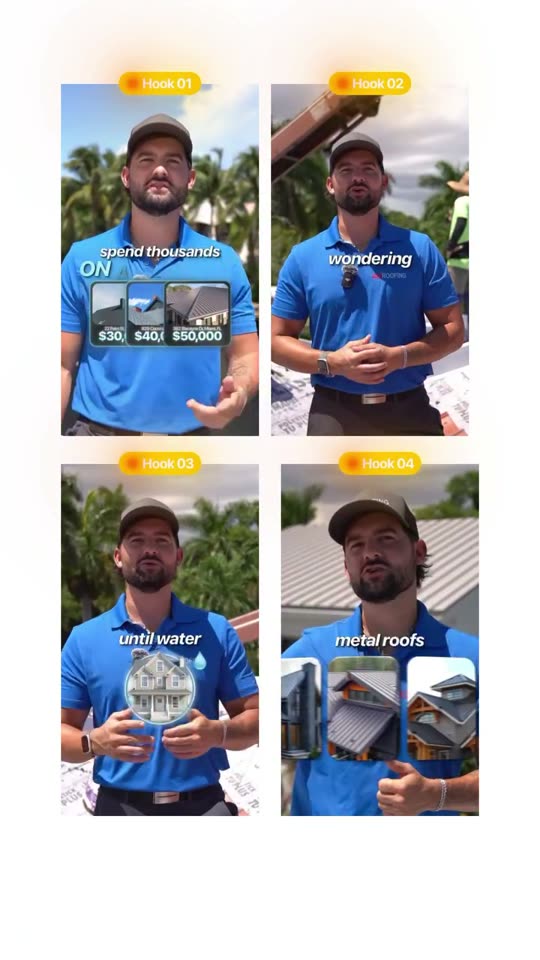
How to make video ads for roofers, contractors and home services
Roofers, contractors, builders, lawn care, cleaning and other home service businesses
Read the guide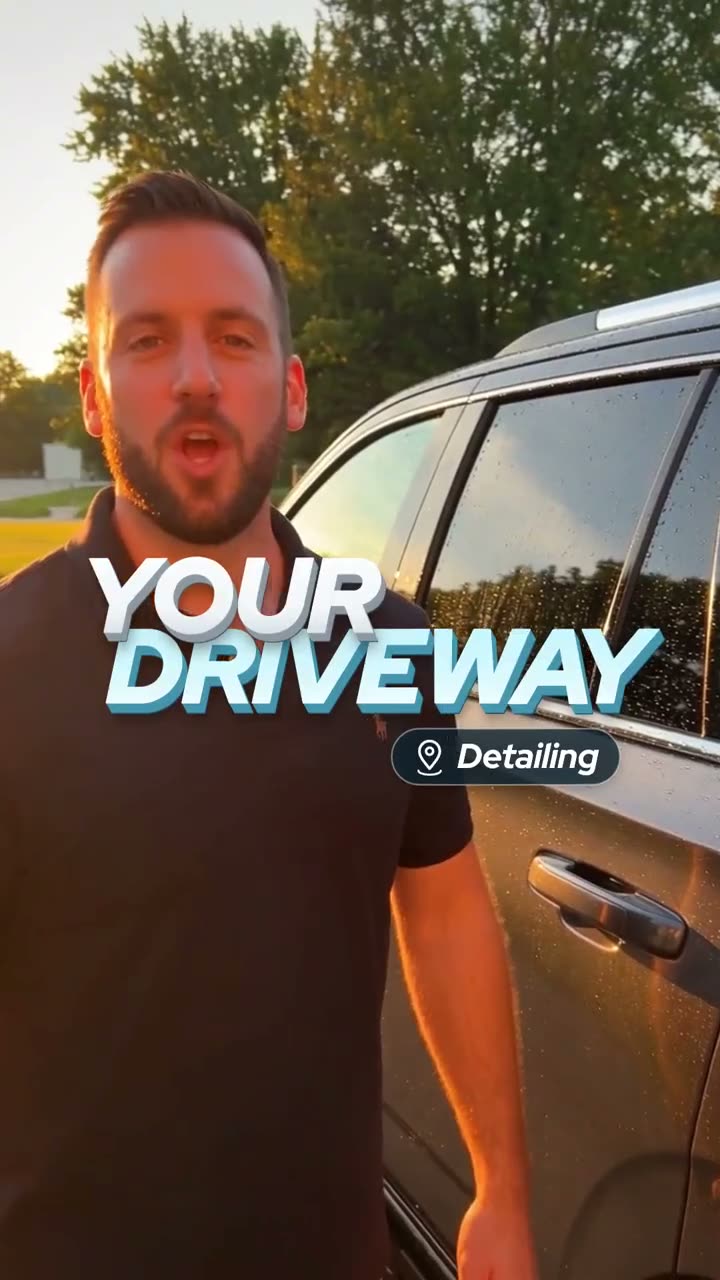
How to make car detailing videos that get views
Car detailers, car washes, ceramic coating and paint protection shops
Read the guide
How to make spa, salon and beauty reels that bring in bookings
Spas, hair and nail salons, barbers, lash and brow studios
Read the guide