 Vidova
How to
How to make podcast clips that go viral
Turn podcast episodes into short clips people share: the strongest line first, one thought per clip, big word-by-word captions, and cuts between close and wide. With real examples.
Updated
Examples
The short answer
A podcast clip goes viral when its first line is the most surprising thing said in the episode. Cut straight to that line, keep one complete thought of 20 to 45 seconds, add big word-by-word captions, and switch between close and wide shots so the frame keeps moving. End the clip the moment the thought lands.
Step by step
Find the lines people would repeat
Read the transcript and mark every strong opinion, surprising number and short story with a clear end. Those are your clips. A good episode gives five to ten.
Start on the strongest line
Cut the setup. The clip opens on the sentence that makes people stop: the claim, the number, the twist. If the context matters, add it as on-screen text, not as extra talk.
Keep one complete thought
A clip has a start, a point and an end in 20 to 45 seconds. Cut the filler words and the long pauses. Stop the clip the moment the point lands.
Add big word-by-word captions
Most people scroll with the sound off. Put large captions in the middle of the frame, a few words at a time, with the key word bigger or in a second colour.
Keep the frame moving
Switch between a close shot and a wide shot every few seconds. Zoom in on the punchline. When a number or a name comes up, put it on screen big.
Name the guest and the show
Add a lower third with the guest's name and role in the first seconds. Put the show name at the end, so people know where to hear more.
Post several clips per episode
Spread the clips over the week. Test two hooks on the best one. Use the clip that wins to pick topics for the next guest.
What makes a podcast clip spread
People share a clip when it says something they agree with strongly or disagree with strongly. A calm summary does not travel. A sharp opinion, a number that surprises, or a story with a twist does.
- The first line works without context. A new viewer understands it alone.
- One speaker per clip is easier to follow than a back and forth.
- Captions match the speech exactly, word by word.
- Good sound matters more than a good camera. Use the clean microphone track.
- The clip ends on a strong line, never on a laugh that trails off.
Podcast clip formats that work
- Hot take: one strong opinion in under 30 seconds.
- Story: a short story with a clear twist at the end.
- Number: a surprising figure said by the guest, shown big on screen.
- Advice: one tip the viewer can use today.
- Question and answer: the host's question as text, then the guest's answer.
How Vidova makes one
Give your AI video team the episode and say who the show is for. It finds the strongest moments, writes the hook and plans each clip. It builds each clip on a real timeline, cuts between close and wide, adds word-by-word captions, a name lower third, and big numbers or titles when the guest says them. It checks each cut before it hands it to you.
It makes a 9:16 for Reels, TikTok and Shorts and a 16:9 for YouTube from one project, and several hook versions of the same clip. If a word needs fixing, it can clone the speaker's voice and lip sync a new line. Ask for any change in plain words.
Vidova AI video editor
Want the whole video edited?
Describe it and Vidova does it. It opens in a new project in the editor, where you add your video.
Frequently asked questions
How long should a podcast clip be?
20 to 45 seconds for Reels, TikTok and Shorts. That fits one complete thought. A longer clip works only when the story keeps building to the end.
How do I find the best moments in a podcast?
Read the transcript and look for strong opinions, surprising numbers and short stories with a clear end. In Vidova your AI video team finds them for you and makes the clips.
Do podcast clips need captions?
Yes. Most people watch short videos with the sound off. Big word-by-word captions in the middle of the frame keep them watching.
Can I make clips from an audio-only podcast?
Yes. Use the audio with big captions, the guest's photo, and visuals that match what is said, such as numbers, titles or stock footage.
How many clips should I make from one episode?
Five to ten from a strong hour-long episode. Post them across the week and look at which one gets the most watch time.
Which platforms are best for podcast clips?
Instagram Reels, TikTok and YouTube Shorts for the vertical clips, and YouTube for the full episode. Use the same clip on all three.
More guides
All guides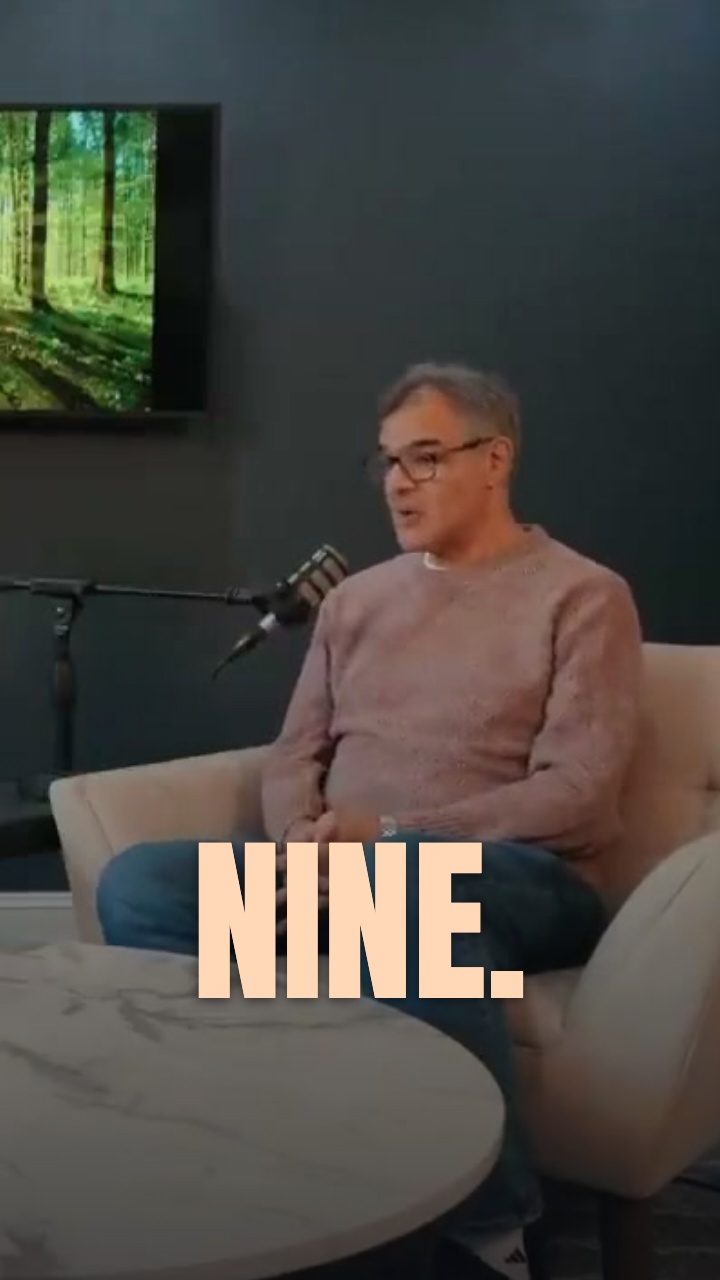
How to turn long videos into Shorts and Reels that get views
YouTubers, coaches, course creators and teams with webinars
Read the guide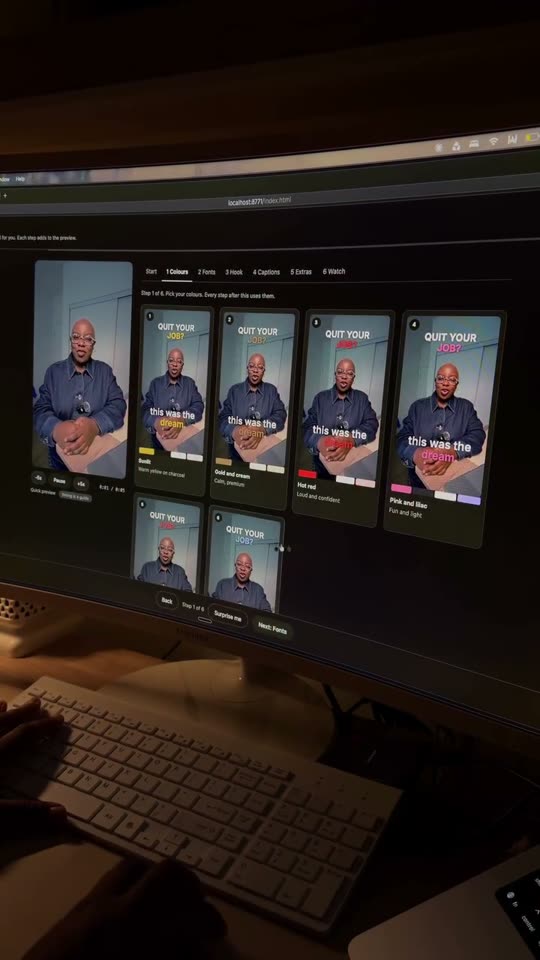
How to add captions that keep viewers watching
Creators, podcasters, coaches and local businesses
Read the guide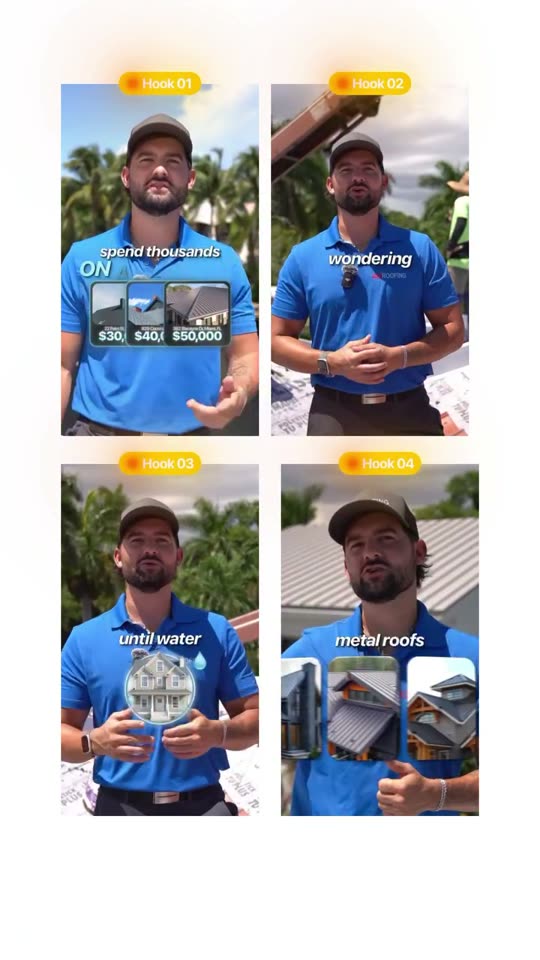
How to write video hooks that stop the scroll
Local businesses, creators, coaches and marketers
Read the guide