 Vidova
How to
How to write video hooks that stop the scroll
Write video hooks that make people stop and watch: call out the viewer, lead with the result, show it in the first frame, and test several versions. With real examples.
Updated
Examples
The short answer
A hook stops the scroll when the first two seconds tell the right person that this video is for them and promise a payoff. Call out the viewer or lead with the result, say it and show it as text in the first frame, and start on movement. Make three or four hook versions of the same video and keep the one that holds people longest.
Step by step
Name who the video is for
The fastest hook is a callout: "Homeowners in Austin", "If you run a cafe", "New gym members". The right viewer stops because the video names them. The wrong viewer scrolls, and that is fine.
Lead with the result or the surprise
Open on the outcome, the number or the claim that sounds wrong. "This lawn was brown on Monday" works better than "Today I want to show you". Never greet the viewer or explain what the video is about.
Say it and show it in the first frame
Put the hook as bold text on screen from the very first frame, and say the same words out loud. Keep the text to six words or fewer, so it reads in one glance.
Start on movement
The first frame should already move: a pour, a step, a door opening, a hand on the product. A still opening frame looks like an ad that has not started yet.
Make the next three seconds pay it off
A hook earns a stop, and the next beat earns the watch. Show the first proof right after the hook: the before shot, the first number, the first step.
Test three or four hooks on one video
Keep the body the same and change only the first two seconds. Post the versions a few days apart, or run them as separate ads, and keep the one that holds viewers longest.
Hook types that work
- Callout: name the viewer, their city or their problem. "Are you a homeowner in South Florida?"
- Result first: show the finished lawn, the clean car or the full room before the work.
- Number: one specific figure on screen, large. "20,000" or "3 days".
- Bold claim: a sentence the viewer wants to check. "Your code is slow for one boring reason."
- Mistake: "Stop washing your car like this." People stay to see if they make it.
- Question with a known answer: "Which planet has the most moons?" The viewer guesses and waits.
What kills a hook
- A logo, an intro card or a slow fade at the start.
- "Hey guys" or "In this video". Start on the point.
- Text that is too small to read on a phone, or sits under the app buttons.
- A hook the video never pays off. Viewers leave and the platform learns from it.
- Long sentences. If the hook needs a comma, it is too long.
How Vidova makes one
Tell your AI video team what you sell and who it is for. It writes the hook and the script, plans each shot, and builds the video on a real timeline with your own clips and photos, or with visuals it makes: generated pictures and video clips, titles, counters and stock footage. It adds word-by-word captions and checks the cut before it hands it to you.
Ask for several hook versions of the same video, and your team makes each one with its own opening line, text and first shot. It can also open on an effect on a person, such as a freeze frame with a spotlight or text behind the person. You change any part by asking in plain words.
Vidova AI video editor
Want the whole video edited?
Describe it and Vidova does it. It opens in a new project in the editor, where you add your video.
Frequently asked questions
How long should a video hook be?
One to three seconds. That is about six spoken words and a short line of on-screen text. If it takes longer to say, cut it down or split it into a hook and a follow-up line.
Should the hook be spoken or written on screen?
Both. Many people watch with the sound off, and others listen without looking. Put the same words in speech and in bold text from the first frame.
What is a callout hook?
A hook that names the viewer: their job, their city or their problem. "Are you a homeowner?" or "If you run a salon". It stops the right people and tells the platform who to show the video to.
How many hooks should I test?
Three or four per video is a good start. Keep everything after the hook the same, so you know the hook made the difference.
Do hooks work for ads too?
Yes. An ad has the same two seconds to earn a stop. Run several hook versions of one ad and move your budget to the one that holds viewers longest.
Can Vidova write the hooks for me?
Yes. Your AI video team writes the hooks with the script, and it can make several hook versions of one video for you to post or test.
More guides
All guides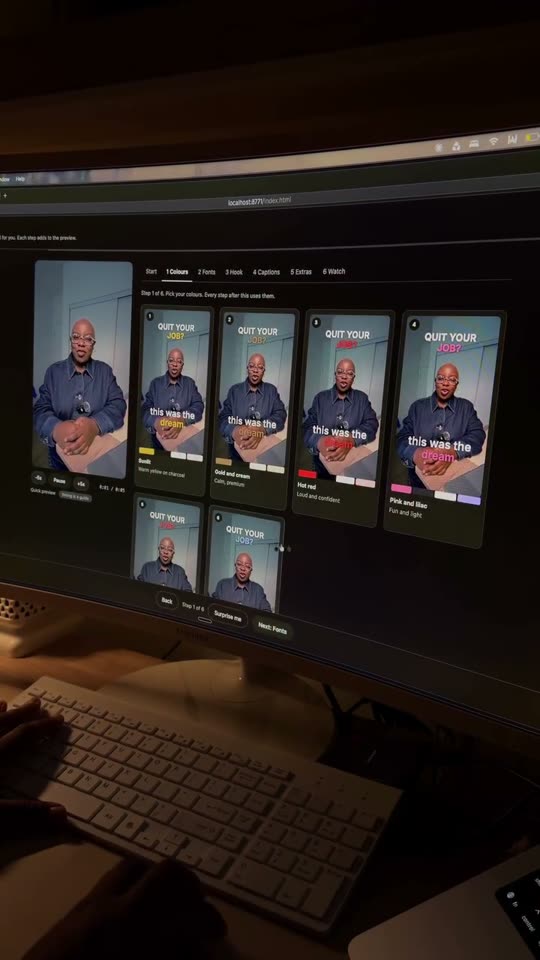
How to add captions that keep viewers watching
Creators, podcasters, coaches and local businesses
Read the guide
How to make talking head reels that keep people watching
Business owners, coaches, consultants and service pros
Read the guide
How to make explainer videos that go viral
Coaches, SaaS teams, educators and finance creators
Read the guide