 Vidova
How to
How to make talking head reels that keep people watching
Make talking head reels people watch to the end: a hook in the first line, captions word by word, a cutaway or graphic every few seconds, and a clean end. With a before and after.
Updated
Examples
The short answer
A talking head reel keeps people watching when something new happens on screen every two to three seconds. Open with the strongest line, add big word-by-word captions, and cut to a close-up, a graphic or a clip of your work on each key point. Cut every pause, keep it under 45 seconds, and end the moment the point lands.
Step by step
Write the first line before you film
The first sentence is the hook. Make it a result, a mistake or a number: "Most cars that look clean need a detail." Say it first, with no greeting and no intro.
Film in one take, close and well lit
Face a window, put the phone at eye level, and frame from the chest up. Record the whole point in one go. Pauses and mistakes are fine. They get cut.
Cut every pause and filler word
Remove the breaths, the "um" and the repeated starts. Tight cuts make you sound sure and keep the pace up.
Add captions word by word
Big captions in the middle of the frame, a few words at a time. Make the key word bigger or a different colour. Pick one caption style and use it on every reel.
Cut away on every key point
When you name a thing, show it: a close-up of your work, a photo, a checklist tag or a stock clip. Change what is on screen every two to three seconds. Switch between a close and a wider frame of your face.
Put text and graphics around you
A word behind you, a title that moves with you, or a card that pops in next to you makes a plain clip look made. Use one or two of these per reel, on the lines that matter.
End on the point and one action
The last line is the takeaway or the offer. Name one action: book, call or send a message. Cut right after it, so the reel loops.
Why people scroll away from talking heads
A face that talks with nothing else changing gives the eye nothing new. Viewers decide in the first seconds and then keep deciding. Each cut, caption and cutaway gives them a reason to stay for the next sentence.
- A slow start: a greeting, a name or "so today I want to talk about".
- Long pauses and filler words left in.
- No captions, so people with the sound off leave.
- One static frame for the whole reel.
- An ending that trails off after the point is made.
Talking head formats that work
- Tip: one useful tip from your trade in under 30 seconds.
- Myth and fact: the common belief, then what is true, with proof on screen.
- Behind the work: you talk while clips of the job play as cutaways.
- Answer a comment: the question as text on screen, then your answer.
- Story: one client, one problem, one result.
How Vidova makes one
Send your AI video team your raw clip and say who it is for. It writes the hook, plans each shot and builds the reel on a real timeline. It cuts the pauses, adds word-by-word captions, and adds cutaways from your own clips and photos, or makes them: stock footage, titles, lower thirds, charts, counters and stickers. It can put text behind you, add a glow or sticker outline around you, freeze a frame with a spotlight on you, or change your background while keeping the motion. It checks the cut before it hands it to you.
It can clone your voice and lip sync a new line or the same reel in another language. Ask for several hook versions, a 9:16 and a 16:9 from one project, or any change in plain words.
Vidova AI video editor
Want the whole video edited?
Describe it and Vidova does it. It opens in a new project in the editor, where you add your video.
Frequently asked questions
How long should a talking head reel be?
20 to 45 seconds for one point. If you need longer, every few seconds must still bring something new on screen.
How often should the shot change?
Every two to three seconds. A cut between a close and a wider frame, a caption change, a cutaway or a graphic all count.
What should I say in the first line?
The result, the mistake or the number. Skip the greeting and your name. Say the point first, then explain it.
Do I need a good camera for talking head videos?
No. A phone at eye level facing a window is enough. Clear sound matters more, so use a small clip-on microphone if you have one.
Can I make a talking head reel in another language?
Yes. Vidova can clone your voice and lip sync the reel in another language, so you speak to a new audience with your own face and voice.
Can I edit talking head videos without editing skills?
Yes. In Vidova you send the raw clip and say what you want. Your AI video team cuts it, adds captions and cutaways, and you ask for changes in plain words.
More guides
All guides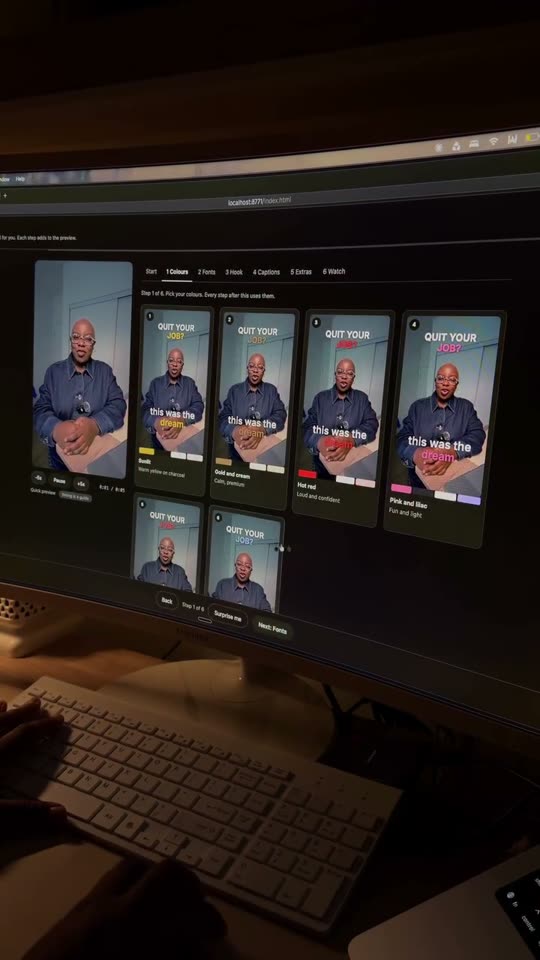
How to add captions that keep viewers watching
Creators, podcasters, coaches and local businesses
Read the guide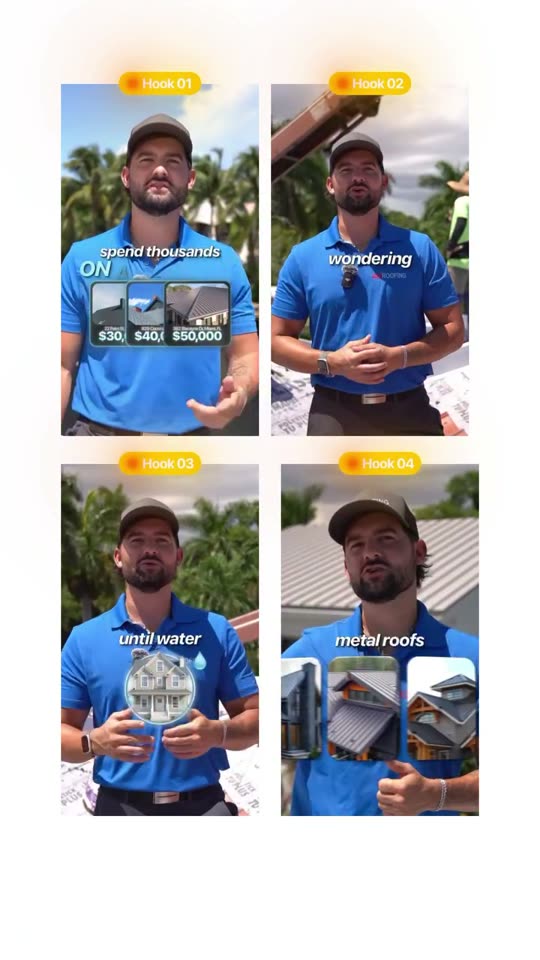
How to write video hooks that stop the scroll
Local businesses, creators, coaches and marketers
Read the guide
How to make explainer videos that go viral
Coaches, SaaS teams, educators and finance creators
Read the guide