What AI video editors cost in November 2026: the price of Vidova, and paid plans, credits and free plan limits for CapCut, Descript, Kapwing, VEED, Canva, invideo and Filmora.
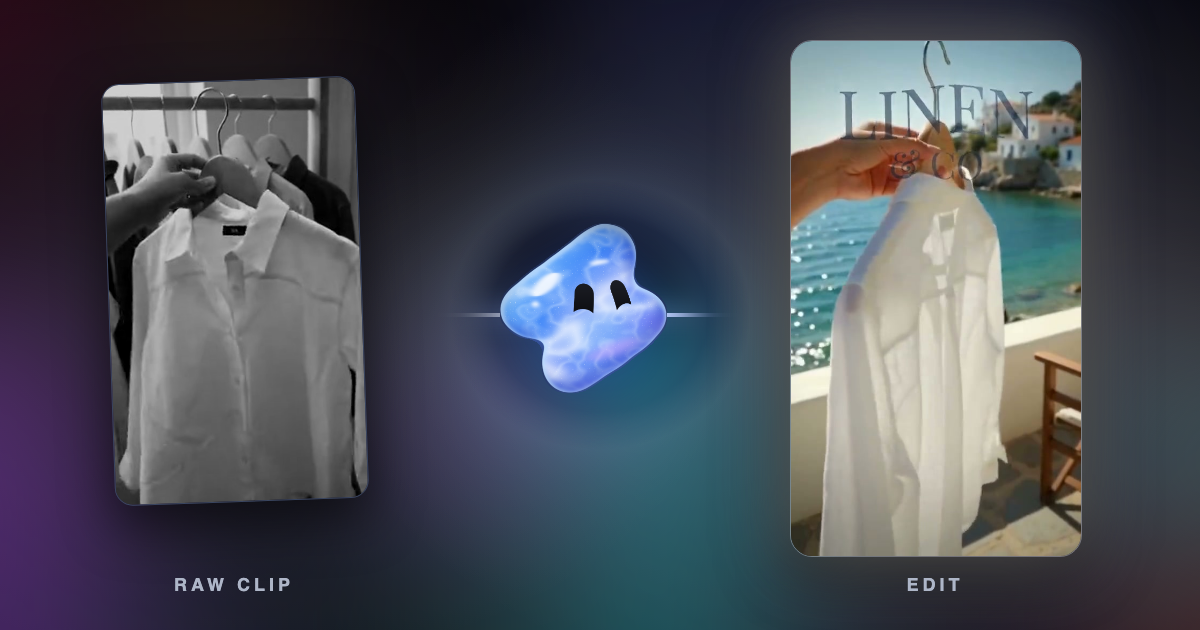
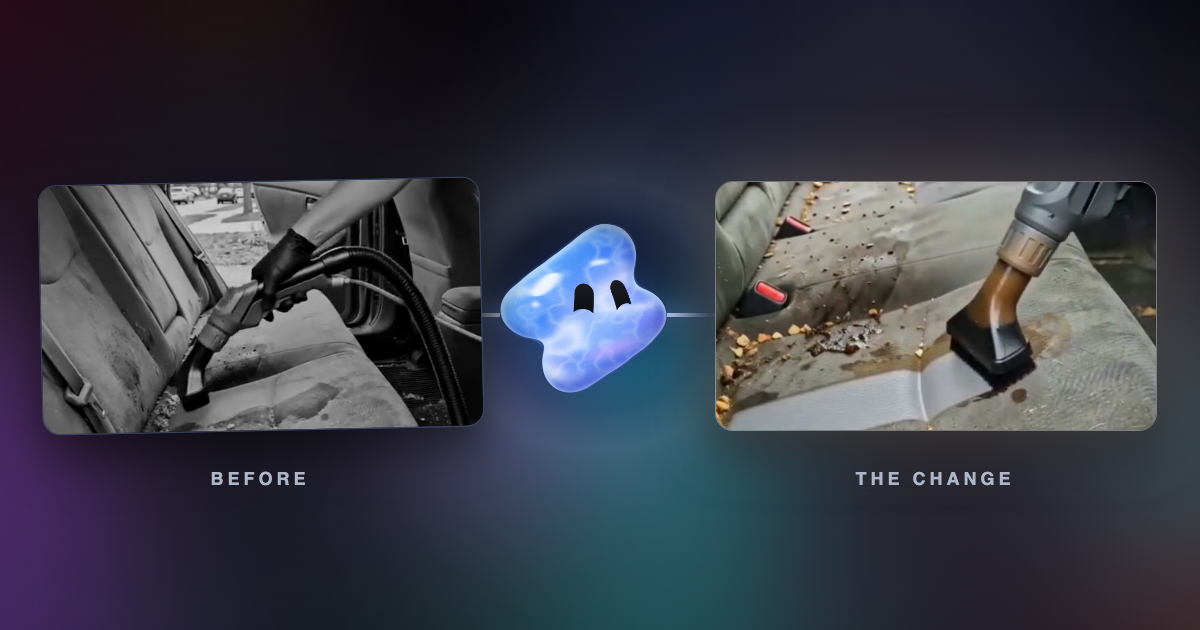
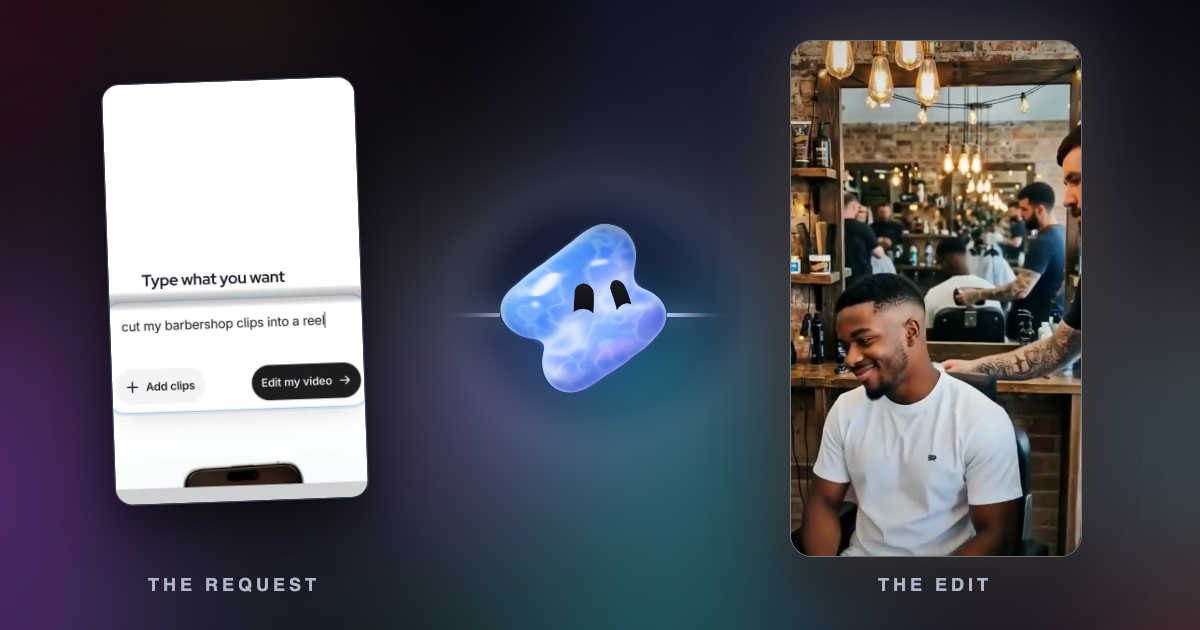
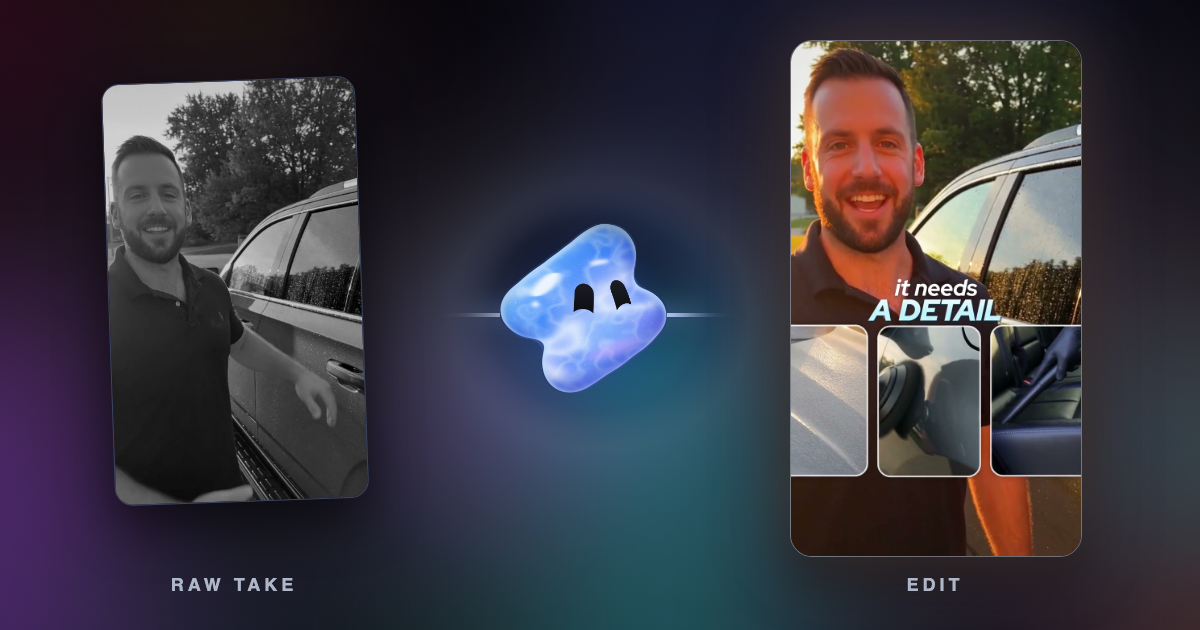
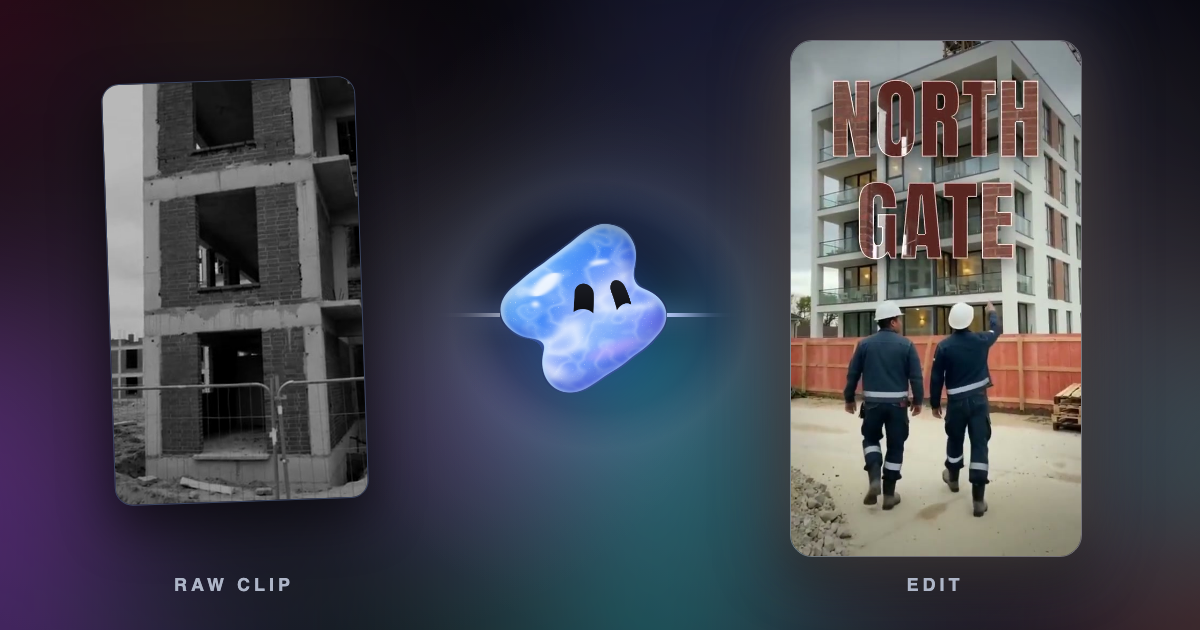
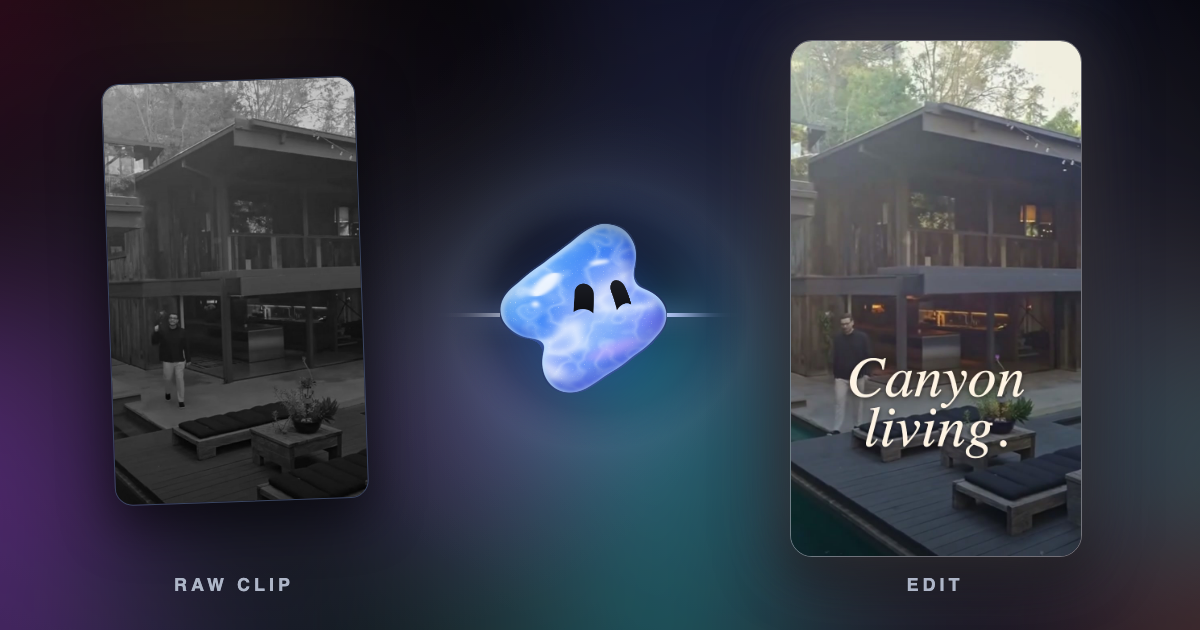
Make a before and after video with AI: film both states from one spot, keep one moment of the work and land the change on a beat. For barbers, builders and gyms.
Ten AI video editors for Windows and Mac compared on platform, price and free limits: Vidova, Descript, CapCut, Premiere, DaVinci Resolve, Filmora and more.
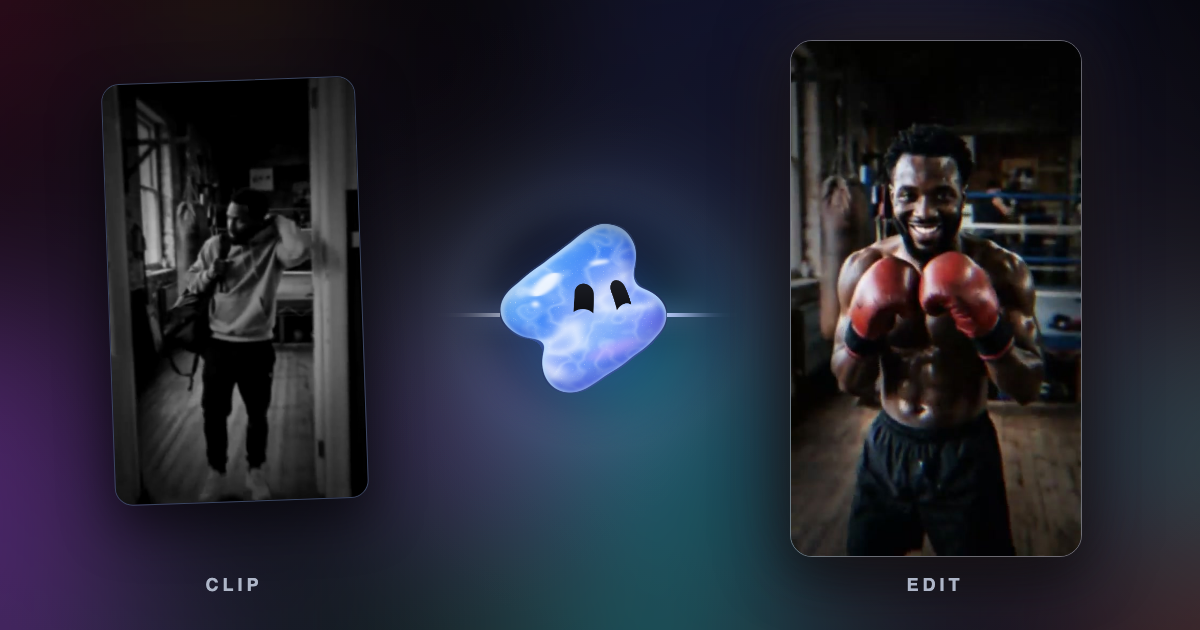
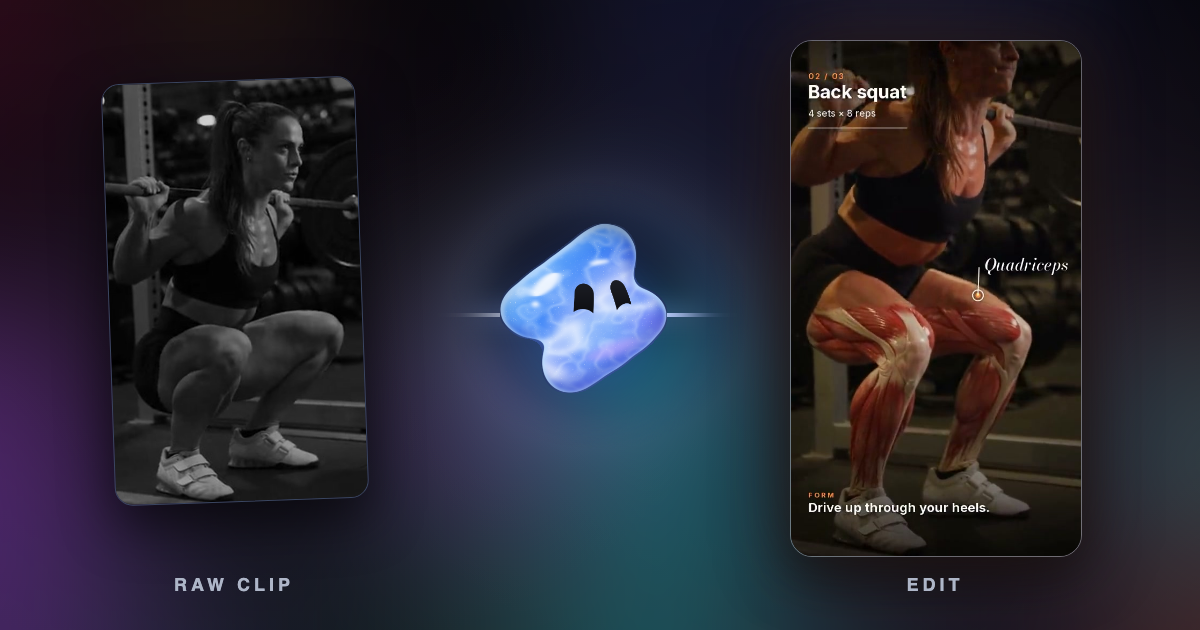
Turn raw workout footage into a fitness reel with AI: cut the rest between sets, slow the hardest rep and land it on the beat. Formats, briefs and music rules.
Clean the sound of a video with a free voice isolation tool, then compare Vidova, Adobe Podcast, Descript, CapCut, iMovie, Premiere, Resolve and Audacity.
Split a video at every cut and fade with a free tool, download each scene as an MP4, and compare PySceneDetect, FFmpeg, CapCut, Premiere, Resolve and Filmora.
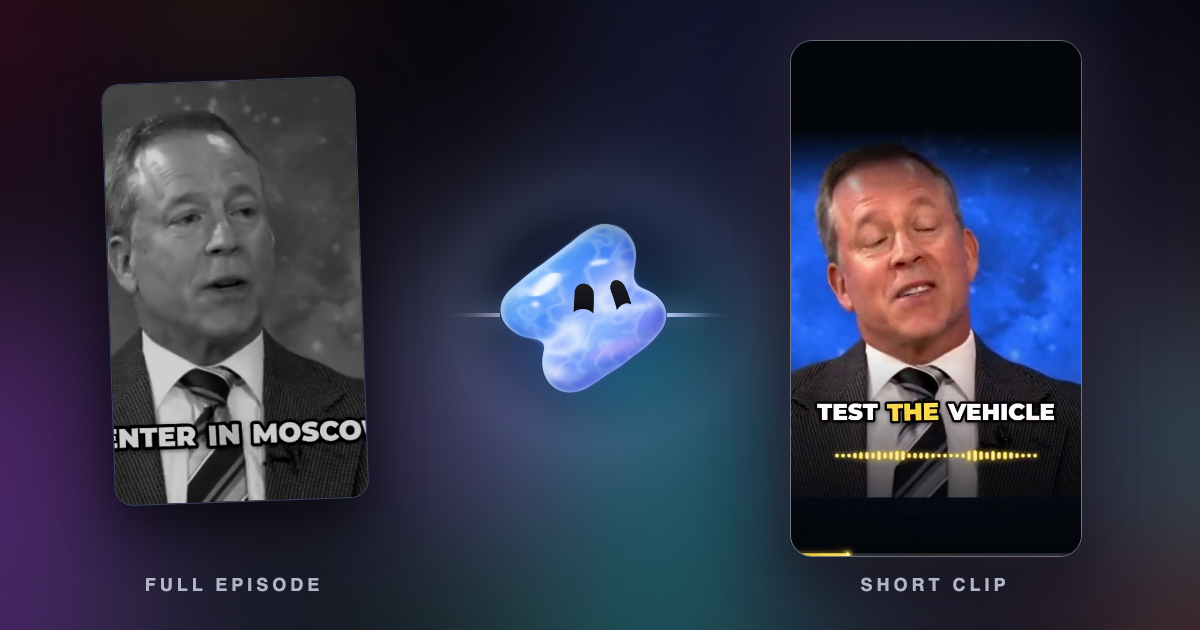
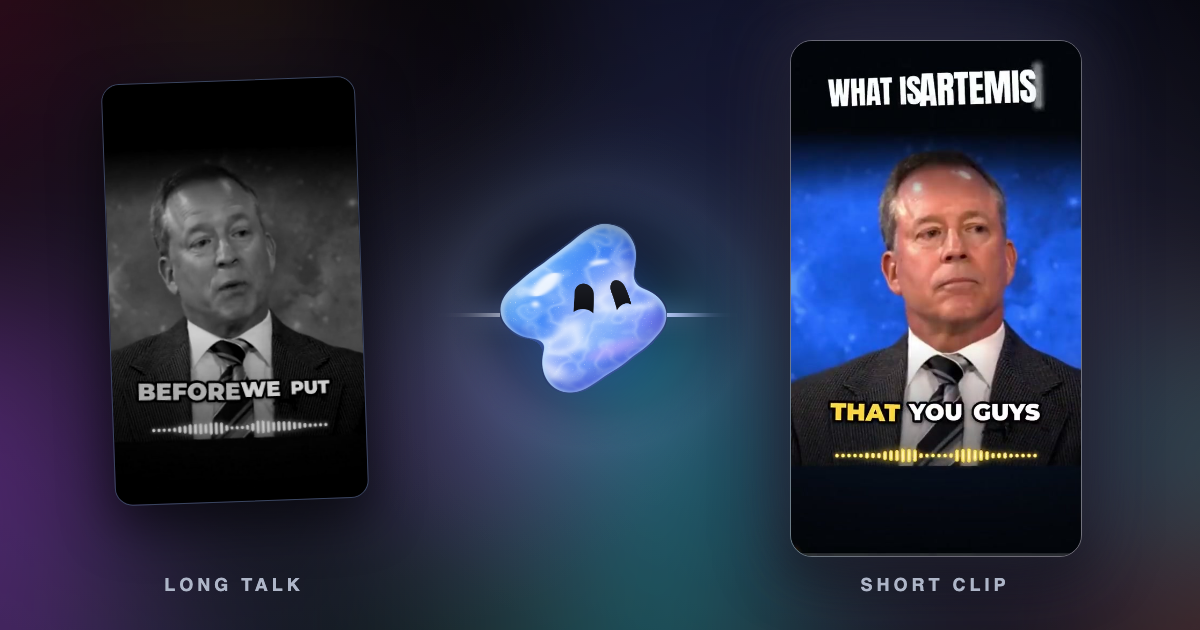
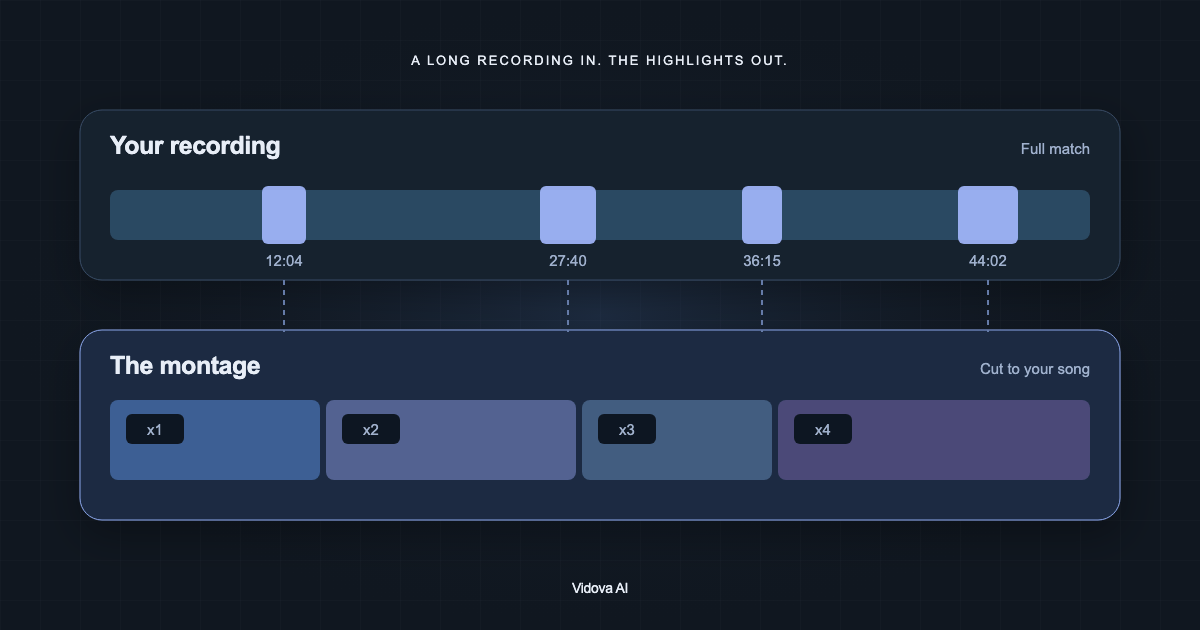
Yes, with limits. Compare how Vidova, OpusClip, CapCut, Descript, Kapwing, Merra, Gling, Google Photos and Premiere find moments, what they cost and what goes wrong.
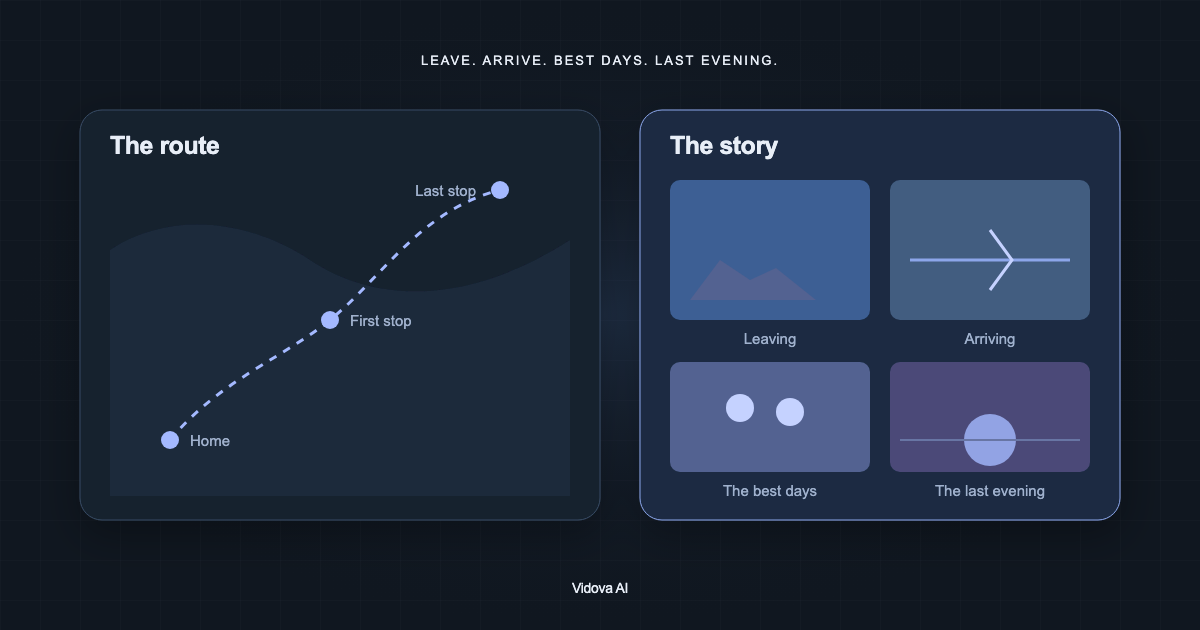
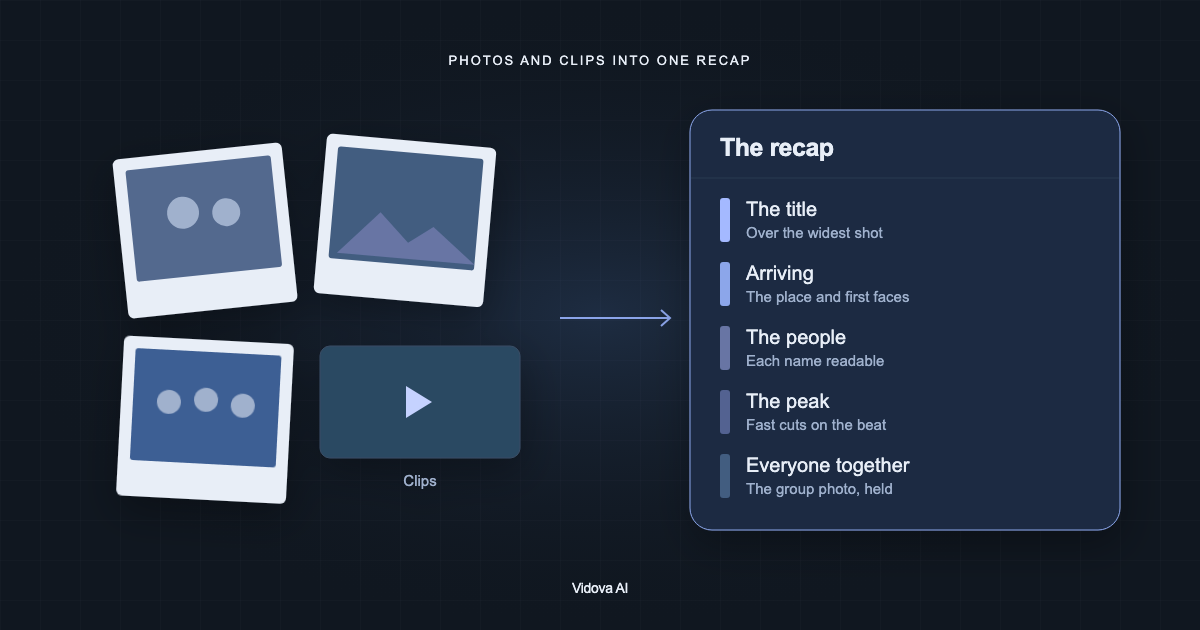
Four ways to make a vlog from your clips with AI: Vidova, iMovie, Google Photos, CapCut, Kapwing, Descript, Merra, Medeo, FlexClip and Pippit compared on price and limits.
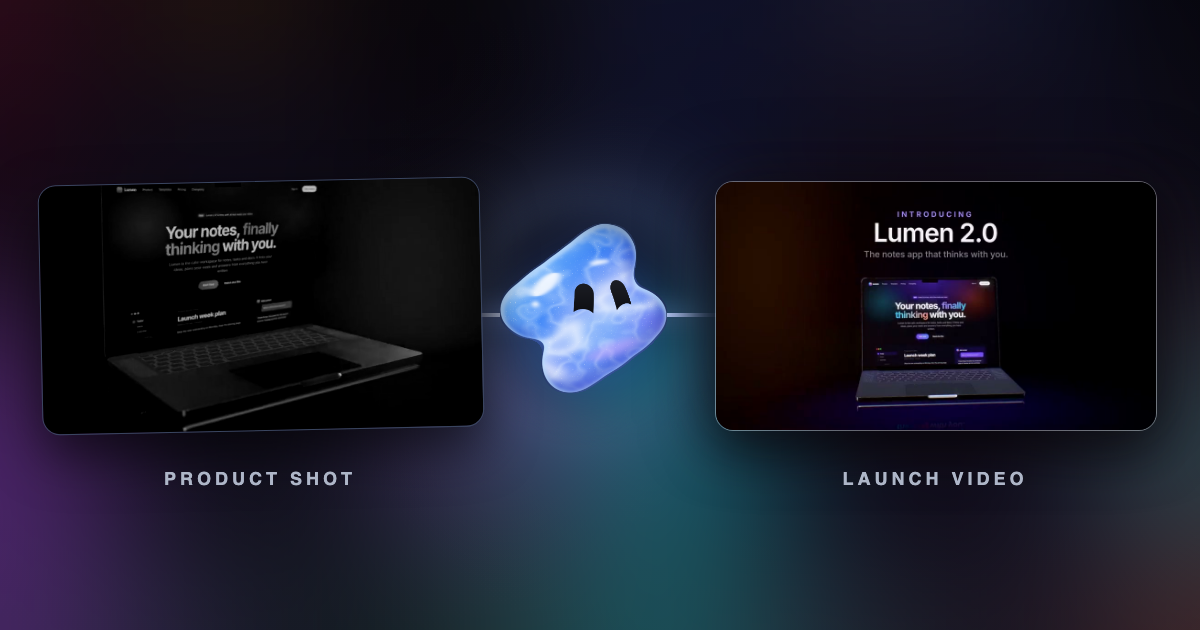
Video editing apps for startups compared on product demos, launch videos, founder videos, YouTube explainers and price per seat, with US prices checked November 2026.
ChatCut alternatives compared: Vidova, Descript, VEED and Riverside, on chat agents, MCP access from Claude and ChatGPT, team editing and US prices (November 2026).
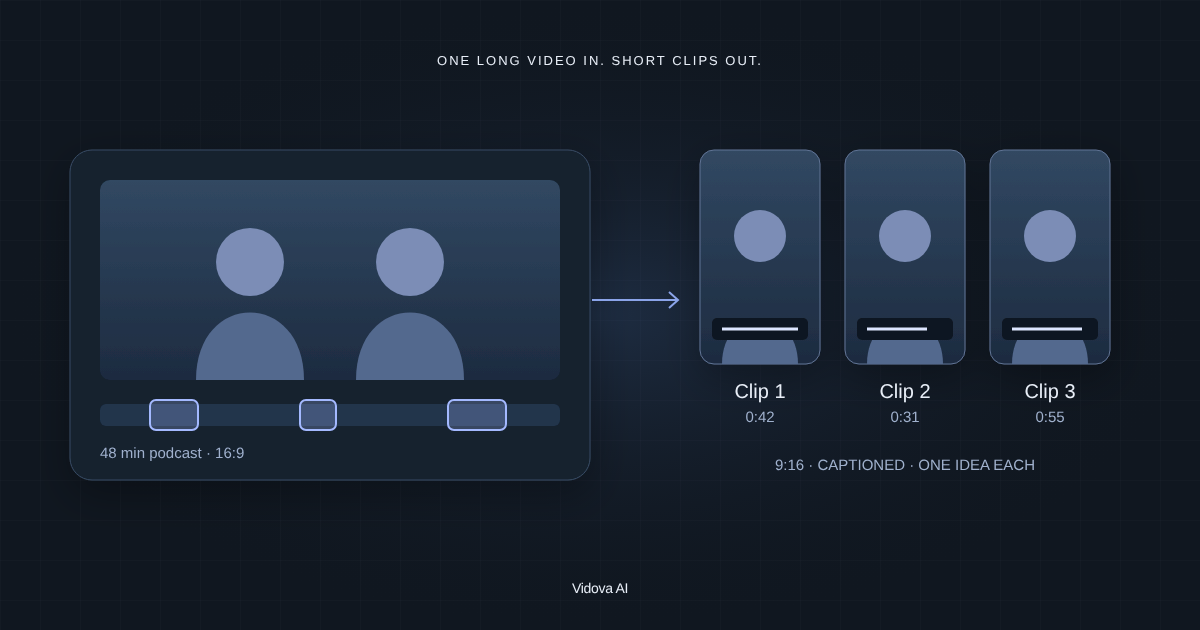
Riverside vs OpusClip vs VEED for turning podcasts and recordings into short-form clips: how each picks clips, free plans, limits and US prices, checked November 2026.
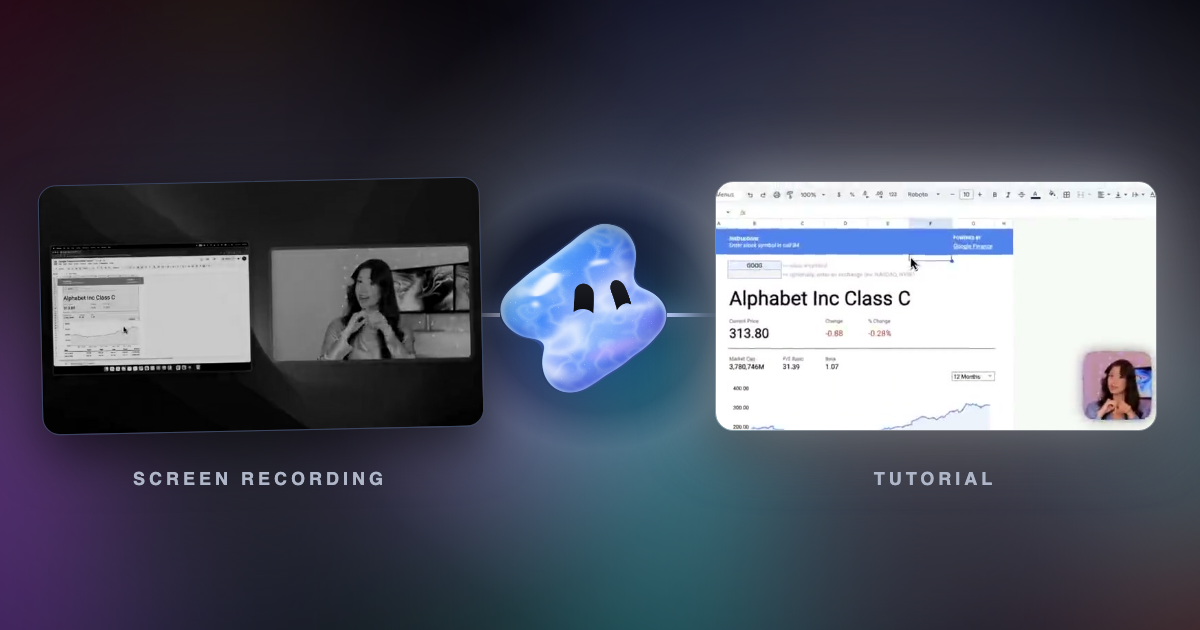
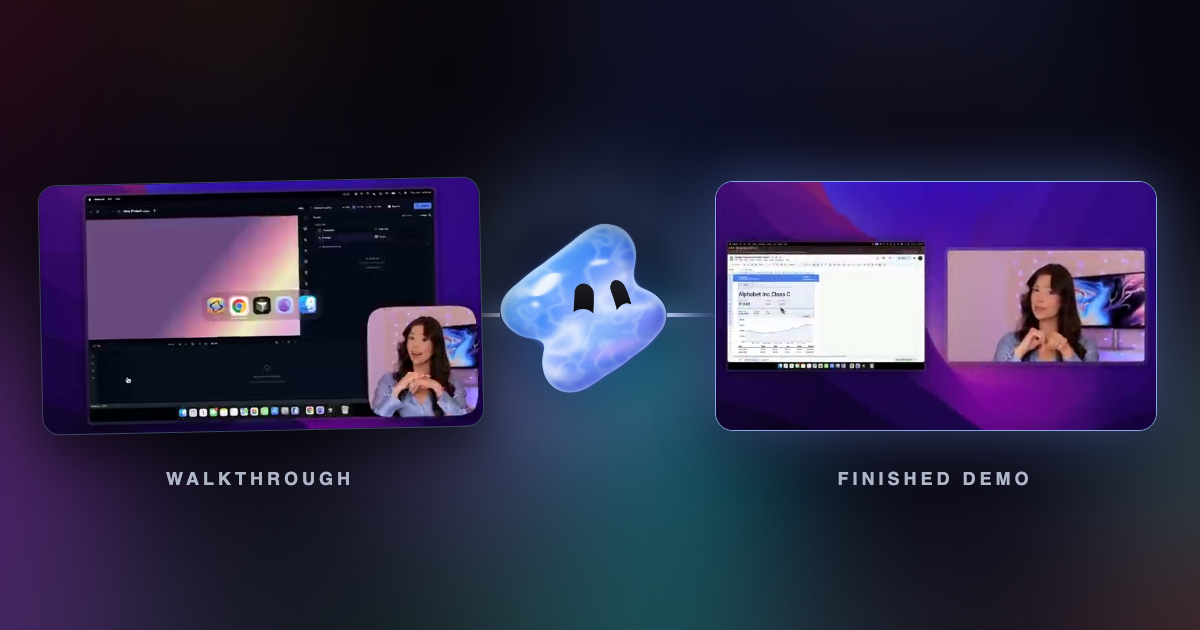
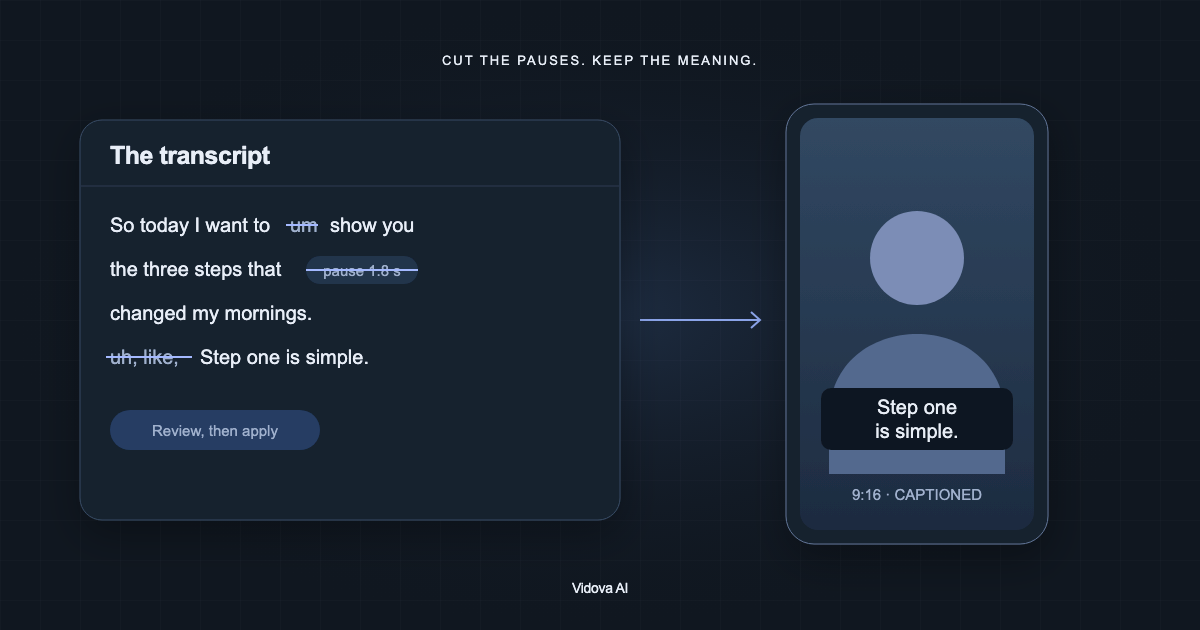
Turn product walkthroughs into tutorials and help-center videos at volume: cut dead time, zoom on clicks, add captions, voiceover, chapters and vertical cuts.
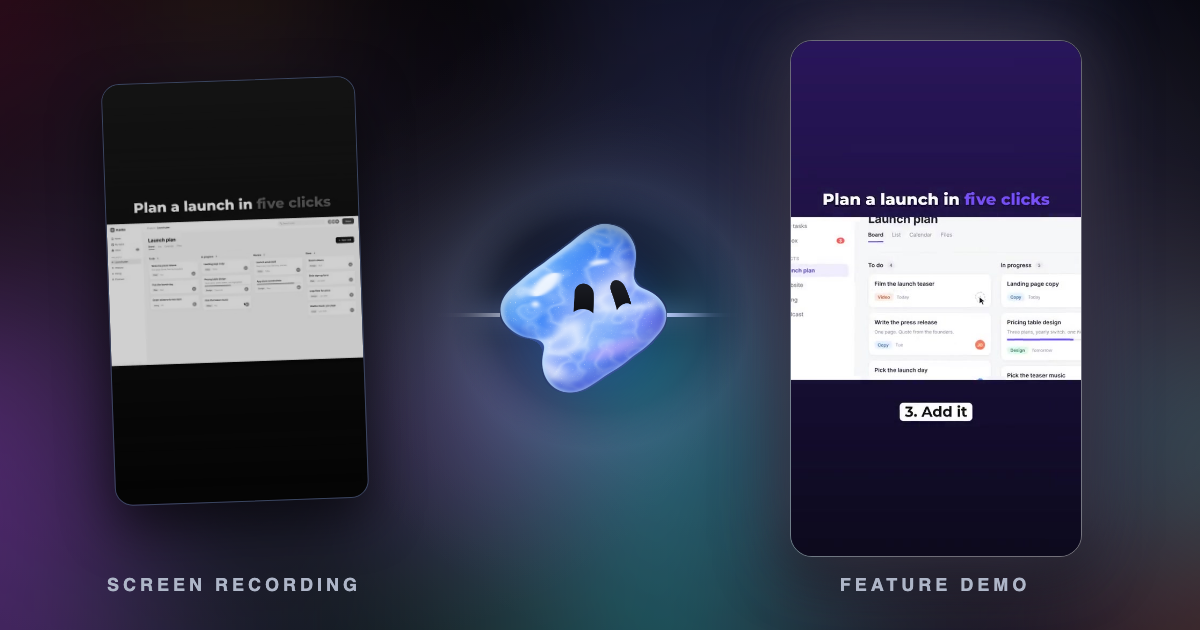
VEED vs Canva for SaaS and software marketing videos: screen recording, product demos, feature launches, captions, brand kits, exports and US prices, checked November 2026.
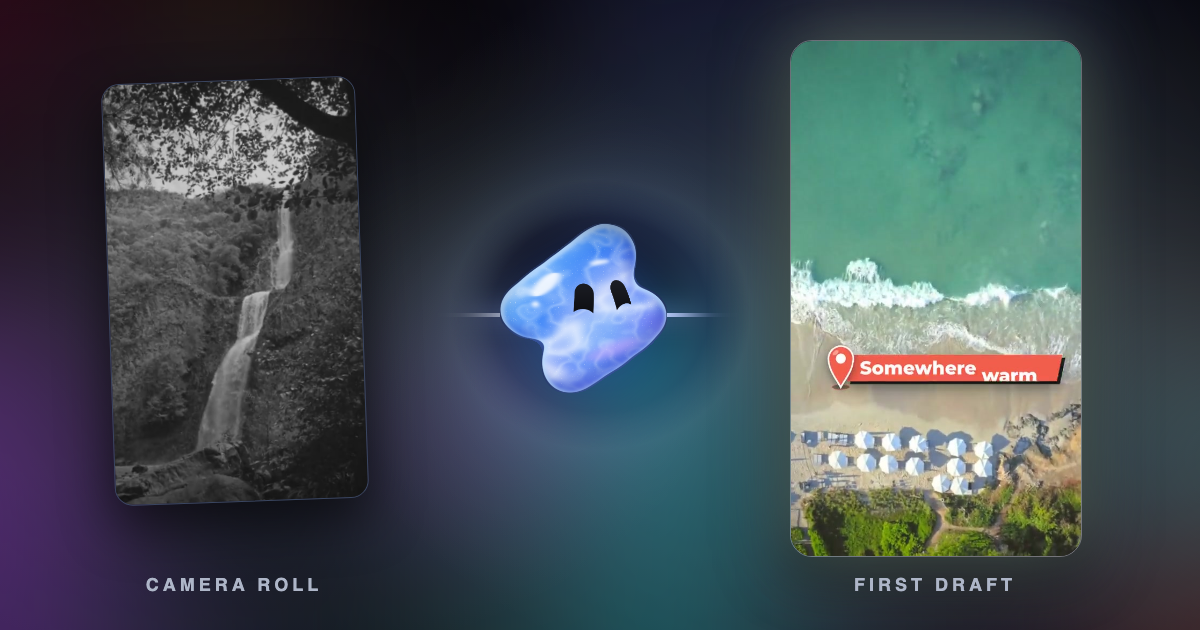
YouTube's Edit with AI turns your clips into a first-draft Short with music, transitions and a voiceover. The steps, limits, countries and what it cannot do.
Nine AI video editors for Android compared on price, ads, watermark, export quality and captions, from each app's Google Play listing, checked 1 November 2026.
On its own, ChatGPT cannot edit a video file. Here is which apps can run its editing prompt on your own footage, what to cut from the prompt, and how to paste it.
Copy a reference video's cuts, beat, speed ramps, text style, colour and song onto your own clips. What to upload, how to ask, and which music rules apply.
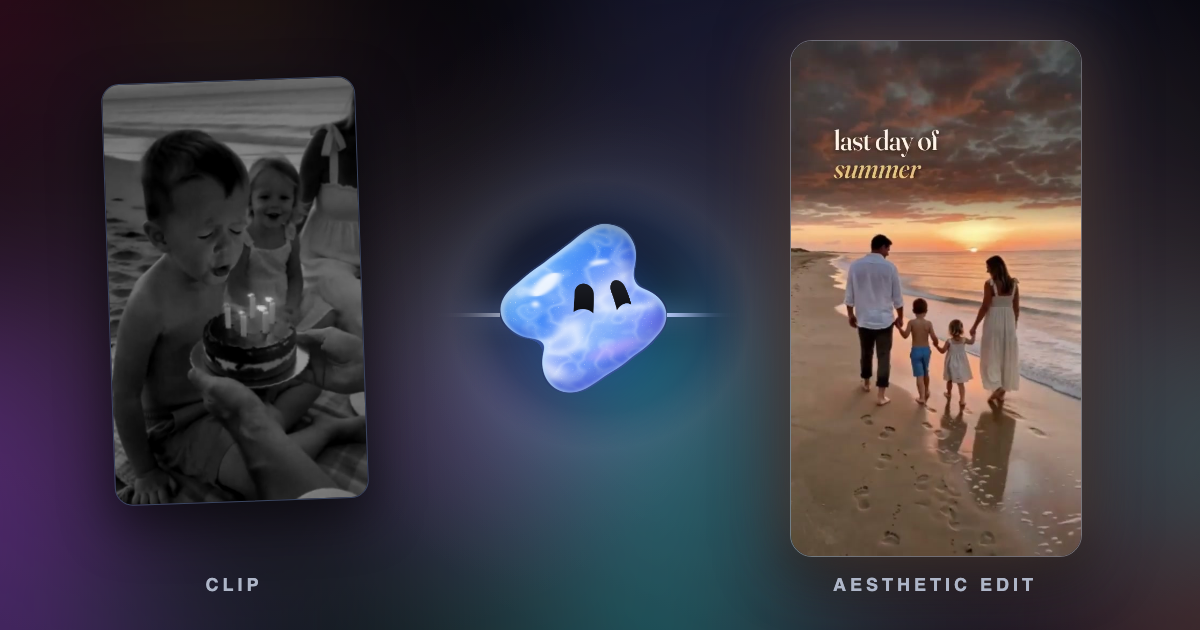
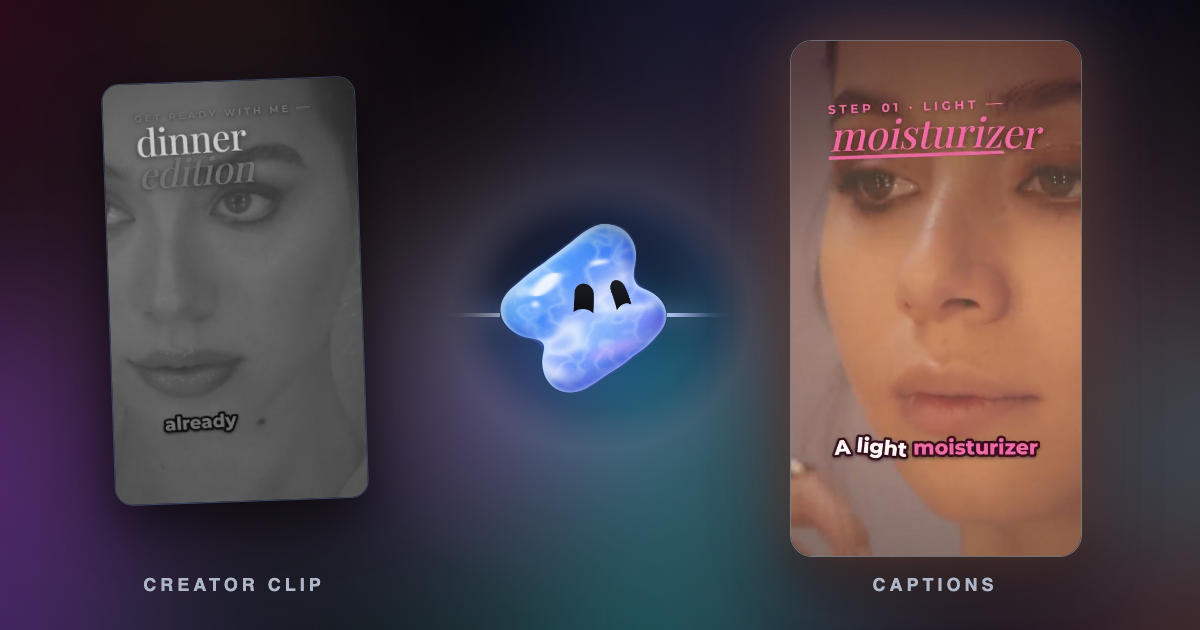
An aesthetic edit is a calm video with one soft look: warm muted colour, a gentle glow, film grain, slow cuts and a few words. How to film and edit one.
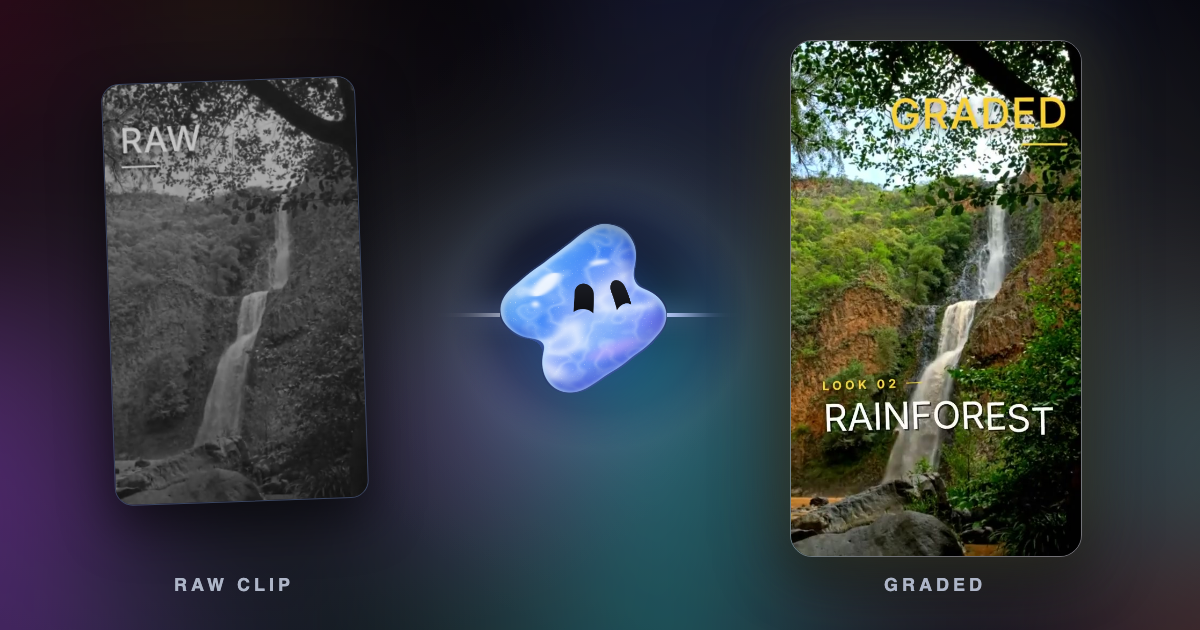
Cinematic phone video starts in the camera: 24 fps, a steady phone, locked white balance and soft light. Then one grade, one slow moment and real sound.
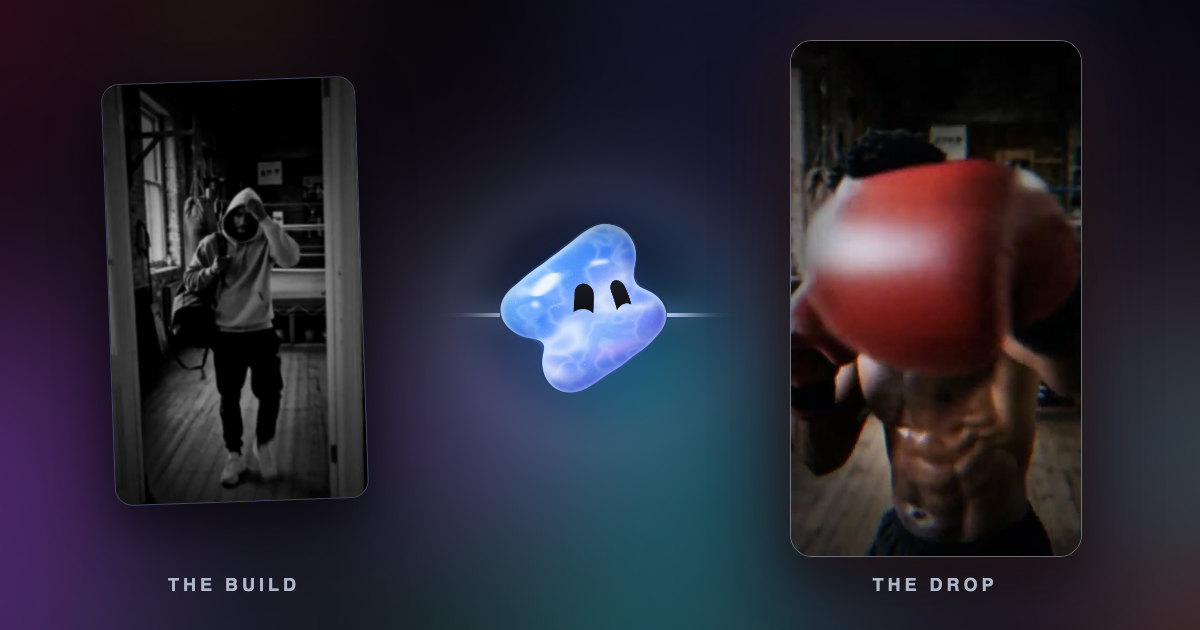
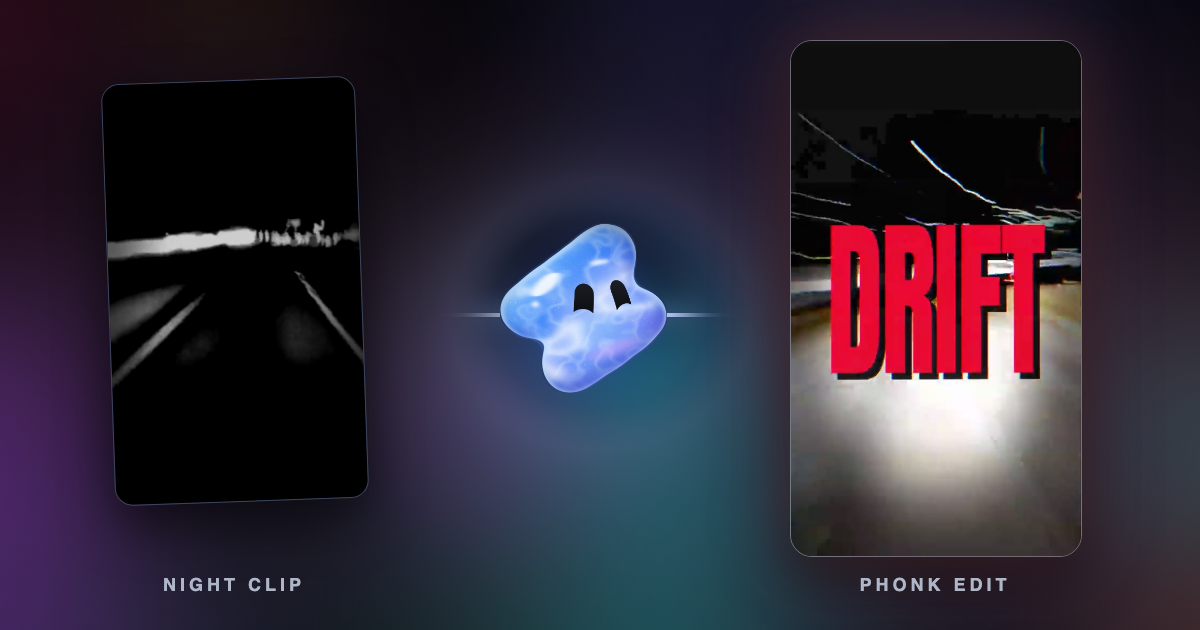
A phonk edit is a short video cut to drift phonk: a dark grade, hard cuts on the beat, speed ramps into the drop. Where the music came from and how to make one.
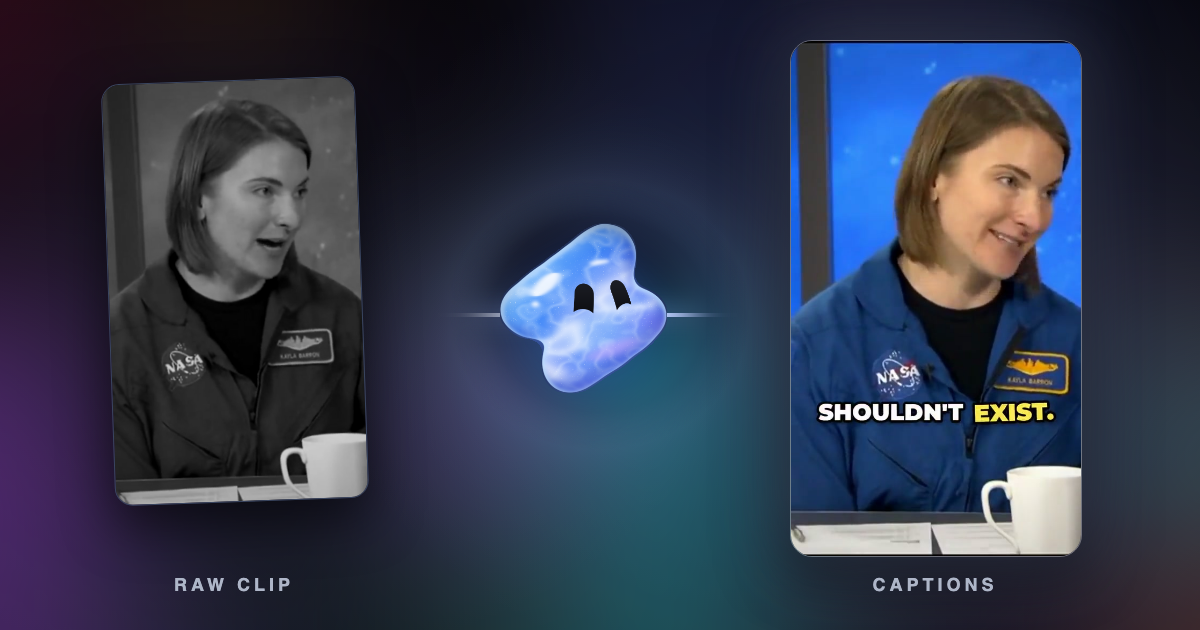
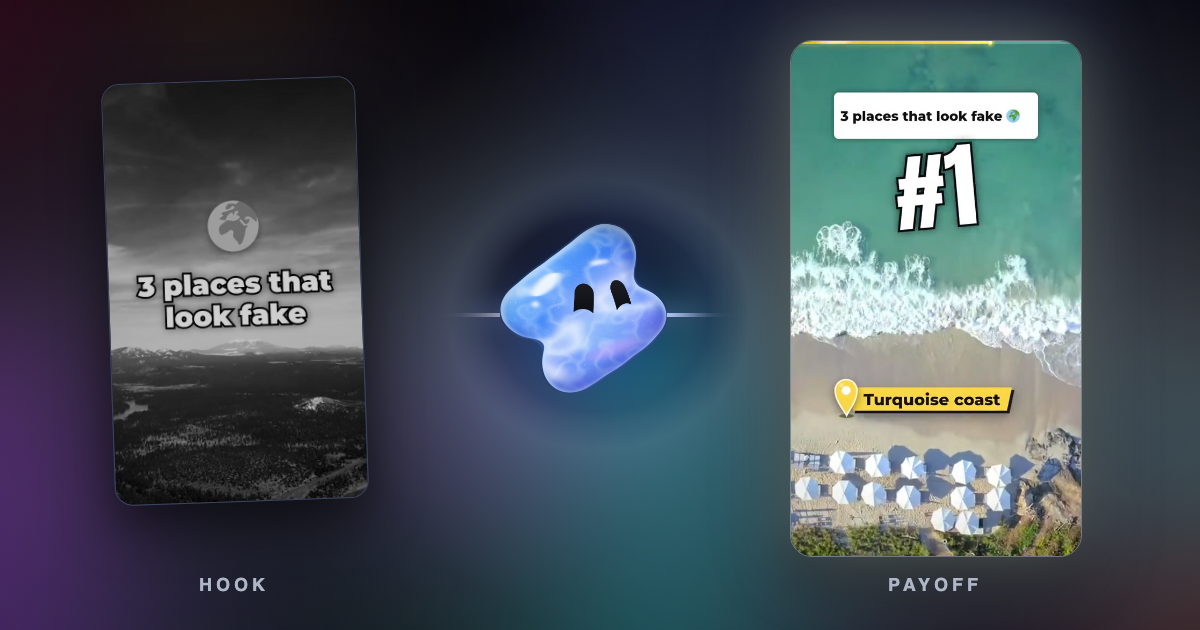
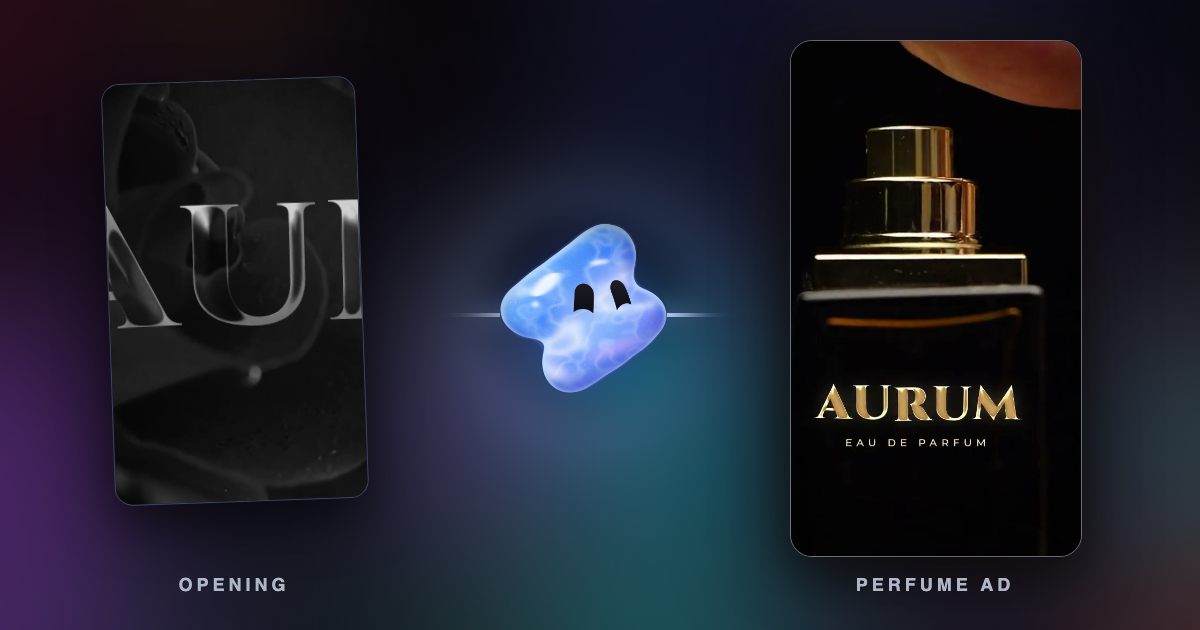
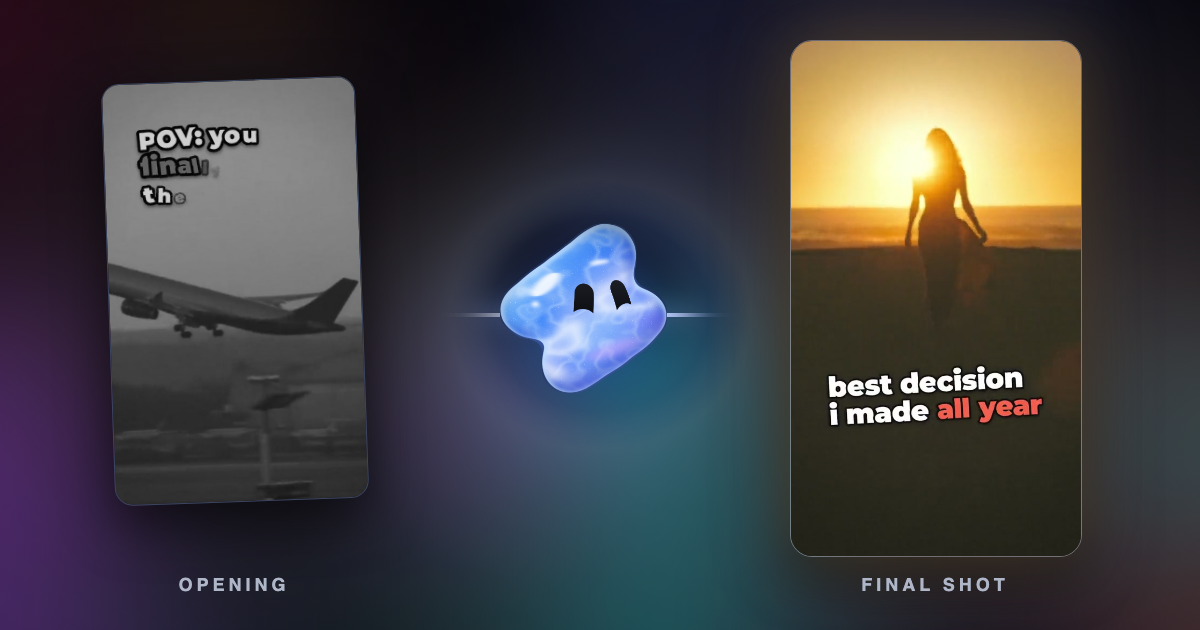
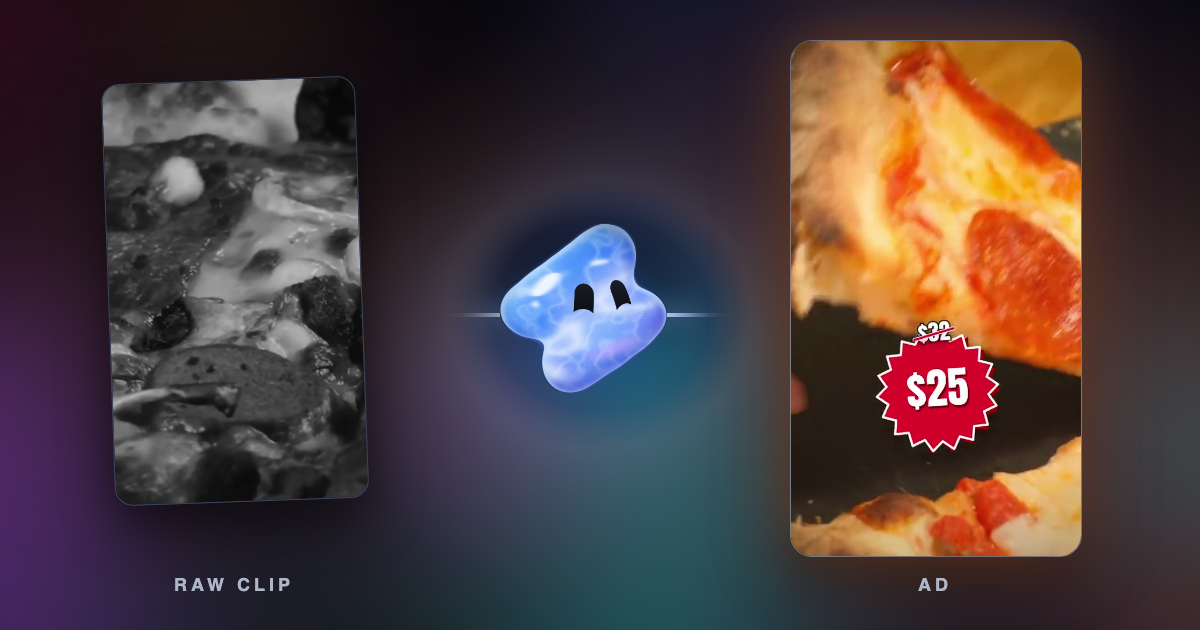
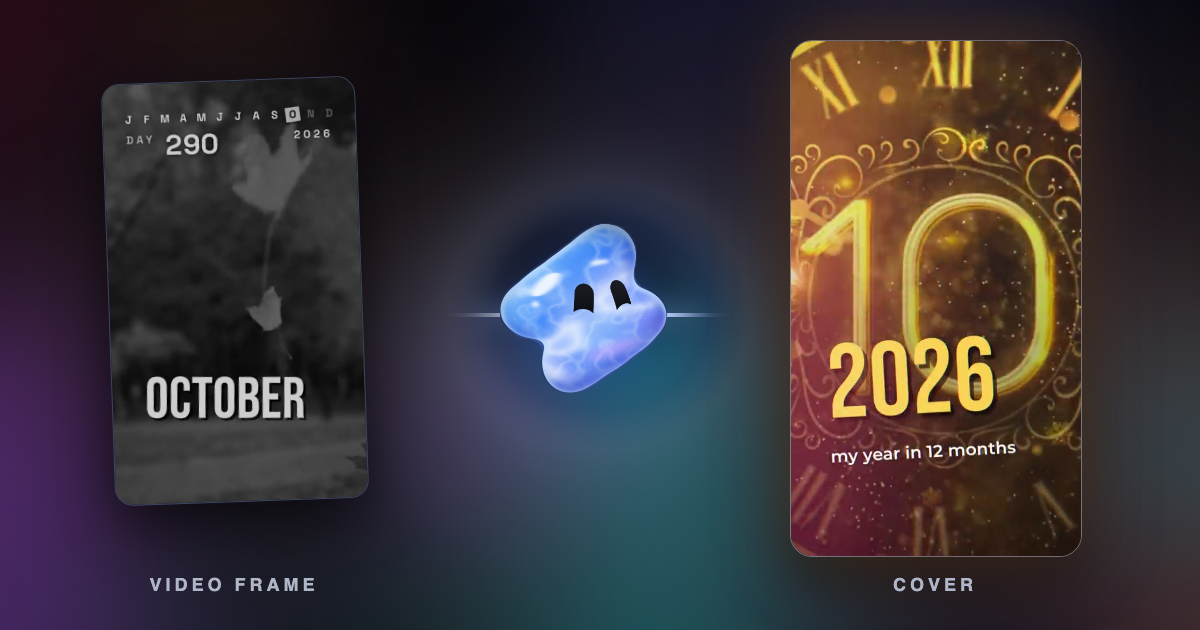
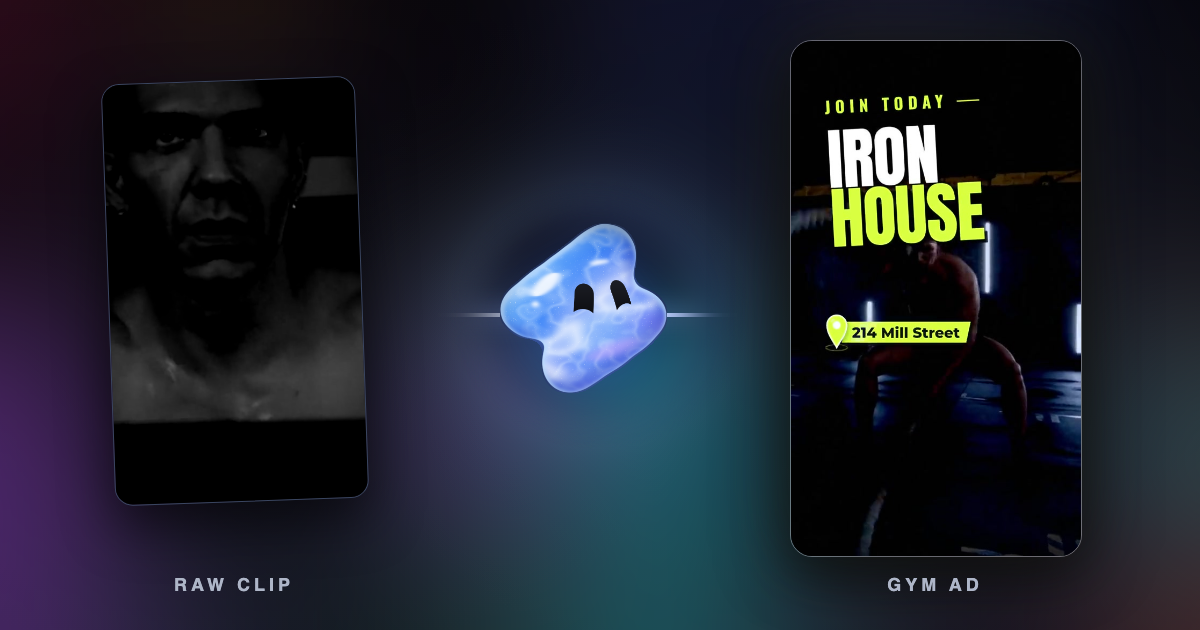
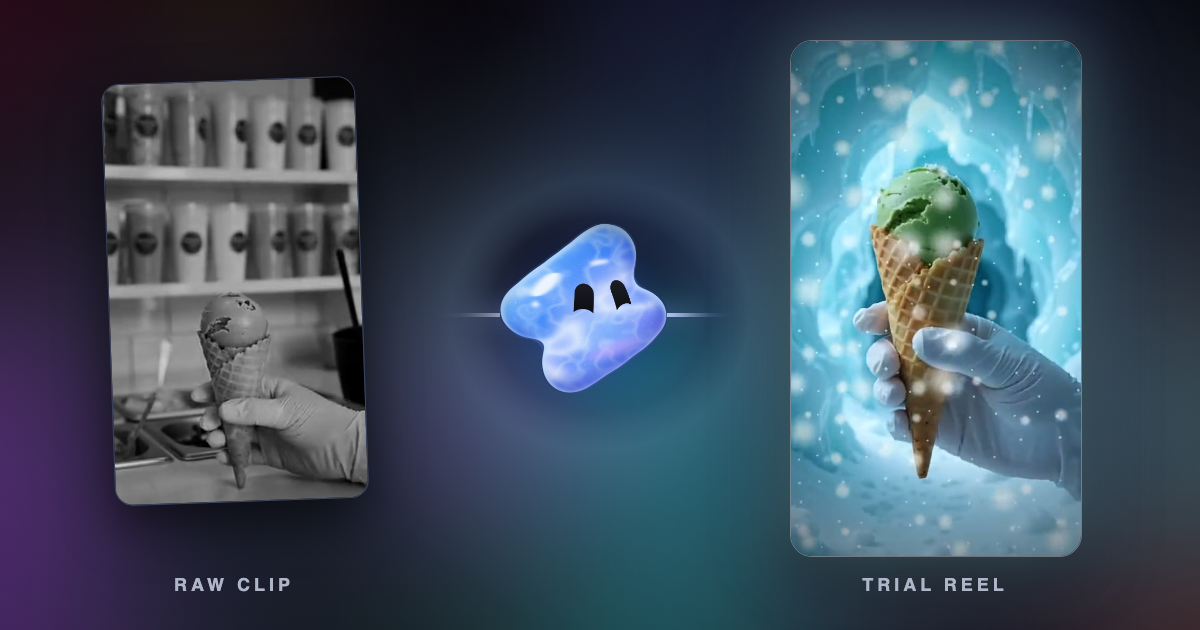
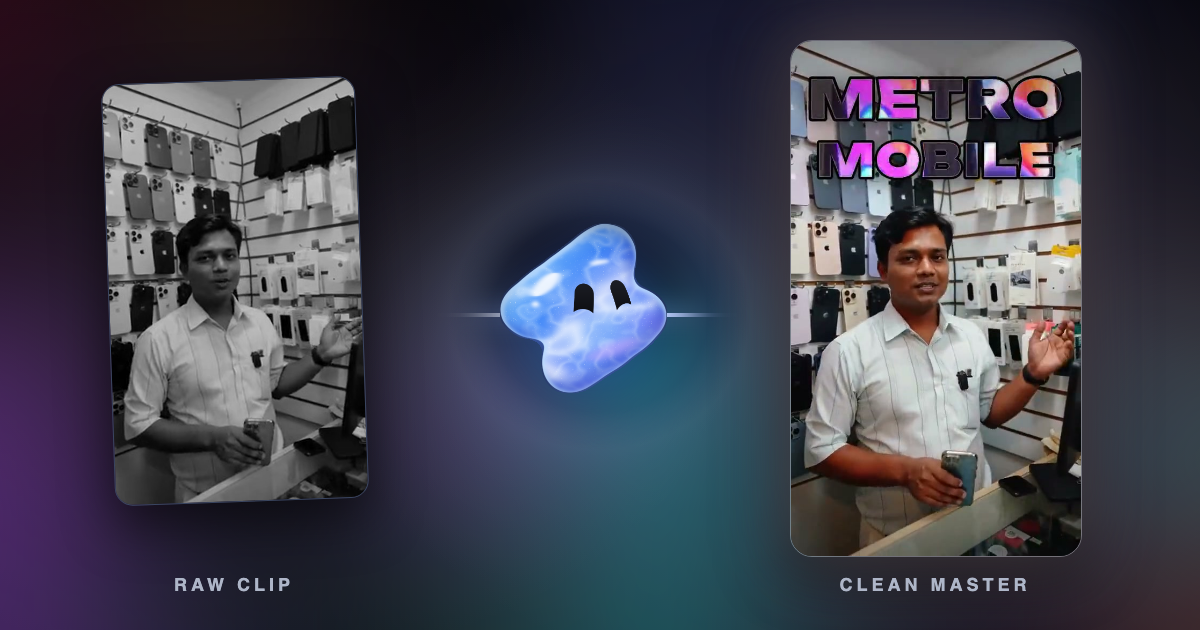
18 Reel and TikTok ideas for small businesses, each with what to film, how long it runs and the request that makes it in Vidova, with frames from example edits.
Reels can run 20 minutes, but only Reels up to 3 minutes reach new viewers. What Instagram says, what a study of 9.7 million Reels found, what to aim for.
What Sprout Social, Buffer, Hootsuite and Later found about the best time to post Reels and TikToks in 2026, why they disagree, and how to find your own time.
CapCut is blocked in India since 2020. Editors that work in India, with templates, rupee prices and platforms from the vendors' own pages, checked October 2026.
Gemini can watch a video, generate 10-second clips and change one uploaded clip. To cut your own clips on a timeline, connect it to an MCP video editor.
Many trending Gemini and ChatGPT prompts edit photos. Here are 25 video editing requests, grouped by job, that Vidova's agent runs in chat or through MCP.
OpusClip alternatives that cut long videos into short clips: Vizard, Klap, Riverside Magic Clips and Vidova, plus what Agent Opus costs (October 2026).
Submagic alternatives for animated captions: free apps that export without a watermark and paid AI caption tools, with prices and limits checked October 2026.
Meta's Edits app vs CapCut, with a note on InShot: platforms, watermarks, prices, 4K export and AI tools, checked on each app's own pages in October 2026.
Seven auto caption apps compared on price, watermark, languages and limits: Edits, Adobe Premiere, CapCut, Captions, Submagic, VEED and Vidova's free tools.
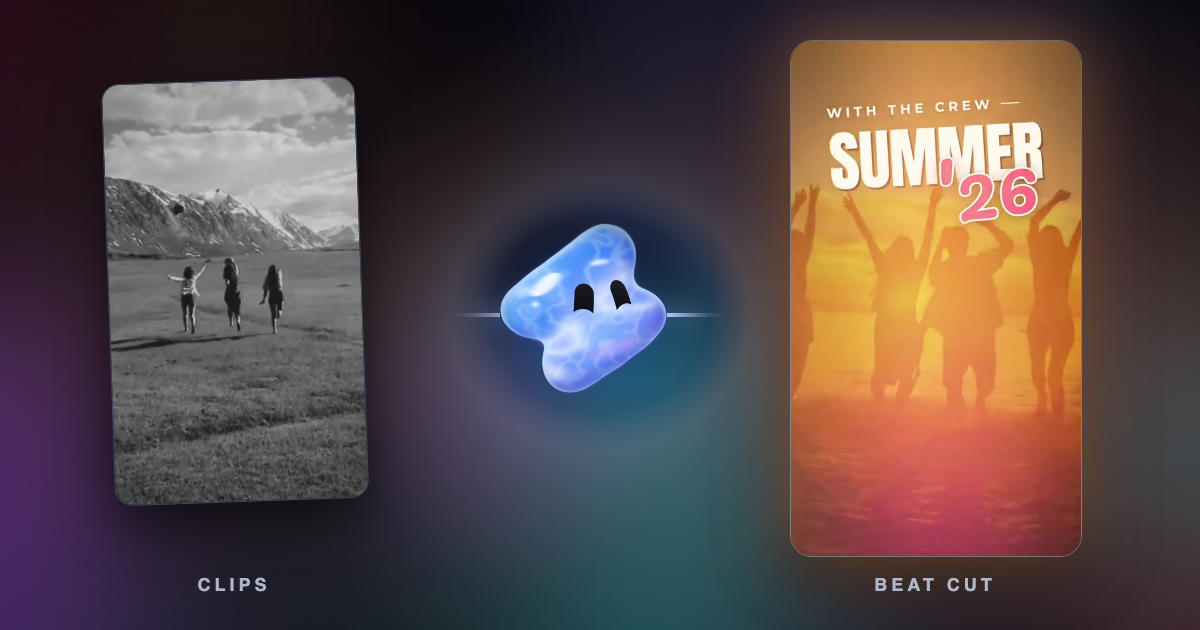
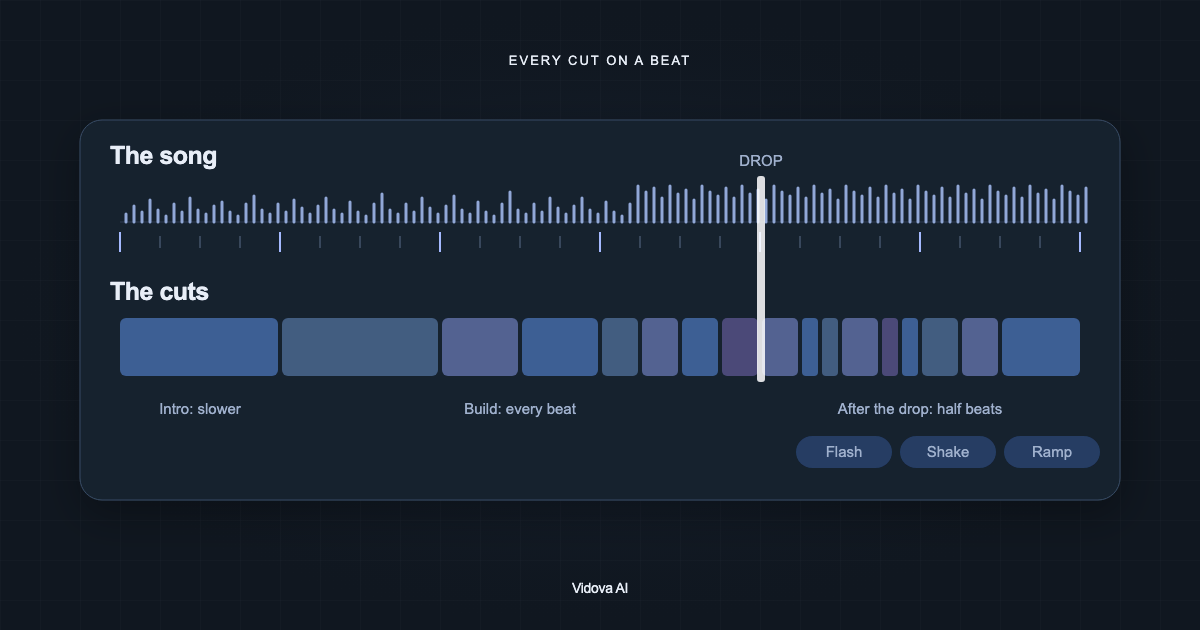
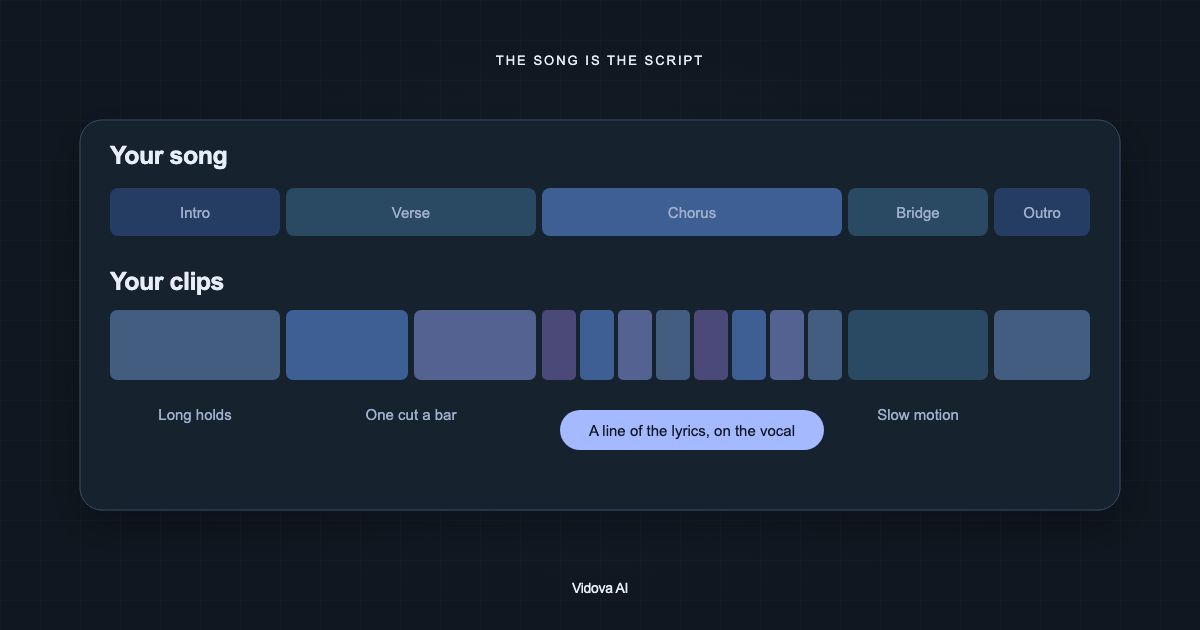
Seven beat sync video editors compared on what they automate, price and free limits: CapCut, Canva, Filmora, GoPro Quik, DaVinci Resolve, VN and Vidova.
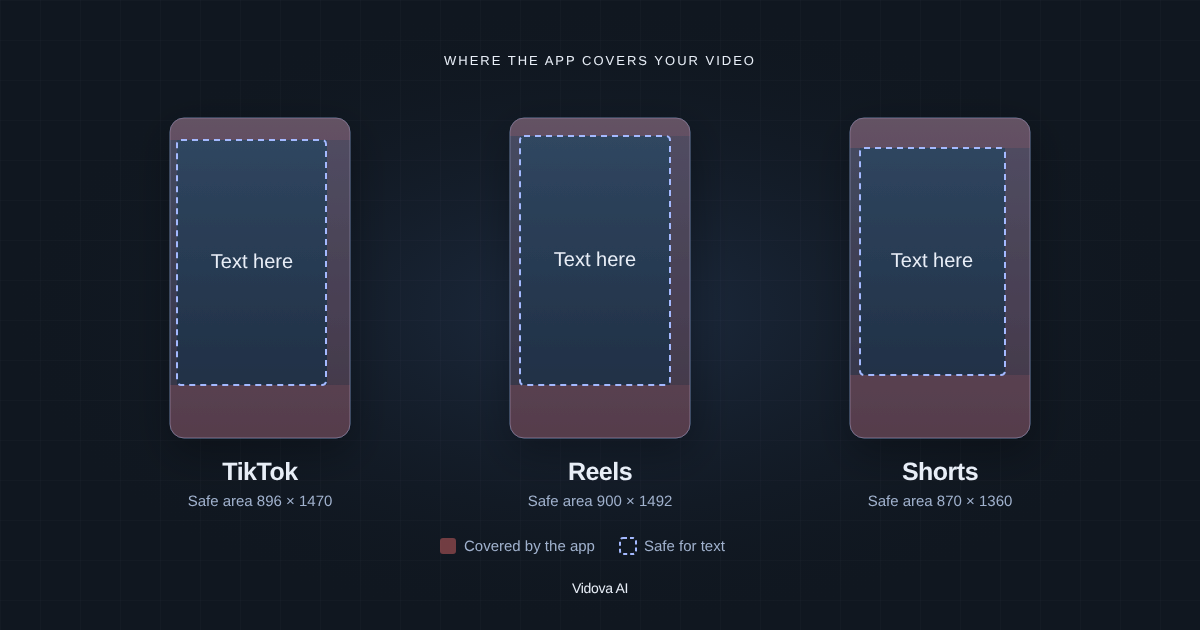
Facebook, Instagram and TikTok video ad specs: sizes, ratios, lengths, file limits, text and safe zones, from Meta's Ads Guide and TikTok (October 2026).
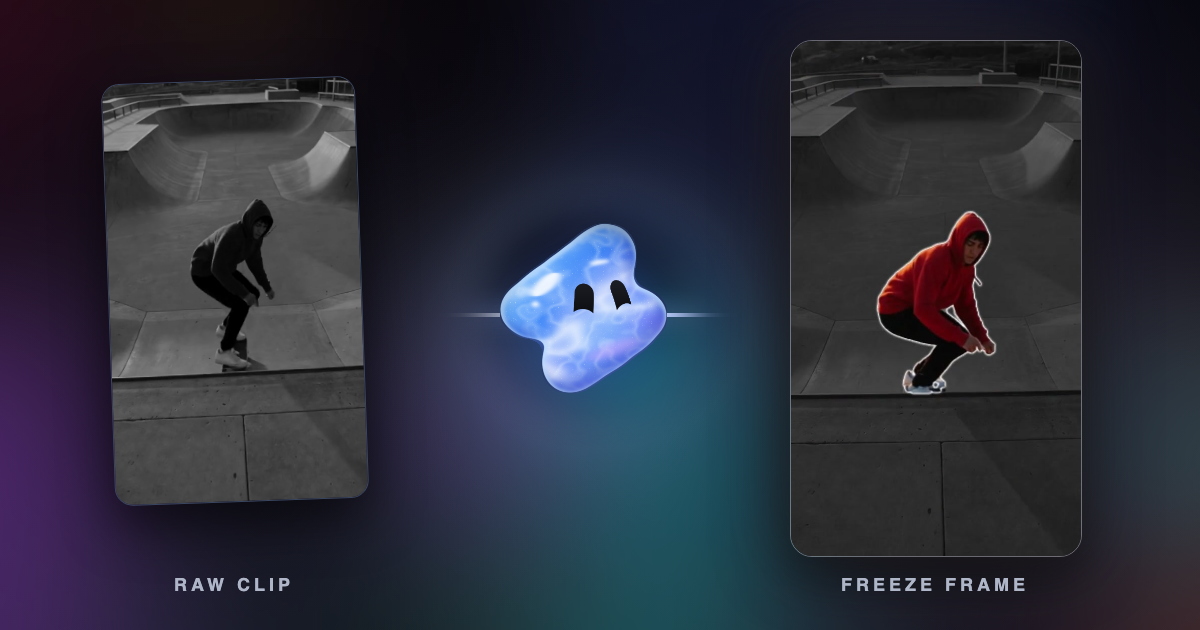
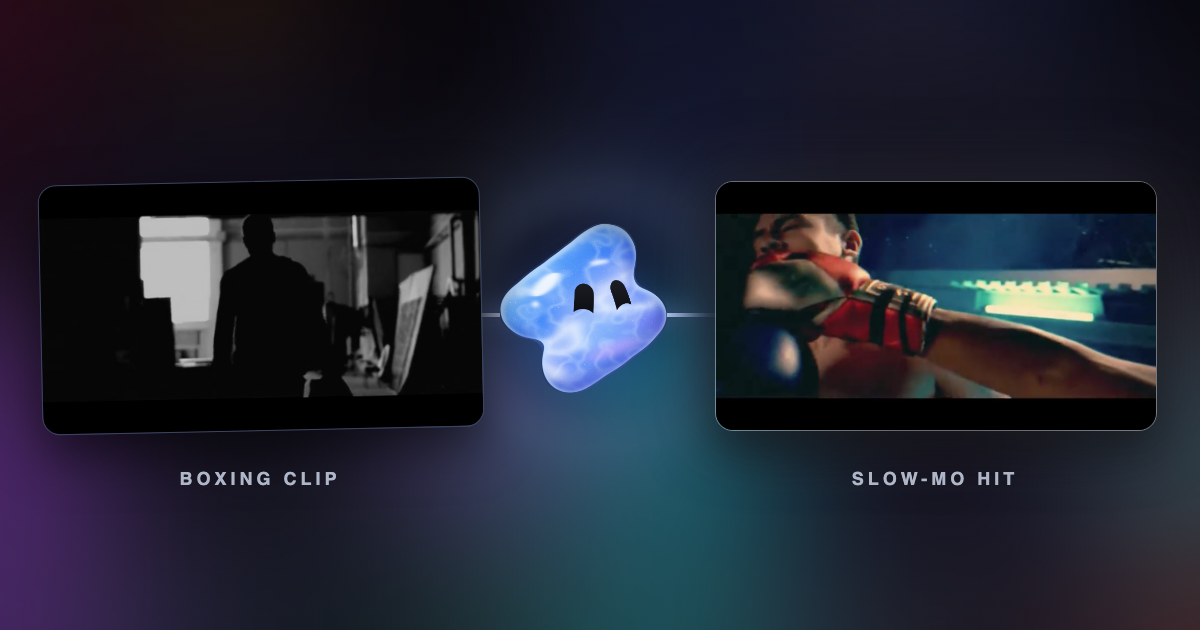
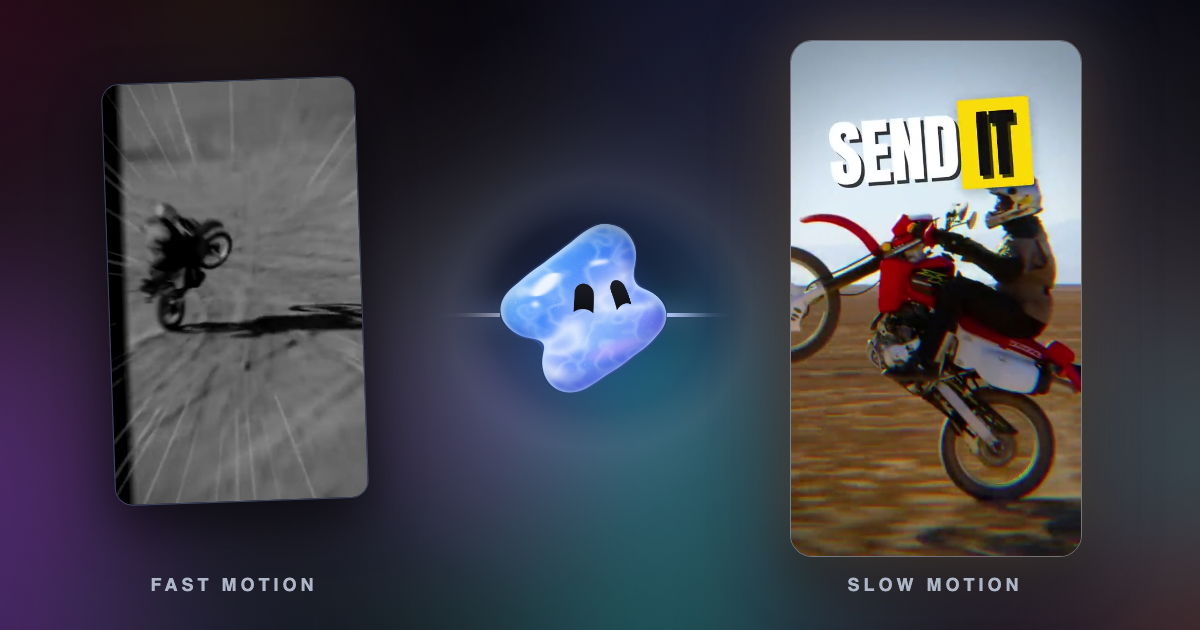
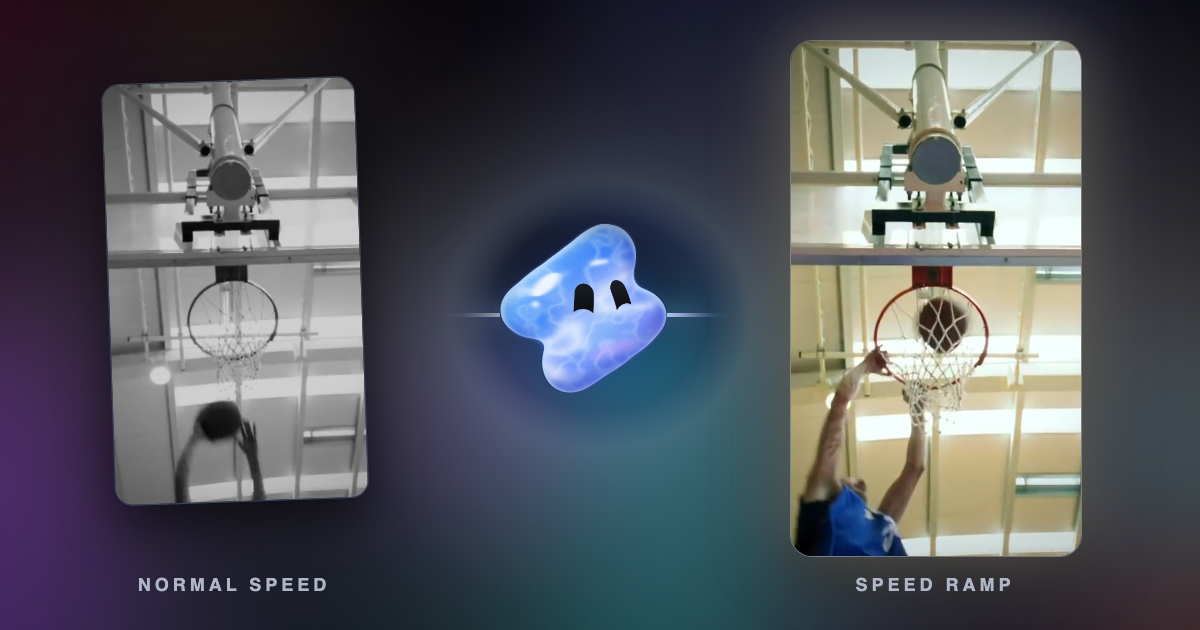
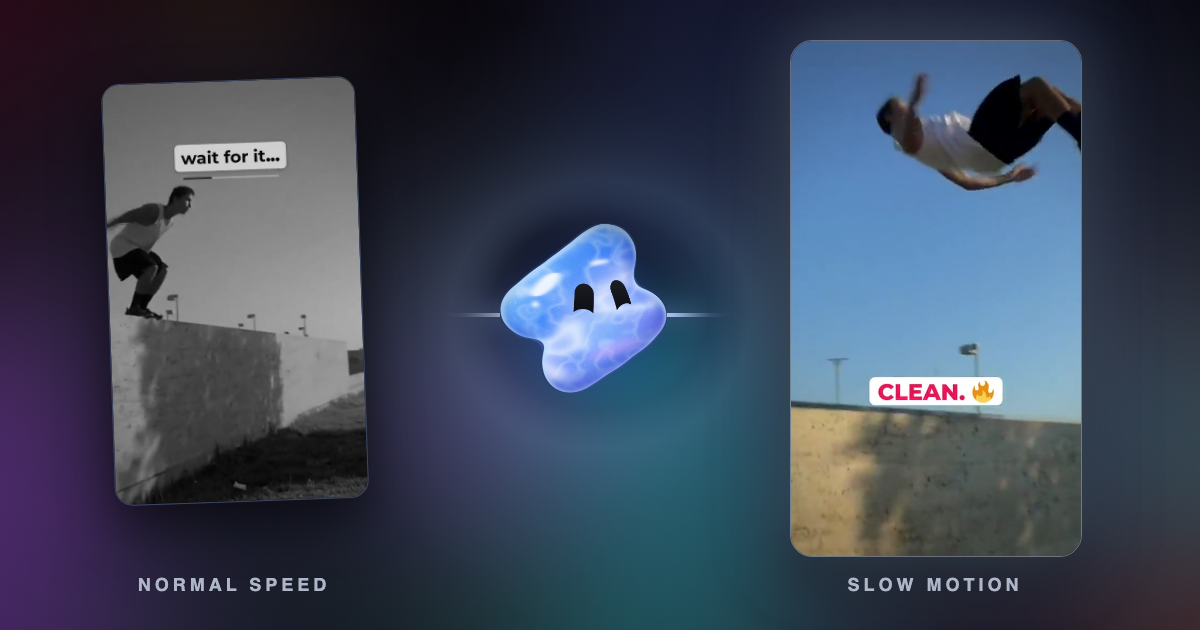
A speed ramp eases a shot from one speed to another. See a real ramp frame by frame, how velocity edits work, and the request that makes one in Vidova.
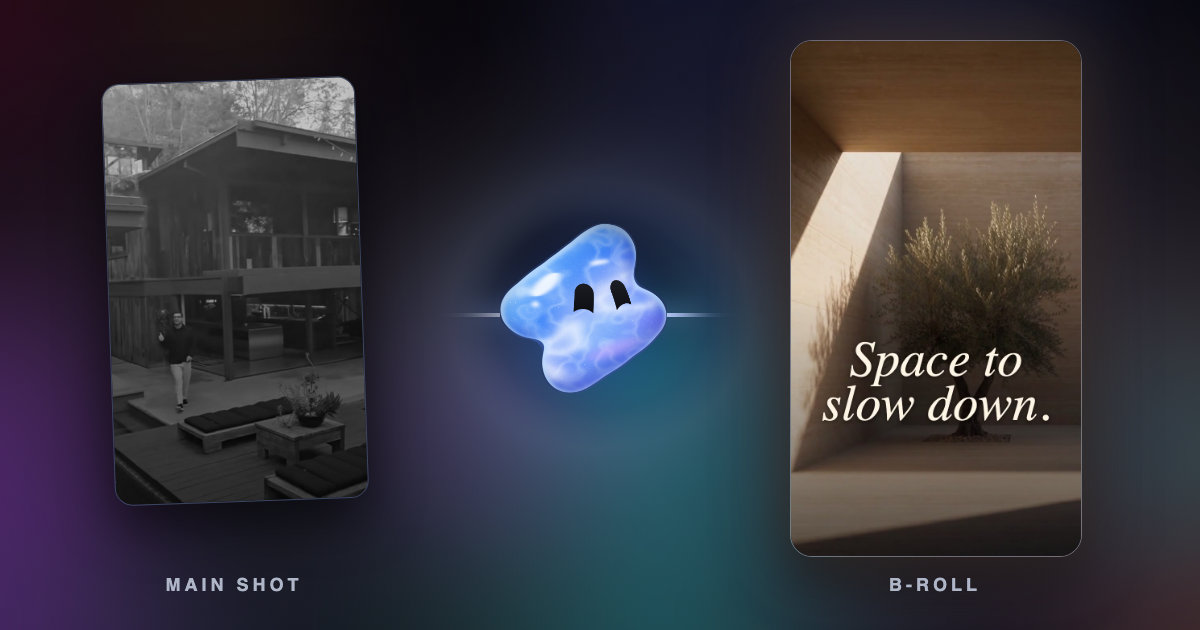
B-roll is the supporting footage cut over or between your main shot. What it means in UGC ads and Instagram B-roll reels, with real frames and requests.
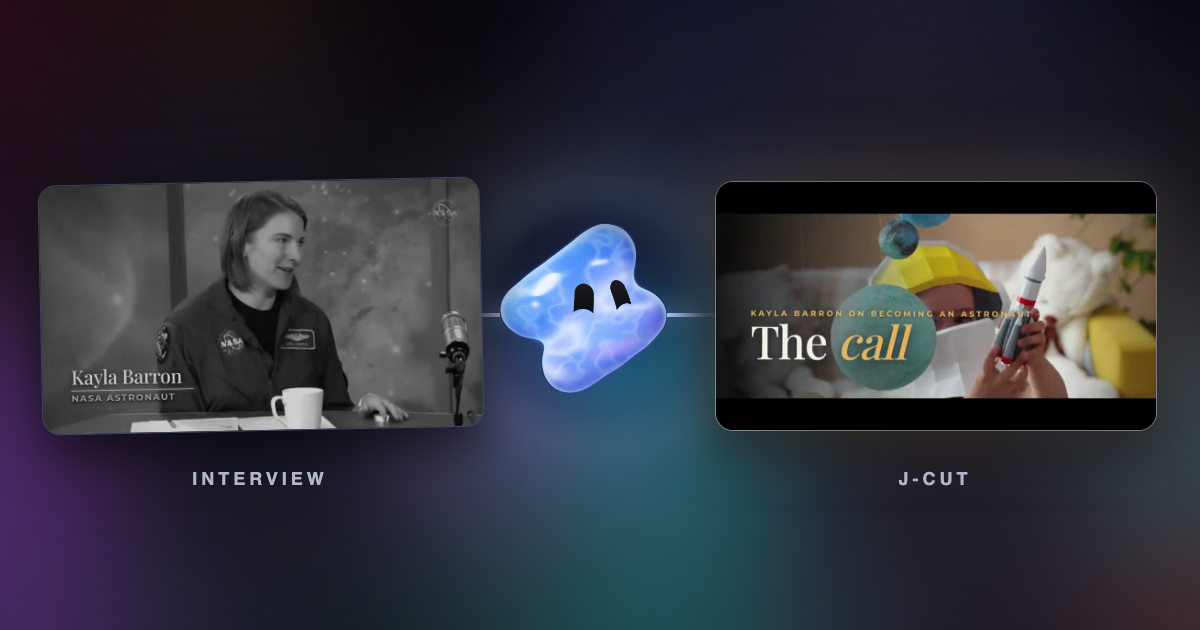
A J-cut starts the next shot's sound early. An L-cut lets a shot's sound run on after the picture cuts. See both in a real interview edit, with the request.
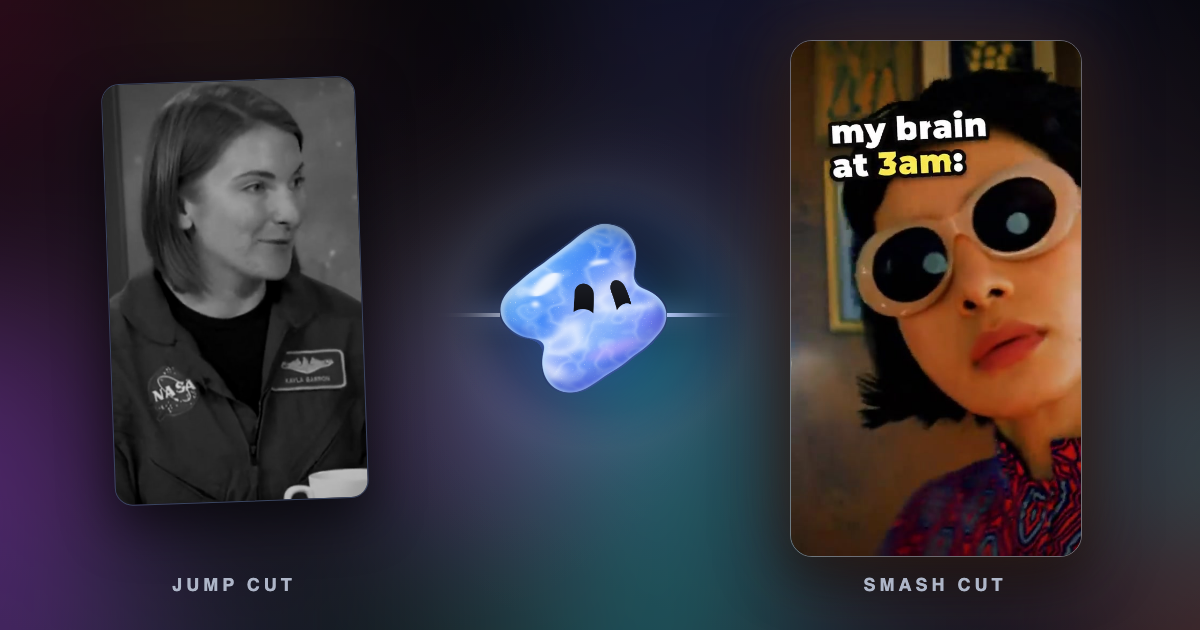
A jump cut skips time inside one shot. A smash cut slams from one scene into a very different one. Definitions, film history and real frames from Vidova edits.
Frame interpolation makes new frames between real ones. Duplication, blending, optical flow and AI compared on the same two frames, and when to use each.
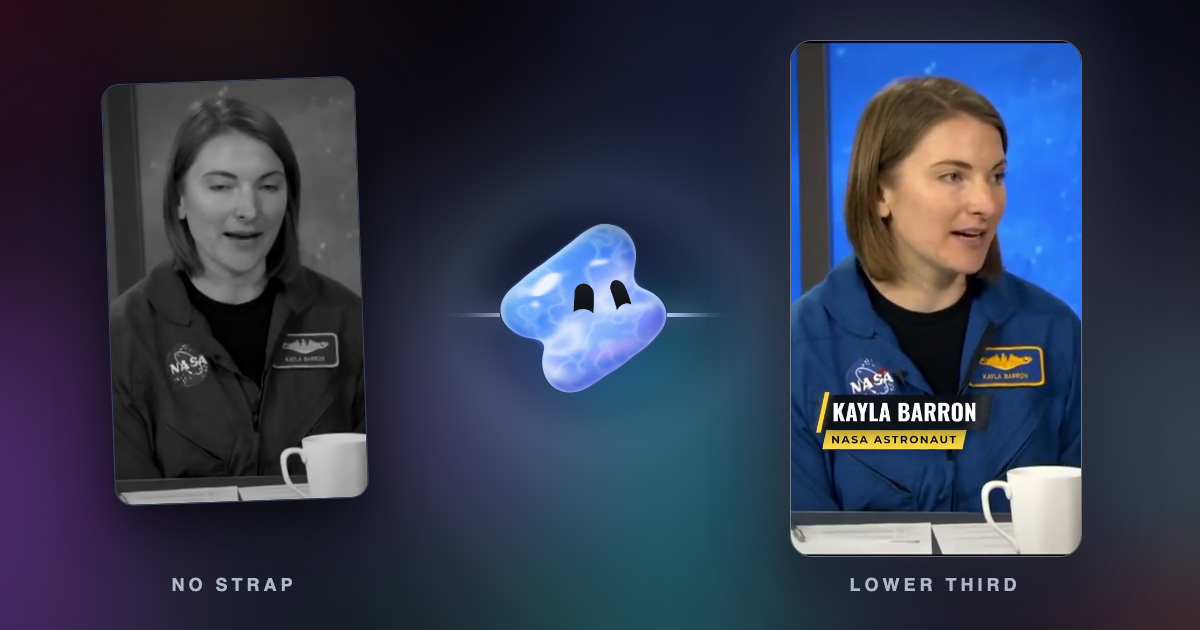
A lower third is the name and title graphic low in the frame. What goes in one, where to place it on vertical video, real frames and the request for Vidova.
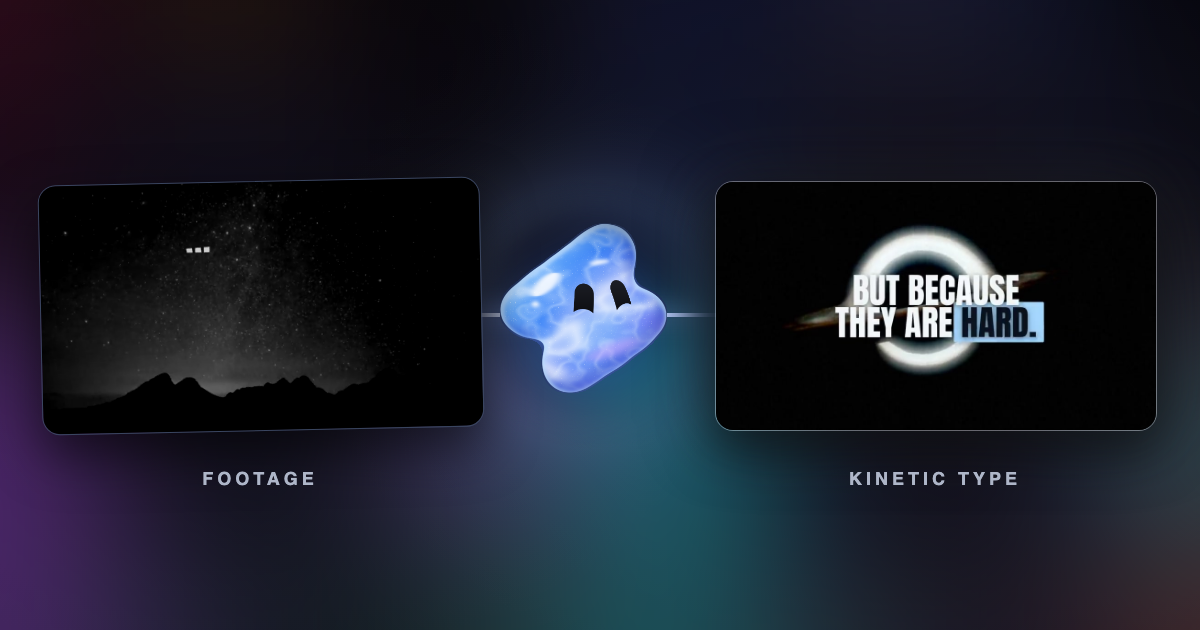
Kinetic typography is text that moves to carry meaning, from Saul Bass's film titles to word-by-word captions. Real frames, history and the request to make it.
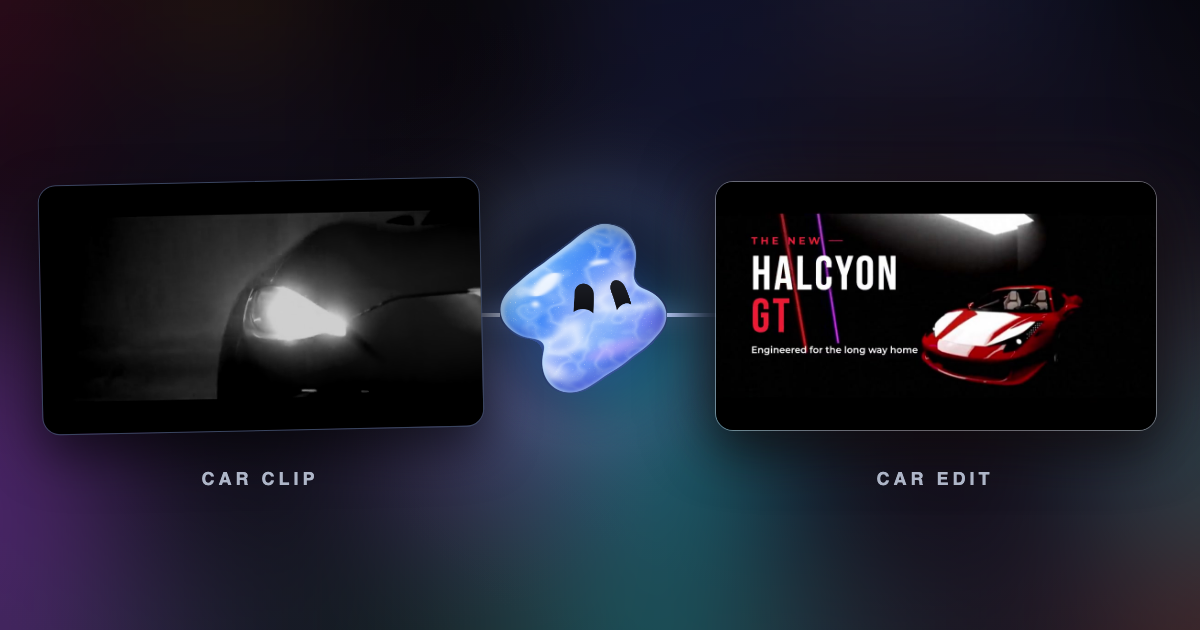
Make a car edit from your own clips with AI: a phonk night drive cut on the beat, a speed ramp into the drift, or a clean car ad. What to film and ask.
A Claude skill teaches Claude how to edit video, but it has no renderer or timeline. See the video skills on GitHub and how skills work with an MCP editor.
Cursor writes code, not video. Connect it to an MCP editor and its agent can cut a real timeline. Plus Motion, Cardboard and Diffusion Studio, compared.
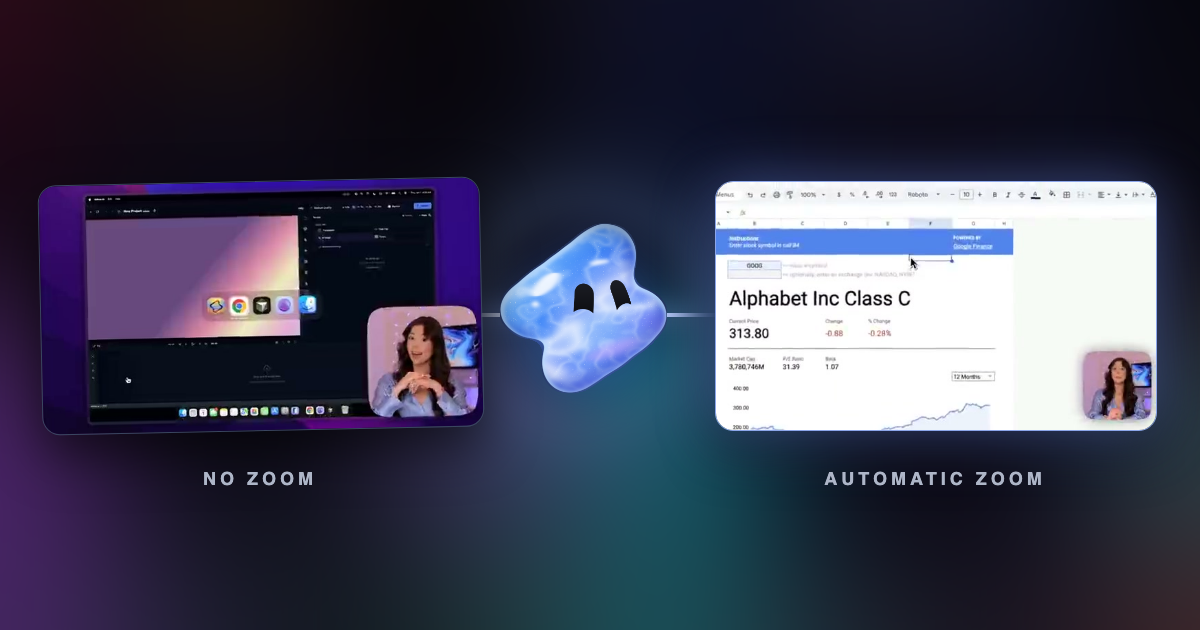
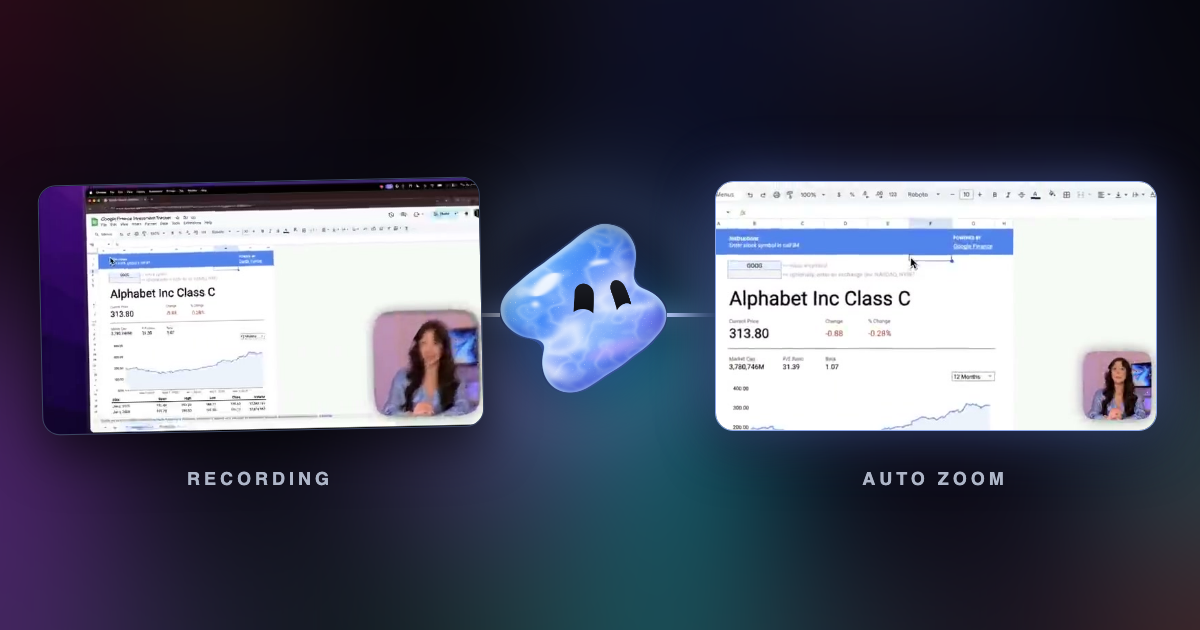
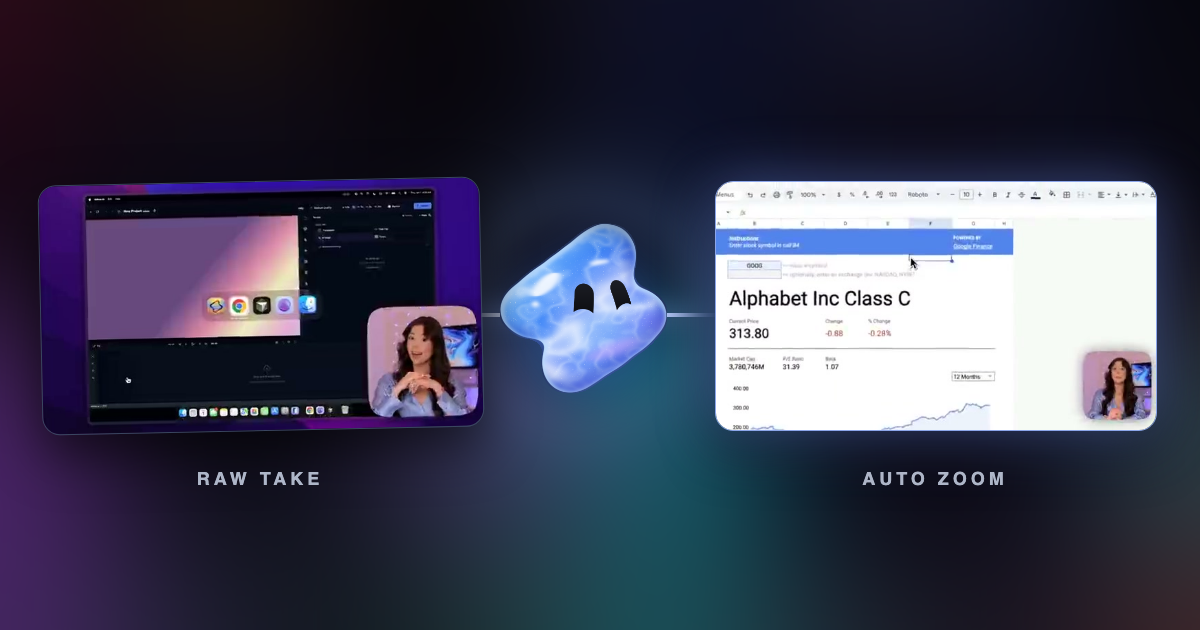
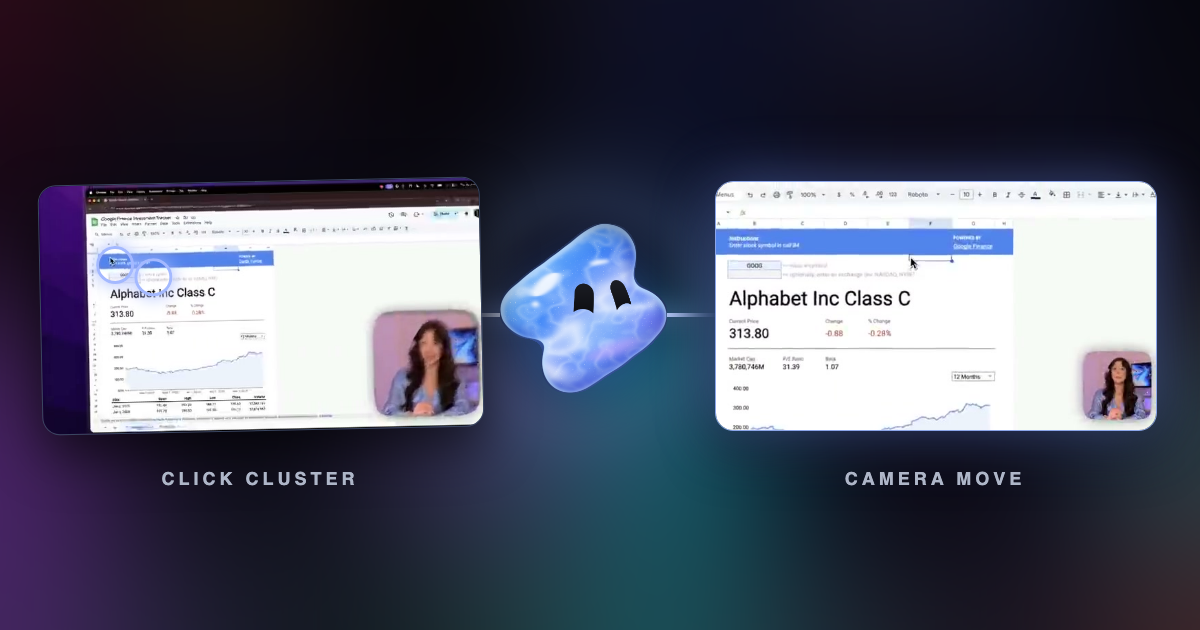
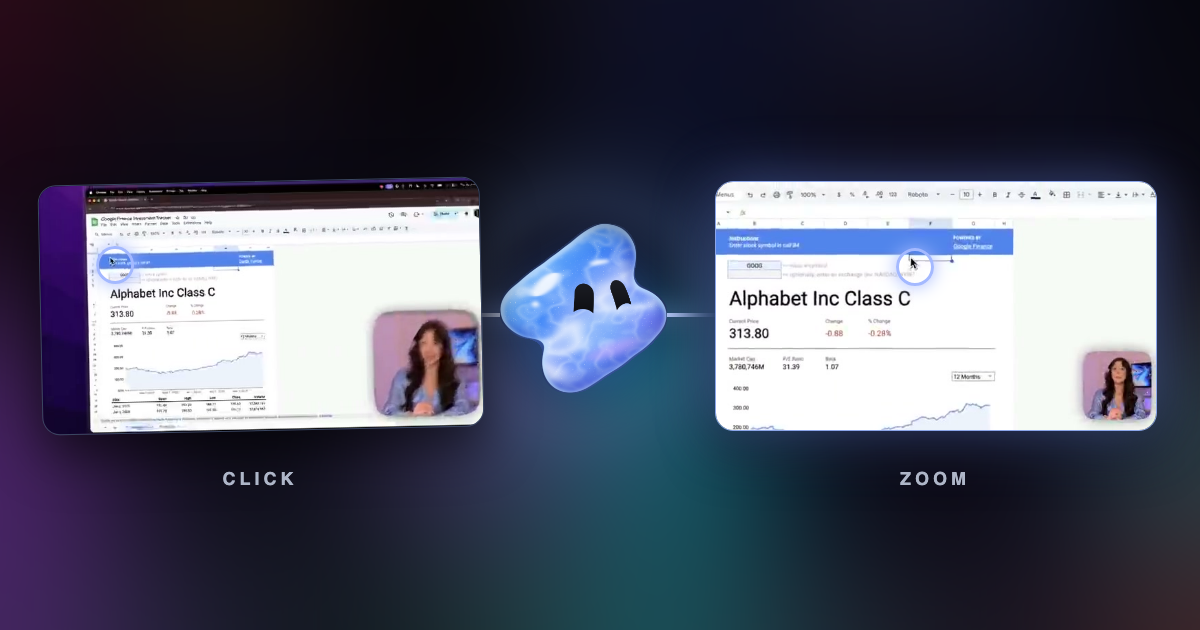
When to let the recorder place zooms on your clicks, when to draw them yourself, and how to mix both on one track so a screen recording looks edited by hand.
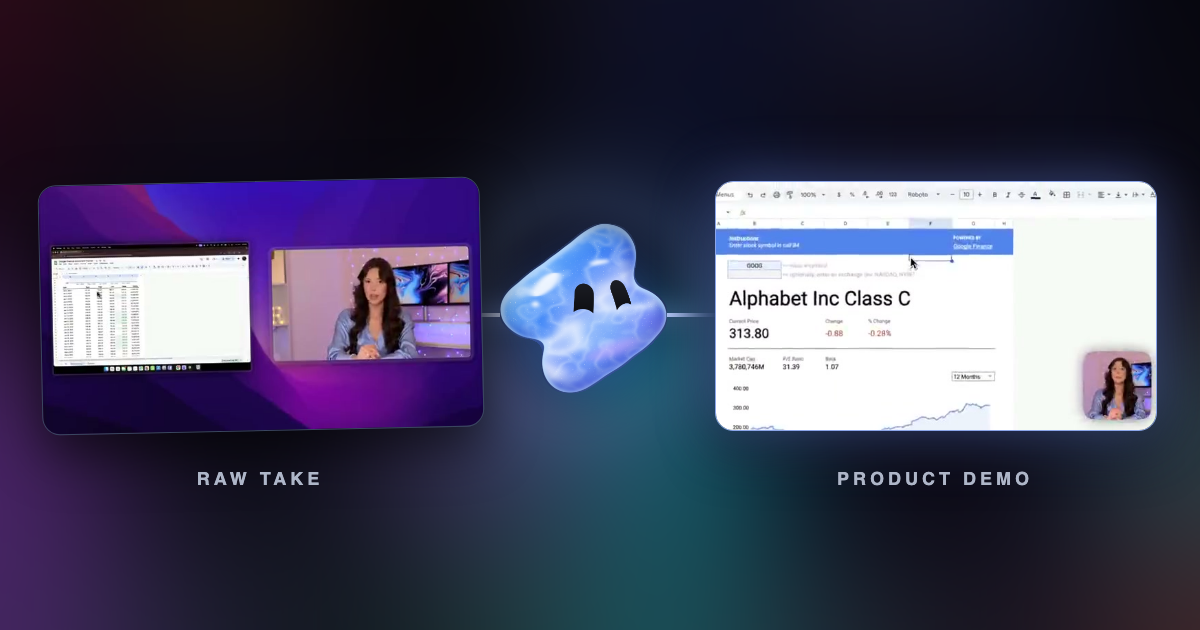
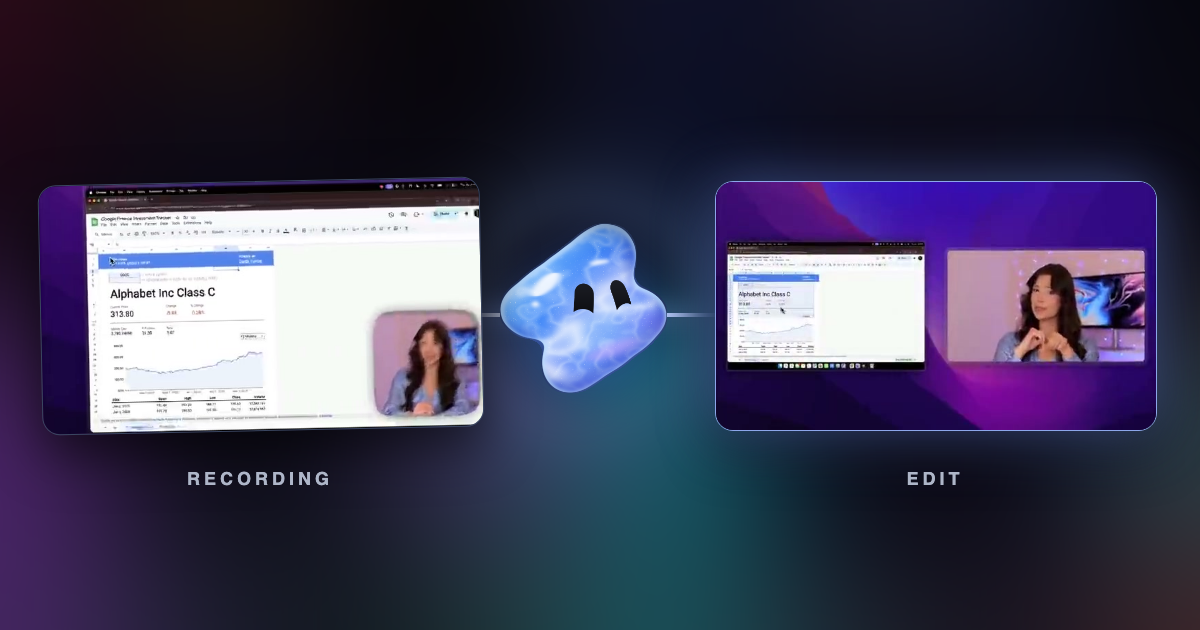
What a product demo recorder must do: zoom in on clicks, record your camera, cut pauses and add captions. Vidova, Screen Studio, Cap and more compared.
Six screen recorders that zoom in on your clicks for you, compared on platform, price and how the zoom works: Vidova, Screen Studio, Cap, FocuSee and more.
Screen Studio runs only on macOS. These Windows screen recorders zoom in on your clicks too: Vidova Recorder, Cap and FocuSee, plus Camtasia and Tella.
Five ways to zoom a recording into clicks, with platforms, prices and settings for Vidova Recorder, Screen Studio, Cap, FocuSee, Camtasia, OBS and DaVinci Resolve.
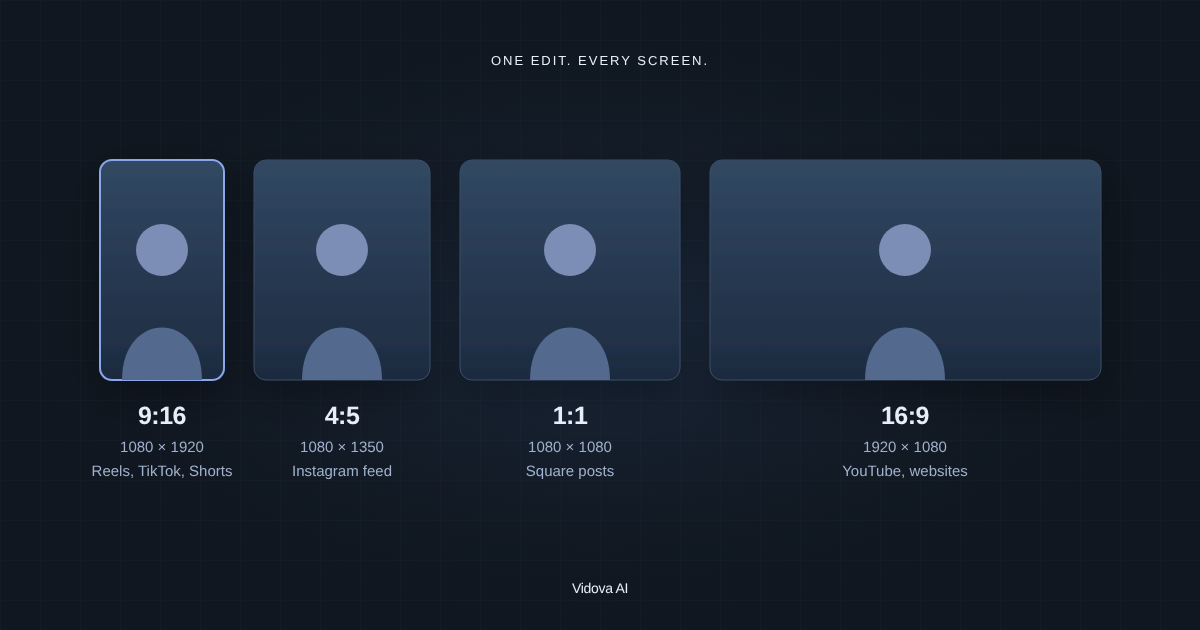
Instagram Reels, TikTok and YouTube Shorts are the same size: 9:16 at 1080 × 1920. Each app's size with sources, and how to resize one video for all of them.
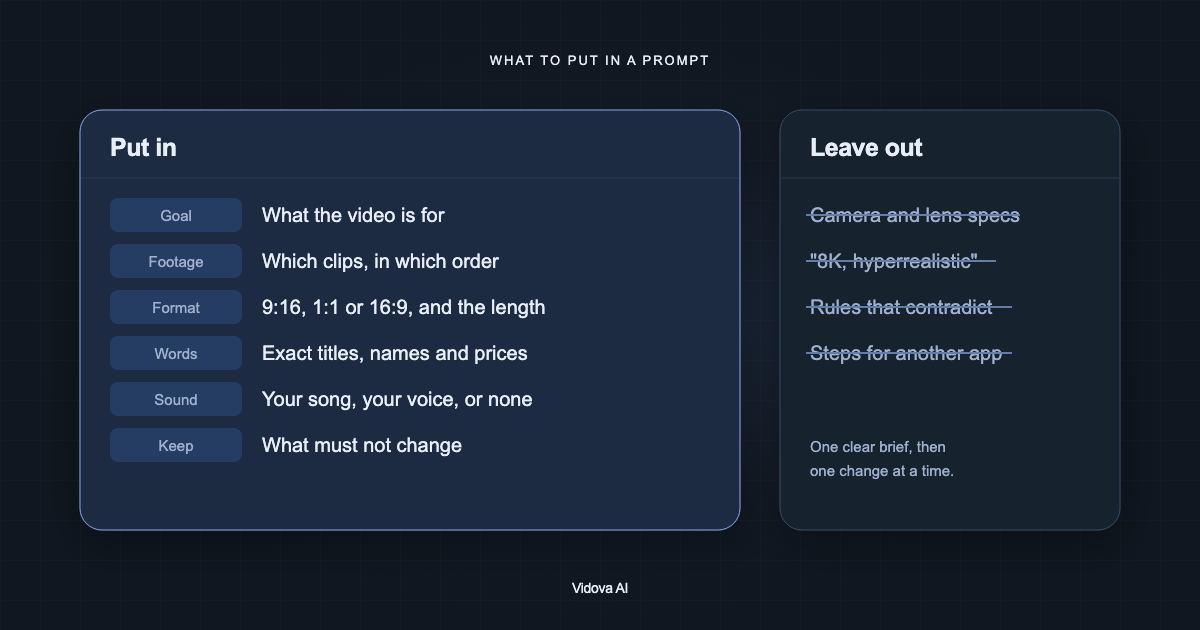
What to put in a prompt for an AI video editor, what to leave out, and how to shorten a long brief that ChatGPT wrote for you. With a before and after example.
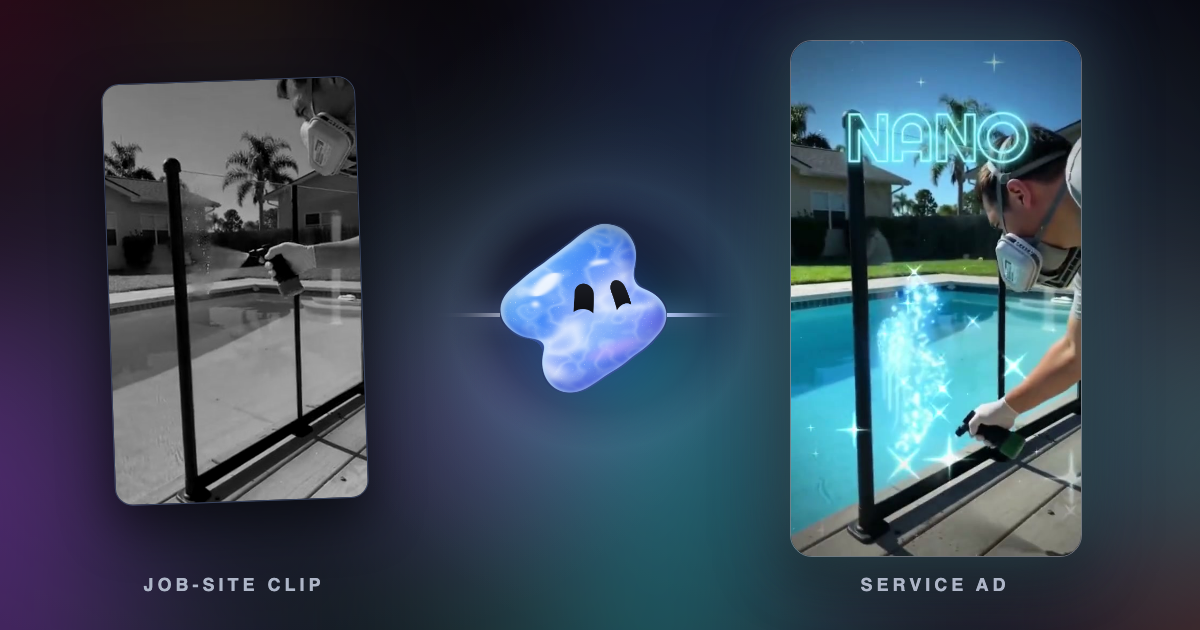
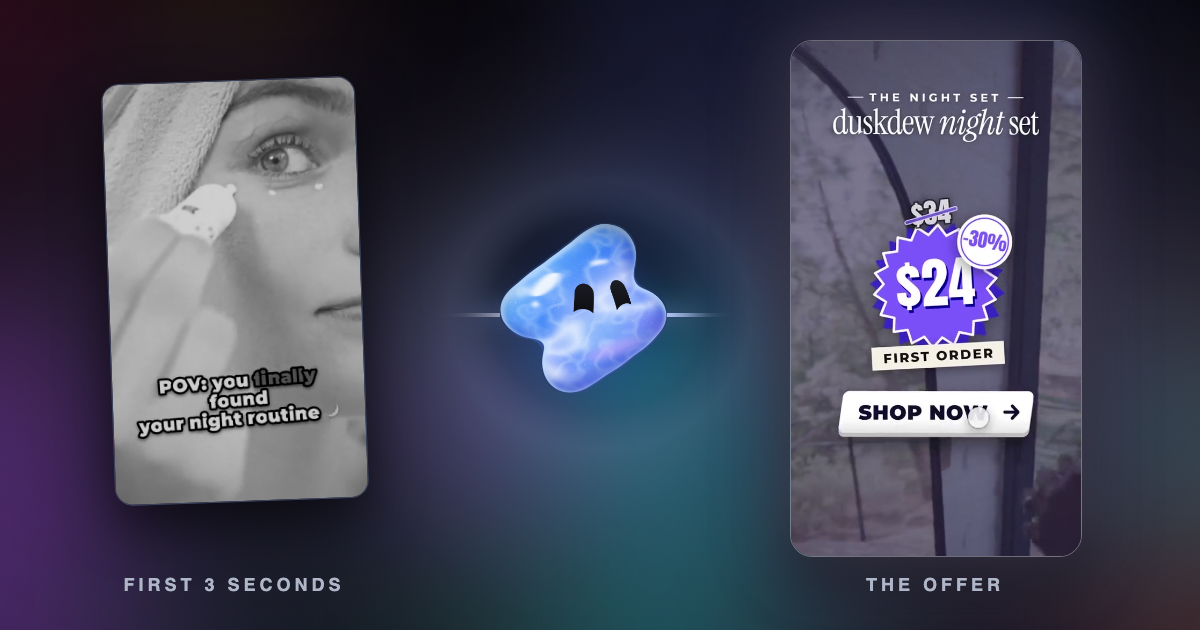
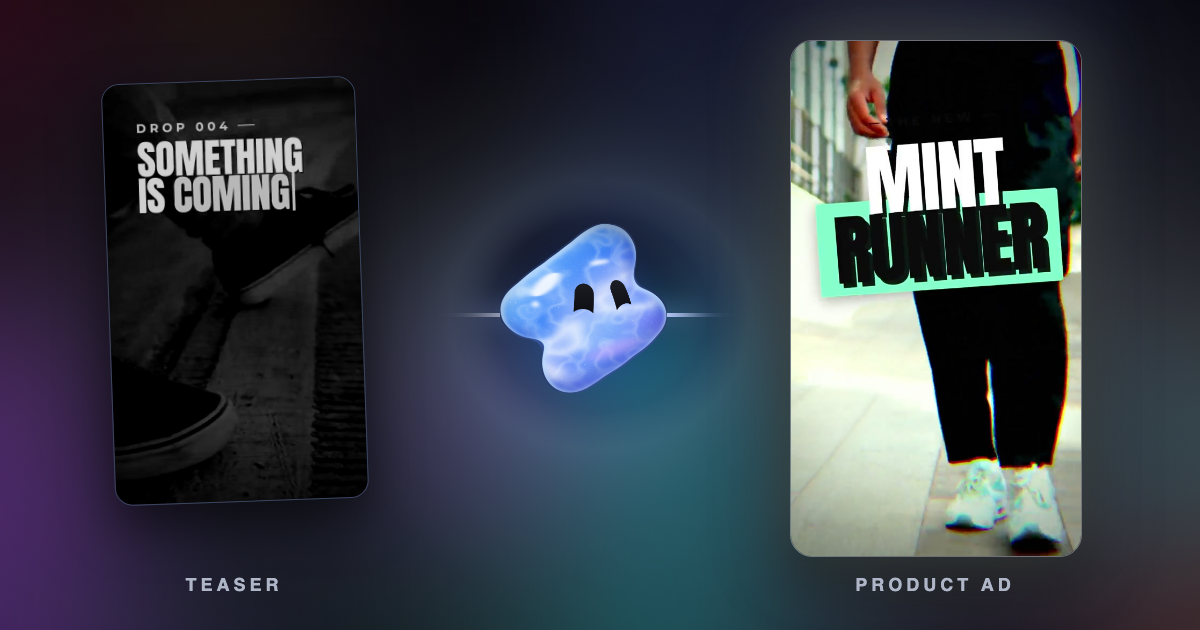
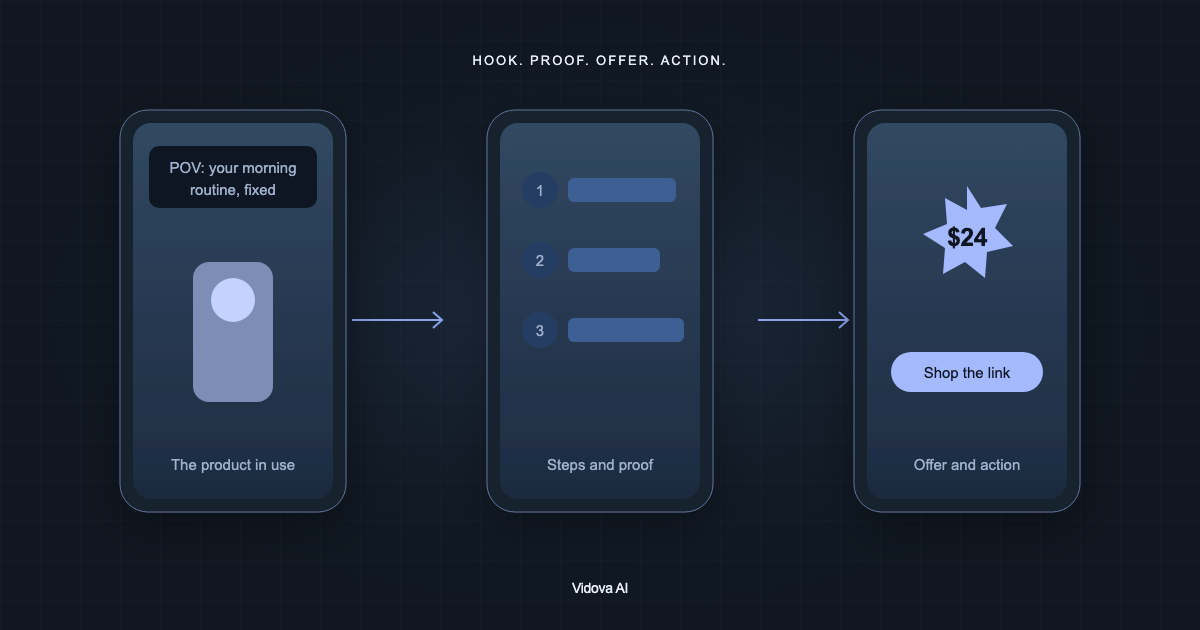
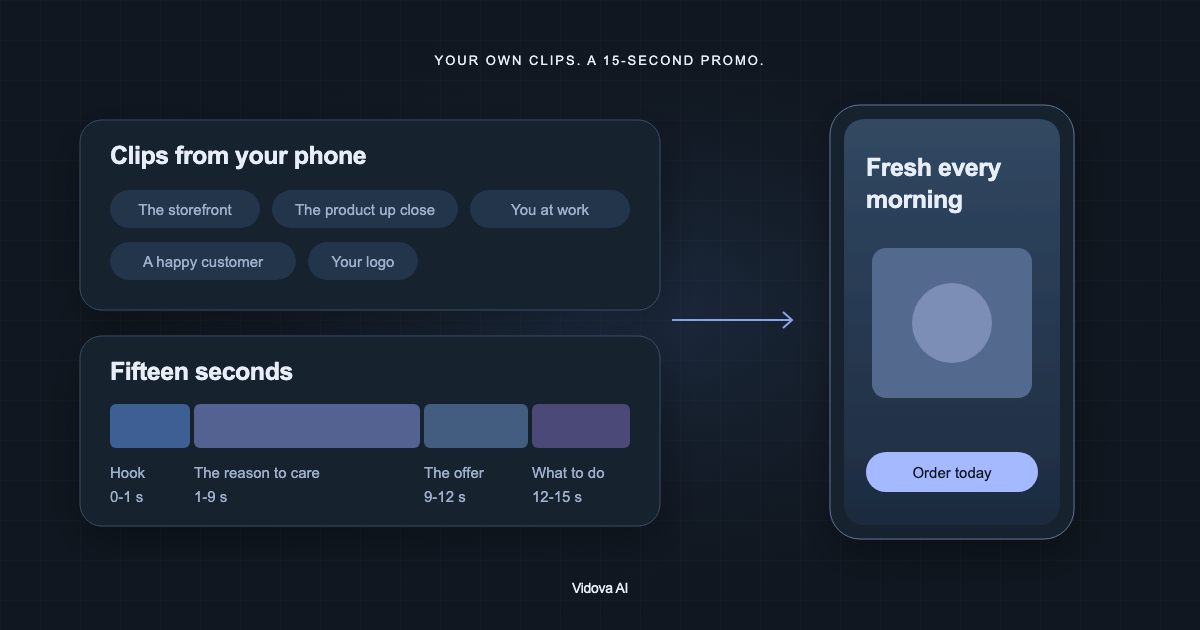
Make a product video or a UGC-style ad from clips you filmed: a hook in the first second, proof, the price and a call to action. With an example brief.
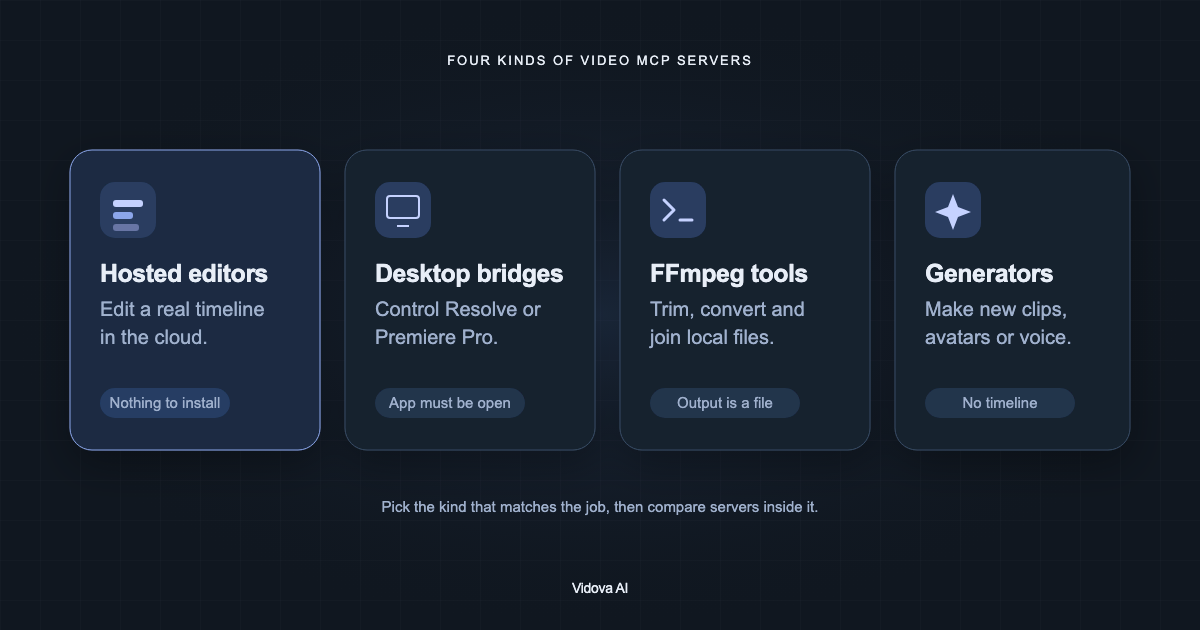
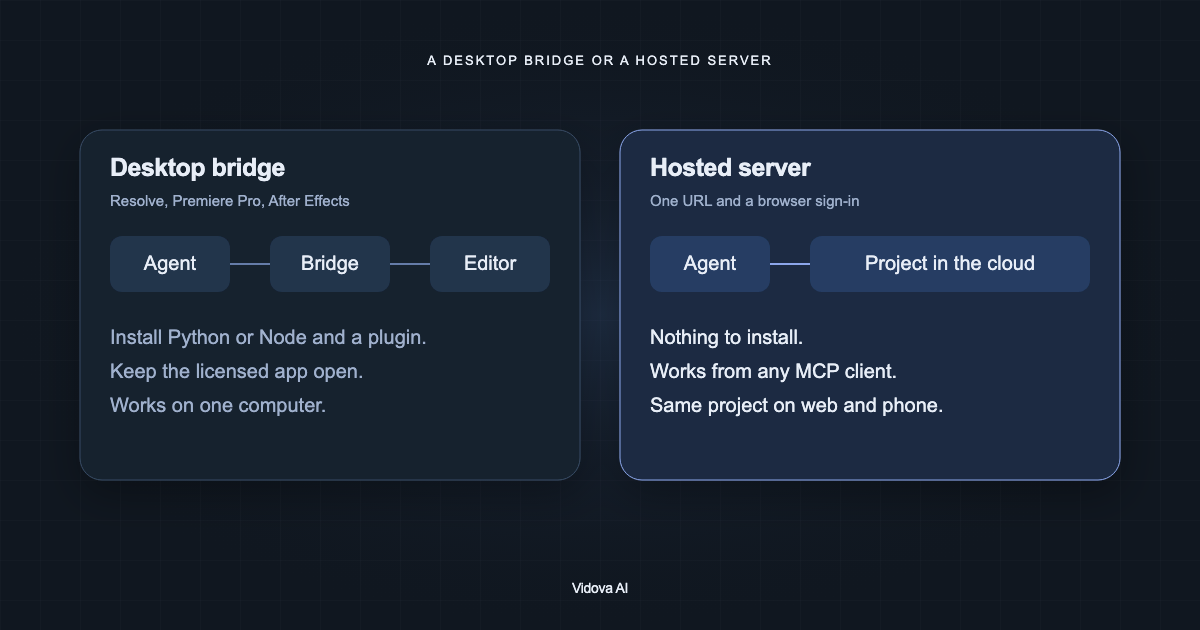
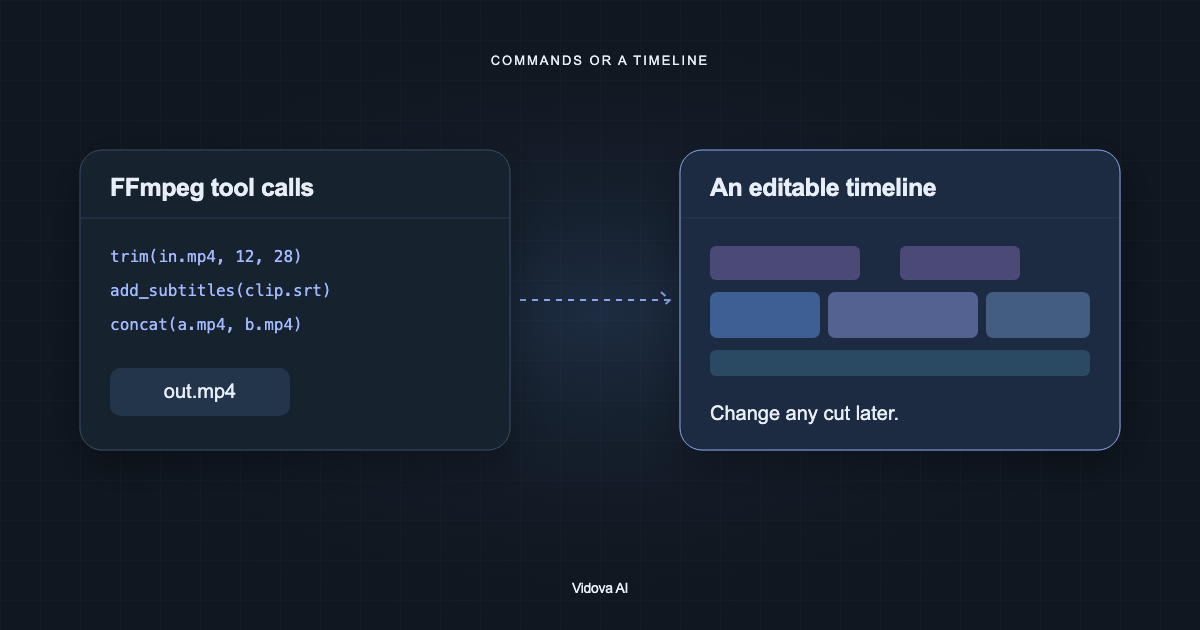
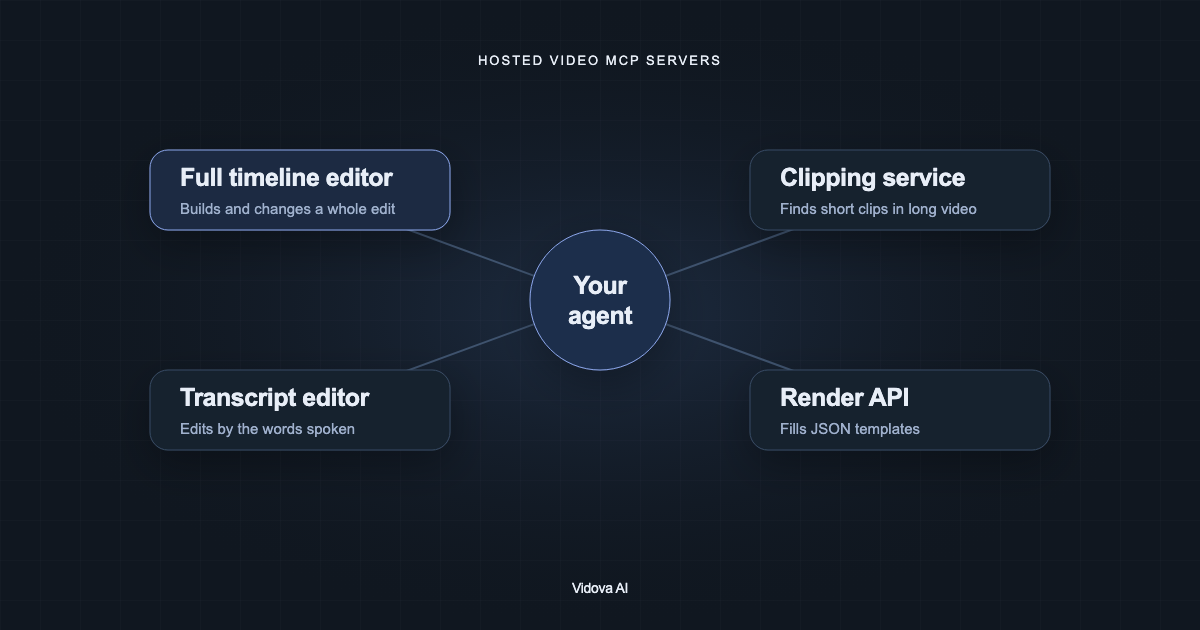
We compared hosted editors, DaVinci Resolve and Premiere Pro bridges, FFmpeg servers and generators you can connect to Claude, ChatGPT, Codex or Cursor.
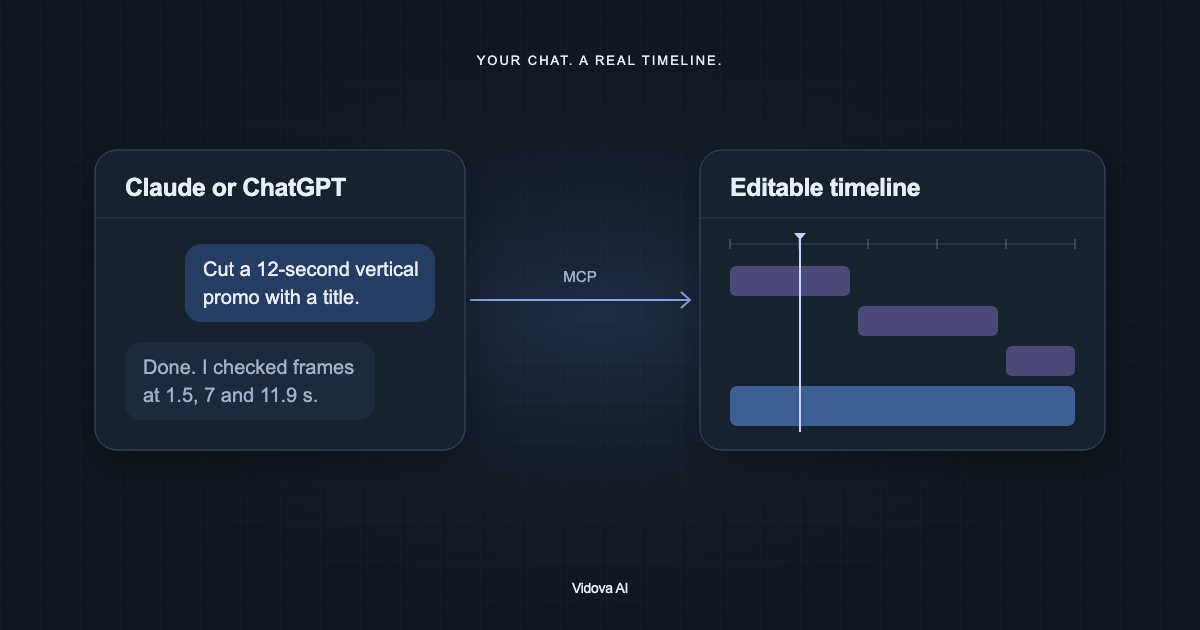
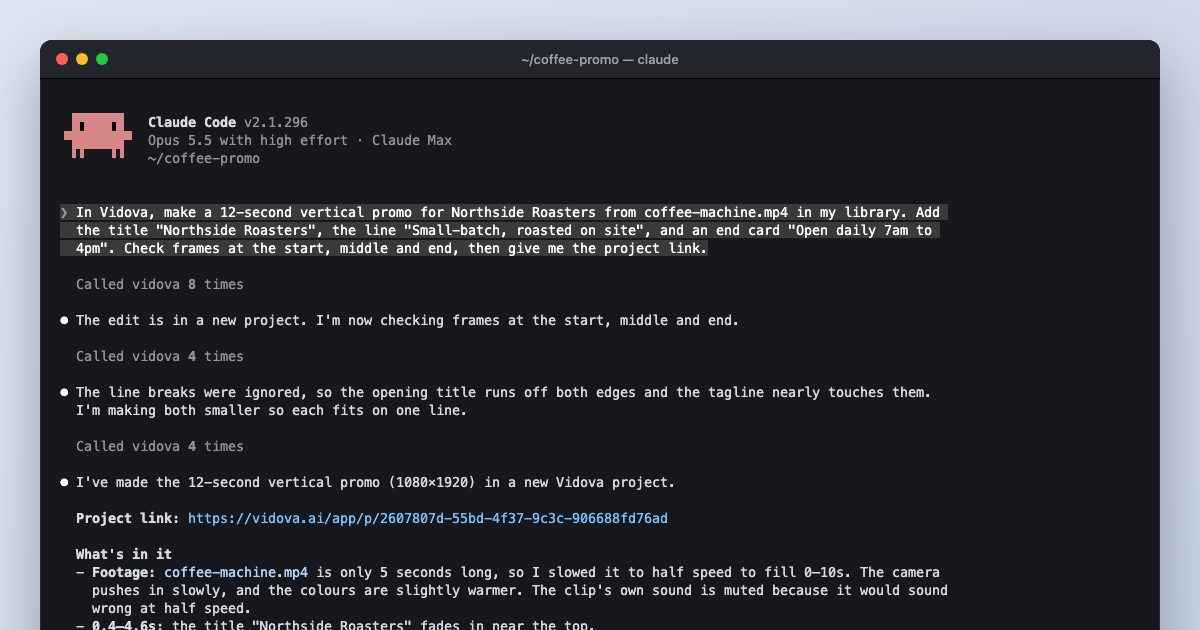
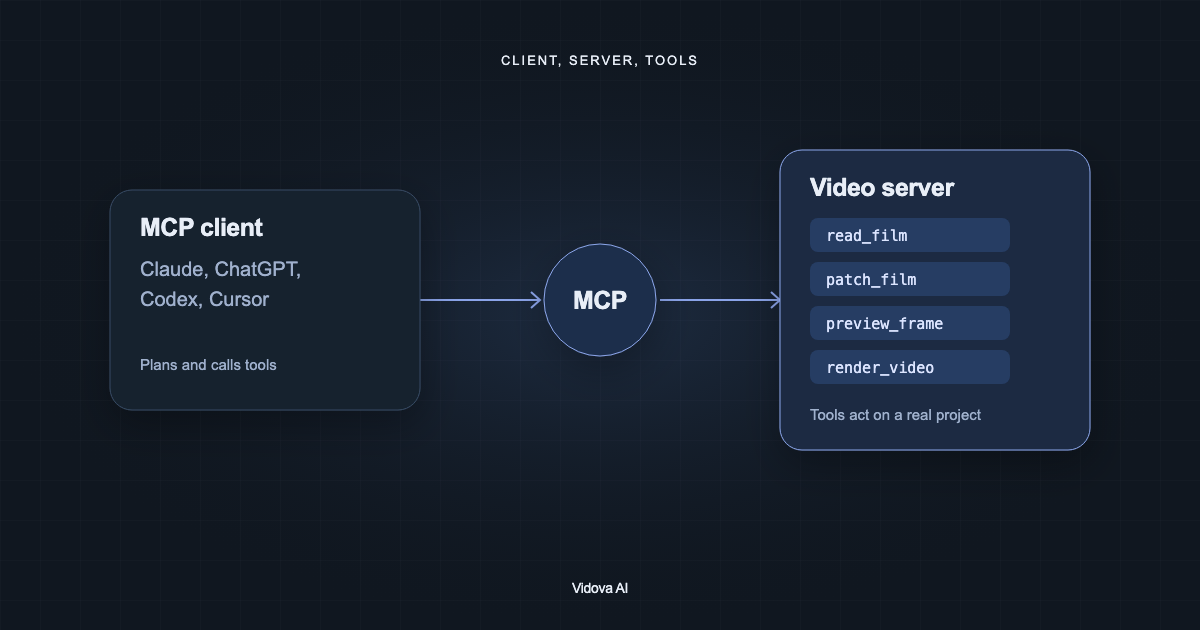
Claude and ChatGPT cannot edit video on their own, but with a plugin or an MCP connector they can cut, caption and check a real timeline. How to set it up.
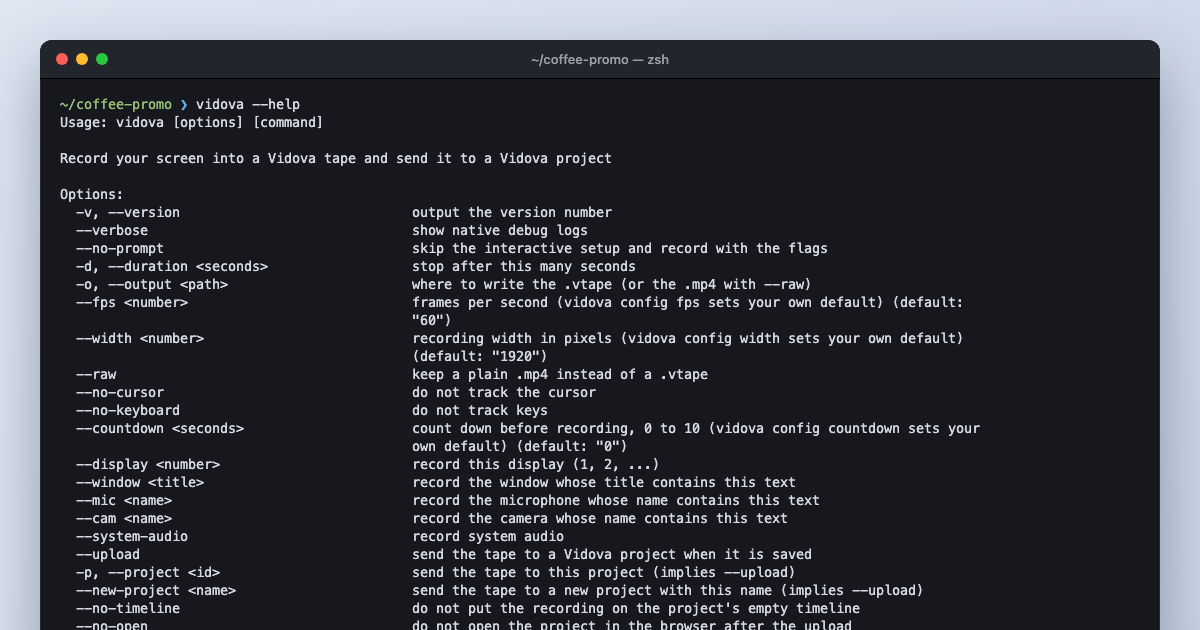
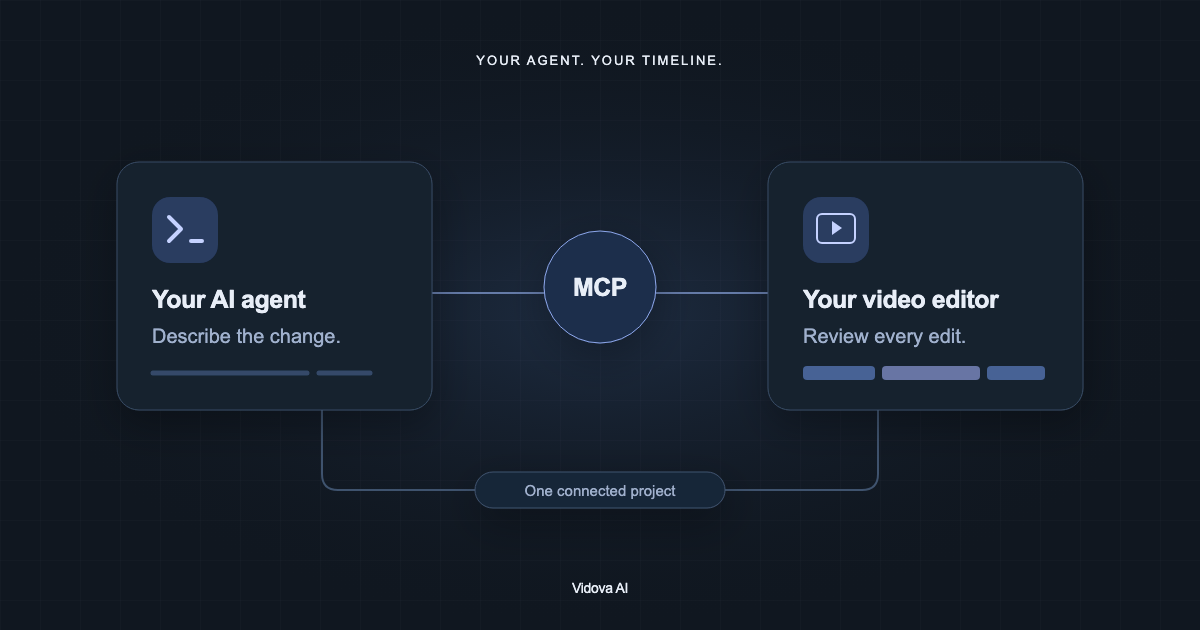
The Vidova CLI records your screen, camera, cursor and keys into one tape and sends it to a project. Then Claude Code or another agent can edit it over MCP.
 Vidova