Best screen recorders for product demos in 2026
What a product demo recorder must do: zoom in on clicks, record your camera, cut pauses, add captions and export fast. Vidova, Screen Studio, Cap and others compared.
Last updated
The short answer
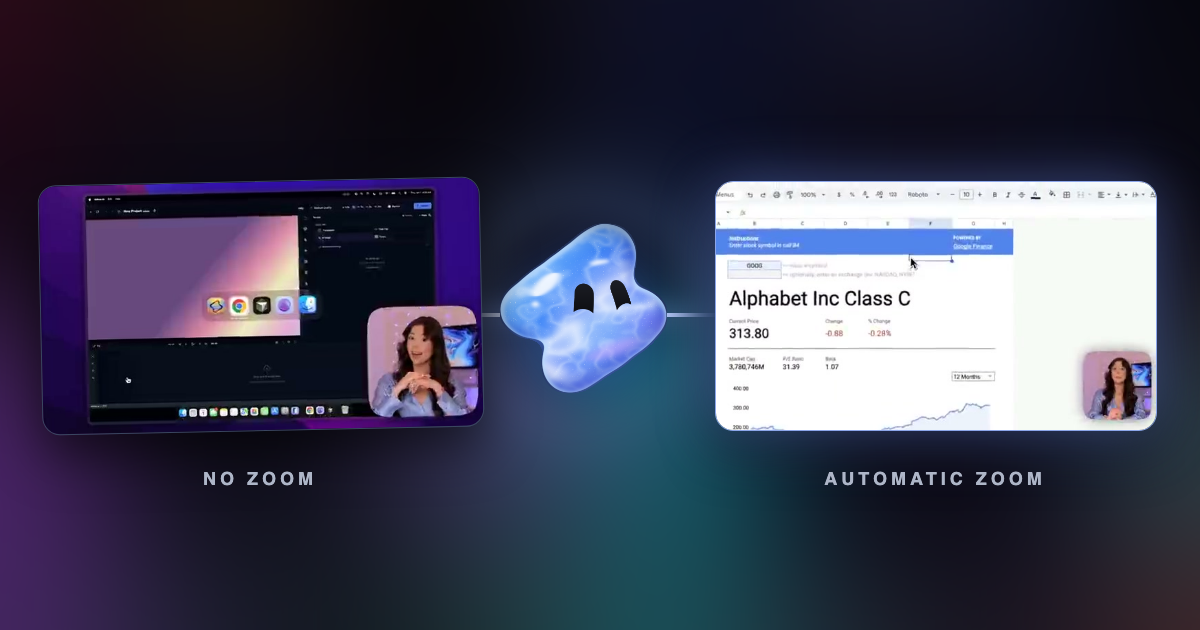
A good product demo recorder keeps viewers on the step that matters. It zooms in on clicks, records your camera as its own track, cuts pauses, writes captions and exports in the size you post. Vidova Recorder does all of these on macOS, Windows and Linux and is free to download. Screen Studio, Cap and FocuSee also zoom in on clicks, with different platforms and prices.
Key takeaways
- Viewers watch demos on small screens. Zoom on clicks so they can read the interface.
- Record the camera as its own track, so you can move it, resize it or take it out later.
- Captions and pause cuts matter as much as the zooms. Many people watch with the sound off.
What a product demo recorder must do
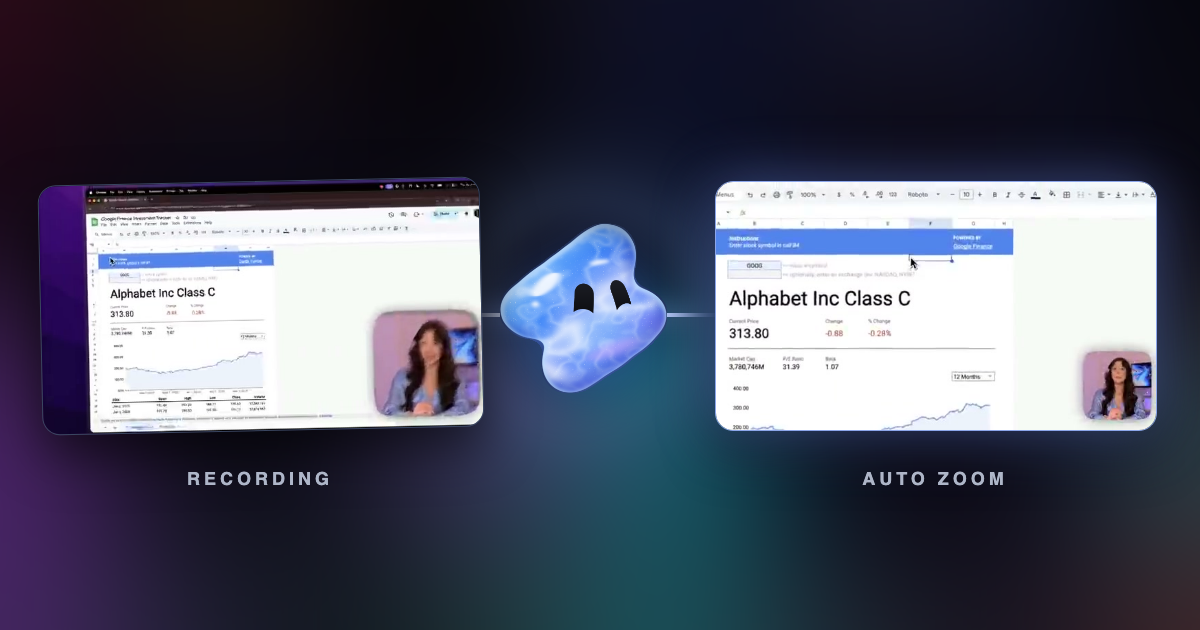
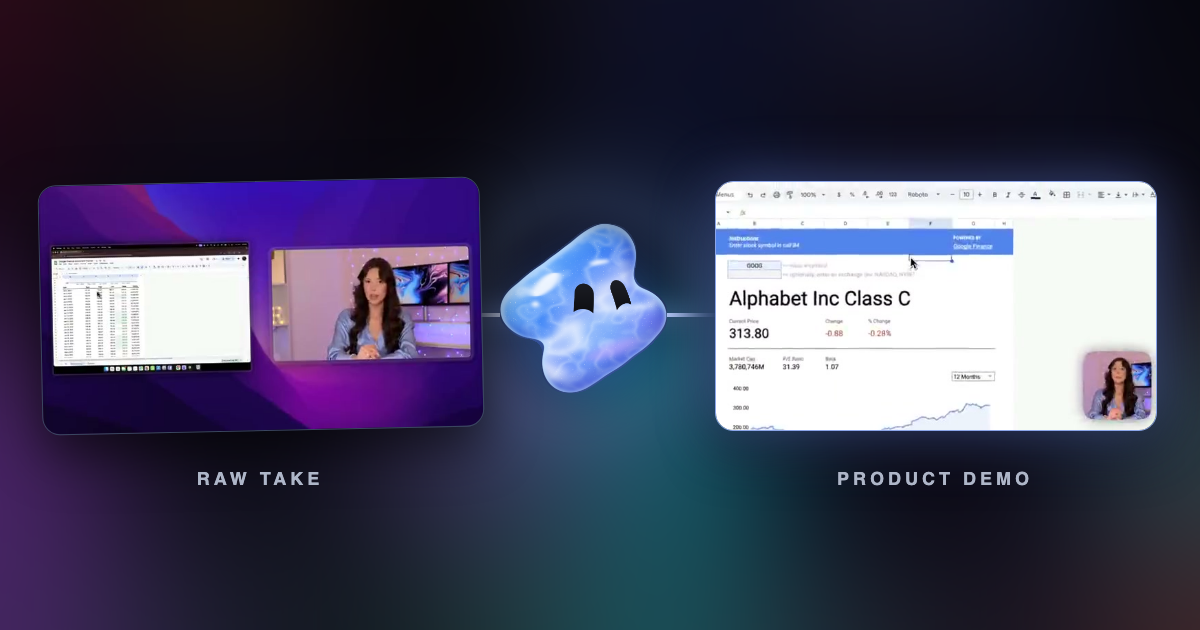
- Zoom in on the step: a push-in on each burst of clicks, so a button is readable on a phone.
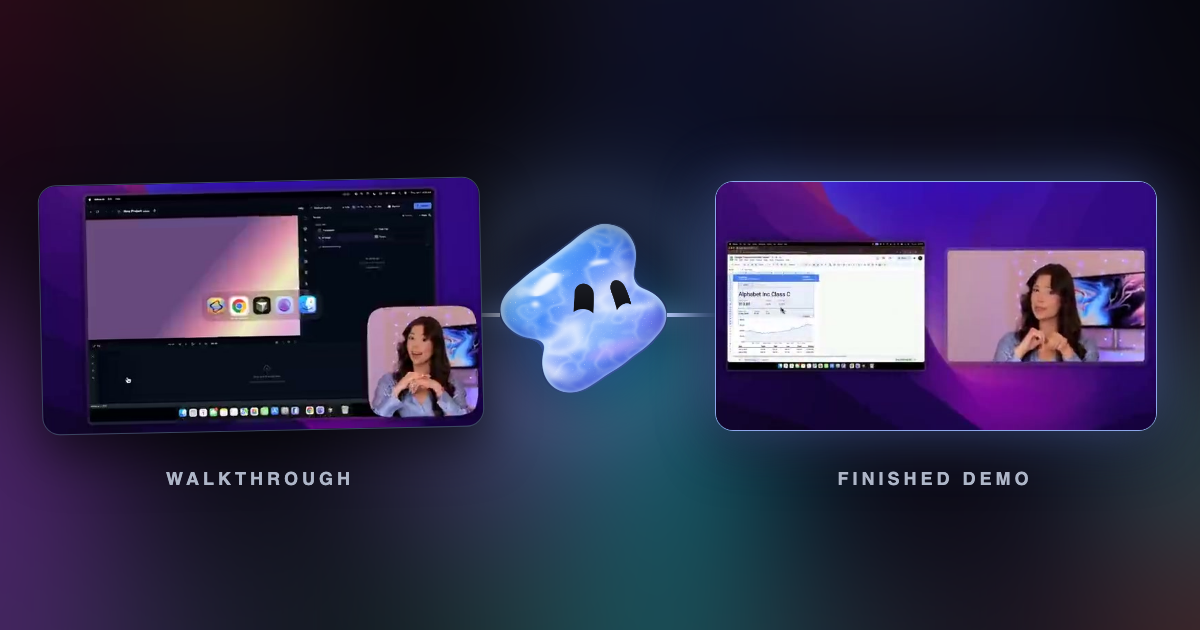
- Record your face as its own track: you can resize, move or remove it after the take.
- Cut the pauses: dead air while a page loads loses viewers.
- Write captions: many viewers start with the sound off.
- Split chapters: long demos are easier to scan with titled sections.
- Export for each place: MP4 for the website and social posts, a project file if an editor finishes it.
Recorders compared for demos
| Recorder | Runs on | Automatic zoom | Price |
|---|---|---|---|
| Vidova Recorder | macOS 13+, Windows 10+, Linux | Yes, on click bursts | Free download, no account to record |
| Screen Studio | macOS only | Yes, on clicks | $29 a month, or $9 a month billed yearly |
| Cap | macOS 13.1+, Windows 10+, Debian and Ubuntu | Yes, generated from recorded clicks | Free for personal use; desktop license $58 once or $29 a year |
| FocuSee | macOS and Windows | Yes, on clicks and typing | Free trial exports one video; paid plans on its pricing page |
| Camtasia | Windows 10+, macOS 14+ | Zooms are edits you place | Free editor with a watermark until you buy a plan |
| Tella | Mac, Windows and browser | Automatic zoom effects; click trigger not stated | From $13 a month, 7-day trial |
Vidova Recorder for product demos
Vidova Recorder covers the whole list in one app. It zooms in on bursts of clicks, records the camera as its own track, cuts silences and filler words, writes captions you can edit word by word and splits the walkthrough into chapters. The teleprompter keeps your script in view while you record.
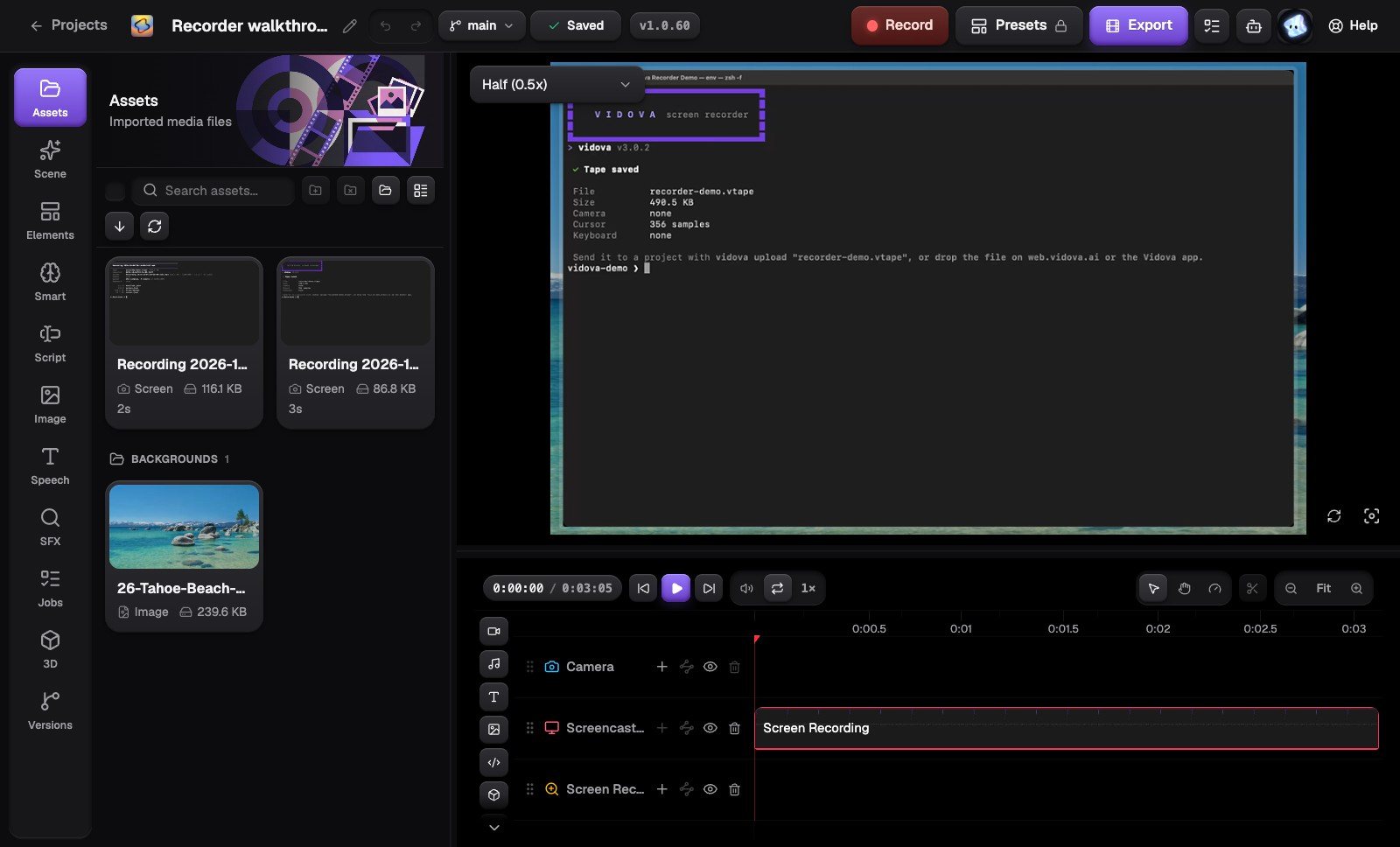
Because the take lands on a real timeline, you can also ask Vidova's agent for changes in plain words, such as a vertical cut for social posts.
Tips for a better demo take
- Start on a clean screen: close other tabs and hide notifications.
- Use test data that looks real: names, prices and dates people recognise.
- Click in bursts where you want a zoom, and pause for a beat after each result.
- Record one feature per take. Short takes are easier to fix and to reuse.