Vidova
How to make an aesthetic edit: colour, grain, pace and type
An aesthetic edit is a short, calm video built on one soft look: warm muted colour, a gentle glow, fine film grain, slow cuts and a few words of type. How to film and edit one.
 Vidova team
Last updated
The short answer
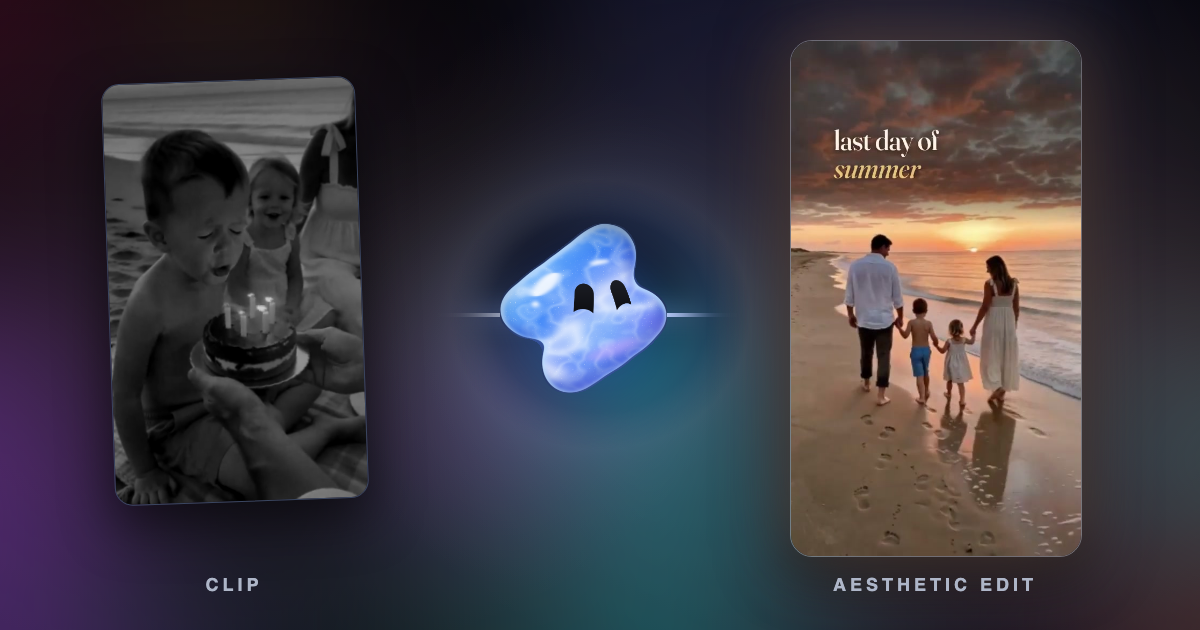
An aesthetic edit is a short video where the mood comes first. It has warm, muted colours, shadows lifted to a soft grey, a gentle glow on the highlights, fine film grain, unhurried cuts on a calm song and a few words in a serif or handwritten type. To make one, film soft light and small details, give every shot the same grade, add grain and glow lightly, and cut on the beat. In Vidova you upload the clips and describe the mood.
Key takeaways
- The look is soft and warm: lower contrast, a little less saturation, lifted shadows, a gentle glow and fine grain.
- Pace is part of the look. Hold shots longer than in a hype edit and cut on the beat of a calm song.
- Keep type to a few words, in a serif or handwritten face, large enough and dark enough behind it to read at a glance.
What people mean by an aesthetic edit
On Instagram and TikTok, "aesthetic" describes a video where the look and the feeling come first and the information comes second. When people ask Vidova for an aesthetic or Pinterest-inspired edit, they usually describe the same things: warm, muted colours, a soft glow and film grain. The footage is everyday life: coffee, light through a curtain, a walk at sunset, flowers, a beach, hands doing something.
The common formats are a day-in-my-life vlog, a photo dump, a memories reel of a trip or a family day, and a short quote over moody footage. All of them use the same look. Only the story changes.
The look in concrete terms
| Part | What it looks like | Where to start |
|---|---|---|
| Colour | Warm and muted, never neon | Temperature up a little, saturation down a little |
| Shadows | Soft, dark grey instead of black | Lift the blacks |
| Highlights | Creamy, with a soft glow | Lower the highlights, add a light glow or bloom to the brightest parts |
| Grain | Fine, moving on every frame | Light enough that faces stay clean |
| Pace | Unhurried | Cut on the beat of a calm song, and hold each shot for one or two bars |
| Movement | A slow push or drift | No whip pans, shakes or flashes |
| Transitions | Straight cuts, soft dissolves, warm light leaks | One kind of transition for the whole edit |
| Type | A few lowercase words in a serif italic or handwriting | One accent colour at most |
| Music | Acoustic, piano, lo-fi or soft indie | A song with a quiet start and no hard drop |
A mood can also be cool and moody instead of warm, for example rain on a window at night. The method is the same: one grade, soft contrast, grain, slow cuts and a few words.
What to film
- Soft light. Window light, golden hour or an overcast day. Hard noon sun is the opposite of this look.
- Details. Steam over a cup, a hand on a railing, sand on feet, pages turning. Close details carry the mood more than wide shots.
- One wide shot to set the place, such as the beach, the street or the room.
- Slow movement in the frame. Curtains, hair in the wind, water. Then the camera can stay still.
- Long takes. Hold every shot for at least five seconds so the editor can pick the best part.
- Vertical, if the edit is for Reels or TikTok.
- Lock the white balance so the colour does not shift in the middle of a shot. On iPhone it is in Settings > Camera > Record Video (Apple).
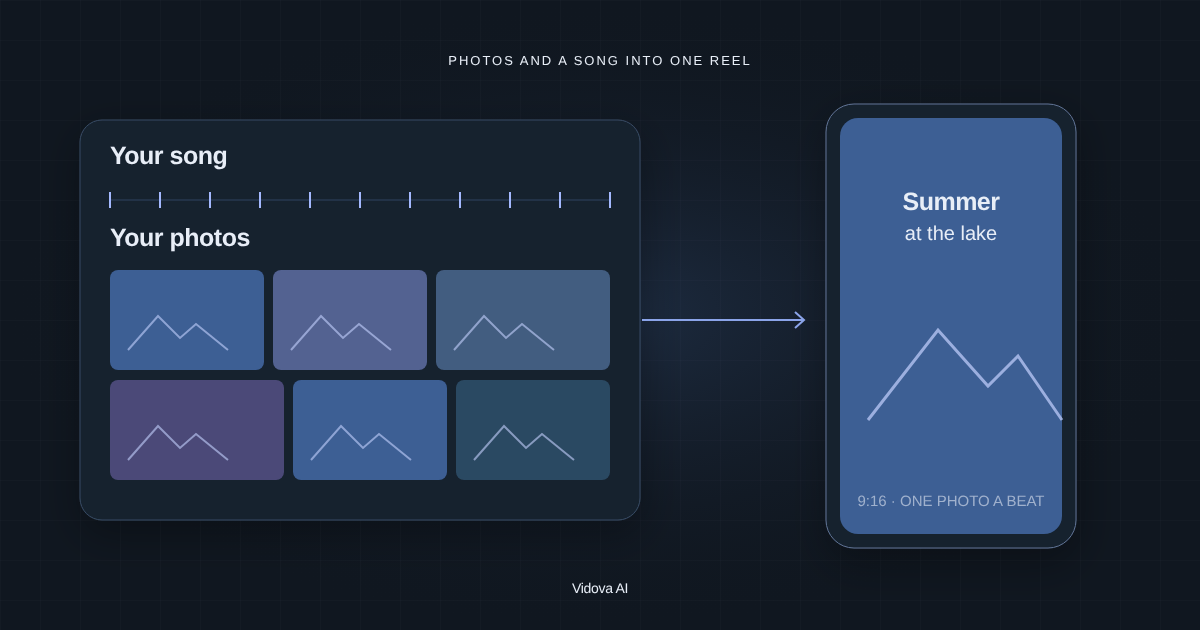
Photos work too. A still on screen for two seconds needs a slow push or pan so it does not look frozen. The full method for photo edits is in how to make a Reel with photos and music.
Grade, grain and glow
- Match every shot first. Same brightness, same white. A warm shot next to a blue shot breaks the mood.
- Make it soft. Lower the contrast, lift the blacks, and bring the highlights down.
- Make it warm and muted. Warm the temperature a little, lower the saturation a little, and check that skin still looks like skin.
- Add glow. A light glow or bloom on the brightest areas, such as the sun, lamps and white clothes, gives the dreamy look.
- Add grain last, over the whole frame, so every shot gets the same texture.
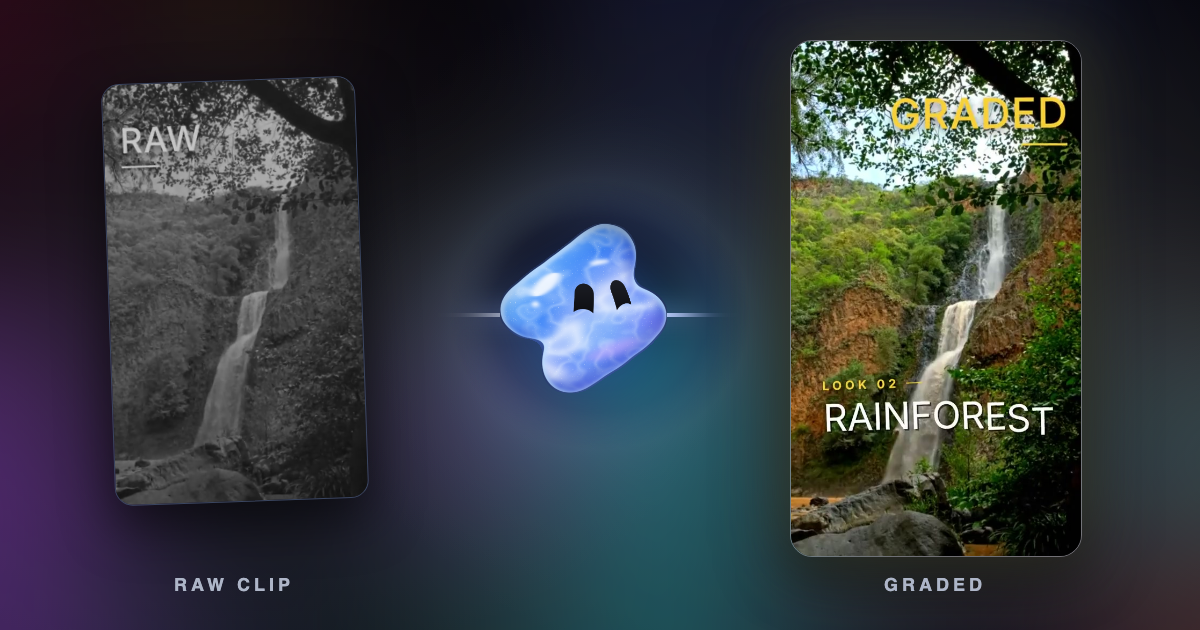
In Vidova the agent writes this as a grade on each clip: exposure, contrast, saturation, temperature, highlights, shadows, whites, blacks, curves and colour wheels. Grain, glow, bloom and light leaks are effects it puts on top. The grain is different on every frame, so it moves like film grain instead of sitting still over the picture. You can change any grade value in the editor's Color panel.
Several Vidova templates are built on this look. The Day in my life vlog template has a warm film grade with grain and dissolves through warm light leaks. The Memories reel template cuts photos and phone clips on the beat with a warm serif title. The Aesthetic quote template uses slowed rain footage, a cool grade, grain and a quote in Playfair Display.
Pace and music
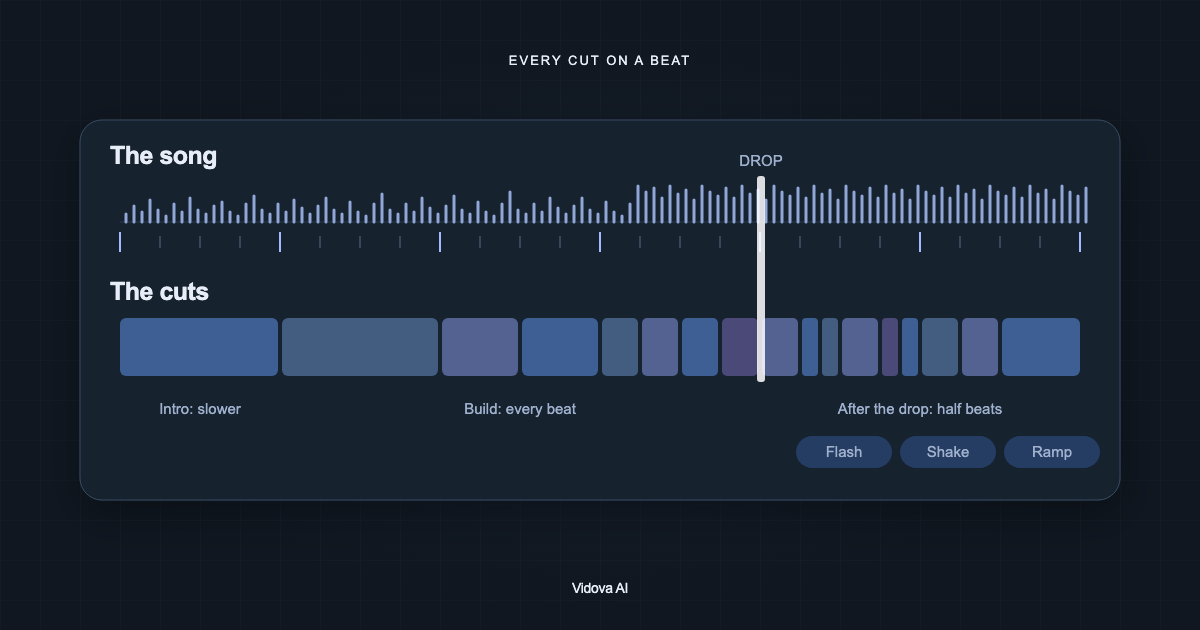
Pick the song first, because it sets the pace. A slow song with a clear beat lets each shot stay for one or two bars. Cut on the beat, and change pace once: a few quicker cuts as the song lifts, then one long closing shot. A pace that never changes feels like a slideshow.
Slow motion fits this look when one moment deserves it, such as hair moving in the wind or a wave rolling in. Slow that moment to about quarter speed with AI smoothing so it stays fluid, as in how to make slow motion smooth. Keep some real sound under the music, such as waves, a cup on a table or laughter, so that the edit feels lived in.
Type that fits the look and still reads
Aesthetic edits use very little text: a title, a place, a date or one line of a quote. Use a serif italic or a handwritten font in lowercase, and pick one accent colour from the footage for the key word.
Soft and small are not the same thing. Thin, pale words over a bright sky disappear on a phone. The web accessibility standard WCAG asks for a contrast ratio of at least 4.5:1 between text and what is behind it, and 3:1 for large text (W3C). Use those numbers for text over video. Put words on a dark part of the frame, or add a soft dark shadow behind them. Keep text off faces and inside the safe zones, and leave each line on screen long enough to read twice.
Make it in Vidova
- Upload your clips and photos, and a song if you have one. If you do not, the agent can make an original track.
- Describe the mood, the platform and the length, and give the exact words for the title if you want one.
- The agent picks the shots that fit the mood, grades them to one look, adds grain and glow, cuts on the beats and places the title.
- Ask for changes in plain words: "warmer", "less grain", "slower cuts" or "move the title off her face".
Make a 15-second aesthetic Reel from these clips of a Sunday at home. Warm, muted colours with soft highlights, a light film grain and a gentle glow. Calm acoustic music, cuts on the beat. Keep the sound of the coffee pouring. One title at the start in a lowercase serif: "slow sunday". 9:16.
Write the request in your own language. The agent replies in the language you write in.
Mistakes that break the look
- A different filter on every clip.
- Grain so heavy that faces look dirty.
- Glow over the whole frame, which turns the picture grey and blurry.
- Fast hype transitions, zoom punches or shakes in a calm edit.
- Thin white text over a bright sky.
- A slideshow of stills with no movement.
- Too many words. If the picture shows it, do not write it.
Sources
All sources checked November 2026.
Make your first aesthetic edit
Paid plans start at $19 a month, remove the watermark and export up to 4K at 60 fps.