 Vidova
How to
How to turn long videos into Shorts and Reels that get views
Turn webinars, YouTube videos and interviews into Shorts and Reels that get views: pick moments that stand alone, open on the payoff, reframe to 9:16, and caption every word. With real examples.
Updated
Examples
The short answer
A short from a long video gets views when the moment works with no context and opens on its payoff. Pick lines that stand alone, cut the setup, reframe the shot to 9:16 with the speaker centred, and add big captions word by word. Keep each short under 45 seconds and end it the moment the point lands.
Step by step
Mark the moments that stand alone
Go through the transcript and mark lines that make sense to someone who has not seen the rest: a clear tip, a strong opinion, a number, a short story. Skip moments that depend on "as I said earlier".
Open on the payoff
Cut the warm-up. The short starts on the sentence with the answer or the surprise. If the viewer needs one fact of context, put it as text over the first second.
Reframe to 9:16
Crop the wide shot to vertical and keep the speaker's face in the upper middle of the frame. When two people talk, cut to whoever speaks. Leave room in the middle third for captions.
Cut the pauses and filler
Remove the "um", the long breaths and the repeated starts. A short moves faster than the original. Every second must add something.
Add captions and visuals
Big captions word by word, with key words larger. When the speaker says a number or names a thing, put it on screen. Add a cutaway every few seconds when the original is one static shot.
End clean and point to the full video
Stop the moment the point lands, so the short loops. Put the full video's title in the caption or pin it in the comments.
Test hooks and post the winners
Make two or three versions of the best short with different first lines. Post them across the week and keep the hook style that holds viewers longest.
Which moments make good shorts
The best short is the part of the long video that needs the least context. A new viewer has no idea who you are, so the first sentence must explain itself.
- Answers to a question people search for.
- Strong opinions that people will agree or argue with.
- Numbers and results said out loud.
- Short stories with a clear twist or lesson.
- Step-by-step tips that fit in under a minute.
Long videos you can turn into shorts
- YouTube videos: each chapter often holds one short.
- Webinars and live streams: the questions from the audience make strong shorts.
- Interviews and podcasts: one speaker, one thought per short.
- Courses and talks: one lesson per short, with the key point on screen.
- Product demos: one feature per short, with an automatic zoom on the screen recording.
How Vidova makes one
Give your AI video team the long video and say who the shorts are for. It finds the moments that stand alone, writes the hook for each one and plans every shot. It builds each short on a real timeline in 9:16, adds word-by-word captions, titles, numbers, charts and stock footage or generated clips as cutaways. On screen recordings, it zooms in on each click automatically. It checks each cut before it hands it to you.
Ask for several hook versions of one short, or a 16:9 version of the same project. Change anything in plain words: a different start, a shorter end, a new caption style.
Vidova AI video editor
Want the whole video edited?
Describe it and Vidova does it. It opens in a new project in the editor, where you add your video.
Frequently asked questions
How long should a Short or Reel be?
Under 45 seconds works well for one idea. Some shorts hold viewers for a minute or more when the story keeps building. Cut any second that does not add to the point.
How many shorts can I get from one long video?
A 20-minute video often gives five or more, and an hour-long interview can give ten. It depends on how many moments stand alone.
How do I crop a horizontal video to vertical?
Crop to 9:16 and follow the speaker, so their face stays in the upper middle of the frame. When two people talk, cut to whoever speaks. In Vidova your AI video team does the reframe.
Should a short link to the full video?
Yes. Put the full video's title in the caption or a pinned comment. On YouTube, you can link a Short to the related video.
Can I post the same short on TikTok, Reels and YouTube Shorts?
Yes. Export a clean 9:16 file with no other app's watermark and post it on all three.
More guides
All guides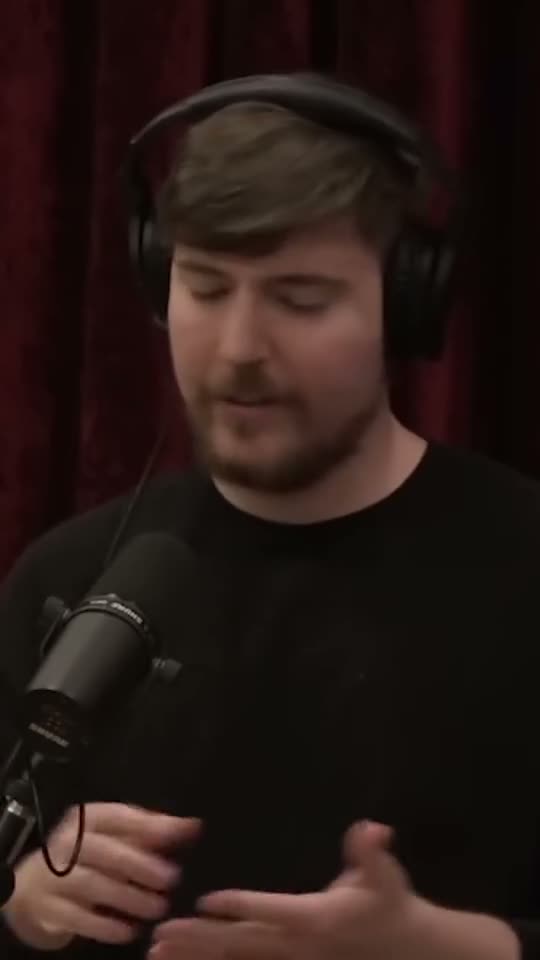
How to make podcast clips that go viral
Podcasters, interview shows, coaches and founders with a show
Read the guide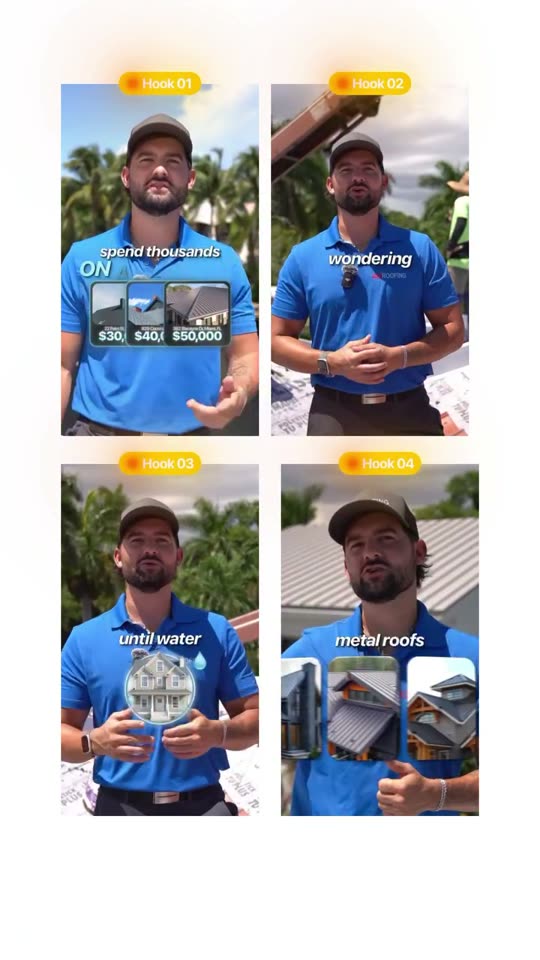
How to write video hooks that stop the scroll
Local businesses, creators, coaches and marketers
Read the guide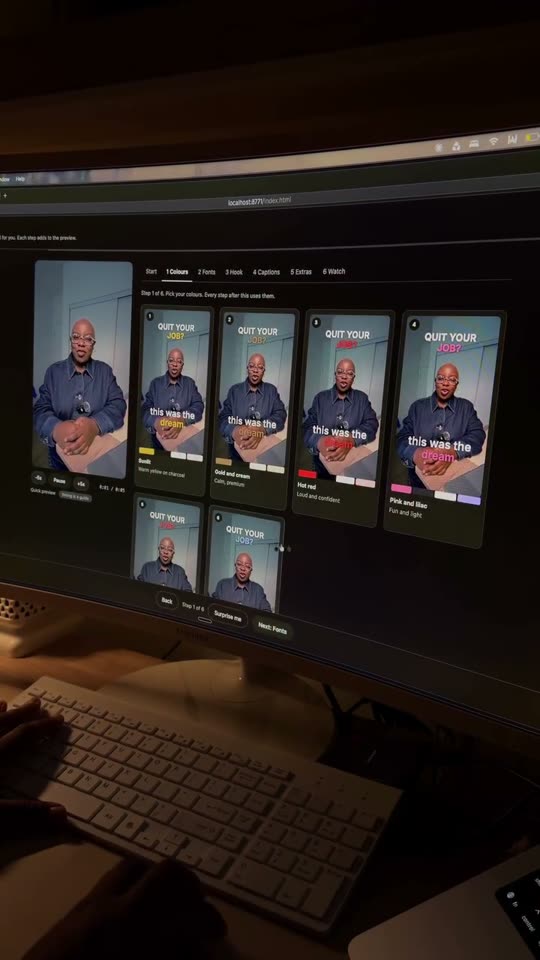
How to add captions that keep viewers watching
Creators, podcasters, coaches and local businesses
Read the guide