 Vidova
How to
How to make event recap videos that sell the next event
Make event recap videos that fill the next one: open on the peak moment, show the crowd, cut to the music, and end on the next date. With real examples.
Updated
Examples
The short answer
An event recap sells the next event when it makes the viewer feel they missed something. Open on the loudest moment, show faces and the crowd more than the stage, cut on the beat of the music, and keep it under 45 seconds for Reels and TikTok. End on the next date and where to get tickets, while the energy is highest.
Step by step
Plan the shots before the doors open
Make a short list: the room before guests arrive, the entrance, the crowd at its peak, close-ups of faces, the main act, the sponsor moments and the last song. Film vertical for social and keep a few wide shots for the website.
Open on the peak moment
The first two seconds show the loudest point of the night: the drop, the toast, the confetti, the crowd with hands up. Save the arrival shots for later or cut them.
Show people more than the stage
Viewers picture themselves in the crowd. Use close-ups of guests laughing, dancing and reacting. One clear face is worth more than a wide shot of the room.
Cut on the beat
Pick one track with energy and cut each shot on a beat. Go faster as the music builds, then slow one hero moment down so the viewer can feel it.
Add a few words on screen
Use the event name, the date and one line that sums up the night. Skip the schedule and the speaker list. If a guest says something great on camera, use it as the caption.
End on the next date
The last card shows the next event, the date and where to get tickets or join the list. Post the recap within a day or two, while guests are still sharing their own clips.
What makes a recap sell tickets
A recap is an ad for the next event. People who came share it because they are in it. People who did not come watch it to see what they missed. Both groups need to see a full room, real reactions and a clear next date.
- A full room. Frame tight so the crowd looks packed.
- Faces and reactions in close-up.
- One hero moment slowed down: the drop, the first dance, the award.
- Guests tagged in the post, so the video reaches their friends.
- The next date and the ticket link on the last card and in the caption.
Make more than one recap
- A 15-second teaser the next morning, with the best three moments.
- A 30 to 45-second recap for Reels, TikTok and Shorts.
- A 1 to 3-minute version in 16:9 for YouTube and the website.
- Sponsor cuts: a short version that features each partner, to send them after the event.
- Speaker or artist clips: one strong quote or performance each, for them to share.
How Vidova makes one
Upload your event clips and photos and tell your AI video team the event name, the date and the next date. It writes the hook and the titles, plans each shot, and builds the recap on a real timeline with beat-synced cuts to its own music, or to your track. It slows the hero moment with AI slow motion and adds titles and word-by-word captions on any speech.
It can put a glow outline, a freeze frame with a spotlight or clones on one guest, and blur faces you should not show. It checks the cut before it hands it to you, and makes the 9:16 and 16:9 versions from one project. You change anything by asking in plain words.
Vidova AI video editor
Want the whole video edited?
Describe it and Vidova does it. It opens in a new project in the editor, where you add your video.
Frequently asked questions
How long should an event recap video be?
30 to 45 seconds for Reels, TikTok and Shorts. A YouTube or website version can run 1 to 3 minutes. Cut any shot that does not add energy.
When should I post the recap?
Within a day or two of the event, while guests are still talking about it and posting their own clips. A short teaser the next morning keeps the buzz going until the full recap is out.
What music should I use?
One track with a strong beat that matches the night. Use music you have the rights to, or music made for the video, so the platform does not mute it.
Can I make a recap from phone footage?
Yes. Phone clips from staff and guests work well because they feel real. Ask for vertical clips, and pick the steadiest shots with the clearest faces.
How do I get guests to share the recap?
Show their faces, tag them, and send the video to them directly. People share videos they are in. A clip of each speaker or artist also gives them something to post.
Can Vidova blur guests who did not want to be filmed?
Yes. Your AI video team can blur faces and licence plates in any clip. Tell it who to blur and it keeps the blur on them as they move.
More guides
All guides
How to make brand story reels for a small business
Shop owners, cafes, makers, trades and local service businesses
Read the guide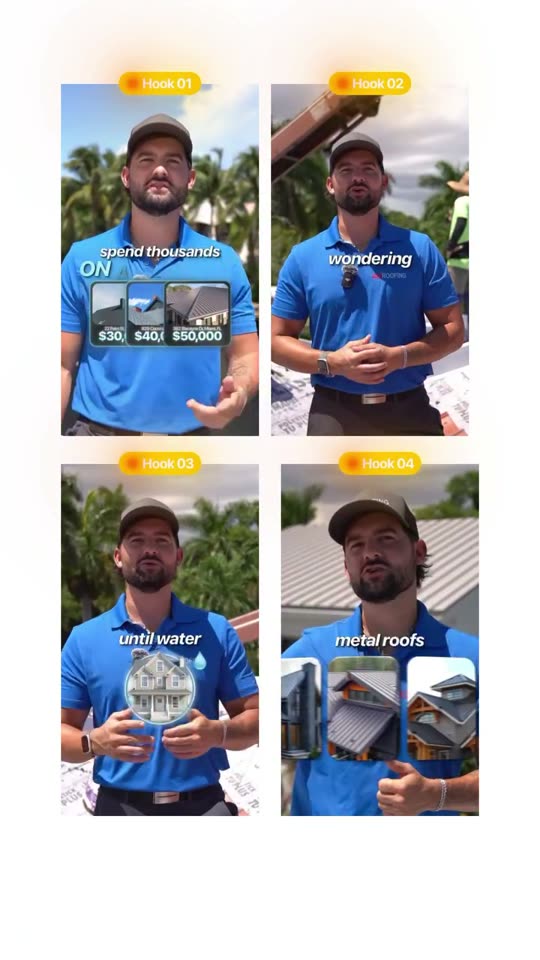
How to write video hooks that stop the scroll
Local businesses, creators, coaches and marketers
Read the guide
How to make video ads for a local business
Shops, cafes, gyms, salons, clinics and other businesses that serve one area
Read the guide