 Vidova
How to
How to make app and SaaS promo videos that get sign-ups
Make app and SaaS promo videos that turn viewers into sign-ups: open on the problem, show the product doing the job on a real screen, one feature per beat, and a clear next step.
Updated
Examples
The short answer
An app or SaaS promo gets sign-ups when it shows the product solving one problem the viewer has today. Open on that problem or the result in the first two seconds, show the real product on a phone or laptop screen, give each feature one short beat with a zoom on the click that matters, and end on one clear next step. Keep the social cut under 30 seconds.
Step by step
Pick one problem and one buyer
Write down the one task your product makes faster or easier, and who has that task. "Freelancers who lose hours on invoices" is a video. "All-in-one workspace" is not.
Open on the pain or the result
Show the messy spreadsheet, the missed booking or the slow export in the first two seconds, or jump straight to the result. Say it as one short line on screen.
Show the real product doing the job
Record the actual screen, then put it in a phone or laptop mockup so it looks clean. Cut out loading, typing and menus. Zoom in on each click that matters.
Give each feature one beat
Three features at most in a short promo. Each gets one line of text and two to three seconds of screen. Name the benefit, such as "Sends the reminder for you", rather than the feature name.
Add proof
A customer quote, a rating or a logo of a known customer adds trust. Use only real numbers and real names you have permission to show.
End on one next step
Close with your logo, one line and one action: "Get started at yourapp.com" or "Download on the App Store". Use the same words as the button on your landing page.
Promo formats that get sign-ups
- Problem and fix: the old way in two seconds, then your product doing it in one click.
- Feature tour: three features, one beat each, on a device mockup.
- Founder talk: you on camera explaining why you built it, with screen cutaways on each claim.
- Use case: one customer type and one job, start to finish, in under 30 seconds.
- Launch film: a slow, clean product film for the website and the launch post.
How to record the screen
- Use a clean demo account with real-looking data and no personal details.
- Make the browser or app window large, and hide bookmarks and notifications.
- Move the cursor slowly and pause on each click, so the zoom has time to follow.
- Record each feature as its own short clip. They are easier to cut and reuse.
- Record in dark and light mode if your product has both, to match each ad's style.
How Vidova makes one
Tell your AI video team what your product does and who it is for, and upload your screen recordings. It writes the hook and the script, plans each shot, and builds the promo on a real timeline. It puts your screen on a phone or laptop mockup, zooms in on the clicks automatically, and adds titles, feature cards, counters and charts. It can add a voiceover, its own music and sound effects, and word-by-word captions.
It makes several hook versions of the same promo for ad tests, and the 9:16 and 16:9 versions from one project. It checks the cut before it hands it to you. You change any part by asking in plain words.
Vidova AI video editor
Want the whole video edited?
Describe it and Vidova does it. It opens in a new project in the editor, where you add your video.
Frequently asked questions
How long should a SaaS promo video be?
15 to 30 seconds for social ads and Reels. 60 to 90 seconds for a landing page or launch video. Cut anything that does not show the product doing the job.
Should I show the real product or animations?
Show the real product. Viewers want to see what they will use. Clean it up with a device mockup, zooms and short cuts, and use graphics only for the ideas a screen cannot show.
How many features should a promo show?
One to three. Each feature needs time to land. A long feature list belongs on your website, and each feature can get its own video.
Do I need a voiceover?
Not always. Short promos work well with on-screen text and music. A voiceover helps when the product needs a little explaining, and captions keep it clear with the sound off.
How do I make app store preview videos?
Record the app on a real device, keep the first seconds on the main feature, and cut to the screens that sell it. Check the store's size and length rules for each platform before you export.
Can Vidova make the promo from my screen recordings?
Yes. Upload the recordings and your AI video team cuts them, adds automatic zooms and a device mockup, writes the text and checks the result.
More guides
All guides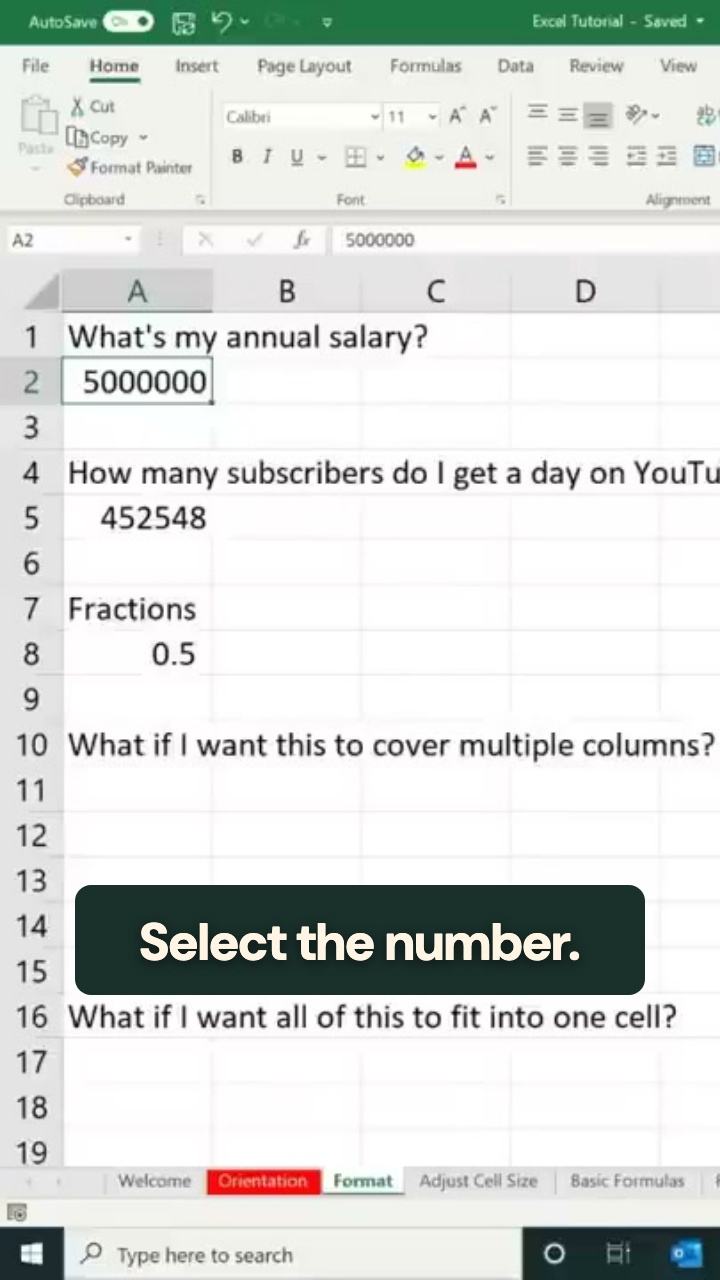
How to make explainer videos that go viral
Coaches, SaaS teams, educators and finance creators
Read the guide
How to make product videos for an online store
Online stores, ecommerce brands, makers and resellers
Read the guide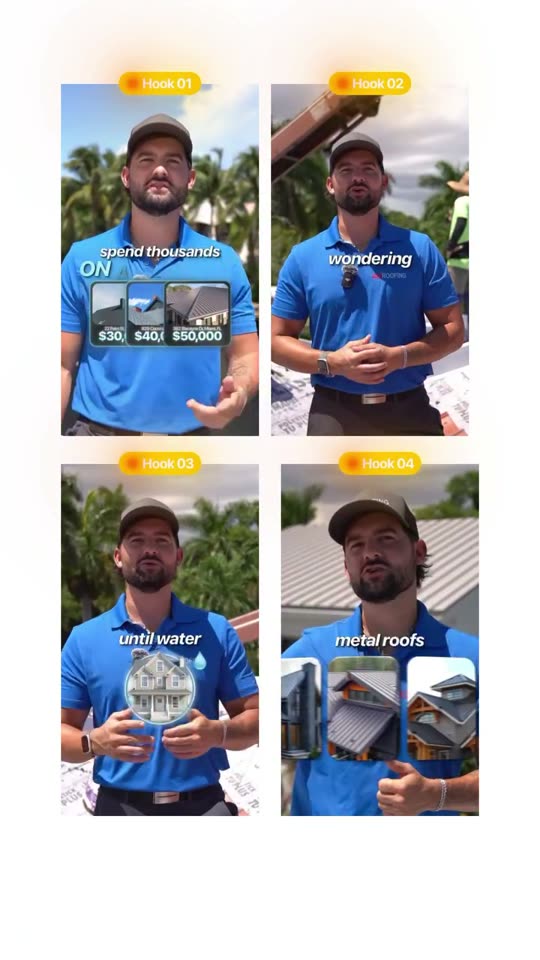
How to write video hooks that stop the scroll
Local businesses, creators, coaches and marketers
Read the guide