Vidova
invideo AI alternatives: cheaper and free options compared (2026)
invideo AI alternatives for videos from a prompt and for editing your own footage: Pictory, Fliki, Agent Opus, Kapwing, Descript and Vidova, checked October 2026.
 Vidova team
Last updated
The short answer
The main invideo AI alternatives are Pictory and Fliki for videos made from a script with stock footage and AI voices, Agent Opus for AI-generated social videos, Kapwing and Descript for editing in the browser or on a desktop, and Vidova for an AI agent that edits your own footage. invideo AI starts at $20 per seat a month, or $10 billed yearly. None of the prompt-to-video tools we checked exports free videos without a watermark.
Key takeaways
- invideo AI costs $20 per seat a month, or $10 a month billed yearly, for Starter, which includes Agent Two Lite only (checked October 2026).
- Pictory, Fliki, Agent Opus and Kapwing also make videos from a script or a prompt. Their free tiers all add a watermark or branding.
- For free videos with no watermark, edit your own footage in Adobe Premiere mobile, Edits or VN.
- Vidova fits when the video should come from your own clips, with an AI agent that edits them on a timeline.
What invideo AI does and what it costs
invideo AI calls itself the agentic video editor for serious creatives. You give it an idea, a script or footage, and its agents build the video with stock footage and generated images and clips. It runs on the web, and its site links iOS and Android apps.
Plans are priced per seat, and AI work spends credits that do not roll over. On 27 October 2026 the pricing page showed a 50% discount on yearly billing:
- Starter: $20 per seat a month, or $10 billed yearly, with 400 credits a month. It includes Agent Two Lite only and exports up to 1080p.
- Plus: $60 per seat a month, or $30 billed yearly, with 2,000 credits a month and every Agent Two level.
- Max: $150 per seat a month, or $75 billed yearly, with 5,000 credits a month and 4K export.
There is a free plan with a small allowance of credits that resets every Monday. invideo's help center says that projects exported before you subscribe keep their watermark.
Why people look for an invideo AI alternative
- A lower price for the full agent. The cheapest plan includes Agent Two Lite only. Every Agent Two level starts on Plus.
- Free exports without a watermark. The free plan's exports carry a watermark.
- Their own footage. Stock and generated clips suit explainers. A shop, a gym or a wedding video needs the real place and the real people.
invideo AI alternatives compared
| Tool | What it makes | Free use | Paid from | Best for |
|---|---|---|---|---|
| invideo AI | Videos from an idea, a script or footage, with stock and generated media | Weekly credits, watermark | $20 per seat a month, or $10 billed yearly | Generated explainers and social videos |
| Pictory | Videos from a script, a blog post, slides or audio, with stock footage and an AI voice | No free plan. New accounts get 14 days, 3 videos, 720p with Pictory branding | $29 a month, or $25 billed yearly | Turning articles and scripts into videos |
| Fliki | Videos with AI voices from ideas, scripts, blog posts or slides | 3 credits a month, 720p, watermark | $28 a month, or $21 billed yearly | Voiceover-led videos in many languages |
| Agent Opus | AI-generated social videos from an idea, a script, images or a video link | 60 credits a month (2 videos of 30 seconds), watermark | $29 a month ($348 billed yearly) | Generated short videos for social media |
| Kapwing | Videos from a prompt or your own media, in a browser editor | 720p, up to 4 minutes, watermark | $24 a month, or $16 billed yearly | Teams that edit in the browser |
| Descript | Edits of your own recordings through the transcript | 1 media hour a month, 720p, watermark | $24 a month, or $16 billed yearly | Talking videos, podcasts and interviews |
| Vidova | Edits of your own clips by an AI agent on a timeline | 720p with a watermark, projects up to 1 minute | From $19 a month | Ads and Reels from real footage |
Alternatives that make videos from a prompt or a script
Pictory turns a script, a prompt, a blog URL, slides, a PDF, audio or images into a video with stock footage, an AI voice and captions. Starter is $29 a month, or $25 billed yearly. The downside: every listed plan exports at 1080p at most, and generated videos are capped at 30 minutes.
Fliki makes videos with AI voices from ideas, scripts, blog posts or slides. Its own pricing article, updated 14 October 2026, lists Standard at $28 a month or $21 billed yearly, and Premium at $88 a month or $66 billed yearly. The downside: the free tier gives 3 credits a month at 720p with a Fliki watermark.
Agent Opus comes from the makers of OpusClip. Its help center says it creates videos from ideas, scripts, images and audio or video inputs, up to 10 minutes from a script of up to 1,700 words, in 9:16 by default. Pro is $29 a month and Max is $129 a month. The downside: higher-quality models spend more credits for each second, so long videos on the best models use a plan's credits fast.
Kapwing is a browser editor that can make a video from a prompt or from your own media, with AI subtitles and dubbing. Pro is $24 a month, or $16 a month billed yearly, with 1,000 credits a month, 4K export and no Kapwing watermark. The downside: the free tier exports at 720p, up to 4 minutes, with a watermark.
Alternatives that edit your own footage
Descript edits a recording through its transcript: you delete words to cut the video, and its agent Underlord makes multi-step edits. It runs on macOS 14 or later, Windows 11 or later and in the browser. Hobbyist is $24 a month, or $16 billed yearly, with 1080p export. The downside: Descript says it is not officially supported in phone browsers or on tablets.
Adobe Premiere on iPhone, iPad and Android is free and exports 4K with no watermark. You edit by hand on a multitrack timeline. It is the answer if you need free exports with no watermark and you are happy to make the cuts yourself.
Where Vidova fits
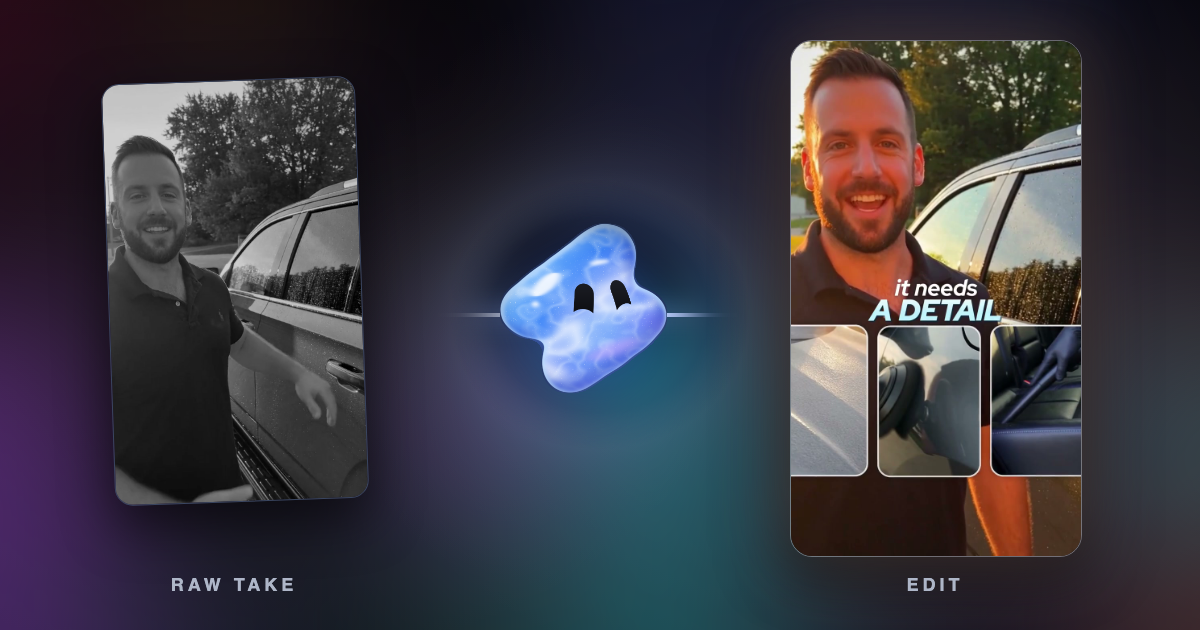
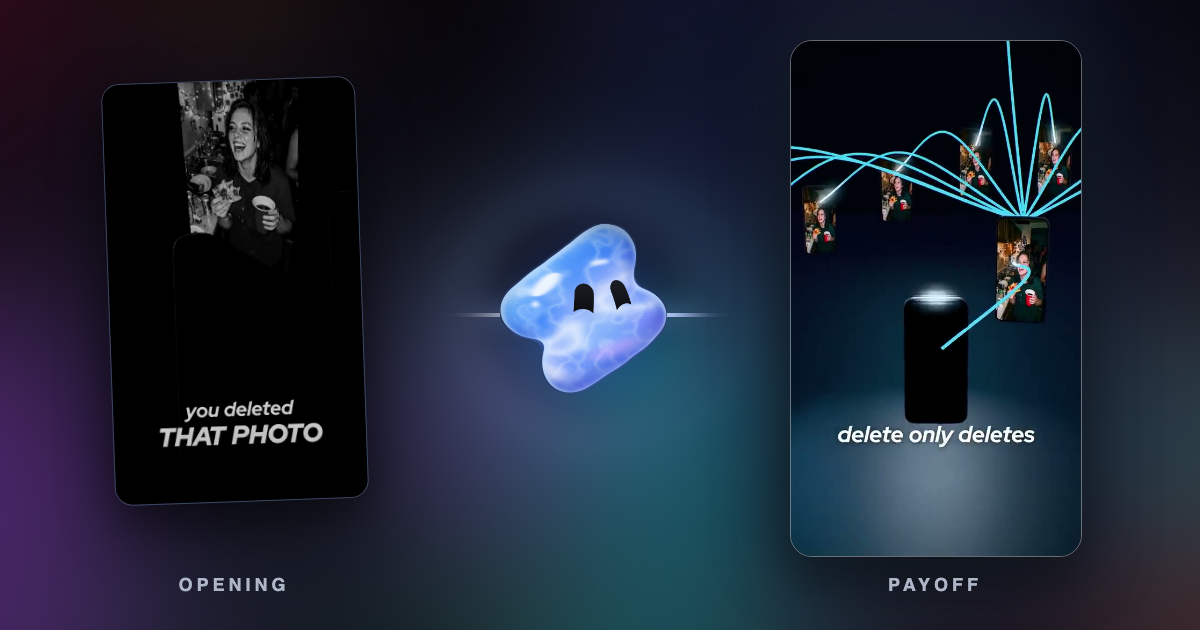
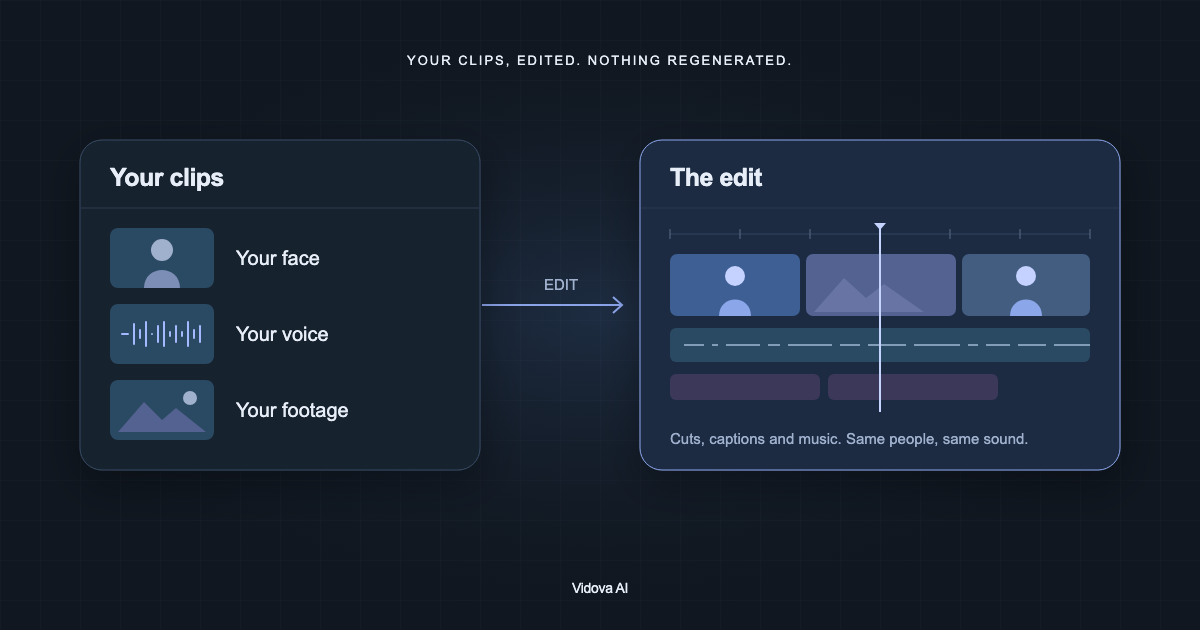
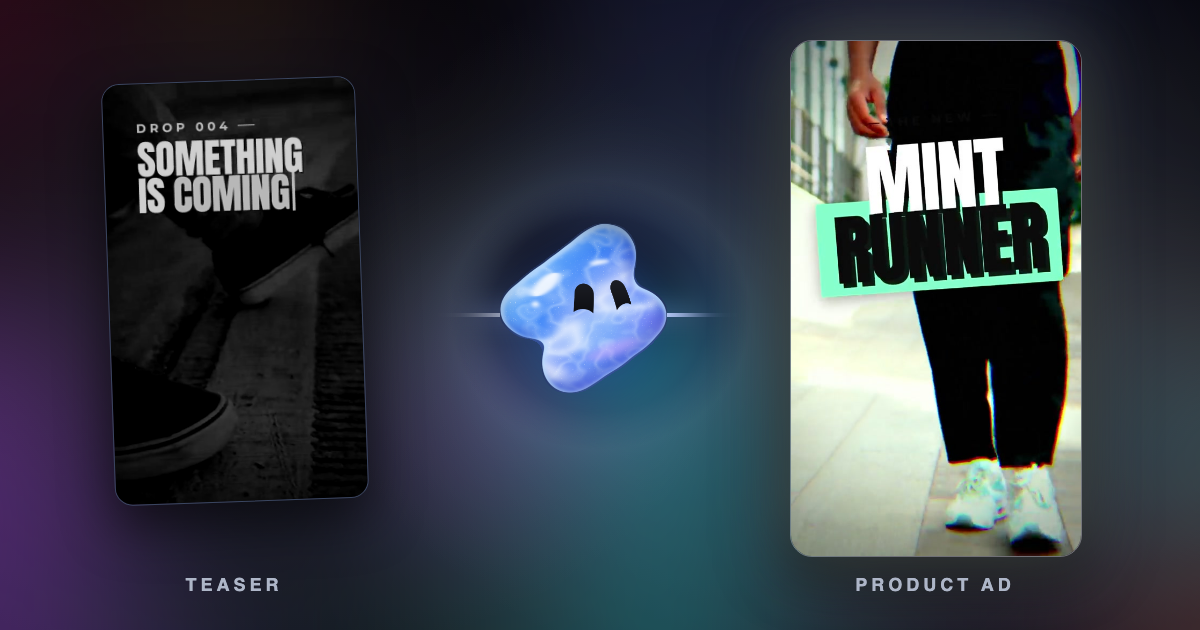
Vidova starts from your own clips. You upload them, describe the video, and an AI agent edits a real multitrack timeline: it picks shots, cuts on the beat, adds captions and titles, and can change what a shot shows while the motion stays the same. It can also generate images, video clips, music and voiceover when the footage needs them. You keep, change or undo every edit.

Here are three phone clips from our building site. Make a 7-second vertical ad. Keep the shot of the two workers walking in, turn the bare concrete frame into the finished building while they walk, and put North Gate as the title in large letters.
Vidova runs in the browser on desktop and phone. There is no Android app, so on Android you use it in the browser. The free plan exports at 720p with a Vidova watermark and takes projects up to 1 minute long. You can start free. Paid plans start at $19 a month, remove the watermark and export up to 4K at 60 fps.
Vidova's stock library holds device mockups, green-screen clips and effect overlays, not a large catalog of stock footage like invideo AI's. If you want a full explainer made from stock clips and an AI voice, invideo AI, Pictory or Fliki fit better. Our Vidova vs invideo AI comparison covers the agents, MCP and exports, and editing your real footage with AI shows the method.
Sources
- invideo AI pricing
- invideo AI home page
- invideo help: using invideo AI for free
- invideo help: watermarks on exported videos
- Pictory pricing
- Fliki pricing
- Fliki blog: HeyGen vs Higgsfield vs Fliki (prices)
- Agent Opus pricing
- Agent Opus FAQ
- Kapwing pricing
- Descript pricing
- Descript system requirements
- Adobe: Premiere mobile app