Vidova
Descript alternatives, free and paid, for editing video by text (2026)
Descript alternatives for editing talking videos and podcasts: Riverside, Premiere Pro, Camtasia, Kapwing, VN, Audacity and Vidova, with prices checked October 2026.
 Vidova team
Last updated
The short answer
The closest Descript alternatives are Riverside and Adobe Premiere Pro, which both let you cut a video by editing its transcript, and Camtasia for screen recordings with text-based editing. For free, VN removes filler words and silences from talking videos with no watermark, and Audacity edits audio. Descript's free plan exports 720p with a watermark, and Hobbyist costs $24 a month, or $16 a month billed yearly.
Key takeaways
- Descript's free plan gives 1 media hour a month and exports 720p with a watermark. Hobbyist is $24 a month, or $16 billed yearly (checked October 2026).
- Riverside, Adobe Premiere Pro, Camtasia and Kapwing also let you cut a video by deleting words from its transcript.
- VN is free with no watermark and removes filler words after it makes captions. Audacity is free for audio only.
- Vidova's agent cuts pauses and filler words and adds captions to any footage. Its free plan has a watermark.
What Descript does and what it costs
Descript turns speech into a transcript, and you cut the video by editing the text. Its AI co-editor, Underlord, makes edits from a request. Descript runs on macOS 14 or later, Windows 11 or later and in Chrome, Edge or Opera. Its help center says it is not officially supported in phone browsers or on tablets such as iPads and Chromebooks.
- Free: 1 media hour a month, 100 AI credits once, 720p exports with a Descript watermark in the bottom-right corner.
- Hobbyist: $24 a month, or $16 a month billed yearly. 10 media hours, 400 AI credits, 1080p with no watermark.
- Creator: $35 a month, or $24 billed yearly. 30 media hours, 800 AI credits, 4K and full access to Underlord.
- Business: $65 a month, or $50 billed yearly. 40 media hours and 1,500 AI credits.
Prices are per person, from Descript's pricing page on 27 October 2026.
Why people look for a Descript alternative
- A free plan without a watermark. Descript's free exports are 720p with a watermark.
- The price per person for a team that edits often.
- Phones and tablets. Descript does not officially support them.
- Footage that is not mostly talking, such as product shots, sport or a music video, where editing by transcript helps less.
Descript alternatives compared
| Tool | Runs on | Edit by transcript | Free use | Paid from |
|---|---|---|---|---|
| Descript | Mac, Windows, browser | Yes, the main way to edit | 1 media hour a month, 720p, watermark | $24 a month, or $16 billed yearly |
| Riverside | Browser, Mac app, iPhone, Android | Yes | 720p, watermark | $29 a month, or $24 billed yearly |
| Adobe Premiere Pro | Desktop, plus Premiere on iPhone and Android | Yes, Text-Based Editing | Free mobile app only | US$22.99 a month on an annual plan |
| Camtasia | Windows, macOS | Yes, from the Essentials plan | Full editor with a watermark | $179.88 a year for Essentials |
| Kapwing | Browser | Yes | 720p, up to 4 minutes, watermark | $24 a month, or $16 billed yearly |
| VN | iPhone, iPad, Android, Mac, Windows | No, but removes filler words after captions | Up to 4K, no watermark | Free |
| Audacity | Windows, macOS, Linux | Audio only, transcription with a plugin | Free and open source | Free |
| Vidova | Browser on desktop and phone | No, an AI agent edits the timeline | 720p with a watermark, projects up to 1 minute | From $19 a month |
Alternatives that edit video by text
Riverside records podcasts and interviews and has a text-based editor: you edit the recording by editing its transcript. Magic Clips makes short clips from it. Pro is $29 a month, or $24 a month billed yearly ($288 a year), with 4K, no watermark and unlimited text-based editing. It runs in the browser, as a Mac app and on iPhone and Android. The downside: the free plan exports 720p with a Riverside watermark.
Adobe Premiere Pro has Text-Based Editing: it transcribes clips when you import them, and you refine, reorder and trim clips by editing the text. The Premiere plan is US$22.99 a month on an annual plan billed monthly, with 100 GB of storage and 25 generative credits, and it includes Premiere on desktop and on phones. The downside: the desktop app is sold only as a subscription.
Camtasia is a screen recorder and editor for Windows and macOS. It transcribes any video so you can edit it like text, and it finds and removes filler words and hesitations. Text-based editing starts on Essentials at $179.88 a year. The downside: plans are billed yearly, and the free editor and the $39 Starter plan export with a watermark.
Kapwing runs in the browser and lets you remove parts of a video by deleting text from its transcript. Pro is $24 a month, or $16 a month billed yearly, with 4K and no Kapwing watermark. The downside: free exports are 720p, up to 4 minutes, with a watermark.
Free Descript alternatives
VN is free with no watermark on iPhone, iPad, Android, Mac and Windows. After it makes auto captions, it can find and remove filler words and silent parts, which covers much of what people use Descript for in short talking videos. The downside: you cannot cut the video by editing a transcript document, and the app contains ads.
Audacity is free, open source audio software for Windows, macOS and Linux. With the OpenVINO plugin it can transcribe audio with OpenAI's Whisper model on Windows and macOS. The downside: it edits audio only, and its site says the OpenVINO plugins are not yet compatible with the latest Audacity version.
Where Vidova fits
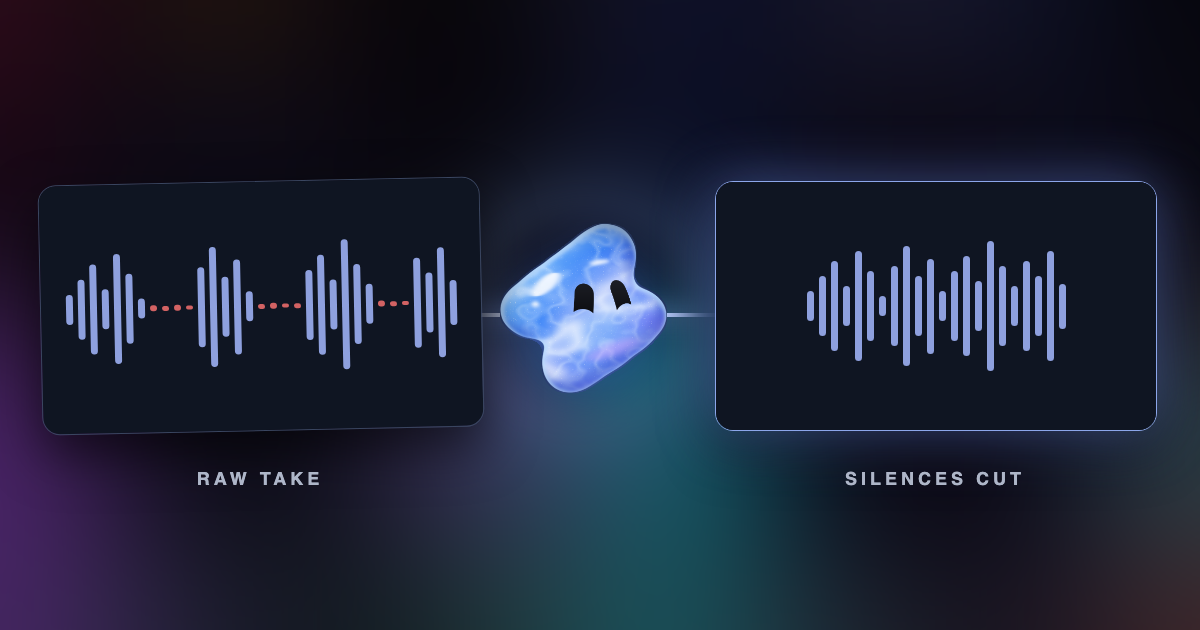
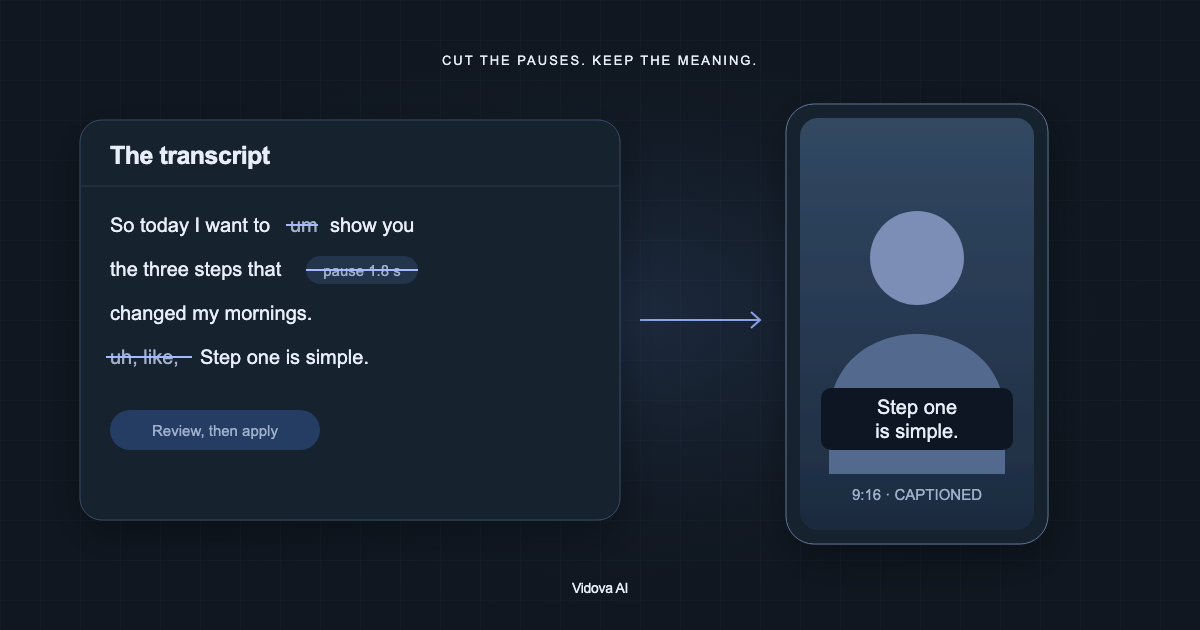
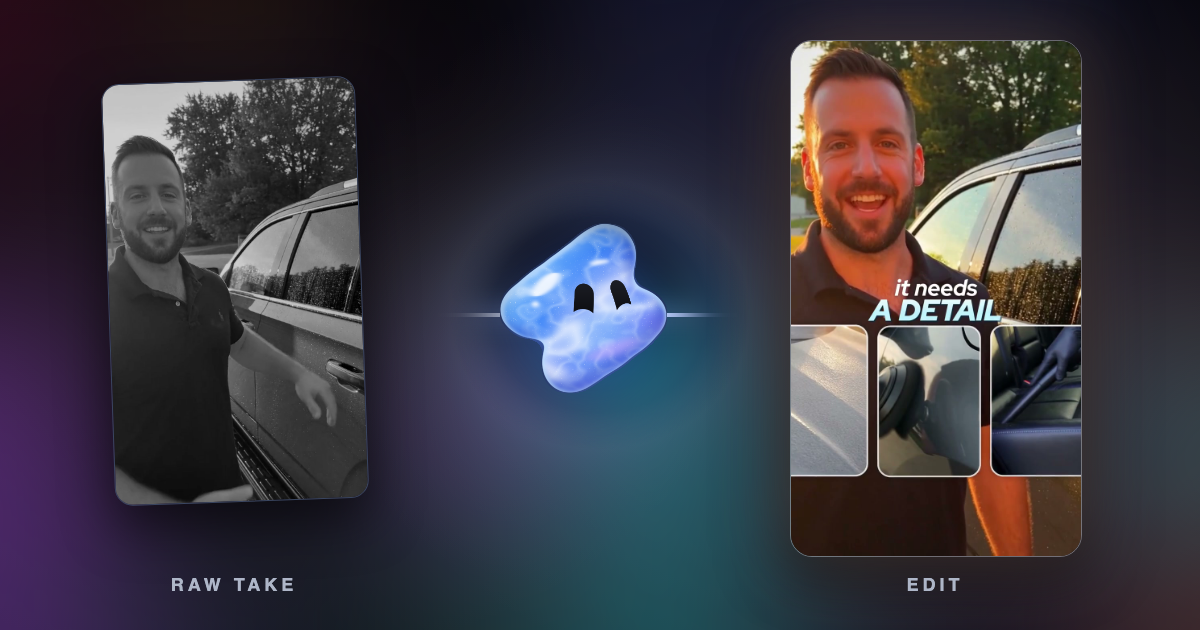
Vidova's AI agent works on a timeline instead of a transcript document. You upload the footage and describe the edit. The agent transcribes the speech, cuts pauses and filler words, adds animated captions, covers jump cuts with your B-roll and can remove background noise while it keeps the voice. It also reads the picture, so it can edit footage with no speech at all, such as a product video or a match highlight.
Cut the pauses and filler words from this 12-minute interview. Keep the answer about pricing, about 60 seconds. Add captions and cover the jump cuts with my B-roll of the shop.
If you like to edit by deleting words in a document, Descript, Riverside or Premiere Pro fit that better. Vidova runs in the browser on desktop and phone, and there is no iPhone or Android app yet. The free plan exports at 720p with a Vidova watermark and takes projects up to 1 minute long. You can start free. Paid plans start at $19 a month, remove the watermark and export up to 4K at 60 fps.
See how to cut pauses and filler words and add captions with AI and Vidova vs Descript.