Vidova
Best AI agents for video editing in 2026, checked one by one
AI agents that edit video for you: ChatCut, Descript Underlord, Cardboard, Vidova, Motion, Agent Opus, CapCut and open-source agents on GitHub, with prices and limits.
 Vidova team
Last updated
The short answer
Yes, there are AI agents that edit video for you. ChatCut, Descript's Underlord, Cardboard and Vidova edit your own footage on a timeline you can change afterwards. Mosaic's Motion and OpusClip's Agent Opus lean toward building new videos with generated shots. CapCut's ChatGPT plugin edits CapCut drafts from a chat. On GitHub, VideoAgent, Director and FunClip are open source, but you run and configure them yourself.
Key takeaways
- First ask what the agent edits: your own clips on a timeline, or new shots it generates.
- Agents that edit footage leave you a project to change. Generators mostly hand you a finished file.
- Most agents bill by credits, so check what one request costs before you run long jobs.
What counts as an AI video editing agent
An AI video editing agent takes a request in plain words, plans the steps and runs the editing tools itself. A tool that only adds captions or only cuts silences is a feature, not an agent. The useful question is what the agent changes: your own footage on a timeline that you can open and edit, or a new video that it generates from shots it makes.
We read each product's own site, pricing page and help center on October 27, 2026, and we list only products whose pages we could read that day. Vidova is our product. We put it in its group, not at the top, and we say where other agents fit better. For a definition with examples, see what agentic video editing is.
AI video editing agents compared
| Agent | Edits your footage | Generates new shots | Runs on | Price (US) |
|---|---|---|---|---|
| ChatCut | Yes, on a multitrack timeline | Yes | Web, Mac, Windows, plus plugins for ChatGPT, Codex and Claude | Free tier with 60 minutes of web export in total. Paid from $25 a month, or $21 billed yearly |
| Descript Underlord | Yes, by transcript and timeline | Yes, on Creator and above | Mac, Windows and web | Free: 1 hour of media a month, 720p. Hobbyist $24 a month, or $16 billed yearly |
| Cardboard | Yes, from footage, a prompt or both | Yes, from Starter | Browser and Mac | Lite $10 a month, or $8 billed yearly, with a watermark. Starter $40, or $29 billed yearly |
| Vidova | Yes, on a multitrack timeline | Yes: images, video, music, voice | Browser on desktop and phone, plus an MCP server for Claude, Cursor, VS Code and Codex | Free with a watermark. Paid from $19 a month |
| Motion by Mosaic | Yes, or works from an idea | Yes | Web, API and MCP | Credits: top-ups at $6 per 200 credits, or monthly Pro bundles |
| Agent Opus | Uses your audio, video or images as input | Yes, its main job | Web | 60 free credits once. Pro 300 credits a month, Max 1,500 |
| CapCut | Drafts from uploaded or generated media | Yes | CapCut apps, plus a ChatGPT desktop plugin | Free to start. Pro price varies by region |
| Captions | Yes, with a chat-based editor on Max | Yes | iOS, Android and web | Max $24.99 a month (iOS price) |
Agents that edit your own footage
ChatCut is the closest match to the idea of telling an editor what you want. Its demo shows the agent removing verbal slips, moving the strongest moment to the opening, adding zooms, retro title cards and music, with each on its own track so you can keep adjusting. It runs on the web and as apps for Mac and Windows, and it ships plugins for the ChatGPT desktop app, Codex and Claude. The free tier caps web export at 60 minutes in total. See Vidova vs ChatCut for a closer look.
Descript Underlord is Descript's AI co-editor, still marked Beta in the help center. Descript calls it "Your all-in-one video agent" and says it can "read your script, watch your video, and decide what to do next". It adds captions, splits clips, adds zooms and translates, and you pick the model it uses. Each prompt spends AI credits for its reasoning plus credits for each tool it runs, and Descript says the same prompt can cost different amounts. It suits talks, podcasts and webinars.
Cardboard builds an editable first cut from a prompt, your footage or both, then takes changes in chat or on the timeline. It runs in the browser and as a Mac app. The Lite plan exports at 1080p with a watermark and a limit of 3 exports. Watermark-free exports start on Starter, and 4K on Creator ($100 a month, or $59 billed yearly).
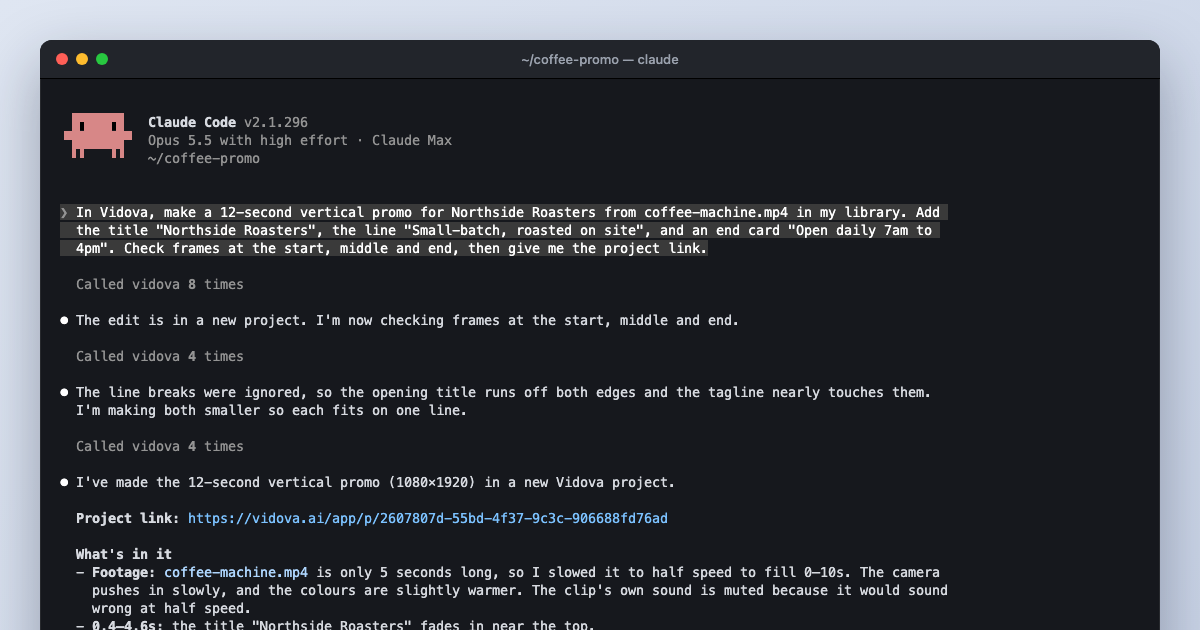
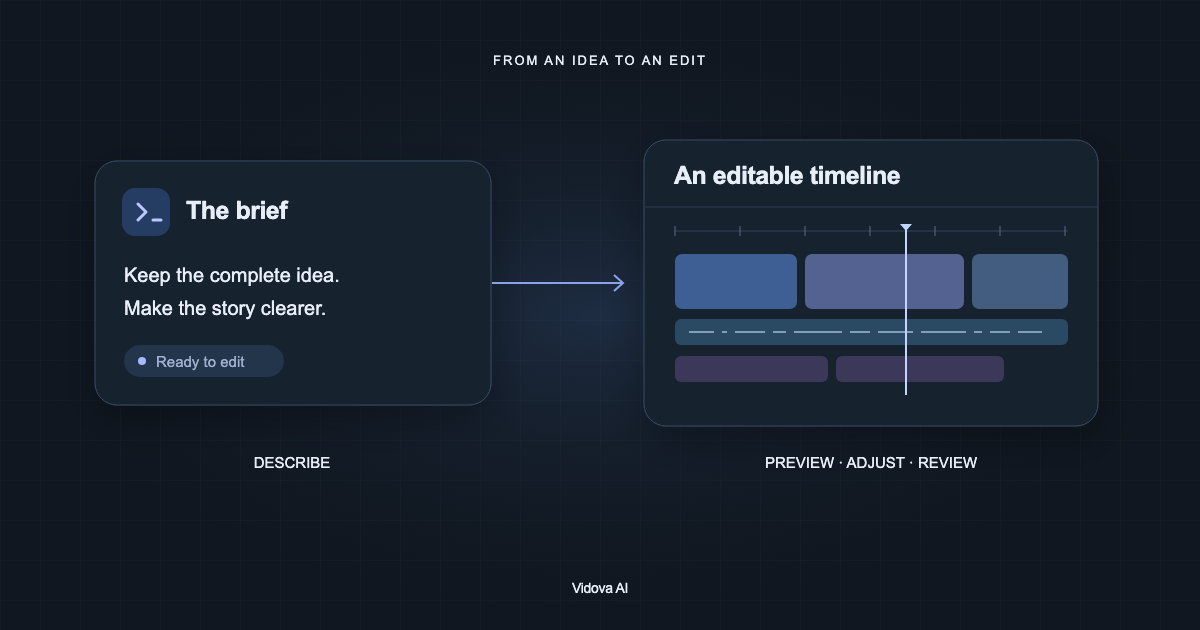
Vidova edits a real multitrack timeline from your clips, photos and audio. The agent cuts on the beat, removes pauses and filler words, adds captions, reframes 16:9 to 9:16 by tracking a face, cuts a person out of the background and changes what a clip shows while it keeps the motion. Before it hands the cut over, it previews frames of its own work and runs a quality check on the film. You can then change any clip by hand.
Here are twelve clips from our site visit. Make a 20-second vertical ad. Open on the two workers walking toward the frame, show the finished building, put "North Gate" in large type, cut on the beat of the song I uploaded, and check every frame for text near the edges before you show me.

Vidova's limits: it runs in the browser on desktop and phone, with no iPhone or Android app yet. The free plan adds a watermark, exports at 720p and takes projects up to 1 minute long. It is built around the agent, so if you want to drag every clip by hand, more mature manual editors exist. You can start free. Paid plans start at $19 a month, remove the watermark and export up to 4K at 60 fps.
Motion, from the lab Mosaic, works from footage, writing, a reference or an idea. Its site says it "plans the video, builds every shot and watches the cut before you see it". It has a public API and an MCP server. Its docs say the Claude connector handles code-based motion graphics, and the generative features live in the Motion web app.
Agents that mainly generate new video
Agent Opus, from the makers of OpusClip, creates videos "from ideas, scripts, images and supported audio or video inputs". You pick a quality level: Standard and Standard+ cost 1 and 3 credits per second of finished video and run up to 10 minutes, while Premium and Ultra cost 7 and 12 credits per second, run up to 3 minutes and need a Pro or Max plan. A one-minute Ultra video costs 720 credits. The free plan gives 60 credits once. OpusClip's clipping tool is a separate product, compared in Submagic vs OpusClip vs Captions.
CapCut has two agent-like features. Video Studio builds a video from a short chat. The CapCut plugin for the ChatGPT desktop app generates images and video, makes a draft, and changes its timeline when you ask: shorter scenes, a new order, new music. You can then open the draft in CapCut to edit it by hand. CapCut says availability "may vary by app version, account, and region".
Captions includes a chat-based editor and AI Edit styles on its Max plan, alongside AI avatars and generated B-roll and music. It is the agent to try if you work mostly on a phone.
Open-source AI video editing agents on GitHub
These three open-source projects are MIT licensed and were updated in 2026. You install and configure them yourself, and Director also offers a hosted version. Star counts were checked on October 27, 2026.
| Repository | What it does | Stars | License |
|---|---|---|---|
| HKUDS/VideoAgent | A research framework for video understanding, editing and remaking from natural language, such as beat-synced edits, commentary videos and meme remakes | 1,975 | MIT |
| video-db/Director | A framework for building video agents, with 20+ prebuilt agents for summaries, search, clips, dubbing and subtitles, built on VideoDB | 1,565 | MIT |
| modelscope/FunClip | A local tool that transcribes a video and cuts clips by text or speaker, with LLM-assisted clipping in a Gradio app | 6,461 | MIT |
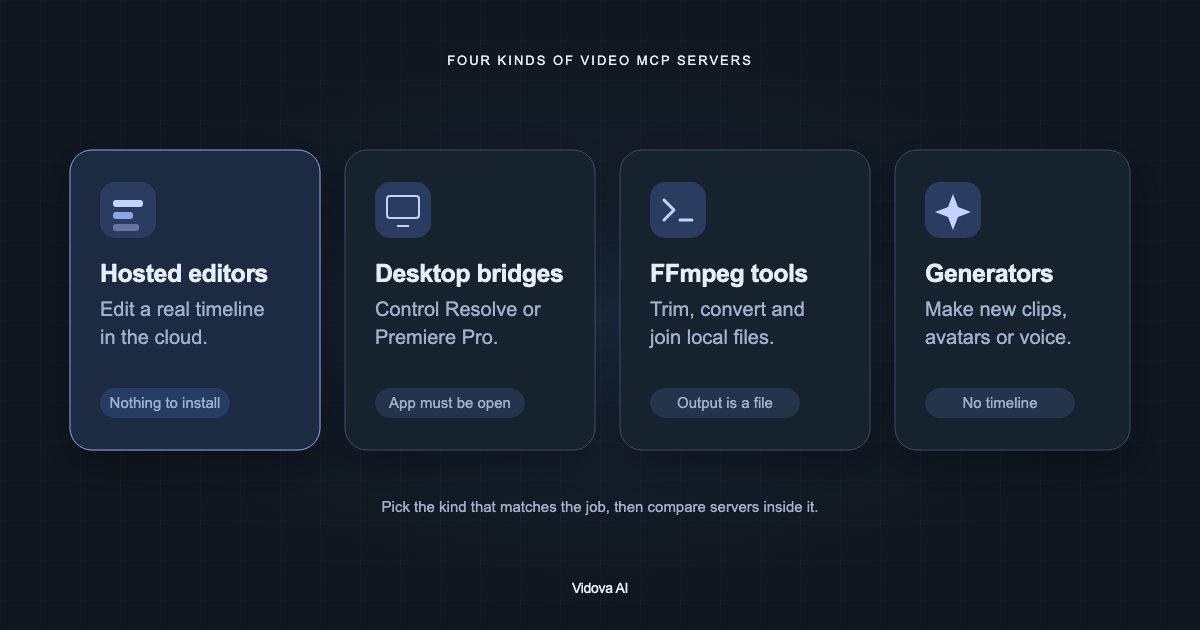
To have Claude or another agent drive DaVinci Resolve or Premiere Pro, community MCP bridges exist on GitHub too. Our guide to the best MCP servers for video editing compares them with hosted servers such as Vidova's.
How to choose an AI video editing agent
- Decide what you start from: your own footage, a script, or only an idea.
- Check that the result is a project you can open and change, not only an MP4.
- Check how it bills. Per-second credits for generated video add up faster than editing.
- Check where it runs: browser, desktop app, phone, or inside ChatGPT, Claude or Codex.
- Check whether the agent looks at its own output before it hands it to you.
- Run one short real job before you commit to a long one.
To work with any of these agents from Claude Code instead, see how to edit video with Claude Code.
Sources
- ChatCut
- ChatCut pricing
- Descript Underlord
- Descript Help: Underlord, your AI co-editor
- Descript pricing
- Cardboard
- Cardboard pricing
- Motion by Mosaic
- Motion docs: Credits
- Motion docs: MCP
- Agent Opus FAQ
- Agent Opus credits FAQ
- CapCut × ChatGPT plugin
- Captions pricing
- HKUDS/VideoAgent
- video-db/Director
- modelscope/FunClip
- Vidova MCP server setup