What is agentic video editing?
Learn how an AI editing agent plans, changes, and reviews a real video timeline, and how to stay in control of the result.
Last updated
The short answer
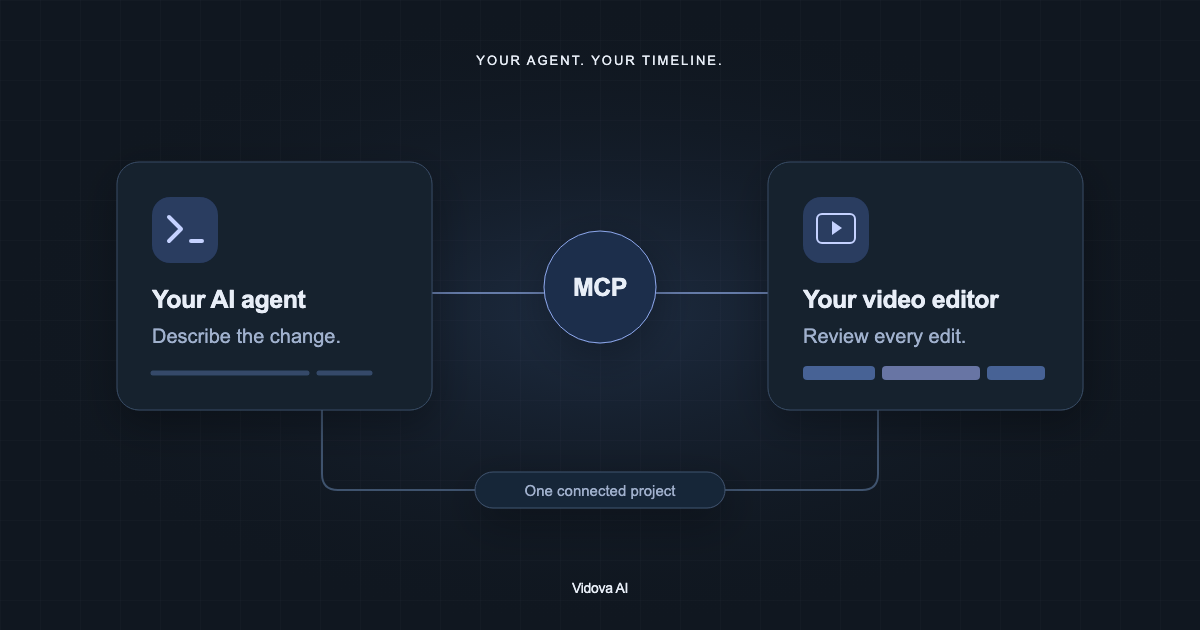
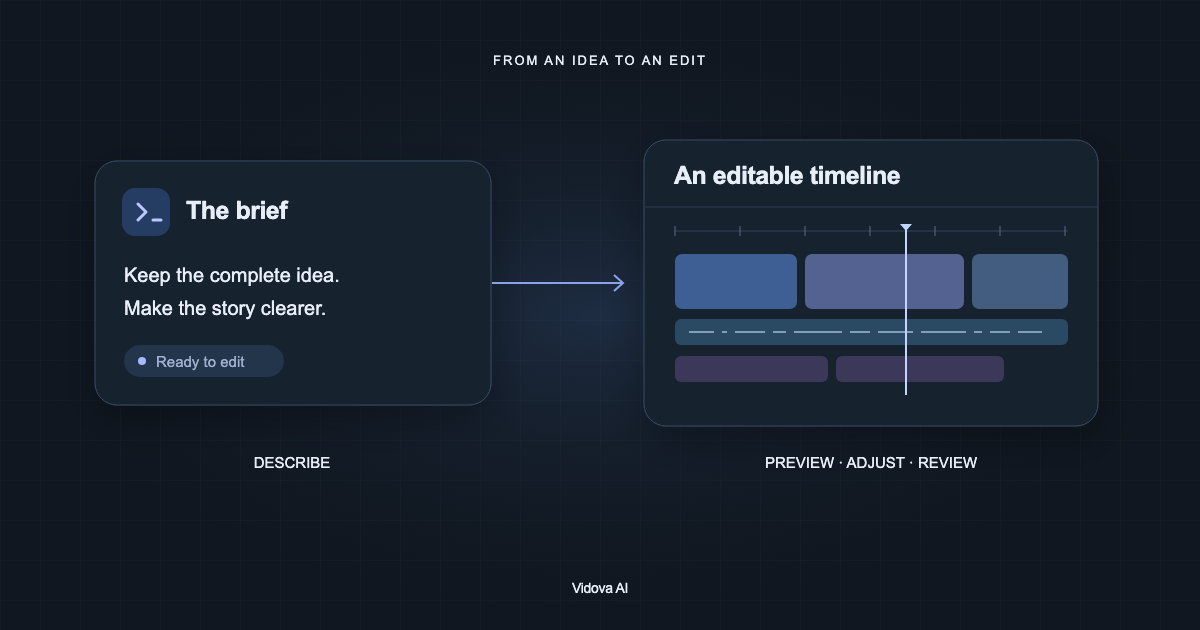
Agentic video editing is a workflow in which an AI agent reads a project, plans changes, edits a timeline, and inspects previews. You describe the outcome and review the edits. In Vidova, those changes remain on an editable timeline, so you can refine or undo them.
Key takeaways
- Start with a concrete brief: footage, audience, format, and constraints.
- Review timing, words, framing, and audio before you export.
- Keep changes editable so you can refine the result or undo a decision.
How does an editing agent work?
An editing agent connects a language model to project tools. Those tools let it read the film, work with media, change clips, and inspect frames. A request becomes a sequence of project operations. The useful output is an edit you can review on the timeline.
- Open a project and make sure the footage is ready.
- Describe the outcome and identify the source material.
- Let the agent make a focused set of changes.
- Play the result and inspect the timeline.
- Request a correction, undo a change, or export the approved cut.
How is editing different from video generation?
Editing works with a sequence: where a shot starts, how long it lasts, what overlays it, and how its sound connects to the next shot. Generation creates new media from a prompt. They can work together, but generating a new shot does not decide the timing of an entire finished film.
| Task | What changes | What to review |
|---|---|---|
| Trim an interview | The timing of existing footage | Meaning, pacing, and cut points |
| Add captions | Text and timing over footage | Accuracy, readability, and synchronization |
| Generate a supporting shot | A new media asset | Visual consistency and factual suitability |
Write a brief the agent can act on
Specify the footage, intended audience, aspect ratio, and any elements that must stay. If a timestamp matters, include it. Ask for one reviewable pass before asking for more effects. The following is an example brief, not a promise that every source clip will produce the same result.
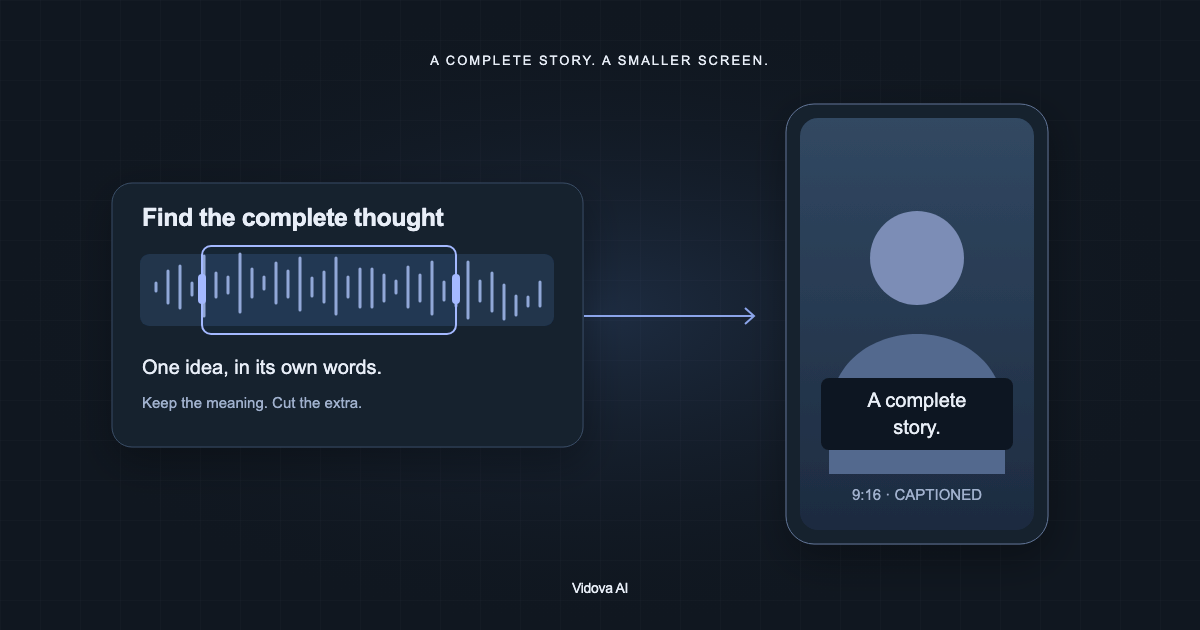
Use the interview from 00:12 to 00:28. Make a vertical clip with readable captions. Keep the original voice and complete sentences. End with “See you next week”. Do not add music.
After the first pass, use a narrow correction: “Keep the opening shot two seconds longer” or “Move the title above the captions.” Specific corrections are easier to verify than asking for the whole film to feel better.
What should you check before exporting?
- Meaning: the cut must preserve what the speaker actually said.
- Timing: titles and captions need enough time to read.
- Framing: important subjects must remain visible in the chosen format.
- Audio: speech should be clear throughout the edit.
- Delivery: watch the exported file, including its first and last frames.
Preview frames help with composition, but a still frame cannot prove that speech, movement, or sound is correct. Play the sequence. For an alternate direction, use project versions so you can compare edits without losing the cut you prefer.
Try a small edit first
Start with one short clip, a clear request, and a single review pass. This makes the workflow easier to learn and gives you a concrete result to inspect. Vidova’s quickstart covers the first upload; the chat and versions guides explain how to refine the edit.