Vidova MCP vs invideo, Descript, Kapwing and OpusClip MCP servers
A side-by-side look at five hosted video MCP servers: what the agent can change, whether it can see frames, exports, and plan limits, from each vendor's own docs.
Last updated
The short answer
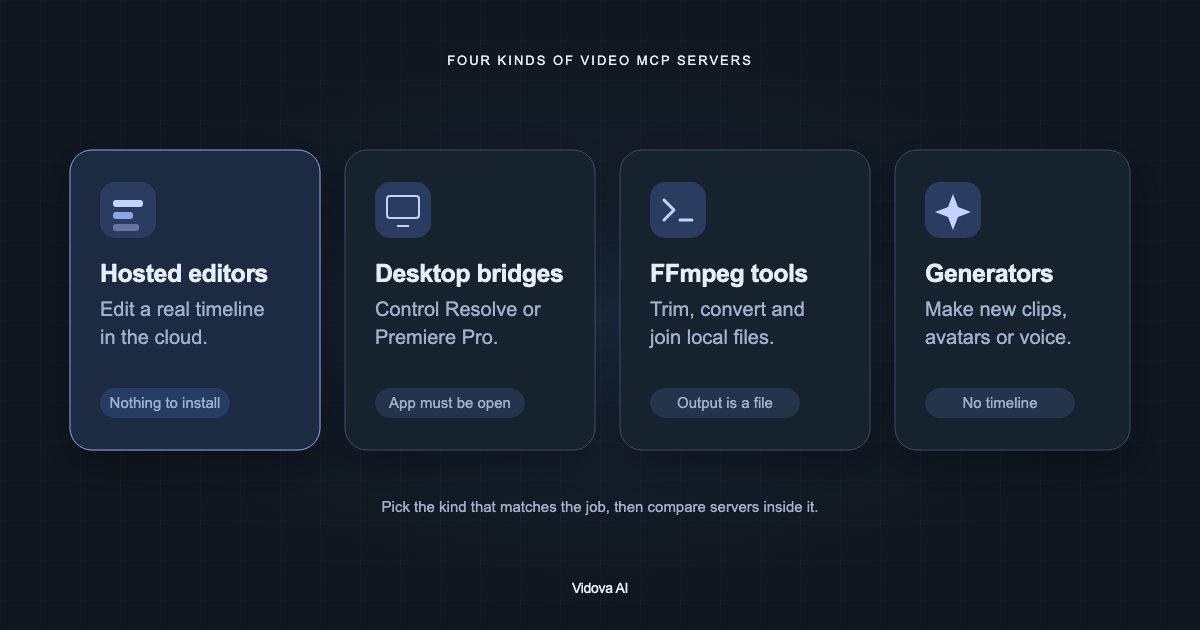
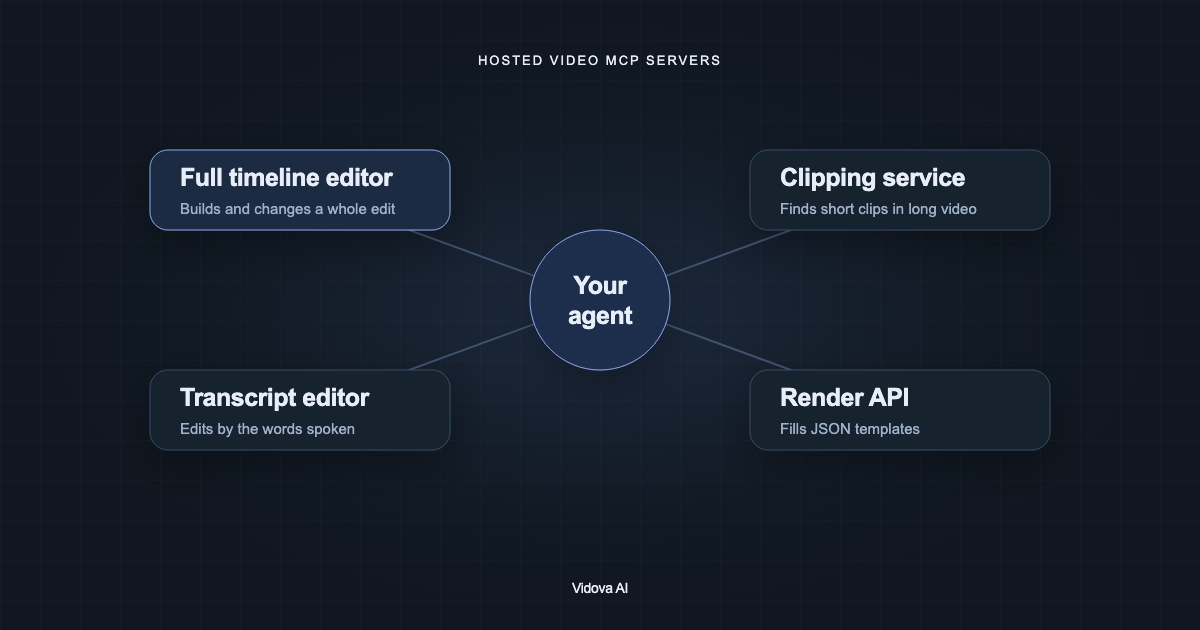
Vidova, invideo, Descript, Kapwing and OpusClip all run hosted MCP servers with a browser sign-in. Vidova and invideo let an agent build and change a full multitrack timeline. Descript edits mainly by transcript. Kapwing creates projects with captions, translation and dubbing. OpusClip finds short clips in long videos and says its server cannot compose a timeline from scratch.
Key takeaways
- All five servers are hosted and use OAuth, so setup is a URL and a sign-in.
- They differ in what the agent can change: a full timeline, a transcript, or clips from a long video.
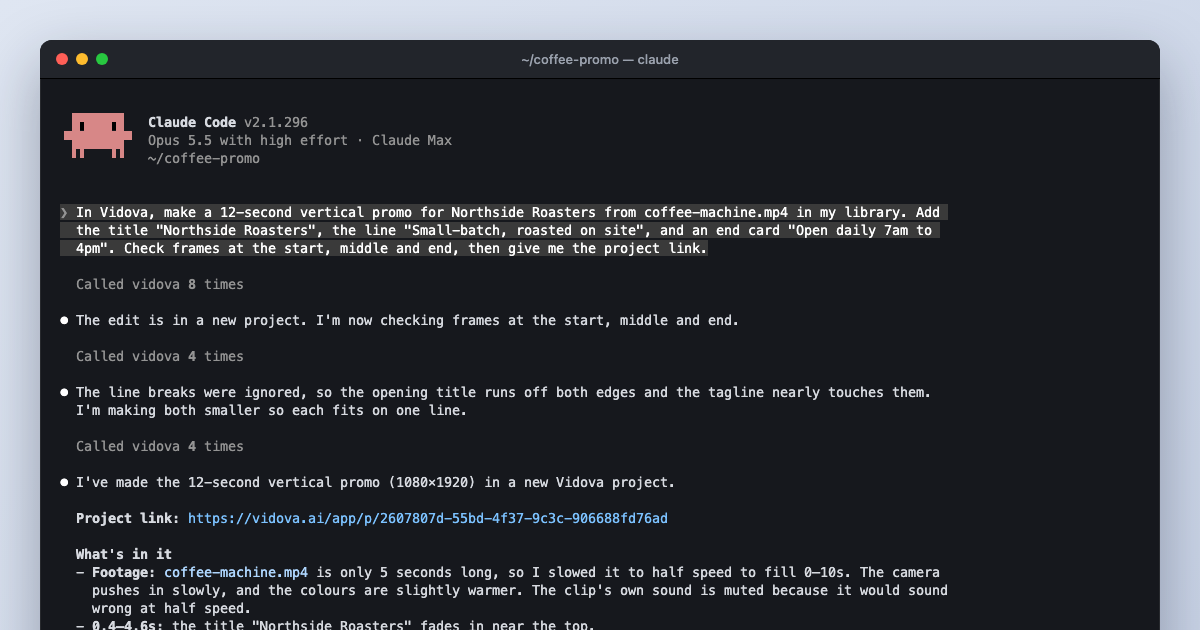
- Vidova's agent can render and look at frames, so it can check titles and framing itself.
How we compared
We read each vendor's MCP documentation and launch posts on October 10, 2026. The table lists what each vendor documents. "Not documented" means we did not find it, not that the feature is missing. Vidova is our product.
The five servers side by side
| Server | What the agent changes | Export |
|---|---|---|
| Vidova (mcp.vidova.ai/mcp) | A full multitrack timeline, templates and components. Analysis: transcripts, scenes, beats, face and object tracking, person cutout. Generation: image, video, music, voice | Cloud render to MP4. FCPXML and OTIO from the editor |
| invideo (mcp.invideo.io/mcp) | A live shared timeline. Generation: image, video, audio | MP4, or a Premiere, Final Cut or Resolve project |
| Descript (URL in Descript settings) | A transcript-based project with Underlord edits: Studio Sound, filler words, captions. No generation in the Claude connector | Publish link with an MP4, transcript files |
| Kapwing (kapwing.com/mcp) | Kapwing projects with captions, transcription, subtitle translation and dubbing | MP4 |
| OpusClip (mcp.opus.pro/mcp) | Clips from submitted footage, captions, reframing. Cannot compose a timeline from scratch, per OpusClip | Premiere XML, posting to social platforms |
| Server | Agent sees frames | Versions | Plan notes |
|---|---|---|---|
| Vidova | Yes: preview_frame, preview_range, preview_timeline | Branches: create, diff, merge | Free plan with no card. Paid from $19 a month |
| invideo | Not documented | Branches and checkpoints | Connection free. Generation uses credits |
| Descript | Not documented | Not documented | Uses media minutes and AI credits. In Claude's directory |
| Kapwing | Not documented | Not documented | Not stated |
| OpusClip | Not documented | Not documented | Rendering needs Pro Beta, Max or Business. In Claude's directory |
When Vidova is the right choice
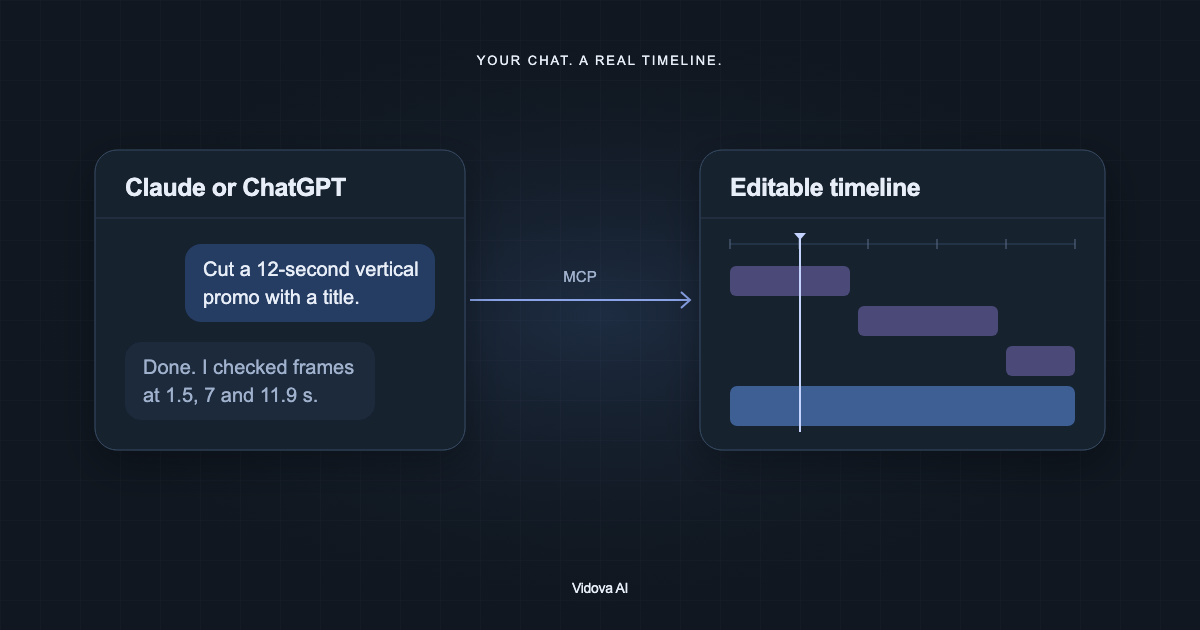
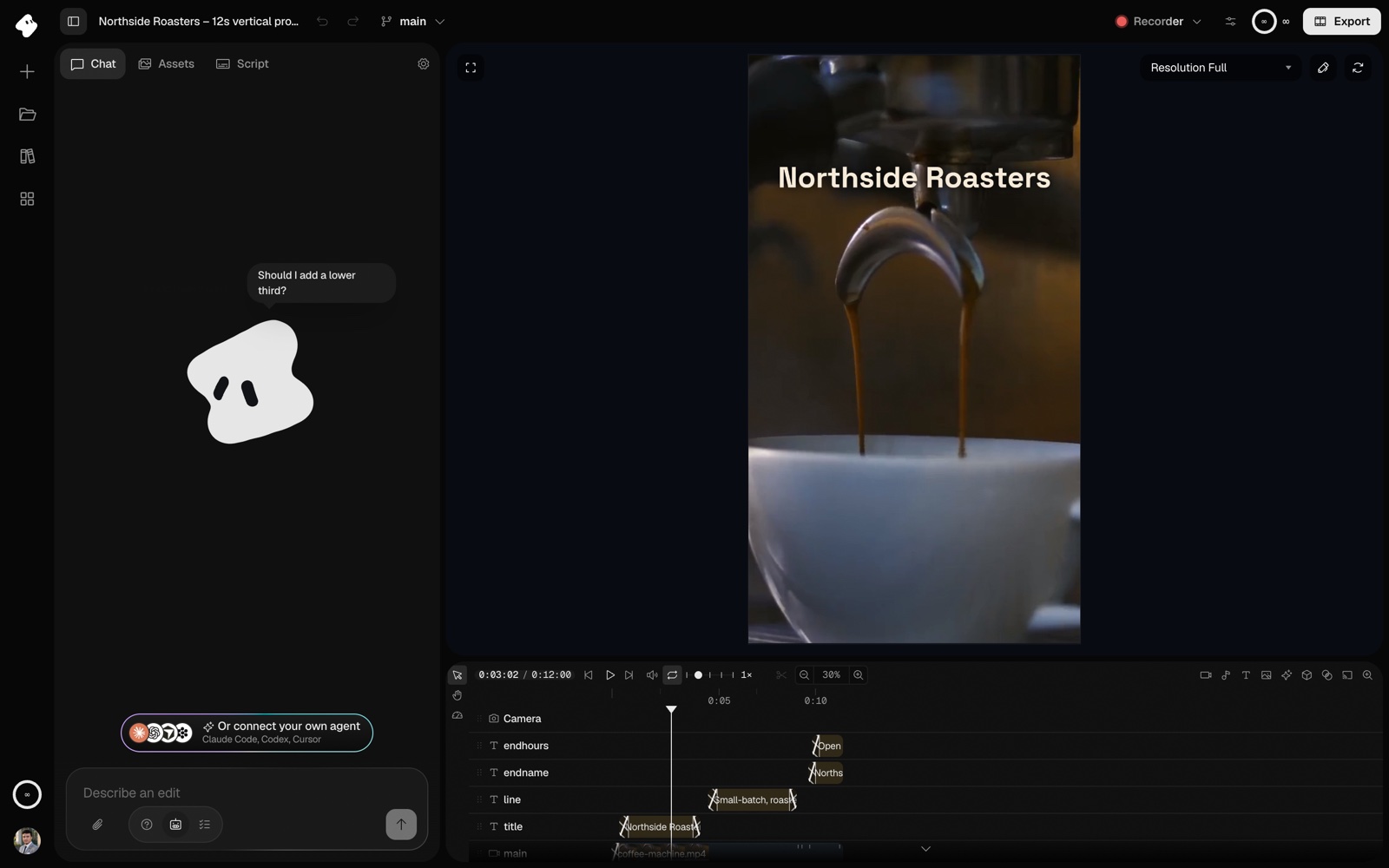
Choose Vidova when you want the agent to build a whole edit from your footage, check it visually, and leave you a project you can keep editing on the web or on your phone. The agent has 79 tools, including templates for complete edits, media analysis, generation and cloud rendering. The same project is open in the Vidova editor, so you see each change land.
When another server fits better
- invideo, if you already use invideo and want its generation models and its export to Final Cut Pro.
- Descript, if your work is podcasts or talks that you edit by the words, and you want Studio Sound and filler-word removal.
- Kapwing, if you need subtitle translation and dubbing for existing videos.
- OpusClip, if your main job is turning long videos into many short clips and posting them.
Set up Vidova in your client
# Claude Code
claude mcp add --transport http --scope user vidova https://mcp.vidova.ai/mcp

# Codex
codex mcp add vidova --url https://mcp.vidova.ai/mcp

# Cursor (mcp.json)
{ "mcpServers": { "vidova": { "url": "https://mcp.vidova.ai/mcp" } } }

# Windsurf (mcp_config.json)
{ "mcpServers": { "vidova": { "serverUrl": "https://mcp.vidova.ai/mcp" } } }
For Claude on the web or desktop, add https://mcp.vidova.ai/mcp as a custom connector. For ChatGPT, add it as an app in developer mode where your plan allows it.