Vidova
How to make a car edit with AI: phonk drifts, speed ramps and car ads
Make a car edit from your own clips with AI: a phonk night drive cut on the beat, a speed ramp into the drift, or a clean car commercial. What to film and what to ask for.
 Vidova team
Last updated
The short answer
To make a car edit with AI, film your car in short clips with one clear moment each, such as a drift, a pass, a launch or a headlight turning on. Pick a song with a hard drop and ask the editor for cuts on the beat and a speed ramp on the best moment. In Vidova, the phonk-drift, car-commercial and speed-ramp templates give the structure, and the agent fills them with your clips.
Key takeaways
- A car edit is one song and the best second of every clip, with the drift or the pass on the drop.
- Pick the style first: a phonk night edit, a single speed ramp, or a commercial with specs and a price.
- Keep the real engine and tyre sound under the music, and cover other people's licence plates.
What makes a car edit work
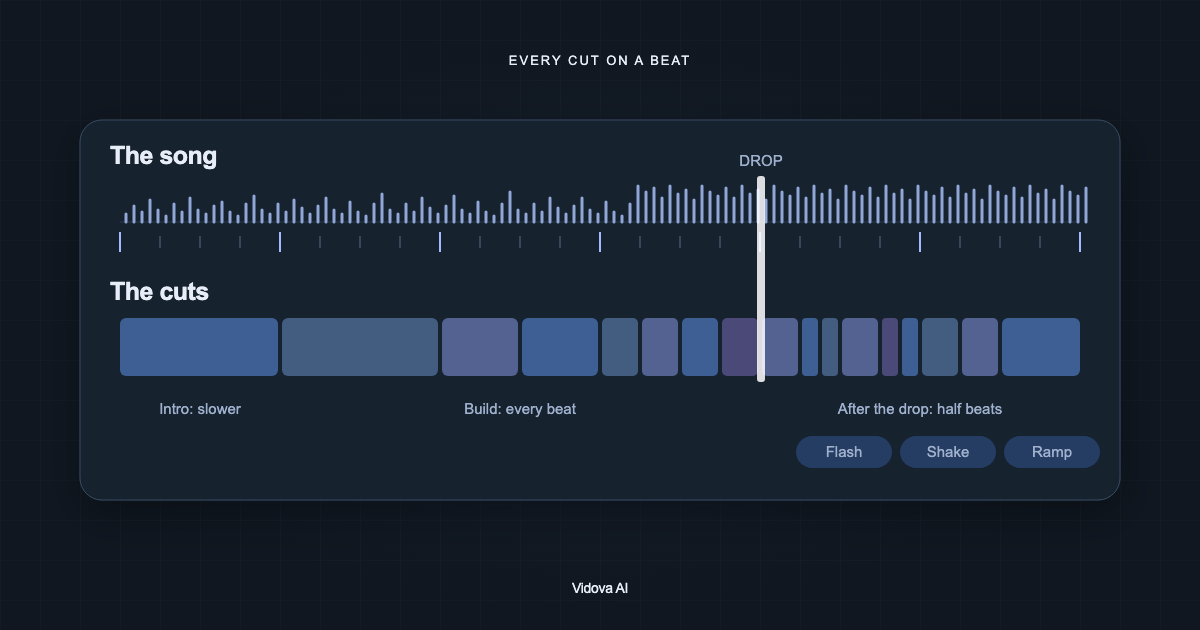
A car edit is a song and the best second of every clip. Each clip gives one moment: the drift, the pass, the launch, the exhaust, a headlight that turns on. The cuts land on the beat, and the best moment lands on the drop of the song.
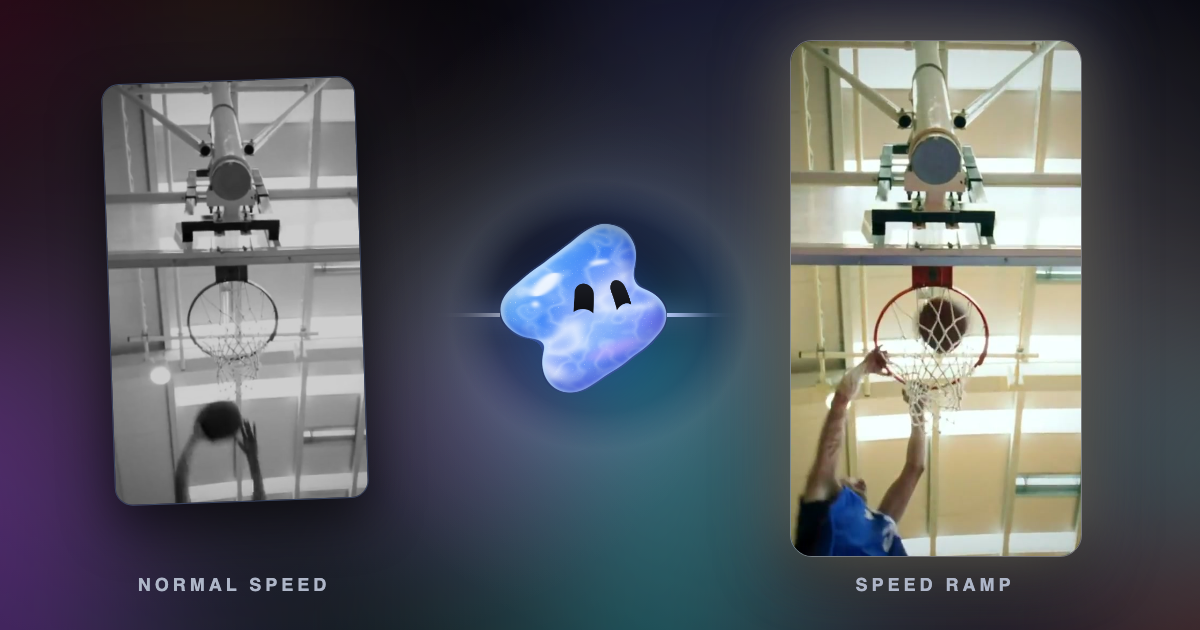
- Speed: the run-up rushes, the moment eases down to about quarter speed, then the clip speeds out. A car passing at quarter speed with AI smoothing looks heavy and expensive.
- Sound: the real engine, the tyres and the gear change matter as much as the music. Keep them under the drop.
- Look: one grade for the whole edit. Night edits use crushed shadows with red and white. Commercials use cold, dense colour that keeps the paint strong.
- Text: one or two words at most, large and heavy, never over the car.
Pick a style
Vidova has three templates for car edits. The agent searches the template library for a new edit and fills the one that fits with your clips. Name one in your request to choose it yourself.
| Template | What it does | Format | Best for |
|---|---|---|---|
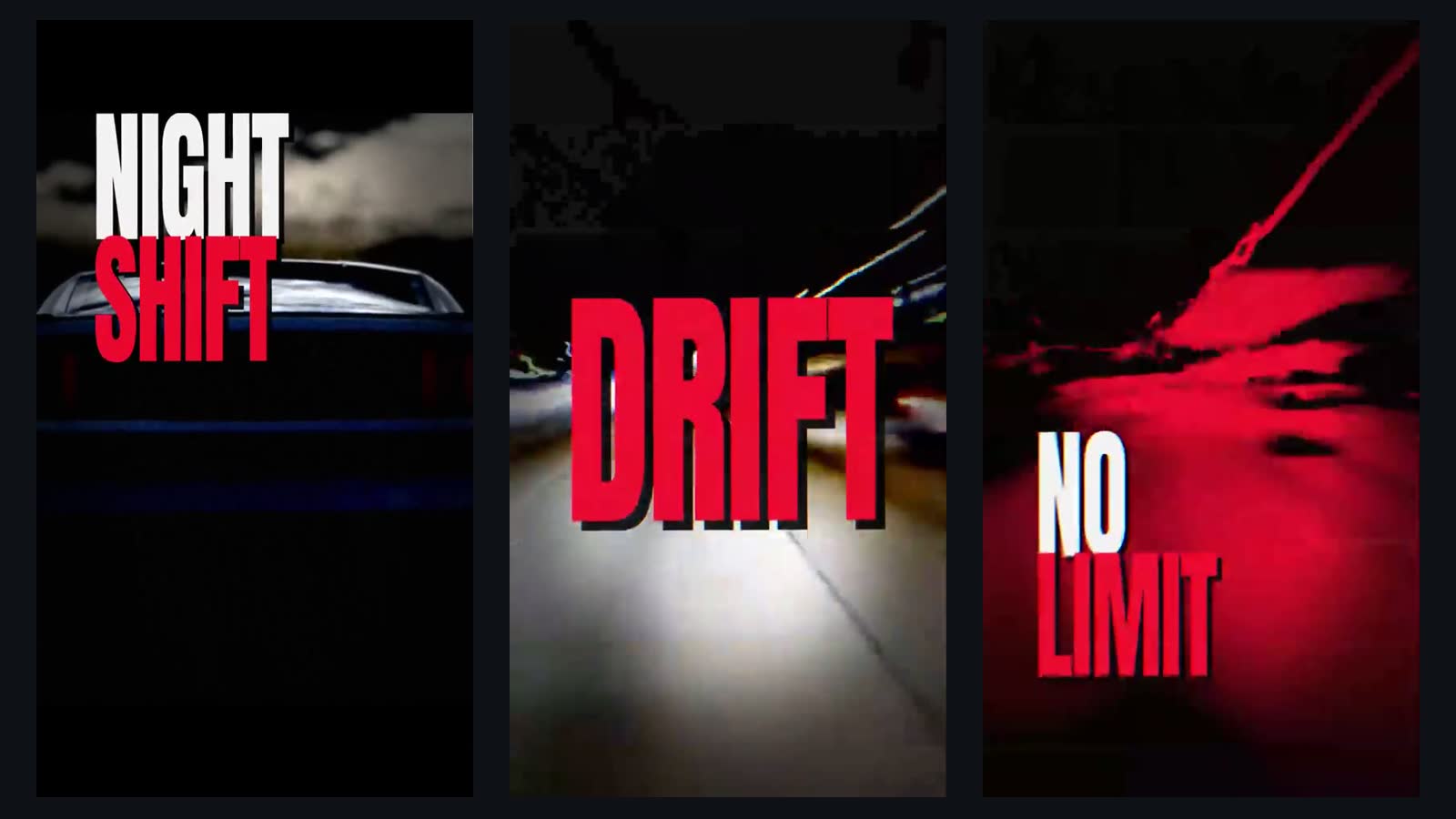
| phonk-drift | A dark intro with a title, black bars that snap open on the bass drop, cuts on every beat, a red and black look | 9:16, about 20 seconds, a phonk track around 144 bpm | Night drives and drift clips |
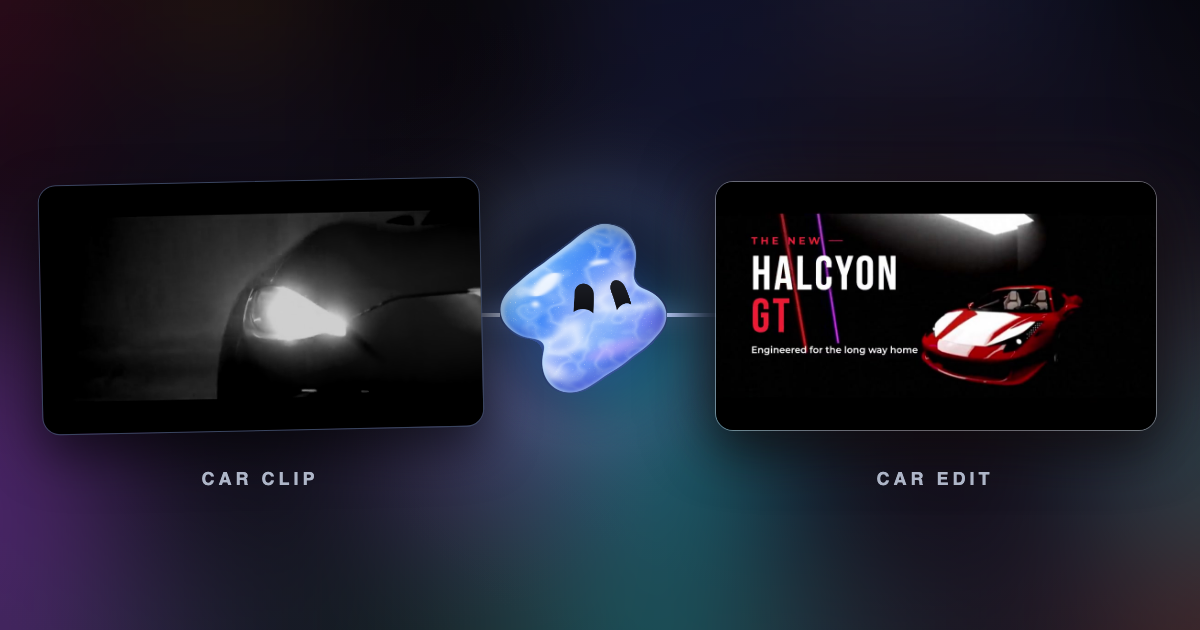
| car-commercial | A spotlight reveal with the engine sound, spec callouts on the detail shots, the model name, an end slate with the price | 16:9 behind 2.39 cinema bars, about 25 seconds | Dealers, detailers, one car for sale |
| speed-ramp | One action glides into slow motion that nearly stops on the peak, then speeds out faster than it went in | 9:16, about 3.5 seconds | One drift, launch or pass |
What to film
Film 8 to 15 clips of 5 to 15 seconds each, with the action in the middle of each clip. Film the moments you want to slow at 60 fps or more.
For a phonk night edit:
- The car under a moody sky, from low and behind.
- The dashboard with the needle climbing.
- Light streaks on the road, filmed from the passenger seat.
- The car passing a street light, from the side of the road.
- The drift or the launch, filmed on a closed track or at an event.
- Details: the exhaust, a wheel turning, the driver's hands on the wheel.
- The car parked at night, for the end.
For a car commercial: one hero shot of the whole car in the dark with one strong light, three or four details (a headlight, a body line, a wheel, the dashboard) and one driving shot. Use the same car and the same colour in every shot.
Never film while you drive. Let someone else drive, or film from a parked car or the side of the road. If other cars are in your shots, ask Vidova to cover their licence plates, or use the free licence plate blur tool.
Use a song you have the rights to. Sound recordings belong to their owners, and YouTube and TikTok remove videos after valid copyright requests. You can also ask Vidova to generate a track for the edit. The free BPM detector tells you the tempo of your song.
Make it in Vidova
- Upload your clips and the song.
- Write the request. Name the style or the template, the length, the format and the moment for the drop.
- The agent detects the beats, the bars and the drop of the song, and reads each clip to find its peak.
- It fills the template, puts each peak on a beat, ramps the best moments to about quarter speed with AI smoothing, and grades every shot with one look.
- It previews frames of the cut and runs a quality check before it reports back. Then you ask for changes in plain words.
Make a 20-second vertical phonk edit of my car from these night clips and this song. Open dark with the title NIGHT SHIFT, then hit the drop with the drift from clip 6. Cut on every beat after the drop. Ramp the drift and the pass in clip 3 down to quarter speed with AI smoothing. Keep the real engine and tyre sound under the music. Red and black look. Cover the plates of the other cars. End on my car parked under the street light.
For a dealer or a detailer, ask for the commercial instead:
Make a 25-second 16:9 commercial for this car with the car-commercial template. Spotlight reveal with the engine sound, then callouts on the detail shots: Wheels, 20 in alloy. Engine, 3.0 litre. 0 to 100 km/h, 5.1 s. Model name over the hero shot. End slate: From $48,900, Book a test drive. Keep the paint colour true.
Both are example briefs. Use only specs and prices that are true for your car. The agent uses the facts you give it and does not add its own.
What the phonk template looks like
Mistakes to avoid
- Every clip the same length. Vary the lengths to the beat and to the story, and save the best clip for the drop.
- Slow motion on everything. Slow one or two moments to about quarter speed and keep the rest fast.
- Muting the engine and adding stock whooshes. The real sound sells the car.
- Effects on every cut. Put a flash or a shake on the drop and on hard hits only.
- Text over the car. Put words in the sky or on the road.
- Clips from films, games or other people's edits. They belong to someone else.
- Another app's watermark on a clip. Ask Vidova to crop it off or blur it.
Sources
Make your first car edit
You can start free. Paid plans start at $19 a month, remove the watermark and export up to 4K at 60 fps.