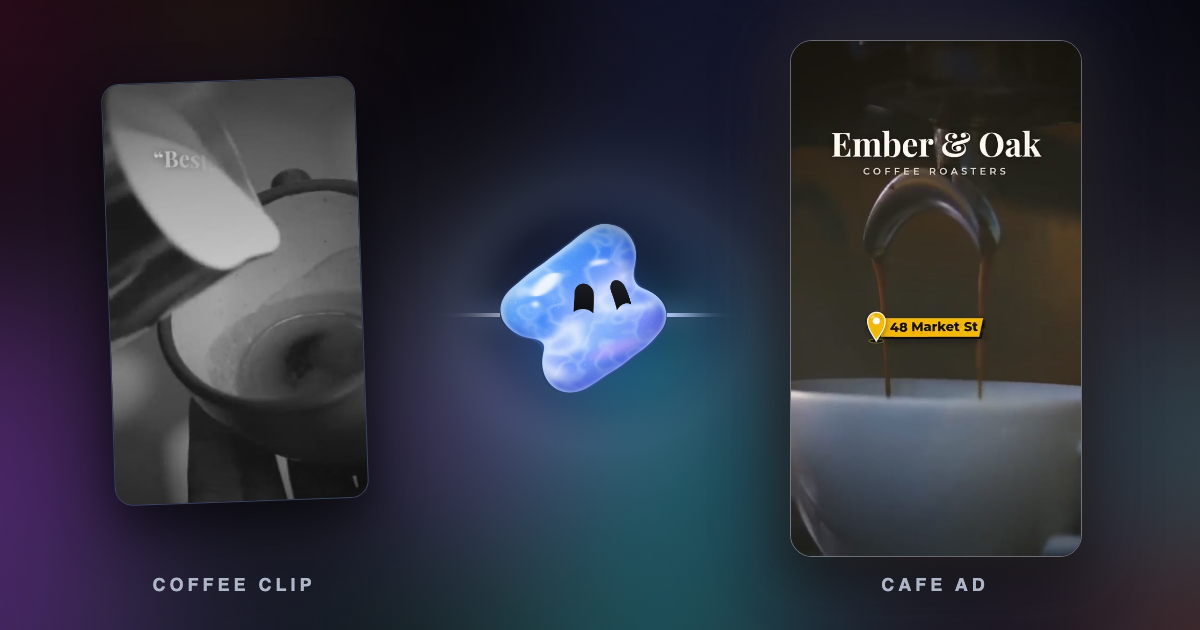
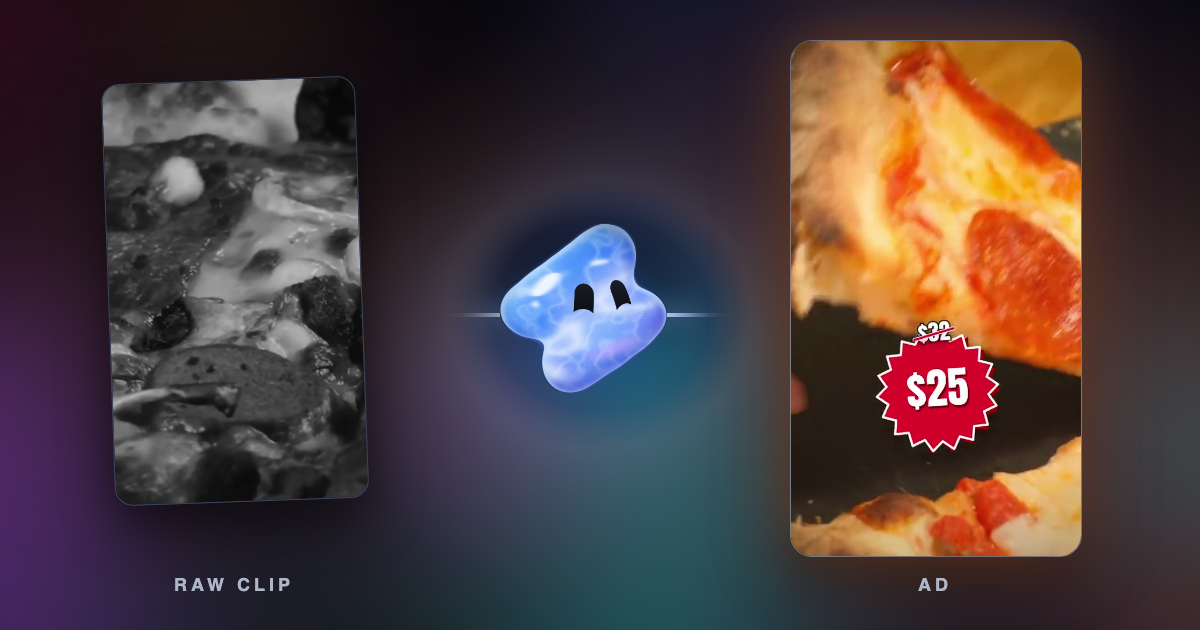
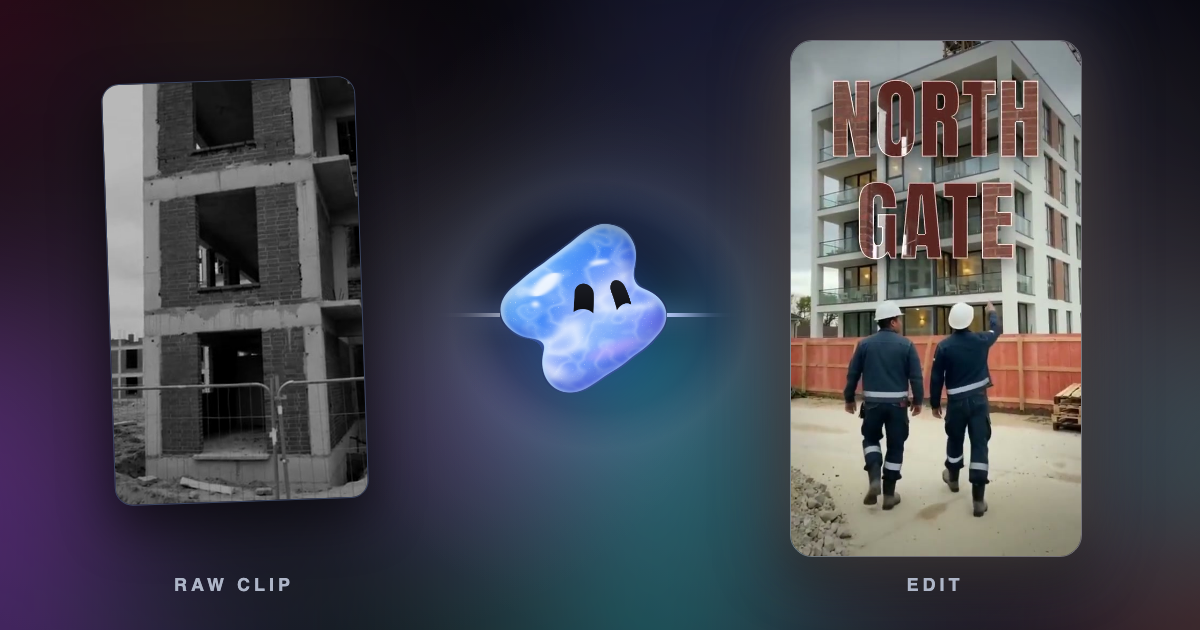
 Vidova
AI video ad tools for contractors and home service businesses (2026)
Seven AI tools for roofing, HVAC, solar, plumbing and remodeling video ads, compared on how much of the ad each makes from your own job-site footage.
 Vidova team
Last updated
The short answer
For automated video ads made from your own job-site footage, use a tool that edits real clips: Vidova's AI agent cuts the ad from your clips and photos, and Agent Opus builds one from a brief plus your footage. Runway generates motion between your before and after photos. Meta Advantage+ creative and Google Ads Asset Studio make variations and simple videos inside the ad platforms, with no separate price listed. Canva gives templates you fill by hand. HeyGen fits an owner who will not be on camera: an AI presenter reads your script.
Key takeaways
- The question that splits these tools: does it edit the video you shot on the job, or does it make the ad from photos, templates, stock or an AI presenter?
- Meta and Google build video tools into their ad managers and list no separate price for them (checked 7 November 2026). They work from the media you give them.
- Three ads a week cover most home service businesses: a project highlight from the job you just finished, a before and after, and an offer ad.
- Generated motion is not footage of your job. Check every generated frame against the real job before the ad runs.
The short answer: which tool for which contractor ad
- You film your jobs on a phone and want the ad cut for you: Vidova. Its AI agent edits your clips and photos into the ad on a real timeline.
- You have a written brief and want a finished ad fast, with stock where your footage runs out: Agent Opus.
- You only have job photos, such as a before and an after of a roof: Runway generates the motion between them.
- You already run Facebook and Instagram ads: try Meta Advantage+ creative inside Ads Manager first.
- You run YouTube or Performance Max campaigns: Google Ads Asset Studio makes a template video from your images and logo.
- You want to place every clip yourself at a low price: Canva.
- You will not be on camera: HeyGen, where an AI presenter reads your script.
For the craft of the ad itself (the callout, the problem, the job and the offer), read how to make video ads for roofers, contractors and home services. This guide is about the tools that do the work for you, and how much of the ad each one can make from what you film.
How much of the ad each tool makes from your own footage
| Tool | Starts from | Uses your job-site video | What it makes for you | Price from |
|---|---|---|---|---|
| Vidova | Your clips and photos, and a description of the ad | Yes, it edits them on a timeline | The hook, the cut, captions, titles, music, before and after transitions, 9:16 and 16:9 versions, hook versions | You can start free. Creator $19 a month, or $190 a year |
| Agent Opus | A brief, a script, an outline or a blog URL | Yes, as reference clips and on-set footage | Composition, B-roll (stock when you supply none), captions, voiceover, 9:16, 1:1 and 16:9 | Free: 60 credits a month. Pro $29 a month billed yearly ($348) |
| Runway | Your photos and footage, and a description to its Agent | Yes. Its roofing guide starts from photos | Generated motion between before and after photos, timelapses from progress photos, vertical and widescreen cuts | Free: 125 credits once. Standard $15 a month, or $12 billed yearly |
| Meta Advantage+ creative | The images, videos or carousel in your ad | Yes, the media in your ad | AI variations of the ad, image animation, translated speech | No separate price stated |
| Google Ads Asset Studio | A template, your images, logos and text | Not stated. The help page lists images and logos | A template video saved to your YouTube channel | No separate price stated |
| Canva | A template or a blank design | Yes, you upload and place each clip | Layouts, text and music from its library. You do the edit | Free. Pro US$18 a month, or US$144 a year |
| HeyGen | A script and an AI avatar | Not stated for B-roll | A presenter video from your script, translation into 175+ languages | Free: 3 watermarked videos a month. Creator $29 a month, or $24 billed yearly |
Prices change. Each row links to its source at the end of this guide.
How we judged them
We read each vendor's pricing page, help center and product pages on 7 November 2026. We did not run the same job through every tool, so this guide compares what each vendor states, not ad results.
A roofer, an HVAC company or a remodeler usually has the same raw material: phone clips and photos from real jobs, a logo, a phone number and an offer. So we asked one question of each tool: how much of the finished ad does it make from that material, and how much do you still do by hand? Real jobs are the proof a homeowner looks for, so a tool that keeps your footage at the center of the ad scored higher than one that replaces it.
Vidova: best when you film the job and want the ad cut for you
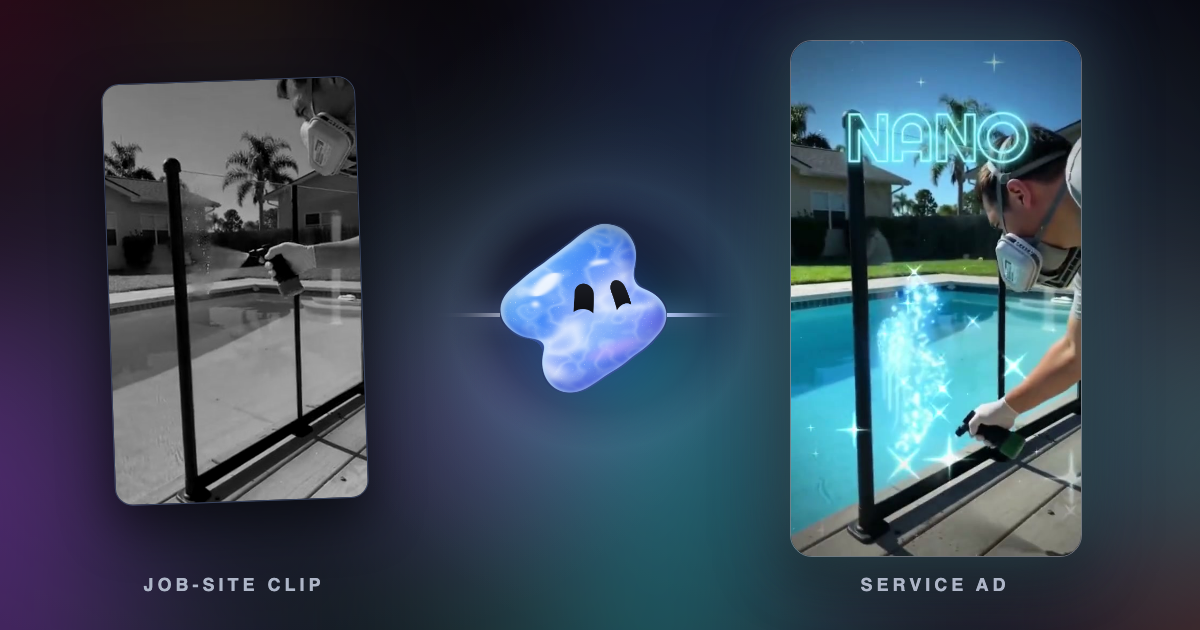
Vidova is a video editor built around an AI agent. You add your job clips and photos, say your trade, your city and your offer, and the agent writes the hook, plans each shot and builds the ad on a real multitrack timeline. It adds word-by-word captions, titles, its own music and sound effects, and visuals you do not have, such as a map of your service area. For a before and after, it lands the switch with a flash and a sound effect and slows the result down with AI slow motion.
Two things matter for home service footage. The agent blurs faces and license plates that show up in your clips (the same work as the free blur faces and blur license plates tools). And it previews frames of its own cut before it hands the ad over. You change anything by asking in plain words, or you open the timeline and move clips yourself.
Make a 20-second vertical ad for our roofing company in Tampa from these clips. Open on the worst part of the old roof, show the tear-off, the new shingles going on and the finished roof from the street, caption my voice, and end on "Free roof check this month" with our phone number and license number. Make three hook versions and a 16:9 cut for YouTube.
Downsides: Vidova does not buy or place ads. You upload the finished file to Meta, Google or TikTok yourself. It has no team seats, so a crew where several people edit at once will want another tool. Generated visuals, like any AI image or video, need a check before the ad runs. You can start free, and free-plan exports carry a watermark and a short end card. Paid plans start with Creator at $19 a month, or $190 a year, then Pro from $39 and Studio from $88. They remove the watermark and the end card. A Project Pass removes them from one project for $14, paid once.
Agent Opus: best for a fast ad from a written brief
Agent Opus is the ad and video agent from the makers of OpusClip. Its roofing ad page says you paste a "promo brief, script, outline, or blog URL", and the agent handles composition, B-roll, captions, voiceover and resizing. It "accepts your own reference video clips, product photos, and on-set footage", applies your logo, fonts and colors, and sources stock visuals when you supply none. One job exports 9:16, 1:1 and 16:9.
Credits pay for each second of finished video: 1 credit a second at Standard quality, up to 12 at Ultra, and each edit to a finished video is charged and quoted before you approve it (credits FAQ). The free plan gives 60 credits a month, which the pricing page counts as 2 videos of 30 seconds. Pro is $29 a month billed yearly ($348) with watermark removal, and Max is $129 a month billed yearly ($1,548).
Downside: when your clips run short, the gaps fill with stock. A homeowner who sees a roof that is not yours learns nothing about your work, so give it enough of your own footage. Per-second credits also make a long or much-revised ad cost more.
Runway: best when you only have job photos
Runway's roofing ad guide (4 September 2026) starts from "three to five photos of the damaged or old roof" and the finished roof. You describe the ad to Runway's Agent, upload the before and the after photo, and it "generates the motion between them". For a re-roof with more progress photos, it builds a construction timelapse. From the same photos you can then make other hooks and a vertical cut next to a widescreen one.
The pricing page gives 125 one-time credits for free. Standard costs $15 a month, or $12 a month billed yearly, with 625 credits a month and no watermarks. Pro costs $35 a month, or $28 billed yearly, with 2,250 credits.
Downside: the motion between two photos is generated. It can show steps, materials or a crew that were never on that roof. Watch every frame, and keep the real before and after photos on screen long enough that the viewer sees your actual work.
Meta Advantage+ creative: best inside Facebook and Instagram ads
If you already run ads on Facebook and Instagram, start here. Meta's Advantage+ creative page says it "uses AI to generate and enhance ad variations across single image, video and carousel formats". A customer quote on the same page says image animation "gave our ad images motion and depth", and the page also points to translating the speech in your ads.
Meta lists no separate price for these tools on that page. They work on the photos and videos you put in the ad, inside the ad you are already building.
Downside: Meta improves the ad you give it. It does not cut a job-site video for you from a folder of clips, so you still need a finished video or strong photos to start from. Review each variation before it runs, since a variation is a new version of your ad.
Google Ads Asset Studio: best for YouTube campaigns
Google Ads makes videos from a template. The help page says you open Asset Studio from the Tools icon, choose Asset library, create a video, pick a template, then add your images and logos and use fonts and music from the Google Ads library. The video can take several minutes to make, then it is saved to your YouTube channel and your Asset library. You can also make one while you set up a Performance Max campaign. Google's Asset Studio post says it turns "a few images, logos, and text descriptions into dynamic video assets".
Downside: your YouTube channel must be connected to a Brand Account, with the right permissions. The help page lists images and logos as inputs, not your job-site video, and every video follows the template's scenes. Google lists no separate price for the tool.
Canva: best when you want to place every clip yourself
Canva has contractor templates, including roofing designs, and a video editor that takes your own clips in MOV, MP4, MPEG, MKV, WEBM or GIF (video upload). A free account exports without a watermark as long as you use free elements, footage and music (watermark help). Canva Pro costs US$18 a month, or US$144 a year (pricing).
Downside: a template does not edit for you. You pick the best seconds of each clip, trim them and line them up yourself, so a weekly ad takes your time every week. Canva is a good choice when your brand already lives there, next to your flyers and yard signs.
HeyGen: best when you will not be on camera
HeyGen makes presenter videos. Its home page says you can "create complete videos from a script using Text to Video" with business presenters or custom avatars, and translate videos into "175+ languages and dialects". That suits an HVAC company that wants the same seasonal tune-up ad in English and Spanish without filming twice.
The pricing page gives 3 watermarked videos a month for free, up to 1 minute each. Creator costs $29 a month, or $24 a month billed yearly, with videos up to 30 minutes and exports up to 1080p.
Downside: an AI presenter is not your crew. Homeowners hire the people who come to the door, and an avatar cannot show them. HeyGen's home page does not describe editing your own job-site footage, so pair it with real job clips.
Run it every week: three ads from one finished job
A home service business finishes jobs every week, and every finished job is three ads. Film each one the same way (the spots to film are in construction and roofing reel ideas), then make these three:
| Ad | What to film on the job | Length | Tools that make it from that footage |
|---|---|---|---|
| Project highlight | The site at the start, 3 or 4 moments of the work, the finished job from the street | 15 to 30 seconds | Vidova, Agent Opus. Canva by hand |
| Before and after | The same spot before and after, with the phone in the same place | 8 to 20 seconds | Vidova from clips, Runway from two photos |
| Offer ad | You or the crew lead saying the offer in one take, plus cutaways of real jobs | 15 to 30 seconds | Vidova, Agent Opus. HeyGen when nobody will be on camera |
The lengths come from our guides to home service ads and before and after videos. For the ad platforms' own limits, see how long a video ad should be and video ad specs for Meta and TikTok.
In Vidova, keep one project per job and ask for the three ads one after another. A request for the project highlight looks like this:
Make a 25-second vertical project highlight of this kitchen remodel. Open on the old kitchen for one second, then the demo, the cabinets going in and the countertop, and hold the finished kitchen in slow motion with our name. Keep the order the job happened in. Blur the house number and any faces of the homeowners.
Then the before and after, and the offer ad from the same footage:
Now a 12-second before and after from the same spot: the old kitchen, a flash on the beat, the new kitchen held for 3 seconds. Then a 20-second offer ad with my clip saying "Free design visit this month", cut with the best shots of this job, captions on my voice and our phone number at the end.
Post the project highlight as a Reel or a TikTok, and run the offer ad as the paid ad. Run Meta's or Google's own tools on top when you upload, so each platform can make its variations from a finished ad. For a construction reel that looks cinematic, see make phone footage look cinematic.
Rules that apply whatever tool you use
- Put your license number in the ad where your state asks for it. In California, the CSLB says a license number must appear "any time licensed contractors advertise their services, whether on paper, over the air waves or on the internet" (CSLB guide, Business and Professions Code 7030.5). Add it to the end card of every ad, in every version.
- Show real jobs. A generated roof, a stock crew or a before photo that is not yours tells a homeowner nothing about you. Use AI for the edit, the captions, the music and the versions, and keep the work itself real.
- Ask the homeowner, and hide what is private. Get permission before you film a home, and blur house numbers, faces and license plates.
How to choose
- If you film your jobs and want the ad cut for you each week, describe it to Vidova.
- If you start from a written brief and accept stock where your footage runs short, try Agent Opus.
- If you only have before and after photos, try Runway, and check every generated frame.
- If you already run Facebook and Instagram ads, turn on Meta Advantage+ creative for the finished ad.
- If your money goes to YouTube and Performance Max, make a template video in Google Ads Asset Studio.
- If you want full control at a low price and have the time, use Canva.
- If nobody on the team will be on camera, use HeyGen, with real job clips beside the presenter.
For other kinds of local businesses, see how to make video ads for a local business and the best video editing apps for small business.
Related guides
Sources
All sources checked 7 November 2026.
- Meta: Advantage+ creative
- Google Ads Help: create a video using Asset library
- Google: generate creative assets with Asset Studio
- Canva pricing
- Canva: watermarks on video
- Canva: video upload
- Canva contractor templates
- Agent Opus: AI roofing ad video generator
- Agent Opus pricing
- Agent Opus Help: credits FAQ
- Runway: roofing ad, how to make one with AI
- Runway pricing
- HeyGen home page
- HeyGen pricing
- CSLB: Building Official Information Guide (license numbers in advertising)
- Vidova: plans and credits
- Vidova: exporting and sharing