Vidova
Best video editing apps for small business in 2026
Seven video editing apps for small businesses compared on price, platforms, free-plan limits and AI: Edits, CapCut, Canva, Adobe Express, Descript, invideo AI and Vidova.
 Vidova team
Last updated
The short answer
The best video editing app for a small business depends on who edits and where. Edits by Instagram is the best free app for a phone-only workflow. CapCut has the most templates and effects. Canva fits teams that already design their posts in Canva. Descript suits talking videos and podcasts. invideo AI makes videos from a script with stock footage. Vidova suits owners who want an AI agent to cut ads from their own clips.
Key takeaways
- Edits is free, exports 4K and adds no watermark, so it is the best start for a phone-only business.
- Check music rights before you post an ad. CapCut's licence limits its regular sounds to non-commercial use.
- AI video makers such as invideo AI build videos from stock footage. AI editors such as Vidova and Descript work from your own footage.
The short answer: the best app for each kind of business
- Best free app for a phone-only workflow: Edits by Instagram.
- Best for templates and effects: CapCut.
- Best if your team already designs in Canva: Canva.
- Best for brand templates on a small budget: Adobe Express.
- Best for talking videos, interviews and podcasts: Descript.
- Best AI video maker from a script with stock footage: invideo AI.
- Best for ads cut from your own clips by an AI agent: Vidova.
The seven apps compared
| App | Runs on | Free plan limits | First paid plan |
|---|---|---|---|
| Edits | iPhone, Android | None stated: 4K export, no watermark | No paid plan needed |
| CapCut | iPhone, Android, Windows, Mac, web | Watermark on some templates and effects | Standard $9.99 a month (App Store) |
| Canva | Web, Windows, Mac, iOS, Android | Watermark on premium elements, 5 GB storage | Pro US$144 a year |
| Adobe Express | Web and mobile | Videos up to 30 minutes, no 4K export | Premium $9.99 a month |
| Descript | Mac, Windows, web | 60 media minutes a month, 720p, watermark | Hobbyist $16 a month billed yearly |
| invideo AI | Web, iOS, Android | No free plan on the pricing page | Starter $10 a month billed yearly |
| Vidova | Browser on desktop and phone, Mac, Windows and Linux app | Watermark, 720p, 1-minute projects | $19 a month |
Prices change, and App Store prices differ by country. Each row links to its source at the end of this guide.
How we judged them
We read each vendor's pricing page, help center and App Store listing on 27 October 2026. We did not rank by the number of features. A small business needs a short ad or a Reel each week, made by the owner or one person on the team. So we compared:
- Where you edit: a phone, a computer or both.
- The free plan: watermark, export quality and length limits.
- The first paid plan: the price for one person, from the vendor's own page.
- Music rights: whether the app's music is cleared for business use.
- How much the AI does: a feature you apply by hand, or an edit made for you.
Edits by Instagram: best free app for a phone-only workflow
Edits is Meta's free video editor for iPhone and Android. Its App Store listing says you can "export your videos in 4K with no watermark and share to any platform". It makes captions automatically, animates still photos with AI, and has green screen, cutouts and voice cleanup. For a café or a salon that films and posts from one phone, it covers the basics at no cost.
Downside: the App Store listing says "Only for iPhone", so there is no iPad version. You still make every cut yourself.
CapCut: best for templates and effects
CapCut runs on phones, Windows, Mac and the web, and it has the largest set of templates, effects and AI tools here. The US App Store lists Standard at $9.99 a month and Pro at $19.99 a month. CapCut says most free exports have no watermark, but some templates add an ending clip with one.
Downside for a business: CapCut's Materials License Agreement says its regular sounds are not for commercial use. Its Commercial Sounds may be used only within CapCut, TikTok and TikTok for Business. If you post the same ad on Instagram or YouTube, use music you have the rights to.
Canva: best if your team already designs in Canva
Canva's video editor sits next to the posts, flyers and menus you may already make there. It has auto captions in 57 spoken languages and Beat Sync for music. The pricing page lists Pro at US$144 a year for one person and Business at US$250 a year per person. On the free plan, Canva adds watermarks only to premium elements.
Downside: Magic Resize, the video background remover and automatic Beat Sync need a paid plan. Canva's help center says it downscales uploaded 4K videos to 1080p.
Adobe Express: best for brand templates on a small budget
Adobe Express has video templates, captions and resizing on the free plan, in the browser and on phones. Premium is $9.99 a month, billed monthly, and adds brand kits, video background removal and 4K export. The free plan takes videos up to 30 minutes long.
Downside: Adobe's help page caps the caption tool at videos up to 5 minutes and 17 spoken languages.
Descript: best for talking videos and podcasts
Descript edits video by editing its transcript, so you cut a sentence by deleting its words. Its AI co-editor, Underlord, makes edits from a prompt, and captions are included on every plan. Hobbyist is $16 a month billed yearly or $24 billed monthly, and Creator is $24 or $35.
Downside: the free plan gives 60 media minutes a month and exports at 720p with a watermark. Descript runs on Mac, Windows and the web, and its system requirements say it is not supported on mobile browsers or tablets.
invideo AI: best AI video maker from a script
invideo AI turns a script or an idea into a video plan and builds the video, mostly from stock and generated footage. It answers the search for an "AI video maker for business" when you have no footage at all. Starter is $10 a seat a month billed yearly, Plus is $30 and Max is $75.
Downside: its pricing page shows no free plan, and it says unused credits do not roll over to the next month. Stock footage shows someone else's shop, not yours.
Vidova: best for ads cut from your own clips by an AI agent
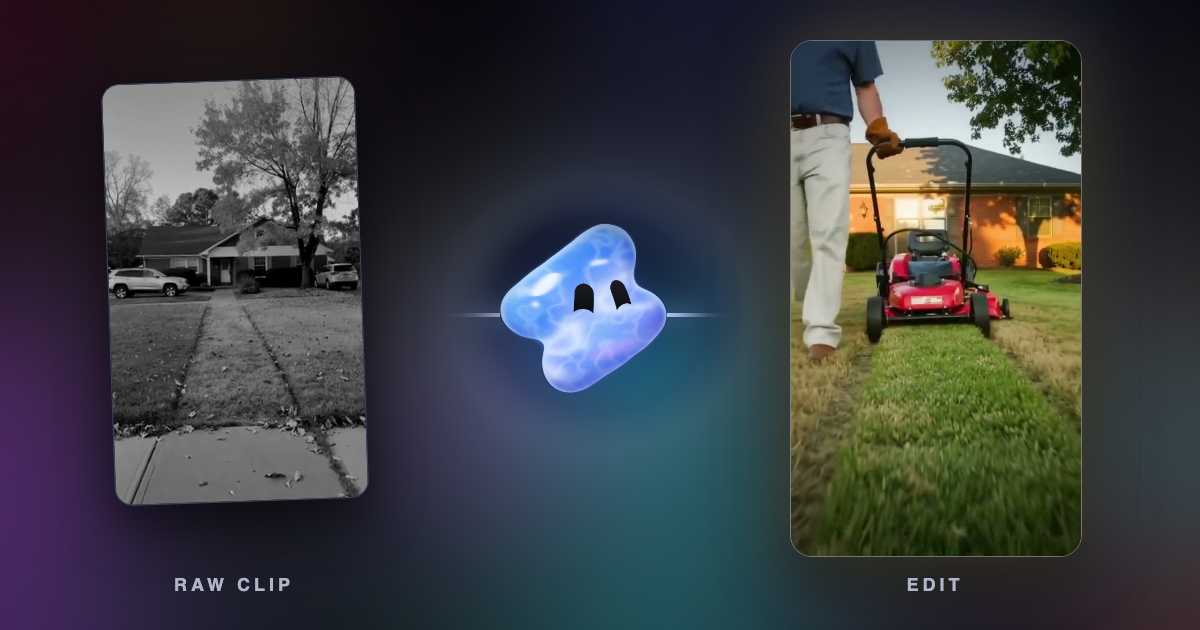
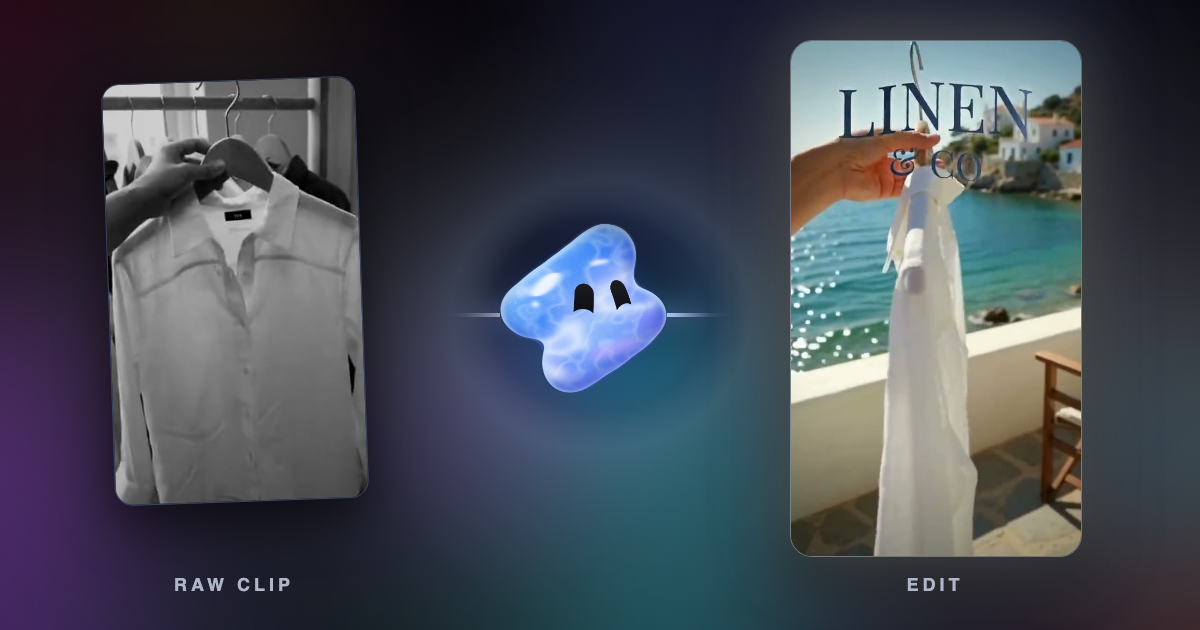
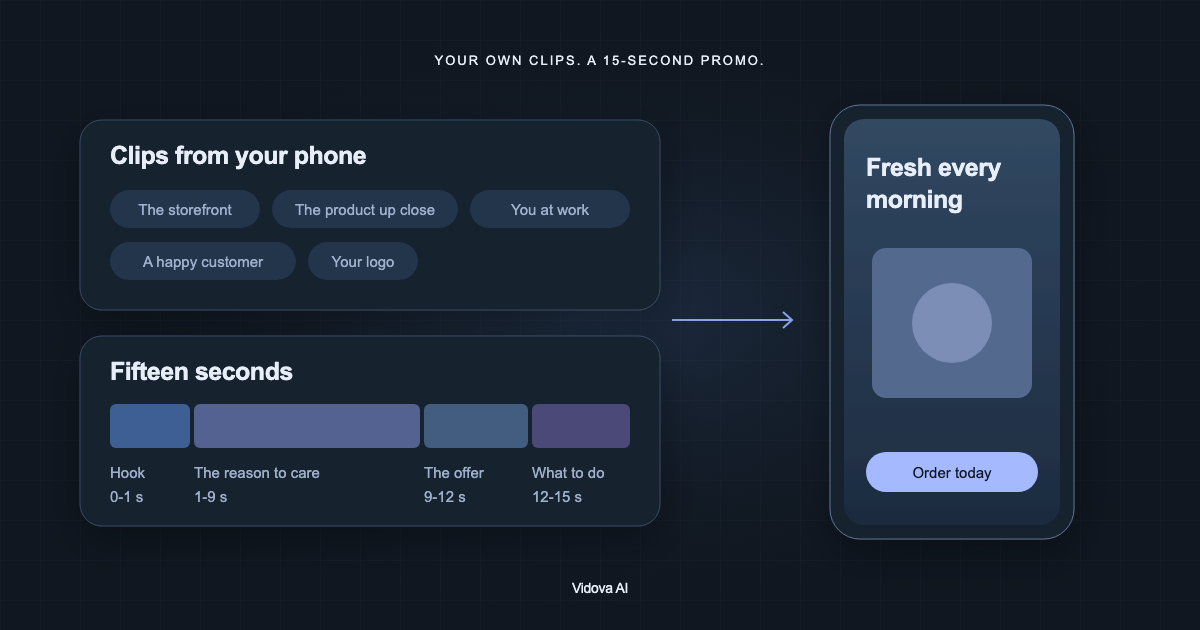
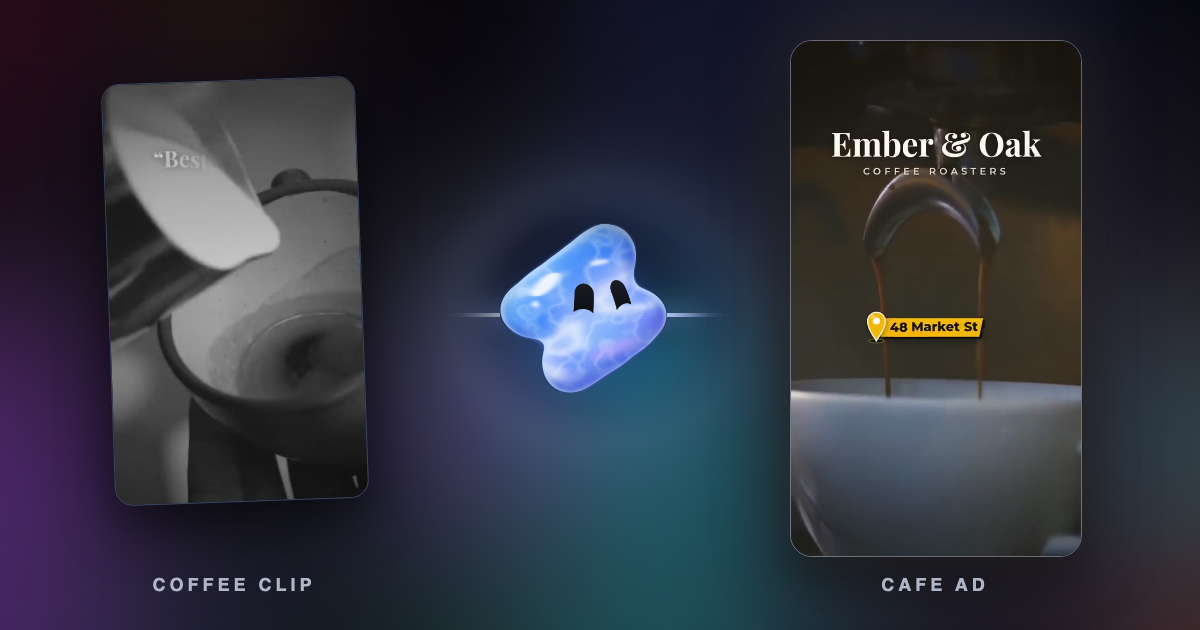
Vidova is an AI video editor built around an agent. You attach the clips you filmed on your phone, describe the ad, and the agent edits a real timeline from your own footage. It searches a template library for the kind of video you ask for, such as a product ad, a restaurant menu, a gym membership promo, a testimonial or a real estate tour, and fills it with your clips. It cuts on the beat, adds captions and titles, removes background noise and reframes wide clips to 9:16.

A request for an ad like the one above:
Make a 15-second vertical ad for my ice cream shop from these clips. Open on the berry sauce coming off the spoon. Turn the scoop into something that feels ice cold, end on the counter with our name POLAR SCOOP, and cut it on the beat of upbeat music.
Before it hands the cut over, the agent previews frames of its own work and runs a quality check. You can then keep, change or undo any edit in plain words, or open the timeline on a computer and drag clips yourself.
Downsides: Vidova is built around an agent, so people who want to drag every clip by hand have more mature manual editors. There is no Android app: on Android it works in the browser. The free plan adds a watermark, exports at 720p and takes projects up to 1 minute long. You can start free. Paid plans start at $19 a month, remove the watermark and export up to 4K at 60 fps.
How to choose
- If one person films and posts from a phone, start with Edits. It is free and has no watermark.
- If you want trending templates and effects, use CapCut, and bring your own music for ads outside TikTok.
- If your brand lives in Canva, keep your videos there too.
- If most of your videos are people talking, use Descript.
- If you have no footage, an AI video maker such as invideo AI builds one from stock.
- If you have footage but no time to edit, describe the ad to Vidova and let the agent cut it.
Related guides
Sources
- Edits on the App Store
- CapCut on the App Store
- CapCut: export without a watermark
- CapCut Materials License Agreement
- Canva pricing
- Canva: watermarks on designs
- Canva: captions on videos
- Canva: upload formats and requirements
- Adobe Express pricing
- Adobe Express caption requirements
- Descript pricing
- Descript system requirements
- invideo AI pricing