Vidova
CapCut alternatives without a watermark for PC, Mac and iPhone (2026)
CapCut alternatives that export without a watermark on PC, Mac, iPhone, Android and the browser, with prices, limits and sources checked October 2026.
 Vidova team
Last updated
The short answer
The best free CapCut alternatives without a watermark are Adobe Premiere on iPhone and Android, Instagram's Edits app, VN on phones and desktops, and Clipchamp in the browser and on Windows. Each one says on its own site that free exports carry no watermark. CapCut adds a watermark only for premium templates, effects or stock and its logo ending. CapCut lists Pro at $19.99 a month or $179.99 a year in US dollars.
Key takeaways
- CapCut's free version adds a watermark for premium templates, effects, stickers or stock, and with its logo ending clip, which you can delete.
- CapCut's own guide lists Pro at $19.99 a month or $179.99 a year in US dollars. The price changes by region (checked October 2026).
- Adobe Premiere mobile, Edits and VN export 4K with no watermark for free. Clipchamp's free plan exports 1080p with no watermark.
- DaVinci Resolve is the strongest free desktop editor. Vidova fits when you want an AI agent to make the edit, and its free plan has a watermark.
Why people look for a CapCut alternative
- The watermark. CapCut's free version adds a watermark when a project uses premium templates, effects or stock, and many templates end with a CapCut logo clip.
- The price of Pro. CapCut's own guide lists Pro at $19.99 a month or $179.99 a year in US dollars.
- Where it runs. CapCut is not in the App Store or Google Play in India. Our page on CapCut alternatives in India covers that case.
- Less work by hand. Some people want an AI agent to make the cuts instead of placing every clip themselves.
CapCut Pro price and when CapCut adds a watermark
CapCut does not publish one price for every country. Its help center says the price of Pro depends on your region, your device and current offers. Its Standard vs Pro guide, dated September 2026, lists Pro at $19.99 a month or $179.99 a year in US dollars.
When we opened CapCut's pricing page from Canada on 27 October 2026, it showed Pro at CAD 33.99 a month or CAD 290 a year, with 700 AI credits a month and 1 TB of storage. The page says that the price it shows is for reference and that you see the final price after you sign in.
CapCut's help center lists the cases where an export gets a watermark:
- A template often adds a small CapCut watermark at the end of the video.
- CapCut adds a short ending clip with its logo. Delete that clip from the timeline before you export.
- Premium templates, effects, stickers, transitions, filters and stock elements add a watermark in the free version. Swap them for free ones, or pay for Pro.
A project that you build by hand from your own clips, with free effects and without the ending clip, exports without a watermark. CapCut Desktop runs on Windows 7 or later and macOS 10.14 or later, and CapCut also runs in the browser and on phones.
CapCut alternatives compared
| Editor | Runs on | Free exports | Paid price | Best for |
|---|---|---|---|---|
| CapCut | Windows, Mac, browser, phones | No watermark unless you use premium items or keep the logo ending | Pro $19.99 a month or $179.99 a year (US), varies by region | Templates and effects on every device |
| Adobe Premiere mobile | iPhone, iPad, Android 13 or later | 4K, no watermark | Generative credits and storage: $7.99 a month or $69.99 a year (US) | A full multitrack editor on a phone |
| Instagram Edits | iPhone, Android | 4K, no watermark | Free | Reels made and posted from a phone |
| VN | iPhone, iPad, Android, Mac, Windows | Up to 4K at 60 fps, no watermark | VN Pro in the app: $7.99 or $69.99 (US) | Free editing on a phone and a desktop |
| Clipchamp | Browser, Windows | 1080p, no watermark | 4K with Microsoft 365 Personal, $9.99 a month or $99.99 a year (US) | Quick edits on a Windows PC |
| DaVinci Resolve | Windows, Mac, Linux, iPad | Up to Ultra HD at 60 fps, 8-bit | Studio $236, reduced from $295 | Full manual editing and color grading |
| iMovie | Mac, iPhone, iPad | Up to 4K | Free | Simple edits on Apple devices |
| Vidova | Browser on desktop and phone | 720p with a watermark, projects up to 1 minute | From $19 a month | Edits made by an AI agent from your request |
Best CapCut alternatives for PC
DaVinci Resolve is the most complete free editor on Windows, and it also runs on Mac and Linux. Blackmagic Design says the free version works with almost all 8-bit formats up to Ultra HD 3840 × 2160 at 60 fps, and it includes multi-user collaboration and HDR grading. Blackmagic lists no watermark for the free version. The downside: 10-bit video, frame rates up to 120 fps and the AI tools of the DaVinci Neural Engine need DaVinci Resolve Studio, which costs $236 on Blackmagic's site.
Clipchamp is Microsoft's editor. It comes with Windows 11 and also runs in the browser. Microsoft says you can export videos up to 1080p for free with no watermark. The downside: 4K exports and premium stock come with a Microsoft 365 Personal or Family plan, which costs $9.99 a month or $99.99 a year for Personal in the US.
VN has a Windows download on its site as well as its phone apps. It says it has no watermarks and is free.
Best CapCut alternatives for Mac
iMovie is free from Apple on Mac, iPhone and iPad. It edits up to 4K, and on the Mac it has 29 trailer templates. The downside is that it runs only on Apple devices, so a team with Windows PCs cannot share projects.
DaVinci Resolve and VN both run on the Mac too. Pick DaVinci Resolve for detailed manual editing and color. Pick VN for a lighter editor with beat-synced templates and auto captions.
Best CapCut alternatives for iPhone and Android
Adobe Premiere on iPhone, iPad and Android is the closest match to CapCut's phone app. Adobe says you can export an unlimited number of 4K videos with no watermark in the free version, and it has auto captions and templates. The Android app came out on 22 September 2026 and needs Android 13 or later with at least 5 GB of RAM. You pay only for generative AI credits and extra storage: $7.99 a month or $69.99 a year in the US App Store. The downside: Adobe's app page says the generative AI features are only on iOS for now.
Edits is Instagram's free editor for iPhone and Android. Its App Store listing says you can export in 4K with no watermark and share to any platform, and it has auto captions, caption styles and templates. The downside: you sign in with an Instagram account, and there is no desktop version.
VN is free with no watermark on iPhone, iPad and Android, exports up to 4K at 60 fps, and has templates, auto captions and filler-word removal. The downside: its App Store listing says it contains ads.
Where Vidova fits
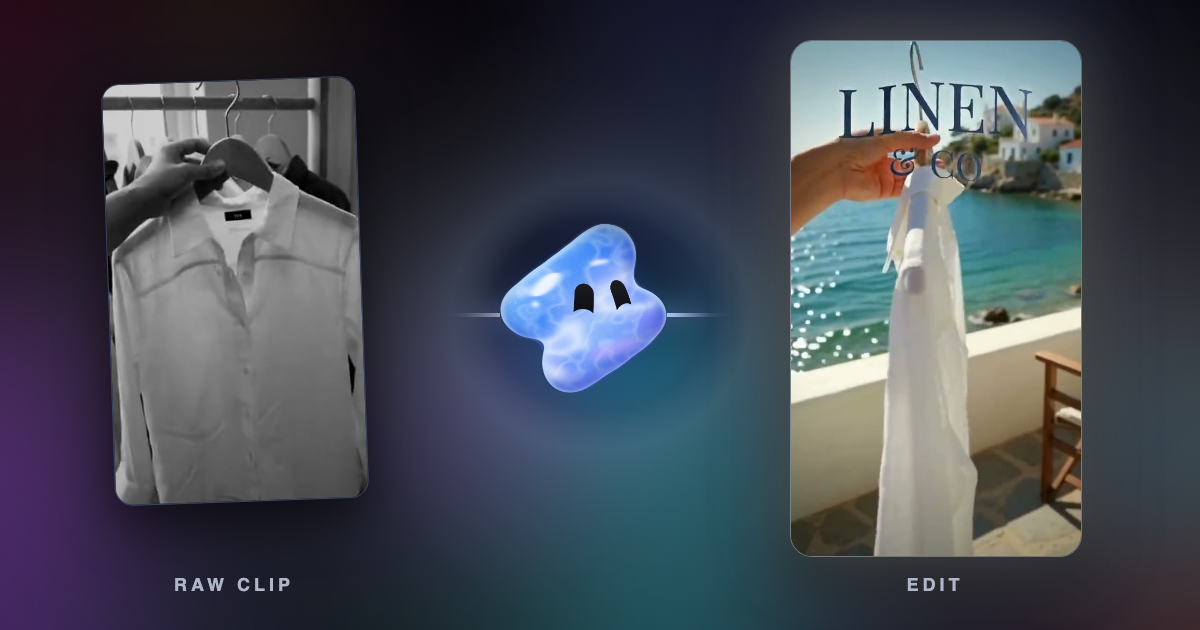
Vidova is a different kind of CapCut alternative. You upload your clips, describe the video, and an AI agent edits a real multitrack timeline. It cuts on the beat, adds animated captions and titles, reframes 16:9 to 9:16 by tracking a face, and can change what a shot shows while it keeps the motion and the sound. You keep, change or undo any edit.
Make a 15-second Reel for my linen shirt brand from these clips. Cut on the beat of the song, put the name Linen & Co in large letters in the first two seconds, and end on the shirt in front of the sea.
Vidova runs in the browser on desktop and phone. There is no Android app, so on Android you use it in the browser. The free plan exports at 720p with a Vidova watermark and takes projects up to 1 minute long, so it is not the right pick if you need free exports without a watermark. You can start free. Paid plans start at $19 a month, remove the watermark and export up to 4K at 60 fps.
If you want to drag every clip and set every keyframe by hand, CapCut, DaVinci Resolve and VN have more mature manual tools. Vidova fits when you would rather describe the edit and check the result. Our Vidova vs CapCut comparison goes into the details.
Sources
- CapCut Standard vs Pro guide (prices in US dollars)
- CapCut pricing page
- CapCut help: how much CapCut Pro costs
- CapCut help: videos without a watermark
- CapCut Desktop
- Adobe: Premiere mobile app
- Adobe blog: Premiere on Android
- Edits on the App Store
- VN Video Editor
- Clipchamp pricing
- Microsoft 365 plans
- DaVinci Resolve
- iMovie for Mac on the App Store