Vidova
CapCut alternatives in India with templates, for phone and PC (2026)
CapCut is blocked in India since 2020. Editors that work in India, with templates, rupee prices and platforms from the vendors' own pages, checked October 2026.
 Vidova team
Last updated

The short answer
CapCut is not available in India. India blocked it in 2020 under Section 69A of the IT Act, and on 27 October 2026 it is still missing from India's App Store and Google Play, so there is no official CapCut Pro price in rupees. Editors with templates that work in India include Instagram Edits, VN and Adobe Premiere, which are free with no watermark, and Canva, KineMaster and InShot, which sell Pro plans in rupees.
Key takeaways
- India blocked CapCut in July 2020, in its second round of bans on apps linked to China, according to reports at the time.
- On 27 October 2026, CapCut's App Store and Google Play pages return Not Found for India. CapCut has no rupee price for Pro.
- Edits, VN and Adobe Premiere mobile export 4K with no watermark for free. Canva, KineMaster and InShot sell Pro in rupees in the App Store.
- On a PC, VN, DaVinci Resolve and Clipchamp are free. Adobe Premiere for desktop is ₹389 a month including GST for the first year.
What happened to CapCut in India
- 29 June 2020: India's Ministry of Electronics and IT blocked 59 apps under Section 69A of the Information Technology Act. Its press release says the apps were engaged in activities prejudicial to the sovereignty and integrity of India, defence of India, security of state and public order.
- 27 July 2020: the government blocked 47 more apps with links to China under the same section, The Tribune reported. It did not publish the full list. The Economic Times saw part of the list, and Inc42 reported that ByteDance's video editor CapCut was on it.
- 27 October 2026: we looked up CapCut in Apple's App Store and in Google Play for the India region. Both return Not Found. The US listings open normally.
We found no official notice that lifts the block. This page covers editors that you can install from India's app stores today.
CapCut Pro price in India
CapCut does not sell Pro in India, so there is no official monthly or yearly price in rupees. CapCut's help center says the price of Pro depends on your region and your device. Its own guide lists Pro at $19.99 a month or $179.99 a year in US dollars. CapCut has no listing in the Indian App Store or Google Play, so a rupee price on another site does not come from CapCut.
What people in India use instead
On 27 October 2026, the Photo and Video chart of India's App Store had Edits at No. 1, VN at No. 2, Canva at No. 6, Adobe Premiere at No. 8, InShot at No. 11 and KineMaster at No. 57. This is one day of one chart, for iPhone, but it shows which editors people in India install now.
| Editor | Runs on | Templates | Free exports | Price in India |
|---|---|---|---|---|
| Instagram Edits | iPhone, Android | Yes, including templates made from Reels | 4K, no watermark | Free |
| VN | iPhone, iPad, Android, Mac, Windows | Yes, beat-synced and platform templates | Up to 4K at 60 fps, no watermark | Free. VN Pro in the app: ₹399 or ₹1,799 |
| Adobe Premiere | iPhone, iPad, Android, plus a desktop app | Yes, including YouTube Shorts templates | 4K, no watermark | Free editing. Generative credits: ₹799 a month or ₹6,900 a year |
| Canva | Browser, iPhone, iPad, Mac | Thousands of templates | Free app, Pro sold in the app | Pro ₹499 a month or ₹3,999 a year |
| KineMaster | iPhone, iPad, Android | Thousands of templates | Watermark and ads | Premium ₹599 a month or ₹3,999 a year |
| InShot | iPhone, iPad, Android | Text templates | Pro removes the watermark and ads | Pro ₹399 a month, ₹1,499 a year or ₹3,999 once |
| Vidova | Browser on desktop and phone | A template library that the agent fills with your clips | 720p with a watermark, projects up to 1 minute | From $19 a month |
Rupee prices are the in-app prices in India's App Store on 27 October 2026. VN's listing does not say which VN Pro price is monthly and which is yearly.
Best CapCut alternatives in India with templates
Edits is Instagram's free editor for iPhone and Android, and it led the Photo and Video chart of India's App Store on 27 October 2026. Templates made from Reels keep their video effects, auto captions come with caption styles, and exports go up to 4K with no watermark. The downside: you sign in with an Instagram account, and there is no desktop version.
VN is free with no watermark and has beat-synced templates, platform templates for Reels, Stories and YouTube, and auto captions that can also remove filler words. It runs on phones, Mac and Windows. The downside: its App Store listing says it contains ads.
Adobe Premiere on iPhone, iPad and Android is free, exports 4K with no watermark and has templates and auto captions. The Android app came out on 22 September 2026 and needs Android 13 or later with at least 5 GB of RAM. The downside: Adobe's app page says its generative AI features are only on iOS for now.
Canva is a design tool with a video editor: captions, Beat Sync and thousands of templates for posts, Reels and presentations. Pro is ₹499 a month or ₹3,999 a year in the App Store in India. The downside: many of its templates are for posts, flyers and presentations rather than video, as its App Store listing shows.
KineMaster and InShot both have large template and effect libraries and auto captions. Their free versions add a watermark: KineMaster says a subscription removes the ads and the watermark, and InShot says Pro removes them. KineMaster Premium is ₹599 a month or ₹3,999 a year. InShot Pro is ₹399 a month, ₹1,499 a year or ₹3,999 once.
CapCut alternatives in India for PC
- VN for Windows and Mac: free, with no watermark.
- DaVinci Resolve: free on Windows, Mac and Linux, up to Ultra HD at 60 fps. The Studio version is $236 on Blackmagic's site.
- Clipchamp: free in the browser and on Windows, with 1080p exports and no watermark.
- Adobe Premiere for desktop: ₹389 a month including GST for the first year, then ₹733.96 a month, on an annual plan billed monthly, for new subscribers, from Adobe India's plans page.
- Canva: works in the browser on any PC.
Where Vidova fits
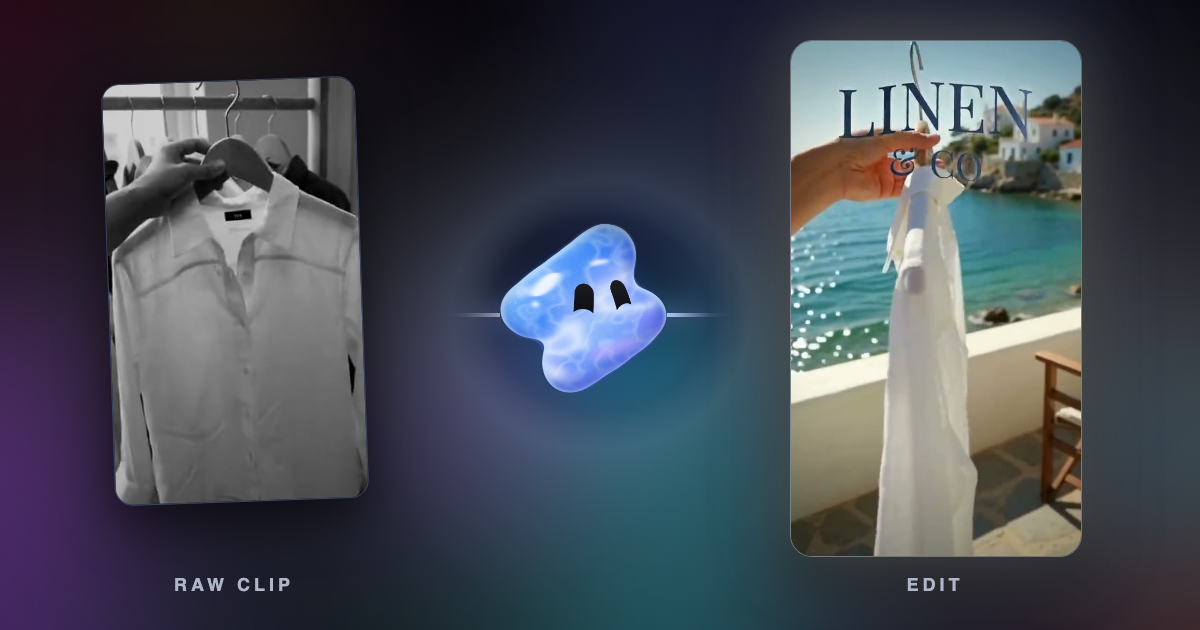
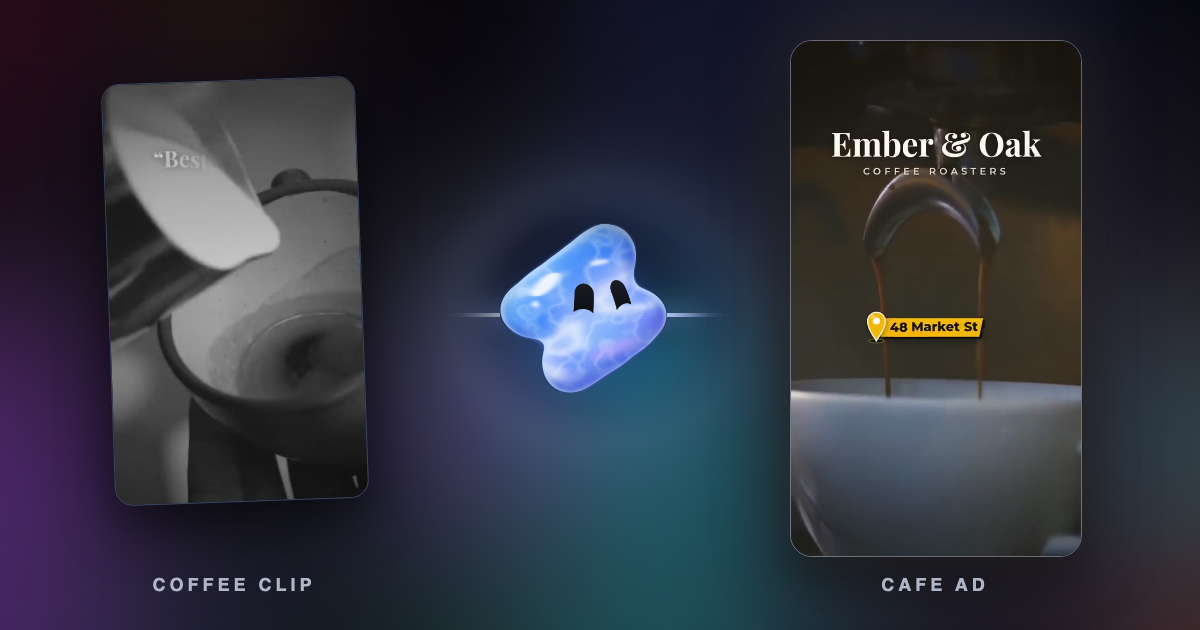
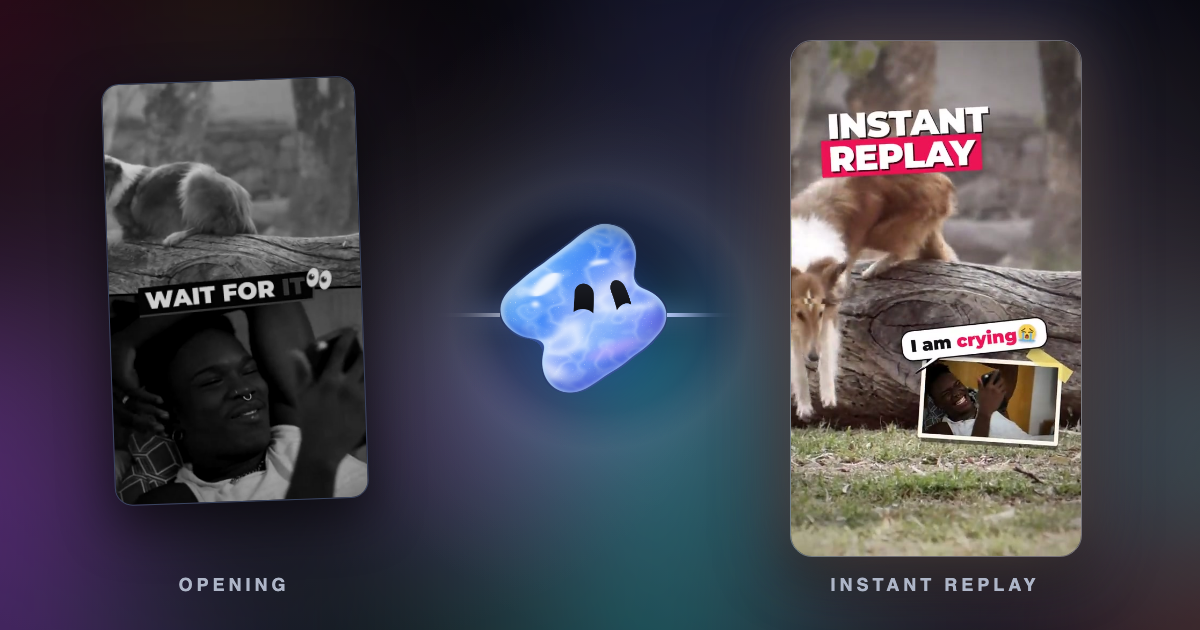
Vidova is an AI video editor. You upload your clips and describe the video, and an agent edits a real multitrack timeline. For a new edit it searches a library of templates, such as a restaurant menu, a product launch or a UGC product ad, and fills the one that fits with your clips. It also cuts on the beat, adds captions and titles, and reframes footage for Reels. You keep, change or undo any edit.
Here are three clips from my sweet shop. Find a template that fits a 10-second Reel, fill it with my clips, open on the slice being lifted from the tray, and put the shop name Layali as the title.
Vidova runs in the browser on desktop and phone. There is no Android app, so on an Android phone you use it in the browser. The free plan exports at 720p with a Vidova watermark and takes projects up to 1 minute long. You can start free. Paid plans start at $19 a month, remove the watermark and export up to 4K at 60 fps.
If you want to edit every clip by hand on an Android phone for free, VN, Edits or Adobe Premiere fit better. See also CapCut alternatives for PC, Mac and iPhone and Vidova vs CapCut.
Sources
- Press Information Bureau: Government bans 59 mobile apps (29 June 2020)
- The Tribune: Govt bans 47 more Chinese apps (27 July 2020)
- Inc42: CapCut among 47 Chinese apps banned (5 August 2020)
- CapCut help: how much CapCut Pro costs
- CapCut Standard vs Pro guide
- Edits on the App Store in India
- VN Video Editor
- VN on the App Store in India
- Adobe Premiere on the App Store in India
- Adobe India: Premiere plans
- Adobe blog: Premiere on Android
- Canva on the App Store in India
- KineMaster on the App Store in India
- InShot on the App Store in India
- DaVinci Resolve
- Clipchamp pricing