How to make a promo video for your small business from your own clips
Turn phone clips of your shop, product or service into a 15-second Instagram Reel or TikTok promo with AI. What to film, what to write and what to check before you post.
Last updated
The short answer
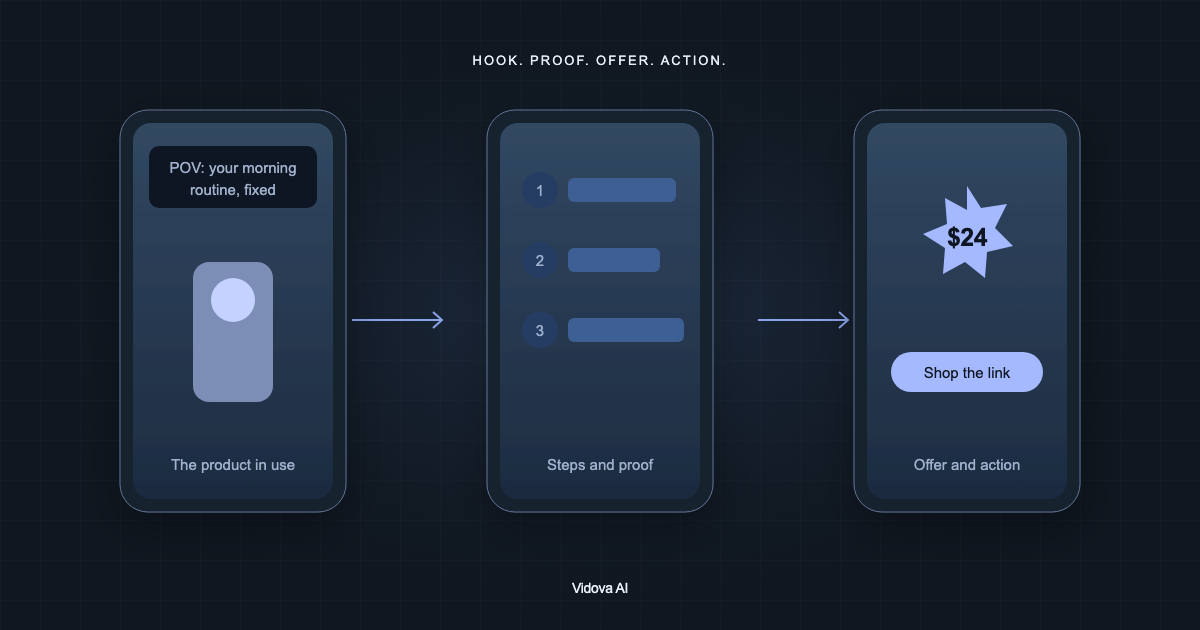
To make a promo for a small business, film a few short clips of the product, the place and the people, then ask an AI editor for a 15-second vertical cut with one message and one offer. The video should open on the product in use, give one reason to care, put the offer on screen and end on what the viewer should do next.
Key takeaways
- Five short clips from your phone are enough: the product, the place, you at work, a customer and your logo.
- Pick one message and one offer. Put the exact words, price and action in the brief.
- Check the first frame, the price and the end card on a phone before you post.
Film five short clips first
You do not need a camera crew. A phone held upright and good daylight are enough. Film each clip for 5 to 10 seconds and keep the phone still. Short clips give the editor more choices than one long take.
- The product in use: the cake being cut, the screen being fixed, the lawn being mowed, the candle being lit.
- The place: the storefront, the counter or the van, so people know where you are.
- You at work: your hands on the job, filmed close.
- A customer: a smile or a first bite, filmed with their permission.
- Your logo or your sign: a photo is fine.
Film the product the way a customer sees it. A close detail that moves, such as steam, a pour or a spinning part, makes a stronger first second than a wide shot of the room.
Decide one message and one offer
A short promo has room for one message. Choose one reason to come to you and one thing the viewer should do. Write both down before you open the editor.
| Business | Message | Offer | Action |
|---|---|---|---|
| Bakery | Baked this morning | Two pastries for the price of one before 10 am | Visit the shop |
| Phone repair shop | Cracked screen fixed while you wait | A free case with every repair | Message us to book |
| Lawn care company | Your weekend back | First cut half price | Call for a quote |
| Candle shop | Poured by hand | Free shipping this week | Shop the link in bio |
These are invented examples. Use your own price, dates and opening hours, and write them exactly as they should appear on screen.
Write the brief
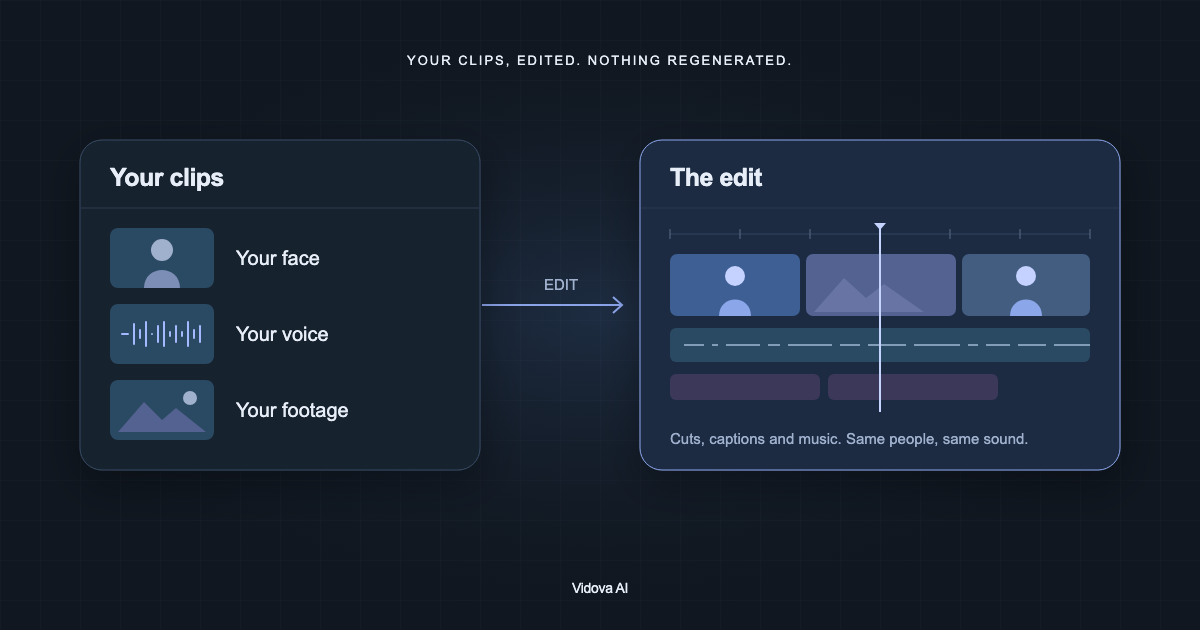
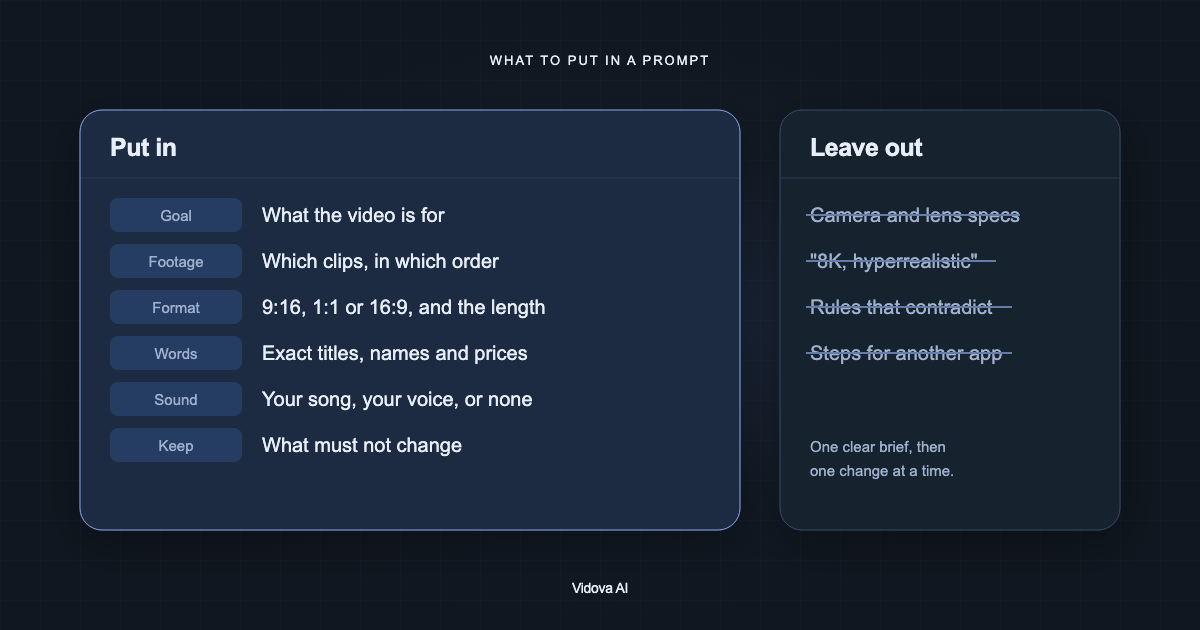
Open Vidova, attach your clips to the prompt on the home screen and describe the video. The Product ad card on the home screen starts the same kind of edit. Put the facts in the brief: the agent uses the prices, claims and words you give it and does not invent new ones.
Make a 15-second vertical promo for my bakery from these clips. Open on the croissant being torn open. Text on screen: “Baked this morning”, then “2 for 1 before 10 am”. End on the storefront with “14 Market Street, open 7 am to 3 pm” for 3 seconds. Keep the sound of the knife on the crust. Use upbeat music.
This is an example brief. Replace the words with yours. If you want your own voice in the video, say so. If you want no music, say that too.
What the 15 seconds look like
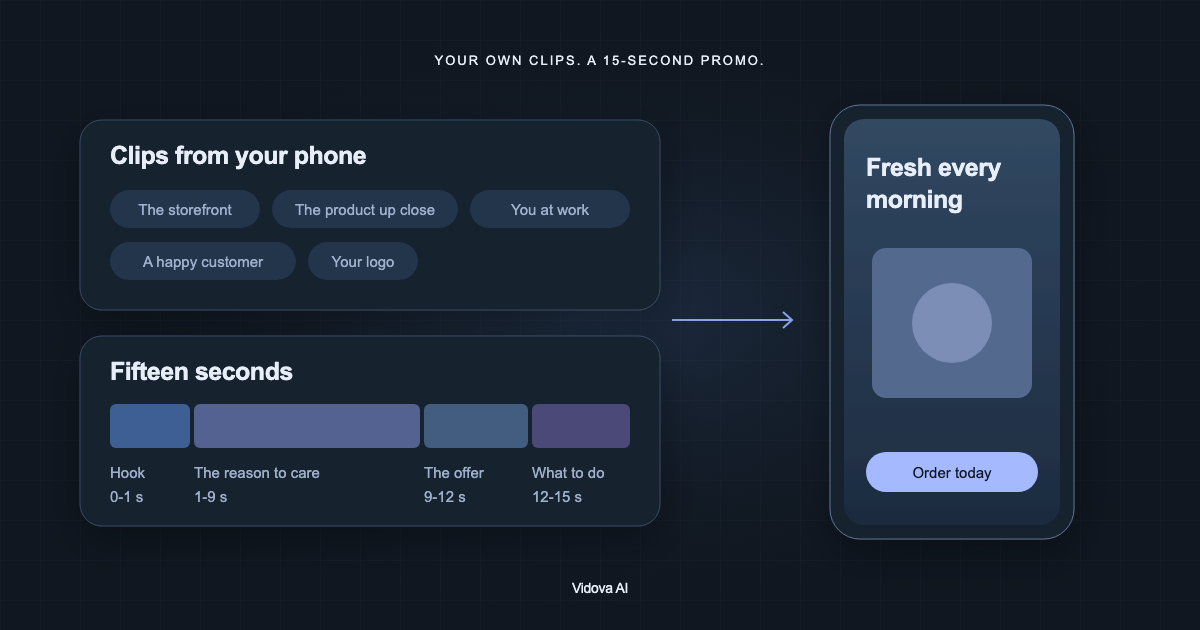
Vidova's product ad guidance gives the agent a structure for a 15-second promo. It cuts on the beat of the music and keeps every line of text clear of the app buttons at the top and bottom of a phone screen.
| Time | What plays | Why |
|---|---|---|
| 0 to 1 s | The product in use, with the hook line | The first frame is what people see while they scroll |
| 1 to 9 s | Four to six short shots, one detail or step each | One idea per shot is easy to follow |
| 9 to 12 s | The offer or price, large | The number the viewer should remember |
| 12 to 15 s | The end card: product, name and action | Held 2 to 3 seconds so people can read it |
Ask for a 6-second or 30-second cut and the same parts scale to that length. Vertical 9:16 fits Reels, TikTok and Stories. Ask for 1:1 or 4:5 for a feed post, or 16:9 for YouTube or your website.
Check it before you post
- The first frame shows the product, not a logo or a black screen.
- The price, address and opening hours match what you wrote.
- Every line of text is readable on a phone and does not cover the product.
- The end card stays on screen long enough to read twice.
- The music is not louder than any voice you kept.
To change something, ask for one change at a time, such as “make the price larger” or “hold the last shot one second longer”. Every change lands on a timeline, so you can also drag a clip or edit a title yourself.
Make your first promo
You can try this on the free plan. It needs a card check that charges nothing, gives you 750 credits once, and adds a Vidova watermark to previews and exports. Paid plans start at $19 a month, billed monthly or yearly, and remove the watermark.