Vidova
Instagram trial reels explained (and why a trial reel gets 0 views)
What Instagram trial reels are, who can use them, how to post one, when they are shared to followers and why a trial reel can sit at 0 views, from Instagram's own help pages.
 Vidova team
Last updated
The short answer
A trial reel is an Instagram reel that is shown first to people who do not follow you. It does not appear in your followers' Feed or Reels tab or on your profile grid. You turn it on with the Trial switch before you share. You need a public account with at least 200 followers for a professional account or 1,000 for a personal one. You can share a trial with everyone later, by hand or automatically.
Key takeaways
- Trial reels go to non-followers first. Your followers see one only after you share it to everyone.
- You need a public account: 200 followers for a business or creator account, 1,000 for a personal one.
- Instagram names the causes of 0 views: the trial is new, it repeats content you shared before, or the account cannot appear in recommendations.
What is a trial reel?
A trial reel is a reel that Instagram shows to people who do not follow you before your followers see it. Instagram launched trial reels on 10 December 2024. Meta said creators had told it they feel nervous about posting too much, or about trying content outside their niche, for fear it would not resonate with their followers. A trial lets you test an idea on new viewers first.
| Where | Regular reel | Trial reel |
|---|---|---|
| Your followers' Feed and Reels tab | Yes | No, until you share it to everyone |
| Your profile grid and Reels tab | Yes | No, until you share it to everyone |
| People who do not follow you | Yes, when it can be recommended | Yes, they see it first |
| Direct messages and pages for the same audio | Yes | It can appear there, and in search engine results |
| Insights | Yes | Views, likes, comments and shares within 24 hours |
Instagram's help page on trial reels says trials are ranked on their own and do not affect the performance or ranking of your standard reels. A trial that does badly does not hold back your other reels.
Who can use trial reels
- A public Instagram account.
- A professional (business or creator) account with at least 200 followers, or a personal account with at least 1,000 followers.
- An account that is eligible to appear in recommendations. If it is not, you lose access to trial reels until it is eligible again.
To check the last point, open Account Status in your settings. It shows whether your account has limits on its reach. If Trial does not appear when you post a reel, check these three conditions first.
How to post a trial reel
- Create a new reel. Instagram warns that a trial reel can get limited reach if it detects that you shared the same content before.
- Before you share, tap Trial.
- To share it with your followers automatically when it does well, tap Trial settings below Trial and turn on Share to everyone automatically.
- Tap Next, then tap Share.
The automatic setting stays on for every trial you share later until you change it. After you share, the trial waits on your profile next to your drafts. Only you can see that it is a trial.
When a trial reel gets shared to your followers
A trial reel reaches your followers in one of two ways.
- By hand. Go to your profile, open your reels, tap the trial, tap View insights, then tap Share to everyone. The reel then shows on your grid and Reels tab, and your followers may see it in Feed and Reels.
- Automatically. With Share to everyone automatically on, Instagram shares the reel if it performs well soon after you publish it, based on signals such as views and engagement. Meta's launch post in 2024 said the decision uses the views in the first 72 hours.
Instagram does not publish the number of views that counts as performing well. Meta's launch post said the insights also compare a trial with your previous trials. That comparison is the best guide when you decide by hand.
Why a trial reel gets 0 views
A trial reel at 0 views usually has a cause you can find. These are the causes Instagram names in its own help pages.
| Cause | What Instagram says | What to do |
|---|---|---|
| It is new | Trial reels can take longer to get views because they go to people who do not follow you. Insights appear within 24 hours. | Wait a full day before you judge it. |
| It repeats a video you posted before | A trial can get limited reach if Instagram detects that you shared the same content before. | Post a new edit, not a reel you already shared. |
| Your account cannot be recommended | Accounts that are not eligible for recommendations lose access to trials. | Open Account Status and remove or appeal what it lists. |
| It carries another app's watermark | Third-party watermarks may keep reels from being recommended to new audiences. | Export a clean file without another app's logo. |
| It is longer than 3 minutes | Reels over 3 minutes are not recommended to new audiences. | Cut it under 3 minutes. |
| It breaks the recommendation guidelines | Unoriginal, repurposed content and engagement bait are not recommended. | Post your own footage and skip “comment YES to win” bait. |
If a trial gets views but few likes or shares, people saw it and kept scrolling. Change the first two seconds before you change anything else.
How a business can use trial reels
Trial reels suit tests your followers do not need to see. A business can try these:
- A new opening. Open on the finished result instead of the work in progress.
- A new format. Try a talking tip if you usually post product shots.
- A new customer type. Make a reel for people you do not reach yet, such as offices for a cleaning company.
- A new offer. Test a price or a bundle before you show it to regular customers.
Each test needs a new edit, not the same file with a new caption. In Vidova, you attach your clips and describe the version you want, and the agent makes it on a timeline you can change. Ask for a different first shot, a different line on screen or a different length.
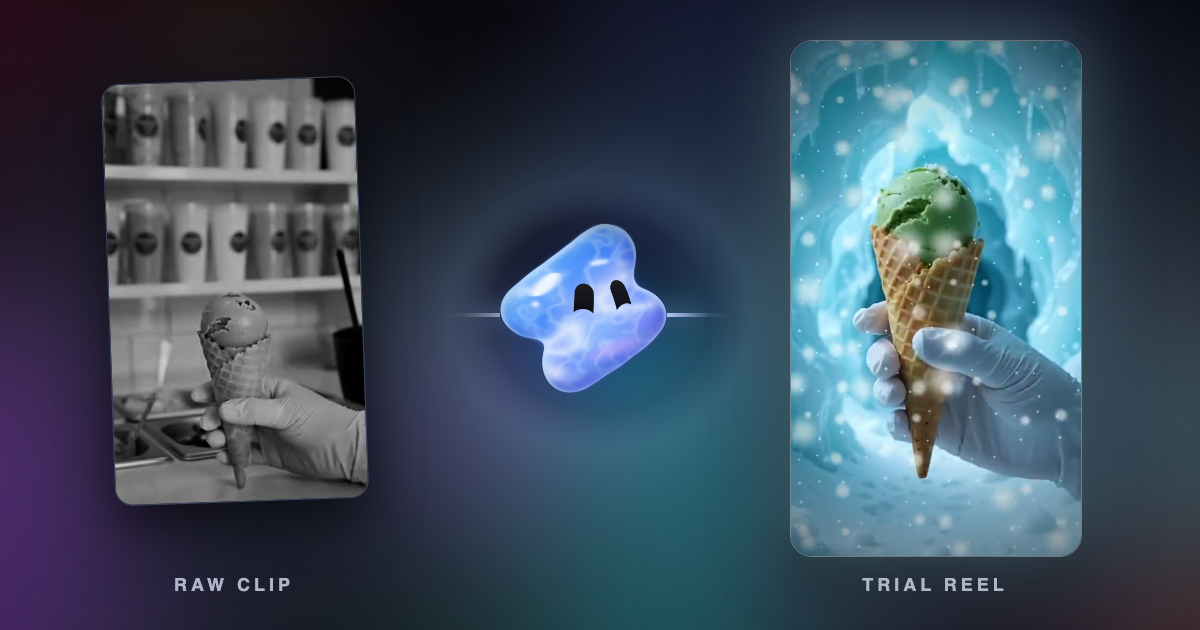
Make a new 12-second vertical version of my ice cream reel for a trial. Open on the green scoop in the cone, not on the sorbet tray. Put “New flavour this week” on screen for the first 2 seconds. Keep the frost effect and end on the POLAR SCOOP title.
Export trials without a watermark. Vidova's free plan adds a Vidova watermark to exports, and Instagram says third-party watermarks may keep a reel from new audiences. You can start free. Paid plans start at $19 a month, remove the watermark and export up to 4K at 60 fps.
Sources
- Instagram Help Center: About trial reels on Instagram
- Meta: Test content with non-followers using trial reels (December 2024, updated June 2025)
- Instagram for Creators: Trial reels
- Instagram for Creators: What helps and hurts your reach
- Instagram Help Center: Record a reel
- Instagram Help Center: Recommendation guidelines