Vidova
Can Gemini edit videos? What the Gemini app can and cannot do
Gemini can watch a video, generate 10-second clips and change one uploaded clip. To cut your own clips on a timeline, connect it to an MCP video editor.
 Vidova team
Last updated
The short answer
Gemini can edit video in part. The Gemini app watches a video you upload and answers questions about it. On a paid Google AI plan, Gemini Omni generates 10-second clips and changes what one uploaded clip shows. It returns a new clip, not a timeline of your own clips that you can keep editing. For that, connect Gemini to a video editor's MCP server, such as Vidova's at https://mcp.vidova.ai/mcp.
Key takeaways
- The Gemini app reads uploaded video: up to 5 minutes in total, or up to 1 hour on Google AI Pro and Ultra.
- Gemini Omni in the Gemini app makes 10-second clips and changes one uploaded video. It needs a paid Google AI plan.
- Google Vids is Google's video editor with Gemini. It edits by transcript and is built for work videos.
- To cut your own clips on a timeline from Gemini, add an MCP server such as Vidova's in the Gemini web app, Antigravity CLI or Gemini CLI.
What can Gemini do with a video?
Gemini is Google's AI assistant. The table shows what the Gemini app does with video, from Google's own help pages.
| Task | In the Gemini app | Limits |
|---|---|---|
| Understand a video you upload | Yes: summaries, answers and insights about its content | 2 GB per video and up to 10 files per prompt. Up to 5 minutes of video in total, or 1 hour on Google AI Pro and Ultra |
| Generate a new clip | Yes, with Gemini Omni (Create video) | 10-second videos with sound, from text or up to 5 photos. Needs a Google AI plan. 18 and over |
| Change one uploaded clip | Yes, with Video to Video Edit | One video and up to 5 images per request. Not in the EEA, Switzerland, the UK and some US states |
| Cut several of your clips into one video with captions and music | Not one of the app's video tools | Use Google Vids, or an editor that Gemini controls through MCP |
Sources: Upload and analyze files in Gemini Apps, Generate videos with Gemini Apps and Gemini Omni in the Gemini app.
Google DeepMind's video models include Veo, now at version 3.1, and Gemini Omni, which Google introduced at I/O in May 2026. The Gemini app's help page now names Gemini Omni as the model behind Create video. Every Omni video carries SynthID, Google's invisible watermark.
What Gemini Omni changes in a clip
Google says you can take a video you shot and ask Omni to change what happens in it (Google blog). In the Gemini app this is Video to Video Edit. You upload one video, describe the change, and keep refining it in the same chat. Google's help page lists edits such as removing or replacing objects and characters, and changing camera angles.
This is generation. The model makes a new clip from yours, and you get a video file back. It does not put your other clips in order, cut them to a song or place captions on their own track, and there is no project to reopen and change one cut at a time.

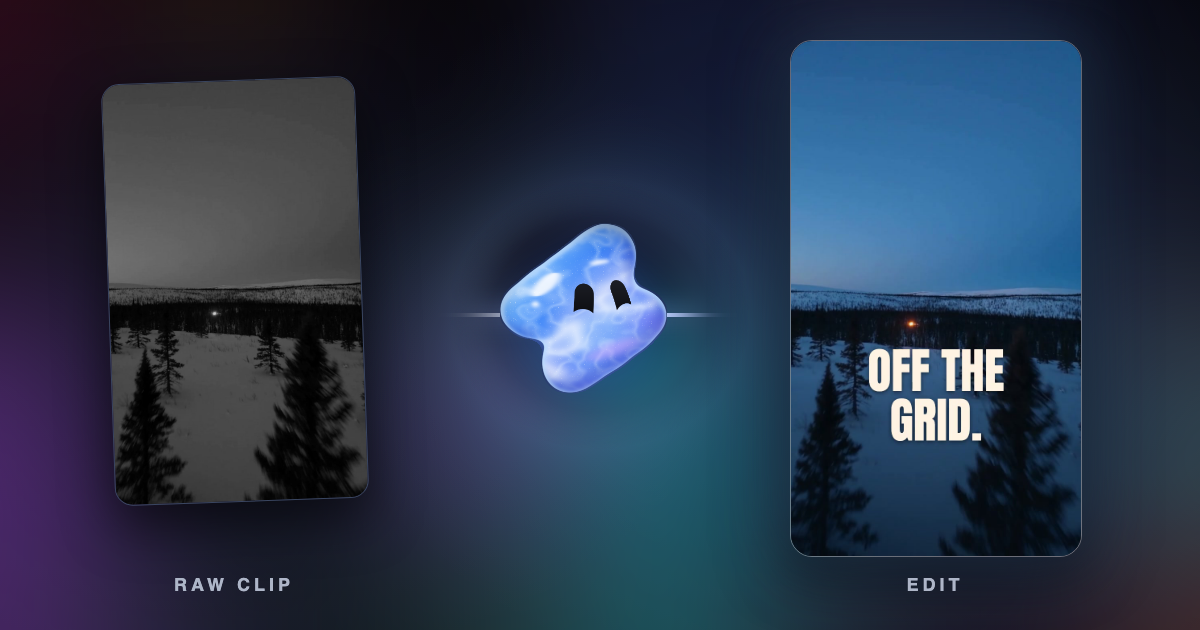
Vidova makes this kind of change inside an edit. Its agent changes what a clip shows on the seconds you choose and keeps the clip's motion and sound. The result stays one clip on a multitrack timeline, next to your other clips, the title and the music.
Is there a Gemini video editing app?
Google's video editor with Gemini is Google Vids. Google calls it AI video creation for work. You start from a template, stock media or a Google Slides deck, add AI voiceovers and avatars, and edit by changing the transcript. Its page says "Skip complex timelines." A video can be up to 30 minutes long, and creation and editing work only on a computer.
Anyone with a Google account can try Vids at no cost. Advanced features and higher limits come with Workspace plans and Google AI plans. Since July 16, 2026, Vids also uses Gemini Omni to generate clips and to edit any video from typed instructions, such as a new color grade or a background sound removed. That needs Google AI Pro or Ultra or an eligible Workspace edition. Editing videos that AI did not make is not available in the EEA, Switzerland, the UK, Texas and Illinois (Workspace Updates).
Google also offers Omni at no cost in YouTube Shorts Remix and the YouTube Create app, for people 18 and over (Google I/O 2026).
For a Reel, TikTok or ad cut from your own phone clips, with captions and cuts on the beat, you need an editor with a timeline. Gemini can drive one through MCP.
How to make Gemini edit a real timeline
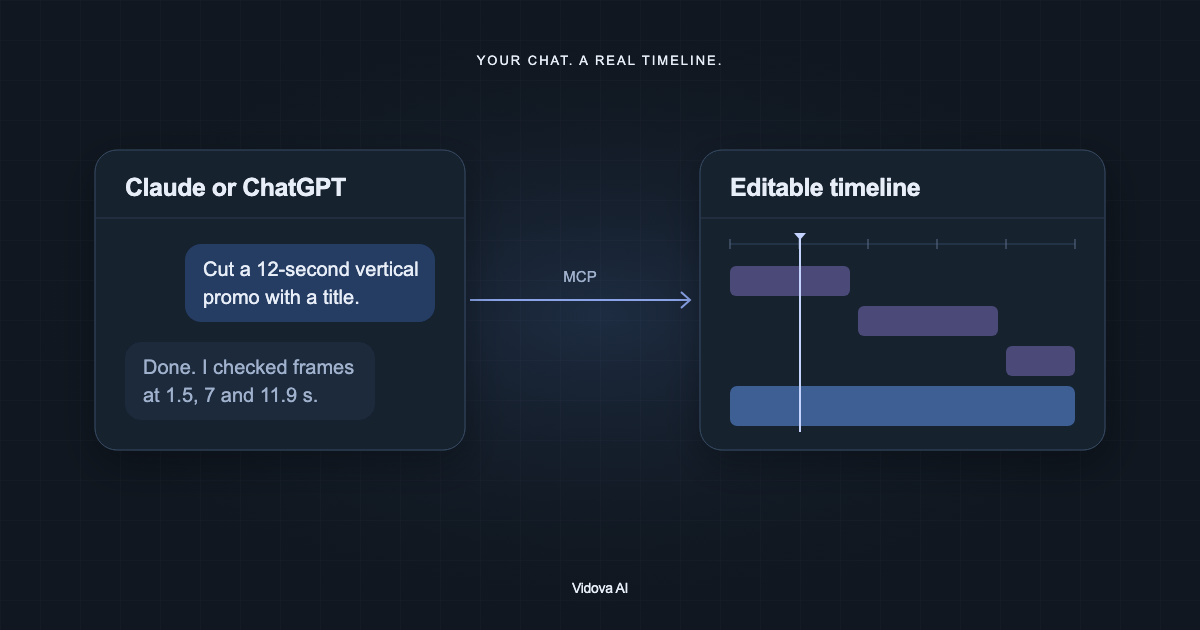
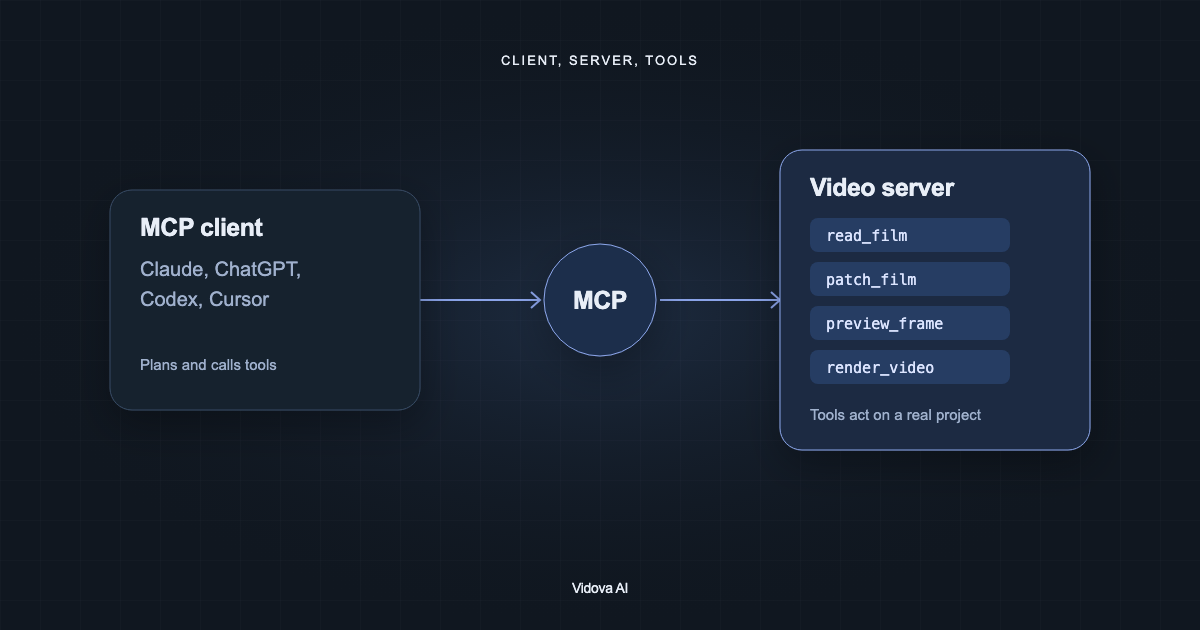
Model Context Protocol (MCP) is an open standard that lets an AI assistant call tools in another app. A video editor's MCP server gives Gemini tools such as open a project, change the timeline, preview a frame and render. Vidova runs a hosted server at https://mcp.vidova.ai/mcp. Its sign-in server supports dynamic client registration, so Google's clients sign in through your browser without an API key. The Vidova MCP guide lists the setup for other clients.
There are three ways to connect it from Google's products. Pick the one you use.
In the Gemini web app: add Vidova as a custom app
- Open gemini.google.com on a computer. Click Settings, then Connected Apps. If you do not see Connected Apps, click Personal Intelligence first.
- Under Custom apps, click Add a custom app and enter https://mcp.vidova.ai/mcp.
- Click Next and sign in with your Vidova account when asked.
- In a chat, type @, pick the app and describe the edit. Gemini asks you to confirm each write action.
Google's conditions (custom apps help): you are 18 or over and in the US, you use a personal Google Account, Keep Activity is on, and you write in English. You connect custom apps on the web. After that they also work in the Gemini mobile app.
In Antigravity CLI, the successor to Gemini CLI
On June 18, 2026, Google moved free-tier users and Google AI Pro and Ultra subscribers from Gemini CLI to Antigravity CLI (Google Developers Blog). Antigravity reads MCP servers from ~/.gemini/config/mcp_config.json for all projects, or from .agents/mcp_config.json in one workspace. A remote server goes in the serverUrl field (Antigravity MCP docs):
{
  "mcpServers": {
    "vidova": {
      "serverUrl": "https://mcp.vidova.ai/mcp"
    }
  }
}
Antigravity handles OAuth by itself for servers with dynamic client registration. If it asks you to sign in, open Agent settings, go to Customizations, click Authenticate next to vidova and finish the sign-in in your browser.
In Gemini CLI with a paid API key
Gemini CLI still works with paid Gemini API keys and with Gemini Code Assist Standard and Enterprise. One command adds Vidova for every folder (Gemini CLI MCP docs):
gemini mcp add -s user --transport http vidova https://mcp.vidova.ai/mcpThe command adds a vidova entry to ~/.gemini/settings.json. Start Gemini CLI and run /mcp auth vidova. A browser opens for the Vidova sign-in. The sign-in needs a local browser, so it fails in a container or a headless session.
What to ask Gemini once it is connected
List my Vidova projects and open the one called Northgate. Preview the timeline and tell me what is in it before you change anything.
Cut my three site clips into a 15-second vertical ad for Northgate Construction. Put the company name over the first shot, cut on the beat of an upbeat track, and end on "Book a site visit". Check frames at the start, middle and end, then give me the project link.
The agent builds the edit in a Vidova project. Open the link in the Vidova web editor to watch it, change a cut by hand, or keep editing in Vidova's own chat. You can start free. Paid plans start at $19 a month, remove the watermark and export up to 4K at 60 fps.
Which Google tool or editor to use
| Job | Use | Why |
|---|---|---|
| Ask what happens in a video, or get a summary | Gemini app | It reads uploaded video, up to 1 hour in total on Google AI Pro and Ultra |
| Make a new 10-second clip from text or photos | Gemini app with Gemini Omni | Generation with sound, from up to 5 reference photos |
| Change what one clip shows | Gemini app or Vidova | Gemini returns a new clip. Vidova changes the chosen seconds inside your edit |
| A work video from slides, with an avatar and a voiceover | Google Vids | Templates, avatars, voiceovers and transcript editing |
| Your own clips cut into a Reel, TikTok or ad with captions and beat cuts | Vidova, in its own chat or from Gemini through MCP | A multitrack timeline you can change by hand, with captions, beat detection and Premiere Pro and DaVinci Resolve exports |
Vidova's free plan puts a watermark on previews and exports, exports at 720p and 30 fps, and takes projects up to 1 minute long. Vidova has no Android app. On Android it works in the browser.
Sources
- Google help: Upload and analyze files in Gemini Apps
- Google help: Generate videos with Gemini Apps
- Gemini: Gemini Omni video generation
- Google blog: Introducing Gemini Omni
- Google blog: 100 things we announced at Google I/O 2026
- Google DeepMind: Veo
- Google Workspace: Google Vids
- Google Workspace Updates: Gemini Omni in Vids (July 16, 2026)
- Google help: Connect and manage custom apps for Gemini Apps
- Google Developers Blog: Transitioning Gemini CLI to Antigravity CLI
- Google Antigravity docs: MCP
- Gemini CLI docs: MCP servers
- Vidova MCP server setup