FFmpeg MCP, Remotion or a timeline editor: which should your agent use?
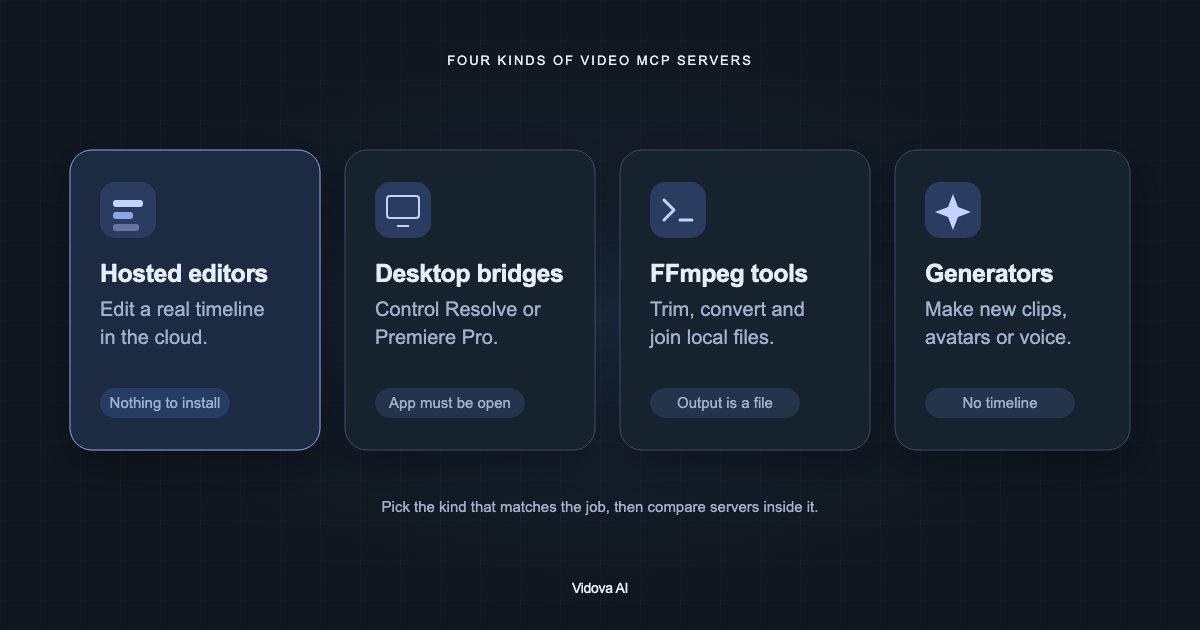
FFmpeg MCP servers write files, Remotion now uses agent skills instead of an MCP server, and a timeline editor keeps every cut editable. Pick by what you need to change later.
Last updated
The short answer
Use an FFmpeg MCP server for one-off file operations such as trimming, converting or joining clips. Use Remotion's agent skills when you want video made from React code. Use a timeline editor such as Vidova when you want an agent to build an edit that you and the agent can keep changing. The Remotion MCP server only searched documentation and is deprecated.
Key takeaways
- FFmpeg servers are fast for single operations, but each change writes a new file.
- Remotion's MCP server is deprecated. Remotion now recommends agent skills.
- A timeline editor keeps the edit as a project, so later changes are small.
What an FFmpeg MCP server does
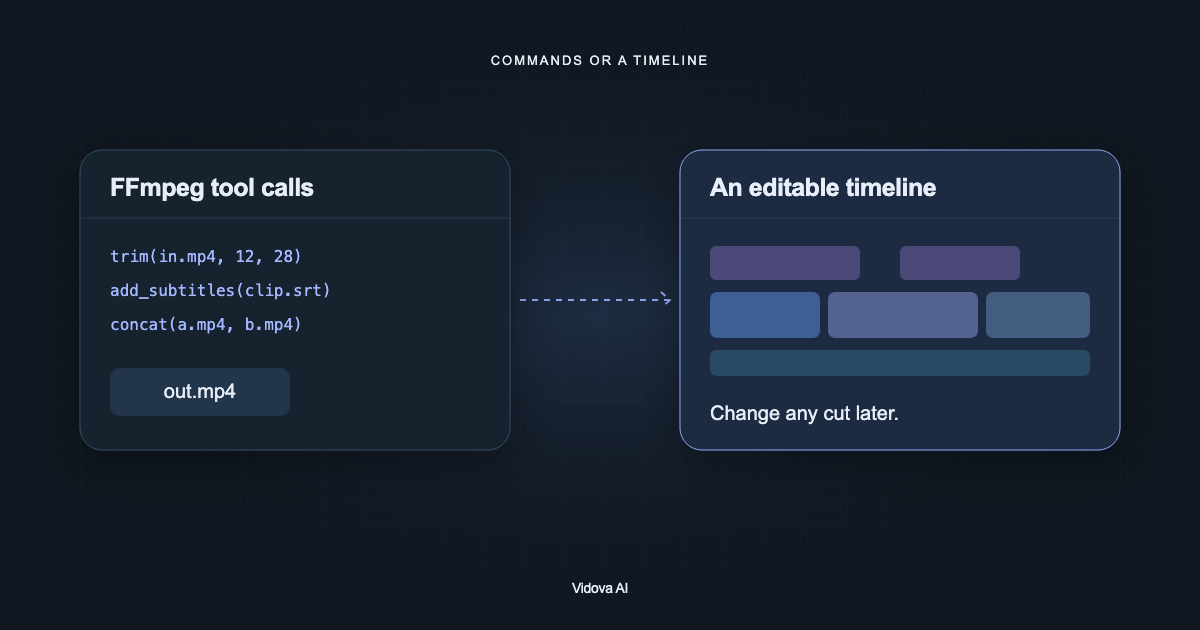
An FFmpeg MCP server turns FFmpeg operations into tools. The agent calls trim, convert, concatenate, overlay or add subtitles, and the server runs ffmpeg on your computer. The result is a new file.
| Server | Stars | Notes |
|---|---|---|
| KyaniteLabs/kinocut (was mcp-video) | 200 | Python 3.11+. Trim, captions, quality checks, repurposing for Shorts and Reels |
| video-creator/ffmpeg-mcp | 152 | Find, info, clip, concat, overlay, play |
| egoist/ffmpeg-mcp | 120 | npx -y ffmpeg-mcp. Two tools: speed up and extract audio |
| misbahsy/video-audio-mcp | 88 | Trim, convert, overlays, subtitles, transitions, silence removal |
| kevinwatt/ffmpeg-mcp-lite | 27 | A small set of common operations |
This works well for clear, single steps: convert a folder of clips to MP4, cut 00:12 to 00:28, extract the audio. It works less well for an edit you will revise. FFmpeg has no project. When you want the title two seconds later, the agent must rebuild the output from the start.
Is there a Remotion MCP server?
Remotion published @remotion/mcp, but it only searched Remotion's documentation. It did not render video. Remotion marked it deprecated and now recommends Remotion Agent Skills for Claude Code, Codex and Cursor, installed with npx skills add remotion-dev/skills. The skills help an agent write React components and render them with Remotion.
Remotion fits motion graphics and data-driven video that you want to keep as code. It is a developer workflow. You review the result by rendering or by opening Remotion Studio, and you change it by changing code.
What a timeline editor adds
A timeline editor keeps the edit as a project with tracks, clips, text and keyframes. The agent can read the project, change one clip, and leave the rest as it was. You can open the same project and change it by hand.
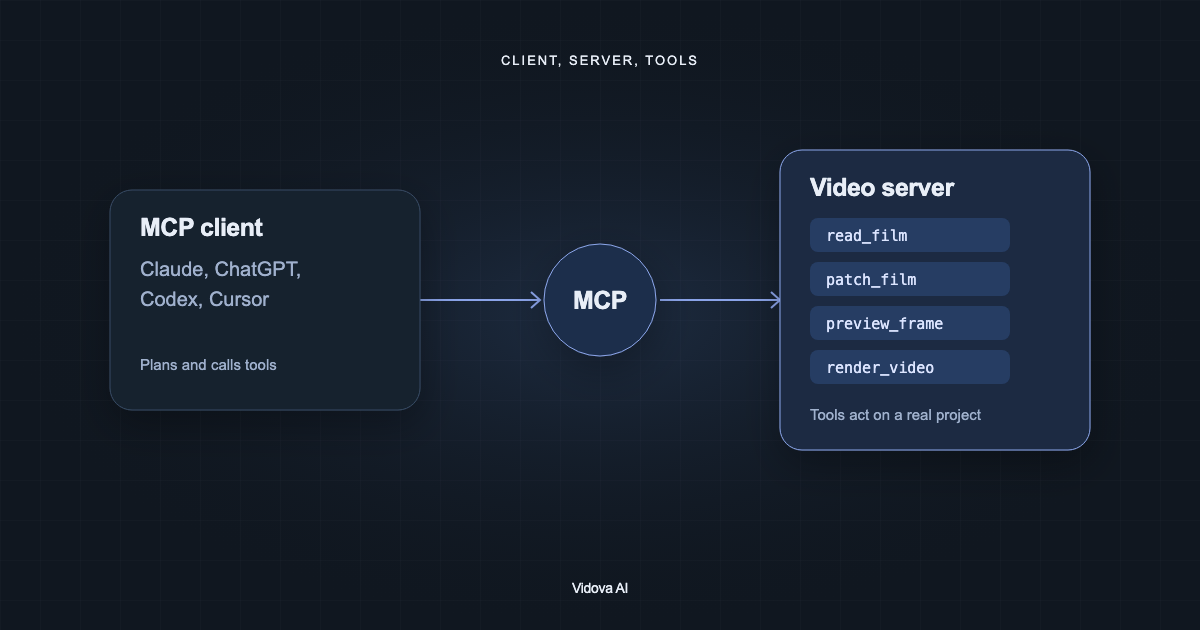
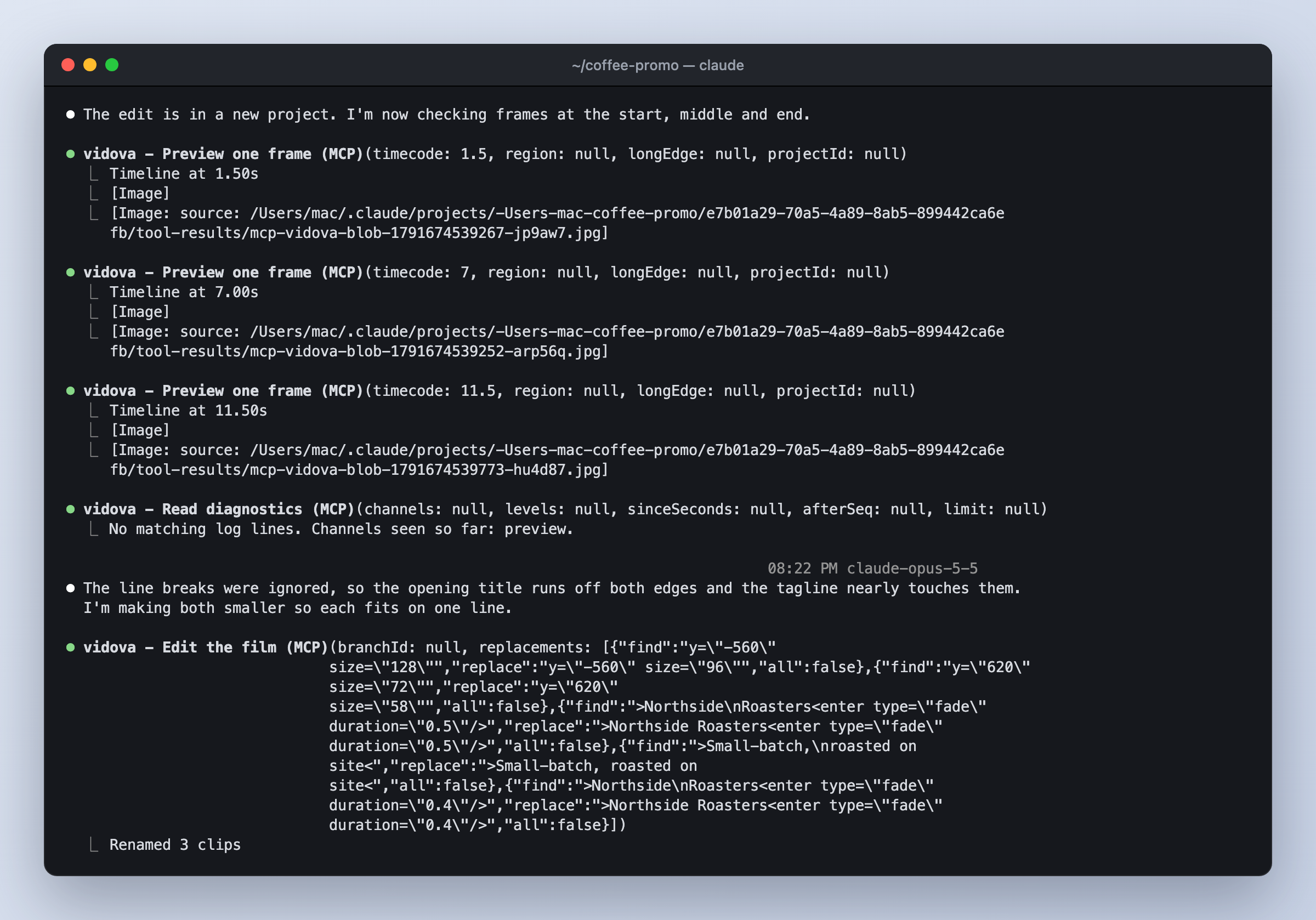
In Vidova, the project is a film document. The agent reads it with read_film and changes exact lines with patch_film. It can check its work with preview_frame and preview_range, and render with render_video when you want a file. Media analysis is built in: transcription, scene and beat detection, face and object tracking, and person cutouts.
Side by side
| Question | FFmpeg MCP server | Remotion skills | Vidova |
|---|---|---|---|
| What does the agent change? | Files | React code | A project timeline |
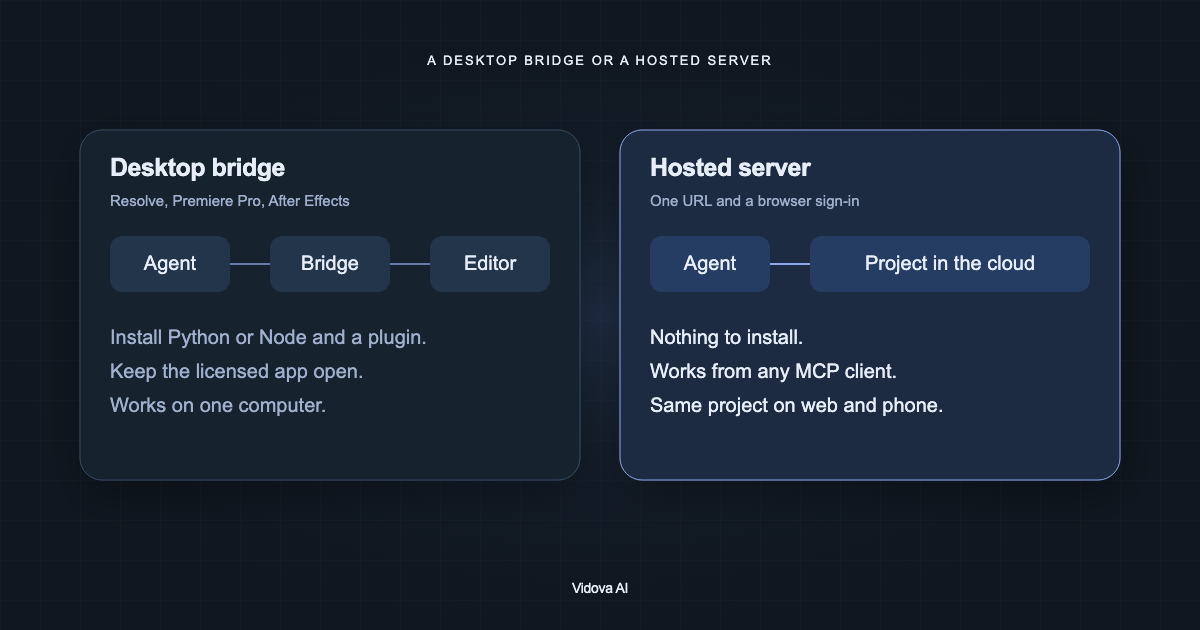
| Where does it run? | Your computer, ffmpeg on PATH | Your computer, Node and Remotion | Hosted, nothing to install |
| Can you edit by hand afterwards? | Only by running new commands | By changing code | Yes, in the web editor |
| Can the agent see a frame? | Not in most servers | After a render | Yes, with preview tools |
| Best for | Batch conversion and quick cuts | Code-driven motion graphics | Edits you will review and revise |