Vidova
Best AI video editor apps for Android in 2026
Nine AI video editors for Android compared on price, ads, watermark, export quality and captions, from each app's Google Play listing, checked 1 November 2026.
 Vidova team
Last updated
The short answer
The best AI video editor for Android depends on the job. Edits by Instagram and YouTube Create are free with no ads and export 4K with auto captions. Adobe Premiere is a free full editor with no watermark. CapCut has the most templates and effects, but it is not on Google Play in India. VN is free with no watermark and shows ads. Vidova suits people who want to describe the video and let an AI agent cut it, in Chrome.
Key takeaways
- Edits, YouTube Create and Adobe Premiere are free on Android, show no ads and export 4K.
- CapCut lists Pro at $19.99 a month or $179.99 a year in US dollars. Google Play has no CapCut listing for India.
- KineMaster, InShot, VN and PowerDirector show ads in their free versions.
- Vidova has no Google Play app. On Android it runs in Chrome, and an AI agent edits your clips from a chat.
The short answer: which Android app for which job
- Best free app for Reels: Edits by Instagram. Free, 4K export, no watermark, auto captions.
- Best free app for YouTube and Shorts: YouTube Create. Free with no ads, 4K at 60 fps, auto captions and beat matching.
- Best free full editor: Adobe Premiere. A multitrack timeline with 4K export and no watermark. It needs Android 13 and 5 GB of RAM.
- Best for templates and effects: CapCut. The most templates and effects, with the strongest AI tools on Pro. Not on Google Play in India.
- Best free manual editor: VN. Free with no watermark and beat markers, with ads.
- An editor with a chat tool in the app: PowerDirector, whose listing names AI Video Edit by Chat.
- Best for describing the edit and getting a finished cut: Vidova. An AI agent edits your own clips from a chat, in Chrome.
The nine apps compared
| App | Price | Ads in the free version | Watermark on free exports | Best export | Auto captions |
|---|---|---|---|---|---|
| Edits | Free | No | No | 4K | Yes |
| YouTube Create | Free | No | Not stated | 4K at 60 fps | Yes, in some languages |
| Adobe Premiere | Free. In-app purchases from $7.99 to $69.99 | No | No | 4K | Not listed for Android yet |
| CapCut | Pro $19.99 a month or $179.99 a year | No | Only with some template endings and stock assets | 4K at 60 fps | Yes, listed as a Pro tool |
| VN | Free. In-app purchases from $0.99 to $109.99 | Yes | No | 4K at 60 fps | Yes |
| PowerDirector | In-app purchases from $0.99 to $249.99 | Yes | Not stated | 4K | Yes, listed as a Premium feature |
| KineMaster | Premium $7.99 a month or $51.99 a year | Yes | Yes, Premium removes it | 4K at 60 fps | Yes |
| InShot | In-app purchases from $0.99 to $199.99 | Yes | Not stated | 4K at 60 fps | Yes |
| Vidova | Free plan, paid plans from $19 a month | No | Yes on the free plan | 720p free, 4K at 60 fps paid | Yes |
Google Play shows a range of in-app purchase prices for each app, not the price of each plan. Where the vendor publishes its plan prices, the table uses those. Prices change by country and over time. Each row links to its source at the end of this guide.
How we judged them
We read each app's US Google Play listing, the vendor's pricing page and its help center on 1 November 2026. We did not count features. We compared what matters when you edit on an Android phone:
- Cost of the AI tools: the price of the plan that adds the AI features, not only the free download.
- Ads: whether Google Play marks the app with Contains ads.
- Watermark: whether a free export carries the app's mark, as the vendor states it.
- Export quality: the highest resolution and frame rate the listing states.
- Captions: whether captions are automatic and whether they need a paid plan.
- Work left for you: how much of the cut you still make by hand.
Edits by Instagram: best free app for Reels
Edits is Meta's free video editor, on Android and iPhone. Its Google Play listing says you can "export your videos in 4K with no watermark and share to any platform". It makes captions automatically, animates still photos with AI, removes background noise, and has green screen and cutouts. It records clips up to 10 minutes long inside the app.
Downside: you place every cut and every caption yourself. Its insights and trending audio are built around Instagram Reels.
YouTube Create: best free app for YouTube and Shorts
YouTube Create is YouTube's own editor. YouTube's help center says you can use it "free of charge and without ads". Its Google Play listing has auto captions in select languages, beat matching to sync clips to music, background noise cleanup, cutout and chroma key, and exports up to 4K at 60 fps. An Edit with AI tool turns your footage into a first draft, and you can generate video and images from a prompt.
Downside: the listing says the AI tools are "available in select countries". YouTube's help center says music from the Shorts audio library is removed when you export a video longer than 15 seconds to your phone. You keep the music only when you upload straight to YouTube.
Adobe Premiere: best free full editor
Adobe released Premiere for Android on 22 September 2026. It gives you a multitrack timeline with unlimited tracks, templates, speed effects and AI speech enhancement. Its Google Play listing says the app is free, with "no pop-up ads" and export "without watermarks", up to 4K. Google Play lists in-app purchases from $7.99 to $69.99 for Firefly generative credits.
Downside: Adobe's blog says it needs Android 13 or later and at least 5 GB of RAM. Adobe's app page says its generative AI features are only on iOS for now, and the Android launch post lists enhanced captions, keyframes, cropping and beat detection as coming soon.
CapCut: best for templates and effects
CapCut has more than 1 billion downloads on Google Play. It has keyframes, smooth slow motion with optical flow, chroma key, stabilization, auto captions, text to speech, background removal and exports up to 4K at 60 fps. CapCut's own guide lists Pro at $19.99 a month or $179.99 a year in US dollars.
Downside: CapCut's help page on Standard and Pro lists auto captions among Pro's advanced AI tools. Its watermark help page says some templates add a CapCut ending clip with a watermark, and some stock assets carry branding. Google Play has no CapCut listing for India. See CapCut alternatives in India and CapCut Pro price by country.
VN: best free manual editor
VN is a free multitrack editor for Android, iPhone, Mac and Windows. VN's website says "no watermarks - all for free". Its Google Play listing has auto captions that can also remove filler words and silences, AutoCut beat templates, AI frame interpolation for smooth slow motion, and exports up to 4K at 60 fps.
Downside: Google Play marks it with Contains ads. In-app purchases run from $0.99 to $109.99, and the listing does not say what each one adds.
PowerDirector: an Android editor with a chat tool
PowerDirector's Google Play listing names an AI Video Edit by Chat tool and describes it as "just say it. AI does the rest." It also lists AI auto edit to the beat, text to video, image to video, an AI anime style, AI super slow motion and a video enhancer, with exports up to 4K.
Downside: Google Play marks it with Contains ads. The listing puts auto captions, cloud projects, stock media and an ad-free app under Premium. In-app purchases run from $0.99 to $249.99, and CyberLink's pricing page does not list the mobile plan prices.
KineMaster and InShot: large template and effect libraries
KineMaster has thousands of templates, AI auto captions, AI noise removal, AI upscaling, chroma key and 4K at 60 fps export. KineMaster's own site lists Premium at $7.99 a month or $51.99 a year, with "No Watermark" and "No Ads" among its benefits. The free version shows ads.
InShot has auto captions, AI speech, background removal, smart tracking, smooth slow motion and 4K at 60 fps export. Google Play marks it with Contains ads and lists in-app purchases from $0.99 to $199.99. Its listing does not state a watermark rule.
Vidova: best for describing the edit in plain words
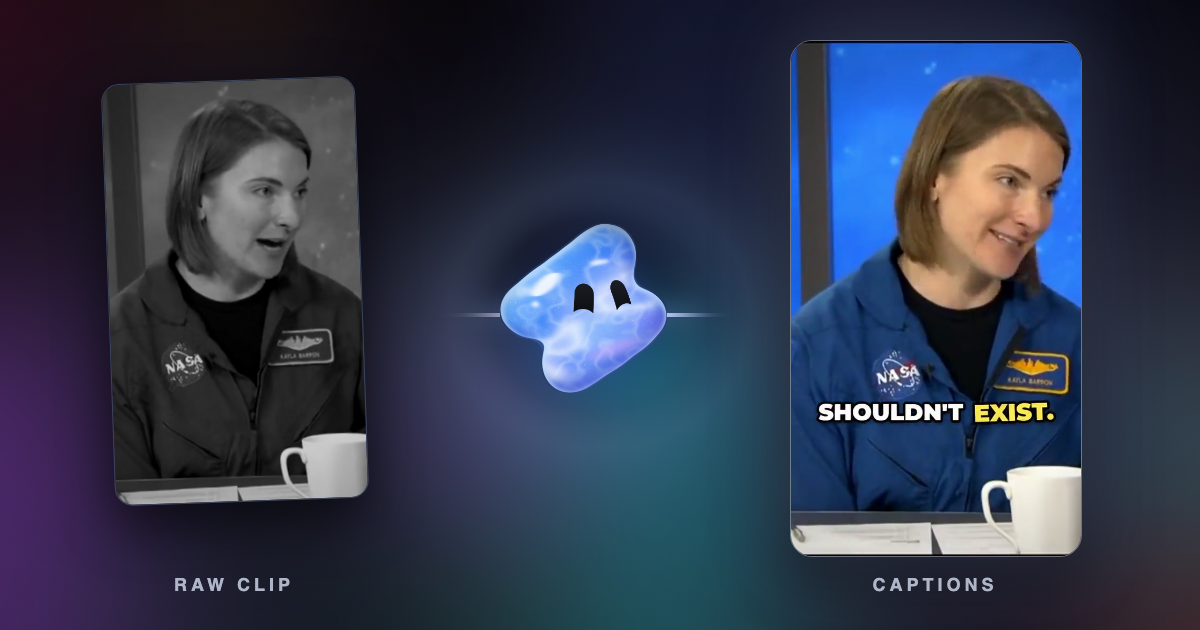
Vidova works differently from the other eight. You do not cut the video with your thumb. You attach clips from your phone, describe the video, and an AI agent edits a real timeline from your own footage. It cuts on the beat, adds word-by-word captions, reframes wide video to 9:16 by tracking a face, slows motion with AI frame interpolation and removes background noise. For a new edit it can start from a template and fill it with your clips.
On Android, Vidova runs in Chrome. Open Settings, then About, and choose Install app to add it to your home screen. The phone layout is a chat: the agent works in the cloud, and you watch each draft in the chat. A request looks like this:
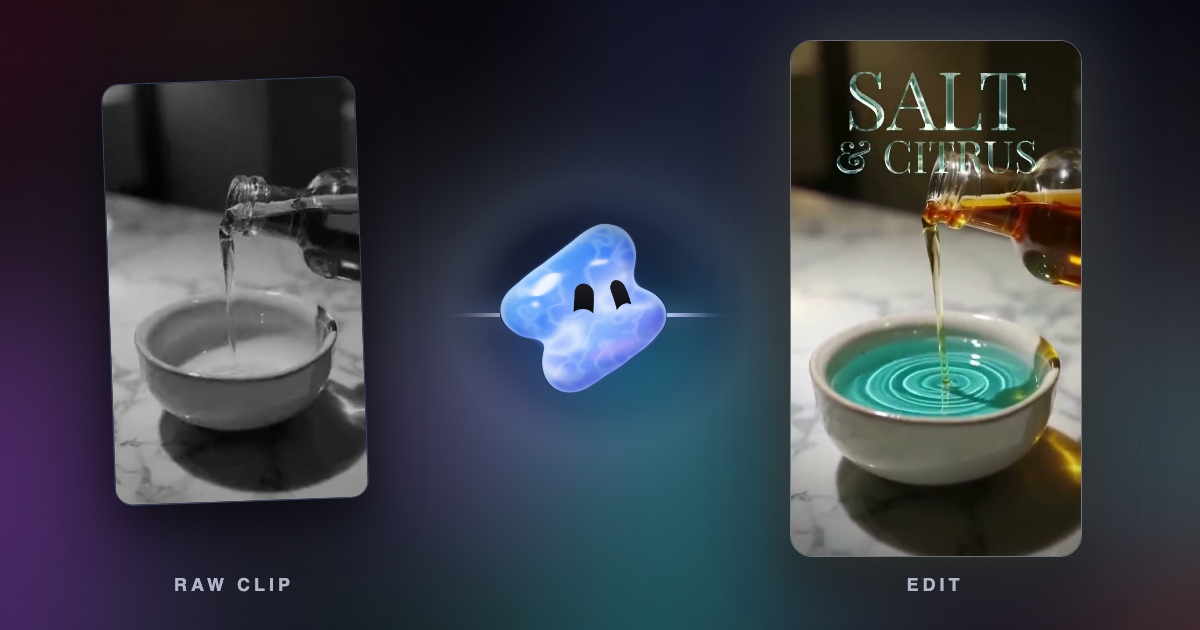
Make a 15-second vertical Reel for my spa from these three clips. Open on the oil pouring into the bowl, put the name Salt and Citrus at the top, cut on the beat of calm music and end on the lit candle.
Downsides: Vidova has no Google Play app (1 November 2026), so on Android it runs in the browser. On a phone you work in the chat only. The timeline, where you drag each clip yourself, is on a computer. The free plan adds a Vidova watermark, exports at 720p and 30 fps, and takes projects up to 1 minute long. You can start free. Paid plans start at $19 a month, remove the watermark and export up to 4K at 60 fps.
How to choose
- If you post Reels and want a free app, start with Edits.
- If you post to YouTube and Shorts, try YouTube Create first. It is free and shows no ads.
- If you want a full timeline for free and your phone has Android 13 and 5 GB of RAM, use Adobe Premiere.
- If you live in TikTok templates and effects and CapCut is on Google Play where you are, CapCut has the most of them.
- If you are in India, CapCut is not on Google Play. Edits, VN and Adobe Premiere are.
- If you would rather say what you want than cut it yourself, try Vidova in Chrome.
Related guides
Sources
- Edits on Google Play
- YouTube Create on Google Play
- YouTube Help: Learn more about YouTube Create
- YouTube Help: Preview, upload or save videos with YouTube Create
- Adobe Premiere on Google Play
- Adobe blog: Premiere on Android (22 September 2026)
- Adobe Premiere mobile app
- CapCut on Google Play
- CapCut Standard vs Pro guide
- CapCut help: Standard vs Pro
- CapCut help: export without a watermark
- VN on Google Play
- VN Video Editor
- PowerDirector on Google Play
- KineMaster on Google Play
- KineMaster Premium
- InShot on Google Play