Vidova
16 TikTok ideas for dental offices, with what to film and how long
Sixteen TikTok ideas for a dental office, grouped by goal, each with what to film, how long it runs and the request for Vidova. Plus the HIPAA rules for patients on camera.
 Vidova team
Last updated
The short answer
The best TikTok ideas for a dental office answer real patient questions, show the team and the room, and walk a new patient through a visit. Film short phone clips, keep most videos between 15 and 45 seconds, and caption every word. Before a patient appears, get a signed HIPAA authorization: HHS says one is generally needed before a patient’s information goes into a testimonial or a social media post.
Key takeaways
- Start with the questions your front desk hears every day. One question makes one video.
- Get a signed HIPAA authorization from every patient who appears. Blur faces in the background as an extra step, never as a replacement for the form.
- Keep claims honest. The ADA code calls advertising that creates an unjustified expectation about results false or misleading.
Ideas that build trust
People pick a dentist they feel they know. These videos show who is in the room and what happens there. Each idea has what to film, how long the finished video runs and the request to type in Vidova. Film on a phone held upright, at eye level, in daylight or under the operatory light.
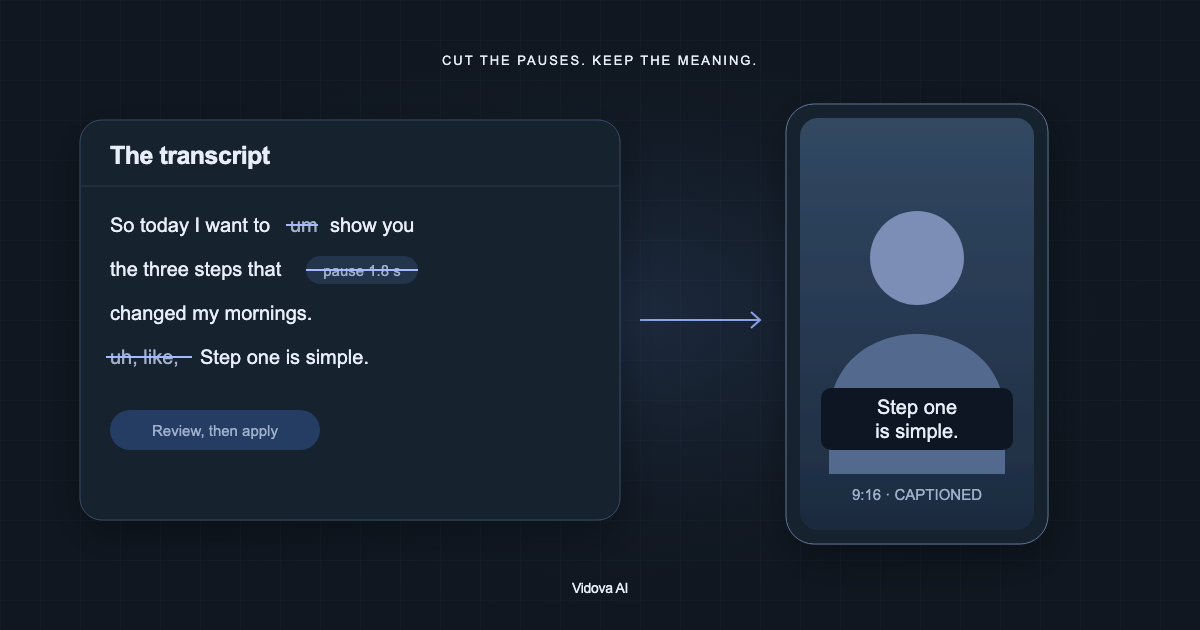
- Answer one question from the front desk. Film: the dentist at eye level in the operatory, answering one question patients ask often, such as “Does a deep cleaning hurt?” Film three takes. Length: 20 to 40 seconds. Ask Vidova: “Cut the pauses, put the question on screen in the first second and add word-by-word captions.”
- Meet the team in 20 seconds. Film: each person says their name, their role and one thing patients ask them, about 3 seconds each. Length: 15 to 25 seconds. Ask Vidova: “Cut one person per beat of the music and put each name and role on screen as they speak.”
- Your first visit, step by step. Film: a walk from the front door to check-in, the X-ray room and the chair, then the dentist saying hello. A team member plays the patient. Length: 30 to 45 seconds. Ask Vidova: “Make a first-visit walk-through with one short title per room and my voiceover from this recording.”
- How you clean a room between patients. Film: the chair and surfaces being wiped down and instruments going into sterilization pouches, close up. Length: 15 to 20 seconds. Ask Vidova: “Speed ramp through the cleaning, slow down on the sealed pouch, and put a short title on each step.”
- A patient story, with signed permission. Film: the patient outside or in the waiting room, saying in their own words why they keep coming back. Length: 20 to 30 seconds. Ask Vidova: “Use the testimonial look: the best line first, then the clip with captions, then our name and address.”
Ideas that bring in bookings
These videos give one reason to book now and one way to do it. Write the offer, the hours and the phone number exactly as they should appear on screen. The agent uses the words you give it.
- The new patient visit. Film: the front desk greeting someone at the door, then the chair and the dentist. Length: 10 to 15 seconds. Ask Vidova: “Put our new patient offer on screen exactly as I wrote it, and hold the phone number for 3 seconds at the end.”
- Same-day emergency slots, if you keep them. Film: the phone at the front desk and an open chair. Length: 8 to 12 seconds. Ask Vidova: “Say we see emergencies the same day when people call before 10 am, with the number large at the end.”
- “Do you take my insurance?” Film: your office manager answering in one take and naming the plans you accept. Length: 20 to 30 seconds. Ask Vidova: “Cut the pauses, list each plan on screen as it is named, and end on how to check coverage.”
- Book online in three clicks. Film: a screen recording of your booking page. The free Vidova Recorder records the screen on your computer and zooms in on each click. Length: 15 to 20 seconds. Ask Vidova: “Put this recording on a phone mockup, hold on the Book button, and end on our website.”
- We speak your language. Film: a team member welcoming patients in Spanish, or another language your neighbourhood speaks. With the dentist’s consent, Vidova can also clone the dentist’s voice and lip-sync a translated line. Have a fluent speaker check it, and only promise care you can give in that language. Length: 15 to 20 seconds. Ask Vidova: “Make a Spanish version of this welcome in my own voice, lip-synced, with Spanish captions.”
Behind-the-scenes ideas
Behind-the-scenes clips show the people and the care. They need no patients at all, which makes them the easiest videos to post every week.
- Opening the office at 7 am. Film: the lights coming on, the first room set up, the team huddle at the front desk. Length: 15 to 20 seconds. Ask Vidova: “Make a morning routine with the time on screen for each shot, cut on the beat of music you make for it.”
- What that sound is. Film: the sound of one tool patients hear from the chair, recorded close, then the hygienist holding it and saying what it does. Length: 10 to 15 seconds. Ask Vidova: “Open on the sound over a black screen for one second, then reveal the tool and caption the explanation.”
- A team trend. Film: the team doing a trend that fits your office, in the break room or after hours. Length: 10 to 20 seconds. Ask Vidova: “Cut this on the beat and keep the real sound of the team laughing at the end.”
Seasonal ideas
- National Children’s Dental Health Month (February). Film: a tour of the room at a child’s height: the chair going up, the light, the prize box. The ADA sponsors the month each February. Any child on camera needs a parent’s signed permission. Length: 15 to 30 seconds. Ask Vidova: “Make a bright 20-second tour for kids with a playful title at each stop.”
- Back-to-school checkups (July and August). Film: the calendar at the front desk, a backpack by the chair, the hygienist waving. Length: 10 to 15 seconds. Ask Vidova: “Make a short reminder to book checkups before school starts, with our phone number held at the end.”
- Halloween candy (October). Film: the dentist with a bowl of candy, saying which treats they would pick and why. Keep to claims your dentists stand behind. Length: 20 to 30 seconds. Ask Vidova: “Put each candy name on screen as it is named, and end on our booking link.”
Patient privacy: what HHS says about photos and videos
A video of a patient in your chair ties their face to their care. The HIPAA Privacy Rule lists “full face photographic images and any comparable images” among the identifiers that must be removed before health information counts as de-identified (45 CFR 164.514).
HHS’s Office for Civil Rights (OCR) answers the filming question in a FAQ on film and media. Providers cannot let media or film crews into treatment areas where patient information is accessible “without prior written authorization from each individual who is or will be in the area.” The same FAQ says blurring, pixelation or voice changes are not enough for patients who did not sign. It also says authorizations from patients whose information appears “would be required before such materials are posted online.”
OCR enforces this. On September 30, 2025, it announced a $182,000 settlement with Cadia Healthcare Facilities, which had posted the information of 150 patients as “success stories” on its website without written authorizations. OCR Director Paula M. Stannard said: “Generally, a valid, written HIPAA authorization from an individual is necessary before a covered entity or business associate can post that individual’s PHI in a website testimonial or through a social media campaign.”
Dental practices are covered too. In 2019 a Dallas practice, Elite Dental Associates, paid $10,000 after it disclosed patients’ information in replies to Yelp reviews. OCR’s director at the time said: “Social media is not the place for providers to discuss a patient’s care.” Comments under a TikTok are social media too.
- Use a HIPAA authorization form for every patient on camera, signed before you post. For a child, the parent or guardian signs.
- Keep schedules, X-rays, charts and screens with patient names out of the shot. Vidova can cover a screen or a label you could not keep out.
- Film when no other patients are in the room or the hallway. Blur any face you could not avoid, such as a reflection, with the free face blur tool or by asking Vidova. Blur is an extra step. It does not replace a signed form.
- Never answer a comment with details of a patient’s visit, even when the patient wrote first.
Keep claims honest and the music licensed
The ADA Code of Ethics says no dentist shall advertise “in a manner that is false or misleading in any material respect,” and it names social media. One of its examples of a misleading statement is one “likely to create an unjustified expectation about results the dentist can achieve.” Section 5.F.7 adds that claims about safety and efficacy need scientific evidence, and that anyone who endorses a product must disclose paid partnerships.
- Show results from your own patients, with their authorization.
- Do not put a filter or a colour change on teeth in a before and after.
- Say what is typical, and name the treatment the way your patients search for it.
Music has its own rule. TikTok’s help center describes its Commercial Music Library as “a pre-cleared global music library of 1 million songs” and says “businesses cannot use the general music library for commercial usage.” A dental office that posts to win patients is a business. Use the Commercial Music Library, or music made for the video.
Make the first video in Vidova
Start with the first idea. Film the dentist answering one question in three takes. Open Vidova, attach the clips and describe the video. This is an example brief. Replace the names and the website with yours.
Make a 30-second vertical TikTok from these three takes. Use the best take of Dr. Patel answering “Does a deep cleaning hurt?” Put the question on screen in the first second. Cut the pauses and filler words, add word-by-word captions with the key word large, and keep every caption clear of the TikTok buttons. Blur any face in the background and cover the computer screen behind her. End on “Book at [your website]” for 2 seconds.
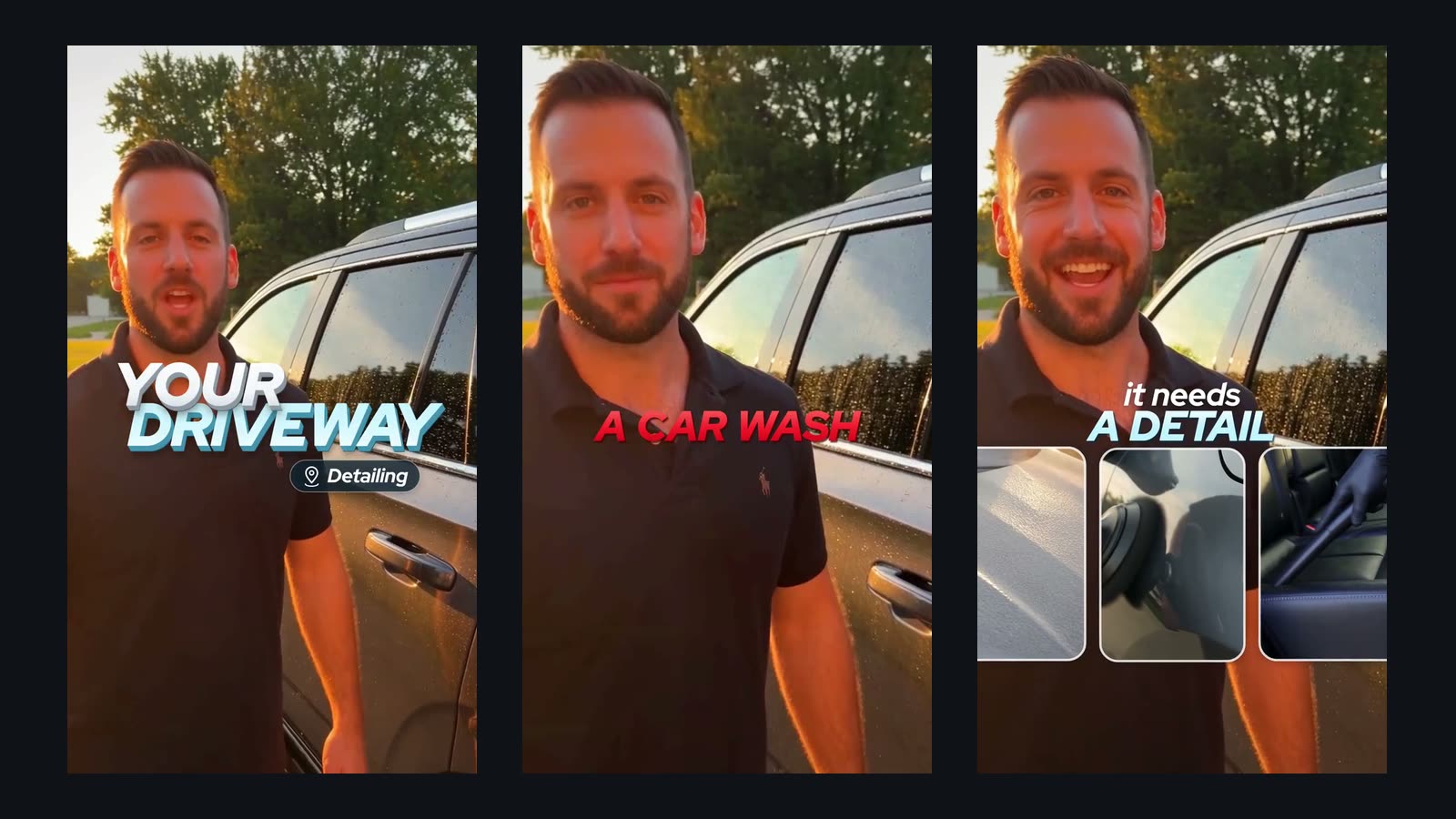
The agent cuts the takes on a real timeline, adds the captions, previews frames of its own work and runs a quality check before it hands the cut over. Ask for changes in plain words, such as “make the question bigger”, or change the timeline yourself. You can start free. Paid plans start at $19 a month, remove the watermark and export up to 4K at 60 fps.
Sources
All sources checked October 2026.
- HHS OCR: FAQ on media and film crews in treatment areas
- HHS: OCR settles HIPAA investigation of Cadia Healthcare Facilities (September 30, 2025)
- HHS: Elite Dental Associates resolution agreement
- HHS press release: Dental practice pays $10,000 to settle social media disclosures (October 2, 2019)
- eCFR: 45 CFR 164.514, de-identification of protected health information
- ADA Principles of Ethics and Code of Professional Conduct
- ADA: National Children’s Dental Health Month
- TikTok: About the Commercial Music Library