Vidova
Best beat sync video editors in 2026: auto cut to the beat
Seven beat sync video editors compared on what they automate, price and free limits: CapCut, Canva, Filmora, GoPro Quik, DaVinci Resolve, VN and Vidova.
 Vidova team
Last updated
The short answer
The best beat sync editor depends on how much you want done for you. CapCut's Auto Cut slices clips to a song's beat on phones and desktop. Canva's Beat Sync moves clips onto the beats automatically on Pro, with free beat markers on the free plan. Filmora's Auto Beat Sync does the same on Windows and Mac. VN gives free beat markers with no watermark. Vidova's AI agent finds the beats and cuts your clips on them from a written request.
Key takeaways
- Beat sync has two levels: beat markers you cut to by hand, and automatic sync that places the cuts for you.
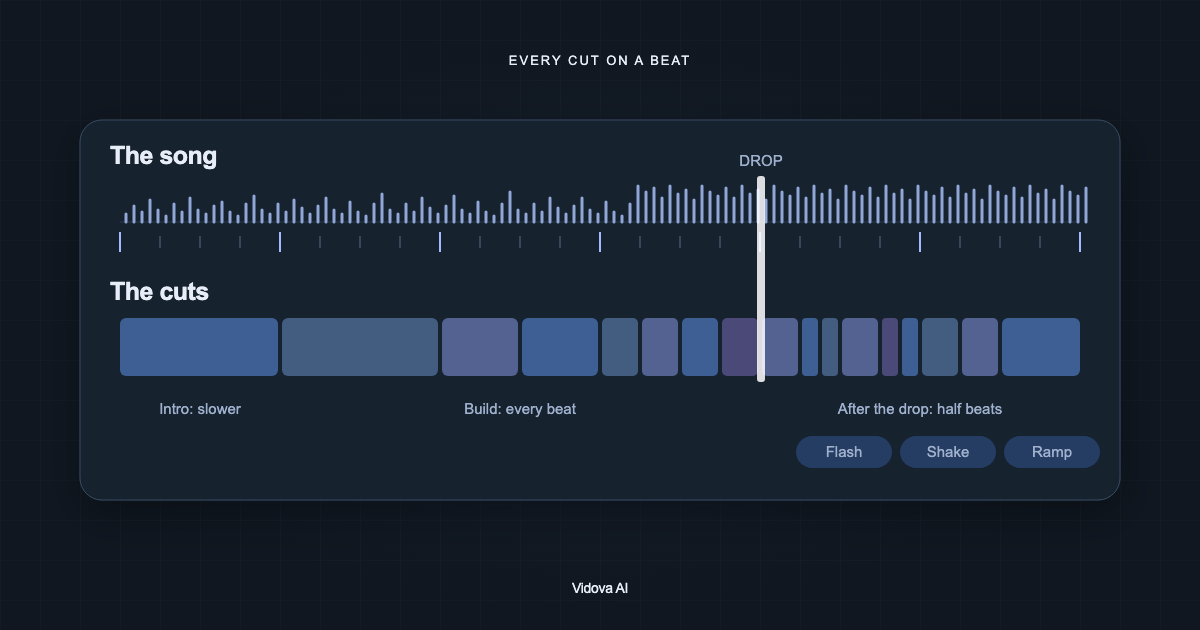
- At 120 BPM a beat lasts 0.5 seconds and a bar of four beats lasts 2 seconds. Most montages cut on bars, not on every beat.
- For free beat sync in the browser, Canva gives manual beat markers and Vidova's BPM detector lists every beat time.
The short answer: the best beat sync editor for each job
- Best automatic beat sync on a phone: CapCut's Auto Cut.
- Best in the browser for designers: Canva's Beat Sync.
- Best on a Windows or Mac computer: Filmora's Auto Beat Sync.
- Best for action camera footage: GoPro Quik.
- Best for editors who cut by hand to beat markers: DaVinci Resolve Studio.
- Best free option with no watermark: VN.
- Best for a beat-synced edit made from a written request: Vidova.
How beat sync works
A beat sync editor listens to the song and finds its beats. From the gaps between beats it gets the tempo in beats per minute (BPM). Better detectors also find the downbeat, the first beat of each bar. The editor then marks the beats on the timeline, or moves the cuts onto them for you.
| Tempo | One beat | One bar of 4 beats |
|---|---|---|
| 90 BPM | 0.67 s | 2.67 s |
| 100 BPM | 0.6 s | 2.4 s |
| 120 BPM | 0.5 s | 2 s |
| 128 BPM | 0.47 s | 1.88 s |
| 140 BPM | 0.43 s | 1.71 s |
A cut on every beat at 128 BPM gives a new shot every half second, which is too fast for most clips. Most montages cut on bars, then cut on single beats in the build-up or after the drop. To find the tempo and beat times of a song, use the free BPM and beat detector.
The seven editors compared
| Editor | What it does with the beat | Runs on | Price | Free option |
|---|---|---|---|---|
| CapCut | Auto Cut slices clips to the music beat | Phones, Windows, Mac (not CapCut Web) | Standard $9.99 a month (App Store) | Free app, plan for Auto Cut not stated |
| Canva | Beat Sync moves clips onto the beats | Web, Windows, Mac, iOS, Android | Pro US$144 a year | Beat markers only, you sync by hand |
| Filmora | Auto Beat Sync aligns cuts, transitions and effects | Windows, Mac | Basic US$49.99 a year | Free version adds a watermark |
| GoPro Quik | Beat Sync syncs clips, transitions and effects | iPhone, Android | Premium subscription | No |
| DaVinci Resolve Studio | AI Beat Detector shows beats that clips snap to | Mac, Windows, Linux | $295 | Not in the free version |
| VN | Beat markers and AutoCut beat templates | iPhone, Android, Mac, Windows | Free with ads | Yes, no watermark |
| Vidova | An AI agent finds the beats and cuts on them | Browser, desktop app | Paid plans from $19 a month | Free plan with a watermark, free BPM detector |
Prices change. Each row links to its source at the end of this guide.
How we judged them
We read each vendor's site, help center and App Store listing on 27 October 2026. We compared what each editor automates (markers only, or cuts placed for you), where it runs, its price and its free limits. We did not run our own timing test of the other editors.
CapCut: best automatic beat sync on a phone
CapCut's Auto Cut "automatically trims, segments, and syncs your raw footage to match a selected audio track, script, or beat pattern". On a phone you pick Music Beat and a song, and Auto Cut slices the clips to match the beat. The US App Store lists Standard at $9.99 a month and Pro at $19.99 a month.
Downside: CapCut says Auto Cut works on mobile and desktop but not on CapCut Web, and it may appear only in some regions. CapCut's regular sounds are licensed for non-commercial use, so a business ad needs other music.
Canva: best in the browser for designers
Canva's Beat Sync feature page says: "Choose Sync now to auto-sync clips to the beat with Canva Pro or Display beat markers to manually sync for free." It works in the browser and in Canva's apps, next to your other designs. Pro is US$144 a year for one person.
Downside: automatic sync needs Pro. On the free plan you get the markers and move each clip yourself.
Filmora: best on a Windows or Mac computer
Wondershare Filmora's Auto Beat Sync "automatically aligns video clips with the rhythm of background music", and its Beat Detection places beat markers on the timeline. Plans on its store page start at US$49.99 a year, with a one-time license at US$79.99 for Filmora 16 updates only.
Downside: Filmora says the free version adds watermarks to exported files.
GoPro Quik: best for action camera footage
GoPro Quik finds your best shots, syncs them to music and adds transitions. Its Beat Sync "syncs clips, transitions, and effects to the beat of the music". It runs on iPhone and Android.
Downside: Beat Sync and automatic edits need a GoPro Premium or Premium+ subscription, available in select countries.
DaVinci Resolve Studio: best for editors who cut by hand
In DaVinci Resolve Studio, you right-click a music clip and choose Detect Music Beats. The AI Beat Detector shows the beats on the timeline, and clips snap to them as you edit. It suits editors who want to choose every cut. Studio costs $295.
Downside: the Beat Detector is in Studio only, and Blackmagic says it works well only with beat-driven music in 4/4 or 3/4 time. It does not place the cuts for you.
VN: best free option with no watermark
VN is a free editor for iPhone, Android, Mac and Windows. Its App Store listing describes beat editing, where you "add markers to sync your clips with music beats", and AutoCut with BeatsClip templates that sync clips to the beat. It says it is free with no watermark.
Downside: the app shows ads, and the App Store does not say what its VN Pro purchases add.
Vidova: best for a beat-synced edit made from a written request
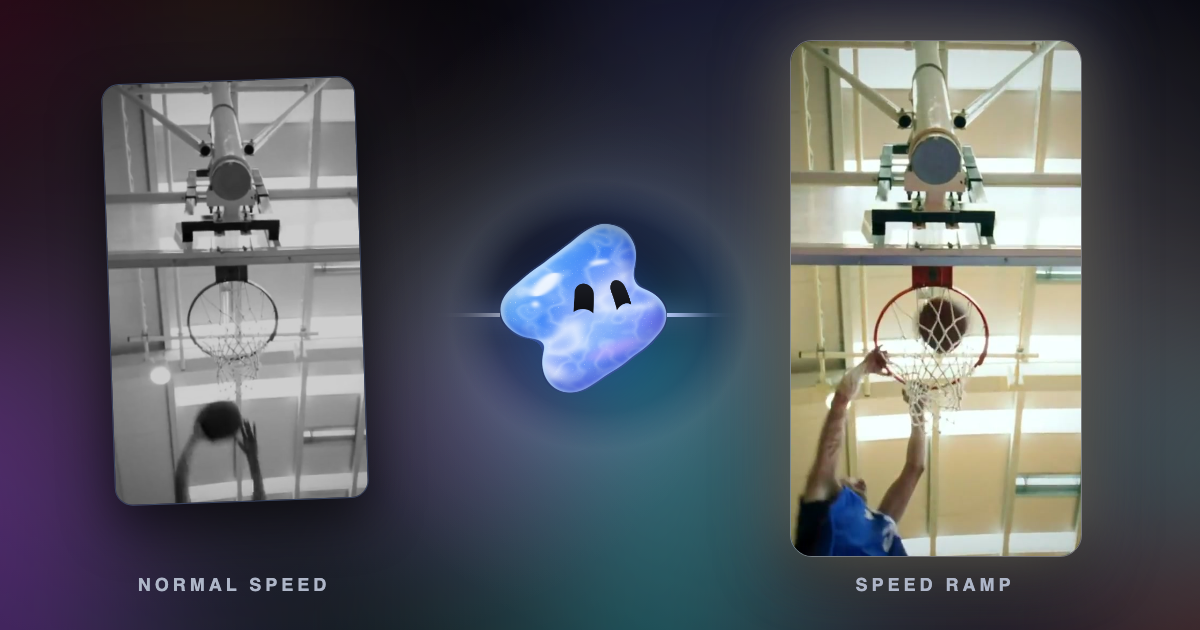
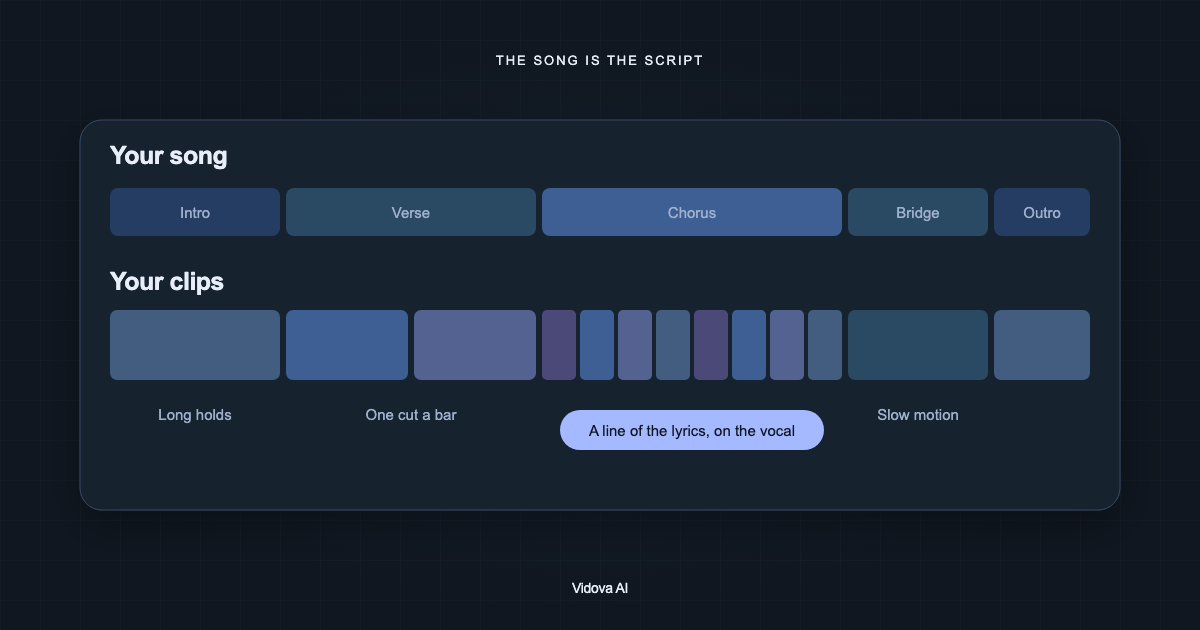
Vidova is an AI video editor. You attach your clips and a song, describe the edit, and the AI agent detects the beats and cuts your clips on them. It can punch in on downbeats, add a flash or a shake on a hit and ramp the speed into a moment. The agent edits a real timeline, so you can change any cut in plain words or drag it yourself on a computer.

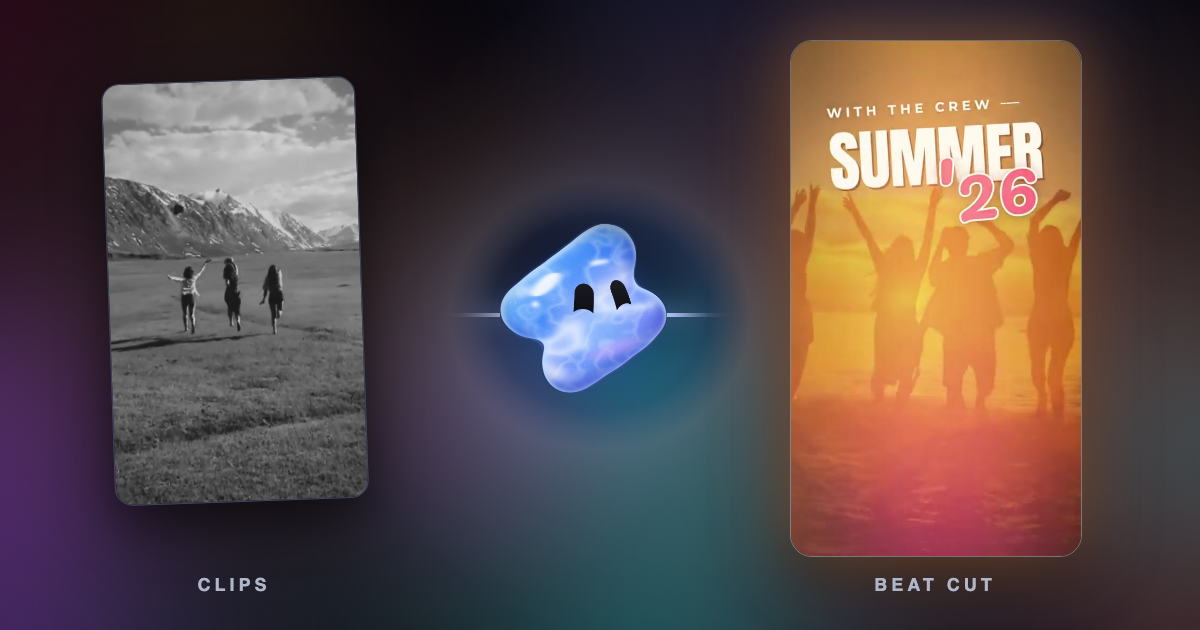
Cut these summer clips into a 20-second vertical montage on the beat of this song. Cut on every bar in the intro and on every beat after the drop. Punch in on the downbeats, put SUMMER 26 over the first shot and end on the sunset.
For "auto beat sync online free": CapCut's Auto Cut is not on CapCut Web, and Canva's free plan gives markers only. Vidova runs in the browser. Its free BPM and beat detector gives the tempo and the time of every beat as a CSV file, without signing in, for files up to 60 seconds. On the free plan, the agent cuts on the beat too, within the limits below.
Downsides: Vidova is built around an agent, so editors who want to place every cut by hand have more mature manual tools. The free plan adds a watermark, exports at 720p and takes projects up to 1 minute long. You can start free. Paid plans start at $19 a month, remove the watermark and export up to 4K at 60 fps.
Other options
- Adobe Premiere for iPhone has Beat Detection, which shows the rhythm of your music as markers on the timeline.
- InShot lists Auto Beat among its features.
How to choose
- If you edit on a phone and want the cuts made for you, use CapCut's Auto Cut where it is available.
- If you design in Canva, use Beat Sync there. Automatic sync needs Pro.
- If you edit on a computer and want automatic sync, try Filmora.
- If you want to choose every cut yourself on beat markers, use VN for free or DaVinci Resolve Studio.
- If you would rather describe the edit than make it, ask the Vidova agent for a cut on the beat.
Related guides
Sources
- CapCut Auto Cut
- CapCut on the App Store
- CapCut Materials License Agreement
- Canva Beat Sync
- Canva pricing
- Filmora Auto Beat Sync
- Filmora Beat Detection
- Filmora pricing
- GoPro Quik app
- DaVinci Resolve 20 new features guide
- DaVinci Resolve Studio
- VN Video Editor on the App Store
- Premiere on iPhone: beat detection
- InShot