How to make a music video from your own clips and your song
Make a music video, a lyric video or a song teaser from your own clips and your track with AI: cuts that follow the song's sections, lyrics on the vocal and lip sync kept.
Last updated
The short answer
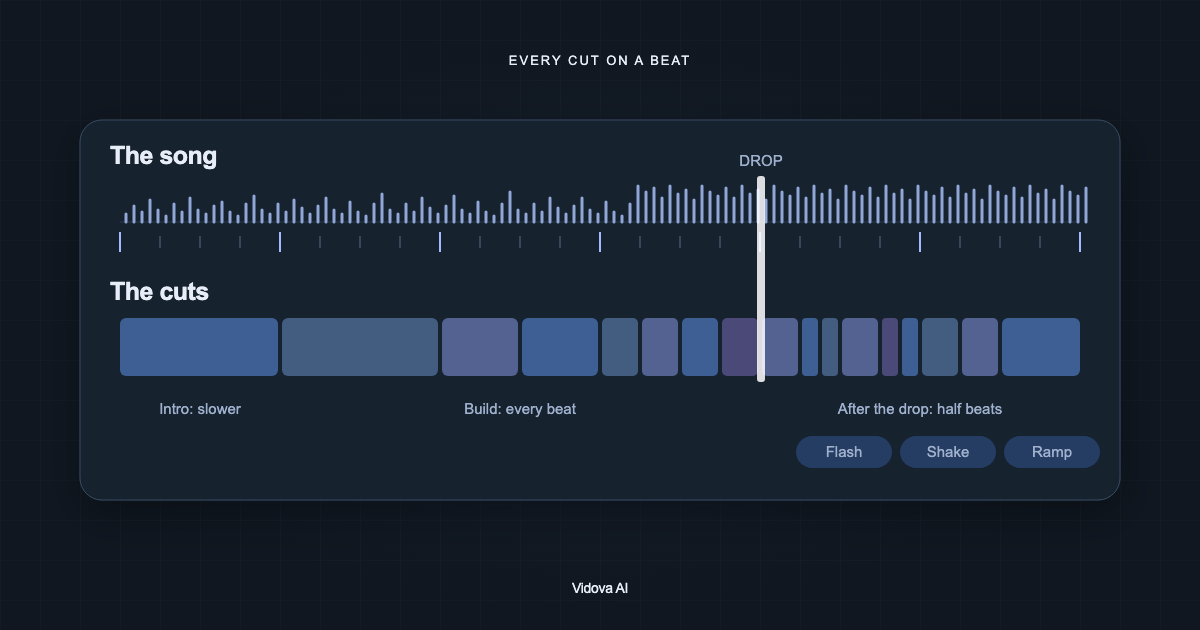
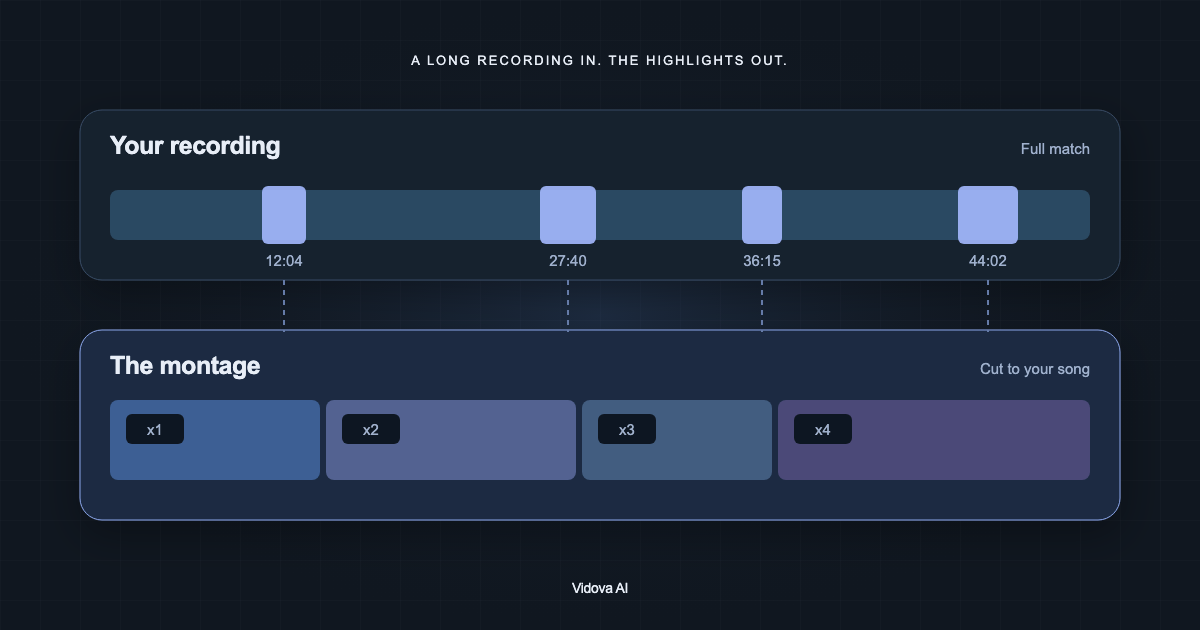
To make a music video from your clips, upload the song and the footage, pick one visual world, and choose between a short teaser and the whole song. Vidova detects the song's beats and sections, transcribes the lyrics with word times, cuts faster in the chorus than in the verse, and keeps clips where you sing in sync with the vocal.
Key takeaways
- Film performance clips while the song plays, so lip sync works in the edit.
- Pick one visual world and decide between a 15 to 30 second teaser and the whole song.
- Show the hook or a few lines of lyrics, or every line for a lyric video. Check the words.
What you need
- The song as an audio file: MP3, WAV, M4A, AAC, FLAC or Ogg.
- Performance clips: you singing or playing. Film them while the song plays from a speaker, so your lips match the track.
- Cutaways: places, details, friends, the city at night.
- The artist name and the song title, spelled the way they should appear.
Use your own song or one you have the rights to. Film each performance take in full. The editor can then pick the best line from each take.
Pick one visual world
| World | What it looks like | Good for |
|---|---|---|
| Performance cut | Your performance clips are the spine, with cutaways on the downbeats | Any song with you on camera |
| Night city | Neon, rain, car lights, cool blue with magenta | Synth, pop, R&B |
| Film memory | Warm grain, light leaks, soft slow motion | Acoustic, soul, indie |
| Lyric video | The words are the picture, big over slow footage | A release with no performance footage |
| Visualizer | One loop or still, the title pulsing on the beat | A quick release or a teaser |
One world for the whole video looks finished. Mixing three looks makes it feel like a slideshow.
A teaser or the whole song
A teaser of 15 to 30 seconds starts a bar or two before the best part of the song, not at its slow intro. The agent finds the hook or the drop when it detects the beats, and starts the song there.
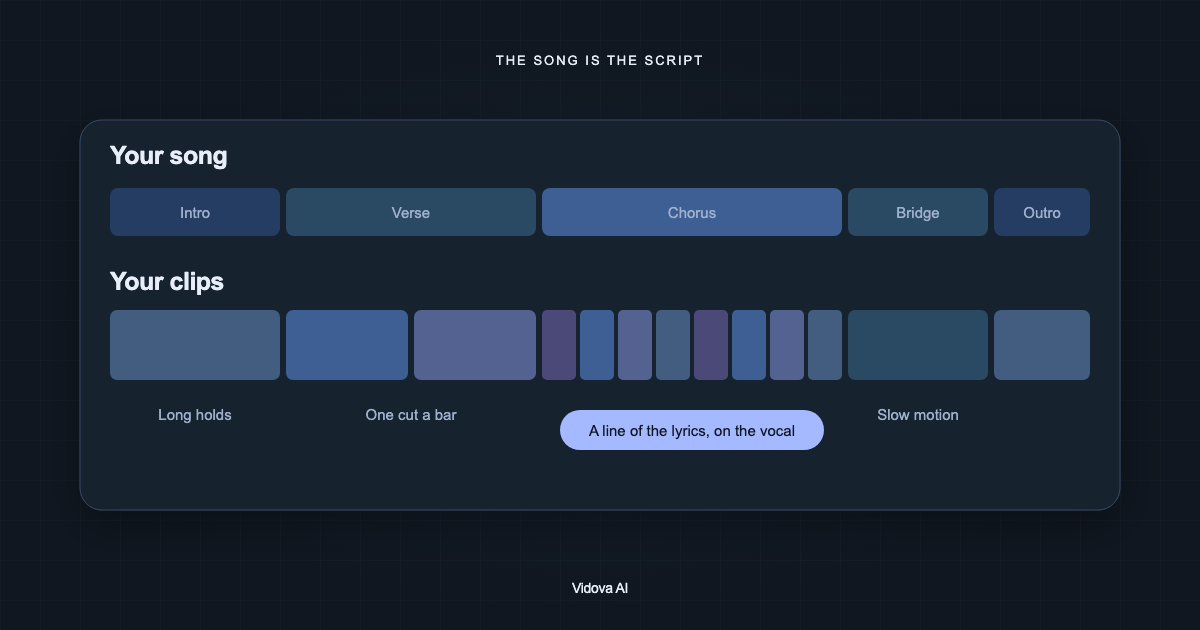
For the whole song, the cut rate follows the sections: long holds in the intro, one cut a bar in the verse, faster cuts and the closest shots in the chorus, slow motion in the breakdown, and the strongest image held in the outro. Clips where you sing on camera stay at normal speed and line up with the vocal.
Lyrics on screen
Vidova transcribes the vocal with word times, so a line can appear as it is sung. A music video usually shows only the hook or a few striking lines. A lyric video shows every line, one phrase at a time. Say which one you want.
Read the lyrics on screen before you export. A transcript of singing can need more corrections than a transcript of speech. Fix a word in Script with Replace captions, or paste the correct lyrics into the brief.
Write the brief
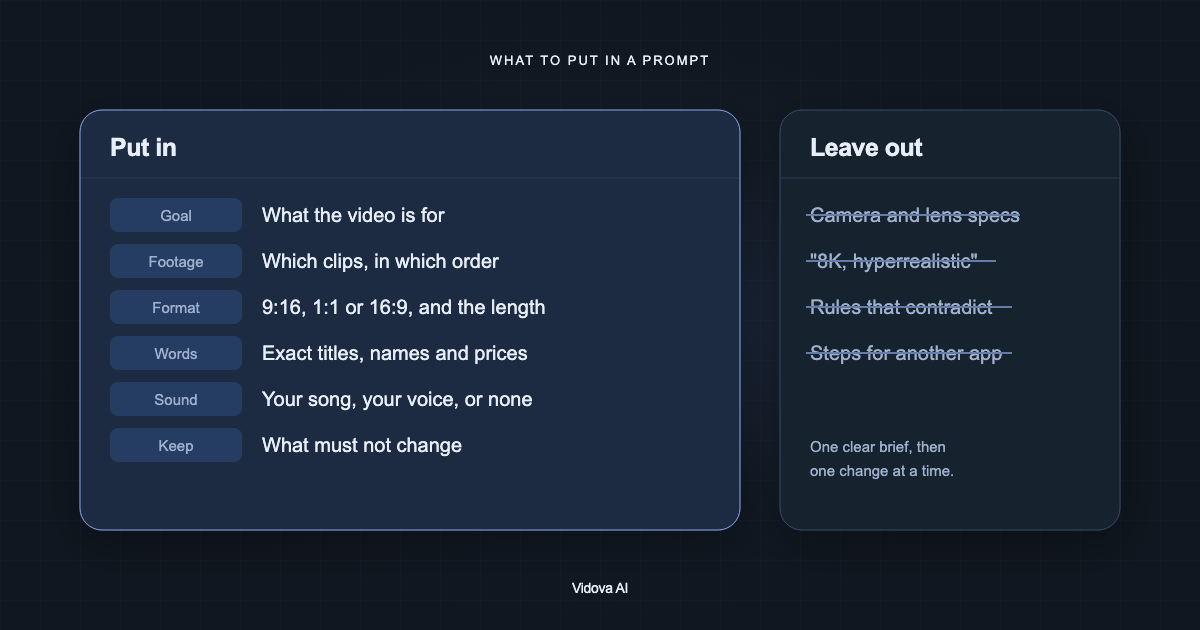
Make a 30-second vertical teaser for my song “Paper Lights” by June Hollow (attached). Start one bar before the chorus. Use my performance clips 1 to 4 in sync with the vocal, and the night street clips as cutaways. Night city look, blue and magenta. Put the chorus line on screen as it is sung. End on my face with the title and “Out Friday”.
This is an example brief with an invented artist and song. The song carries a music video, so the agent adds no extra music bed and uses few effects: a hit on the first beat of the chorus and one or two more on the strongest hits.
Check the cut
- Every clip where you sing is in sync with the vocal.
- Shot lengths change with the sections. Equal shots for the whole song feel like a metronome.
- The first beat of the chorus or drop has a visible hit.
- The title and lyrics are readable and off your face.
- One look across all shots.
Make your first music video
You can try this on the free plan. It needs a card check that charges nothing, gives you 750 credits once, and adds a Vidova watermark to previews and exports. Paid plans start at $19 a month, billed monthly or yearly, and remove the watermark.