Vidova
16 church video ideas: welcome videos, announcements and promos
Sixteen church video ideas with what to film, how long and the request for Vidova: welcome videos, weekly announcements, promos and seasonal invitations. Plus music licensing.
 Vidova team
Last updated
The short answer
The church videos that work best are short and personal: a welcome video from the pastor, a weekly announcement under a minute, sermon clips with captions and invitations for Easter and Christmas. Film on a phone in your building and caption every word. Check the music first: CCLI’s streaming licences cover songs in your streamed services, and CCLI says promotional videos outside the service need separate permission.
Key takeaways
- A welcome video answers a first-time visitor’s questions: where to park, where the children go, what to wear and how long the service lasts.
- Keep your first announcement video as a project and swap the clips and the text each week. That project is your announcement template.
- A worship song in a promo needs permission from its copyright owners. CCLI’s streaming licence covers songs in the service stream, not promotional videos.
Welcome videos for first-time visitors
A first-time visitor wants to see Sunday before they come. These videos answer that. Each idea has what to film, how long the finished video runs and the request to type in Vidova. Film on a phone held upright, and film three takes of anything said to camera.
- The pastor’s welcome at the front door. Film: the pastor walking from the parking lot to the door, then saying hello to camera inside. Length: 30 to 45 seconds. Ask Vidova: “Cut the pauses, caption every word and put our service times on screen at the end.”
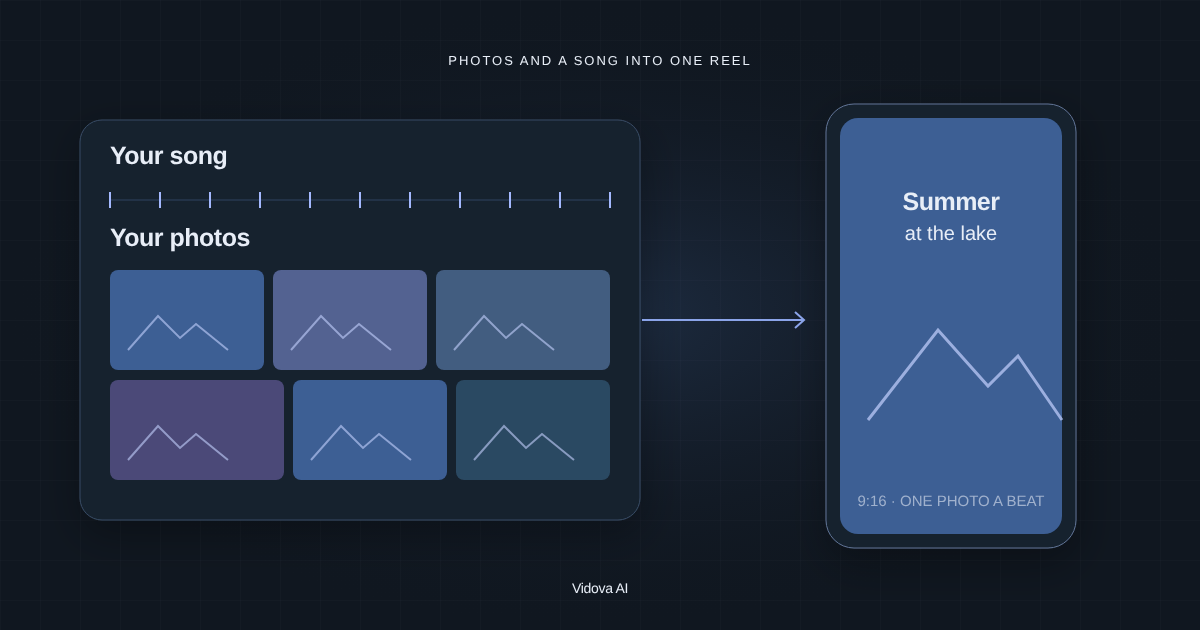
- Your first Sunday in 60 seconds. Film: the parking lot, the welcome desk, the children’s check-in, the coffee and the room before the service. Length: 45 to 60 seconds. Ask Vidova: “Make a walk-through with one short title per stop, cut on the beat, with my voiceover.”
- Where the children go. Film: the check-in desk, the classrooms before anyone arrives and two volunteers saying hello. Length: 20 to 30 seconds. Ask Vidova: “Make a calm tour for parents with a title for each room and the check-in steps on screen.”
- Meet the people at the door. Film: greeters, the worship leader and the children’s director, each saying their name and one line, about 3 seconds each. Length: 15 to 25 seconds. Ask Vidova: “Show one person per beat of the music, with each name as a title.”
- A welcome in another language. Film: a member who speaks Spanish, or the language of your neighbourhood, giving the welcome. With the pastor’s consent, Vidova can also clone the pastor’s voice and lip-sync a translated line. Have a fluent member check it, and say only what a visitor who speaks that language will find when they arrive. Length: 20 to 30 seconds. Ask Vidova: “Make a Spanish version of this welcome in the pastor’s own voice, lip-synced, with Spanish captions.”
Announcement videos and promos
People who search for a “church announcement video template” want the same look every week. In Vidova the first announcement project becomes that template: open it each week, swap the clips and the text, and save a new version of the project.
- Weekly announcements under a minute. Film: one host, three items, one take per item, plus a clip of each event or ministry. Length: 45 to 60 seconds. Ask Vidova: “Use last week’s look. Three items, each with a title, the date and where to sign up. Captions on the host.”
- An event promo. Film: last year’s event, or the room and the people who lead it. Length: 15 to 20 seconds. Ask Vidova: “Make a 15-second promo for the youth retreat: open on the best moment, then the dates, the place and the sign-up link held for 3 seconds.”
- A volunteer call. Film: the role in action, such as the coffee bar or the camera desk, and one volunteer saying why they serve. Length: 20 to 30 seconds. Ask Vidova: “Open on the volunteer’s best line, show the role and end on how many people we need and how to join.”
- A sermon series trailer. Film: the series art, the pastor reading the key verse and three short lines from the first message. Length: 20 to 30 seconds. Ask Vidova: “Make a trailer: the title first, the three lines with captions, the start date at the end.”
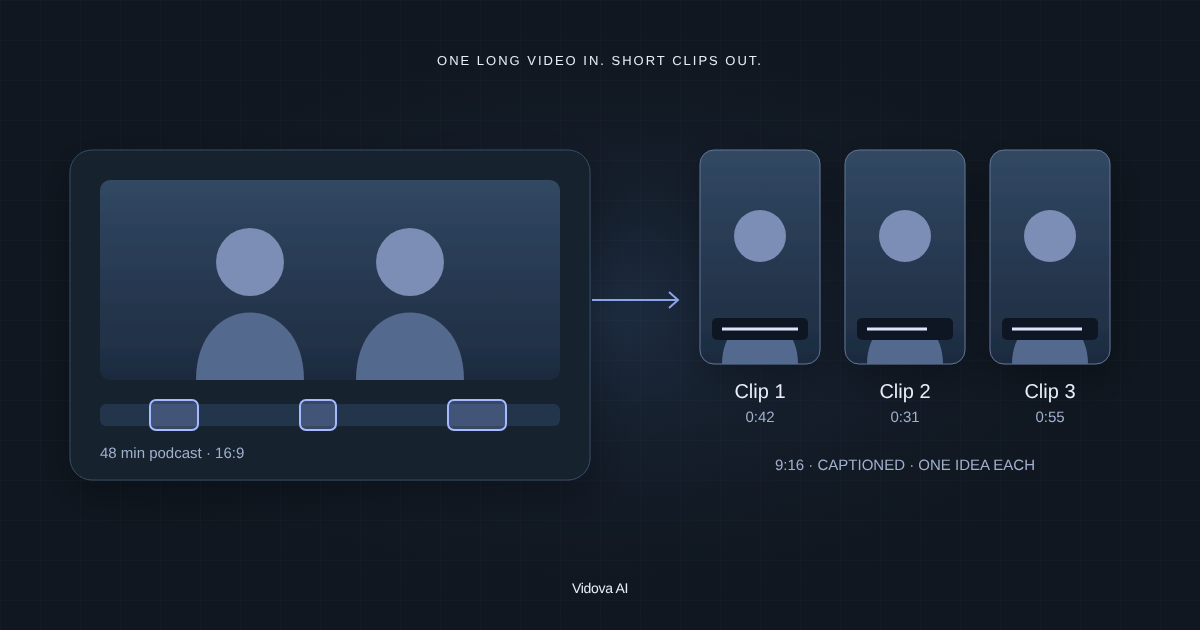
- A sermon clip from the livestream. Film: nothing new. Use the 16:9 recording of the service. Length: 30 to 60 seconds. Ask Vidova: “Find the strongest minute of this sermon, reframe it to 9:16 following the pastor’s face, cut the pauses and add captions.”
For the sermon clip, pick a stretch with no song under the voice. If a song still plays under it, the noise remover keeps the voice and takes out the music.
Behind-the-scenes ideas
- Sunday setup in 30 seconds. Film: the chairs, the coffee, the sound desk and the lights coming on, from the first person in. Length: 20 to 30 seconds. Ask Vidova: “Speed ramp through the setup and slow down when the doors open.”
- A volunteer spotlight. Film: one volunteer saying why they serve, and a few shots of them at work. Length: 30 to 45 seconds. Ask Vidova: “Cut it to 40 seconds with captions and their name in a lower third.”
- Baptism Sunday. Film: each baptism, with that person’s written permission, and the people cheering. Length: 30 to 45 seconds. Ask Vidova: “Slow the moment each person comes up out of the water to quarter speed with AI slow motion, and show only the names of people who agreed.”
Seasonal invitations
- An Easter invitation. Film: the room, the team and last year’s Easter service if you have it. Length: 15 to 20 seconds. Ask Vidova: “Make a 15-second Easter invitation with the service times held on screen for 3 seconds.”
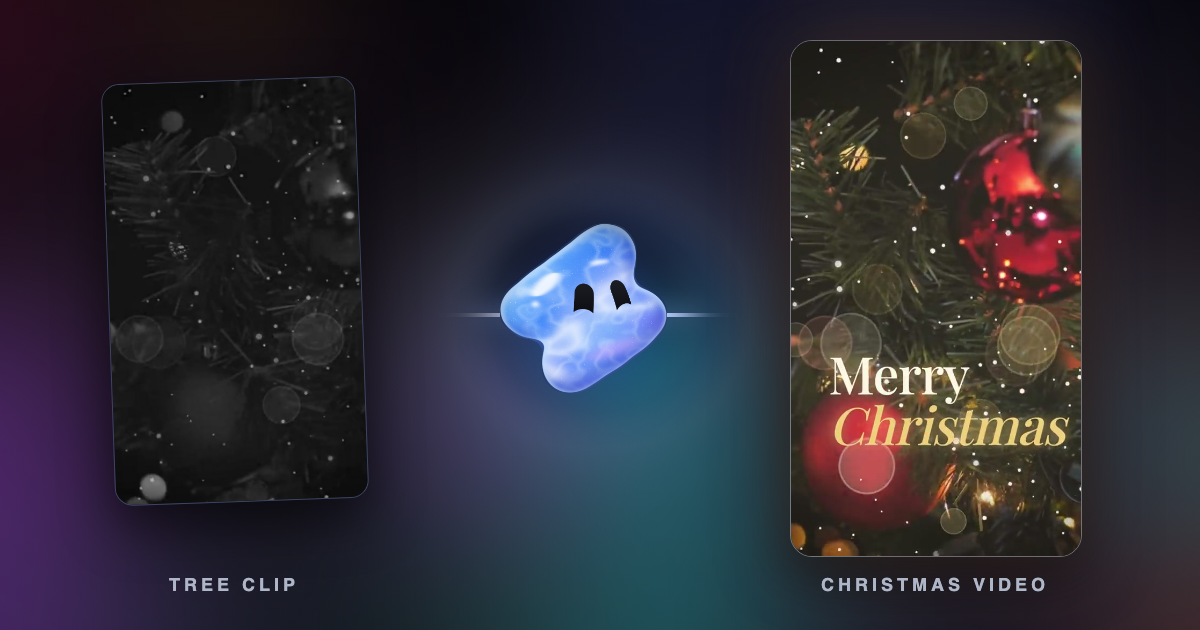
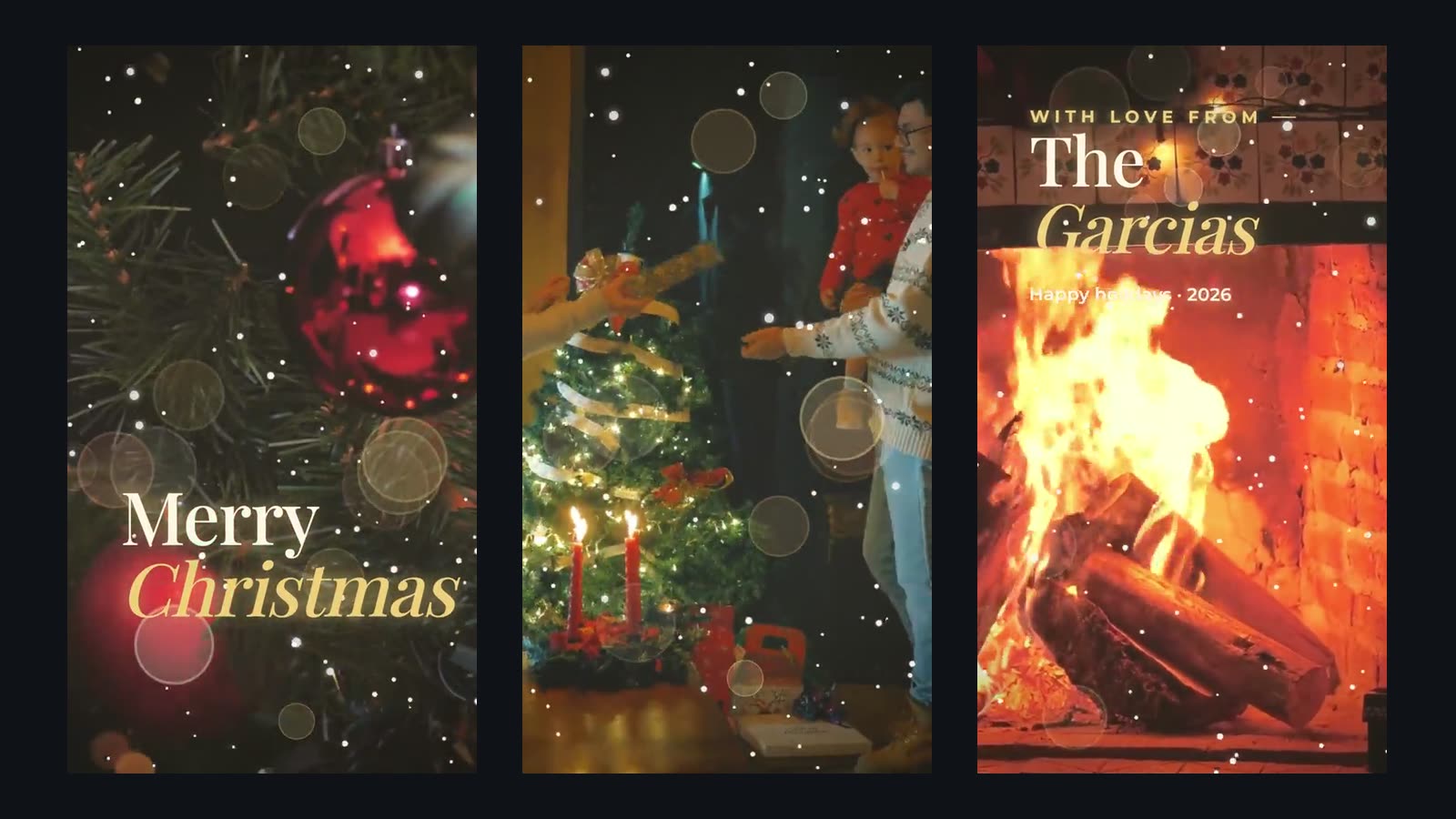
- A Christmas Eve invitation. Film: the candles, the tree in the building and the choir. Length: 15 to 20 seconds. Ask Vidova: “Use the Christmas card look: snow, warm light, a serif title, and our service times where the family name would go.”
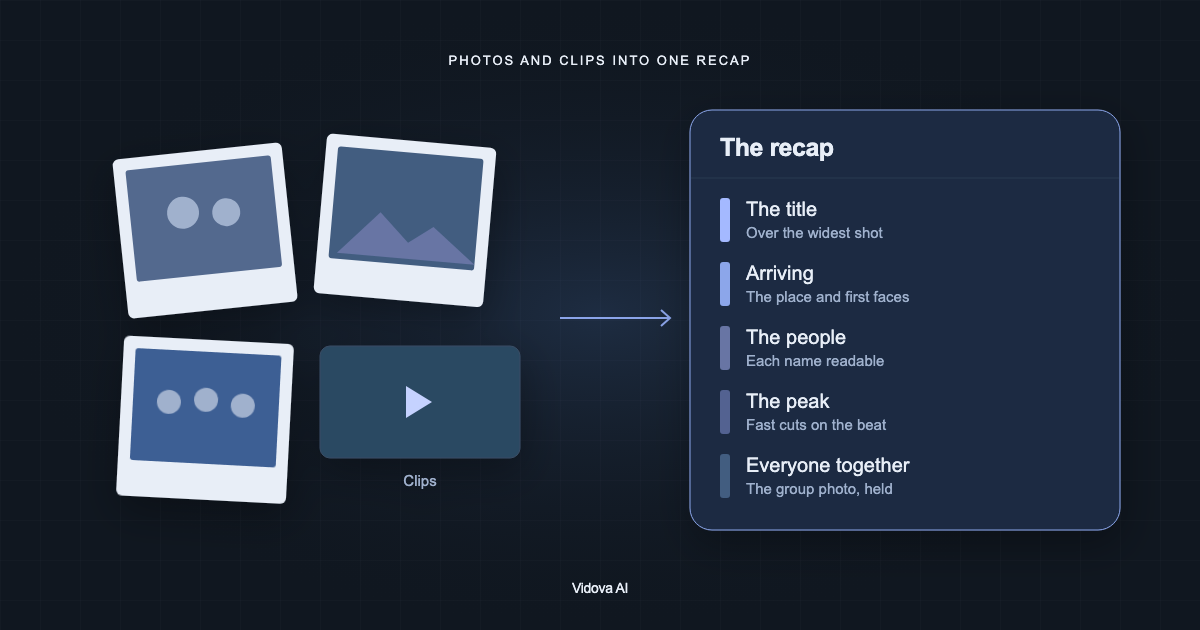
- A year in review. Film: nothing new. Collect the year’s clips and photos. Length: 30 to 60 seconds. Ask Vidova: “Make a year in review with one month per beat and the real numbers I give you.”
Music: what CCLI covers and what it does not
Check the music before anything else. CCLI licenses worship songs to churches, and its own pages draw clear lines between the service and everything else.
| Use | Licence | Notes |
|---|---|---|
| Project lyrics, print them in a bulletin | Church Copyright License | CCLI’s base licence for congregational singing |
| Live-stream or upload a service with songs your musicians play live | CCLI Streaming License | Covers more than 450,000 songs |
| Play artist tracks, backing tracks or multitracks in a streamed service | CCLI Streaming Plus License | Usually audio only |
| A song in a promo, a teaching video or any video outside the service | Not covered | Needs permission from the copyright owners |
CCLI’s streaming licence summary lists “Streaming Master Recordings in any content used outside of the Church Service, such as promotional videos” among the uses the licence does not cover. It adds: “If you wish to promote the same pre-recorded video outside of the Church Service Stream, it will require separate licensing directly from the applicable copyright owners.” Songs in “non-Church Service audio and/or video content” are excluded in the same way.
A licence does not stop platform claims either. The same summary says its terms “do not prevent takedown notices or other enforcement on some platforms.” CCLI’s streaming page lists prices from $84 a year for churches that already hold a CCLI licence (checked October 2026).
- Use music made for the video. Vidova makes a track for each edit when you ask, and the AI music generator makes one on its own.
- If your church posts from a TikTok business account, the app shows only the Commercial Music Library. TikTok says “businesses cannot use the general music library for commercial usage.”
- Keep worship songs for the service stream.
- When a promo needs one specific song, ask its copyright owners first.
People on camera
- Ask before you film. Tell people at the door when a service is filmed for social media.
- Get a parent’s written permission before a child appears. Film the children’s rooms before they arrive or from behind.
- Offer seats out of the camera’s view for people who prefer not to appear. Blur anyone you could not avoid with the face blur tool, or ask Vidova to blur them.
- Get written permission from each person in a baptism or testimony video before you post it.
Make the welcome video in Vidova
Film the pastor at the door in three takes, then 5 seconds at each stop of a first visit. Open Vidova, attach the clips and describe the video. This is an example brief. Replace the names, times and address with yours.
Make a 40-second vertical welcome video for Grace Community Church from these clips. Open on Pastor Mike at the front door saying “Hi, I am Mike.” Then show the parking lot, the welcome desk, the children’s check-in and the coffee bar, with one short title per stop. Cut the pauses, caption every word and end on “Sundays 9 and 11 am, [your address]” for 3 seconds. Make calm music for it. Also make a 16:9 version for our website.
The agent builds the cut on a real timeline, previews frames of its own work and checks the film before it hands it over. Keep the project: next year’s welcome video and every weekly announcement start from it. You can start free. Paid plans start at $19 a month, remove the watermark and export up to 4K at 60 fps.
Sources
All sources checked October 2026.