 Vidova
Best video editing apps for startups and small teams in 2026
Video editing apps for startups compared on product demos, launch videos, founder videos, YouTube explainers and price per seat, with US prices checked November 2026.
 Vidova team
Last updated
The short answer
The best video editing app for a startup depends on the video. Screen Studio makes clean product demos on a Mac. Descript fits founder videos and YouTube explainers that are mostly talking. Riverside records podcasts and interviews with remote guests. Canva keeps launch videos on brand next to your other designs. VEED suits a team that edits in the browser and pays per seat. OpusClip cuts webinars into clips. Vidova suits teams with footage and no editor: an AI agent edits it from a description.
Key takeaways
- Most team plans are priced per person. Descript, Canva Business and VEED multiply the price by the number of people who edit (checked 7 November 2026).
- For a product demo, record with a tool that zooms in on clicks. Screen Studio does it on a Mac, and Vidova Recorder is a free download for macOS, Windows and Linux.
- Under $30 a month for one person, you can pay for Vidova Creator, Canva Pro, Descript Hobbyist, VEED Creator, Riverside Pro, OpusClip Pro or Screen Studio.
The short answer: the best app for each startup video
- Product demos and feature walkthroughs: Screen Studio on a Mac, or Vidova Recorder on macOS, Windows and Linux.
- Founder videos and YouTube explainers: Descript.
- Podcasts, interviews and customer stories with remote guests: Riverside.
- Launch videos and ads that match your brand: Canva.
- A team that edits together in the browser: VEED.
- Clips from webinars and long YouTube videos: OpusClip.
- Footage but no editor on the team: Vidova, where an AI agent edits from a description.
If you run a shop or a local service instead of a software company, our guide to the best video editing apps for small business covers phone-first apps such as Edits and CapCut.
The videos a startup makes
A startup's video list is different from a shop's. Most of it shows a product on a screen or a founder talking. These are the usual jobs:
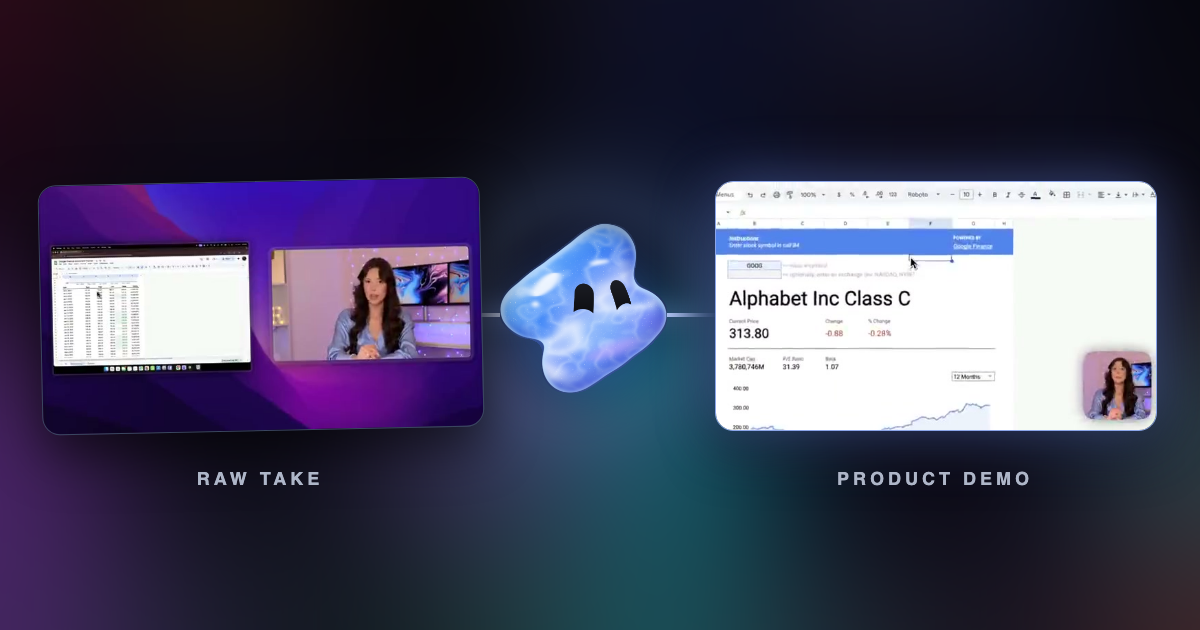
- Product demo or feature walkthrough: a screen recording with zooms on the clicks, a voice and captions. See how to record a polished SaaS product demo.
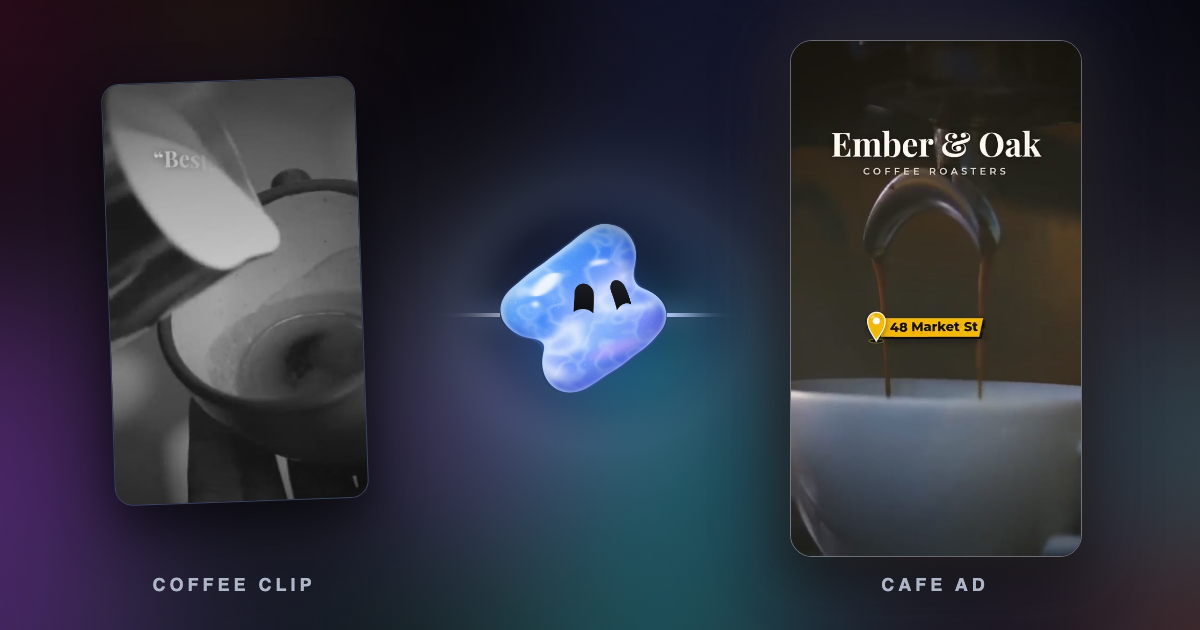
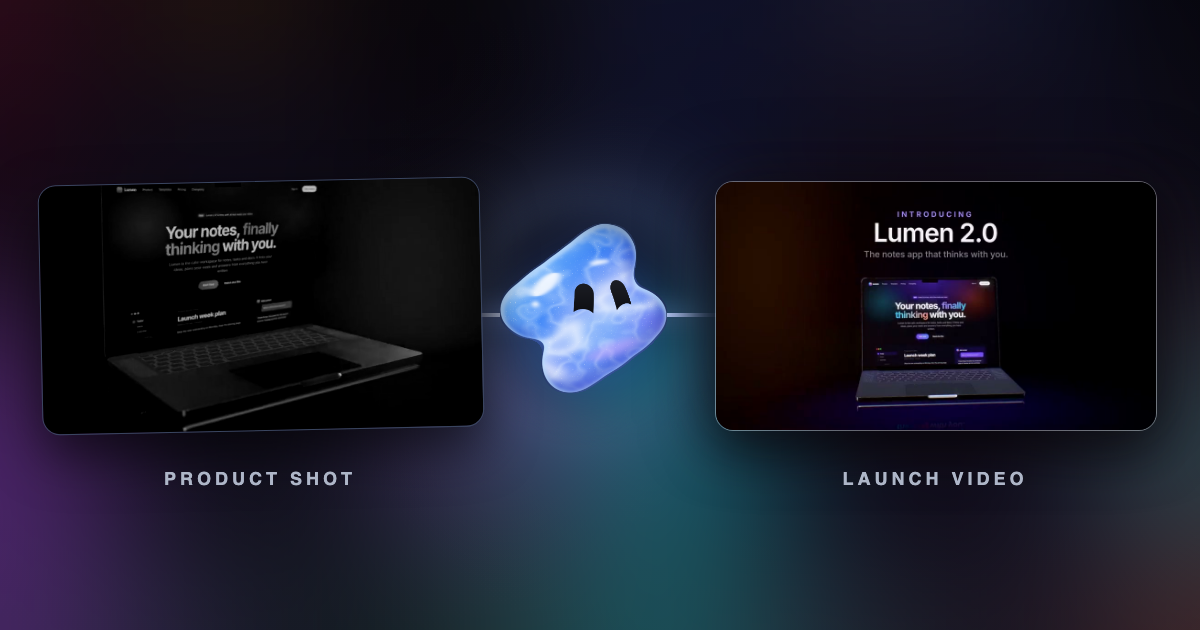
- Launch video: a short cut of the product's best screens with music and one clear title, posted on the day you ship.
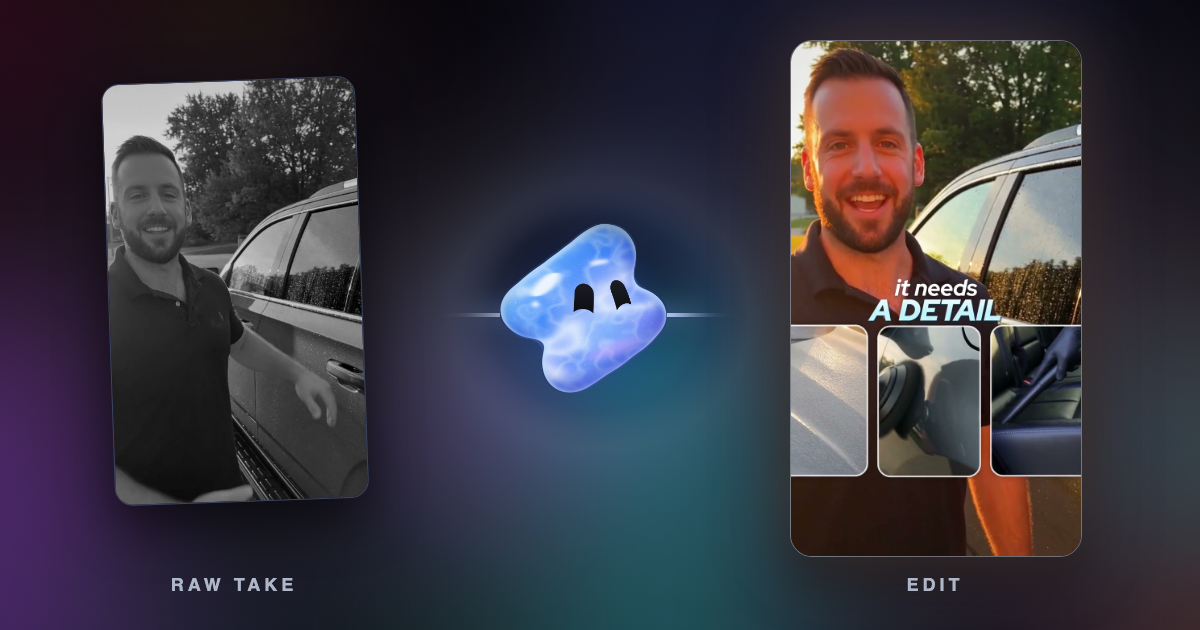
- Founder video: the founder talking to the camera, with pauses cut, captions and B-roll of the product.
- YouTube explainer: a longer video that mixes camera and screen, often with chapters. See how to edit a YouTube video with AI.
- Ads: vertical cuts in the sizes and lengths each platform takes. See video ad specs for Meta and TikTok and TikTok ad length and specs.
- Clips: short vertical clips from a webinar, a podcast or a long YouTube video. See how to turn a long video into Shorts, Reels and TikToks.
Few apps do all six well. Many teams pair a screen recorder for demos with one editor for everything else.
The seven apps compared
| App | Best for | Team seats | Free use | Paid from, per person |
|---|---|---|---|---|
| Screen Studio | Product demos on a Mac | Not stated. A teammate can open a shared editable project | No free plan stated | $29 a month, or $9 a month billed yearly |
| Descript | Founder videos and explainers | Creator up to 3 people, Business up to 5, each billed per person | 1 media hour a month, 720p, no watermark-free export | Hobbyist $24 a month, or $16 billed yearly |
| Riverside | Podcasts and interviews | An extra editor seat as an add-on. Collaborative editing on Business | 2 hours of multi-track recording once, 720p, watermark | Pro $29 a month, or $24 billed yearly |
| Canva | Launch videos and branded ads | Business is priced per person, with no minimum and up to 100 seats online | MP4 up to 1080p and 30 minutes | Pro US$18 a month, or US$12 billed yearly |
| VEED | Browser editing for a team | Every plan is priced per editor seat | 720p, watermark, 50 AI credits a month | Creator $25 a month, or $12.25 billed yearly |
| OpusClip | Clips from long videos | Pro: 2 users per pack, up to 4 | 60 processing minutes a month, watermark, media kept 3 days | Starter $15 a month |
| Vidova | Edits made by an AI agent from your footage | No team seats. One account, with share links and editable project files | You can start free. Free-plan exports carry a watermark | Creator $19 a month, or $190 a year |
Prices change. Each row links to its source at the end of this guide.
How we judged them
We read each vendor's pricing page, help center and product pages on 7 November 2026. We did not run our own tests of the other apps. A startup usually has no full-time editor, several people who need access and a budget counted per person, so we compared the job each app does best, how it bills a team, what the free plan allows and the price of the first paid plan for one person.
Screen Studio: best for product demos on a Mac
Screen Studio records your screen and then zooms in on key moments, using where you clicked. It exports MP4 at 720p, 1080p or 4K at up to 60 fps, GIFs up to 1080p and an SRT transcript. Shareable links play at 1080p and 60 fps for videos up to 30 minutes. A shared project lets a teammate open the editable recording and keep working on it.
Both plans include every feature: $29 a month, or $9 a month billed yearly.
Downside: its site says it supports only macOS, and it lists no free plan. It is a recorder first, so a founder video or an ad usually goes to another editor. Our Screen Studio alternatives cover recorders for Windows and Linux.
Descript: best for founder videos and YouTube explainers
Descript turns speech into a transcript, and you cut the video by editing the text. Underlord, its AI co-editor, makes edits from a request. That suits videos that are mostly talking, such as a founder update, a tutorial with a voice or a long YouTube explainer.
- Hobbyist: $24 a month, or $16 billed yearly. 10 media hours a month, 400 AI credits, 1080p with no watermark.
- Creator: $35 a month, or $24 billed yearly. 30 media hours, 800 AI credits, 4K, full access to Underlord. Scales to a team of 3, billed separately.
- Business: $65 a month, or $50 billed yearly, per person. 40 media hours, 1,500 AI credits, team-wide Brand Studio, commenting and live collaboration for up to 5 seats.
Downside: the free plan gives 1 media hour a month and exports at 720p, without the watermark-free export of paid plans. The price is per person, so five people on Business billed yearly cost $250 a month. See Descript alternatives and Vidova vs Descript.
Riverside: best for podcasts, interviews and customer stories
Riverside records remote guests in up to 4K with separate audio and video tracks, then edits the recording by its transcript. Pro includes an AI editing and repurposing agent, AI B-roll, silence and filler word removal, and Magic Clips, which picks highlights for short clips.
- Pro: $29 a month, or $24 billed yearly ($288 a year). 1 studio and 15 hours of separate track downloads.
- Grow: $39 a month, or $34 billed yearly ($408 a year). Adds social media scheduling, AI thumbnails, the Riverside MCP and 2 studios.
- Business: custom price, with collaborative editing, custom roles and unlimited studios.
Riverside's FAQ says a studio holds one show, so an agency with two clients would want two studios. On Pro, Grow and Webinar, an extra editor seat is an add-on.
Downside: the free plan records up to 720p with a Riverside watermark and gives 2 hours of multi-track recording once. Riverside is built around recording, so a launch video made from screens fits other tools better. See Riverside vs OpusClip.
Canva: best for launch videos and ads that match your brand
Canva's video editor sits next to the slides, social posts and one-pagers your team may already make there, with the same fonts, colors and logos. It generates captions at no cost. You can record your camera, your screen or both in the editor, and the desktop Screen Recorder takes up to 25 minutes per recording.
Canva Free downloads MP4 videos up to 30 minutes at up to 1080p. Paid plans download up to 2 hours at up to 3840 × 2160, and 4K is available on desktop only. Canva Pro costs US$18 a month, or US$12 a month billed yearly. Canva Business costs US$25 a month per person, or US$20.83 billed yearly, with no seat minimum, up to 100 seats bought online and up to 100 Brand Kits.
Downside: Canva is a design tool with a video editor inside. The Canva pages we read do not describe automatic zoom on clicks, so a detailed product demo takes more manual work. See VEED vs Canva for software marketing videos and Vidova vs Canva.
VEED: best for a team that edits in the browser
VEED is a browser video editor. It records screen and webcam in the browser, writes subtitles, removes filler words and background noise, and has AI avatars, a Clips tool and an in-editor AI Agent that takes typed requests. Every plan is billed per editor seat.
- Creator: $25 a month, or $147 a year ($12.25 a month). 1080p export, no watermark, unlimited subtitles.
- Pro: $45 a month, or $265 a year ($22.08 a month). 4K export, several Brand Kits and translation into 50+ languages.
- Studio: $79 a month, or $465 a year ($38.75 a month). Custom templates.
Downside: the free plan exports 720p with a watermark. AI credits do not carry over to the next period, and VEED lists review mode under Enterprise. See Vidova vs VEED.
OpusClip: best for clips from webinars and long videos
OpusClip cuts a long video into short captioned clips. It charges 1 credit for each minute of the original video you import, whatever you keep, and you can shorten the part it processes before you start. Starter costs $15 a month with 150 processing minutes. Pro costs $29 a month with 300, adds a team workspace for 2 users per pack (up to 4), export to Premiere Pro and DaVinci Resolve, 100 GB of storage and a social scheduler.
Downside: it makes clips, not demos or launch videos. On the free plan, clips carry a watermark and media expires after 3 days. See OpusClip alternatives.
Vidova: best when you have footage and no editor
Vidova is a video editor built around an AI agent. You attach screen recordings, phone clips or a founder take, describe the video, and the agent edits a real multitrack timeline. It cuts pauses, adds captions, reframes wide video to 9:16 and previews frames of its own work before it hands the cut over. You can then change any edit in plain words, or open the timeline and move clips yourself.
For demos, Vidova Recorder is a free download for macOS, Windows and Linux. It zooms in on bursts of clicks, records the camera as its own track and has a teleprompter. The take opens on the timeline, so you can ask the agent for a vertical cut for social posts. The free auto zoom tool does the click zoom on a recording you already have.
Make a 30-second launch video for our new reporting feature from these two screen recordings. Open on the chart filling in, zoom in on each click, add captions to my voiceover, put the feature name as a big title at the end and export a 16:9 and a 9:16 version.
For the rest of the team, you can share a finished video with a public link or a private link for up to 50 email addresses, hand off an editable FCPXML package for Premiere Pro or OTIO for DaVinci Resolve with the source media, or connect Claude, ChatGPT, Cursor or Codex to Vidova's MCP server.
Downsides: Vidova has no team seats or shared live editing. If several people must edit one project at the same time, Descript Business or VEED fits better. People who want to drag every clip by hand have more mature manual editors. You can start free, and free-plan exports carry a watermark. Paid plans start with Creator at $19 a month, or $190 a year, then Pro from $39 and Studio from $88. They remove the watermark and export up to 4K at 60 fps. A Project Pass removes the watermark from one project, such as a single launch video, for $14 once.
The best video editing apps by budget
These are prices for one person, billed monthly unless the line says yearly.
- Under $10 a month: Screen Studio at $9 a month billed yearly. For no cost, Canva Free exports up to 1080p, and Descript Free and VEED Free export 720p.
- Under $30 a month: Canva Pro at US$18, Vidova Creator at $19, Descript Hobbyist at $24, VEED Creator at $25, Canva Business at US$25, and Riverside Pro, OpusClip Pro and Screen Studio at $29.
- Under $50 a month: Descript Creator at $35, Vidova Pro and Riverside Grow from $39, and VEED Pro at $45.
For a team of five that edits, the per-person price decides the bill. Billed yearly, five people cost $250 a month on Descript Business, about US$104 a month on Canva Business and $61.25 a month on VEED Creator.
For agencies and freelancers
- Freelancers pay for one seat, so choose by the job. A freelancer who delivers to a client's editor can hand over a Vidova project as FCPXML or OTIO with the media, or an OpusClip Pro project to Premiere Pro or DaVinci Resolve.
- Agencies need a separate look for each client. Canva Business holds up to 100 Brand Kits, VEED Pro holds several, and Riverside gives each show or client its own studio.
- Client review: Descript Business has commenting and live collaboration. Vidova can share a finished video only with the email addresses you list.
How to choose
- If most of your videos are product demos on a Mac, start with Screen Studio. On Windows or Linux, use Vidova Recorder.
- If your founder talks to the camera every week, use Descript.
- If you run a podcast or interview customers remotely, use Riverside.
- If your brand lives in Canva and the video is mostly designed screens, keep it in Canva.
- If several people edit in the browser and you want one bill per seat, use VEED.
- If you have footage and nobody with time to edit it, describe the video to Vidova and let the agent cut it.
Related guides
Sources
All sources checked 7 November 2026.
- Screen Studio: features and prices
- Descript pricing
- Riverside pricing and FAQ
- Canva: Pro vs Business vs Enterprise (US prices and Brand Kits)
- Canva Help: pricing and billing for Canva Business
- Canva Help: downloading designs as video
- Canva Help: record your screen
- Canva: add subtitles to video
- VEED plans and prices
- VEED pricing and FAQ
- VEED Help: how to export your project
- VEED screen recorder
- VEED: introducing AI Agent
- OpusClip pricing
- OpusClip Help: plans
- OpusClip Help: how credits work
- Vidova: plans and credits
- Vidova: exporting and sharing
- Vidova: desktop recorder