 Vidova
VEED vs Canva for software marketing videos: which to use in 2026
VEED vs Canva for SaaS and software marketing videos: screen recording, product demos, feature launches, captions, brand kits, exports and US prices, checked November 2026.
 Vidova team
Last updated
The short answer
For software marketing videos, VEED is the better pick when the video is a screen recording with a voice, such as a product demo or a tutorial: it records screen and webcam in the browser, writes subtitles, removes filler words and has AI avatars. Canva is the better pick for launch videos and ads built from designs, brand fonts and templates, and its free plan exports 1080p. VEED Creator costs $25 a month per seat, and Canva Pro costs US$18 a month.
Key takeaways
- VEED records screen and webcam in the browser with no app. Canva records in its editor, and its desktop Screen Recorder takes up to 25 minutes per recording.
- Canva Free exports up to 1080p and 30 minutes. VEED Free exports 720p with a watermark, and VEED Creator exports 1080p (checked 7 November 2026).
- Both bill teams per person: VEED per editor seat on every plan, Canva on its Business plan.
The short answer
Choose VEED when the video is mostly a recording: a product demo, a feature walkthrough, an onboarding tutorial or a founder explaining a release. Choose Canva when the video is mostly design: a feature launch made of product screenshots, an ad built from a template, or the same launch resized for every channel with your brand fonts and colors.
Many software teams use both: they record and caption the demo in VEED, and make the launch graphics and short promo cuts in Canva.
VEED vs Canva compared
| Detail | VEED | Canva |
|---|---|---|
| Built for | A browser video editor with recording, subtitles and AI tools | A design suite with a video editor inside |
| Screen recording | Screen, webcam or both, in the browser. Not on phones | Camera, screen or both in the editor. The desktop Screen Recorder takes up to 25 minutes and 1 GB |
| Captions | Free: 10 minutes of subtitles a month. Paid: unlimited, with a fair use limit of 50 hours a month | Generated at no cost |
| Free export | 720p with a watermark | MP4 up to 1080p and 30 minutes |
| Highest export | 1080p on Creator, 4K on Pro and Studio | Up to 3840 × 2160 and 2 hours on paid plans, 4K on desktop only |
| Brand Kits | Several on Pro | 1 on Free, up to 100 on Business |
| Team billing | Per editor seat on every plan | Business per person, no seat minimum, up to 100 seats online |
| Paid from | Creator $25 a month, or $12.25 billed yearly | Pro US$18 a month, or US$12 billed yearly |
| Next plan | Pro $45 a month, or $22.08 billed yearly | Business US$25 a month per person, or US$20.83 billed yearly |
Prices change, and both vendors show local prices outside the US. Each row links to its source at the end of this guide.
Product demos and tutorials: VEED is stronger
A demo is a recording first. VEED records your screen, your webcam or both in the browser, with no extra software. Choose Edit and the take opens in the editor, where VEED lists automatic subtitles, Magic Cut, AI eye contact, background removal, audio cleanup and filler word removal. Its AI avatars can present a short release note when nobody wants to be on camera.
Canva also records. Record yourself in the editor captures your camera, your screen or both, and the recording lands in your design as a video element. The separate Screen Recorder runs only in the Canva desktop app and stops at 25 minutes or 1 GB. The Canva pages we read do not describe filler word removal or automatic zoom on clicks, so a long walkthrough is more manual work there.
Neither tool zooms in on your clicks automatically in the pages we read. For that, see how to make screen recordings zoom into clicks and the best screen recorders for product demos.
Feature launches and ads: Canva is stronger
A launch video is often a set of designed frames: the new screen, a headline, a short benefit line and your logo. Canva is built for that. The same Brand Kit drives your slides, social posts and video, Business holds up to 100 Brand Kits, and the free plan already downloads 1080p MP4 up to 30 minutes long.
VEED can make the same video, and Pro adds several Brand Kits and translation into 50+ languages. Its strength is still footage and voice, not layout. For the sizes and lengths each ad platform takes, see video ad specs for Meta and TikTok.
Teams and price
VEED charges every plan per seat: the plan price is multiplied by the number of editors in the workspace. Creator costs $25 a month, or $147 a year, with 1080p export and no watermark. Pro costs $45 a month, or $265 a year, with 4K. Studio costs $79 a month, or $465 a year. AI credits refresh each period and do not carry over.
Canva Pro costs US$18 a month, or US$144 a year, for one person. Canva Business costs US$25 a month per person, or US$250 a year (US$20.83 a month), with no seat minimum. You pay only for members who accept an invite, and up to 100 seats can be bought online.
For a team of three billed yearly, that is $36.75 a month on VEED Creator and about US$62.50 a month on Canva Business.
A third option: let an agent edit the recording
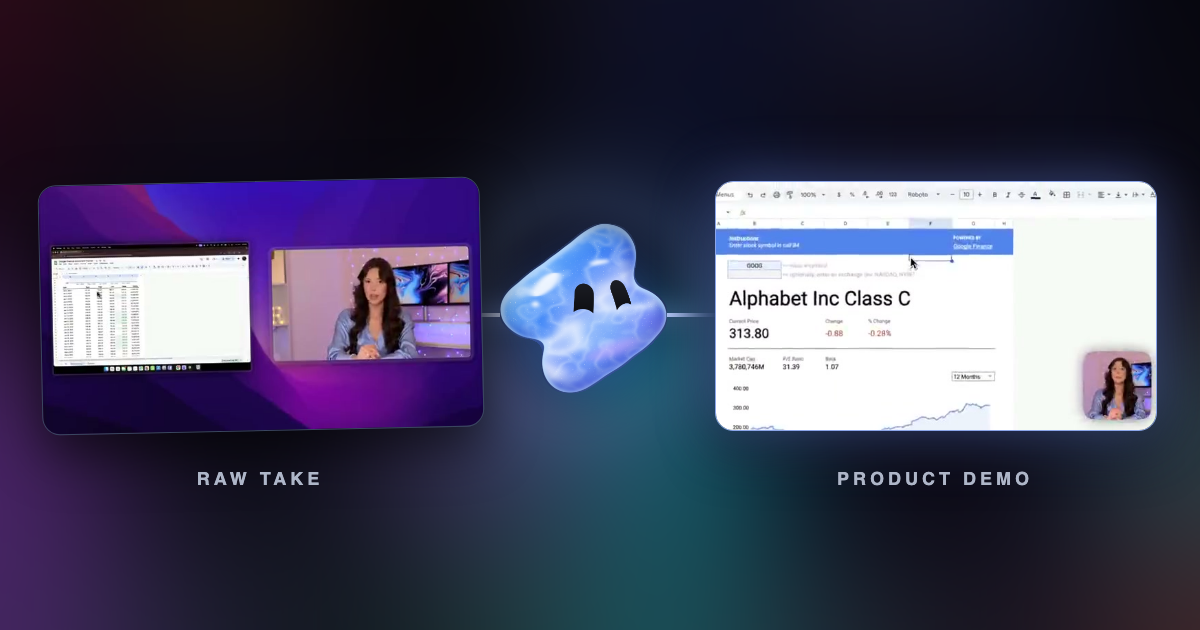
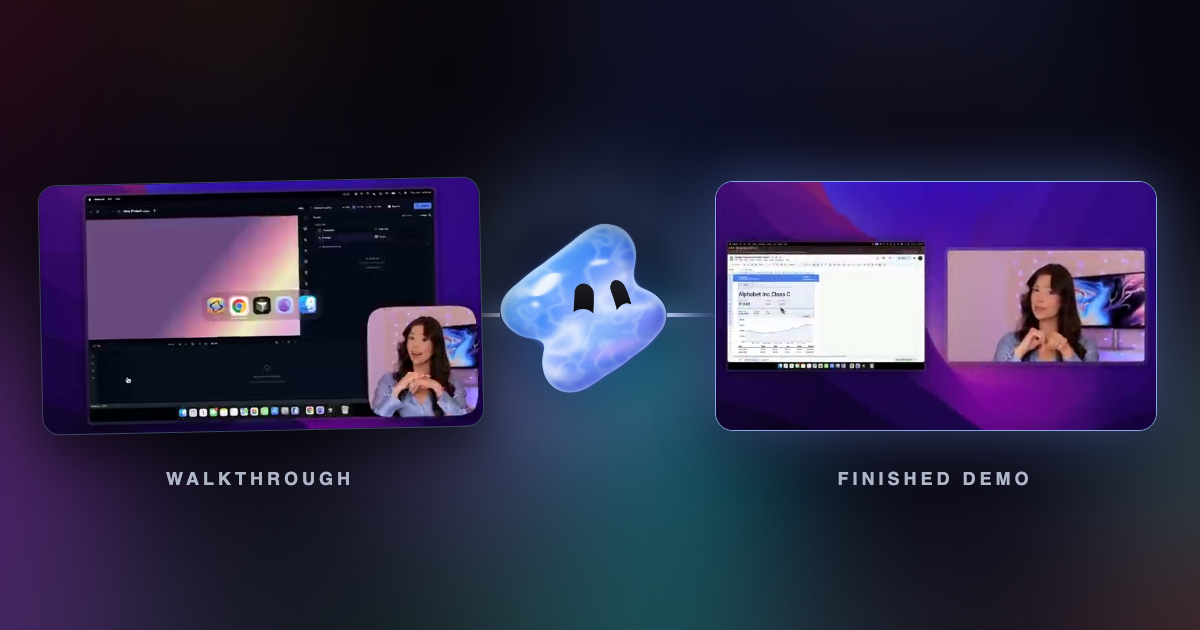
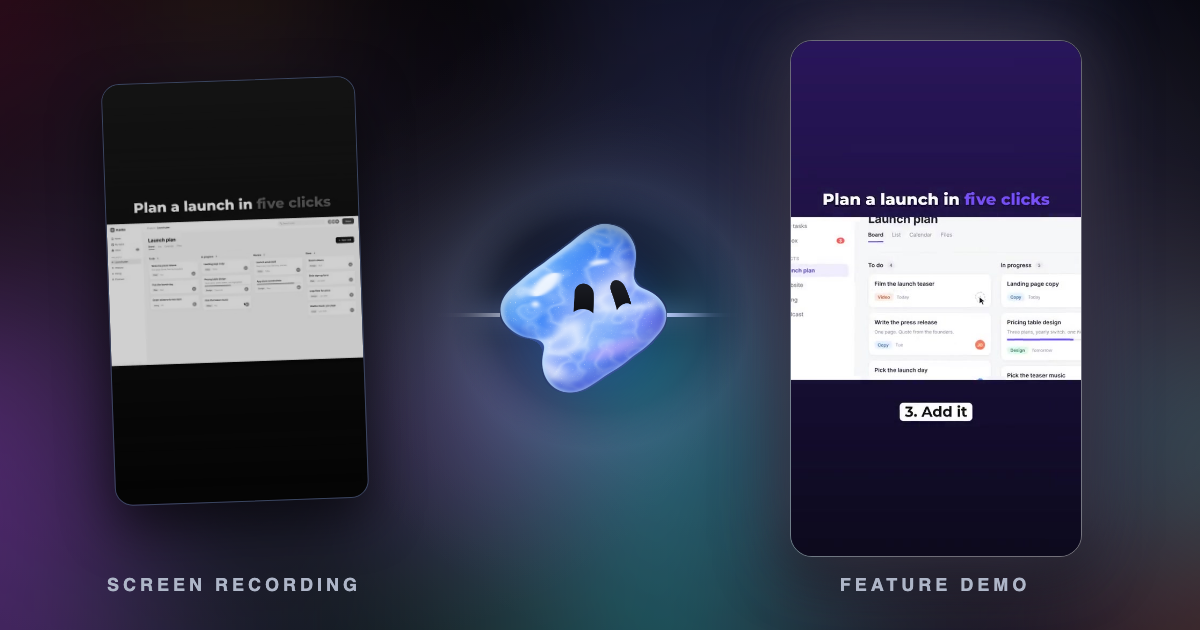
VEED and Canva both expect someone on the team to place every clip and caption. In Vidova, you attach the screen recordings and describe the video, and an AI agent edits a real timeline: it cuts pauses, adds captions, zooms in on the steps that matter, reframes for 9:16 and previews its own frames before you see the cut.
Vidova Recorder, a free download for macOS, Windows and Linux, zooms in on bursts of clicks while you record and keeps your camera on its own track. The free auto zoom tool adds click zooms to a recording you already have.
Turn this 6-minute screen recording into a 45-second feature launch for LinkedIn and a 9:16 cut for Reels. Zoom in when I open the new export menu, cut my pauses, add captions, and end on our logo over the finished report.
You can start free, and free-plan exports carry a watermark. Paid plans start with Creator at $19 a month, or $190 a year, then Pro from $39 and Studio from $88. They remove the watermark and export up to 4K at 60 fps. Vidova has no team seats, so a team that edits one project together is better served by VEED or Canva Business. See Vidova vs VEED, Vidova vs Canva and how to turn screen recordings into product tutorials.
Which one should you use?
- Product demos, onboarding tutorials and release walkthroughs: VEED.
- Feature launches, ads and social posts built from screenshots and brand assets: Canva.
- A team that already designs everything in Canva: Canva, so one Brand Kit covers every format.
- A team with recordings and no time to edit them: Vidova's agent.
Related guides
Sources
All sources checked 7 November 2026.
- VEED plans and prices
- VEED pricing and FAQ
- VEED Help: how to export your project
- VEED screen recorder
- VEED: introducing AI Agent
- Canva: Pro vs Business vs Enterprise (US prices and Brand Kits)
- Canva Help: pricing and billing for Canva Business
- Canva Help: downloading designs as video
- Canva Help: record your screen
- Canva Help: record videos in the editor
- Canva: add subtitles to video
- Vidova: plans and credits
- Vidova: desktop recorder