Vidova
16 school and university video ideas, from open days to graduation
Sixteen school and university video ideas with what to film, how long and the request for Vidova: event recaps, open days, programme promos, graduation and sports.
 Vidova team
Last updated
The short answer
The school and university videos that work best show real students at real moments: an event recap cut from the day's photos, an open day invitation, a programme promo from campus footage, a graduation video, a national day celebration and game day hype. Most run 30 to 60 seconds and start from footage the school already has. Before you post, check the photo permissions: US and UK government guidance covers when a school asks for consent and how families can refuse.
Key takeaways
- Most school videos need no new filming: the photos from the day, last year's footage and the clips staff and students took on their phones are enough.
- Pick 30 to 60 good photos from the hundreds you have. One clear face says more than a wide shot of a crowd.
- Check your school's photo permission list before you edit. Leave out or blur any student who is not on it.
Event recaps
Each idea below has what to film, how long the finished video runs and the request to type in Vidova. Film on a phone held upright for Reels, TikTok and Shorts, and keep a few wide shots for the website. Replace the names, dates and places in each request with yours.
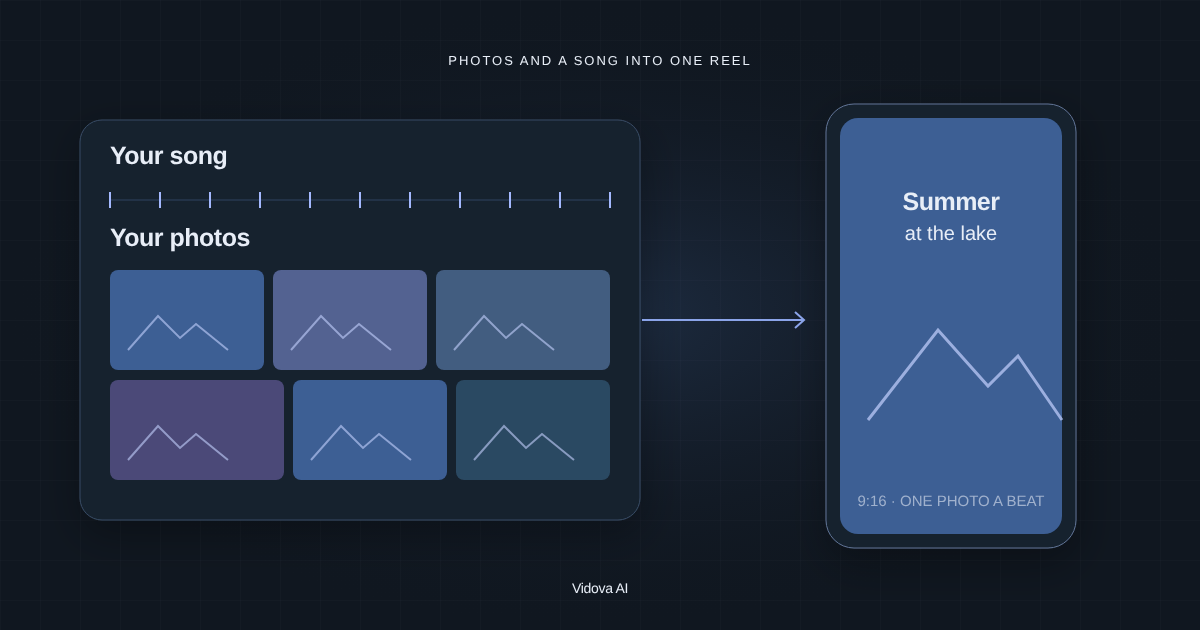
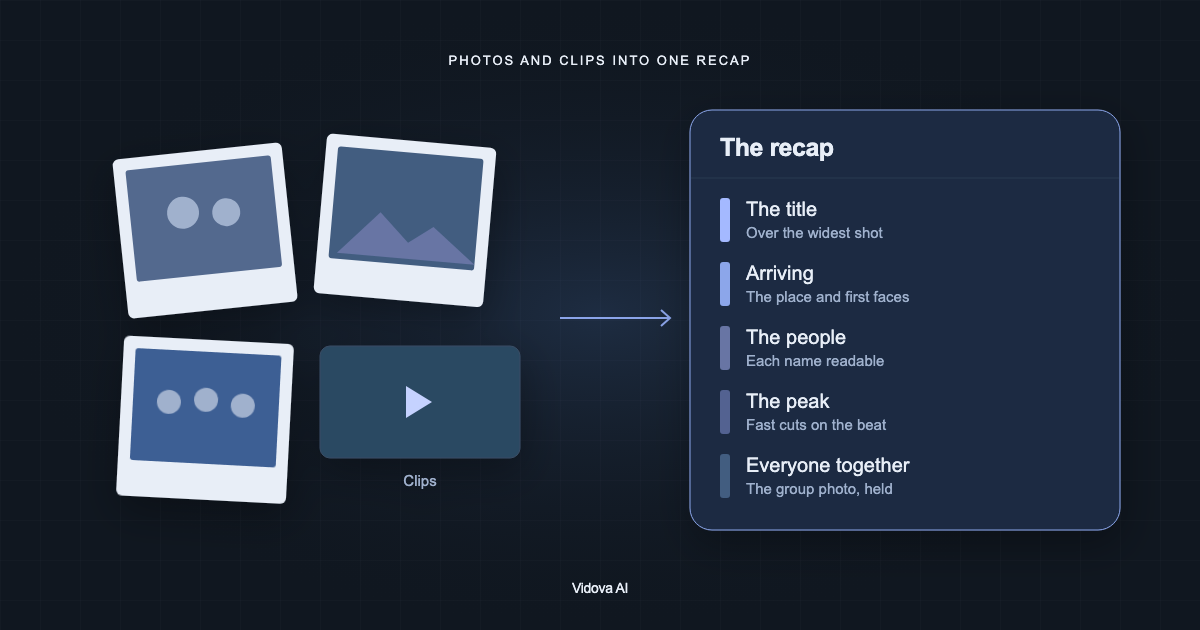
- A recap from hundreds of event photos. Film: nothing new. Collect the photos and clips from a sports day, a prom, a fair or a trip. Length: 45 to 60 seconds. Ask Vidova: “Make a 60-second recap of our sports day from these photos and clips. Pick the 40 best photos, sharp and with faces visible. Keep this order: the parade, the races, the prize giving, the school photo.”
- A national day celebration. Film: the flag raising, the assembly, students in traditional dress, the performances and the decorated classrooms. Length: 30 to 60 seconds. Ask Vidova: “Make a 45-second national day video for our school. Open on the flag raising, cut the performances on the beat and end on the school name with the date.”
- The school play or concert in 60 seconds. Film: the rehearsals, the backstage, the curtain call and two or three moments from the show. Length: 45 to 60 seconds. Ask Vidova: “Make a 60-second highlight of the spring concert. Use the real sound of the choir, not music on top, and slow the last bow down.”
- The science fair or exhibition. Film: each project for 3 seconds and each student saying one line about it. Length: 30 to 45 seconds. Ask Vidova: “Show one project per beat with the project title on screen, then the winners with their names.”
- The first day back. Film: the gates opening, the corridors filling and teachers at the door. Length: 15 to 30 seconds. Ask Vidova: “Make a 20-second welcome-back video. Speed through the morning rush and slow down on the first bell.”
For more on recaps, read how to make an event recap video from photos and videos and how to make event recap videos that sell the next one.
Open days, admissions and programme promos
Families and future students want to see the place and the people before they apply. These videos answer that.
- An open day invitation. Film: the entrance, the best rooms and last year's open day if you have it. Length: 15 to 20 seconds. Ask Vidova: “Make a 15-second open day invitation. Open on the busiest moment of last year's open day and hold the date, the time and the sign-up link on screen for 3 seconds at the end.”
- A programme promo from campus footage. Film: nothing new if the university has footage of its labs, studios, lectures and campus. Length: 30 to 60 seconds. Ask Vidova: “Find every shot of the robotics lab and the design studio in this footage and make a 45-second promo for our engineering programme. End on the programme name and the application deadline.”
- A student testimonial. Film: one student answering “Why did you choose this course?” in three takes, plus shots of them in class. Length: 30 to 45 seconds. Ask Vidova: “Cut the pauses, caption every word and cover the cuts with the class shots.”
- A day in the life. Film: one student from the morning bus or the dorm to the last lecture, 3 to 5 seconds per stop. Length: 30 to 45 seconds. Ask Vidova: “Make a day in the life with the time of day on each stop, cut on the beat.”
- A welcome in another language. Film: the head of school or the dean giving a short welcome to camera. With their consent, Vidova can clone their voice and lip-sync a translated line. Have a fluent speaker check the words before you post. Length: 20 to 30 seconds. Ask Vidova: “Make a Spanish version of this welcome in the dean's own voice, lip-synced, with Spanish captions.”
Vidova can search your videos for a moment in plain words, such as a lab experiment or a lecture hall, so a programme promo can start from hours of campus footage. A 16:9 recording of a talk can become a 9:16 clip that follows the speaker's face.
Graduation and end-of-year videos
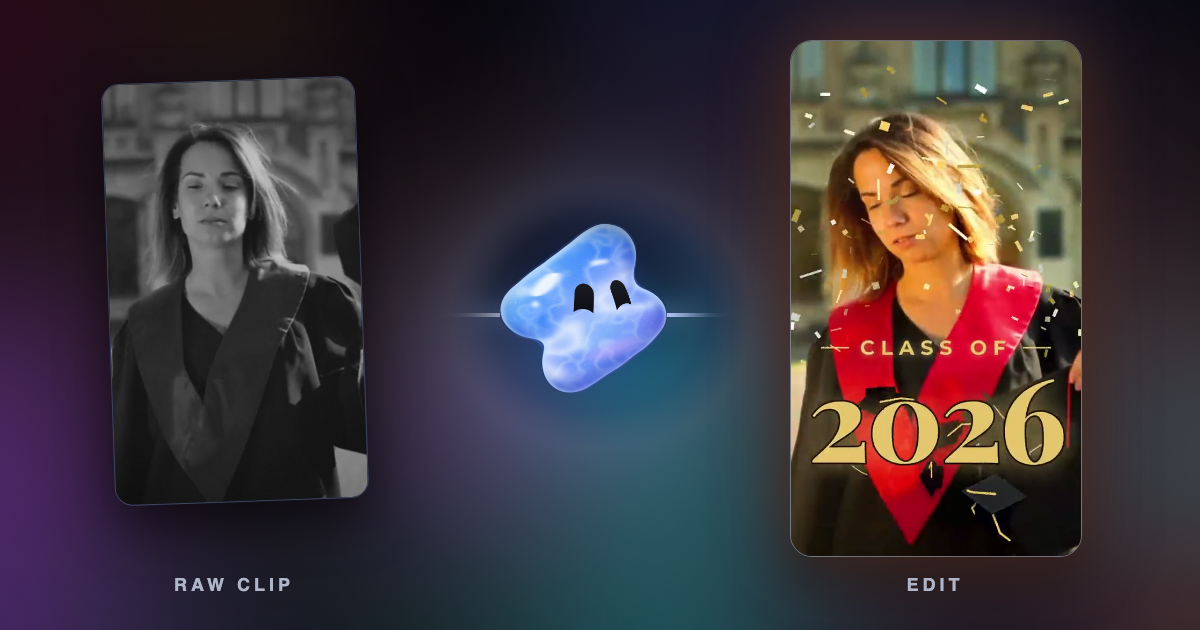
- A graduation video for the class. Film: students getting ready, the walk across the stage, the hugs with family and the caps in the air. Length: 20 to 30 seconds. Ask Vidova: “Make a graduation video for the class of 2026. Quiet open, the names on their walk, and slow motion on the cap toss with the class year in gold.”
- A yearbook video or year in review. Film: nothing new. Collect one or two photos from each month. Length: 45 to 60 seconds. Ask Vidova: “Make a year in review with one month per beat, the month's name on each photo and the whole class photo at the end.”
- A thank-you to the teachers. Film: each class holding up a sign or saying one line of thanks, 2 to 3 seconds each. Length: 30 to 45 seconds. Ask Vidova: “Put one class per beat with the teacher's name as a title, and end on all the classes together.”
- Then and now. Film: photos from the first day of school and the same students in the same places on the last day. Length: 15 to 20 seconds. Ask Vidova: “Match each first-day photo with its last-day photo and cut between them on the beat.”
Vidova's graduation template builds the class video this way: a quiet open on a graduate getting ready, a title that reads “Four years for this”, the graduate's name and degree on a strap, then a white flash on the music's drop, slow motion, mortarboards and confetti in the air and the class year landing in gold. It closes on “Congrats” and the graduate's name.
Sports and game day
- Game day hype. Film: the warm-up, the locker room, the team walking out and last season's best plays. Length: 15 to 25 seconds. Ask Vidova: “Make a game day hype video for Friday's home game. Cut on the beat, slow the best play down to quarter speed and end on the matchup, the time and the place.”
- Season highlights and recruiting clips. Film: full games from the stands or the sideline, held still. Length: 1 to 3 minutes for a recruiting reel, 30 seconds for social. Ask Vidova: “Make a 2-minute highlight from these clips of her plays, best play first, with her name, position and class year on the first frame.”
For recruiting reels, read how to make sports highlight and recruiting videos. For a slowed play that stays smooth, Vidova makes new frames between the real ones with AI. The free AI slow motion tool does the same for one clip.
Filming students: what the guidance says
Rules depend on your country and your school's own policy. Two government sources show the common pattern.
| Country | Source | What it says |
|---|---|---|
| United States | US Department of Education, FAQs on photos and videos under FERPA | A photo or video directly related to a student and kept by the school is an education record. Schools often name photos and videos of students at public events, such as games, concerts and plays, as directory information, or ask parents or eligible students for consent to publish them. |
| United States | Same FAQ | A photo a parent takes at a school football game is not an education record, because the school does not keep it. |
| United Kingdom (England) | Department for Education, taking and using photos and videos in schools (updated 14 October 2026) | Pupils, parents or carers can opt out of having their images used. If a parent opts out after agreeing, the school must remove the image from the website, social media and future materials. |
| United Kingdom (England) | Same guidance | Many schools collect specific consent for posting on platforms such as Facebook, Instagram or X. It is good practice to ask pupils directly once they can understand how their images may be used, often at around the age of 13. |
- Get your school's photo permission list before you start, and leave out photos of students who are not on it.
- Film crowds from behind or at a distance when you cannot check every face.
- Blur any face you could not avoid with the face blur tool, or ask the Vidova agent to blur it.
- Show only the names of students whose families agreed.
Make the event recap in Vidova
Collect the photos and clips from the event and remove any student who is not on your photo list. Open Vidova, attach the files and describe the video. Vidova takes PNG, JPEG and WebP photos and MP4, MOV, MKV and WebM video. This is an example brief with an invented school. Replace the names, the order and the date with yours.
Make a 60-second vertical recap of Hillside Primary's sports day from these photos and clips. Open on the loudest cheer. Pick the 40 best photos, sharp and with faces visible, and keep this order: the opening parade, the sprint races, the tug of war, the prize giving, then the whole school photo. Title: “Sports Day 2026”. Upbeat music made for the video. Keep the real cheer when the last race ends. Also make a 16:9 version for our website.
The agent builds the cut on a real timeline, previews frames of its own work and checks the film before it hands it over. Each photo fills the frame with a slow push, and names sit below faces, never on them. Keep the project: next year's recap starts from it. For music, ask for a track made for the edit, or make one with the AI music generator. You can start free. Paid plans start at $19 a month, remove the watermark and export up to 4K at 60 fps.
Sources
All sources checked 1 November 2026.