Best Screen Studio alternatives for Windows
Screen Studio runs only on macOS. These Windows screen recorders zoom in on your clicks too: Vidova Recorder, Cap and FocuSee, plus what Camtasia and Tella offer.
Last updated
The short answer
Screen Studio has no Windows version. On Windows, Vidova Recorder, Cap and FocuSee zoom in on your clicks after the take. Vidova Recorder is free to download, runs on Windows 10 or later on Intel, AMD and ARM PCs, and also adds silence cuts, captions and chapters. Cap is open source and free for personal use. FocuSee has a free trial that exports one video.
Key takeaways
- Screen Studio only supports macOS, so Windows users need another recorder for click zooms.
- Vidova Recorder runs on Windows 10 or later, including ARM PCs, and is free to download.
- Cap and FocuSee also zoom in on clicks on Windows.
Is there Screen Studio for Windows?
No. Screen Studio's site says it only supports macOS, as of October 2026. If you record on Windows, or your team uses both systems, you need a recorder that runs on Windows and saves your clicks so it can zoom on them.
Windows recorders with click zoom
| Recorder | Windows version | Automatic zoom | Price |
|---|---|---|---|
| Vidova Recorder | Windows 10 or later, Intel, AMD and ARM | Yes, on click bursts | Free download, no account to record |
| Cap | Windows 10 or later | Yes, generated from recorded clicks | Free for personal use; desktop license $58 once or $29 a year |
| FocuSee | Yes | Yes, on clicks and typing | Free trial exports one video |
| Camtasia | Windows 10 20H2 or later, 64-bit | Zooms are edits you place | Free editor with a watermark until you buy a plan |
| Tella | Yes, plus browser | Automatic zoom effects; click trigger not stated | From $13 a month |
Vidova Recorder on Windows
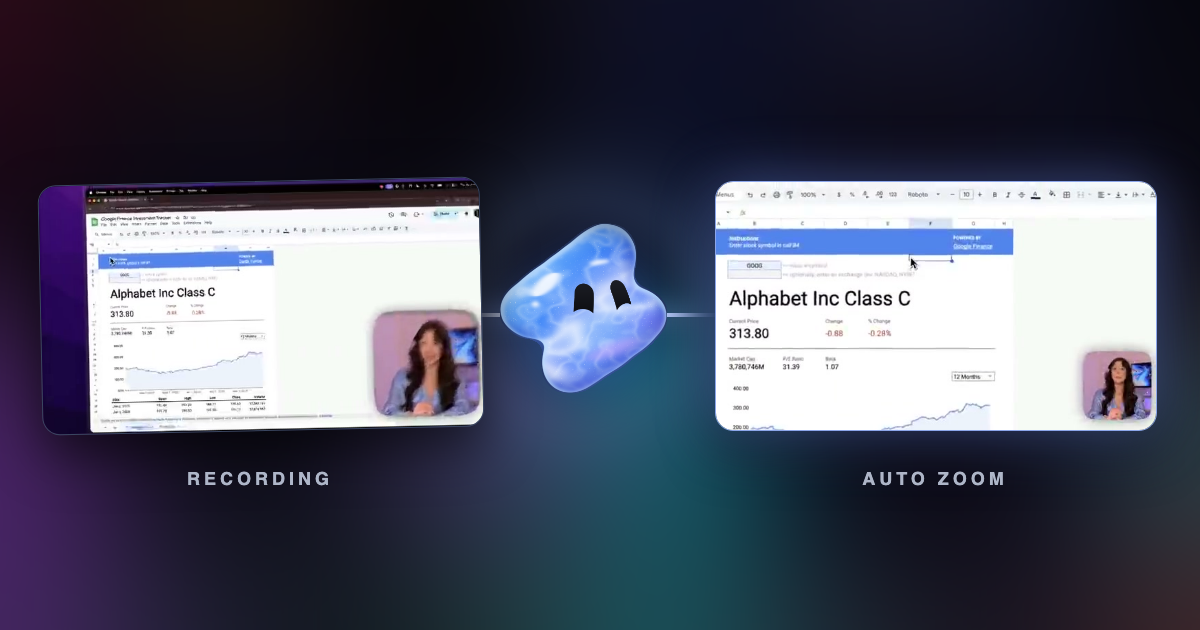
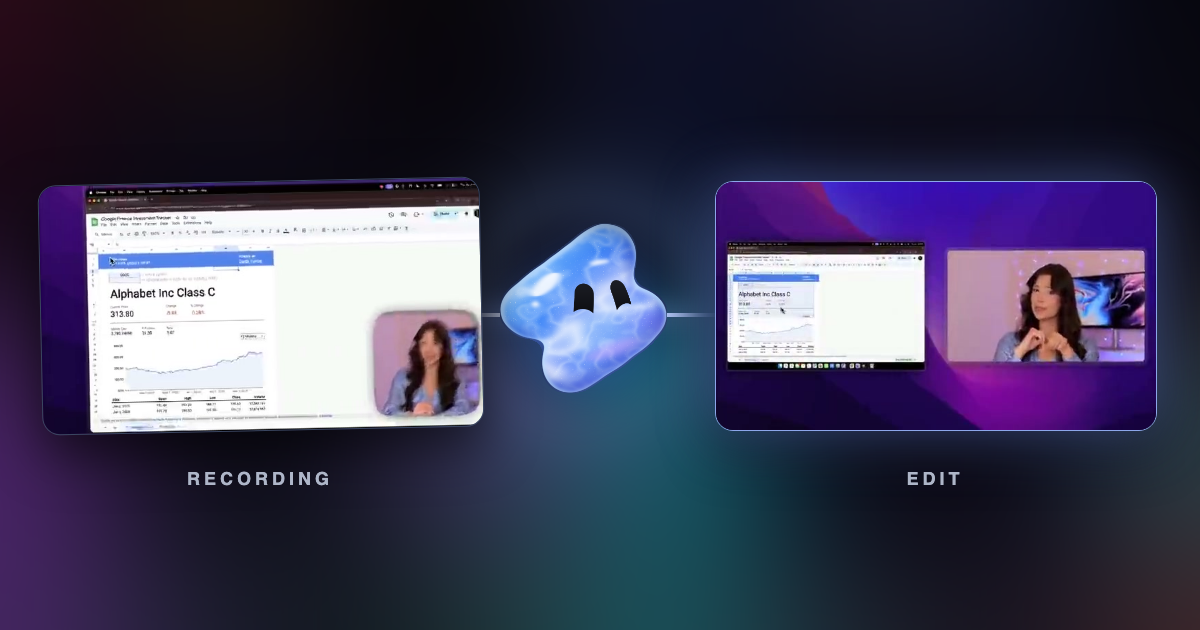
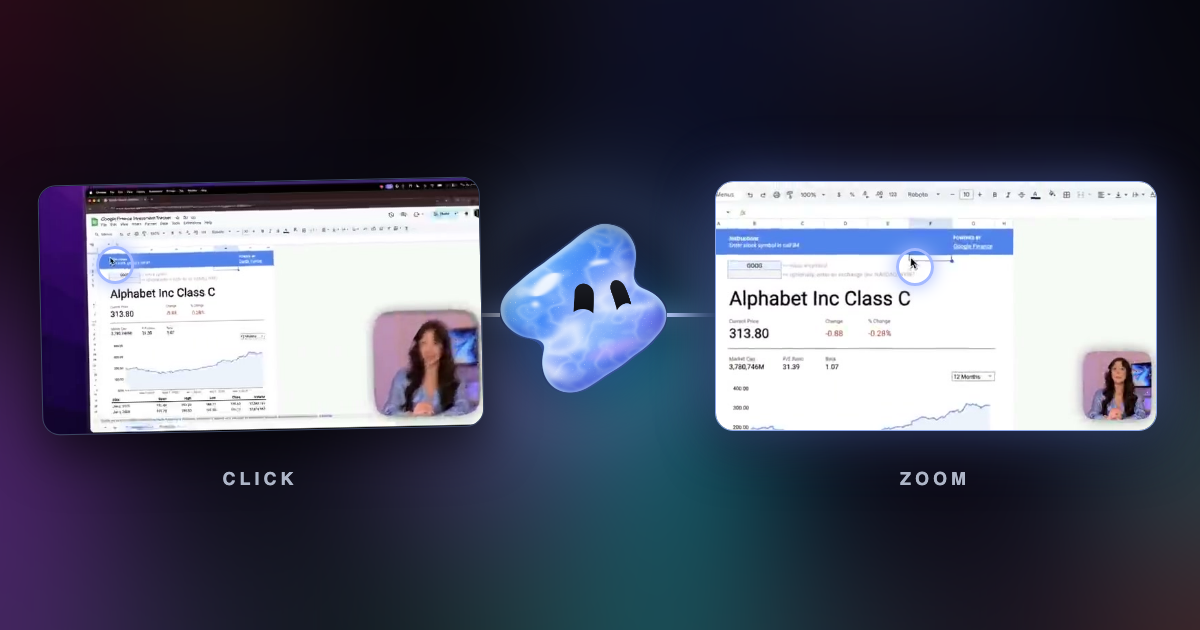
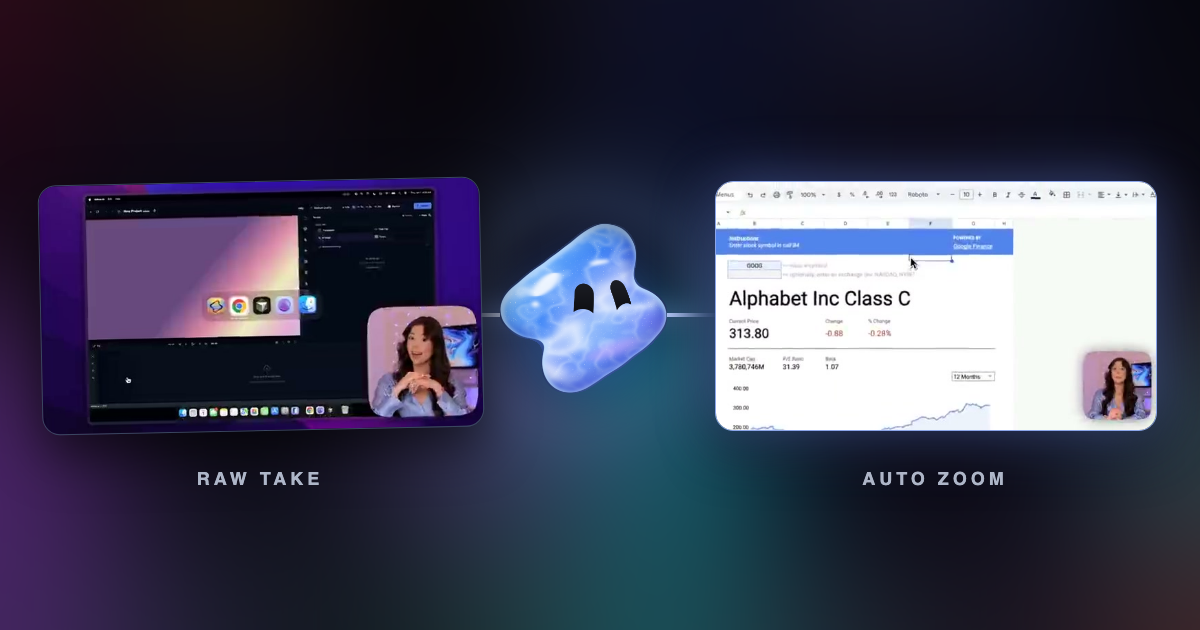
Vidova Recorder is the same app on Windows, macOS and Linux. It records a display or one window with your camera, microphone and system audio, at 24, 30 or 60 frames per second and up to 2560 pixels wide. It saves the cursor, clicks and keys, then places zooms on bursts of clicks and a camera that follows the cursor.
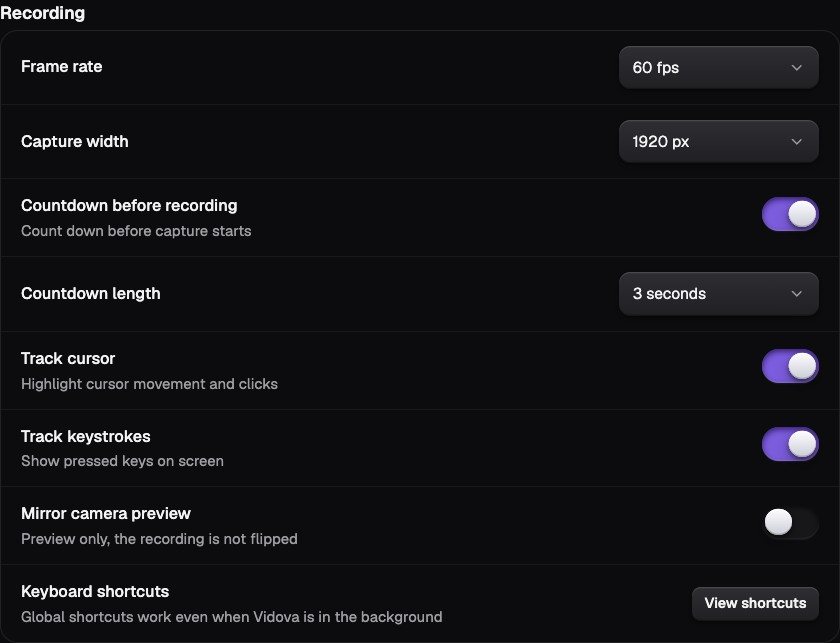
Global shortcuts start, pause and stop the take while another app is in front. After the take, the editor can also cut silences, write captions and add chapters. Export an MP4 or a project for Premiere Pro or DaVinci Resolve.
Cap and FocuSee
- Cap: open source, Windows 10 or later. Studio Mode records locally with no time limit and generates zooms from clicks.
- FocuSee: Windows and macOS. Auto zoom follows clicks and typing, and the app adds a cursor that fades during focused moments.