Vidova
Submagic alternatives for captions, free and without a watermark (2026)
Submagic alternatives for animated captions: free apps that export without a watermark and paid AI caption tools, with prices and limits checked October 2026.
 Vidova team
Last updated
The short answer
The best free Submagic alternatives without a watermark are VN, Instagram's Edits app and Adobe Premiere mobile. All three add auto captions and export with no watermark. For AI captions with zooms and B-roll on a paid plan, look at Captions and Zeemo. Submagic runs only in the browser, its free videos carry a watermark, and its paid plans start at $19 a month, or $12 a month billed yearly.
Key takeaways
- Submagic gives 3 free videos with a watermark. Starter is $19 a month, or $12 billed yearly, for 15 videos of up to 2 minutes (checked October 2026).
- VN, Edits and Adobe Premiere mobile make auto captions for free and export 4K with no watermark.
- Captions and Zeemo are paid AI caption apps for phones and the browser. Zeemo Pro is $8 a month billed yearly.
- Vidova makes word-by-word captions as part of a full edit by an AI agent. Its free plan has a watermark.
What Submagic does and what it costs
Submagic is a web app that adds animated AI captions to short videos in 123 languages. It can also add B-roll, remove silences and bad takes, and zoom in on its own on the Pro plan. Magic Clips, which cuts long videos into shorts, is a separate add-on subscription. Submagic's help center says there is no native app for iPhone or Android, but you can upload from a phone browser.
- Free: 3 videos, and the exports carry a watermark.
- Starter: $19 a month, or $12 a month billed yearly, per member. 15 videos a month of up to 2 minutes each, exported in 1080p at 30 fps.
- Pro: $39 a month, or $23 billed yearly. 40 videos of up to 5 minutes, with automatic zooms.
- Business: $69 a month, or $41 billed yearly. 100 videos of up to 30 minutes, exported in 4K at 60 fps.
All paid plans export without a watermark.
Why people look for a Submagic alternative
- The watermark on free exports.
- Limits per video. Starter takes videos of up to 2 minutes and 15 videos a month.
- A phone app. Submagic has no app for iPhone or Android.
Submagic alternatives compared
| Tool | Runs on | Free exports | Paid from | Best for |
|---|---|---|---|---|
| Submagic | Browser | 3 videos, watermark | $19 a month, or $12 billed yearly | AI captions with B-roll and zooms |
| VN | iPhone, iPad, Android, Mac, Windows | Auto captions, up to 4K, no watermark | Free | Free captions on phone and desktop |
| Instagram Edits | iPhone, Android | Auto captions, 4K, no watermark | Free | Reels captioned on a phone |
| Adobe Premiere mobile | iPhone, iPad, Android | Auto captions, 4K, no watermark | Free editing | Captions inside a full phone editor |
| Captions | iPhone, Android, browser, Mac | Manual edits export. AI features need a paid plan | Max $24.99 a month (iOS plans) | AI edits of talking videos on a phone |
| Zeemo | Browser, iPhone, Android | 720p, videos up to 1 minute, watermark | $8 a month billed yearly | Captions and translation in many languages |
| Vidova | Browser on desktop and phone | 720p with a watermark, projects up to 1 minute | From $19 a month | Captions as part of a full edit |
Free Submagic alternatives without a watermark
VN says on its App Store listing that it is free with no watermark. Its auto captions support many languages, subtitle templates and animated text styles, and after it makes the captions it can find and remove filler words. It runs on iPhone, iPad, Android, Mac and Windows. The downside: the app contains ads.
Edits from Instagram makes captions automatically and lets you change how they look, with a default style and seven presets. It exports 4K with no watermark. The downside: you sign in with an Instagram account, and it runs only on phones.
Adobe Premiere on iPhone, iPad and Android has auto captions from AI speech-to-text, and Adobe says the free version exports 4K with no watermark. The downside: it makes the captions, but zooms and B-roll are up to you, while Submagic can add them for you.
CapCut also has auto captions and caption templates. Its help center says premium templates and effects add a watermark in the free version, so stay with the free styles if you want a clean export.
Paid AI caption tools
Captions, which has merged with Mirage Studio, runs on iPhone, Android, the web and macOS. It adds styled captions and can edit a talking video with AI, fix eye contact and remove pauses and filler words. Its pricing page shows Max at $24.99 a month and says the prices are for its iOS plans. The downside: AI features need a paid plan to export, and its own pages disagree on whether free exports carry a watermark.
Zeemo makes captions in 95 languages and translates them into more than 120. It runs in the browser and on iPhone and Android. Pro is $8 a month billed yearly, with 1080p exports of videos up to 3 minutes, and Expert is $13.39 a month billed yearly, with 4K. The downside: the free plan exports 720p, takes videos up to 1 minute and adds a watermark.
OpusClip also adds animated captions in more than 20 languages when it cuts clips from a long video. Our page on OpusClip alternatives compares the clipping tools.
Where Vidova fits
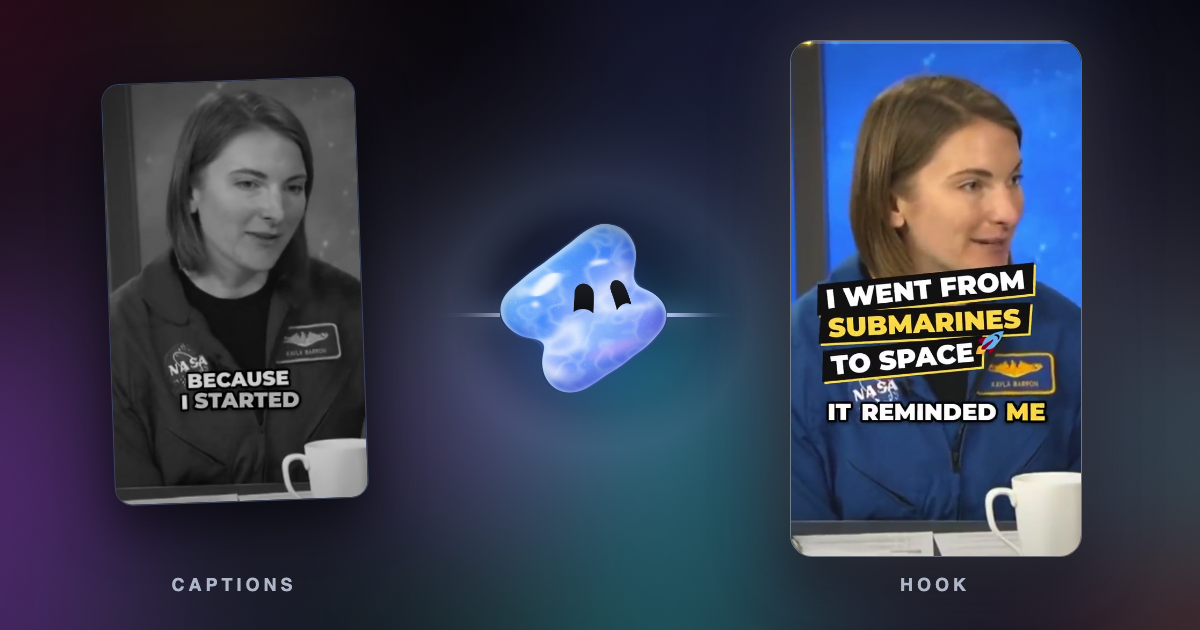
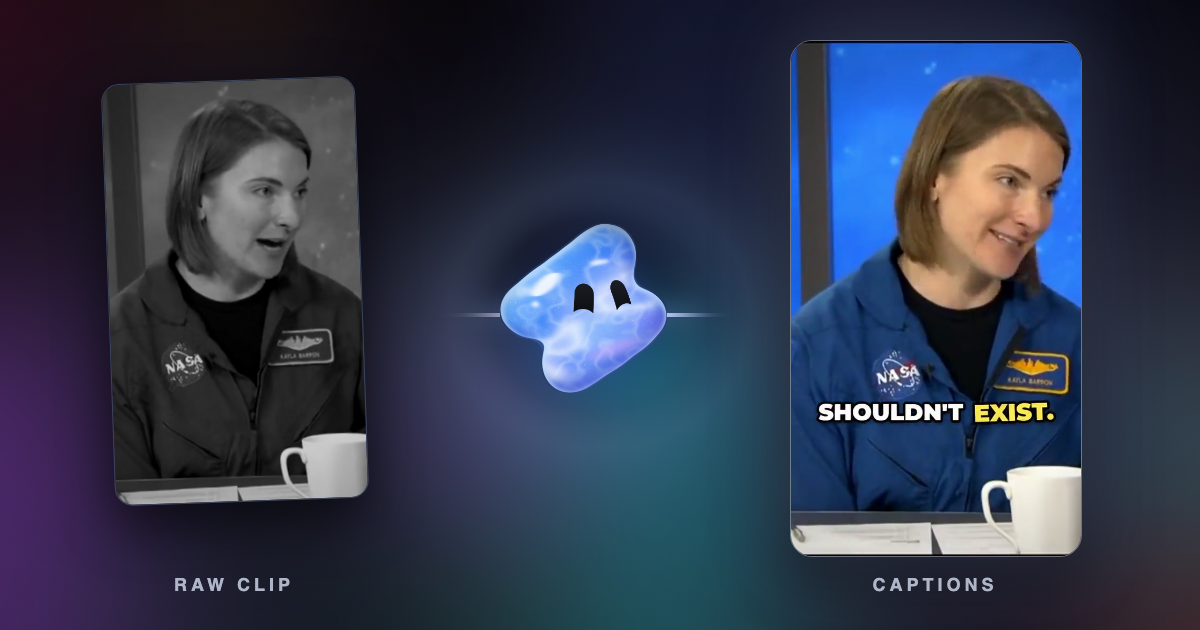
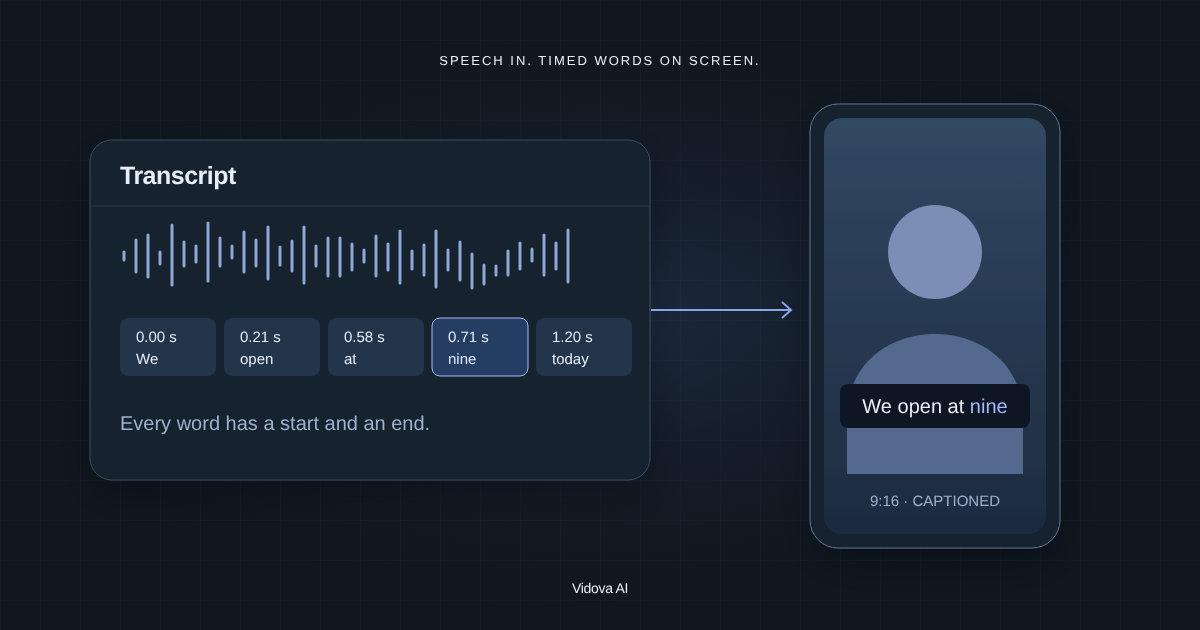
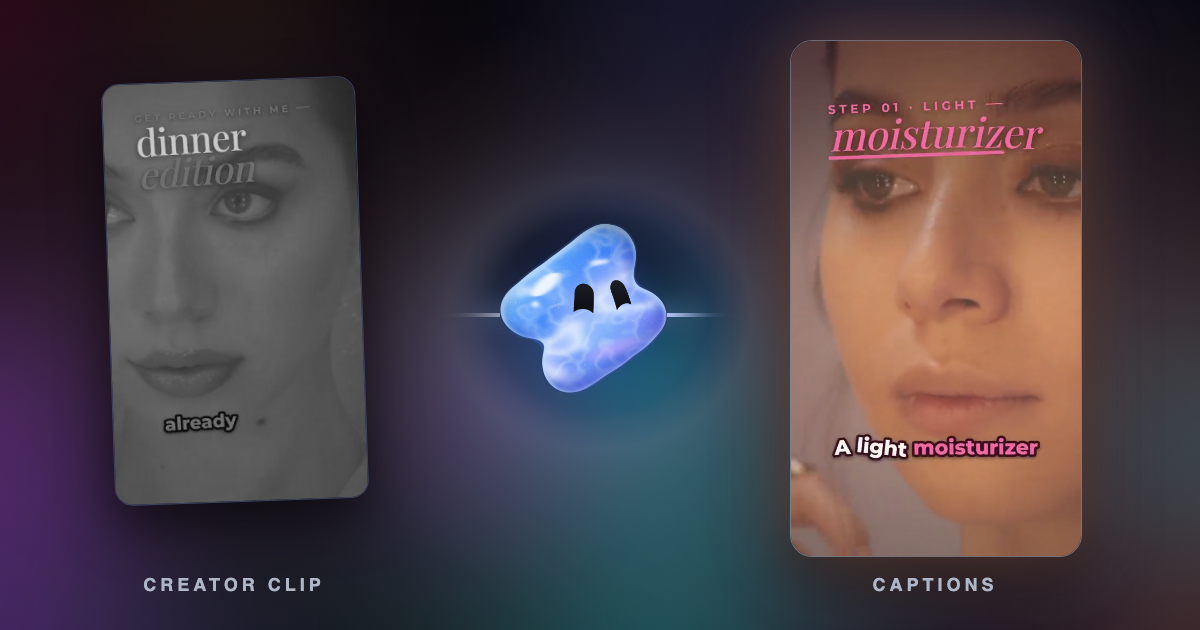
In Vidova, captions are part of a full edit. You upload the clip and ask, and the AI agent transcribes the speech, cuts pauses and filler words, adds animated word-by-word captions and keeps them inside the area that TikTok, Reels and Shorts leave clear. Every word keeps its time, so you can fix a name without cutting the video again. The agent can also add B-roll, titles or a logo in the same edit.
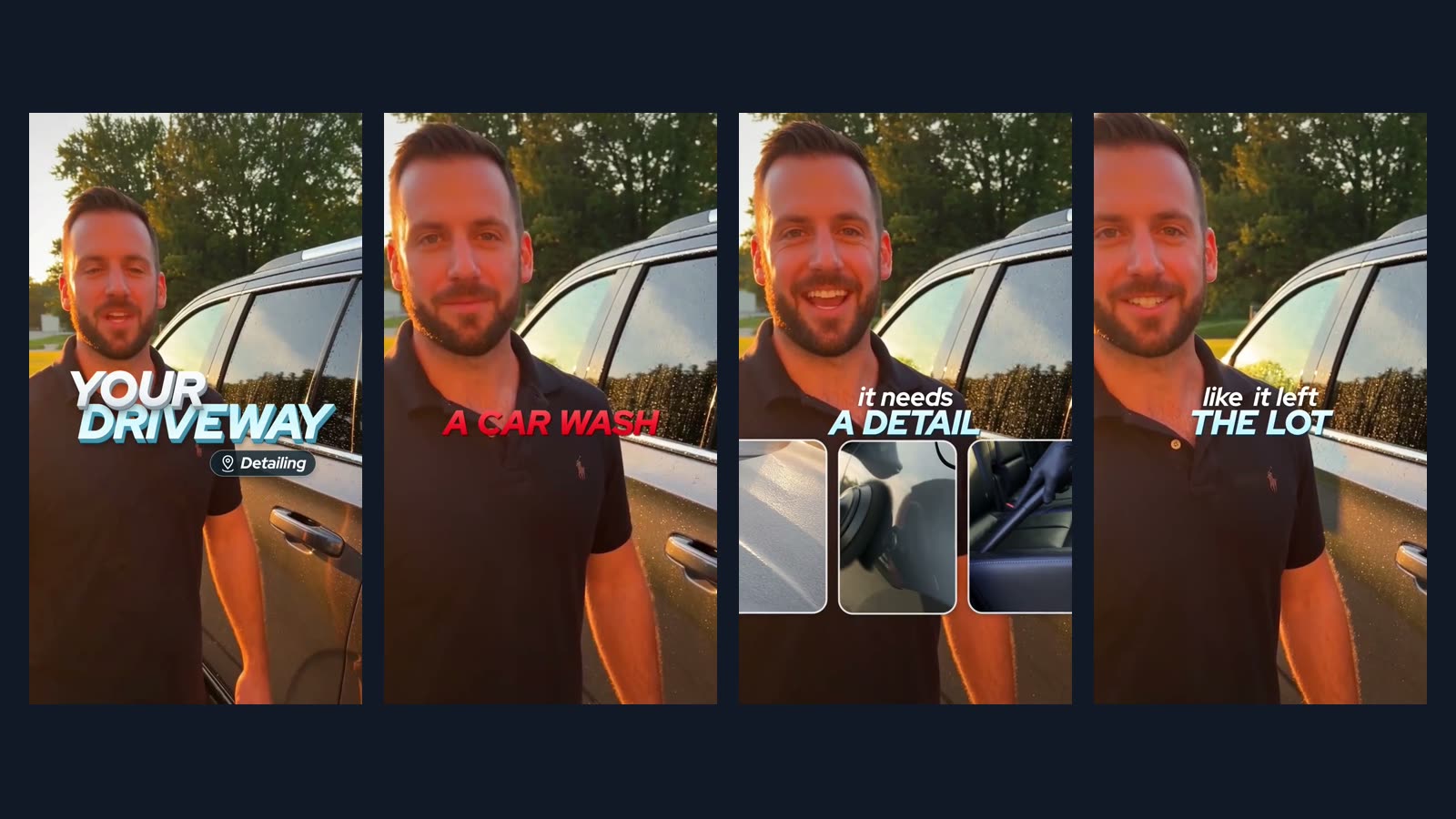
Transcribe this clip and add two-line captions: the spoken words small, the one or two words that matter large, and the problem words in red. Keep the captions on his chest, inside the area TikTok and Reels leave clear, and cut the pauses.
The free plan exports at 720p with a Vidova watermark and takes projects up to 1 minute long, so it is not a free way to get captions without a watermark. You can start free. Paid plans start at $19 a month, remove the watermark and export up to 4K at 60 fps. Vidova runs in the browser on desktop and phone. There is no Android app.
For subtitle files only, the free auto subtitle generator makes SRT or VTT files that you can correct, and animated TikTok captions burns word-by-word captions into a video.