 Vidova
How to split a video into scenes automatically
Split a video at every cut and fade with a free tool, download each scene as an MP4, and compare PySceneDetect, FFmpeg, CapCut, Premiere, Resolve and Filmora.
 Vidova team
Last updated
The short answer
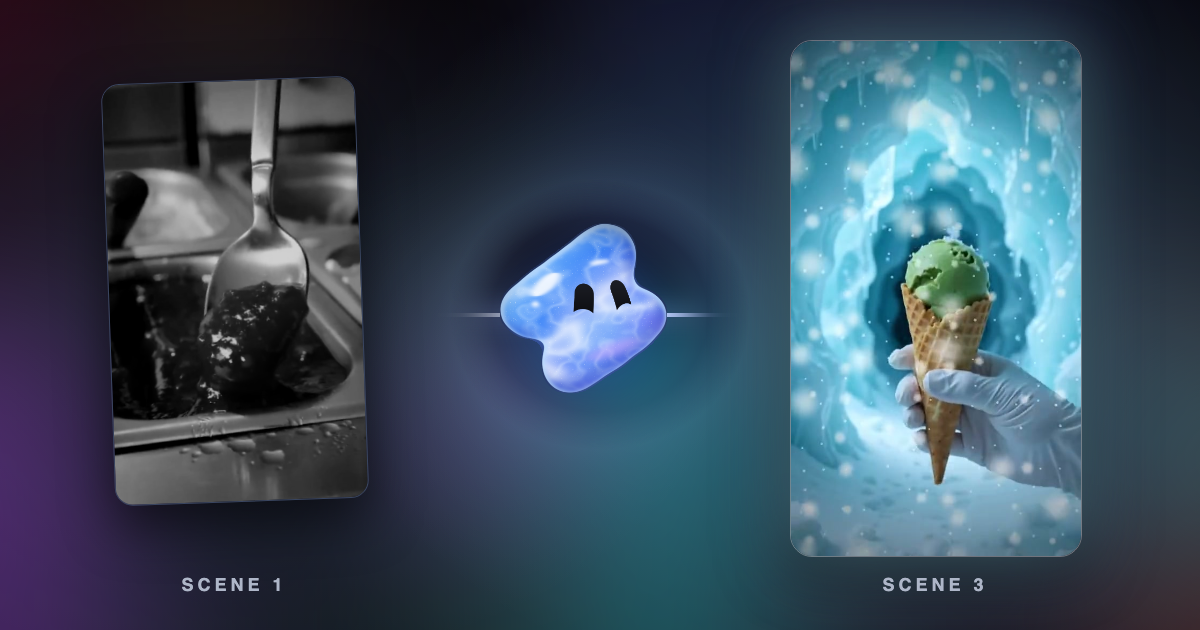
Vidova is an AI video editor with a free scene splitter. Drop a video, and it finds every cut and fade, lists the scenes, and lets you download each one as an MP4 or the cut list as a CSV file. It takes up to 60 seconds without an account and 30 minutes with one. PySceneDetect fits long files and batches in a terminal. CapCut, Premiere, Filmora and DaVinci Resolve Studio split a video inside their own timelines.
Key takeaways
- Scene detection finds changes of shot. A raw clip from a camera is one shot, so it gives one scene.
- It works best on videos that are already edited, such as vlogs, compilations and ads.
- Check how a tool treats fades. Vidova's tool finds them with the hard cuts, and PySceneDetect uses a separate detector for them.
How to split a video into scenes with Vidova
These steps use Vidova's free tool. It fits a short video that is already edited.
- Open the scene splitter and drop a video. Without signing in, it can be up to 60 seconds long. Your browser makes a small copy of the picture, 320 pixels on its long side with no sound, and uploads only that copy.
- Wait for the scenes. A shot detection model reads the frames and marks where one shot ends and the next starts, at hard cuts and at dissolves and fades.
- Check the list. Each scene shows a picture, its start and end, and its length. Play a scene to check where it starts.
- Download one scene or all of them as MP4 files. Your browser cuts them from your own file at its full size. Or download the cut list as a CSV file.
- To keep working, choose Edit the scenes in the editor. The video and its scene times go to the agent, and you describe the edit.
The tool writes this first message for you. Change it to say what you want:
Edit this video. Use its scenes to keep the best shots and cut the rest.
The cut list has one line per scene, with these columns:
scene,start_seconds,end_seconds,length_seconds,start_timecode,end_timecode,starts_withThe timecodes use the frame rate of the video. The last column says whether a cut or a fade starts the scene.
What scene detection finds
A scene in these tools means a shot: the picture between two cuts. The tool looks for a change in the picture, so it knows nothing about topics or the story.
- A vlog, an ad or a compilation: many shots, so many scenes. These are the videos the tool is made for.
- A raw clip from a camera: one shot, so one scene. To find moments in raw clips, read Can AI pick the best moments from my raw clips?
- A talk or a podcast from one camera: few cuts or none. Split it by what people say. Read how to turn a long video into Shorts, Reels and TikToks.
Scene splitting tools, compared
| Tool | Finds | Runs on | Gives you | Price and limits |
|---|---|---|---|---|
| Vidova scene splitter | Hard cuts, dissolves and fades | Browser | An MP4 per scene and a CSV cut list | Free: 5 videos a day, up to 60 seconds each. With an account: up to 30 minutes using plan credits. Plans from $49 a month |
| PySceneDetect | Fast cuts with detect-adaptive or detect-content, fades with detect-threshold | Command line with Python 3.10 or newer, or a 64-bit Windows build | Clips through ffmpeg, and a scene list | Free and open source (BSD 3-Clause) |
| FFmpeg | A score from 0 to 1 for how likely a frame starts a scene | Command line on Linux, Mac and Windows | Frames and times. Cutting clips takes more commands | Free |
| CapCut | Scene changes and motion shifts | Desktop and online | Separate clips on the timeline | CapCut's page calls it free on desktop |
| Adobe Premiere | Edit points, with Scene Edit Detection | Windows and Mac | Cuts, subclips in a bin, or markers | US$22.99 a month on an annual plan billed monthly |
| DaVinci Resolve | Scene cuts | Mac, Windows and Linux | Clips on the timeline | Listed as a Studio feature. Studio is listed at $236, down from $295 |
| Filmora | Shot transitions, with Scene Detection | Its guide covers Windows. The app runs on Windows and Mac | Scenes in Project Media or on the timeline | Its guide names no plan. Free exports carry a watermark. Advanced is US$59.99 a year |
We have not tested these tools against each other. Each row comes from the vendor's own pages, linked under Sources. Prices and limits change.
How to split a video with PySceneDetect
PySceneDetect is a free, open source tool for people who are comfortable in a terminal. It runs on your own computer, so the whole file stays with you. Install it and split a video with these commands:
pip install --upgrade scenedetect
scenedetect -i video.mp4 split-video
`split-video` needs ffmpeg on your system path. Its `--copy` option needs mkvmerge instead. To list the scenes without cutting anything, run this:
scenedetect -i video.mp4 detect-adaptive list-scenes`detect-adaptive` and `detect-content` look for fast cuts. PySceneDetect's documentation says `detect-adaptive` uses a rolling average, which can reduce false detections when the camera moves. For fade-ins and fade-outs, use `detect-threshold`.
How to find scene times with FFmpeg
FFmpeg's select filter gives each frame a scene score from 0 to 1. Its documentation says a value between 0.3 and 0.5 is generally a sane choice. This command prints the time of each frame over 0.4:
ffmpeg -i video.mp4 -vf "select='gt(scene,0.4)',showinfo" -f null - 2>&1 | grep pts_timeFFmpeg gives you the times. You cut the clips with further commands, so this route fits people who already script their video work.
How to split scenes in a video editor
CapCut: add the video to the timeline, right-click it and choose Split scene. CapCut says its AI then detects the scenes.
Premiere: right-click the sequence on the timeline and select Scene Edit Detection, or choose Clip, then Scene Edit Detection. Choose cuts, subclips or markers, then select Analyze.
DaVinci Resolve Studio: Blackmagic's forum says Timeline, then Detect Scene Cuts, is a Studio feature, and the Studio page lists scene cut detection. We could not confirm from Blackmagic's own pages what the free version includes.
Filmora: put the clip on the timeline and open Tools, then Scene Detection. When the analysis ends, choose Import Resource or Add to Timeline.
What goes wrong, and how to fix it
| Problem | Cause | Fix |
|---|---|---|
| You get one scene | The video is a single shot | Find moments by what happens in them. Read [Can AI pick the best moments from my raw clips?](/blog/can-ai-pick-the-best-moments-from-raw-clips) |
| A flash or a fast camera move makes an extra scene | A detector can read a big change in the picture as a new shot | Play the scene and join it back in your editor. In the Vidova editor, ask the agent to run detection with a higher threshold. In PySceneDetect, try `detect-adaptive` or set `--min-scene-len` |
| PySceneDetect misses a fade | `detect-adaptive` and `detect-content` look for fast cuts | Run `detect-threshold` |
| The tool asks you to sign in or to cut the video | It is over 60 seconds without an account, or over 30 minutes with one | Sign in, shorten it with the [trim tool](/tools/trim-video), or open it in the editor |
| A part does not download | Your browser cuts the parts with its own codecs, and some browsers cannot read some files | Try an MP4 file, or a recent Chrome, Edge or Safari. You can also download the cut list |
| The scene cuts are not on the timeline | Detection times point at the source file, and the agent still has to apply the cuts | Ask the agent for the cut you want |
Questions about splitting a video into scenes
Is the scene splitter free? Yes. Without signing in, you can split 5 videos a day, each up to 60 seconds long. With an account, a video can be up to 30 minutes long and uses about 1.4 credits a minute.
Is my video uploaded? Only a small copy of the picture is, with no sound. Your browser cuts the scene parts from your own file. A file uploaded without signing in is deleted a day later.
Do the parts come from the small copy? No. Your browser cuts each part from your own file at its full size, with its sound, and saves it as an MP4 with H.264 video and AAC sound.
Where does a fade split? A fade starts its new scene in its middle.
Can I split a video longer than 30 minutes? Not in the free tool. In the Vidova editor, the agent can run detection on a range of a longer clip you upload. PySceneDetect runs on your own computer.
Can an AI agent use the scenes? Yes. Vidova's agent can run scene detection on a video in your project and cut from the result. You can also connect ChatGPT or Claude to Vidova over MCP.
Split your first video
Start with the free scene splitter. To edit the scenes, use a Vidova plan. Plans start at $49 a month, with no watermark.
Sources
- PySceneDetect
- PySceneDetect command line reference
- PySceneDetect download and requirements
- FFmpeg filters: select
- About FFmpeg
- CapCut: split scene
- CapCut: cut scene
- Adobe: Scene Edit Detection in Premiere
- Adobe Premiere plans
- Adobe Premiere system requirements
- DaVinci Resolve
- DaVinci Resolve Studio
- Blackmagic forum: scene cut detection in the free version
- Filmora guide: Scene Detection
- Filmora plans