 Vidova
How to make a cinematic aftermovie with AI: story, pace and feel
Make a cinematic aftermovie with AI: one arc from calm to peak, cuts that get shorter, one slowed moment and the room's real sound under one song.
 Vidova team
Last updated
The short answer
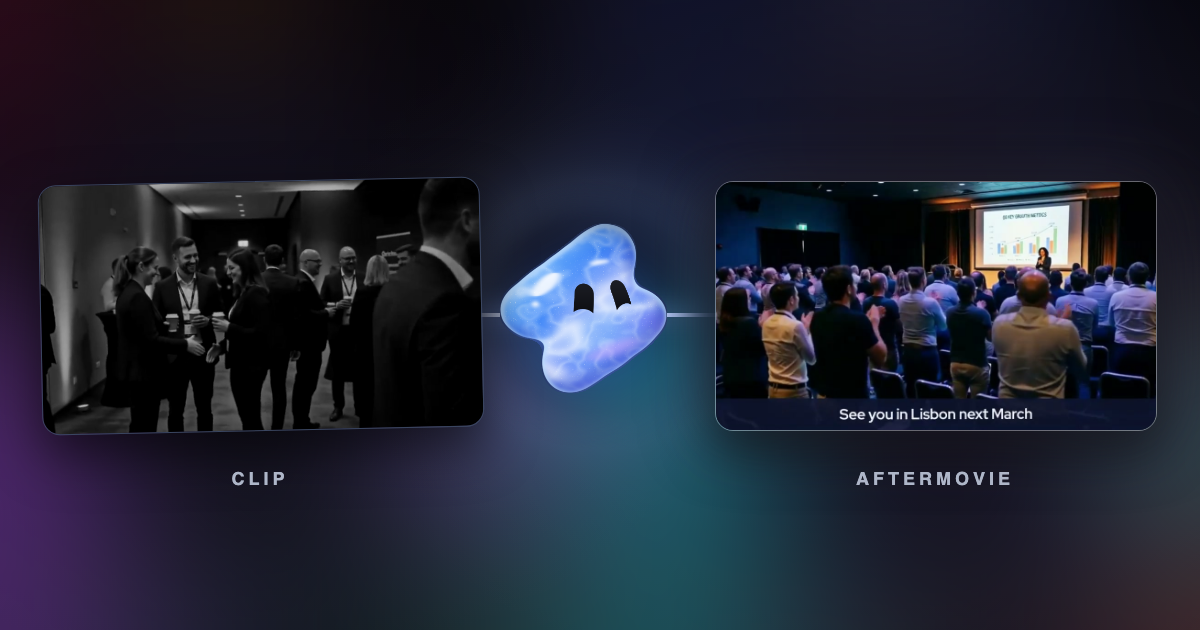
Vidova is an AI video editor: you upload the footage from your event, describe the day in a few lines, and its agent cuts an aftermovie on a timeline you can change. To make an aftermovie feel cinematic, follow one arc from calm to a single peak, make each cut shorter than the last, slow only the peak, and keep the room's real sound under one song. CapCut, DaVinci Resolve, iMovie and Kapwing's Kai are other ways to build it.
Key takeaways
- An aftermovie follows one arc: calm, build, one peak, release. A stranger should feel the day without a schedule.
- Make each cut shorter than the one before as the music climbs, and slow only the peak.
- Keep the room's real sound under one song, and let that song play to the end.
Aftermovie or recap?
Both come from the same event, and they do different jobs. A recap records what happened. An aftermovie makes someone who was not there wish they had been.
| What differs | Recap | Aftermovie |
|---|---|---|
| Main job | Show the sections, names and people | Make a stranger feel the day |
| Main material | Photos and clips | Moving footage with real sound |
| Order | The sections you name | One arc: calm, build, peak, release |
| Pace | Upbeat and even | A slow start, shorter and shorter cuts, one slowed peak |
| Sound | One song, chatter muted | The room's real sound under one song, with one or two spoken lines |
| Ending | The group photo | One person at their most alive, and one closing line |
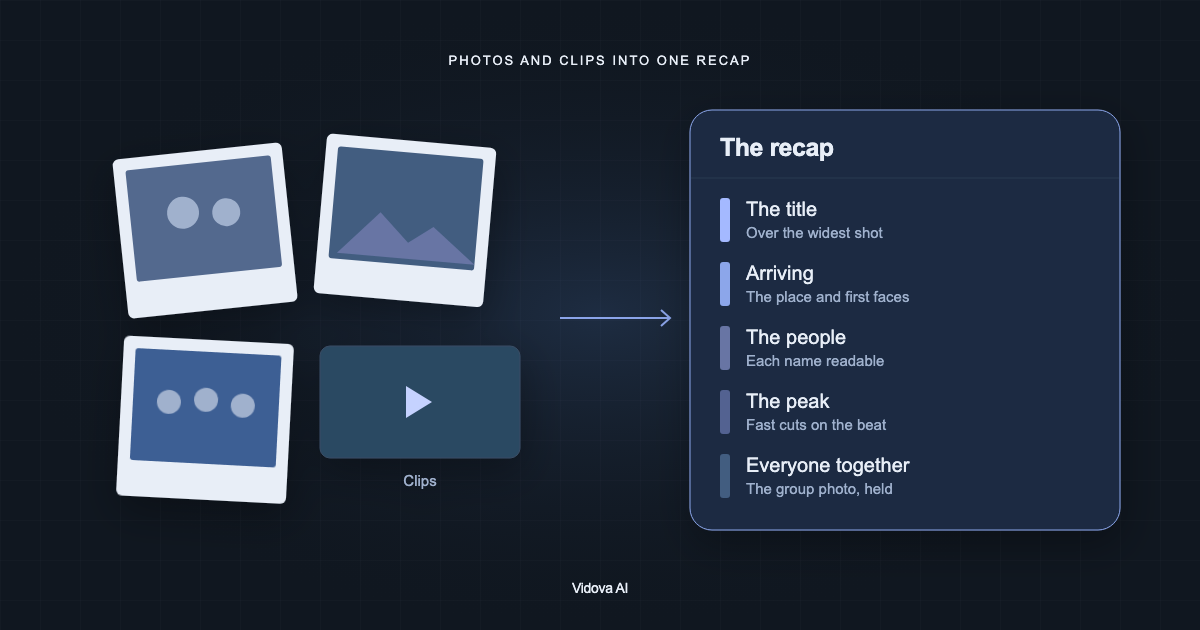
If you need names, sections and a group photo, use our guide to an event or year recap from photos and videos. If the video must sell tickets, with the next date on the last card, see event recaps that sell the next one.
Tools for an aftermovie, compared
| Tool | How it works | Runs on | Price and limits | Fits |
|---|---|---|---|---|
| Vidova | You upload the footage and describe the day. The agent finds the moments and cuts them on a timeline | Browser, or the Telegram bot on a phone. No iPhone or Android app yet | Plans from $49 a month, with no watermark | An aftermovie you direct in chat and then adjust |
| Kapwing Kai | Reviews your footage, finds moments and arranges them into a story | Browser | Free: 10 credits, exports up to 4 minutes, 720p, watermark. Pro from $16 a month | Editing by chat in a browser |
| CapCut | You cut your own clips, with speed curves and templates | Mac, Windows, browser and phone | Free plan. The Pro price differs by country | Editing by hand |
| DaVinci Resolve | A full editor with colour, sound and AI retiming. You make every cut | Mac, Windows and Linux | Free version. Studio listed at $236, marked down from $295 | A skilled editor who wants full control of the grade and the mix |
| iMovie Magic Movie | You pick an album or clips, and it builds a video with titles, transitions and music | iPhone and iPad, iOS or iPadOS 27+ | Free | A quick first cut on an iPhone |
Prices and limits change. Each row comes from the vendor's site, linked under Sources.
The story: one arc
Write what happens in one sentence, such as “strangers arrive tired and leave as a team”. A viewer who missed the event should be able to say that sentence after one watch. Then give the film one peak. Pick it before you pick anything else, because every other shot leads up to it or comes down from it.
Here is a starting plan for 60 seconds. Change the times to fit your footage.
| Part | Time | What to show | How it plays |
|---|---|---|---|
| Calm | 0 to 8 s | One person getting ready in the room, with one spoken line over it | Long, slow shots. Music low. The event's name and date appear here |
| Arrive | 8 to 20 s | Doors, badges, first handshakes, hands and details | Shots of a few seconds each. The room's sound leads |
| Build | 20 to 40 s | The work of the day, one place at a time: talks, workshops, a crowded hallway | Each cut shorter than the one before. The music climbs |
| Peak | 40 to 52 s | The one big moment: the room on its feet, the last song, the award | Rush in, then about quarter speed. The real sound is the loudest thing |
| Release | 52 to 60 s | One person laughing or hugging, with one closing line | Back to real speed. The picture and the music end together |
This shape is close to what wedding film editors use. RoughCut's outline for a 7-minute film has five acts: an opening with one short line over slow shots, a build, a climax, a resolution, and a close of “1-2 sentences max”. It recommends 8 to 15 soundbites and no more than 2 or 3 speakers in the build. Scale those numbers down for a shorter film.
Keep the day in the order it happened, and break that order only where the story needs it. Open quiet, and save the peak for its place. Every moment plays once, so the peak does not also appear in the first seconds. Group the shots of one room, finish that room, and then move on.
What to film or collect
- The room before the doors open, with someone in it. A person setting chairs or testing a light. An empty room shows nothing.
- Hands and details. A badge going on, sticky notes, a tool, a mixer. These shots give you something to cut to and hide jumps in time.
- Faces. People listening, laughing and thinking. Film the audience during talks, because that is what you will wish you had.
- Movement through the space. Walk behind someone from the hallway into the main room.
- The peak, with room on both sides. Start filming before the applause and keep going after it. Film this at 60 fps if you can, so it can slow down cleanly.
- One or two spoken lines. Record the host or a guest close up, so the voice is clear.
- Clean room sound. Record a minute of the crowd when no recorded music is playing.
Tell guests that you are filming, on the ticket page or at the door. Ask speakers and sponsors before you show slides or logos. You can blur faces of anyone who asked to stay out.
The pace: slow, faster, slowest
- Shorten the cuts as you build. The demo of Vidova's conference recap template cuts its build at 2.6, 2.2, 1.5 and 1.1 seconds, while the music climbs. The viewer feels the speed without being told.
- Let the good shots run. Sven Studios gives wedding film targets of 6 to 10 seconds for highlight shots and 1 to 2 seconds for montage cuts at 90 to 110 BPM. It also suggests holding on a face “two seconds longer than feels comfortable”, and calls rushing every shot a common mistake.
- Slow one moment deeply. Rush into the peak at about 2 times speed, brake in about 0.25 seconds, then play it at quarter speed with AI smoothing. Slow it when most of the room is moving, such as when people are on their way up. A slowed seated room shows nothing.
- Use hard cuts by default. Save a transition for the biggest beat. If people notice the transition before the film, cut it.
- Avoid fast runs between different rooms. A quick run across places that look different reads as noise. Keep such a run under about 1.5 seconds, right before the peak, and give it one thread, such as hands.
The feel: sound first, then picture
Start with the sound, because it does more than the picture to make footage of real people feel like a film.
- One song that plays to the end. Stopping it and bringing it back sounds like a mistake. When the room should come through, lower and muffle the music, then open it up again.
- Real sound over the top. Laughter, footsteps and applause make it a record of a real day. Level the clips so the applause is the loudest real sound in the film.
- Sound leads the picture. Bring in the next room's sound a few frames before the cut. This is a J-cut.
- Real speed under slow motion. Keep the applause and the voices at normal speed while the picture slows.
- No hard joins in room sound. Overlap one room clip with the next for about 3 to 12 frames, so the background noise does not jump.
- Watch for recorded songs. A clip with a song on the venue's speakers can match in Content ID. Replace that stretch with clean sound from another clip. You can reduce other noise with the free noise remover, or read how to remove background noise.
For the picture:
- One grade on every shot. Stage light, foyer light and daylight do not match by themselves. Our guide to cinematic phone footage covers this.
- A slow push on each shot. One direction per shot, eased, so that static tripod shots do not feel dead.
- Few words. Show the name and the date once, then one closing line. Leave out the agenda and the list of speakers. A title reads best with one big word and smaller lines under it, placed to the side of the subject.
- A human ending. End on a person, not on the empty stage or a logo. Put the closing line beside them while the footage keeps moving.
Make it with an AI editor
These steps use Vidova.
- Upload the whole shoot, including clips from staff phones. On Creator, each clip can be up to 2 hours and 20 GB, and the plan holds 500 GB. On Pro and Studio, each clip can be up to 4 hours and 30 GB.
- Write the brief: your one sentence, the peak, the lines to use, the words on screen, the length and the shape.
- The agent reads the clips and finds the moments. You can also search your Library by what happens in a shot, such as “people laughing” or “the room standing”. Video search uses credits.
- It cuts the arc, makes or fits the music and previews frames of the result. The conference recap template and the event recap template give it a starting structure, for a talk-and-workshop event or a music night.
- Review it with the sound on. Ask for changes in plain words, such as “hold the first shot two seconds longer”.
- Make a new version for a vertical cut, and keep your wide master.
- Export an MP4, or hand the timeline to an editor in Premiere Pro or DaVinci Resolve. See export.
Make a 60-second 16:9 aftermovie of our two-day design workshop from these clips. The story: strangers arrive tired and leave as a team. Keep the order of the days, and group the shots of each room. Open on one person setting up the room, with the host's line “Nobody here has met yet” over it. Make each cut shorter than the last as the music climbs. The peak is the room applauding the last presentation: rush into it, then quarter speed with AI smoothing, with the applause at real speed and louder than the music. Make an original track with a steady pulse and keep it playing to the end. One warm grade on every shot. Show the workshop's name and date once at the start. End on one person laughing, with the line “See you next spring” beside them. Use only my clips.
This is an example brief with invented details. The agent uses the names, dates and lines you write, spelled the way you wrote them.
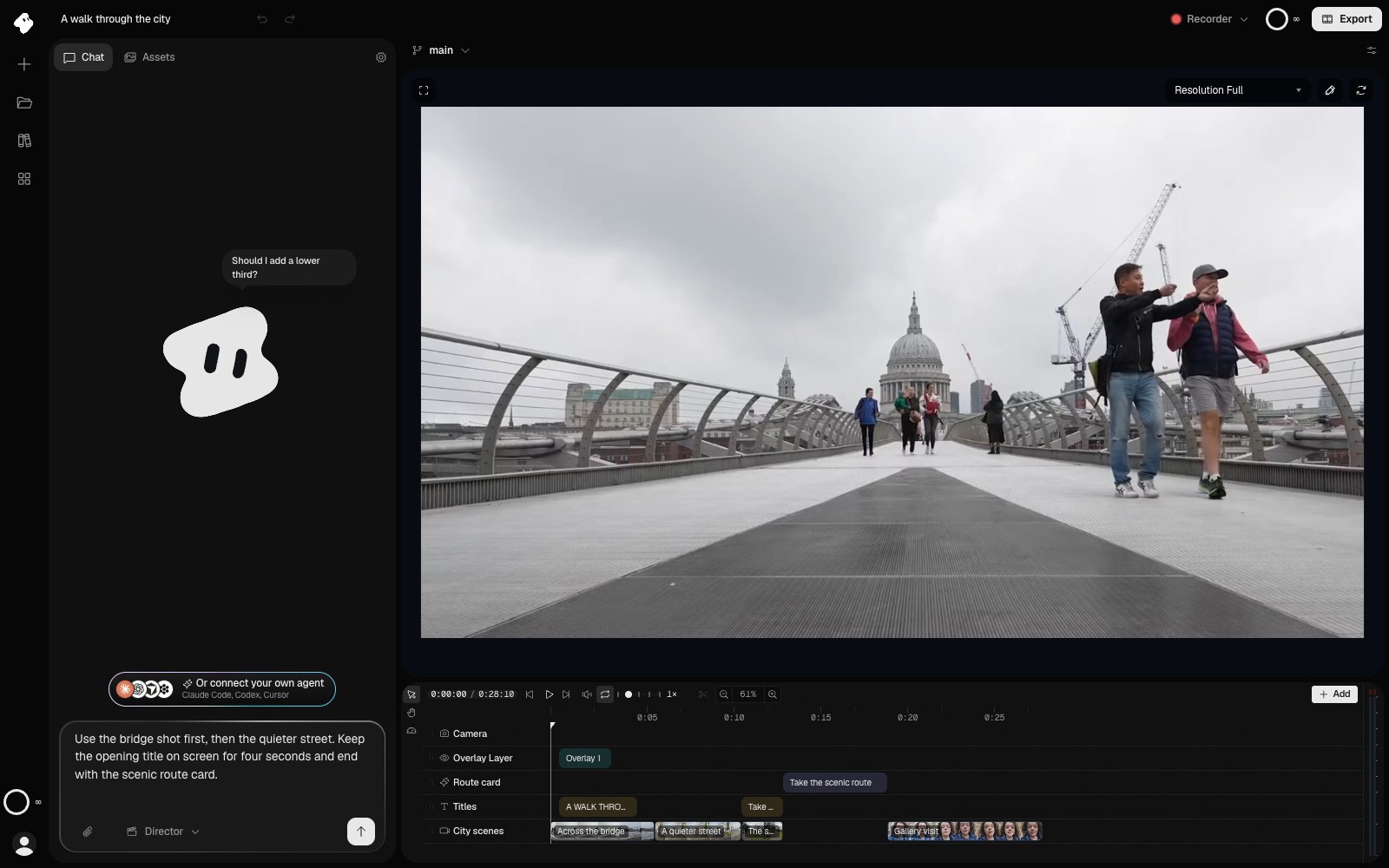
Other ways to build it
- Kapwing's Kai: you describe the video, and it can review the footage, find relevant moments and arrange the clips into a story. You change the order and the pace with follow-up prompts.
- CapCut: this fits you if you want to make each cut yourself. Speed curves run from 0.1x to 10x, with a Smooth slow mo option.
- DaVinci Resolve: this fits a skilled editor. It has speed warp retiming, auto colour and voice isolation, and a free version.
- iMovie Magic Movie: this builds a first cut on an iPhone or iPad with titles, transitions and music. You give up most of the control over the story.
What goes wrong, and how to fix it
| Problem | Cause | Fix |
|---|---|---|
| It feels like a slideshow of the day | The clips play in a row with no arc | Give the one-sentence story and name the peak in the brief |
| It starts at full energy and has nowhere to go | The best shot opens the film | Open on a calm shot, and save the peak for its place |
| The pace feels nervous | Every shot has the same short length | Hold the opening shots and faces longer, and shorten the cuts only in the build |
| The peak falls flat | The slow part starts before anyone moves, or the music covers the room | Slow the moment when the room is moving, and raise the real sound over the music |
| The audio jumps between clips | Room clips butt against each other | Ask for short crossfades on the room sound |
| A voice stops mid-sentence | A cut landed inside the line | Ask for the cut in the pause after the sentence |
| The colours do not match | Each room has its own light | Ask for one grade across the film, matched shot to shot |
| A video is claimed after upload | A recorded song plays in a clip, or the music is not cleared | Replace that sound with clean room sound, and use a licensed or original track |
Questions about aftermovies
How long should an aftermovie be? Long enough to carry the arc. Vidova's conference recap template runs 12 to 30 seconds and its event recap 18 to 40 seconds. For a site or a YouTube page, 60 to 90 seconds gives room for a slow open. A festival or a multi-day event can run longer if the footage holds up.
Can I mix phone clips and camera footage? Yes. Ask for one grade across all of it, and let the camera footage carry the wide shots. Our guide to splitting a video into scenes helps when a file already holds many shots.
Which music should I use? A track you have the rights to, or an original one from Vidova, which uses credits. There is also a free AI music generator.
Should it be vertical or wide? Cut the wide master first if the film will live on your site or YouTube. Then ask for a shorter vertical version for Reels and TikTok, and check that faces stay in frame.
Can I start from ChatGPT? Yes. ChatGPT can write the brief. To cut the video, paste the brief into Vidova's chat, or run Vidova from ChatGPT. See ChatGPT wrote a video editing prompt. Which app can run it?
Make your first aftermovie
Plans start at $49 a month, with no watermark.