Vidova
What is frame interpolation? Optical flow vs frame blending
Frame interpolation makes new frames between real ones. Duplication, blending, optical flow and AI compared on the same two frames, and when to use each.
 Vidova team
Last updated
The short answer
A frame interpolation method is a way to make new frames between the real frames of a video, so slowed footage or a higher frame rate plays smoothly. Frame duplication repeats frames, frame blending mixes two neighbouring frames into a ghosted image, optical flow moves pixels along their estimated motion, and AI interpolation uses a trained model for the cleanest result.
Key takeaways
- Duplication stutters, blending ghosts, optical flow moves the object, AI handles hard motion best.
- Optical flow beats blending on clear motion. It can warp edges where objects cross or move far between frames.
- Shoot at a higher frame rate when you can. Interpolation works best on small gaps.
What is frame interpolation?
Frame interpolation, also called motion interpolation, is a video process in which intermediate frames are synthesized between existing ones. It makes motion look smoother, creates slow motion from normal footage and converts between frame rates (Wikipedia). Many TVs do it on the fly, which causes the “soap opera effect” that some viewers dislike.
In editing, it matters most for slow motion. At quarter speed, a 30 fps clip gives only 7.5 real frames per second of screen time. The other 22.5 frames must come from somewhere.
Four ways to fill the gap
| Method | What it does | How it looks | Where you find it |
|---|---|---|---|
| Frame duplication | Shows the nearest real frame again | Sharp frames, but motion stutters | Final Cut Pro Fast (Floor), its default. Vidova with smoothing off. |
| Frame blending | Mixes the two neighbouring frames | Smoother, but fast objects appear twice as a ghost | Final Cut Pro Good (Frame Blending) |
| Optical flow | Estimates where each pixel moves and draws it part of the way | One object in between, with possible warping at edges | Final Cut Pro Better (Optical Flow), Vidova standard smoothing |
| AI interpolation | A trained neural network estimates motion and fills hidden areas | Cleanest on large motion and limbs, slowest to compute | Final Cut Pro Best (Machine Learning), DaVinci Resolve Studio speed warp, Vidova AI smoothing |
Apple's Final Cut Pro guide describes these modes clearly. Frame blending “creates in-between frames by blending individual pixels of neighboring frames”. Optical flow is “a type of frame blending that uses an optical flow algorithm”, which analyzes the clip to find the directional movement of pixels. Best (Machine Learning) “creates new frames using a bidirectional optical flow algorithm based on machine learning”, with “reduced artifacts and better occlusion handling”, and needs a Mac with Apple silicon (Apple).
Optical flow vs frame blending, on the same two frames
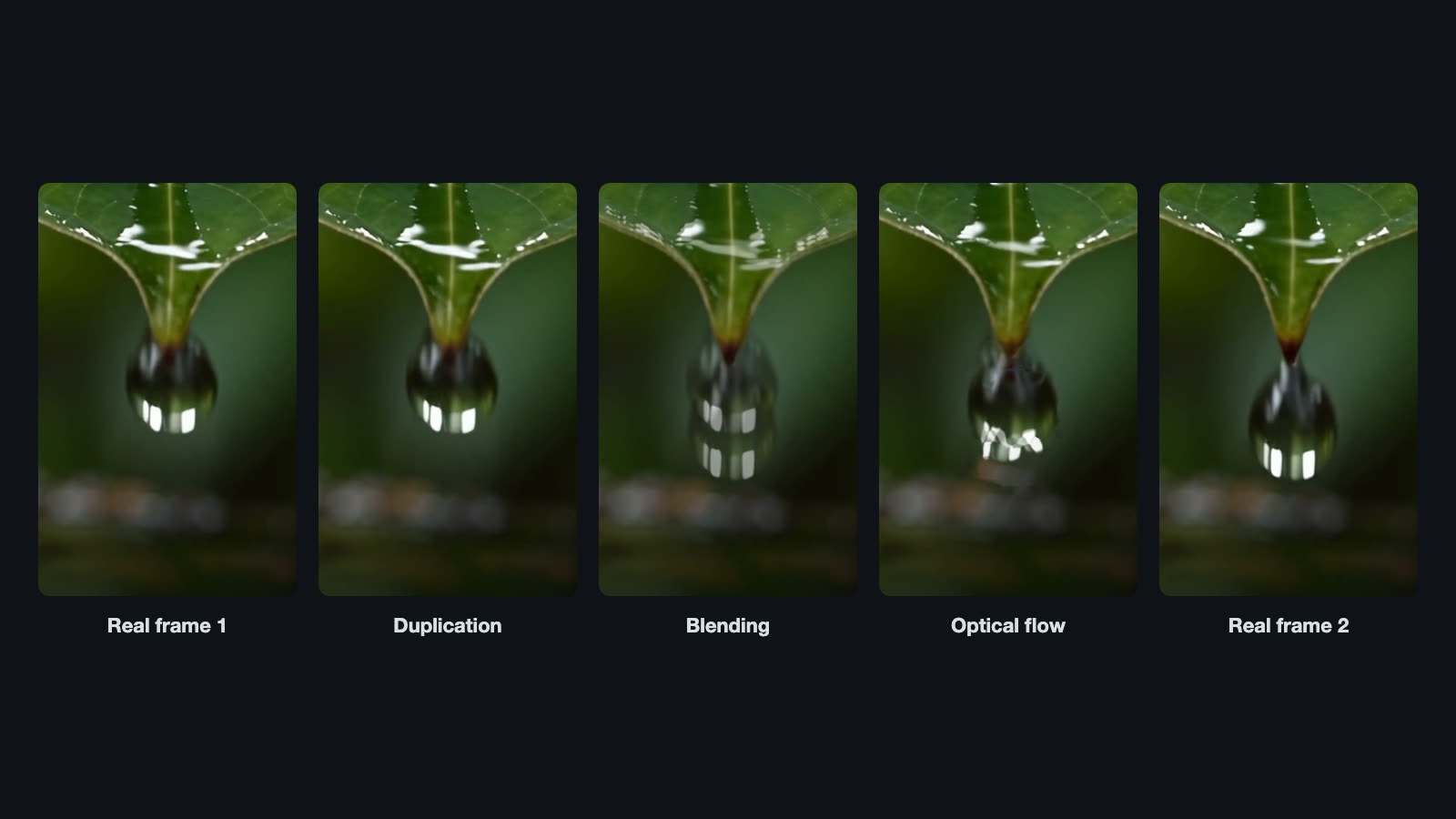
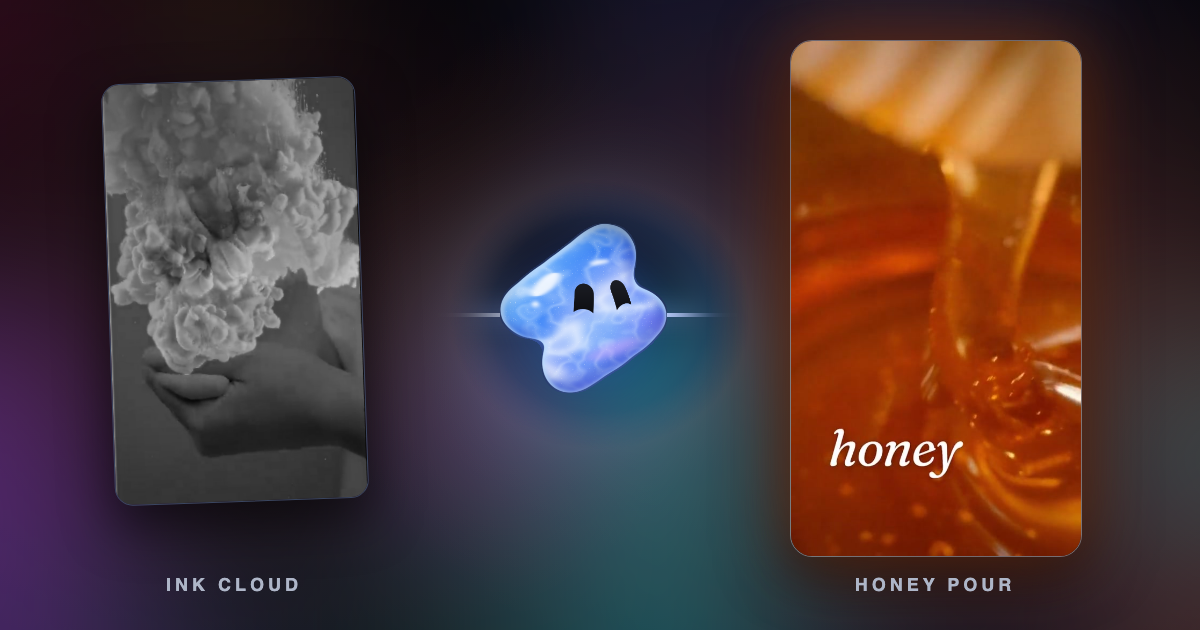
The drop falls a long way between the two real frames. Duplication shows frame 1 again, so the drop stops and then jumps. Blending lays both frames over each other at half strength, so you see two faint drops. Optical flow finds where the drop moves and draws one drop halfway down. Look closely at its highlights, though: they bend a little. That is the typical weakness of classic optical flow on small, fast, shiny objects.
Optical flow vs AI interpolation
Classic optical flow makes mistakes where one object passes in front of another, on thin objects such as fingers and hair, and on large motions between frames. AI interpolation models are trained on video to handle those cases. Two widely cited research models show the range. RIFE estimates the in-between motion directly, and its authors report it is 4 to 27 times faster than the earlier SuperSlomo and DAIN models with better results (Huang et al., ECCV 2022). FILM from Google Research targets large motion between frames (Reda et al., ECCV 2022).
Commercial editors package the same idea. DaVinci Resolve Studio lists “speed warp retiming, including advanced optical flow” among its AI features (Blackmagic Design). Final Cut Pro offers Best (Machine Learning).
How Vidova smooths slow motion
Every clip in Vidova that plays slower or faster than it was shot has a smoothing setting with three values.
- Standard, the default: new frames made by optical flow where the clip plays slowly, and motion blur where it plays fast.
- AI: the same, with the new frames made by an AI model. It is cleaner around moving edges and limbs.
- Off: the real frames as they are, repeated or skipped.
The smooth picture is made in the cloud after each change to the clip's timing, in seconds to a minute. Until it is ready, the clip plays its real frames. You can ask for it in plain words, or use the free AI slow motion tool on a single clip.
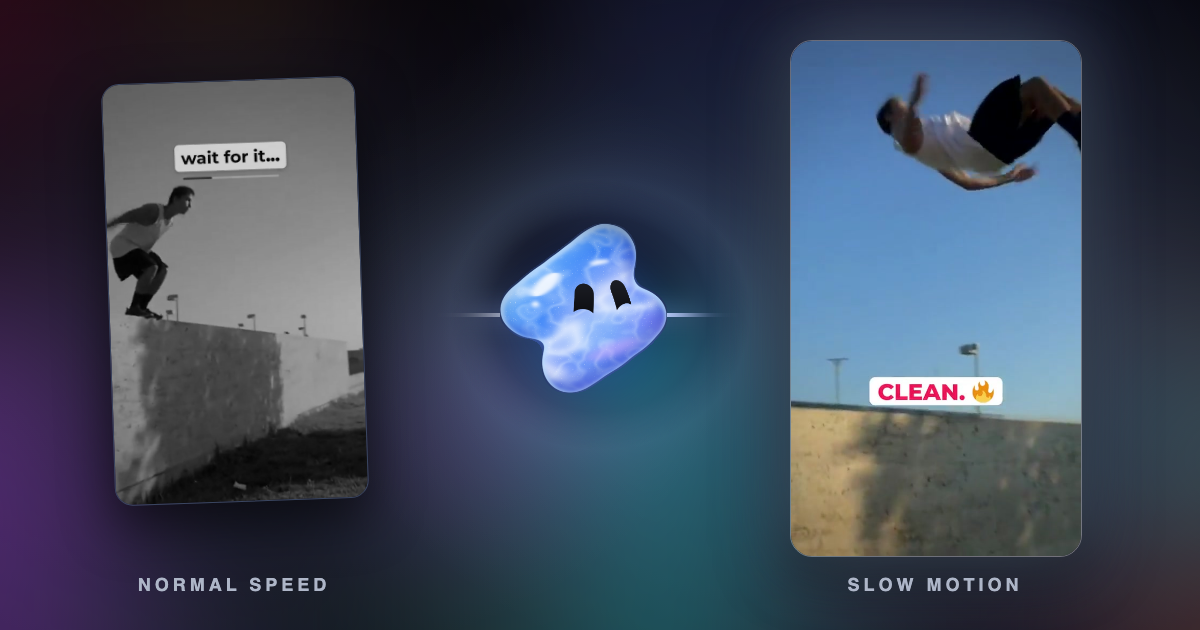
Slow the flip down to quarter speed with AI smoothing. Rush the run-up at about 1.5 times, ease into the slow part, and speed back up after the landing.
When to use which method
- Duplication for a deliberate stutter or a choppy, stop-motion look, and for screen recordings, where new frames can smear text.
- Blending for a small slow-down, such as 80 percent speed, on soft motion.
- Optical flow for most slow motion of clear, simple movement: a walk, a pour, a camera move.
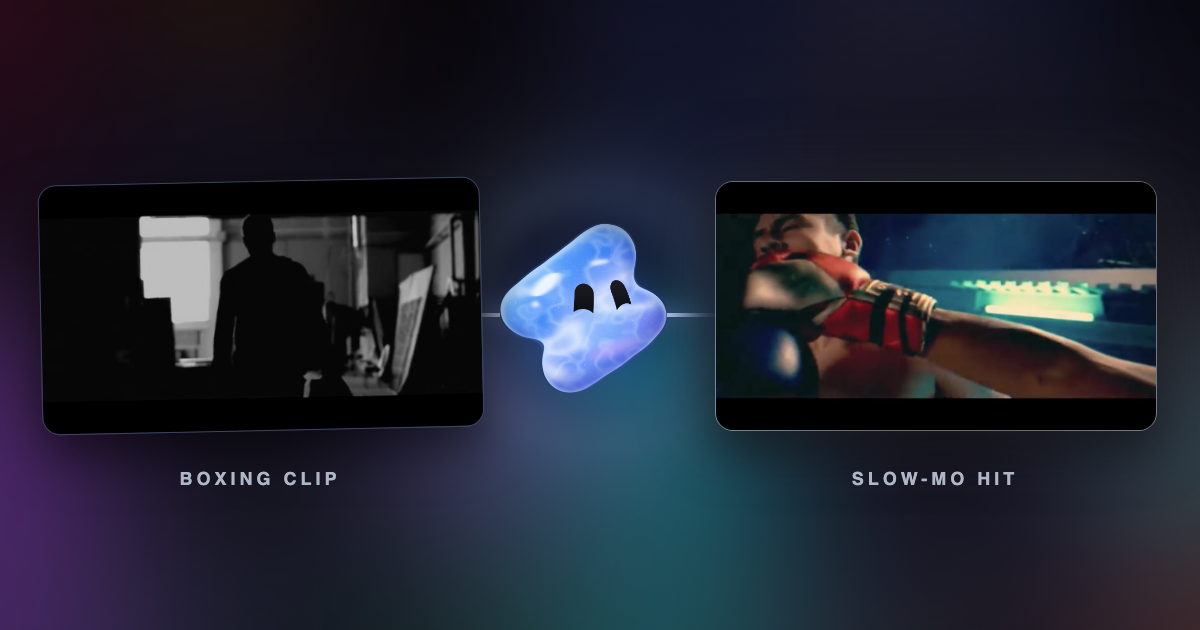
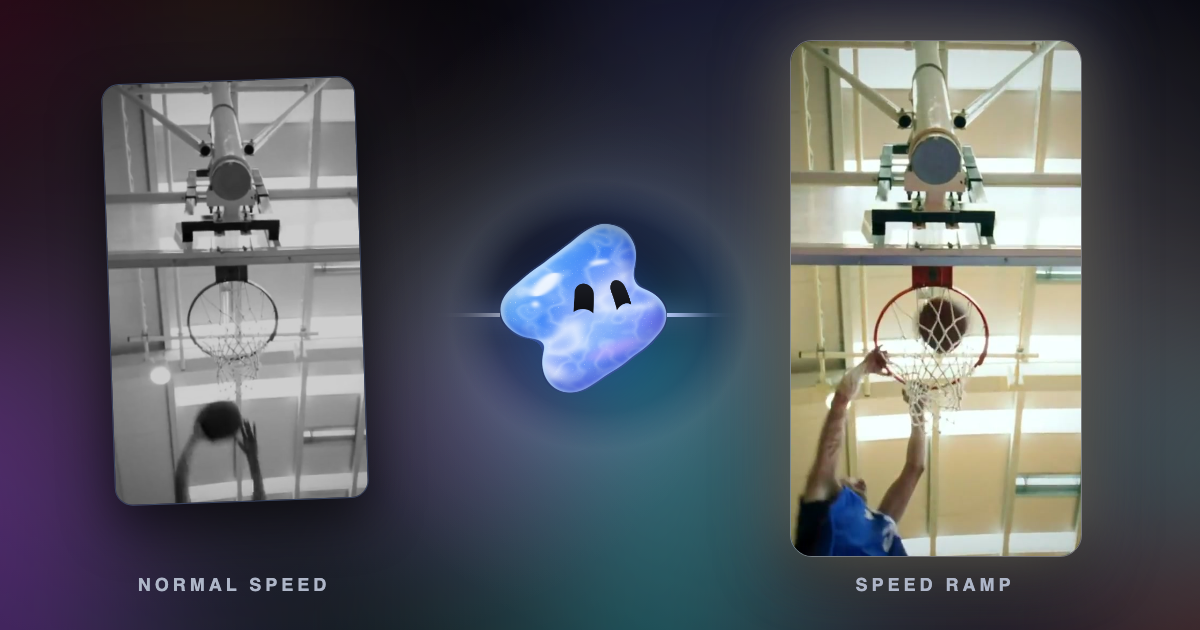
- AI interpolation for deep slow motion, crossing limbs, sports, dance and anything where optical flow warps.
Common frame interpolation mistakes
- Interpolating across a cut. A new frame between two different shots is a smeared mix of both. Split the clip at its scene changes first.
- Footage with heavy motion blur. Blur recorded in the camera stays in every new frame. A faster shutter speed gives sharper slow motion.
- Asking for too much. Turning 24 fps into a 10 percent slow-down asks the method to invent nine of every ten frames. Shoot at 60 or 120 fps when you plan slow motion.
- Smoothing a film look away. Converting 24 fps footage to 60 fps can give it the soap opera look. Keep the cinematic frame rate when that is the style.
Sources
- Change clip speed in Final Cut Pro for Mac, Apple, video quality options (checked October 2026)
- DaVinci Resolve Studio, Blackmagic Design (checked October 2026)
- Real-Time Intermediate Flow Estimation for Video Frame Interpolation, Huang et al., ECCV 2022
- FILM: Frame Interpolation for Large Motion, Reda et al., ECCV 2022
- Motion interpolation, Wikipedia