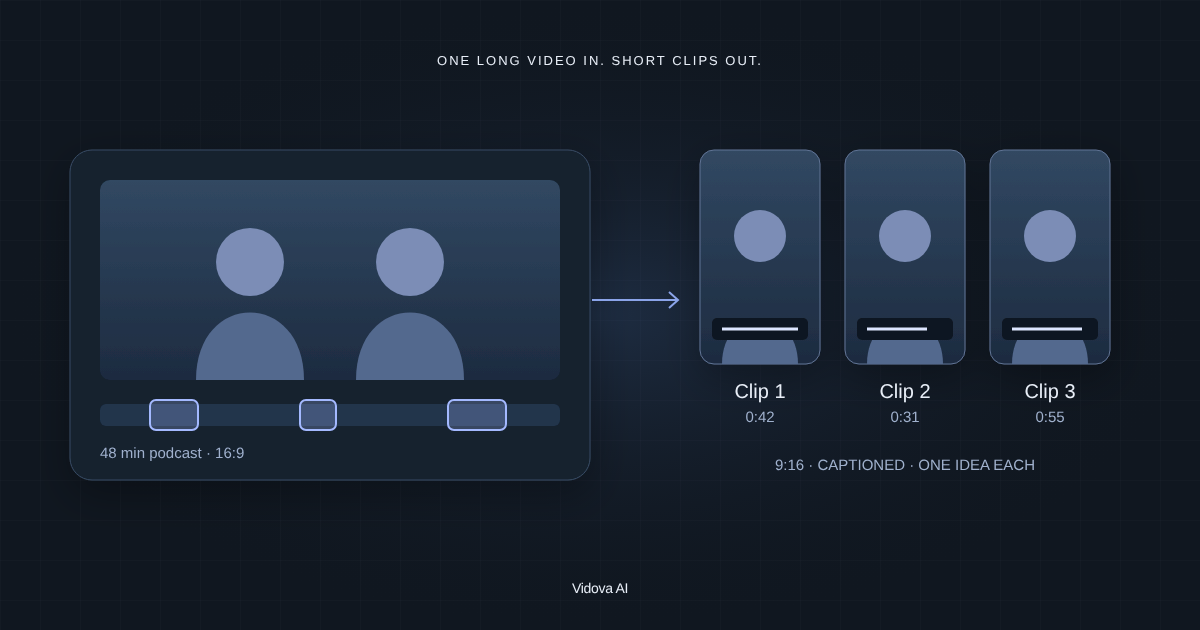
Vidova
Vizard alternatives in 2026 for clipping long videos
Vidova is our pick when each clip needs a real edit: its AI agent finds the moments, reframes to 9:16 and adds captions and B-roll. OpusClip, Klap and Riverside compared.
 Vidova team
Last updated
The short answer
Vidova is our pick for a Vizard alternative when each clip needs a real edit: you upload the recording, ask for the clips, and its AI agent finds the moments, reframes them to 9:16 by tracking the speaker, cuts pauses and adds captions and B-roll. For many clips every week, OpusClip is the closest match. Klap makes quick clips from YouTube videos, and Riverside's Magic Clips fits podcasts recorded in Riverside.
Key takeaways
- Vizard, OpusClip and Klap pick the clips for you. Vidova lets you say which moments you want and how they should look.
- Free clipping plans add a watermark and keep projects for a few days.
- Choose by volume: many clips a week, or a few clips with a real edit.
What Vizard does and what it costs
Vizard cuts long videos into short clips with auto subtitles and reframing, and it can schedule posts to social accounts. Its agent takes requests, and the Creator plan exports in 4K with no watermark.
The free plan gives 60 credits a month, where 1 credit is 1 minute of video. Free exports are 720p, up to 10 minutes, with a watermark, and projects expire after 3 days. Yearly billing is 50% off.
Why people look for a Vizard alternative
- The free plan adds a watermark and keeps projects for 3 days.
- It picks clips by its own scoring, and fine edits take more work.
- Paid prices change with the number of credits you choose.
Vizard alternatives compared
| Editor | Best for | Runs on | Paid from (US) | Free option |
|---|---|---|---|---|
| Vizard | Clips with subtitles and post scheduling | Web | Creator plan, with no watermark and 4K | 60 credits a month, 720p, watermark, 3-day storage |
| Vidova | Clips that need a real edit | Browser on desktop and phone | $19 a month | 7 days with 2,000 credits and no watermark |
| OpusClip | Many clips from long videos | Web | Starter $15 a month | 60 credits a month, watermark |
| Klap | Quick vertical clips from YouTube videos | Web | $14 a month billed yearly, 100 clips a month | 1 video |
| Riverside Magic Clips | Podcasts recorded in Riverside | Browser and apps | Pro $29 a month, or $24 billed yearly | 720p with a watermark |
How we judged them
We read Vizard's pages and each alternative's pricing page, help center and store listing between 27 October and 14 November 2026. We compared what each tool is built for, where it runs, its price and its free limits. We did not run our own test of the other editors. Vidova is our product, and it is our pick. We say where another tool fits better.
Vidova: our pick when each clip needs a real edit
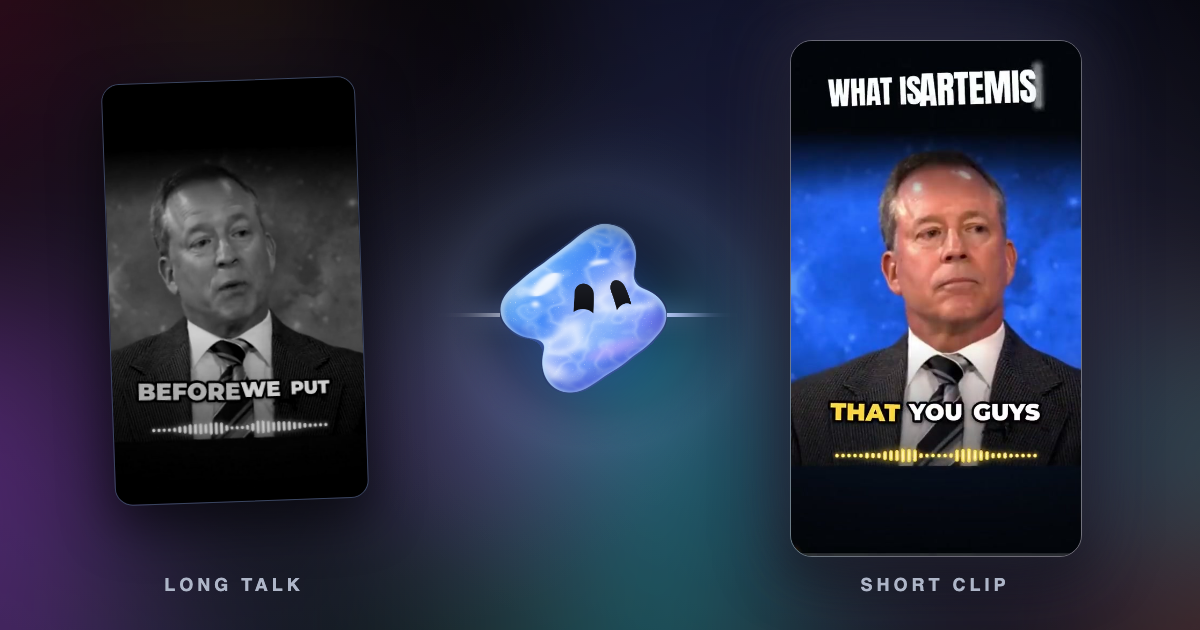
Vidova is an AI video editor that also makes clips. You upload the recording and ask for the clips you want. The agent transcribes the speech, finds the moments, cuts them on a real timeline, reframes 16:9 to 9:16 by tracking the speaker's face, cuts pauses and filler words and adds animated word-by-word captions. Each clip can get B-roll, a title or a look made for your brand, and you can change any cut by hand or by asking.
Find the three strongest 30-second moments in this podcast. Reframe each to 9:16 on the speaker, cut the pauses, add word-by-word captions and a title from what they say.
See Vidova vs Vizard for a side-by-side comparison.
Downsides: Vidova is built around the agent, so people who want to place every clip by hand have more mature manual editors. You can try it for 7 days with 2,000 credits and no watermark. The free plan adds a watermark, exports at 720p and takes projects up to 1 minute long. Paid plans start at $19 a month, remove the watermark and export up to 4K at 60 fps.
OpusClip: best for many clips from long videos
OpusClip finds the moments in a long video that stand alone, reframes them to vertical and adds captions. Starter costs $15 a month.
Downside: the free plan adds a watermark, and clips stop being exportable after 3 days.
Klap: best for quick clips from YouTube videos
Klap turns a long video or a YouTube link into vertical clips. It costs $14 a month billed yearly, for 100 clips a month.
Downside: the free plan gives 1 video, and you get less control over each clip.
Riverside Magic Clips: best for podcasts recorded in Riverside
Riverside records podcasts and interviews, and Magic Clips cuts short clips from the same recording without using AI credits. Pro costs $29 a month, or $24 billed yearly.
Downside: Magic Clips fits recordings made in Riverside, and the free plan exports at 720p with a watermark.
How to choose
- If each clip needs a real edit, use Vidova.
- If you clip many long videos every week, use OpusClip.
- For quick clips from YouTube videos, use Klap. For podcasts recorded in Riverside, use Magic Clips.