Vidova
Trupeer alternatives in 2026 for AI product videos
Vidova Recorder is our pick: free to download, it zooms in on clicks and cuts pauses, and its AI agent adds captions, chapters and a voiceover. Guidde, Tella and Loom compared.
 Vidova team
Last updated
The short answer
Vidova Recorder is our pick for a Trupeer alternative: it is a free download for macOS, Windows and Linux, it zooms in on bursts of clicks and cuts silences and filler words after the take, and Vidova's AI agent adds captions, chapters, a voiceover and a vertical cut. Guidde makes step-by-step how-to videos. Tella is a recorder with an AI editor, and Loom suits quick async messages.
Key takeaways
- Trupeer's free plan adds a watermark and limits recordings to 5 minutes.
- If your product video needs real zooms on clicks, record with a tool that saves click data.
- Vidova Recorder is a free download, and its AI editor uses credits.
What Trupeer does and what it costs
Trupeer says: "Start with Screen recording and let AI handle the editing for you." It adds AI voices, AI avatars and AI documents to a recording, and Pro exports documents to PDF, Word and Markdown.
The free plan gives 1,000 AI credits a month and recordings up to 5 minutes, with a Trupeer watermark. Pro is listed at $40 to $49 a month, depending on billing, with 2,000 credits and recordings up to 10 minutes.
Why people look for a Trupeer alternative
- The free plan adds a watermark.
- Recordings are capped at 5 minutes on Free and 10 minutes on Pro.
- Its pricing page does not mention zoom.
Trupeer alternatives compared
| Editor | Best for | Runs on | Paid from (US) | Free option |
|---|---|---|---|---|
| Trupeer | Screen recordings turned into videos and docs with AI voices | Browser | Pro $40 to $49 a month, depending on billing | 1,000 AI credits a month, 5-minute recordings, watermark |
| Vidova Recorder | Demos and tutorials with click zoom, captions and an AI editor | macOS, Windows and Linux | Free download. Editor plans from $19 a month | Free download, no account to record |
| Guidde | Step-by-step how-to videos | Browser, with desktop and mobile capture on Business | Pro $19 a month billed yearly, or $29 monthly | Up to 25 how-to videos, with a watermark |
| Tella | Polished recordings with an AI editor | Mac, Windows and browser | Pro $13 a month per user, billed yearly | No free plan. 7-day trial with 4,500 credits |
| Loom | Quick async video messages for a team | Desktop, browser and phone | Business $18 a month per user | 25 videos per person, 5-minute recordings, 720p |
How we judged them
We read Trupeer's pages and each alternative's pricing page, help center and store listing between 27 October and 14 November 2026. We compared what each tool is built for, where it runs, its price and its free limits. We did not run our own test of the other editors. Vidova is our product, and it is our pick. We say where another tool fits better.
Vidova Recorder: our pick for product videos with real zooms
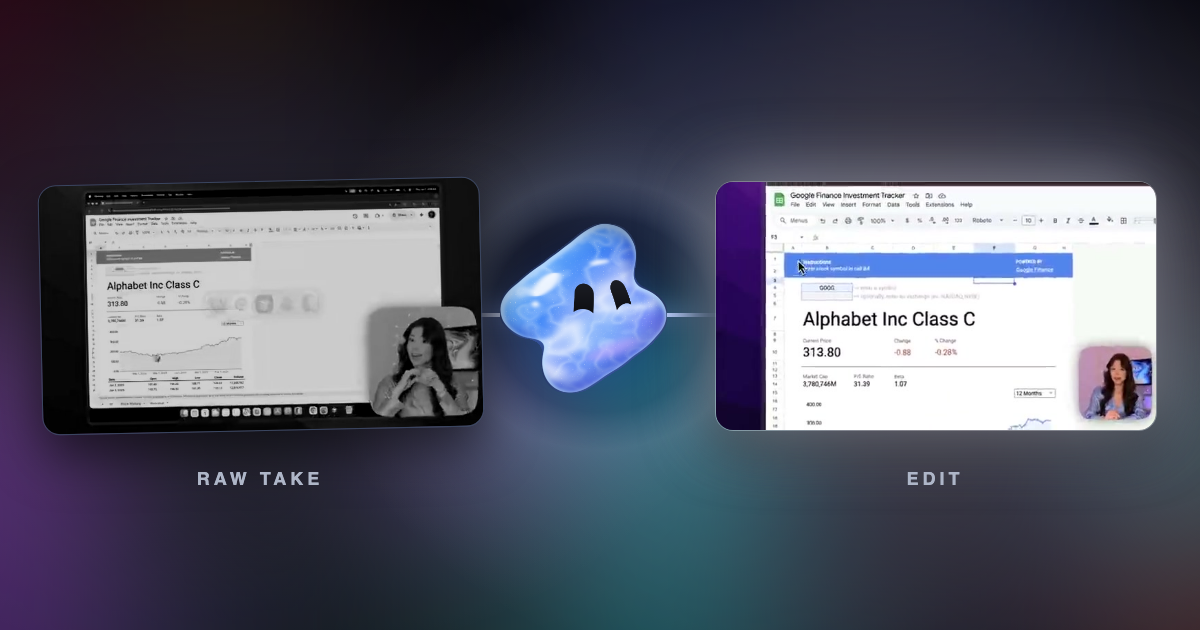
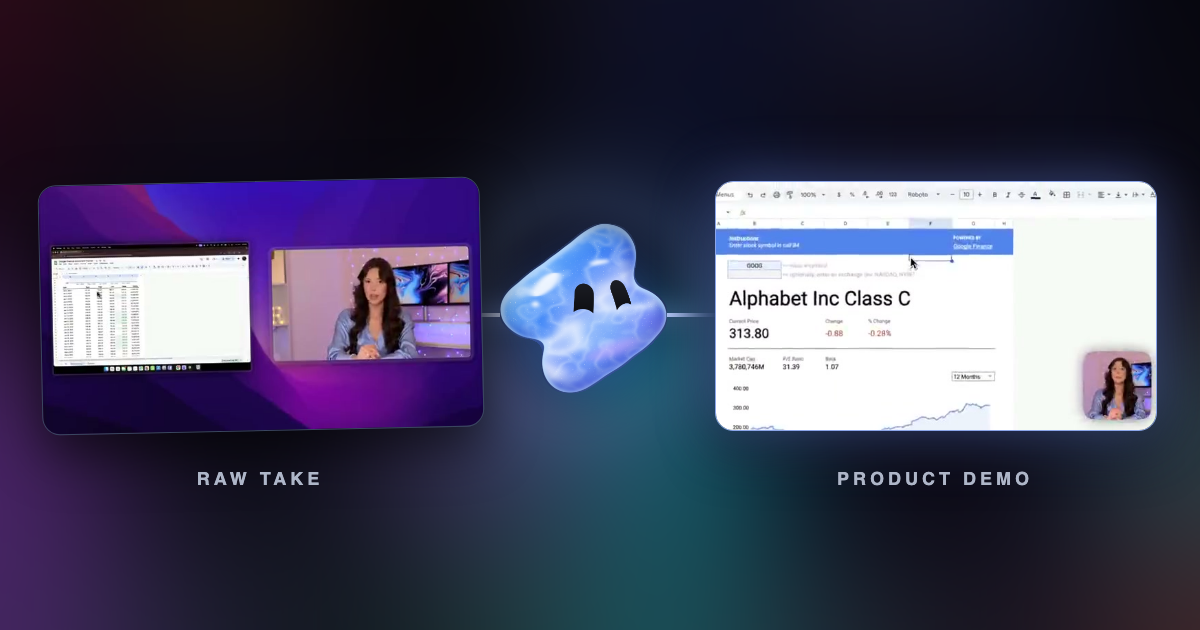
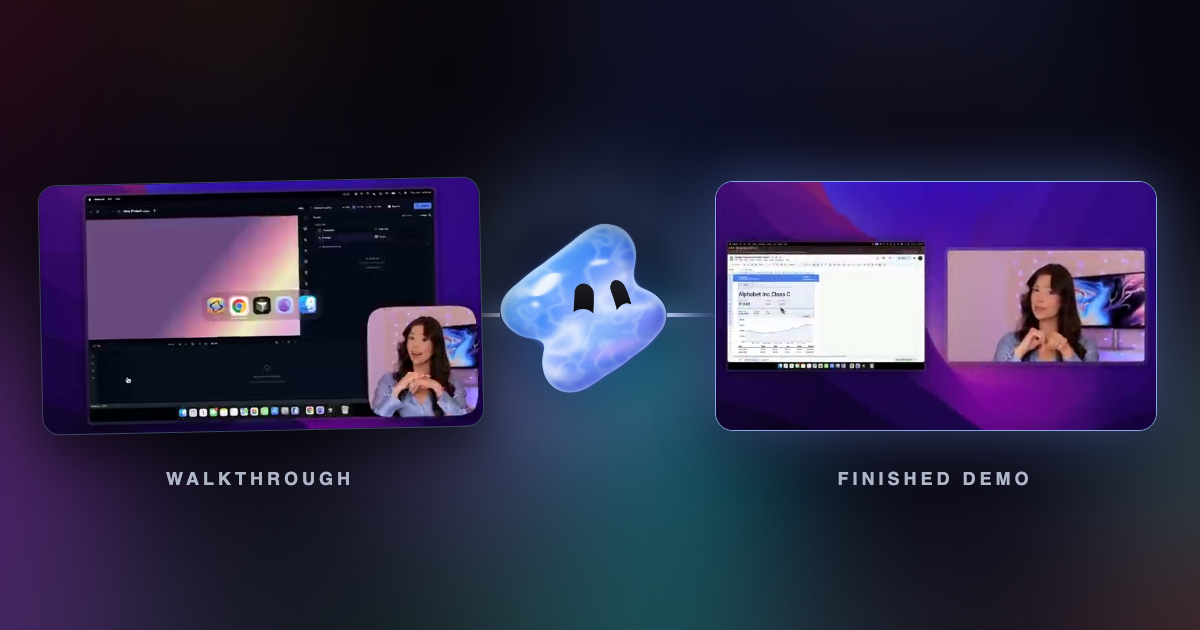
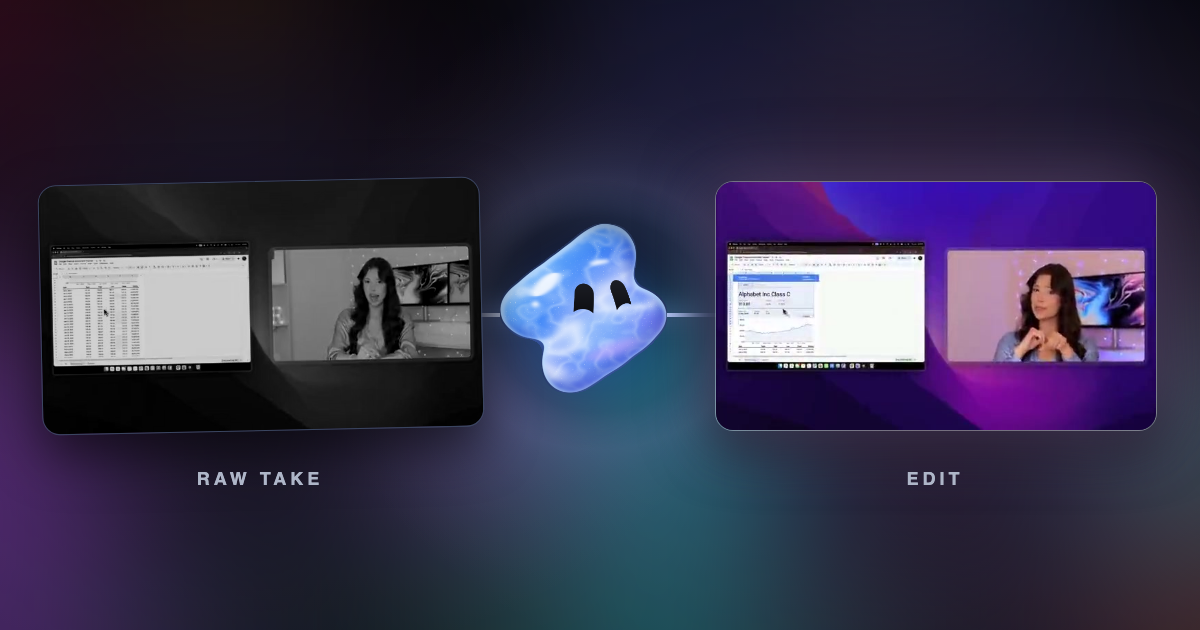
Vidova Recorder is a free download for macOS, Windows and Linux. It records a display or one window with your camera, microphone and system audio, has a teleprompter, and saves the cursor, clicks and keys next to the video. After the take, it zooms in on bursts of clicks, moves a smooth camera with the cursor, cuts silences and filler words, writes captions you can edit word by word and splits the video into chapters. The take opens on Vidova's timeline, so you can ask the AI agent for a vertical cut, a voiceover or a shorter version.
Turn this walkthrough into a 90-second product tutorial. Cut the pauses, zoom in on each click, add captions and chapters, and make a 30-second vertical version for LinkedIn.
Downsides: Vidova shares a finished video by link and has no team seats or shared live editing. Recording is free. The AI editor uses credits: you can try it for 7 days with 2,000 credits and no watermark, and paid plans start at $19 a month.
Guidde: best for step-by-step how-to videos
Guidde turns a screen walkthrough into a step-by-step how-to video with cursor effects. Pro costs $19 a month billed yearly, or $29 monthly, and removes the watermark. AI text-to-voice is on Business, at $39 a month billed yearly.
Downside: the free plan is capped at 25 how-to videos, and AI voiceover needs Business.
Tella: best for polished recordings with an AI editor
Tella records screen, camera, microphone and system audio, with a teleprompter, up to 4K. The Tella Agent is an "AI editor in the sidebar that makes edits from a chat", and Tella adds Auto Zoom and silence and filler word removal. Pro costs $13 a month per user, billed yearly.
Downside: there is no free plan, only a 7-day trial, and the pricing page does not say what triggers Auto Zoom.
Loom: best for quick async messages
Loom records your screen and camera and shares a link for async messages. Business costs $18 a month per user, and Business + AI costs $24, with AI titles, summaries and chapters and filler word and silence removal. Loom says annual billing saves up to 17%.
Downside: the free plan allows 25 videos per person, 5-minute recordings and 720p, and Loom is built for quick messages more than polished edits.
How to choose
- If you want real zooms on clicks and an AI editor, use Vidova Recorder.
- If you want step-by-step guides, try Guidde.
- For a recorder with an AI editor, try Tella. For quick messages, use Loom.