Vidova
InShot alternatives in 2026, free and without a watermark
Vidova is our pick: its AI agent edits your phone clips into a finished video from a brief. Edits, CapCut, VN and Adobe Premiere mobile compared with InShot on ads and watermarks.
 Vidova team
Last updated
The short answer
Vidova is our pick for an InShot alternative: you upload your phone clips, describe the video, and its AI agent cuts it on the beat with captions and titles. For free editing you do yourself with no watermark, Edits by Instagram and Adobe Premiere mobile export 4K, and VN is free with ads. CapCut has the most templates and effects.
Key takeaways
- InShot's free version shows ads and adds a watermark. Edits, VN and Adobe Premiere mobile export with no watermark for free.
- If you want the edit made for you, use an agent such as Vidova.
- CapCut is the closest match for templates and effects.
What InShot does and what it costs
InShot is a simple video editor for iPhone and Android, with templates, auto captions, Auto Beat and exports up to 4K at 60 fps.
Its free version shows ads and adds a watermark. A $49.99 lifetime upgrade on iOS removes them, and Google Play lists in-app purchases from $0.99 to $199.99.
Why people look for a InShot alternative
- The free version shows ads and adds a watermark.
- You make every edit yourself.
- Advanced tools sit behind Pro.
InShot alternatives compared
| Editor | Best for | Runs on | Paid from (US) | Free option |
|---|---|---|---|---|
| InShot | Simple edits on a phone | iPhone and Android | A $49.99 lifetime upgrade on iOS | Ads and a watermark, which Pro removes |
| Vidova | A finished video from your own clips, cut by an AI agent | Browser on desktop and phone | $19 a month | 7 days with 2,000 credits and no watermark |
| Edits | Reels made on a phone | iPhone, Android and Mac | Free | 4K, no watermark |
| CapCut | Templates and effects | Phones, Windows, Mac and web | Standard $9.99 a month on the US App Store | Free app. Some templates add a watermark |
| VN | A free manual editor | iPhone, Android, Mac and Windows | Free with ads. VN Pro purchases from $7.99 | 4K at 60 fps, no watermark |
| Adobe Premiere mobile | A free full editor on a phone | iPhone and Android | Free. Generative credits cost extra | 4K, no watermark |
How we judged them
We read InShot's pages and each alternative's pricing page, help center and store listing between 27 October and 14 November 2026. We compared what each tool is built for, where it runs, its price and its free limits. We did not run our own test of the other editors. Vidova is our product, and it is our pick. We say where another tool fits better.
Vidova: our pick for an edit made for you
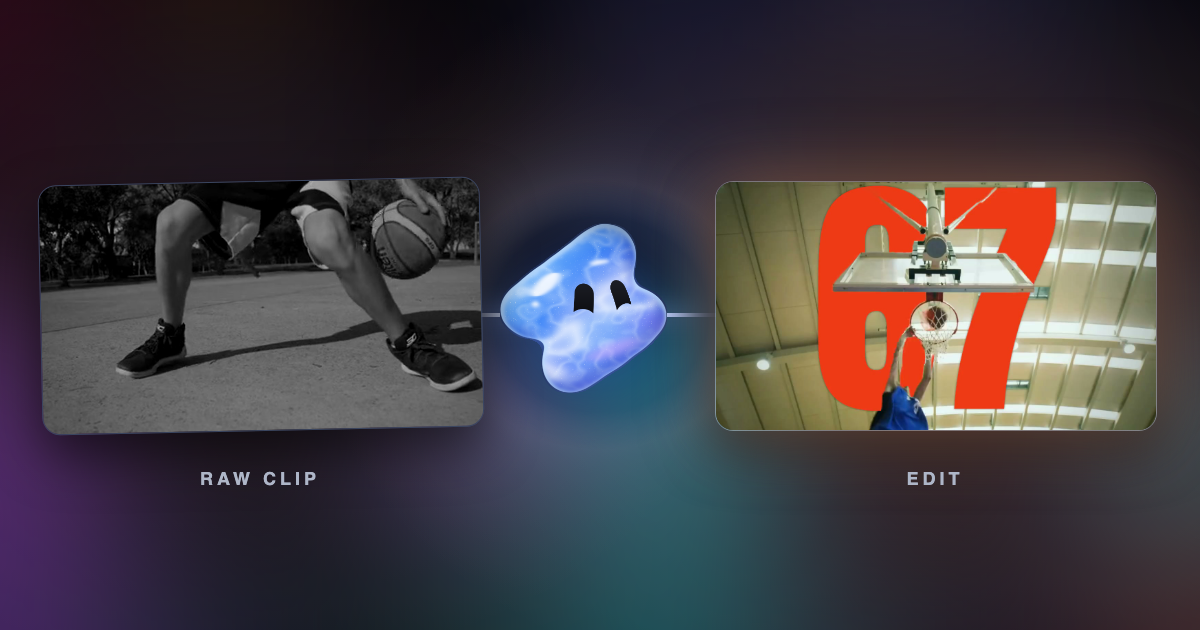
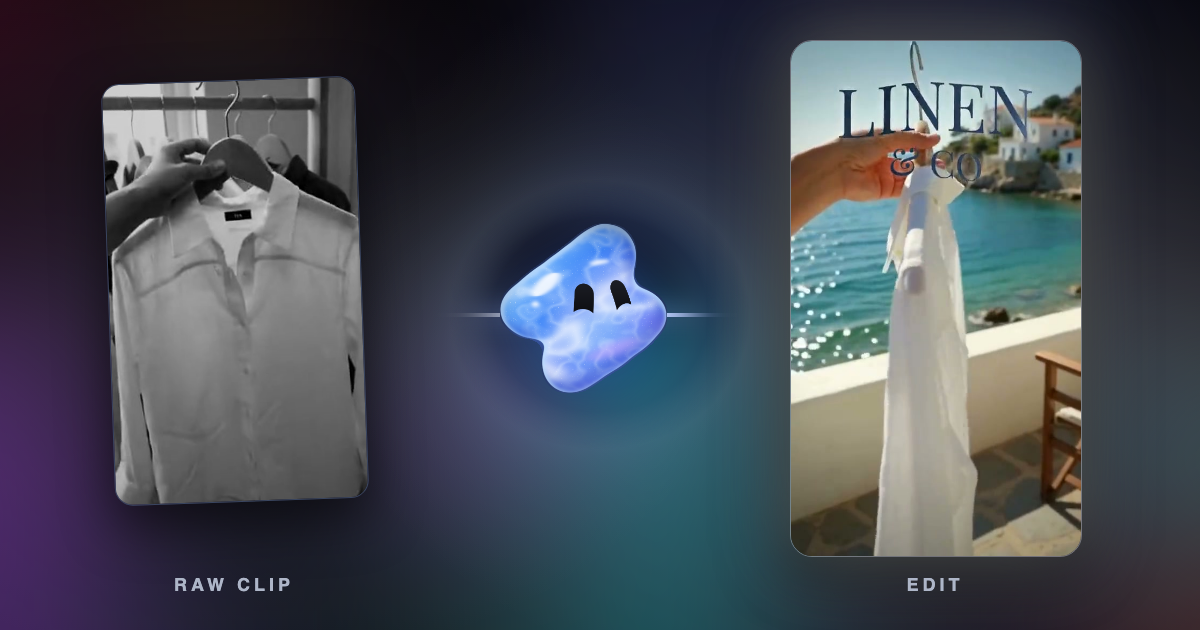
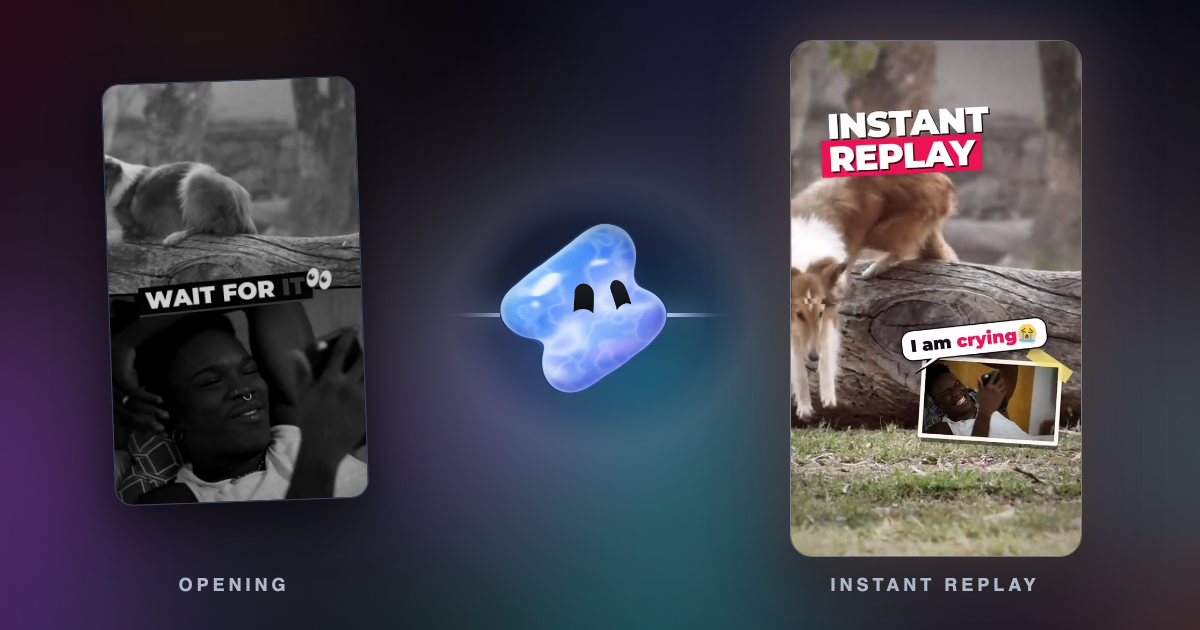
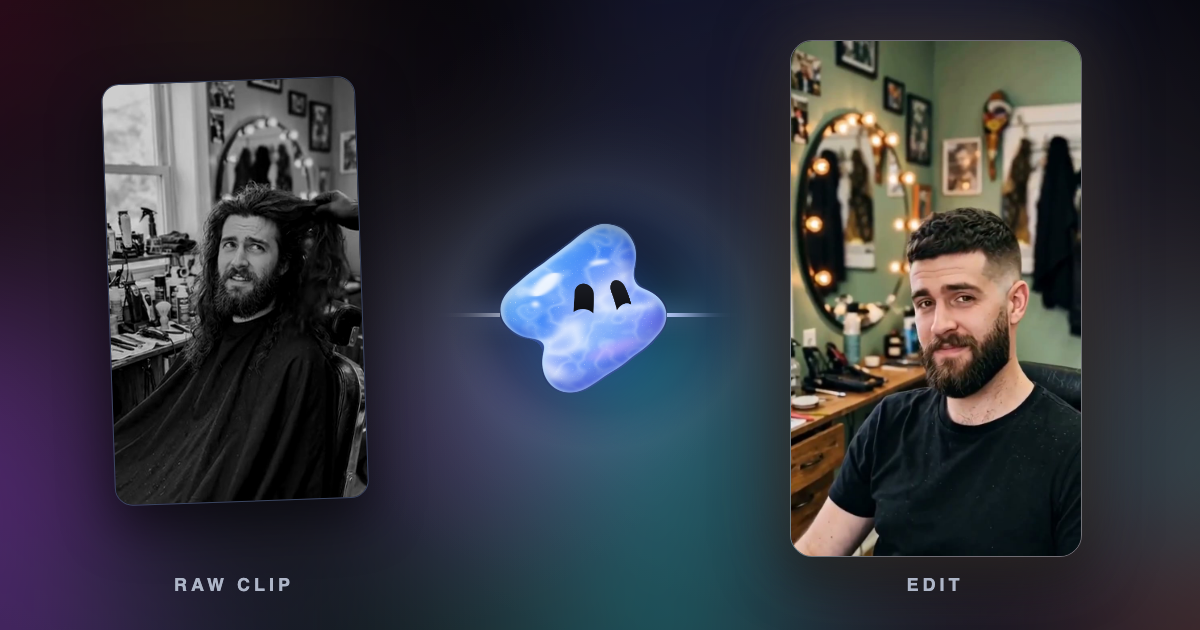
In Vidova, you upload your clips and describe the video. The AI agent edits a real multitrack timeline from your own footage: it picks the shots, cuts on the beat, removes pauses and filler words, adds word-by-word captions and titles, and reframes 16:9 to 9:16 by tracking a face. Before it hands the cut over, it previews frames of its own work and runs a quality check. You can change any clip by hand or by asking.
Turn these barbershop clips into a 15-second before and after Reel. Start on the long hair, cut to the fresh cut on the beat drop and add our shop name.
See Vidova vs InShot for a side-by-side comparison.
Downsides: Vidova is built around the agent, so people who want to place every clip by hand have more mature manual editors. You can try it for 7 days with 2,000 credits and no watermark. The free plan adds a watermark, exports at 720p and takes projects up to 1 minute long. Paid plans start at $19 a month, remove the watermark and export up to 4K at 60 fps.
Edits by Instagram: best free app for Reels
Edits is Meta's free editor for iPhone, Android and Mac. It adds captions automatically, and its store listing says it exports in 4K with no watermark.
Downside: you make the edit yourself, and there is no Windows or web version.
CapCut: best for templates and effects
CapCut has the largest set of templates, effects and AI tools, on phones, Windows, Mac and the web. The US App Store lists Standard at $9.99 a month and Pro at $19.99 a month.
Downside: some templates, stock and the outro add a watermark, and CapCut is not available in some countries, such as India.
VN: best free manual editor
VN is free on iPhone, Android, Mac and Windows, with no watermark, beat markers, AutoCut beat templates and exports up to 4K at 60 fps.
Downside: the free version shows ads, and you make every cut yourself.
Adobe Premiere mobile: best free full editor on a phone
Adobe Premiere for iPhone and Android is free, with a multitrack timeline, templates and speed effects, and its listings say it exports up to 4K without watermarks.
Downside: generative AI features use paid credits.
How to choose
- If you want the edit made for you, use Vidova.
- If you want free Reels with no watermark, use Edits.
- If you want templates and effects, use CapCut.
- If you want a free manual editor, use VN or Adobe Premiere mobile.