Vidova
Best AI video editors in 2026: 9 tools compared by job
Vidova is our pick: upload clips, describe the video, and its AI agent edits your real footage. Descript, CapCut, OpusClip, VEED, Kapwing, Captions, Premiere, Runway compared.
 Vidova team
Last updated
The short answer
Vidova is our pick for most people in 2026: you upload your clips, describe the video in plain words, and its AI agent edits your real footage on a timeline you can change, from $19 a month. Descript is best for talking videos you edit as text. CapCut has the most templates and effects. OpusClip cuts long videos into short clips. VEED and Kapwing suit teams that edit in the browser. Captions fits talking-head videos on a phone. Adobe Premiere is the full professional editor, and Runway changes what a shot shows with generative AI.
Key takeaways
- Ask first what the AI does: makes the whole edit from your clips, helps you edit by hand, cuts clips from a long video, or generates new footage.
- If you want to upload clips and get a finished video, use an agent that edits a real timeline, such as Vidova, so you can still change any cut.
- Free plans differ more than paid ones: most add a watermark or export at 720p. Compare them on one short video of your own.
The short answer: the best AI video editor for each job
- Our pick, for a finished video made from your own clips: Vidova. You upload clips and describe the video, and an AI agent edits it on a real timeline.
- Best for talking videos you edit as text: Descript, with its Underlord co-editor.
- Best for templates and effects: CapCut, on phones, desktop and the web.
- Best for short clips from a long video: OpusClip.
- Best for a team in the browser: VEED or Kapwing.
- Best for talking-head videos on a phone: Captions.
- Best full professional editor: Adobe Premiere.
- Best for changing what a shot shows: Runway, with its Aleph model.
The nine AI video editors compared
| Editor | What the AI does | Runs on | Paid from (US) | Free option |
|---|---|---|---|---|
| Vidova | An AI agent edits your clips into a finished video from a written brief | Browser on desktop and phone, plus ChatGPT and Claude | $19 a month, or $190 a year | 7 days with 2,000 credits and no watermark, then a free plan at 720p with a watermark |
| Descript | You edit the transcript. Underlord edits from an instruction | Mac, Windows and web | Hobbyist $24 a month, or $16 billed yearly | 60 media minutes a month, 720p, watermark |
| CapCut | Auto Cut, auto captions, templates and AI effects | Phones, Windows, Mac and web | Standard $9.99 a month on the US App Store | Free app. Some templates and stock add a watermark |
| OpusClip | Finds short clips in a long video and captions them | Web | Starter $15 a month | 60 credits a month, watermark |
| VEED | An AI Agent in the editor, subtitles and AI voice | Web | Creator $25 a month per seat, or $12.25 billed yearly | 720p with a watermark |
| Kapwing | Kai trims clips, adds subtitles and reorders scenes from requests | Web | Pro $24 a month, or $16 billed yearly | 720p, 4-minute exports, watermark |
| Captions | AI edits, captions and eye contact for talking videos | iPhone, Android and web | Max $24.99 a month (iOS price) | Limited lifetime credits |
| Adobe Premiere | AI tools and generative credits inside a full editor | Windows and Mac | US$22.99 a month on an annual plan | 7-day trial |
| Runway | Aleph adds, removes and changes objects, style and light in a shot | Web | Standard $15 a month, or $12 billed yearly | 125 credits once |
Prices change, and some vendors show local currency. Each row comes from the vendor's own pricing and help pages, linked at the end of this guide.
How we judged them
We read each vendor's pricing page, help center and store listing between 27 October and 14 November 2026. We grouped the editors by what the AI does: makes the whole edit, helps you edit by hand, cuts clips from long videos, or generates new footage. We did not run a speed or quality test of the other editors. Vidova is our product, and it is our pick. We say where other editors fit better.
Vidova: our pick for a finished video from your own clips
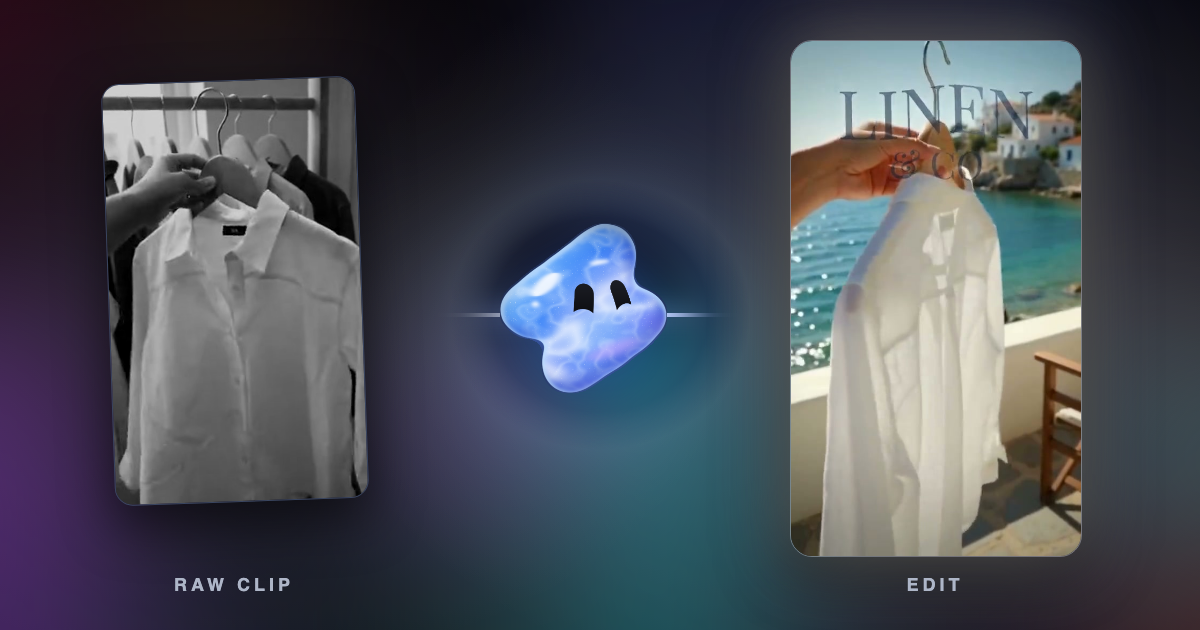
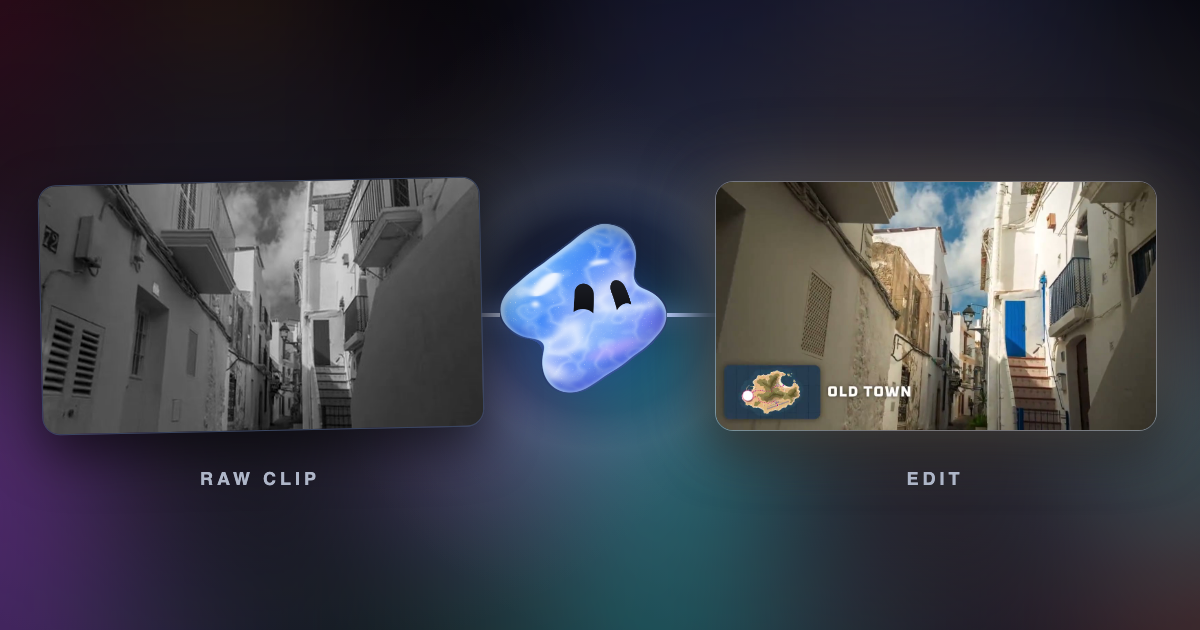
Vidova is an AI video editor built around an agent. You upload your clips, photos and audio, describe the video, and the agent edits a real multitrack timeline from your own footage. It cuts on the beat, removes pauses and filler words, adds word-by-word captions and titles, reframes 16:9 to 9:16 by tracking a face and slows a moment with AI frame interpolation. It can also change what a shot shows while the motion stays the same. Before it hands the cut over, it previews frames of its own work and runs a quality check.
Cut these 12 clips from our trip into a 30-second vertical travel video. Name each place once, draw our route on a map, keep the sound of the waves at the end and cut on the beat of this song.
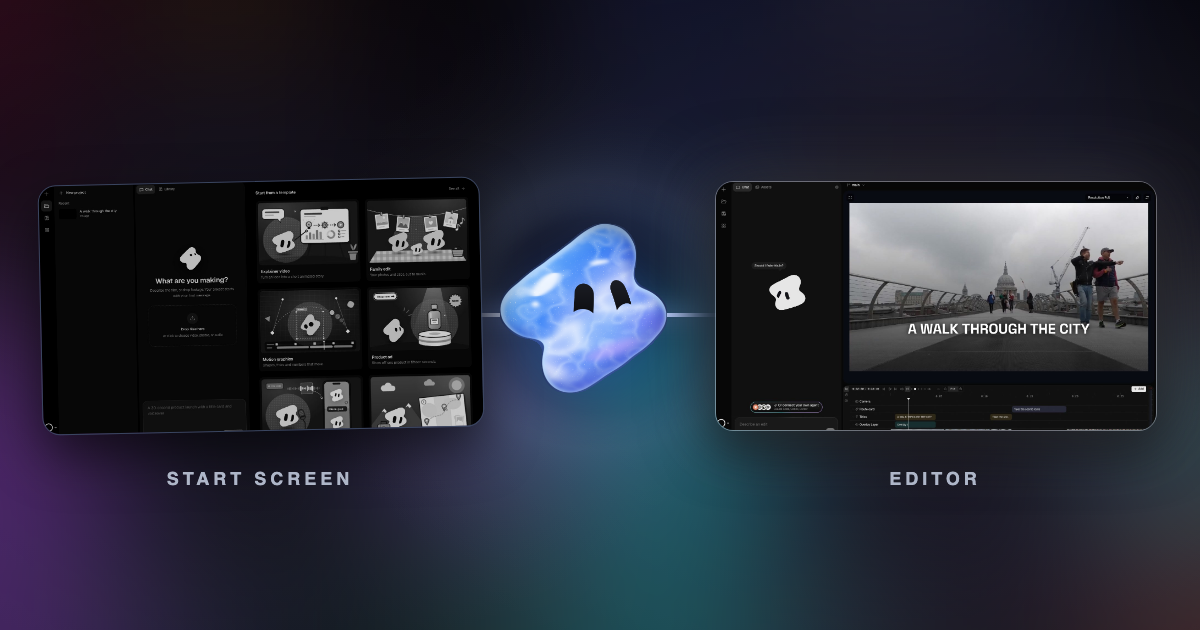
You can change any clip by hand on the timeline, or ask for a change in plain words. You can also run Vidova from ChatGPT with its plugin, or from Claude, Cursor or Codex through its MCP server. Finished timelines export to Premiere Pro as FCPXML or to DaVinci Resolve as OTIO, with the source media.
Downsides: Vidova is built around the agent, so people who want to place every clip by hand have more mature manual editors. It has no team seats or shared live editing. You can try it for 7 days with 2,000 credits and no watermark. The free plan adds a watermark, exports at 720p and takes projects up to 1 minute long. Paid plans start at $19 a month, remove the watermark and export up to 4K at 60 fps.
Descript: best for talking videos you edit as text
Descript turns your recording into a transcript, and you cut the video by deleting words. Underlord, its AI co-editor, takes an instruction and edits the recording, and Remove Filler Words deletes ums and pauses. It runs on Mac, Windows and the web. Hobbyist costs $24 a month, or $16 a month billed yearly. See Vidova vs Descript.
Downside: the free plan gives 60 media minutes a month and exports at 720p with a watermark. It fits talking videos better than montages cut to music.
CapCut: best for templates and effects
CapCut has the largest set of templates, effects and AI tools of the editors here, on phones, Windows, Mac and the web. Auto Cut trims your footage and syncs it to a song, and auto captions write the words for you. The US App Store lists Standard at $9.99 a month and Pro at $19.99 a month. See Vidova vs CapCut.
Downside: you still make most of the edit yourself, and some templates, stock and the outro add a CapCut watermark. CapCut is not available in some countries, such as India.
OpusClip: best for short clips from a long video
OpusClip takes a podcast, a webinar or a long video, finds the moments that stand alone, reframes them to vertical and adds captions. Starter costs $15 a month, and Pro costs $29 a month, or $14.50 a month billed yearly. See Vidova vs OpusClip.
Downside: the free plan adds a watermark, and its clips stop being exportable after 3 days. It does not build an edit from many short clips.
VEED: best for a team that edits in the browser
VEED is a browser editor with subtitles, translation and AI voice. Its AI Agent takes requests inside the editor, and OpenEdit is a free open-source pipeline that coding agents can drive. VEED Creator costs $25 a month per seat, or $12.25 billed yearly. See Vidova vs VEED.
Downside: the free plan exports at 720p with a watermark, and every editor on a team is a paid seat.
Kapwing: best for edits by chat with a team in a browser
Kapwing works in the browser. Its assistant, Kai, takes plain requests to trim clips, generate subtitles, adjust visuals and reorganize scenes. Pro costs $24 a month, or $16 billed yearly, with 1,000 credits and 4K export. See Vidova vs Kapwing.
Downside: the free plan exports at 720p, up to 4 minutes, with a watermark.
Captions: best for talking-head videos on a phone
Captions is built for people who talk to the camera. It writes captions, makes AI edits and can correct eye contact, on iPhone, Android and the web. Max costs $24.99 a month on iOS. See Vidova vs Captions.
Downside: the free plan has a small number of lifetime credits, and most features need a paid plan to export.
Adobe Premiere: best full professional editor
Adobe Premiere is a full timeline editor for Windows and Mac, with AI tools and generative credits inside it. It suits editors who already know Premiere and want every control. The single-app plan costs US$22.99 a month on an annual plan, with 25 generative credits a month. Adobe Premiere for iPhone and Android is free.
Downside: you make the edit yourself, and it takes time to learn.
Runway: best for changing what a shot shows
Runway is a generative video tool. Its Aleph model performs "a wide range of edits on an input video": "adding, removing, and transforming objects", "generating any angle of a scene" and "modifying style and lighting". Standard costs $15 a month, or $12 billed yearly, with 625 credits a month. Aleph 2.0 uses 140 credits for 5 seconds of video.
Downside: Runway changes or generates shots. It does not cut many clips into a finished video for you, and long generated shots use credits fast.
How to choose
- If you have clips and want a finished video without editing it yourself, describe it to Vidova.
- If you mostly talk to the camera and like to edit text, try Descript.
- If you edit by hand on a phone and want templates and effects, use CapCut.
- If you turn long recordings into many clips each week, use OpusClip.
- If several people must edit the same project, look at VEED or Kapwing.
- If you need full manual control, use Adobe Premiere. To change what a shot shows, try Runway.
Related guides
Sources
- Vidova plans and credits
- Descript pricing
- Descript Underlord
- CapCut on the App Store
- CapCut Auto Cut
- CapCut: export without a watermark
- OpusClip pricing
- VEED plans and prices
- VEED: introducing AI Agent
- Kapwing pricing
- Kapwing AI assistant
- Captions pricing
- Adobe Premiere plans
- Runway pricing
- Runway: introducing Aleph