 Vidova
Add captions
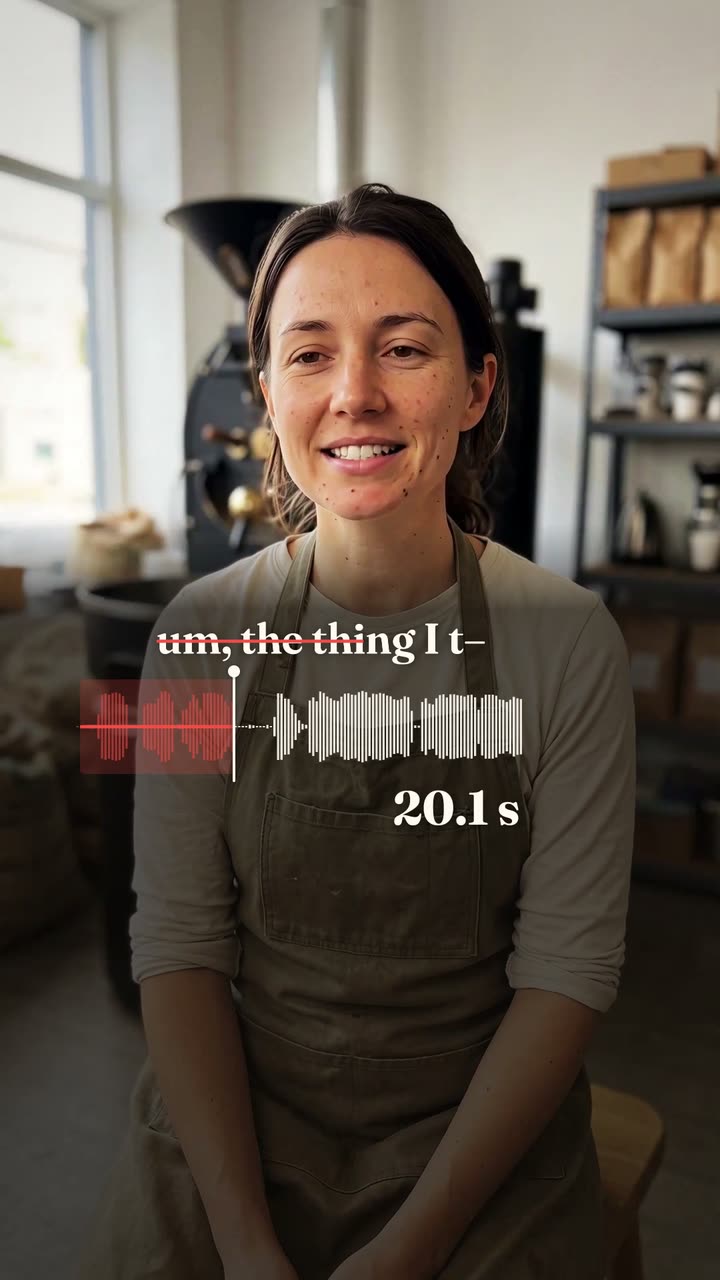
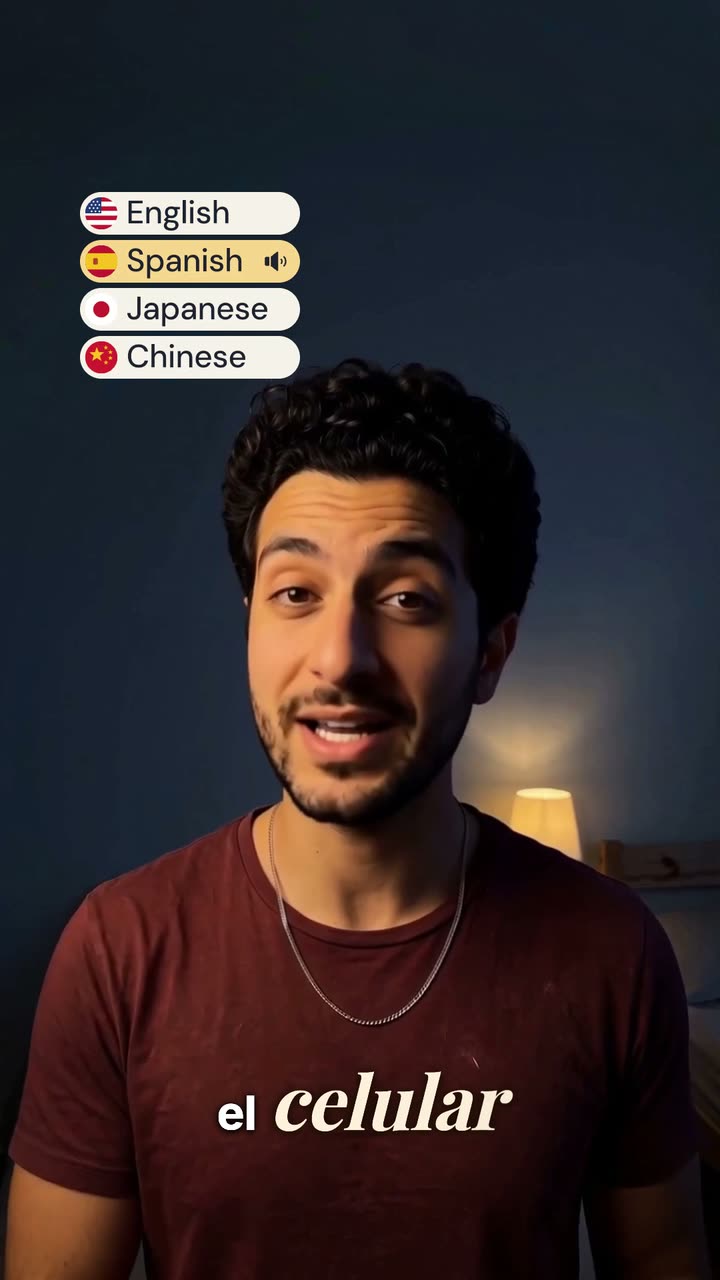
上传一段你讲话的视频。Vidova 会写下每一个字,并按你选择的字幕样式,与你的声音同步显示在画面上。
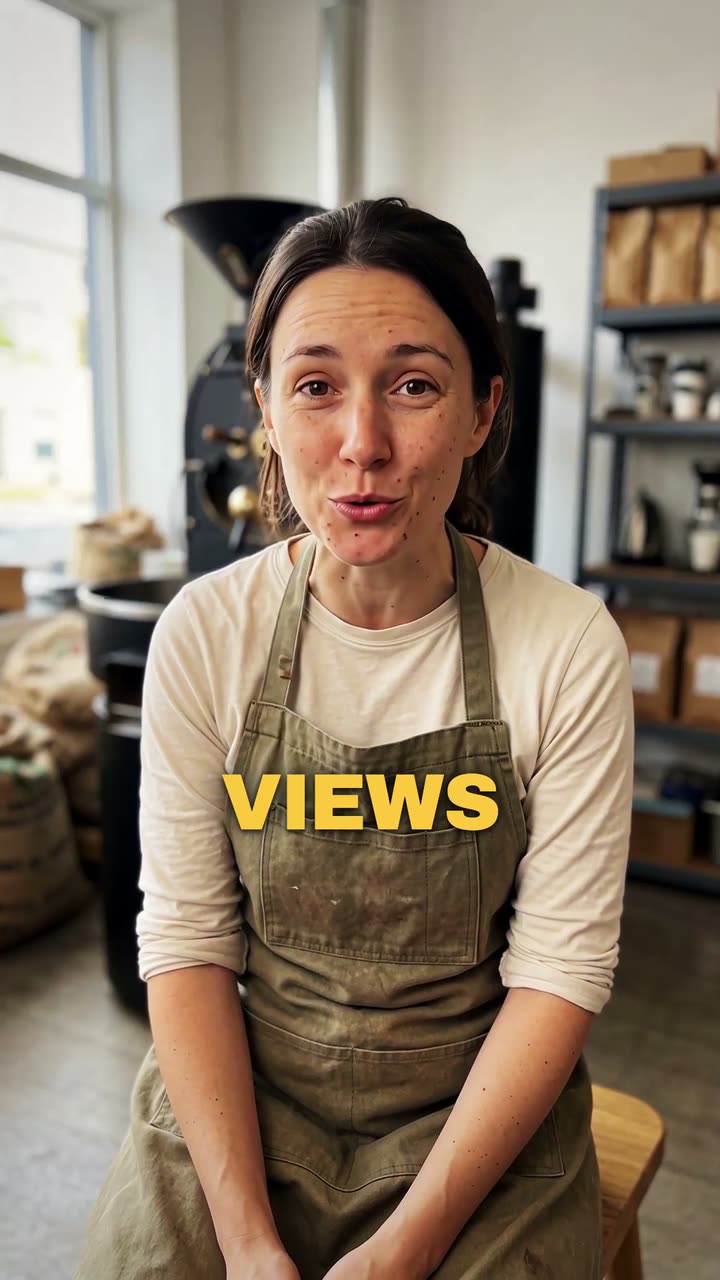
你的视频*一段你讲话的视频。Vidova 会保持原样并添加字幕。
字幕样式*选择一种风格,预览会用示例视频展示效果。
Vidova 将会做什么
Add captions to my talking-head video. Transcribe what I say and put every spoken word on screen in the order I say it, each word on its own time, in the caption style below. Keep my footage and my sound as they are. Keep the captions under my chin, never on my face, big enough to read on a phone and inside the social safe zone. Caption style: Punch. Import the punch-captions element and bind its segments to my video's transcript.