 Vidova
Add captions
Importez une vidéo où vous parlez. Vidova transcrit chaque mot et l'affiche à l'écran en rythme avec votre voix, dans le style de sous-titres que vous choisissez.
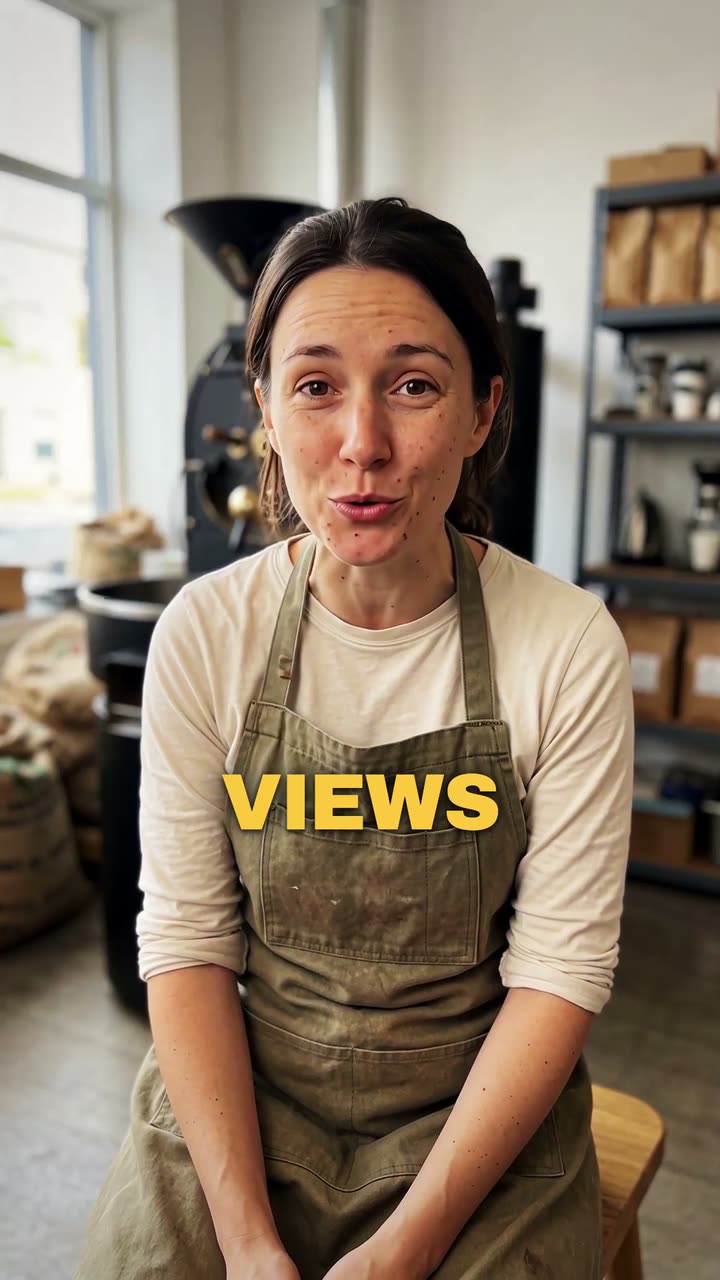
Votre vidéo*Une vidéo de vous en train de parler. Vidova la garde telle quelle et ajoute les sous-titres.
Style des sous-titres*Choisissez un look. L’aperçu le montre sur une vidéo d’exemple.
Ce que Vidova va faire
Add captions to my talking-head video. Transcribe what I say and put every spoken word on screen in the order I say it, each word on its own time, in the caption style below. Keep my footage and my sound as they are. Keep the captions under my chin, never on my face, big enough to read on a phone and inside the social safe zone. Caption style: Punch. Import the punch-captions element and bind its segments to my video's transcript.