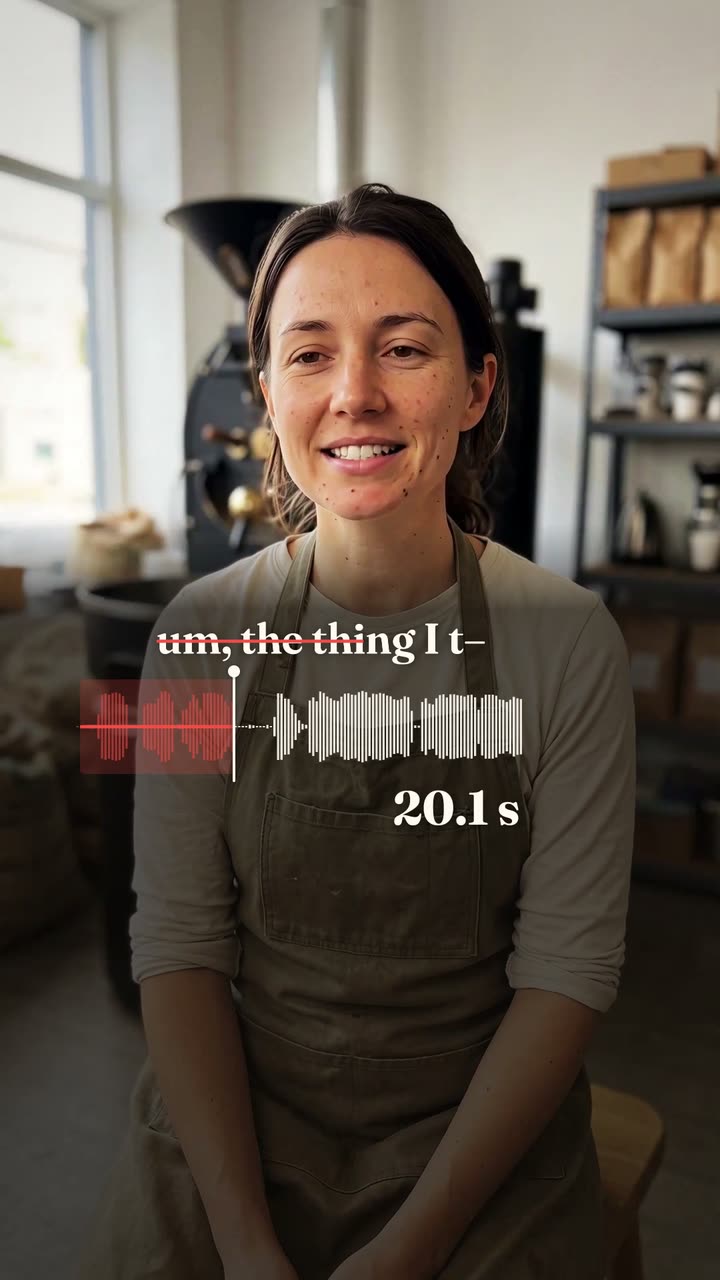
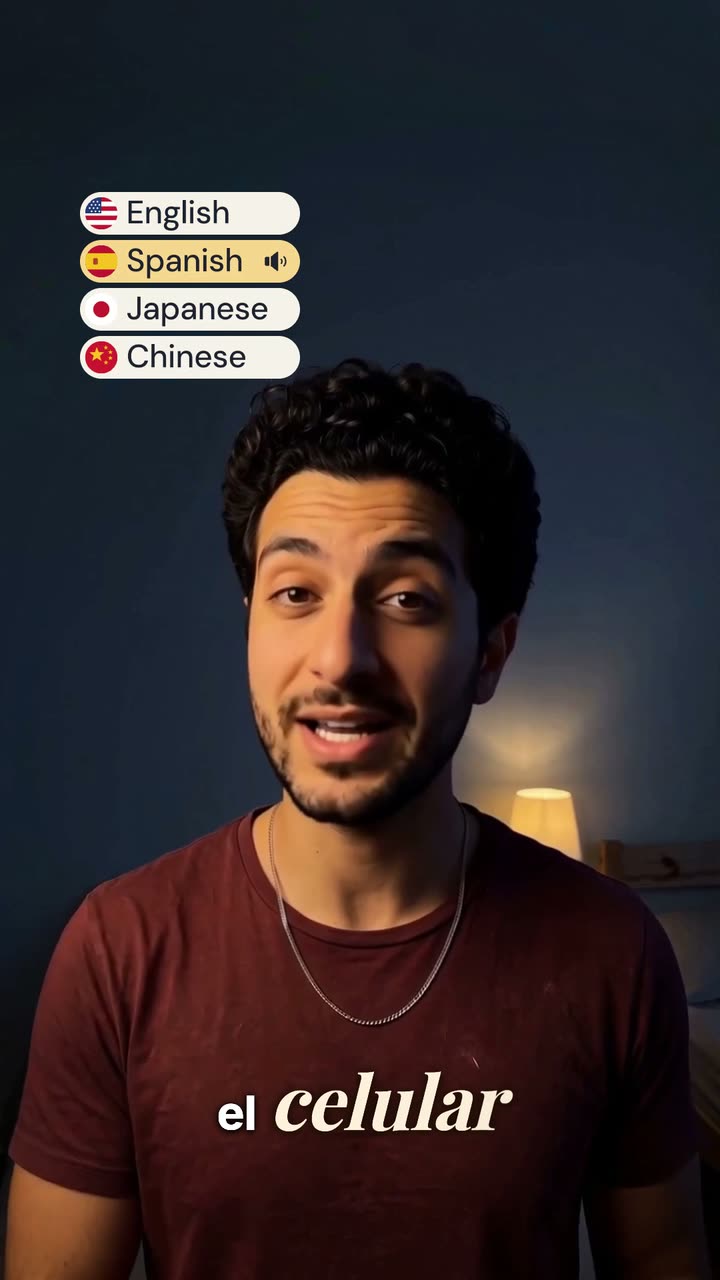
 Vidova
Add captions
Загрузите видео, где вы говорите. Vidova запишет каждое слово и покажет его на экране в такт вашему голосу в выбранном вами стиле субтитров.
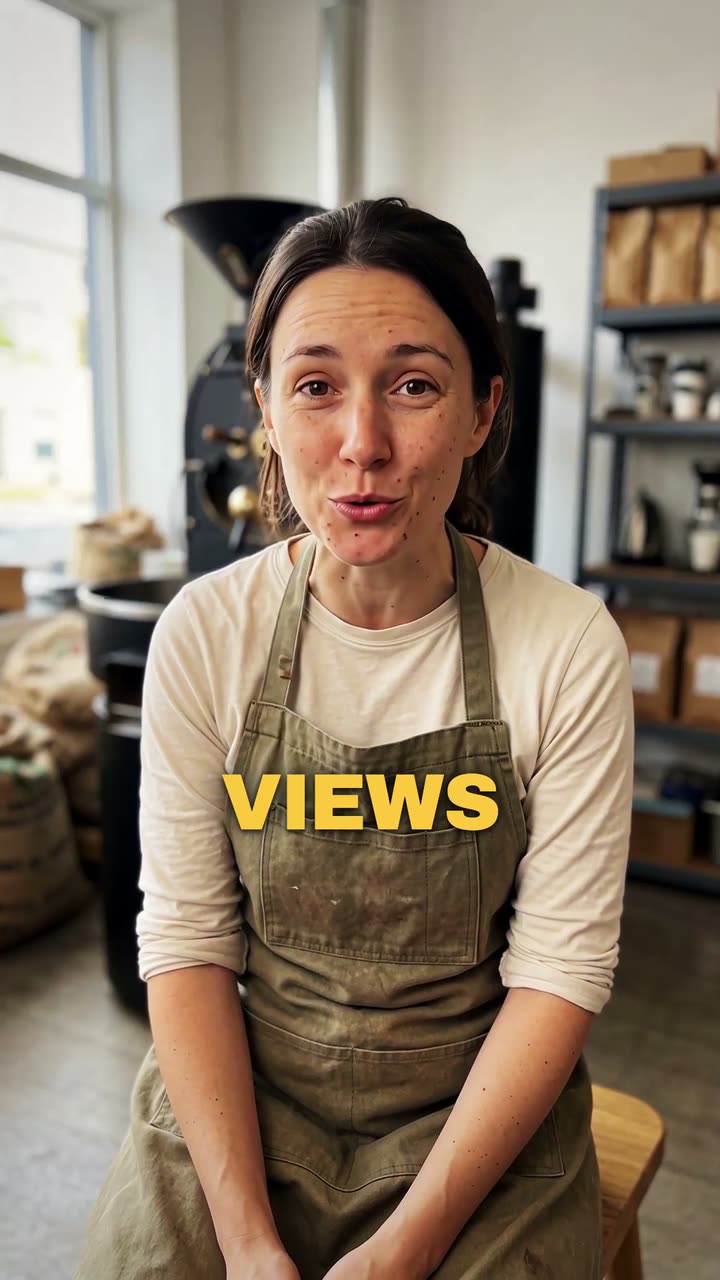
Ваше видео*Видео, где вы говорите. Vidova оставит его как есть и добавит субтитры.
Стиль субтитров*Выберите стиль. В превью он показан на примере видео.
Что сделает Vidova
Add captions to my talking-head video. Transcribe what I say and put every spoken word on screen in the order I say it, each word on its own time, in the caption style below. Keep my footage and my sound as they are. Keep the captions under my chin, never on my face, big enough to read on a phone and inside the social safe zone. Caption style: Punch. Import the punch-captions element and bind its segments to my video's transcript.