 Vidova
Add captions
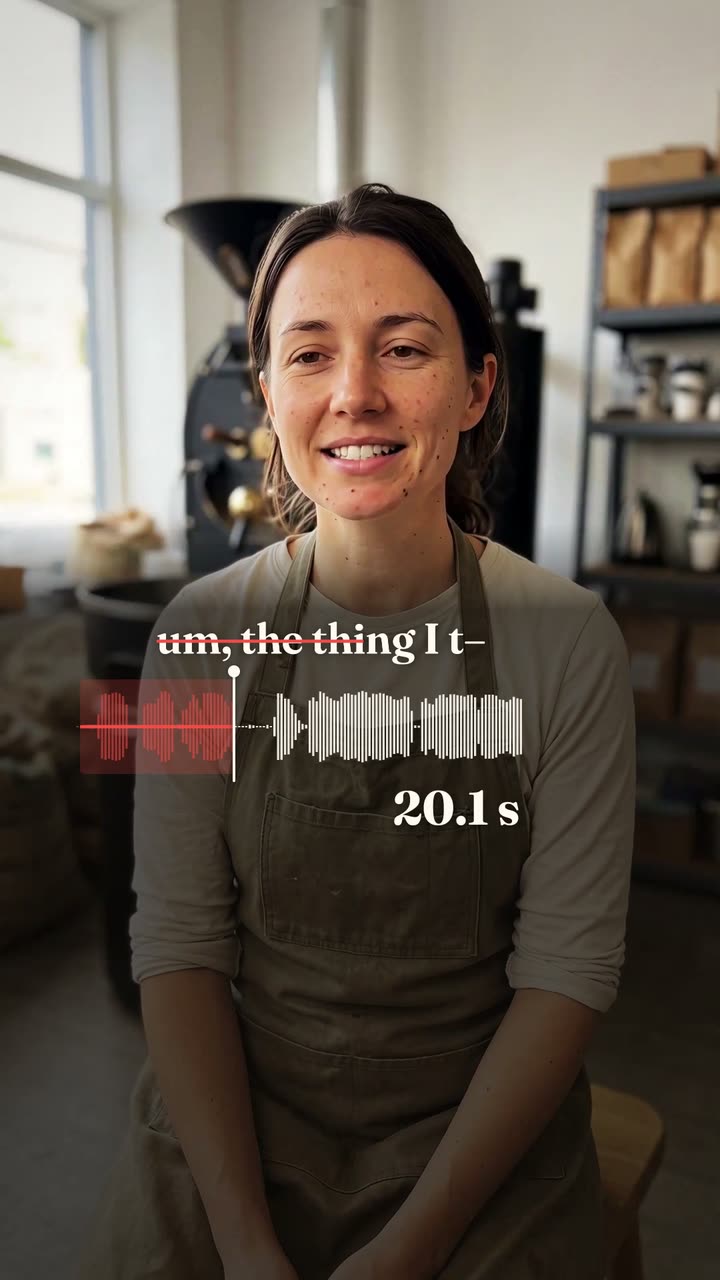
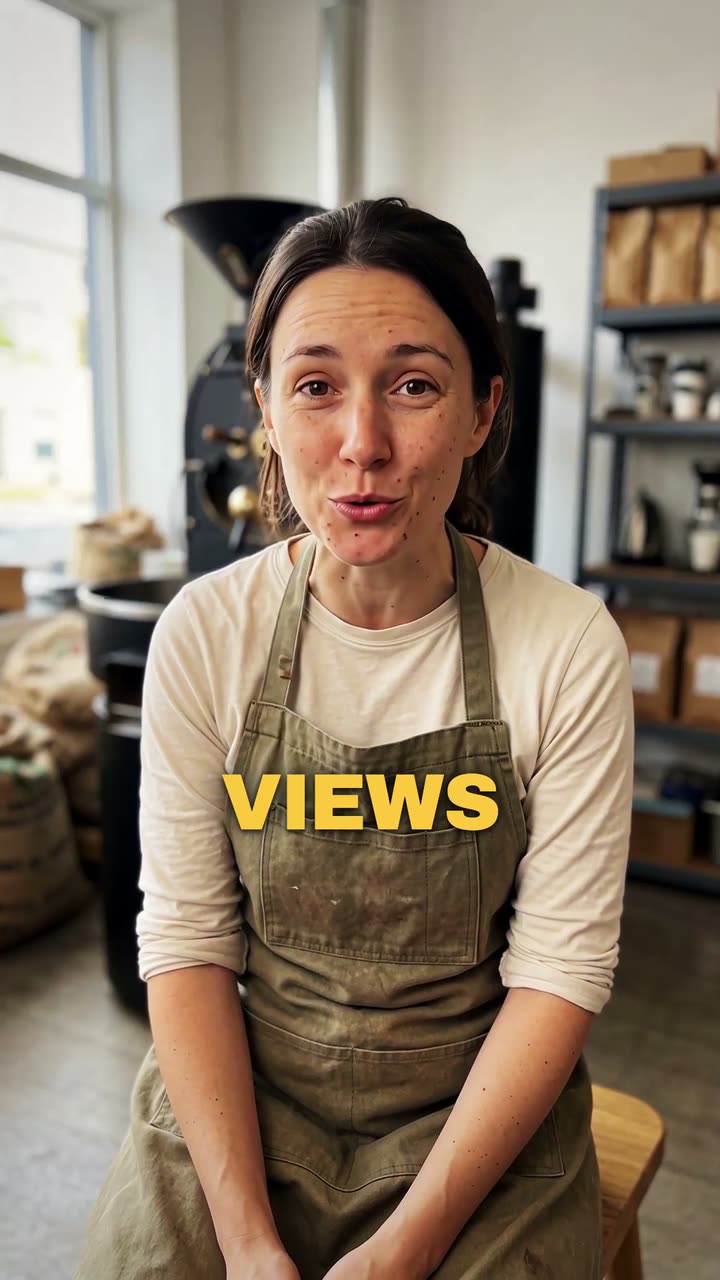
Upload a video of you talking. Vidova writes down every word and puts it on screen in time with your voice, in the caption style you pick.
Your video*A video of you talking. Vidova keeps it as it is and adds the captions.
Caption style*Pick a look. The preview shows it on a sample video.
What Vidova will do
Add captions to my talking-head video. Transcribe what I say and put every spoken word on screen in the order I say it, each word on its own time, in the caption style below. Keep my footage and my sound as they are. Keep the captions under my chin, never on my face, big enough to read on a phone and inside the social safe zone. Caption style: Punch. Import the punch-captions element and bind its segments to my video's transcript.