 Vidova
Speech cleanup
Upload a take of you talking. Vidova cuts the ums, false starts, repeated lines and long pauses, and keeps the pace you pick between lines.
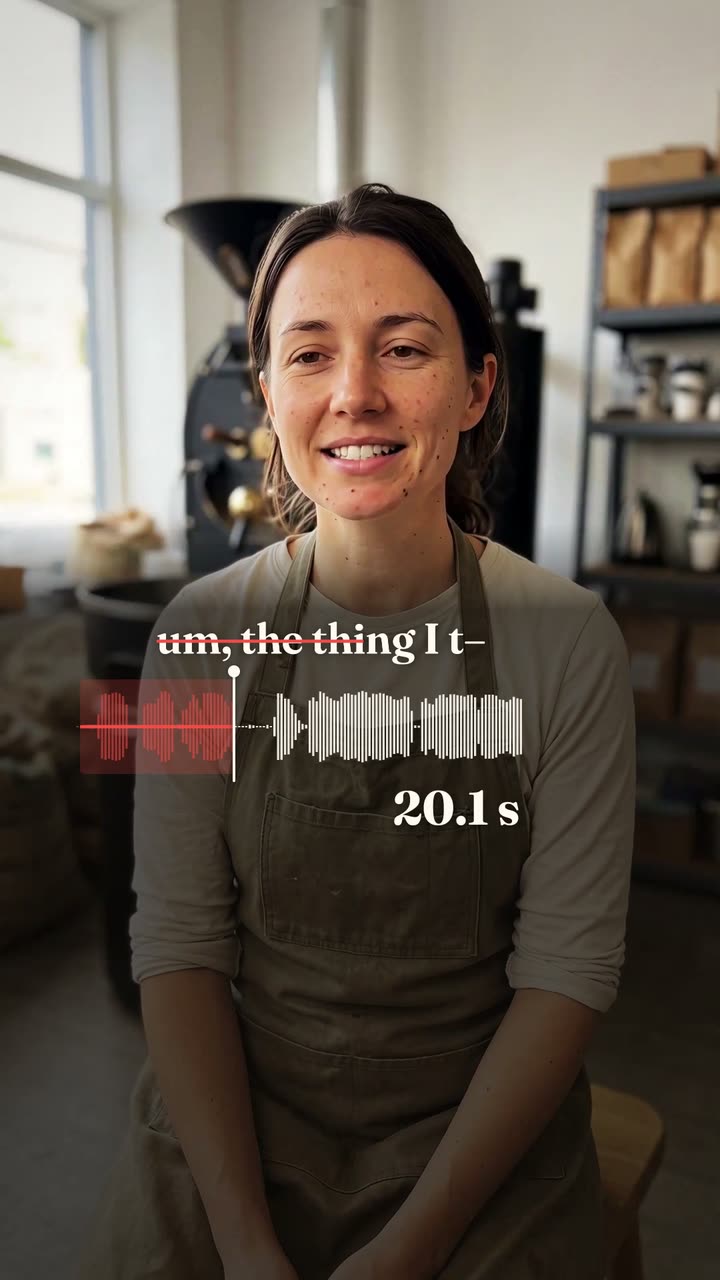
Your recording*A video of you talking to the camera. Vidova keeps your words and cuts only the slips and long pauses.
Pace*How much quiet stays between your lines. The preview shows each pace on the same take.
What Vidova will do
Clean up my talking-head video. Transcribe what I say, then cut out the filler words (um, uh, like, you know), false starts, repeated starts of a line and long pauses, so it plays as one clean take. Make every cut in a pause between words, never inside a word, with a 10 ms sound fade on each cut. Where a filler runs into the next word with no pause, move the cut to the nearest real pause. Keep my words in the order I say them, keep my footage and my sound as they are, and end on my last full sentence. Pace: Natural. Leave about 0.3 s of quiet between lines, as I pause when I talk normally.